Pixel Art Studio: Pixel Perfect Texture Painting
 Alfred Baudisch (Pardall)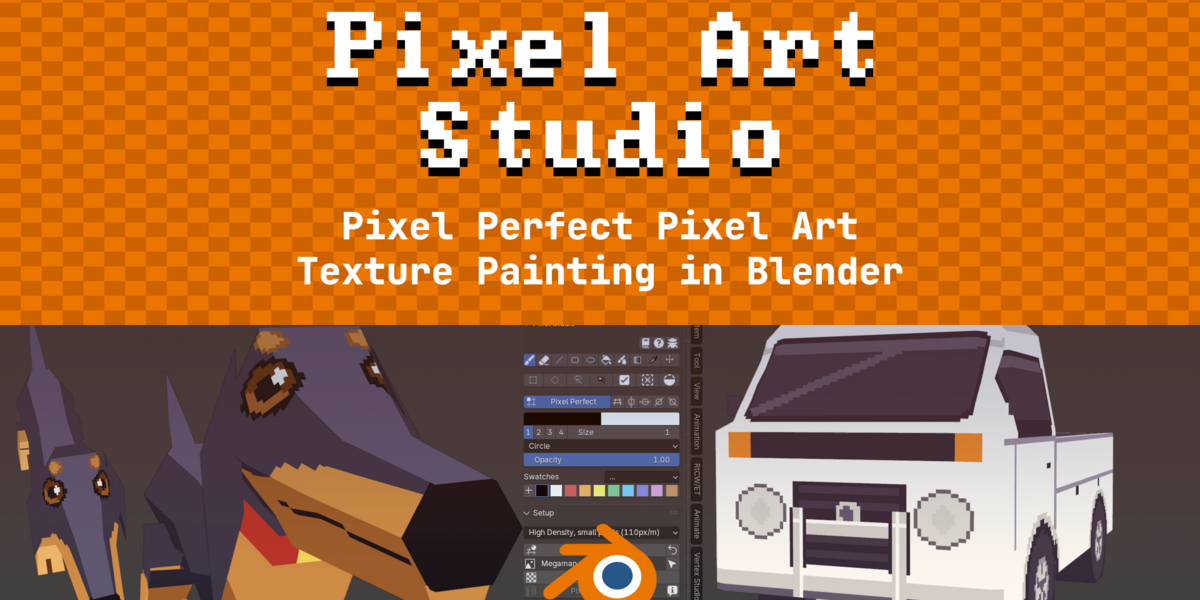
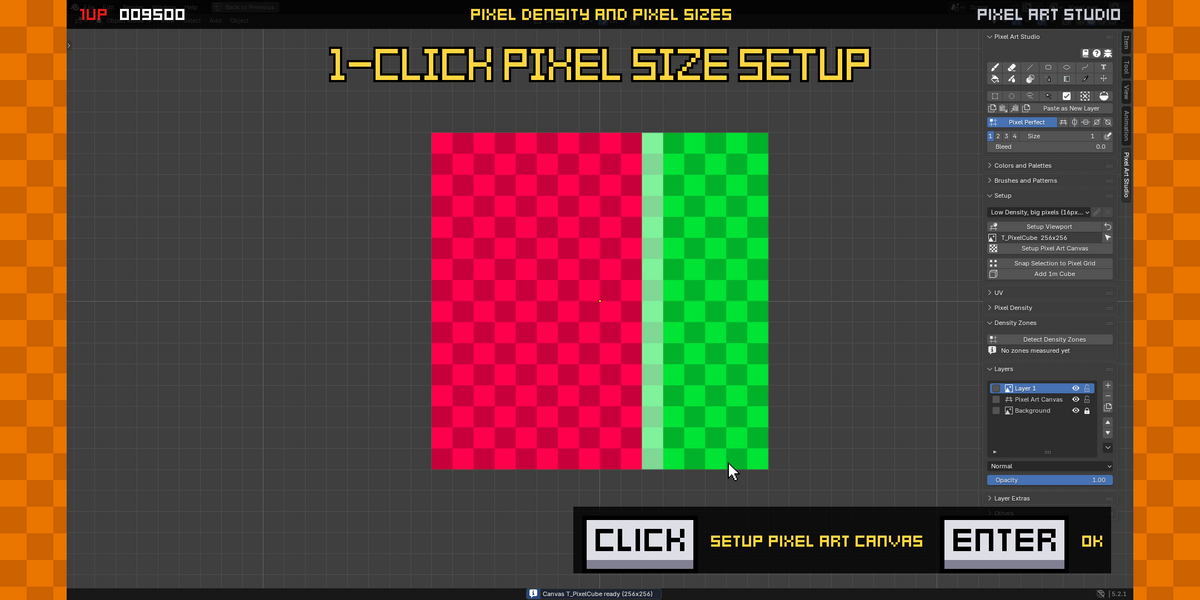
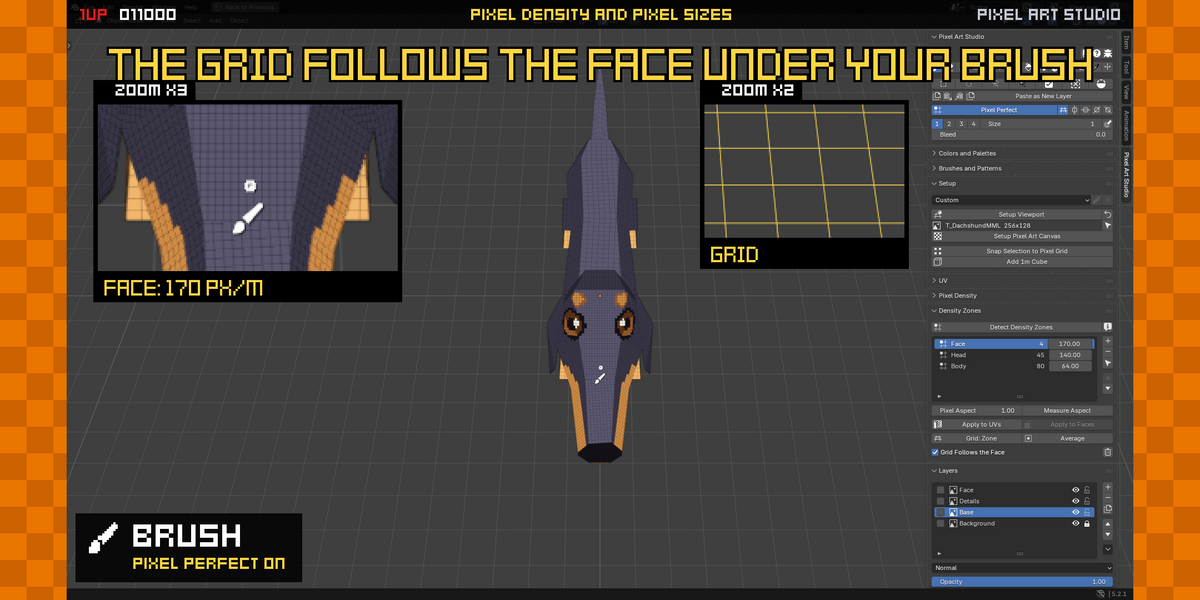
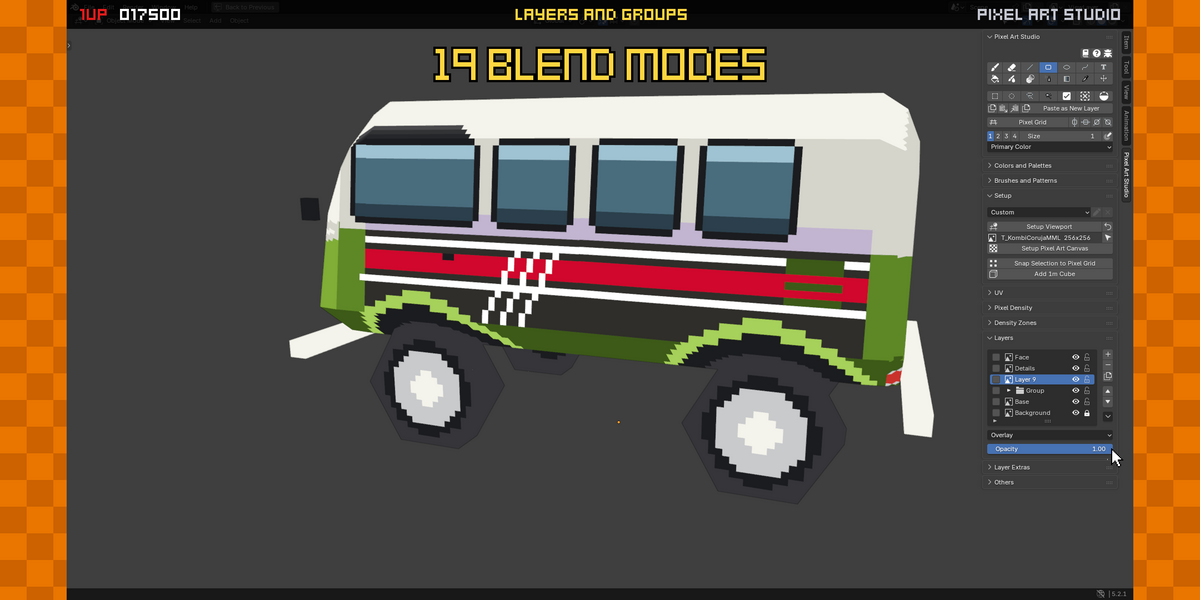
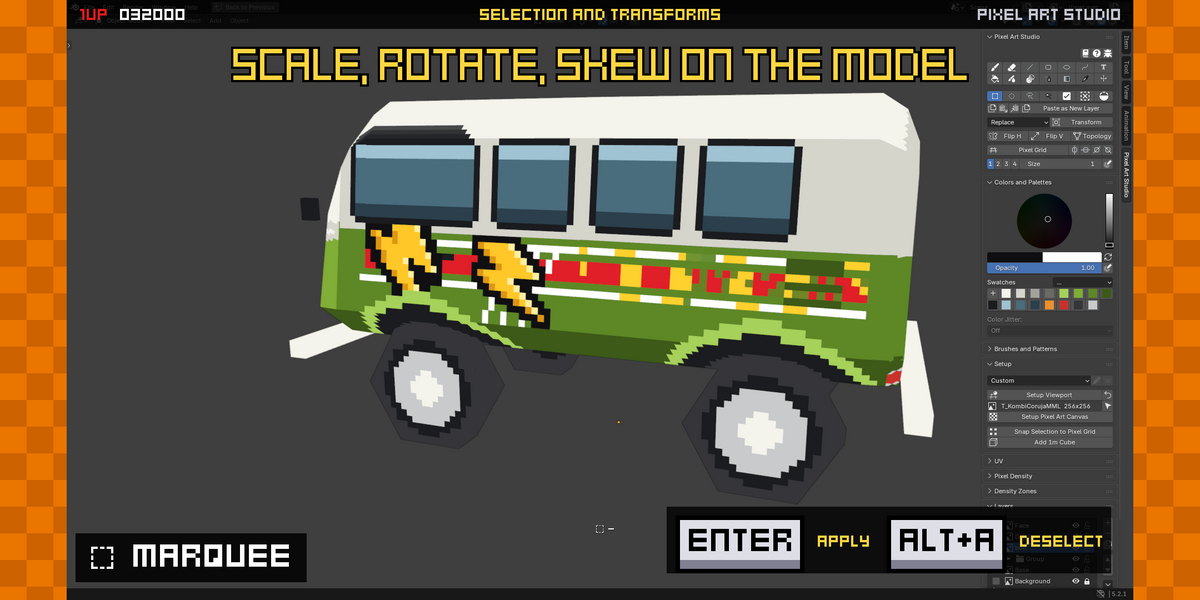
Blender version required?
Recommended (officially supported, and best performance): Blender 5.1 and 5.2. Also compatible with Blender 3.6, Blender 4.0+ through Blender 5.0+.
Do I need an external pixel art software to use Pixel Art Studio?
No, everything is built-in, Blender native.
How can I report a bug or issue?
On GitHub: https://github.com/PardallTools/pixel-art-studio-docs/issues
Can I request features? How can I see the next features?
You can request features and see the features being worked on here: https://github.com/PardallTools/pixel-art-studio-docs/issues
Is there undo and redo support?
Yes, undo history is implemented, you can undo and redo normally in Blender.
My model has a custom shader and custom material, can I use Pixel Art Studio to paint it?
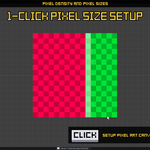
Yes. Pixel Art Studio operates on the texture, so you can use it with any material and rendering engine. Just make sure you set the image's interpolation to Closest/None for crisp pixel art (unless you want anti-aliased pixels).
Can I draw, paint, edit and select pixel art in Blender’s Image Editor 2D viewport?
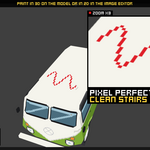
Yes, support for painting and drawing pixel art in both 2D and 3D viewports is implemented.
Can I draw, paint, edit and select pixel art in the 3D viewport?
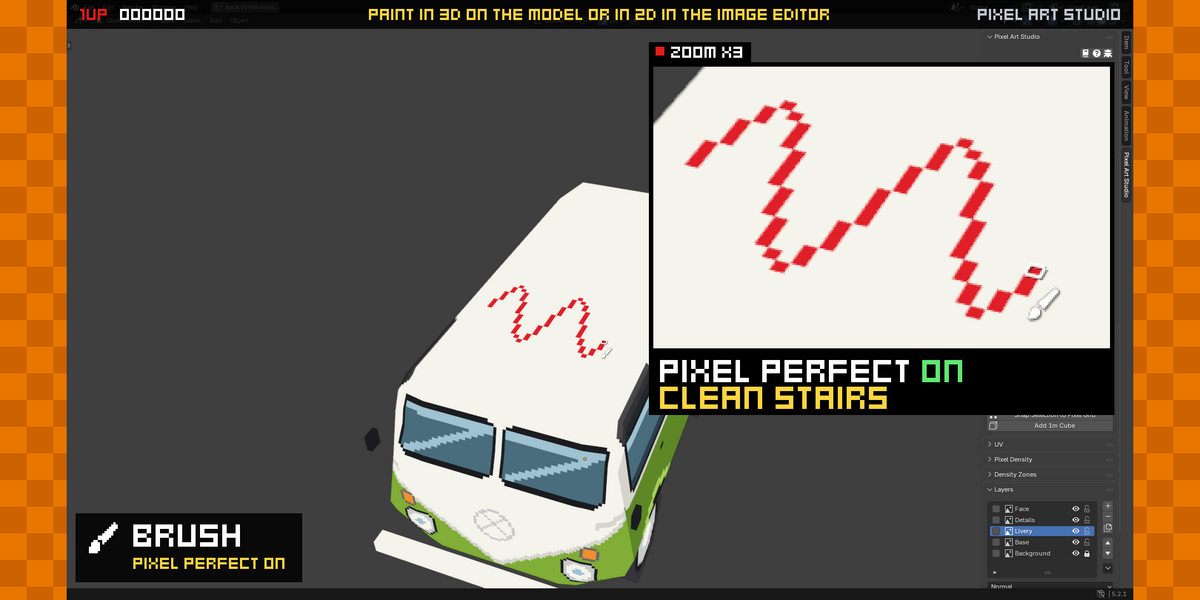
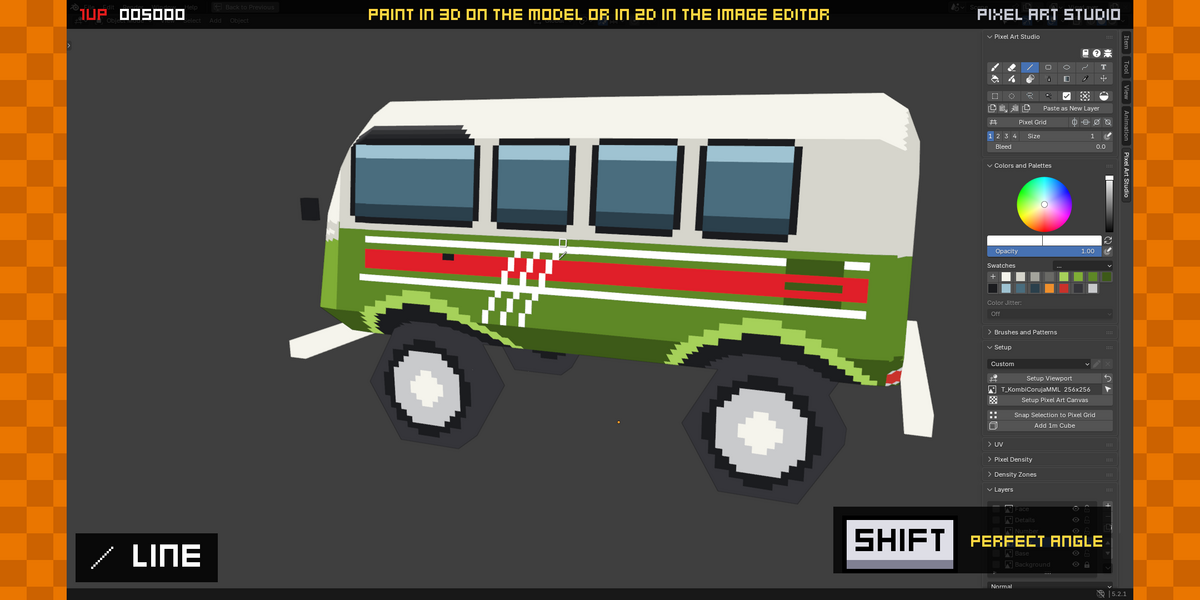
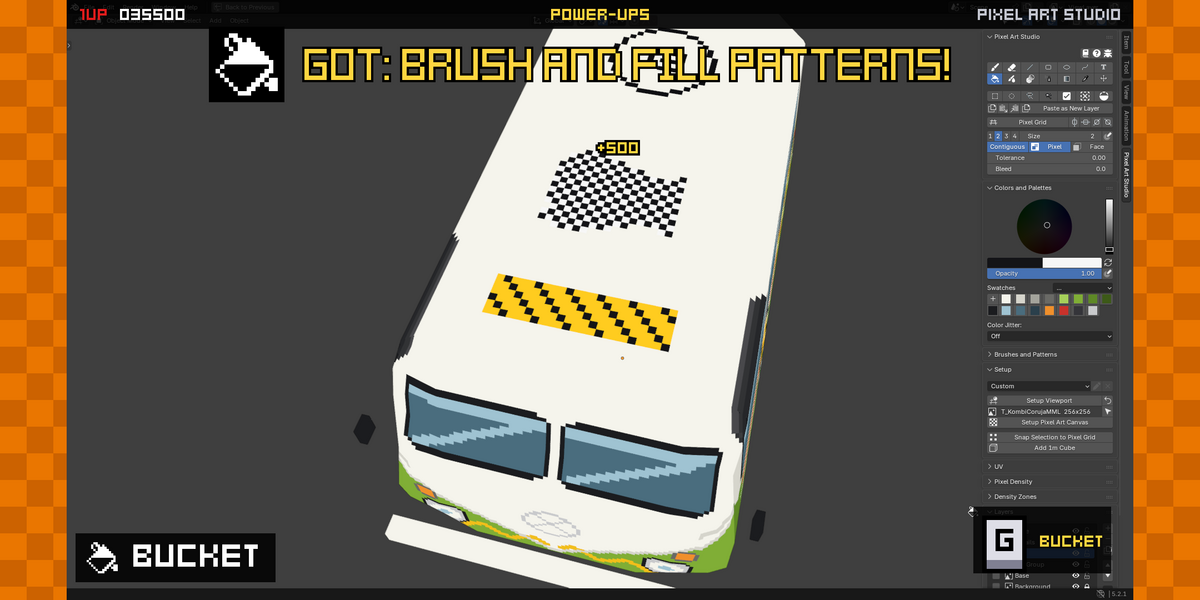
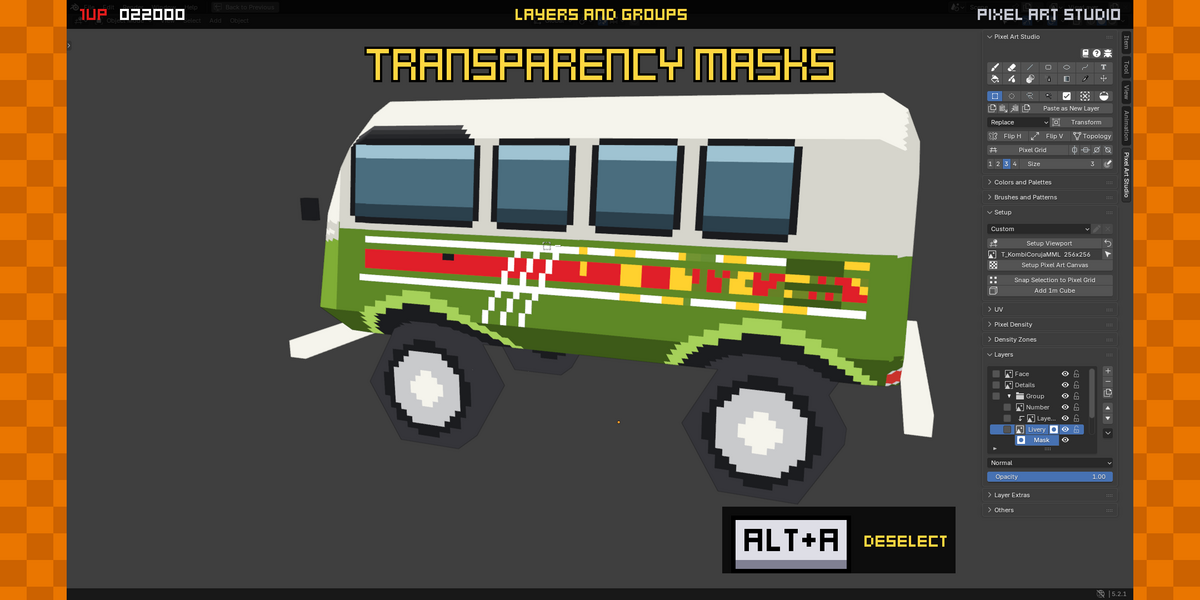
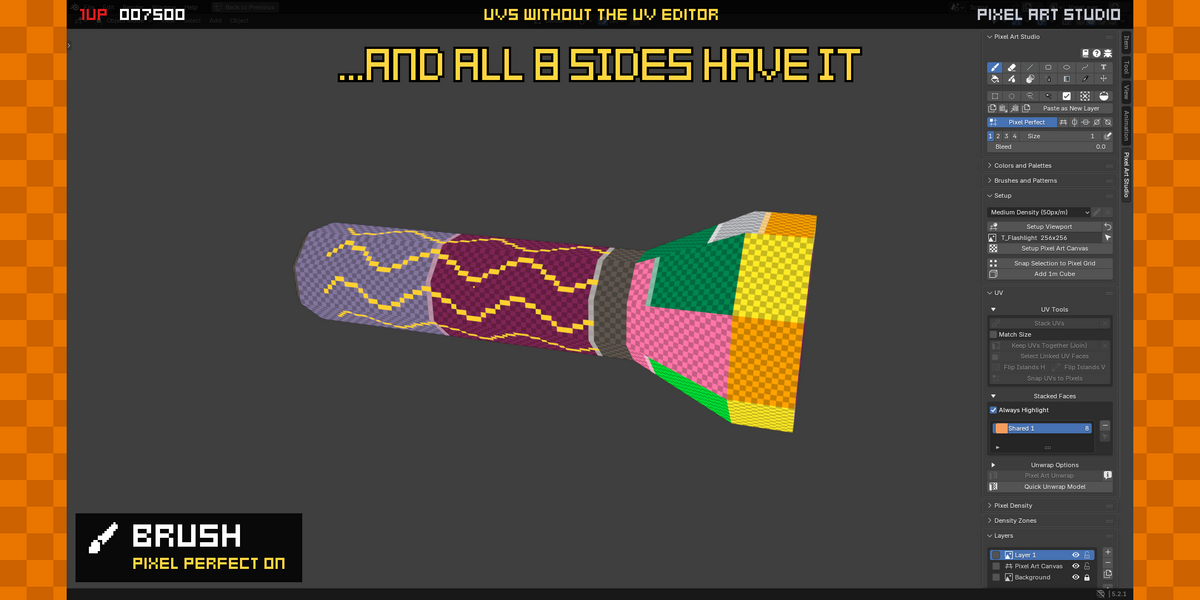
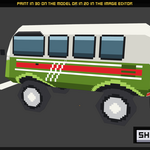
Yes, you can draw and paint pixel art on the model in the 3D viewport, both in Edit and Object modes. You can alternate between Pixel Art Studio tools and Blender’s tools on the fly.
Can I draw and paint with a pen drawing tablet?
Yes, Pixel Art Studio tools have native Blender's pressure opacity support.
Have questions about this product?
Login to message
| Blender Extension Compatible | Yes |
| Sales | 100+ |
| Rating | 2 ratings |
| Dev Fund Contributor | |
| Published | about 2 months ago |
| Blender Version | 3.6 - 5.2 |
| Extension Type | Add-on |
| Render Engine Used | Arnold, Blender-Internal, Blender-Game-Engine, Cycles, Eevee, Freestyle, Luxrender, Mental-Ray, Octane, Vray, Yafaray |
| License | GPL |

Discover more products like this
gamedev retro Blender pixelation Retro pixel art Pixelisation Blender pixel perfection game development Texture Painting pixel art pixel-perfect texture aseprite