 Jonas Noell







✓Blender 4.2+ ✓Free updates ✓Works with EEVEE & Cycles ✓Asset Browser ready
An HDRI on its own leaves your objects floating. POLYDOME turns it into a real environment: the floor matches the HDRI, objects cast shadows and reflections onto it, and procedural puddles add wet detail. Drag an HDRI in from the Poly Haven Asset Browser or anywhere else and the scene is lit.
NEW IN 2.1
●Backplate System: Composite your 3D objects into your own photo, with shadows and reflections.
●Perspective Matching: Draw a few lines and PolyDome matches the camera to the photo.
●Backplate Look: The plate follows the Look, or gets its own colors and effects.
●Projected Floor Bump: Floor bump and puddles line up with the backplate.
 Current Version: 2.1.0
Full changelog ↓
 Feature List
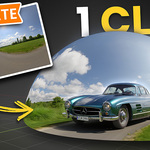
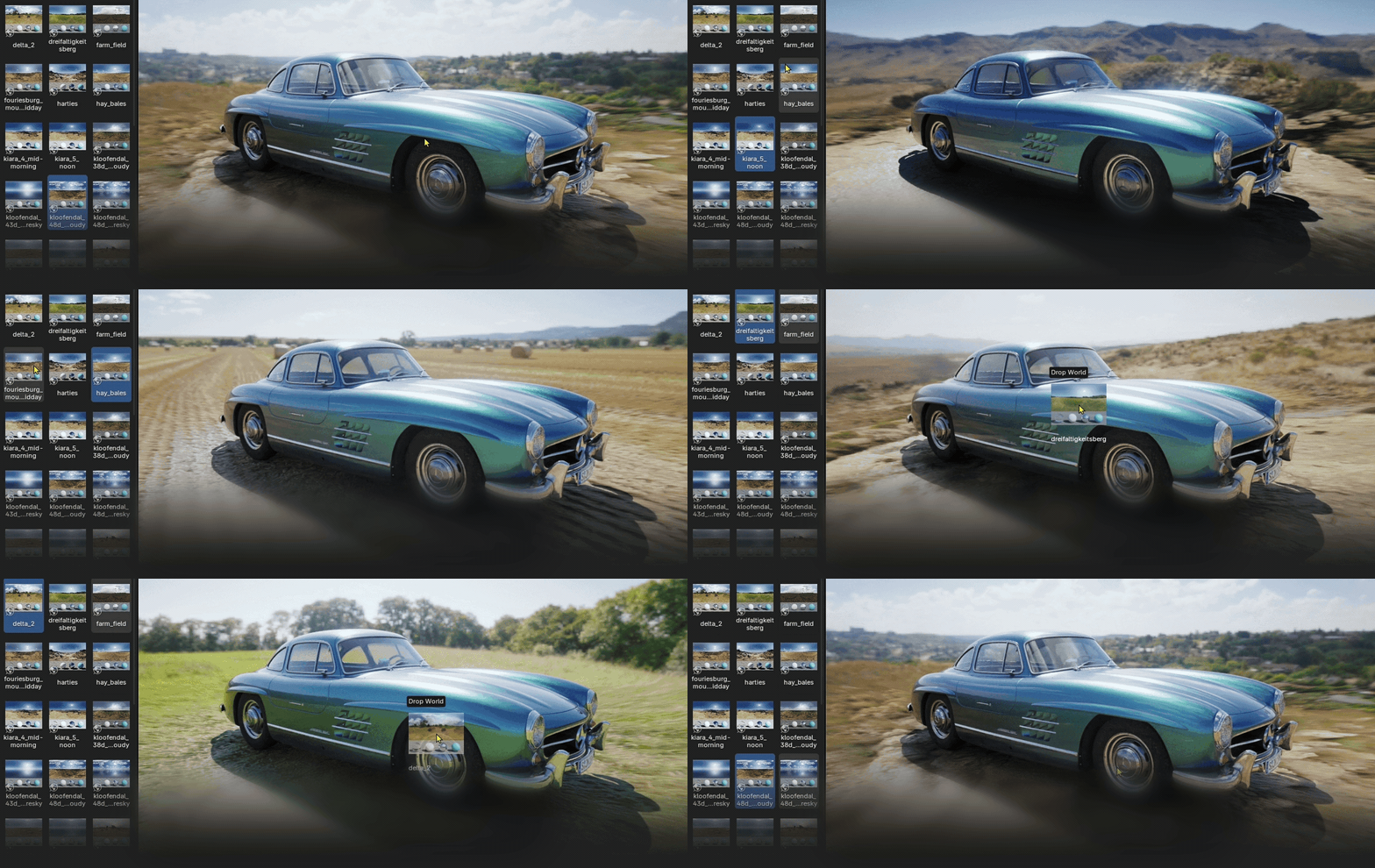
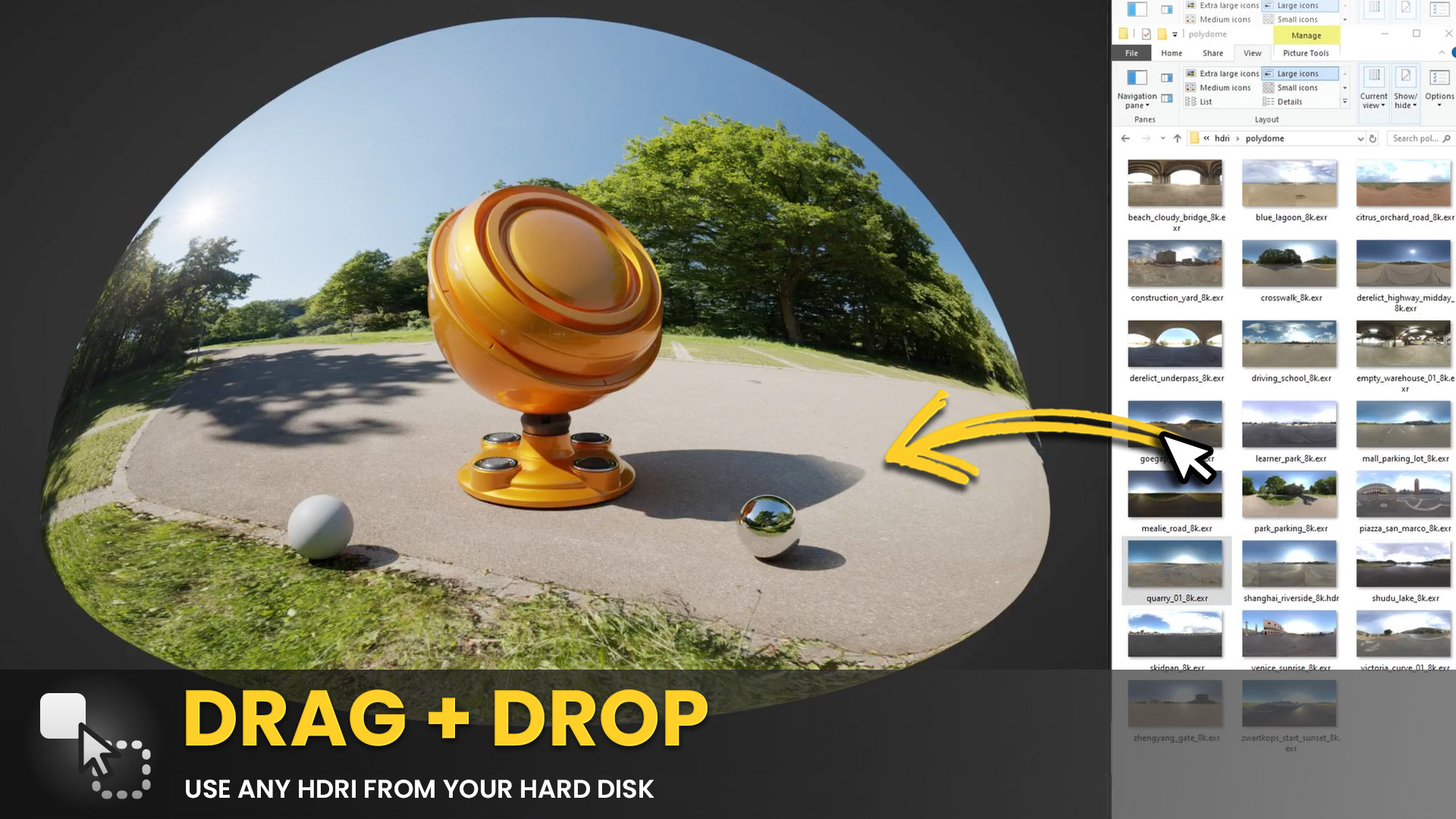
Drag any HDRI directly into the Blender viewport and PolyDome sets everything up instantly: dome, floor matching, and lighting in one step. ↑
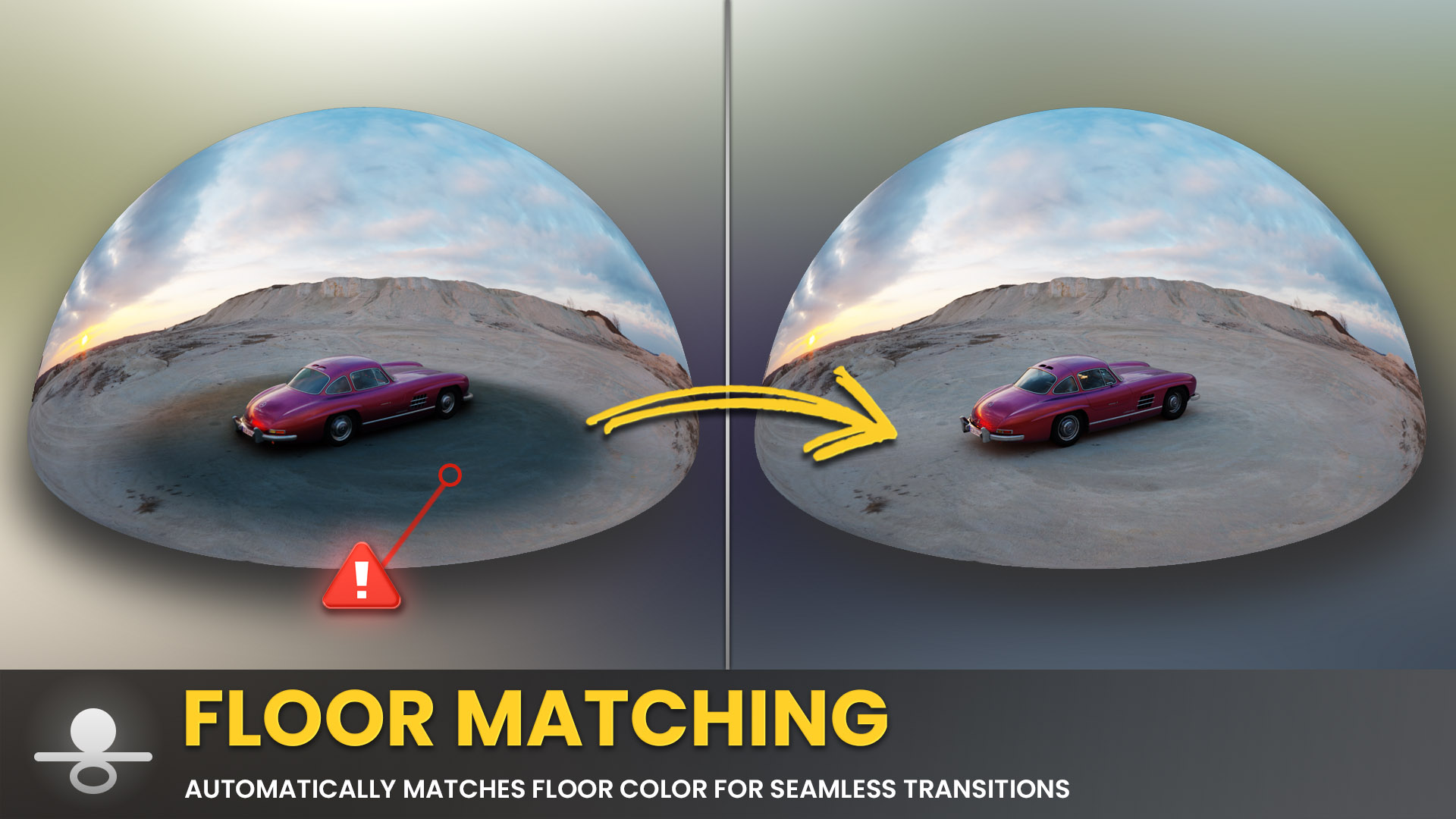
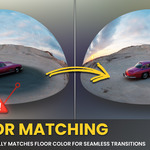
Most HDRI plugins struggle with mismatched floor planes. PolyDome automatically matches the floor to the dome, creating seamless transitions without color shifts. ↑
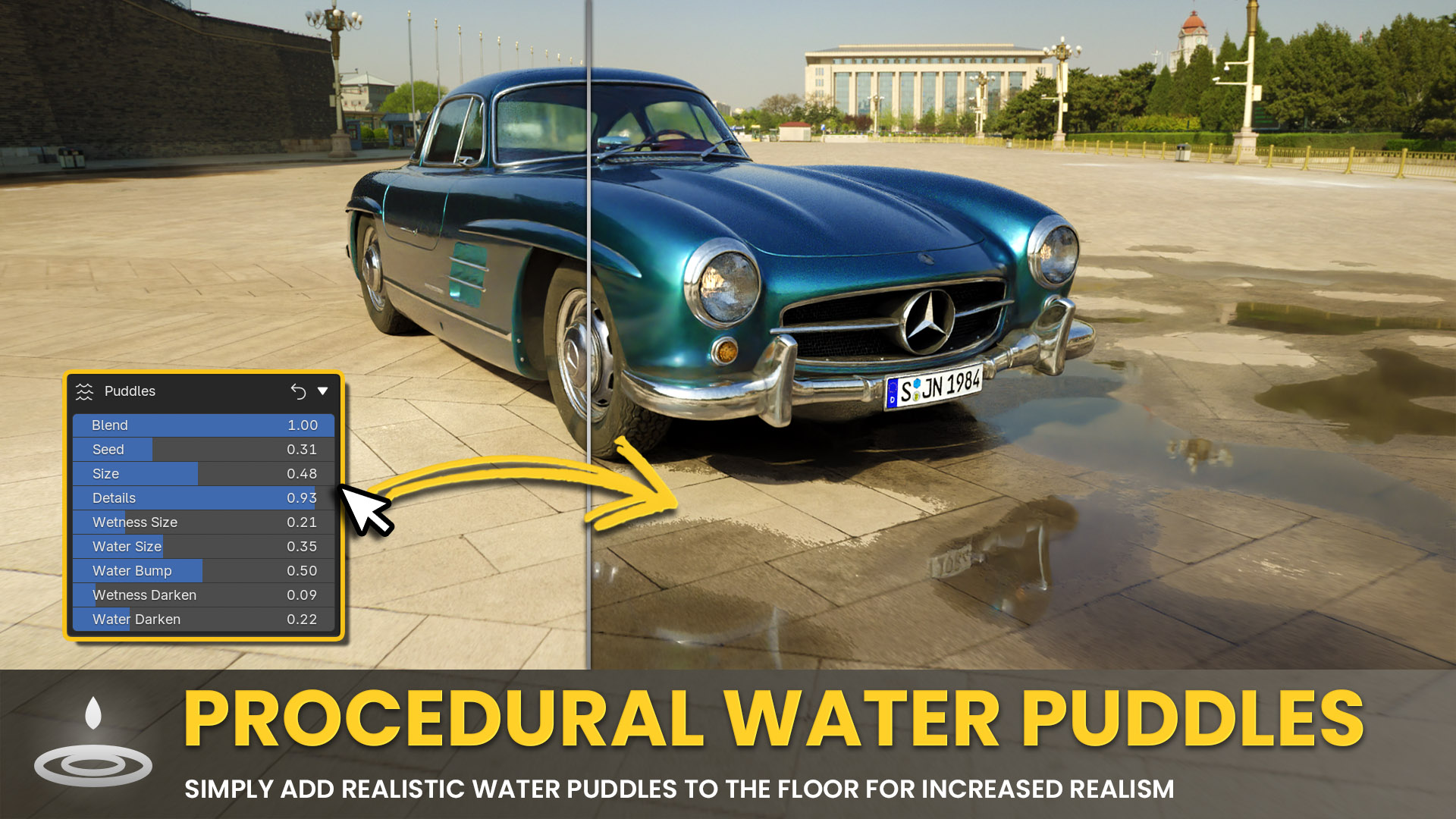
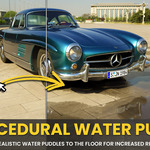
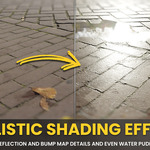
Add procedural water puddles to any scene. Fully control size, depth, and roughness for the perfect wet-ground look. ↑
And Also
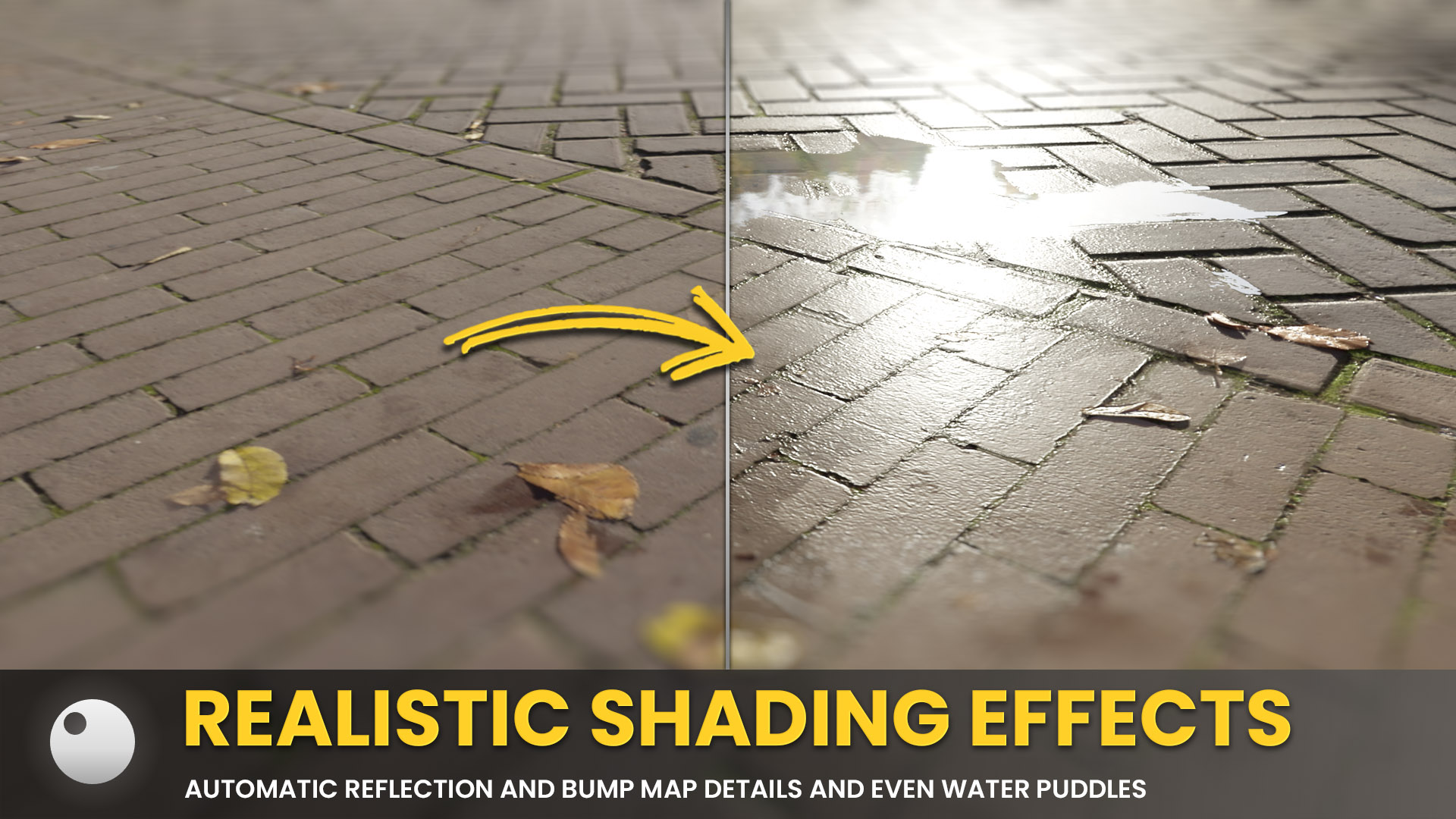
Add reflections, roughness, and bump mapping to the ground plane for photorealistic results. No complex node setup required. ↑
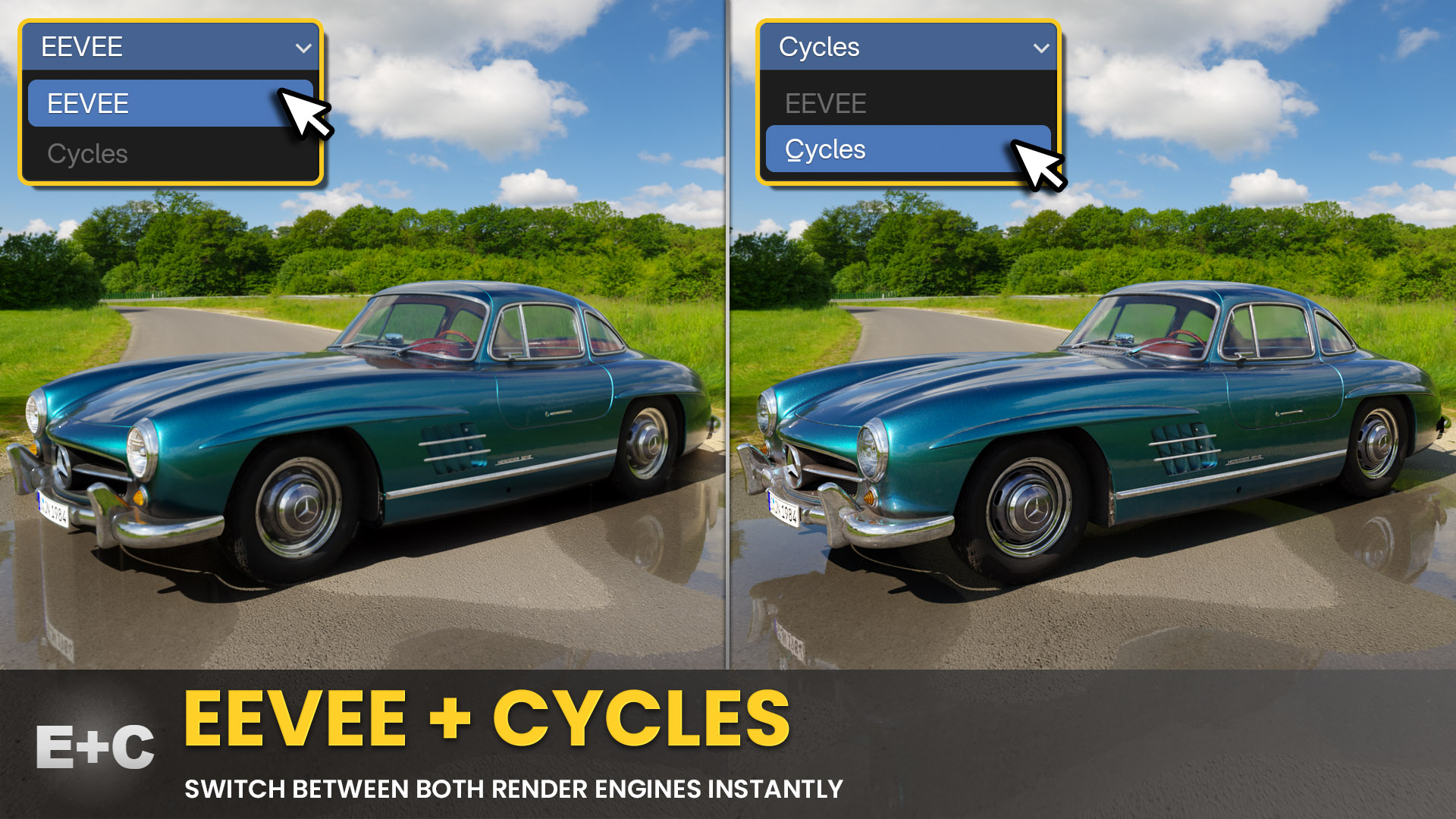
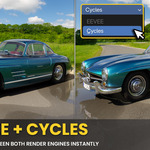
Both EEVEE and Cycles are fully supported, with nearly identical results in EEVEE. The recommended workflow: set up your scene fast in EEVEE, then switch to Cycles for the final render. ↑
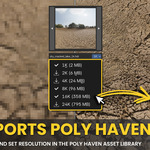
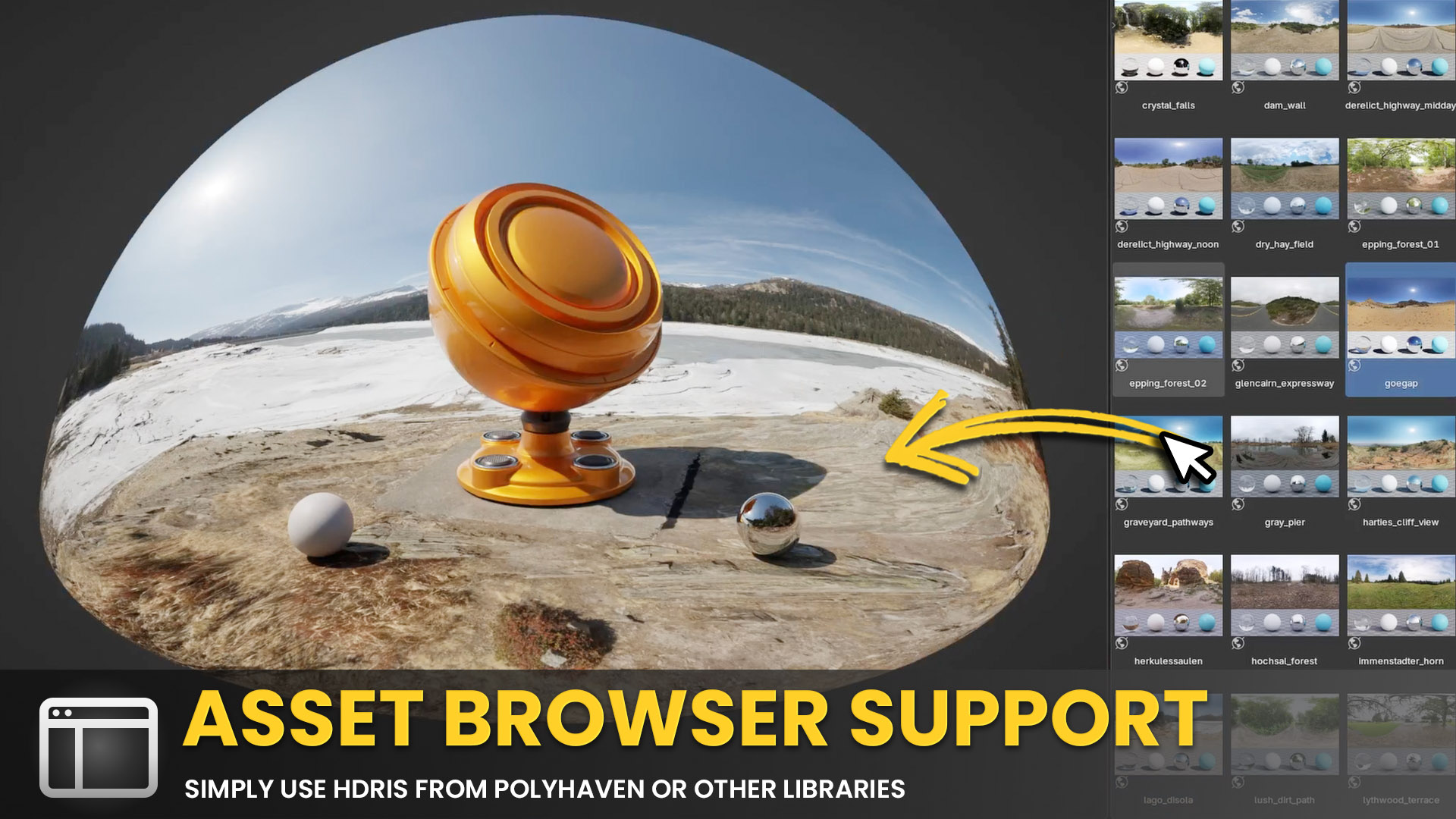
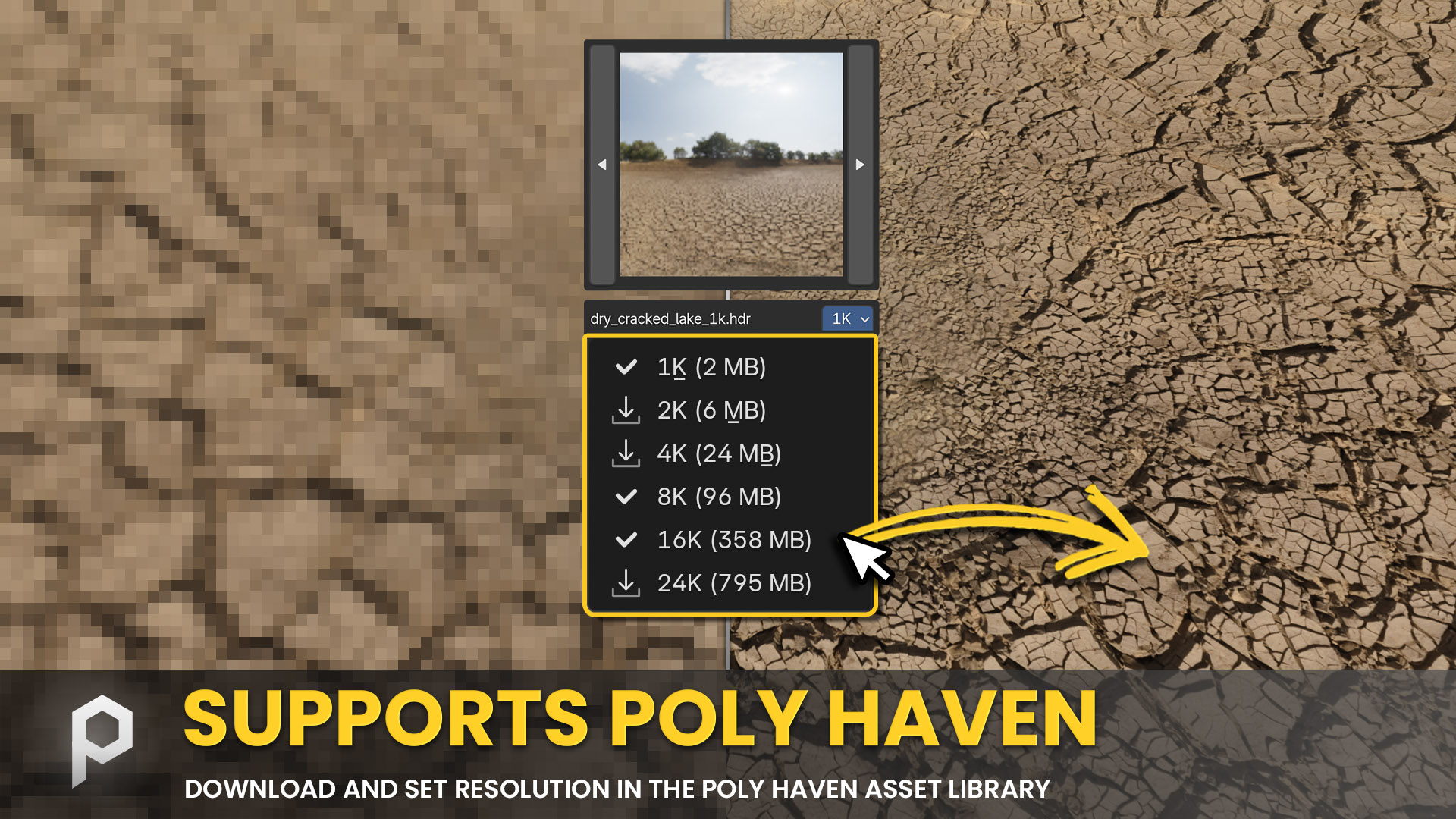
Full support for the Poly Haven Asset Browser. Browse, preview, and load any of the 1,800+ free HDRIs directly in Blender without leaving the app. ↑
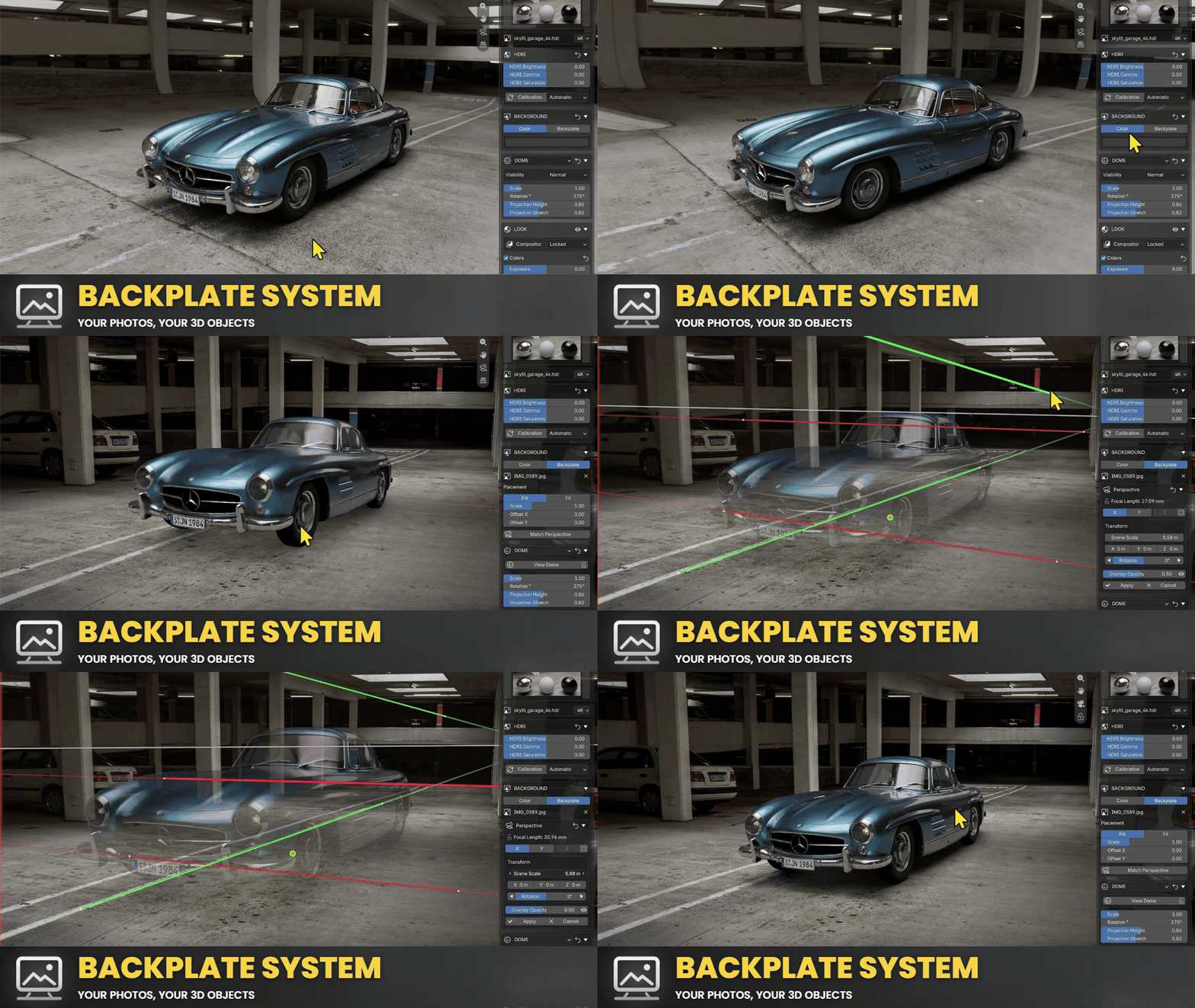
Choose Backplate as the background and load a photo or plate. PolyDome renders the dome transparent and puts your image behind it, while the dome still catches shadows and reflections, so your 3D objects sit in the photo. Match Perspective solves the camera from a few lines you draw on the plate. Fill or Fit, scale and offset place the image, and the plate gets its own colors and effects or follows the Look. Hold View Dome to check the dome behind the plate. Cycles only · ↑
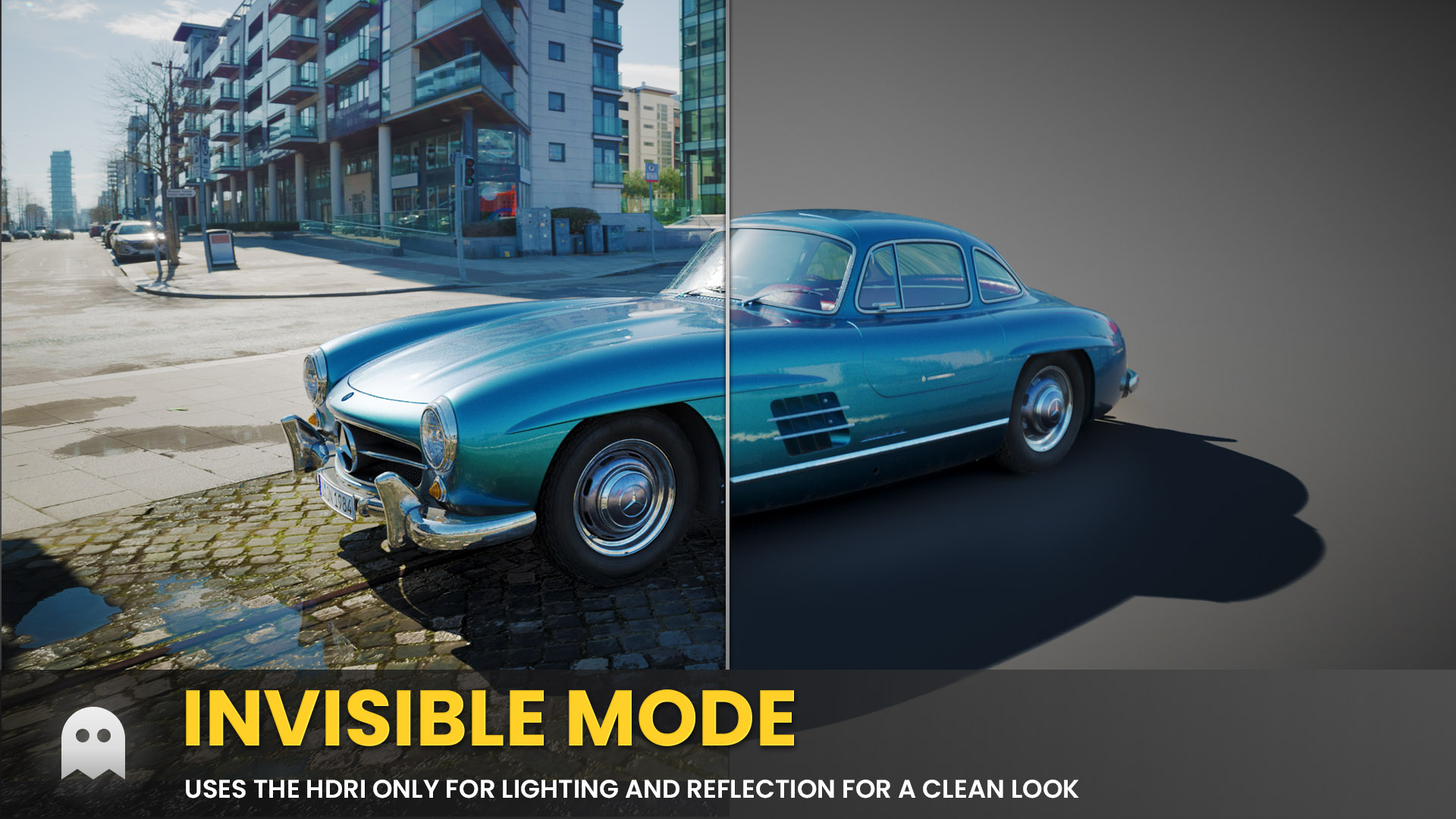
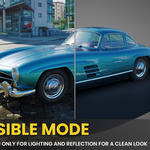
Hide the HDRI dome from the camera while keeping its lighting contribution. Set a custom background color and optionally add a vignette effect. ↑
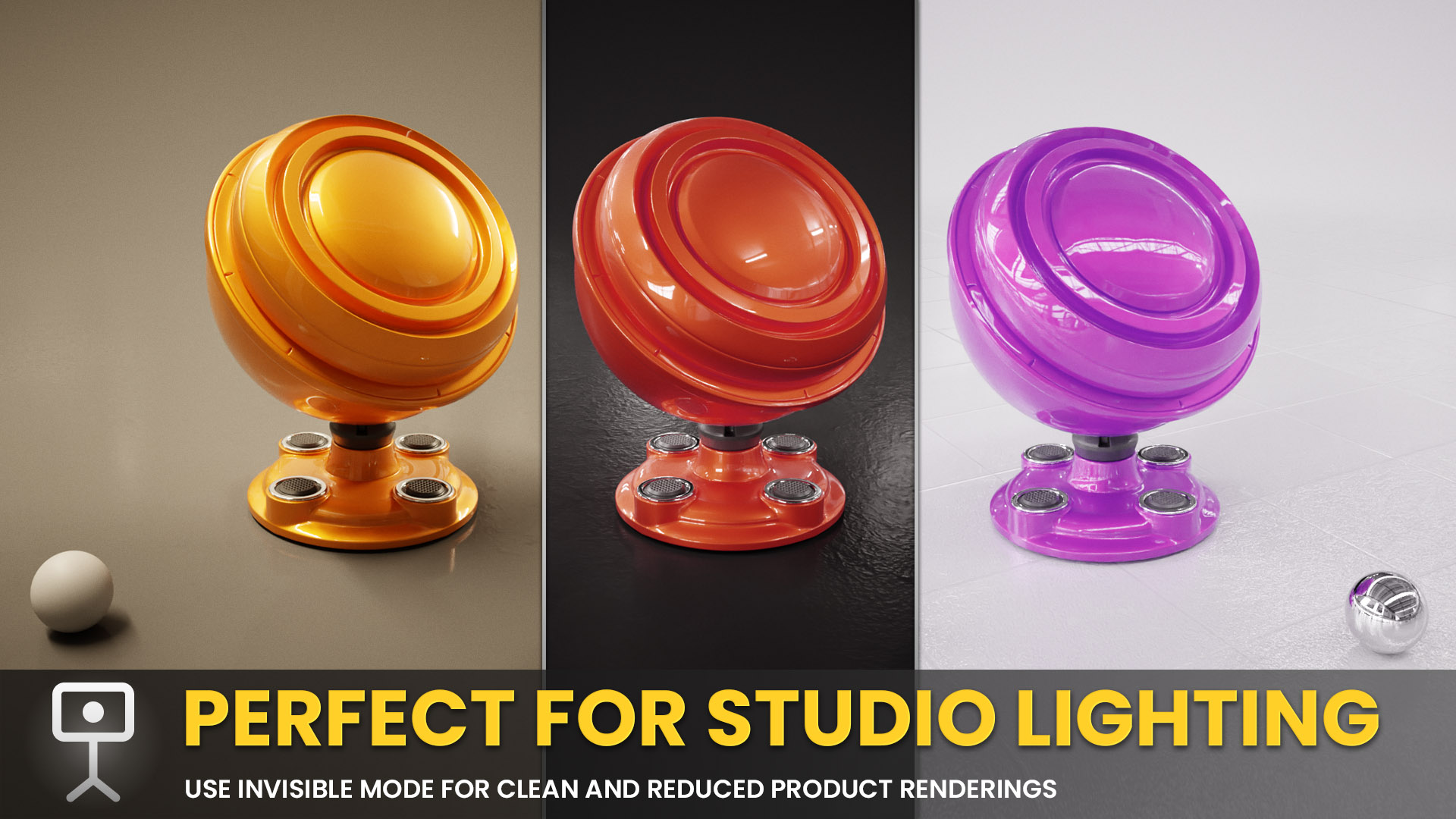
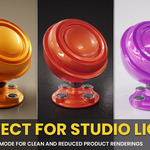
Achieve professional studio results with clean backgrounds and precise lighting control. Perfect for product shots and character renders. ↑
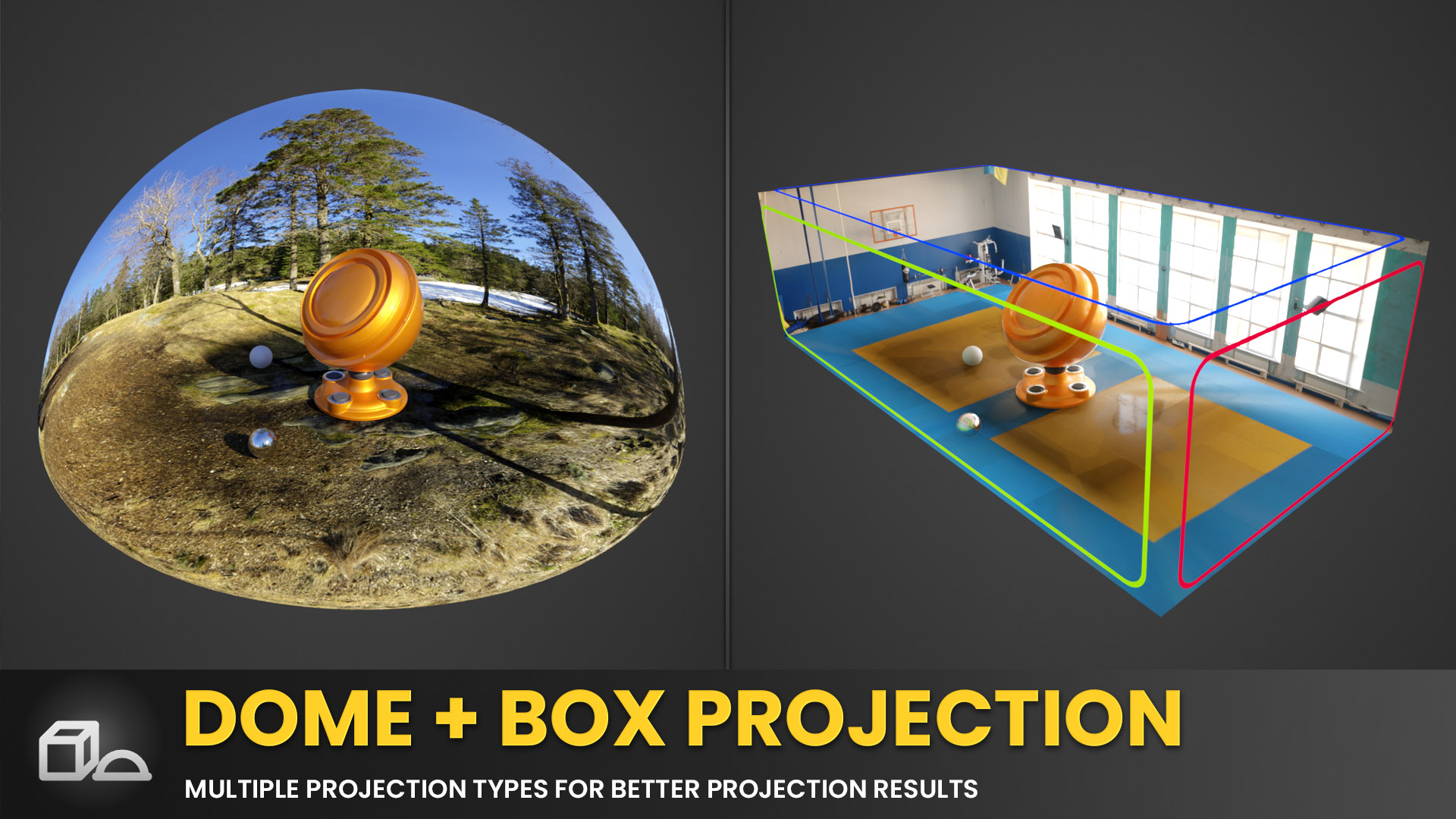
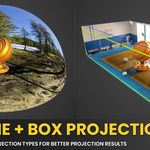
Switch between standard dome and box projection to suit different scene types and get the best possible floor matching for each. ↑
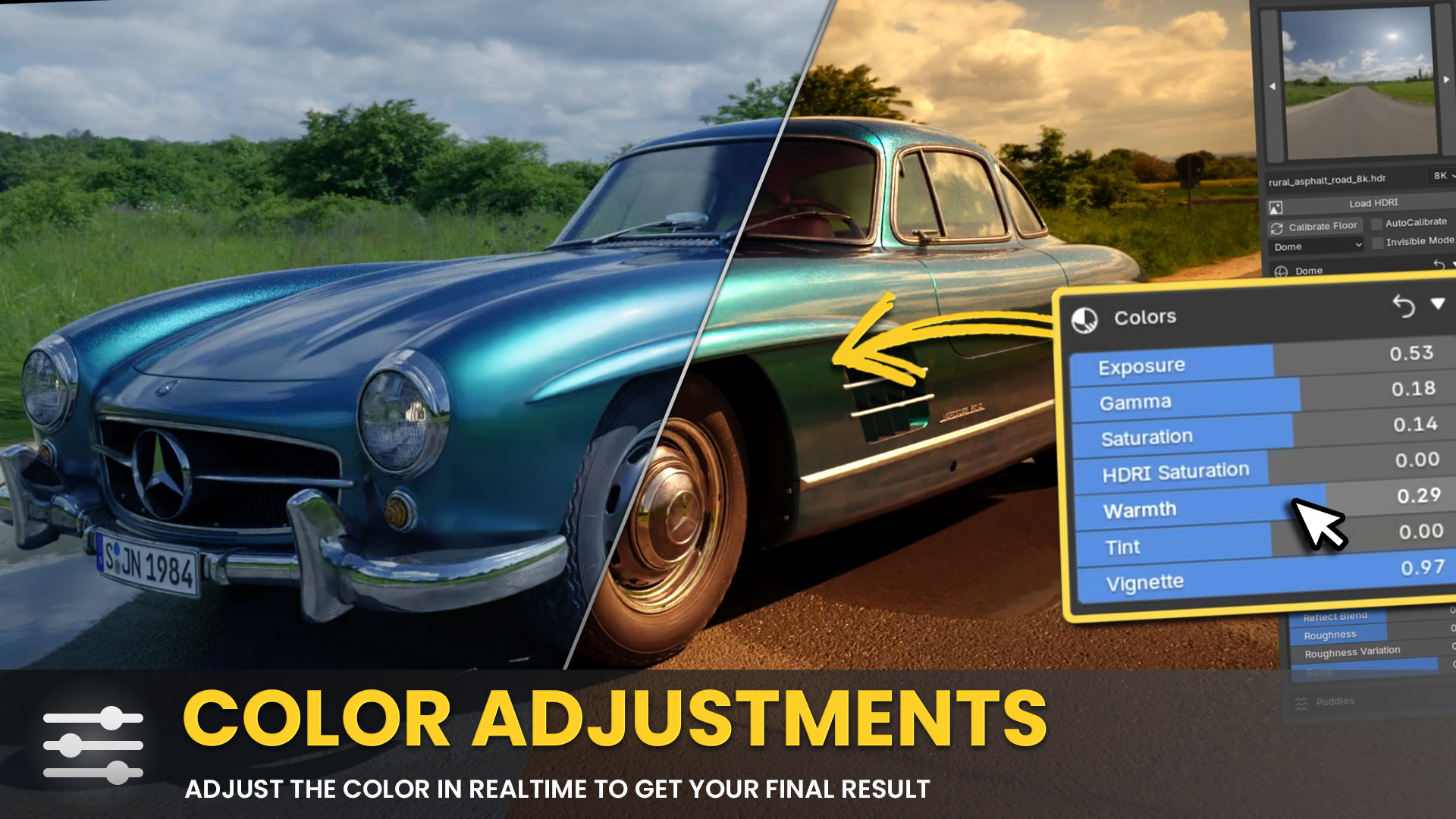
Tweak exposure, gamma, saturation, warmth, or fully desaturate the HDRI for studio-style lighting, all without touching the node editor. ↑
 Full Tutorial Video INCLUDED

 What Users Say
"Haven't seen anything better for this task. Highly recommend!"
Leonid Altman
Creator of Light Wrangler
"The best HDRI Add-on for Blender! Works flawlessly."
artisthebalint
"Such a well-crafted HDRI utility. Love it."
Henrik Cederblad
"Become an essential part of my workflow. Incredibly simple."
Sebastien Morere
"Highly efficient, better realism, great control in Cycles and EEVEE."
André
"Amazing product with incredible support. Highly recommend!"
spacebot
"The best HDRI Addon in the business. Easy to use & practical."
Doğukan
"By far the best HDRI add-on I've used. Developer is super responsive."
zy
"Easily one of the best HDRI add-ons. Hats off to the dev!"
Mr3D
"Instantly became one of my favorite addons I've ever used."
Light
 Also in the Cyber Sale
As a POLYDOME customer, use this code at checkout:
35% OFF LightBox
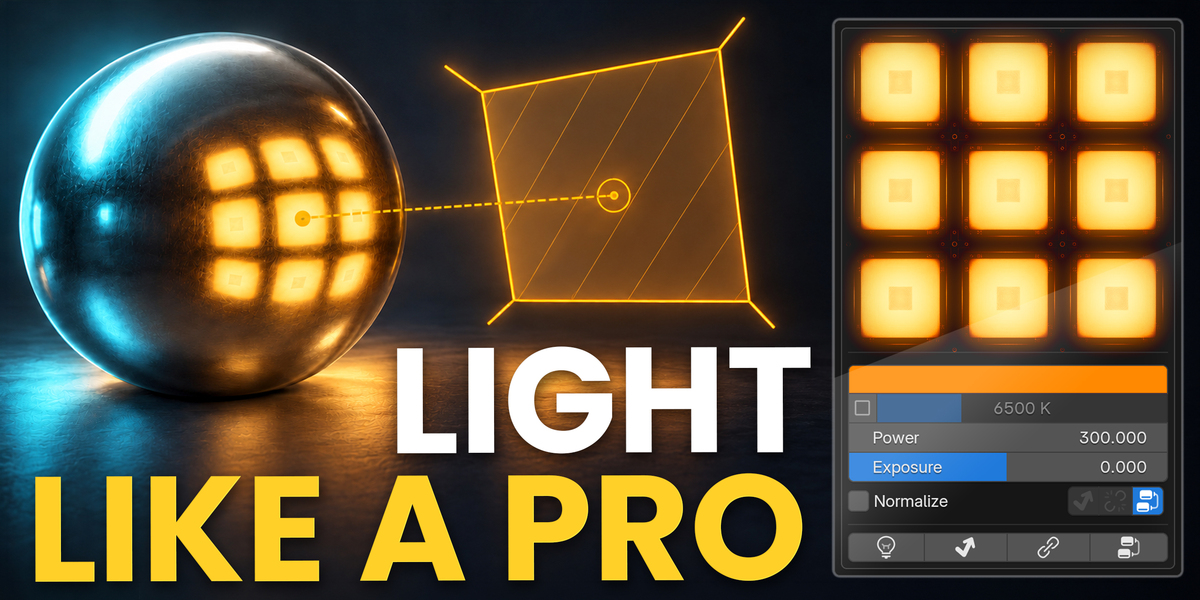
Real-time light previews, procedural softboxes, light splitting, light linking and 130+ presets.
Get LightBox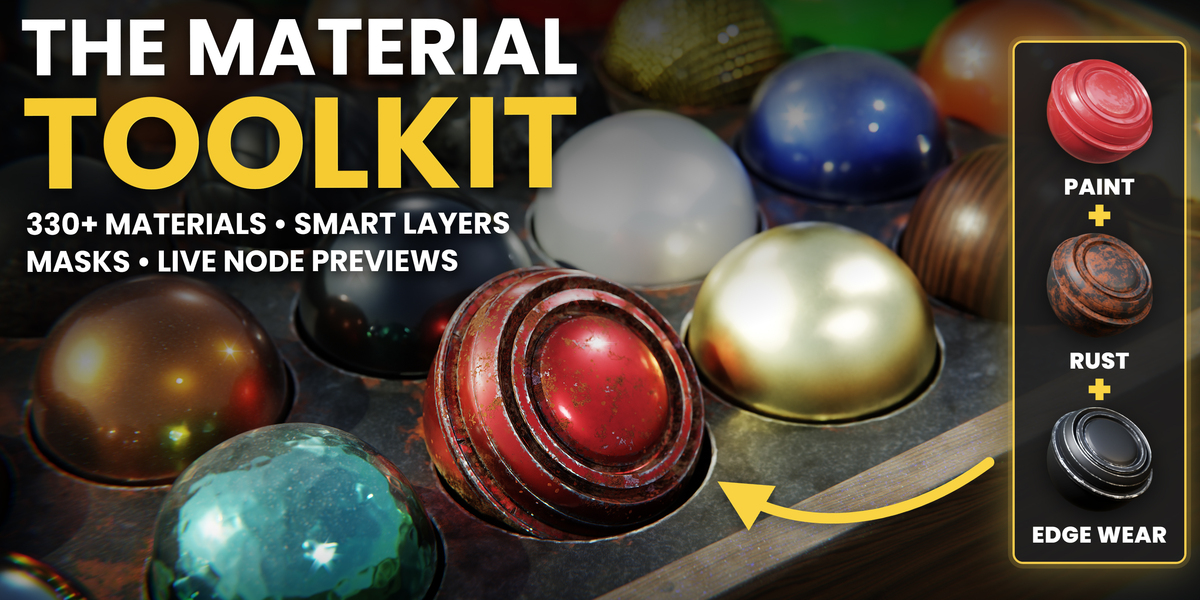
35% OFF MaterialBox
330+ Smart Materials, 29 Smart Layers, 27 production shaders and live previews on every node.
Get MaterialBox
30% OFF Poly Haven Asset Browser
Get instant access to 1,800+ free HDRIs, textures, and 3D models directly in Blender.
 Why POLYDOME
POLYDOME turns any HDRI into a usable set. With automatic floor matching and real-time feedback you will achieve stunning results without the usual hacks.
 Compatibility & Requirements
- Blender 4.2+ (fully compatible with Blender 5)
- Optimized for the Poly Haven Asset Browser but works with any HDRI in the Asset Browser or on your hard disk
 What's Included
- POLYDOME Add-on (.zip)
- Full tutorial video covering every feature in detail
- Free updates & basic support
 FAQ
Does It Work With Any HDRI?
Yes. POLYDOME works with any HDRI, though Poly Haven HDRIs offer built-in resolution toggles and are standardized in quality to guarantee best results.
Do I Need the Poly Haven Add-On?
No. You can use any HDRI from the Asset Browser or directly from your system. But using the Poly Haven Asset Browser gives you additional benefits because PolyDome is optimized for those.
Does It Support Both EEVEE and Cycles?
Absolutely. Both engines are fully supported, with nearly identical results in EEVEE.
Can I Set Up in EEVEE and Render in Cycles?
Yes, that's the recommended workflow for speed and quality.
What Floor Effects Are Included?
POLYDOME supports reflections, roughness, bump mapping, and dynamic water puddles.
What Is Automatic Floor Matching?
Most HDRI plugins struggle with mismatched floor planes. POLYDOME automatically matches the floor to the dome, creating seamless transitions without color shifts.
Can I Adjust the Puddles?
Yes, you can fully control size, depth, and roughness.
Can I Change the Background in Invisible Mode?
Yes, you can set a custom background color and even add a vignette effect.
Can I Use My Own Photos as a Backplate?
Yes. Since version 2.1 you can choose Backplate as the background and load any photo or plate. PolyDome composites your 3D objects into it with shadows and reflections, and Match Perspective aligns the camera to the photo. The backplate needs Cycles.
Are There Built-In Color Adjustments?
Yes, you can tweak exposure, gamma, saturation, warmth, or even fully desaturate the HDRI for studio-style lighting.
Do I Get Free Updates?
Yes, bug fixes and updates are free.
Can I Use POLYDOME Commercially?
Yes, you can use POLYDOME in both personal and commercial Blender projects.
More questions? Get help on our Discord, in the POLYDOME forum. Answers there help other users too.
 Get Started with POLYDOME
POLYDOME $24.99$16.24
CYBER SALE · 35% off until December 2
Turn any HDRI into a photorealistic scene in seconds!
Buy Now- Free updates
- Works with EEVEE & Cycles
- Asset Browser ready
- Full tutorial
Updates & Changelog
Version 2.1.0 (Nov 6, 2026)
New Features:
- Backplate System: Your photo behind the dome, which still catches shadows and reflections (Cycles)
- Placement: Fill or Fit, with scale and offset
- Perspective Matching: Solves the camera from lines drawn on the backplate
- Backplate Look: Colours and effects follow the Look, or unlink them
- Projected Floor Bump: Floor bump and puddles line up with the backplate
- View Dome: Hold or lock to see the dome instead of the backplate
- Compositing Modes: Now also in the Look panel
Improvements:
- Compositor: Left untouched in scenes without PolyDome and in shared trees
- Live Preview: Starts without blocking Blender
Version 2.0.1 (Aug 17, 2026)
New Features:
- Animated Settings: Panel settings can be keyframed
Bug Fixes:
- Preview on macOS: Background preview works on macOS
Version 2.0.0 (Jun 15, 2026)
New Features:
- Live Preview: The panel preview is a live render of your dome, made in the background
- Background Calibration: Runs in the background and automatically
- HDRI Adjustments: Brightness and Gamma sliders
- Preview Settings: Preview engine (Cycles or EEVEE) and GPU device
- Transparent Mode: Dome on a transparent background (Cycles)
Version 1.2.2 (Mar 9, 2026)
Bug Fixes:
- Calibration: Works with video output formats (e.g. FFmpeg)
Version 1.2.1 (Mar 3, 2026)
Bug Fixes:
- Library Import Settings: World Shader no longer breaks with "Pack" after reopening (Blender 5.0+)
- Grain Effects: Grain texture tiles again at high resolutions (Blender 5.0+)
Version 1.2.0 (Jan 29, 2026)
New Features:
- UI Overhaul: Minimal, semi-transparent design
- Panel Location: Sidebar, World Properties, or both
- Sidebar Tab Name & Order: Set the tab name and position
- Delete Dome: Removes PolyDome and all its data
Bug Fixes:
- Keymap Fixes: Rare shortcut issues
- Saturation Slider: Value clamping
Version 1.1.0 (Jan 8, 2026)
New Features:
- Compositing Modes: Three modes for how PolyDome drives the Compositor
- Shortcuts: For rotation, projection height and stretch
- UI Overhaul: Categories that can be toggled
- Additional Post Effects: Film grain, glare and aberration
- More Precise Calibration: Seamless transitions, also in Invisible Mode
- Faster Calibration
Bug Fixes:
- HDRI Saturation in Invisible Mode: Colour matching
- Loading Saved Scenes: Rare loading problems
Version 1.0.0 (Dec 15, 2025)
Main Features:
- Drag & Drop: Drop an HDRI into the viewport, dome, floor and lighting are set up
- Floor Matching: Seamless floor, no colour shift
- Realistic Shading: Floor reflections, roughness and bump, no nodes needed
- Water Puddles: Procedural puddles with size, depth and roughness
- Dome & Box Projection: Switch to suit the scene
- Invisible Mode: Hide the dome, keep its light, custom background colour
- Color Adjustments: Exposure, gamma, saturation and warmth
- Asset Browser: Poly Haven Asset Browser and your own HDRIs
- EEVEE & Cycles: Nearly identical results
