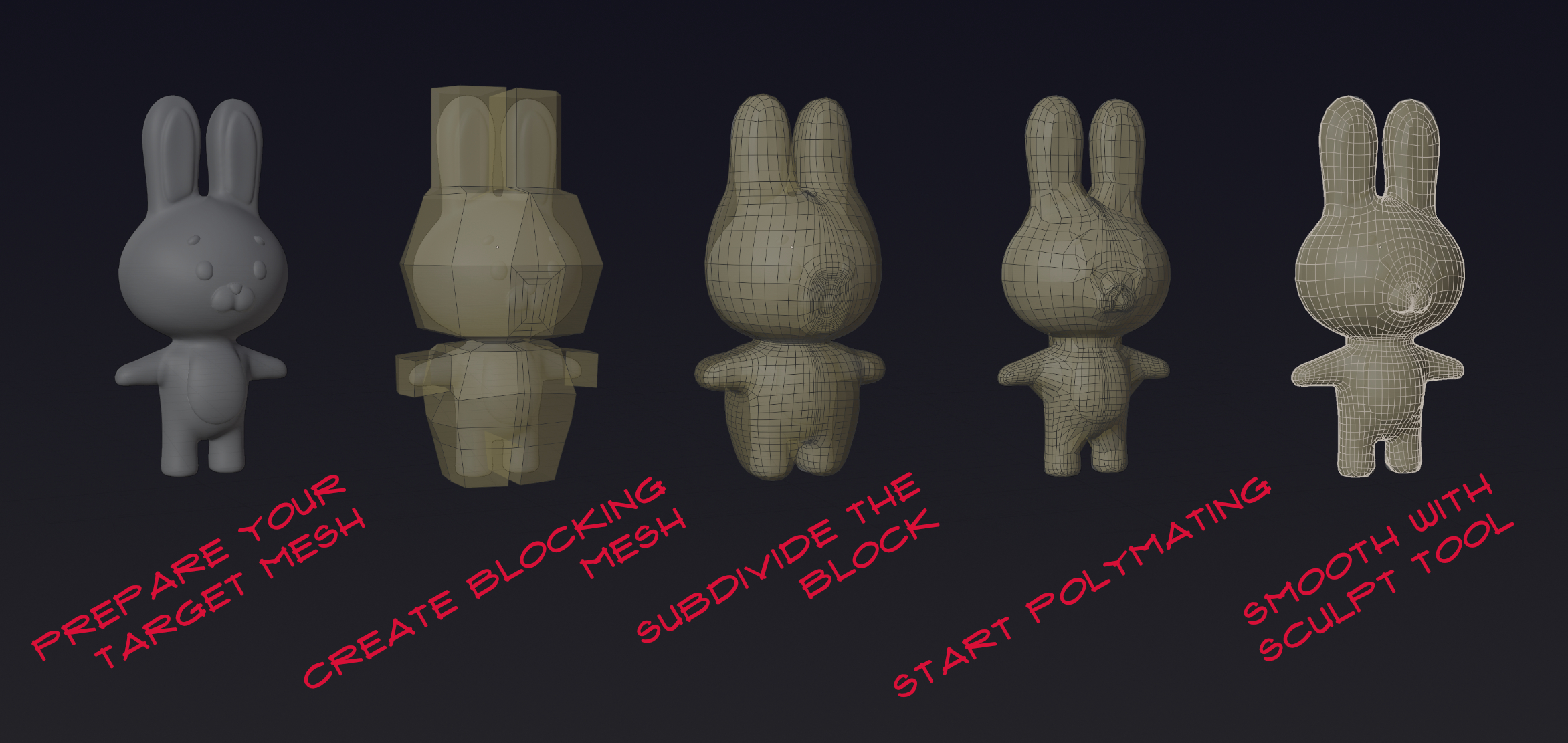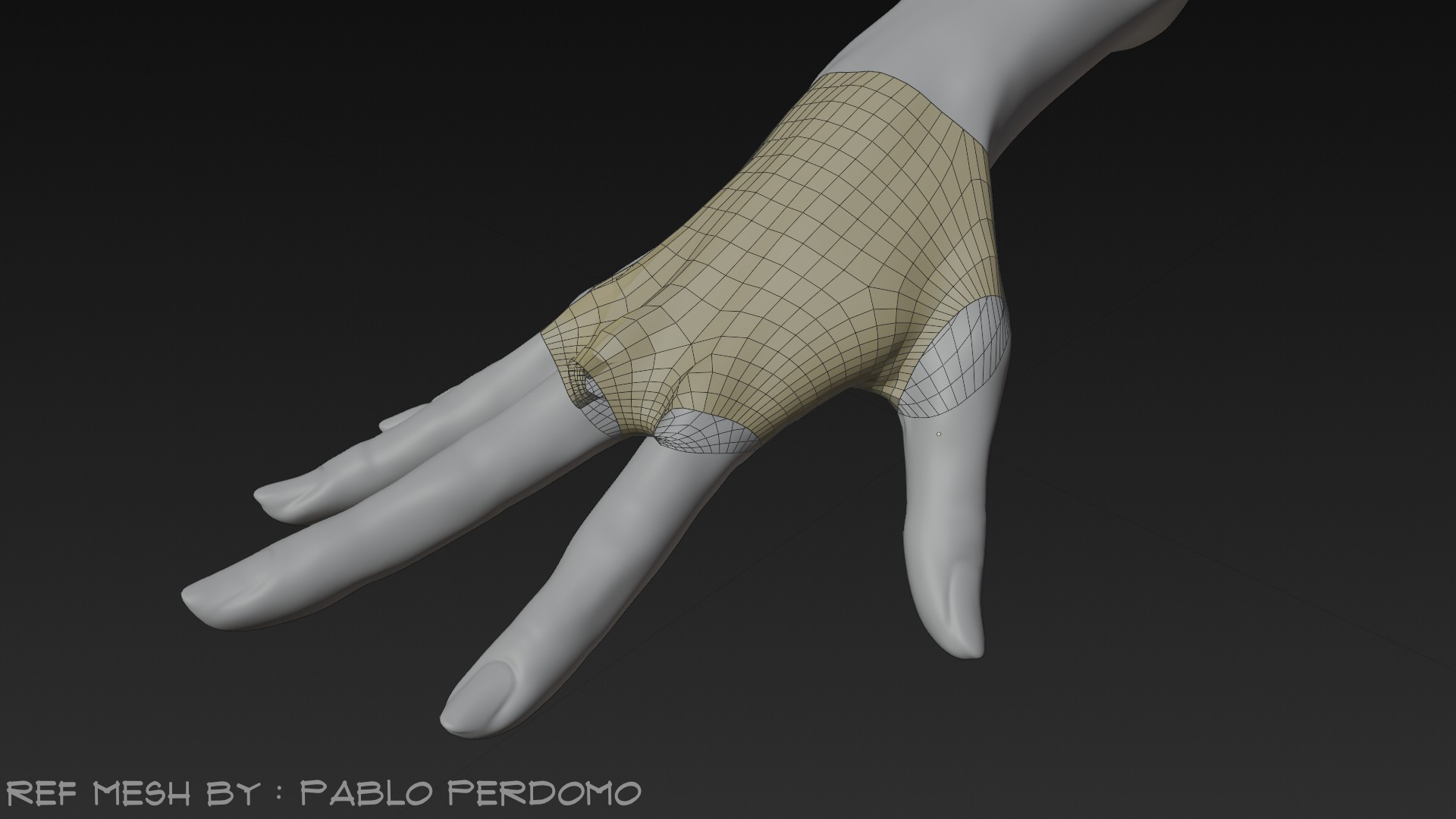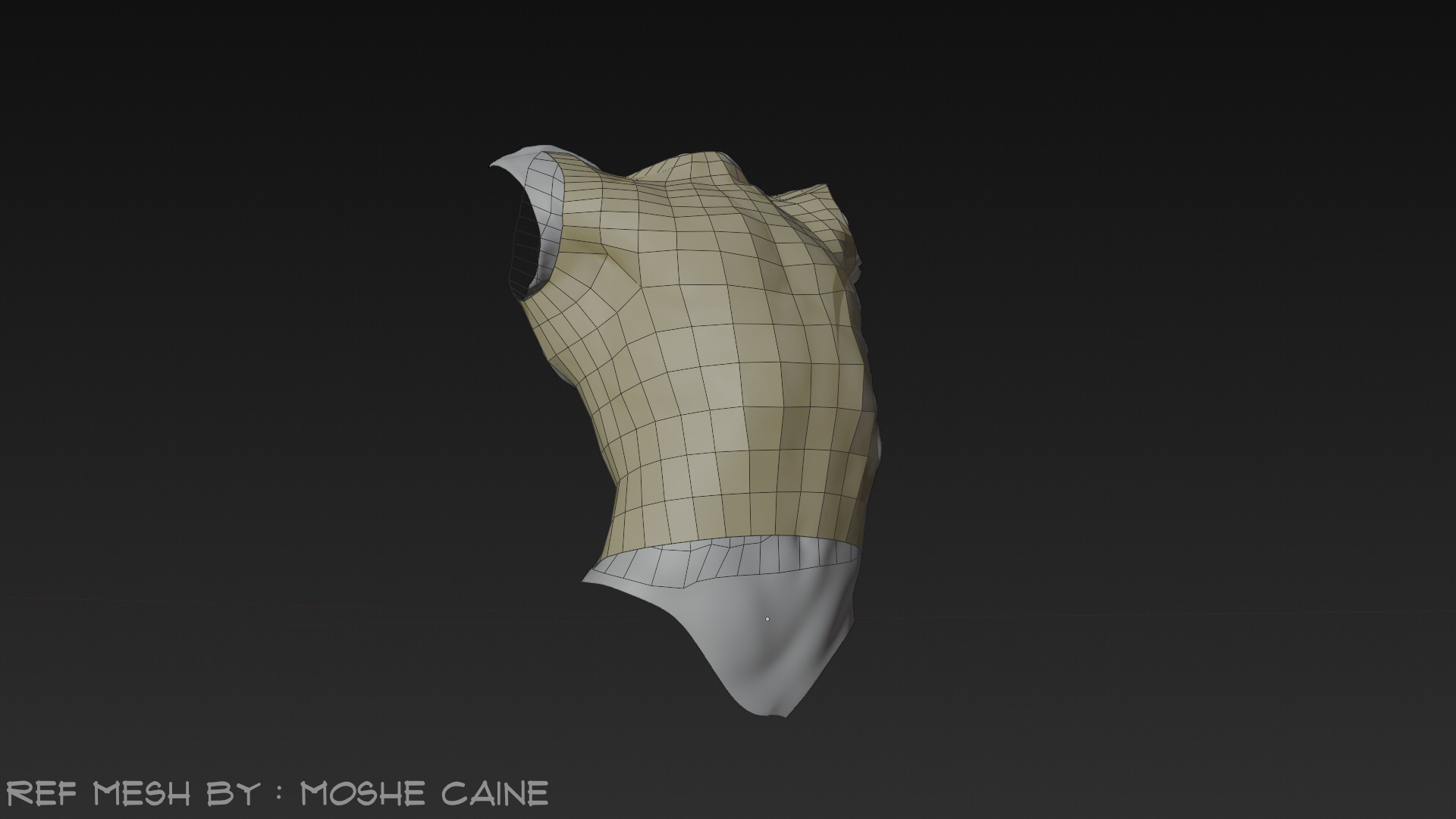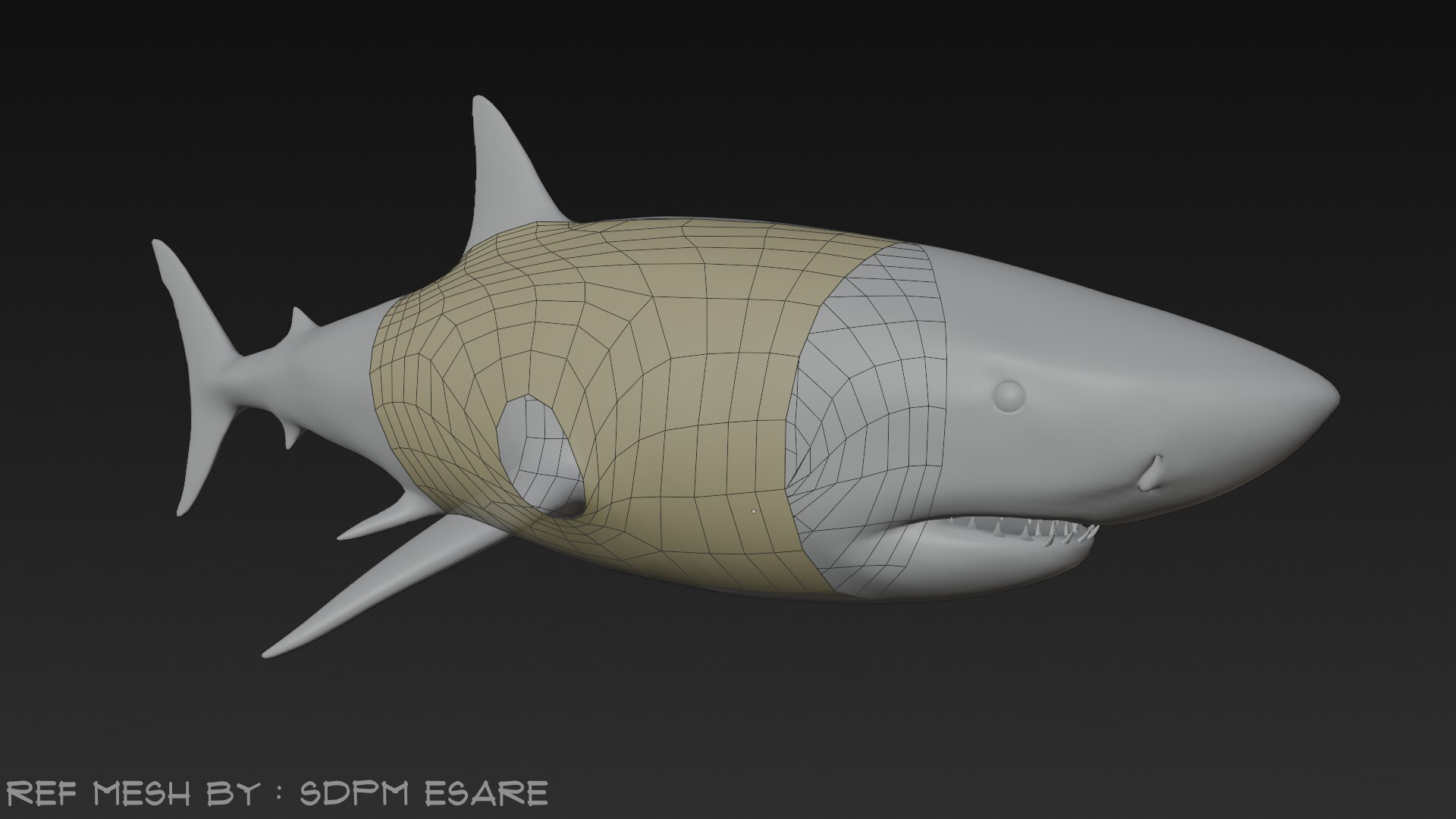
Polymating

MozzarellaARC in Modeling


Item Rating

This item has an average rating of 5 from 7 ratings by the community.

86%
15%
0%
0%
0%

Purchase this item to leave a review!

  • deebs
    about 1 year ago

    Fantastic add-on that works like advertised. Has completely changed my workflow in regard to retopology with how easy to use and effective it is!

  • Necropanik
    about 1 year ago

    works just as expected to do retopo from absolutely scratch however theres a slight part that bothers me a little, after having finished to retopologize if i basically use ''nearest'' surface places that have holes are likely going to have overlapping faces/edges/vertices just slamming onto each other however ''raycast'' fixes this problem in the exception that its not as effective as ''nearest'' but anyhow thats a harmless issue that isnt an issue for me since my OCD perfectionist self likes to finalize everything like that but thanks a lot for the addon ABSOLUTELY HELPFUL FOR MANUAL RETOPO

  • sebo
    almost 2 years ago

    My purchase of this addon has made me very happy. I think it is a better alternative to automatic retopology addons that do the job for you because you have more control. Compared to the snap tool in the blender, it is simpler and sticks better to the mesh. I also like the feature that allows you to smooth out your mesh in sculpt mode with the Smooth brush.
    A very nice product.

  • Joel Walden
    about 2 years ago

    You'd likely ask "Why would I need this when Blender has a Shrinkwrap modifier?"

    Answer: I've often found Blender's Shrinkwrap modifier freaks out when you're trying to snap vertices onto a specific spot on an inside corner. Even with surface snapping enabled it just often gives me goofy, frustrating results and headaches.

    Polymating clings to the target surface better with less jumping around and glitching while you work. It's reliably performant and predictable. That saves me mental energy that I would rather spend on being an artist.

    * Sculpt mode brushes and edit mode work well with it.

    * I can select an edge loop that rings the torso and extrude it down to sheath the body in quads. Nothing unexpectedly leaps to my visible side of the mesh.

    * It works predictably with LoopTools -- so far as I can tell. With maybe one tool (Gstretch) I had to move the verts a tiny bit to get the snapping to register.

    *No pinning verts, no simulation that slides all over everywhere like it's having a seizure if I don't massage the settings JUST PERFECTLY. It just. Works.

    Basically anything I threw at it the snapping was so solid and reliable. Well done. Totally worth a few bucks.

    Keep up the good work, MozzarellaARC!

    • MozzarellaARC

      about 2 years ago

      Hello, thank you for buying out Polymating and I'm so happy that the addon works really well.
  • Henrik Cederblad
    over 2 years ago

    This is an extremely useful too for retopo. Quick and efficient. Makes you think about what's arguably most important in retopology, namely vertex count on end loops (i.e. where things stick out, like arms, legs, etc).

    The one thing I think might be useful to include in the addon, is a visibility switch for the input mesh (ref object). True, you can do that in the Outliner, but with many objects, it distracts from the process having to hunt for the reference object each time you want to switch. And true again, you can of course click the ref in the viewport and press H, but that's also distracting as it involves 5 steps (exit sculpt mode/enter object mode, click ref, press H, click retopo object, enter sculpt mode) instead of just 1.

    I'd also add that a setting to auto-hide ref object might be useful. As well as an auto-turn on wireframe would be.

    Nevertheless, the addon definitely deserves 5 stars and I'd recommend it to anyone involved in deformable topology.

    • MozzarellaARC

      over 2 years ago

      Hello, thank you for the feedback, I will make sure that the development of Polymating will be as close as possible to the customer needs for the inconceivable future. :D

  • Lucas Bosworth
    over 2 years ago

    Is really performant and works well with all the sculpting brushes I tried with it. Have wanted a tool like this for ages and I'm sure it'll prove to be really useful in my workflow. Thanks. :)

    • MozzarellaARC

      over 2 years ago

      Hello, thank you for your feedback. I'm so happy it is useful for someone as it was for me. :D

  • win maw
    about 2 years ago

    I like this tools very much. I would like to suggest an option to exclude vertex groups to retoplogize the cavity of of the mouth, cavity of the eye socket.

    • MozzarellaARC

      almost 2 years ago

      Thank you for the feedback, I will try to develop Polymating further to the best of my ability.

  • Displaying 7 ratings
$10

Have questions about this product?
Login to message

Details
Blender Extension Compatible Yes
Sales 400+
Rating
7 ratings
Dev Fund Contributor
Published over 2 years ago
Blender Version 3.6 - 5.2
Extension Type Add-on
License GPL
Discover more products like this

Retoplogy mesh retopo quick