 MozzarellaARC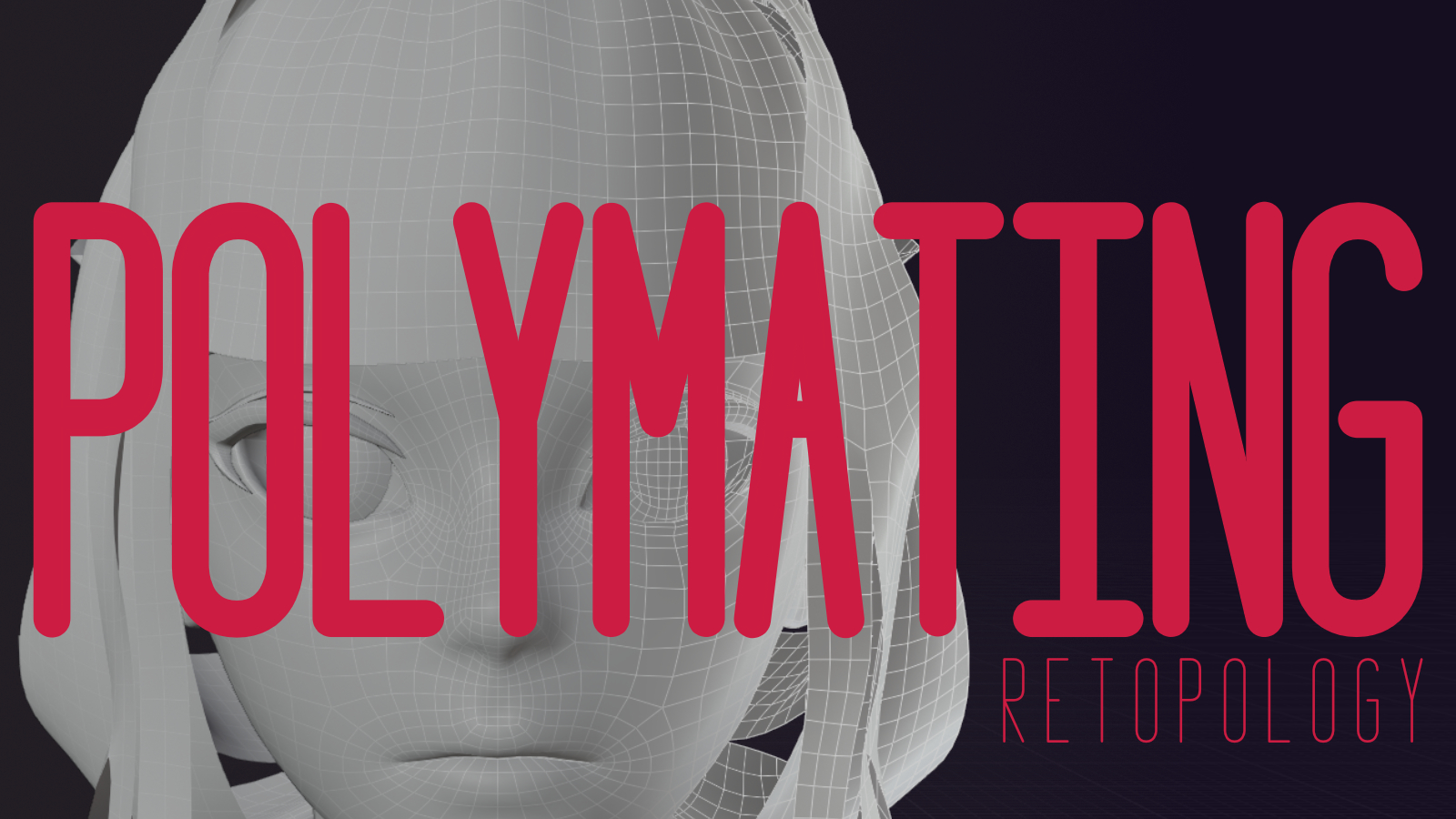
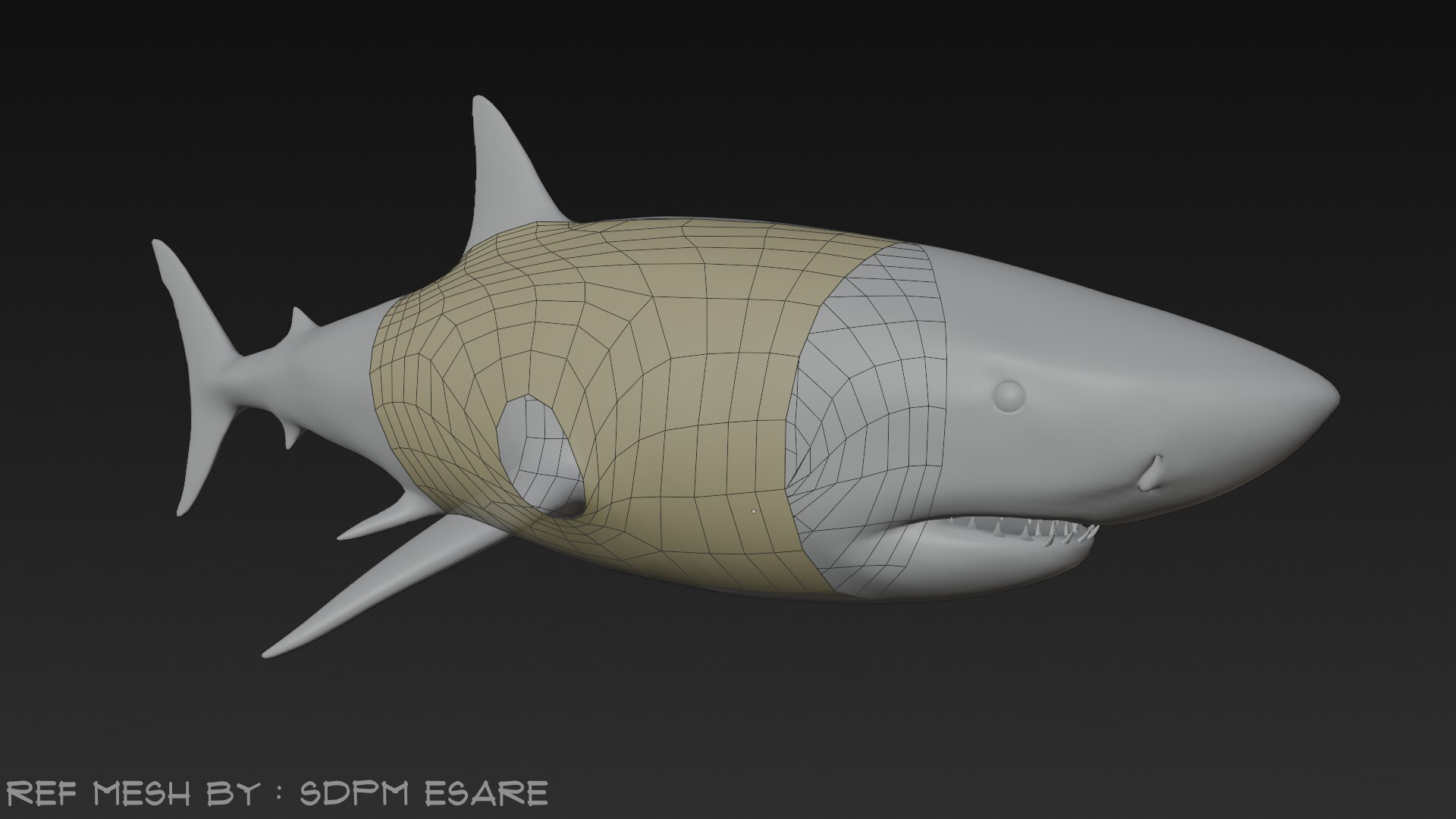
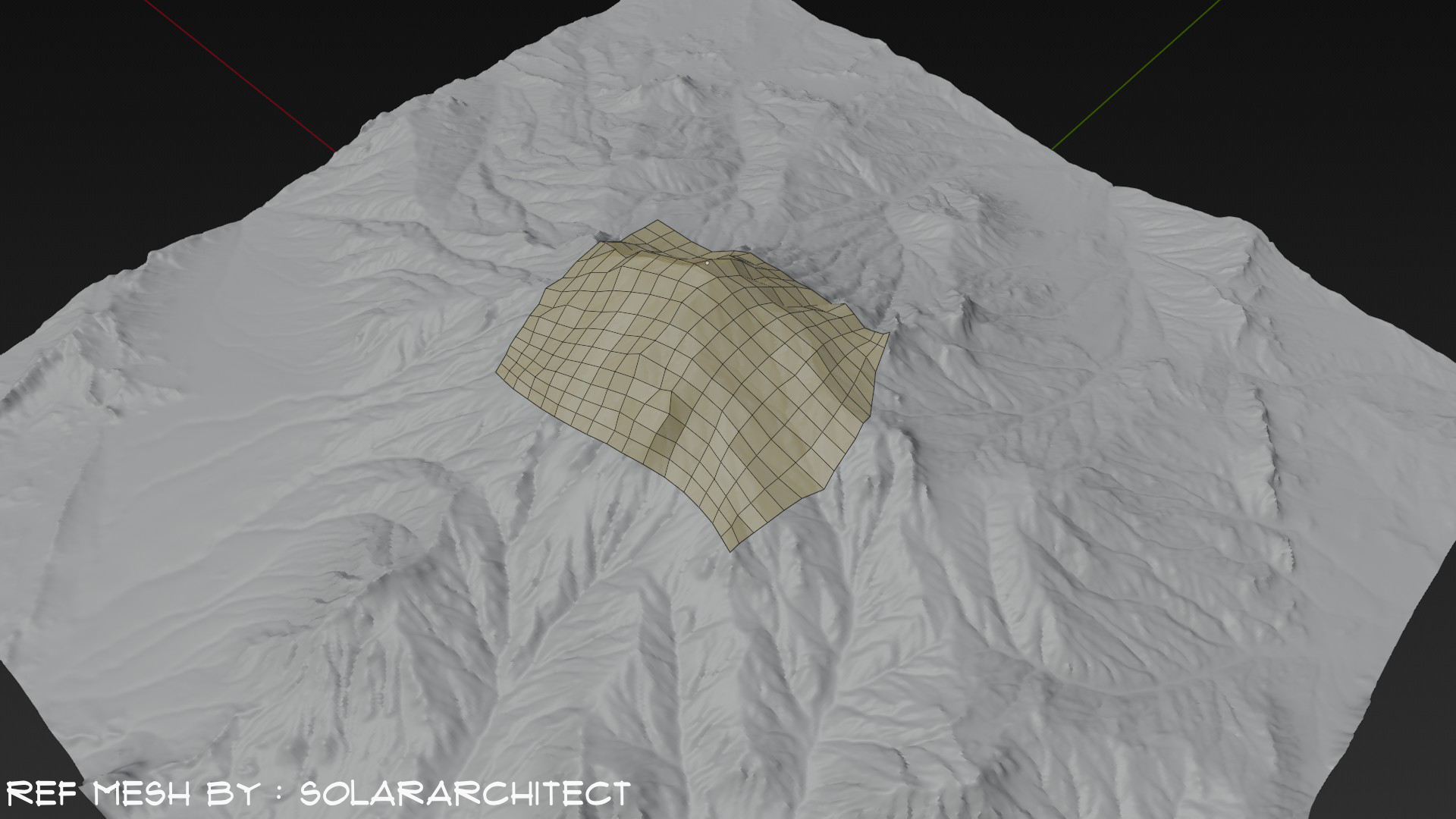
Polymating — Real-time Retopology
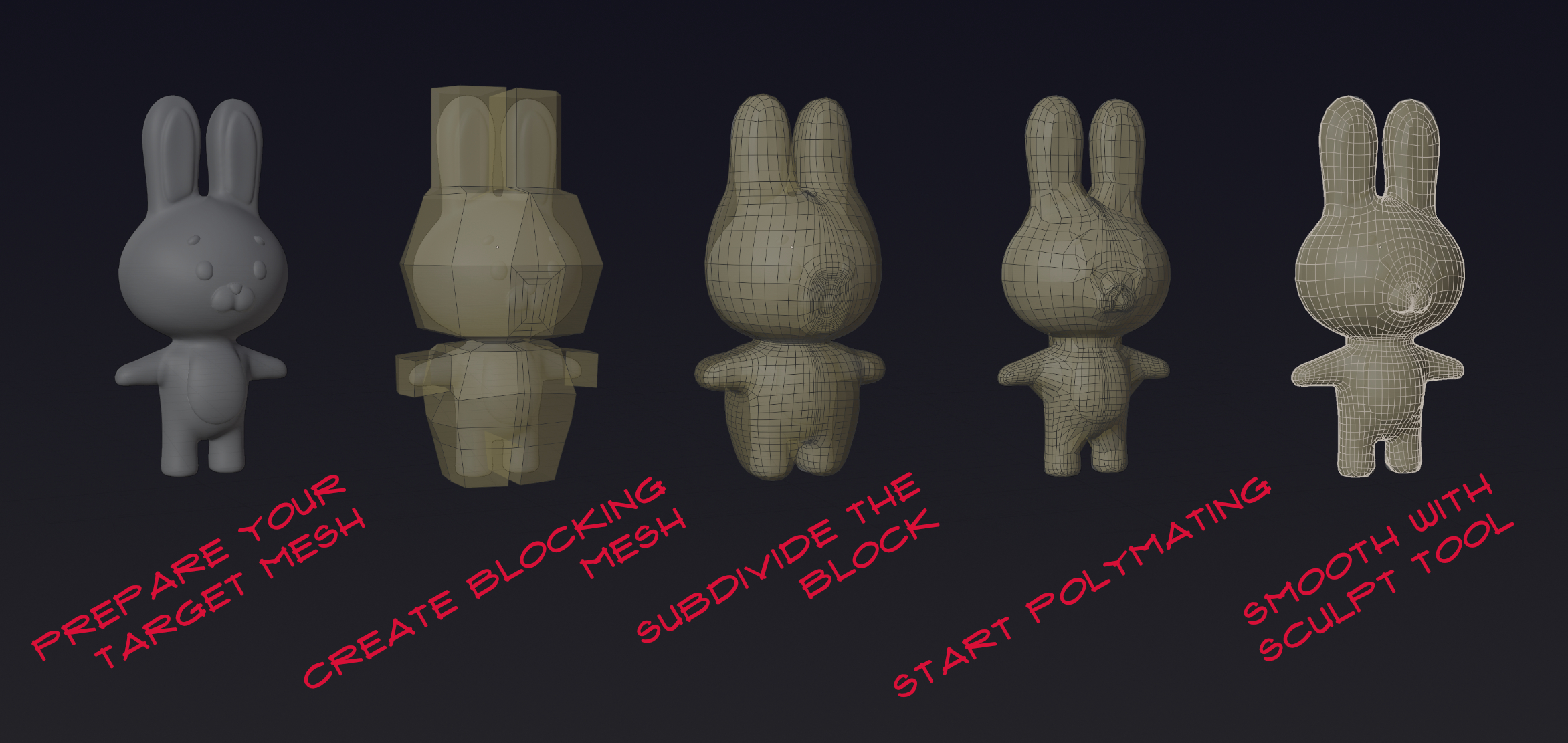
A retopology addon that integrates with Blender’s existing tools using a fast projection system similar to Shrinkwrap—continuously re-applied in the background.
Retopology Edit/Sculpt Projection Solvers
“Simple, concise and minimal learning curve to use the addon”
“Tis but a realtime shrinkwrap on steroids”
“1% Code savvy, 99% Marketing” — “Performance!!! Performance!!! Performance!!!”
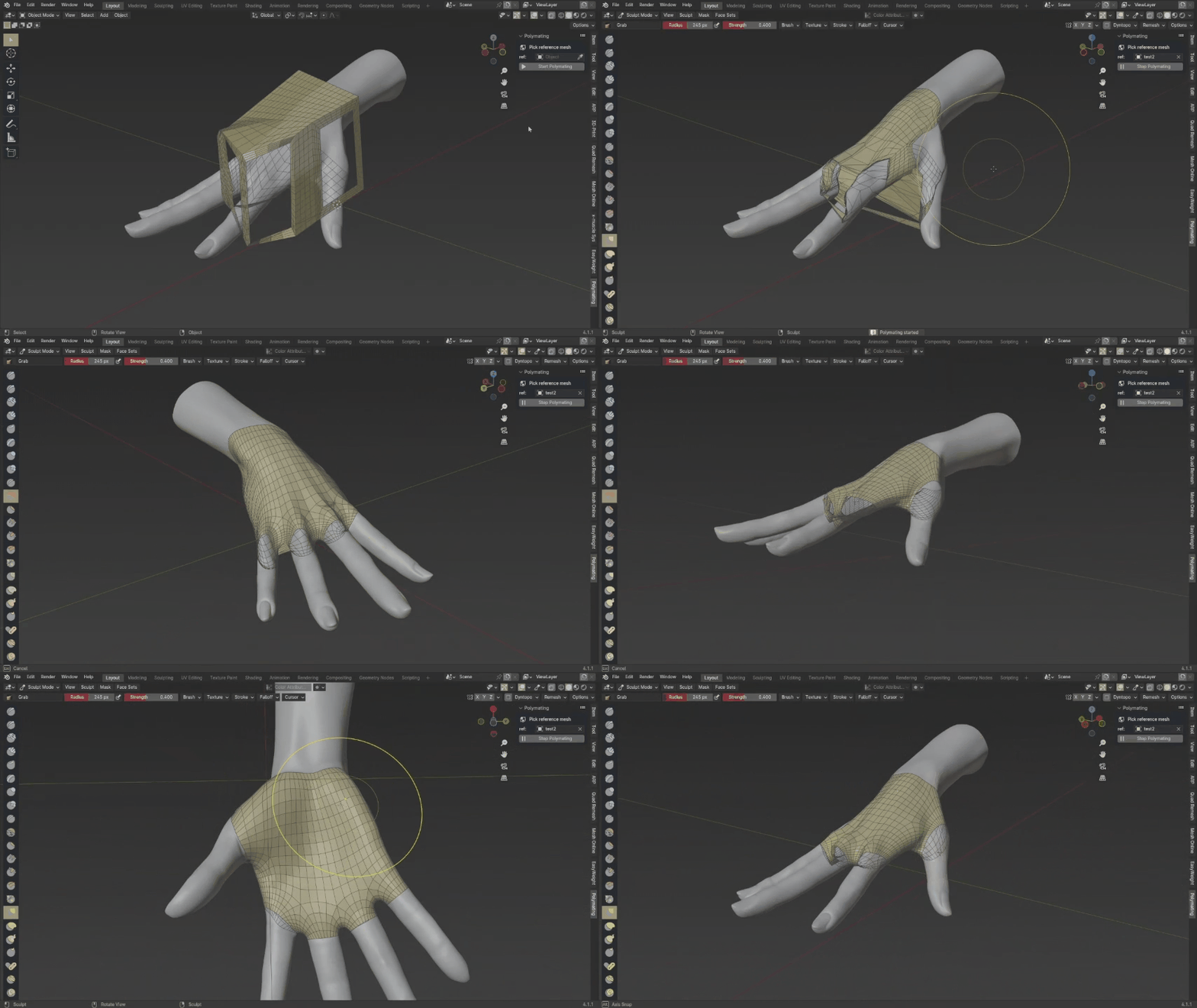
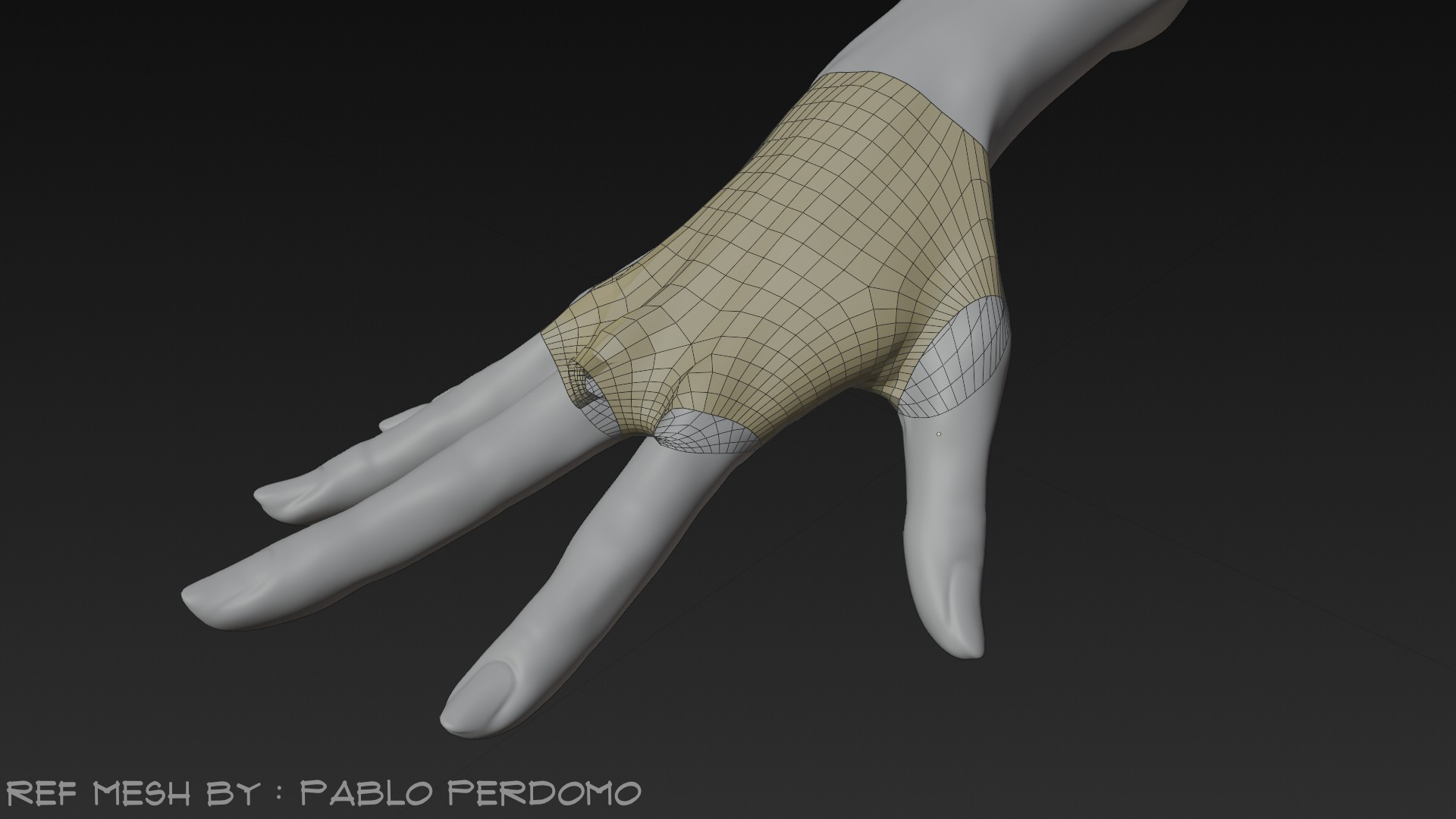
Reference mesh by Pablo Perdomo
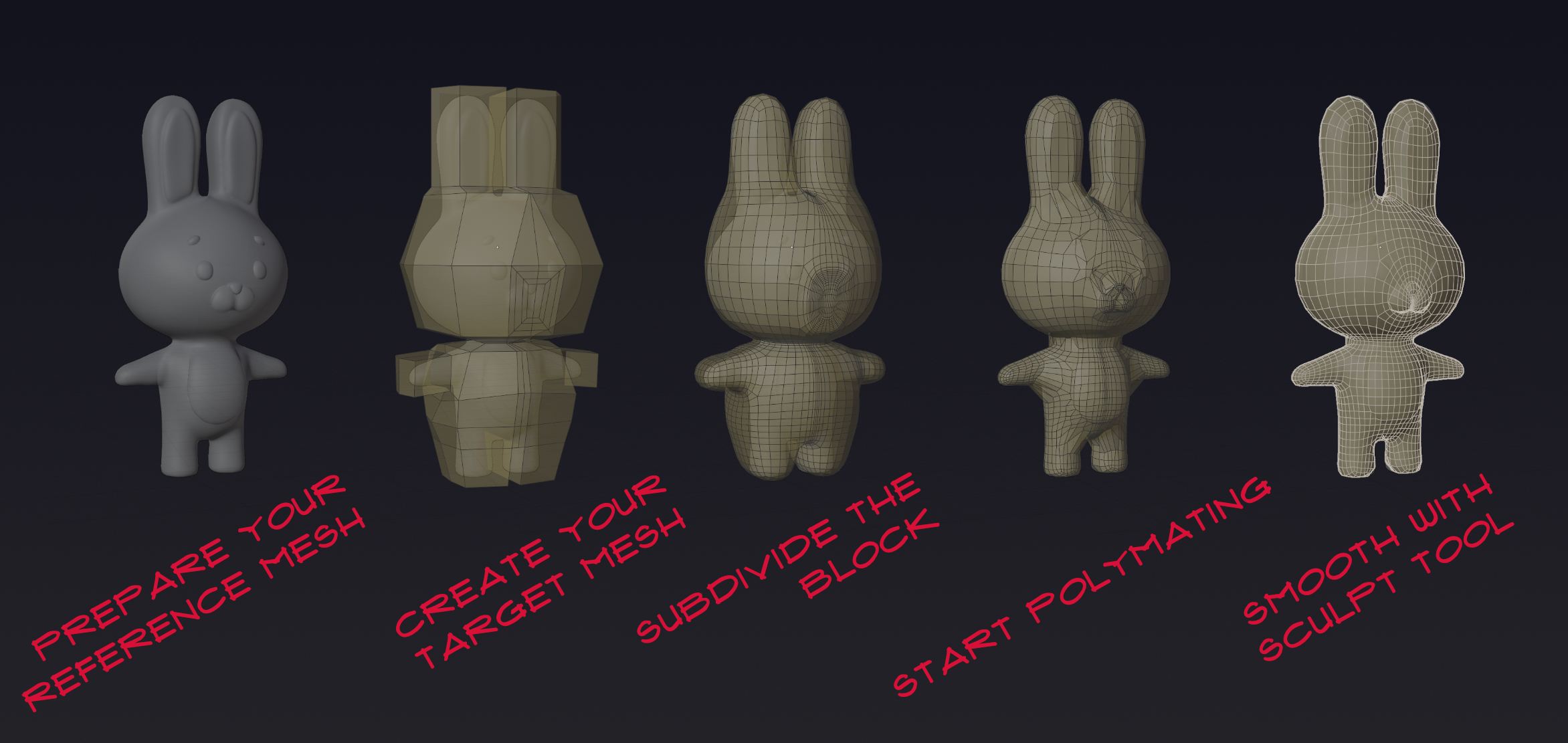
Reference mesh by Qiara M
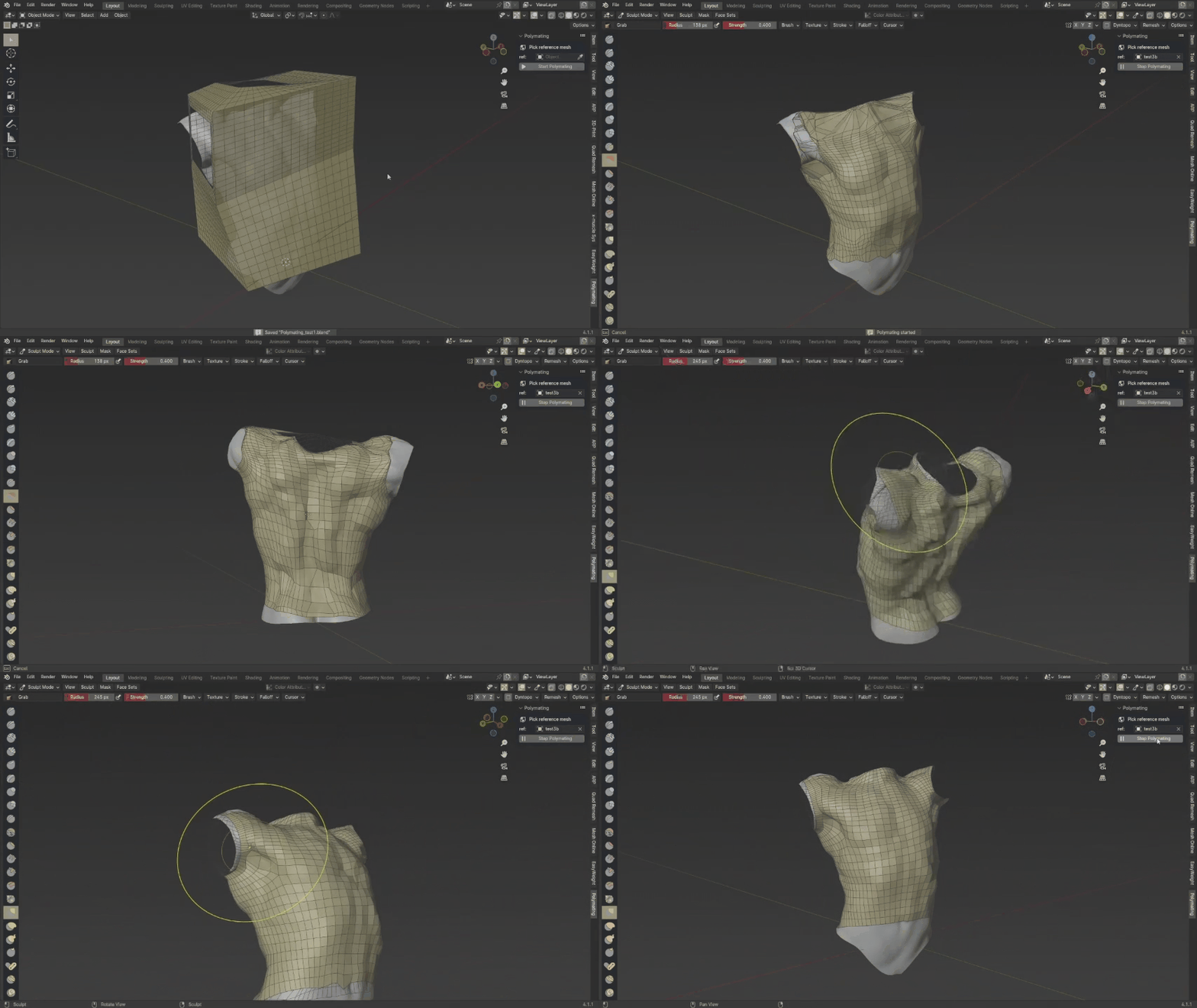
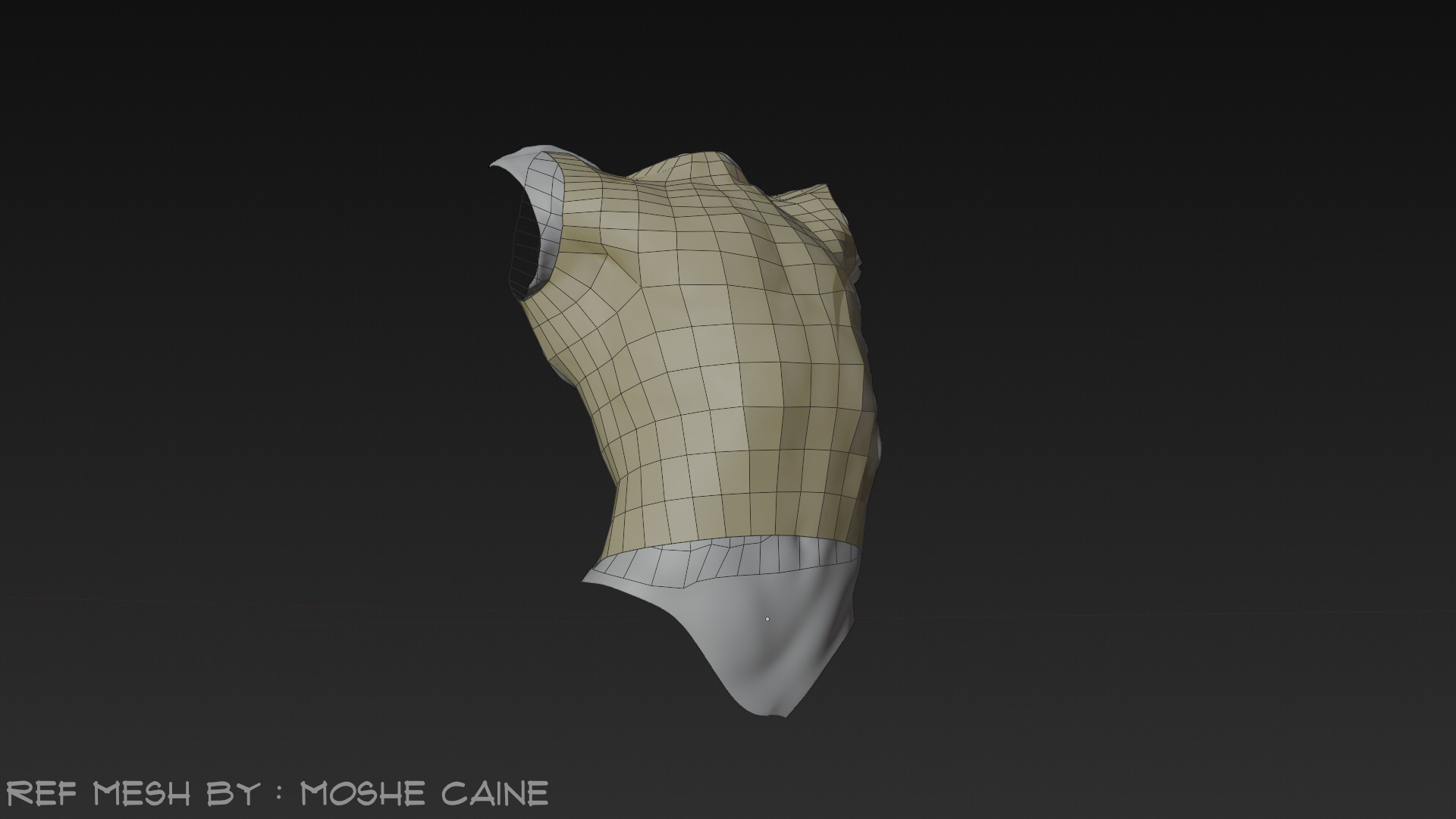
Reference mesh by Moshe Caine
Highlights
- ✔ Realtime vertex projection with solver-based logic (Force Project, Raycast; Multi-hit integrated).
- ✔ Works alongside Blender’s native tools—focus on quad flow, let Polymating handle wrapping.
- ✔ Vertex Locking (experimental) and global overlay controls.
- ✔ Cache and performance optimizations for smooth interaction.
Roadmap
- Broader tools integration
- Better user experience
- Cutting-edge performance
- Proper research and development environment
Join the journey to a more fun, concise, and hassle‑free retopology workflow!
Update notes
1.4.1
In Polymating 1.4 the workflow is much less opinionated and users can do projection in a more personal manner. Polymating will no longer be tested on Blender version below 5.0 after this update comes to live although this version works on Blender 4.5 at the time of this writing.
Interface change:
- Improve the interface for vertex groups locking, it is now able to read multiple lock groups. With greater power comes greater responsibility as multiple group locking will add overhead proportional to both the number of vertices and the number of lock groups each vertex belongs. This might be improved later on.
- The menu for Polymating will now be able to be called through search.
- The panel for the View 3D region can now be hidden through preferences settings.
Projection Behavior update:
- Vertex locking are now more aggresive, as it no longer get bypassed by nearest solver and persist through solver changes.
- Projection now skips hidden vertices, including vertices that gets hidden with mask modifier, you might want to be careful when excluding the vertices using manual hiding because once the vertices are unhidden the projection will take effect immediately.
- Projection now respects masks made within the sculpt mode and this masks will persist through object mode and edit mode, this allows for a less opinionated workflow when working with specific vertices. Though this mask system has a different behavior than what you get when using hidden or vertex locking, as it has locking behaviour on the sculpt mode and in edit mode it does not project.
Performance update:
- Hidden vertices are partially evaluated to determine whether projection affects them. This means that when working with a mesh containing hidden vertices, those vertices introduce only a partial performance overhead, rather than doing the full calculation. This way you can work on a larger polycount base.
1.3.1
- Compatibility: In preparation for 5.0, this version may break on Blender versions below 4.2.
- Isolated Projection: When vertex group locking pointers are set but no axes are enabled, projection only affects vertices from those vertex groups.
- Self Projection: When no reference object is set, projection can use the active object as the reference; an info-line status indicates when self projection is ready.
- Projection Shapekeys: Projection now respects existing shapekeys (previously shapekeys were ignored).
1.2.4
- added localization for Simplified Chinese (zh-CN) and Indonesian (id)
- solver properties optimization
- directories optimization
- added readme section #Adding Language
1.1.2
- implemented better cache for the vertex locking
- fix some runtime issue when enabling and changing the axis of the locked vertices
1.1
- it is now possible to use collection for reference on all solvers
- force Project are now Nearest and On-Hit Limit are now a deprecated solver
- on-hit and Multi-hit are now deprecated solvers and have been implemented into Raycast
- added reference switch to choose between a single reference object or a collection
- added configurable rays length when choosing Raycast for the solver
- fix some jumpy jitter problem when doing the projection
- fix some issue with the vertex locking where the new vertices that is added at runtime doesn't get locked
- fix some performance issue related to cache
1.0
- separation of logic from mode handler
- added Force Project solver
- added On-hit solver
- added On-hit-limit solver
- added Multi-hit solver
- global overlay properties
- projection threshold optimization
- preferences ui and viewport ui optimization
- added multiple error handling functionality to ease fidgety user and accidental clicks that can disturb user interaction
- version branching in preparation for the development of multi-threading and asynchronous process
- version branching in preparation for localization
- added ray_cast logic specifically made for edit-mode for better performance
- added Vertex Locking as experimental features
- added options to choose between default logic and ray_cast
- preferences ui ptimization
0.60
- added clamp toggle option for some of the brush
- clamp value range of 0 to 0.5 upon entering sculpt mode
0.44 guide and 0.5x guide
- branched out user guide for 0.5x
- organized 0.5x user guide and now use sharky as references
0.51
- added manual overlay initialization
- added visibility toggle for retopology object and reference object
- cache and reference key optimization
- robust error handlers for better user experience
- dedicated info bar to guide user and tell them of polymating state
- auto overlay behavior optimization
- polymating state behaviour optimization
- polymating cache will not be cleared on deselection and visibility state
- clearer code terminology for inspection and maintenance
0.50
- reduce handlers redundancy
- added experimental features
- experimental features on addon preferences interface
- added custom material initialization
- the material initialization might impact performance slightly on Start Polymating, make sure that you turn it on only if needed
- material initialization work best with backface culling
0.44
- API version checks
- 3.6x optimization
0.43
- dedicated cache clearing function
- file organization
- clean up redundancy
- semantic versioning
- 3.6x compatibility
0.42licf
- added proper licensing
- optimized product description and proper terminology
0.42 stable release
- edit mode availability
- sculpt mode optimization
- cache system optimization
- proper error handlers
0.38a alpha release
- sculpt mode optimization
- consistent terminology
- proper addon compression
GPL-3.0-or-later — MozzarellaARC