Power Boolean
 Tachyon Studio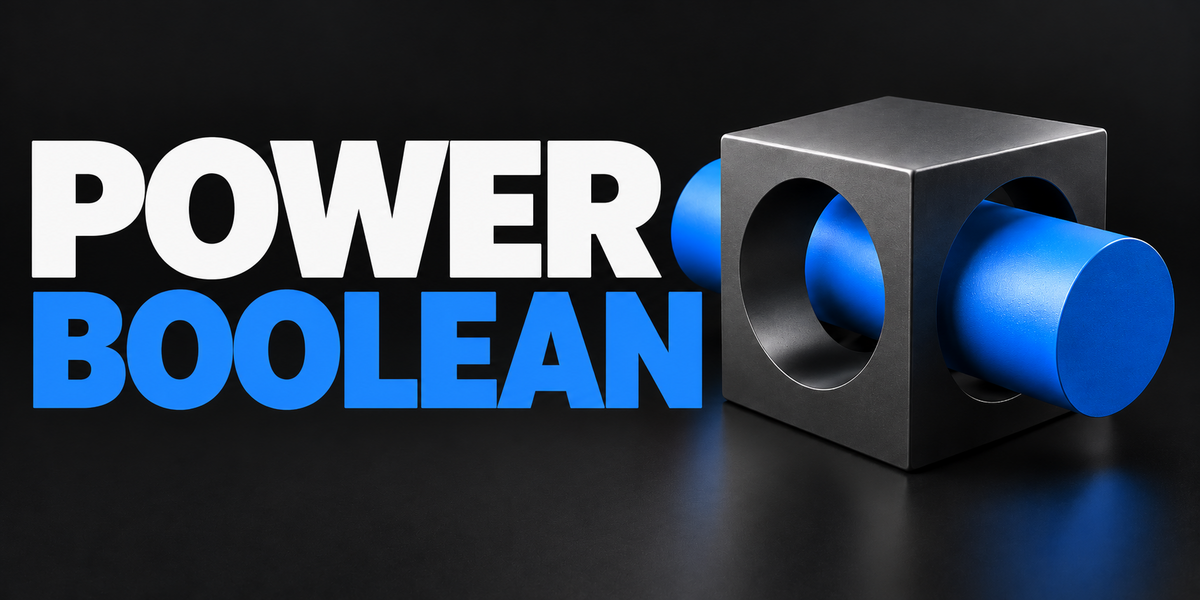

Install power_boolean-4.0.1-universal.zip. Use the same universal ZIP in all supported versions. Blender 3.0–4.1: Edit → Preferences → Add-ons → Install. Blender 4.2–5.2: Edit → Preferences → Get Extensions → dropdown → Install from Disk. Enable Power Boolean and keep only one copy enabled. Extract power_boolean-4.0.1-documentation-and-demo.zip separately; it is not an installer.
Power Boolean 4.0.1 supports Blender 3.0–5.2. Installer, 48-case modeling regression, multi-cutter/material checks and fresh-process saved-scene reopening were tested on Windows with Blender 3.0.1, 3.1.2, 3.2.2, 3.3.21, 3.4.1, 3.5.1, 3.6.23, 4.0.2, 4.1.1, 4.2.23, 4.3.2, 4.4.3, 4.5.13, 5.0.1, 5.1.2 and 5.2.0 LTS. Native sidebar and overlay-shader checks also cover 3.0.1, 3.6.23, 4.1.1 and 5.2.0. macOS and Linux are untested. The supplied Precision Lab demo requires Blender 5.2; the add-on does not require that demo. This does not guarantee future Blender versions or every modeling configuration.



Open the 3D View Sidebar with N and select Power Boolean. In Object Mode, select mesh cutters first and the target last so it is active. The optional right-click entries are Power Difference, Power Union, Power Intersect and Power Slice.

Fixed Boolean writes the Boolean cut into a new result mesh. Live Cutters keeps a modifier setup so you can move or reshape cutters. Managed cleanup and bevel settings remain editable in both workflows. Use Apply Stack on a delivery copy when you need an ordinary finished mesh without managed stages.
Not every intersection has enough room for a supported bevel. The add-on keeps the plain Boolean visible when it rejects a construction. Use Inspect Bevel Problem and try the suggested cleanup distance, other width type or smaller amount. Thin wedges and some complex junctions may remain unsupported.

Orange marks removed vertices, green kept vertices and yellow changed connections. Protected adds blue crosses; X-Ray shows markers through the mesh. Viewport overlays must be enabled. Merge Distance starts at zero, so cleanup does not merge anything until an applicable distance is set.
By default it hides the original target and cutters and creates source backups in Power Boolean Backups. Advanced source actions can instead keep, wire-display or delete objects, depending on their role and workflow. Save your project and review those settings before changing them. Live Cutters treats cutter deletion as hiding because it still needs the cutters.
Yes. Save an editable copy first, select the result and use Advanced > Live Stack Tools > Apply Stack on a delivery copy, then inspect and save it. Unapplied managed results opened without the add-on show the plain Boolean instead of the maintained cleanup/bevel finish. Leave hidden .PB helpers intact while editing.
No. Rebuilds run on Blender's main thread. Dense meshes and rejected constructions can pause the interface, and results depend on mesh complexity and settings. Animation, downstream deforming modifiers and large production scenes are not qualified.
The earlier test-build stacks are not converted. Preserve the original project, uninstall the old extension and rebuild from original source objects or PBT Backups. Power Boolean uses a new extension ID and PB-named managed objects and operators.
No. Individual, Team and Studio receive the same installer, features and documentation/demo downloads. Individual covers 1 person, Team up to 6 people and Studio up to 20 people; all include commercial use. The code remains GPL-2.0-or-later, and purchase-tier wording does not replace rights granted by that license.
Message Tachyon Studio through Superhive or visit https://discord.gg/SuSqbZMDk5. Include your add-on version, exact Blender version, operating system, operation, settings and reproduction steps. Remove private information from screenshots or sample files. Discord is optional and is not required to run the add-on.
Have questions about this product?
Login to message
| Blender Extension Compatible | Yes |
| Published | 4 days ago |
| Blender Version | 3.0 - 5.2 |
| Extension Type | Add-on |
| Render Engine Used | Cycles |
| License | GPL |
Discover more products like this
Workflow bevel mesh slice cleanup boolean modeling hard surface multi cutter non-destructive