 Tachyon Studio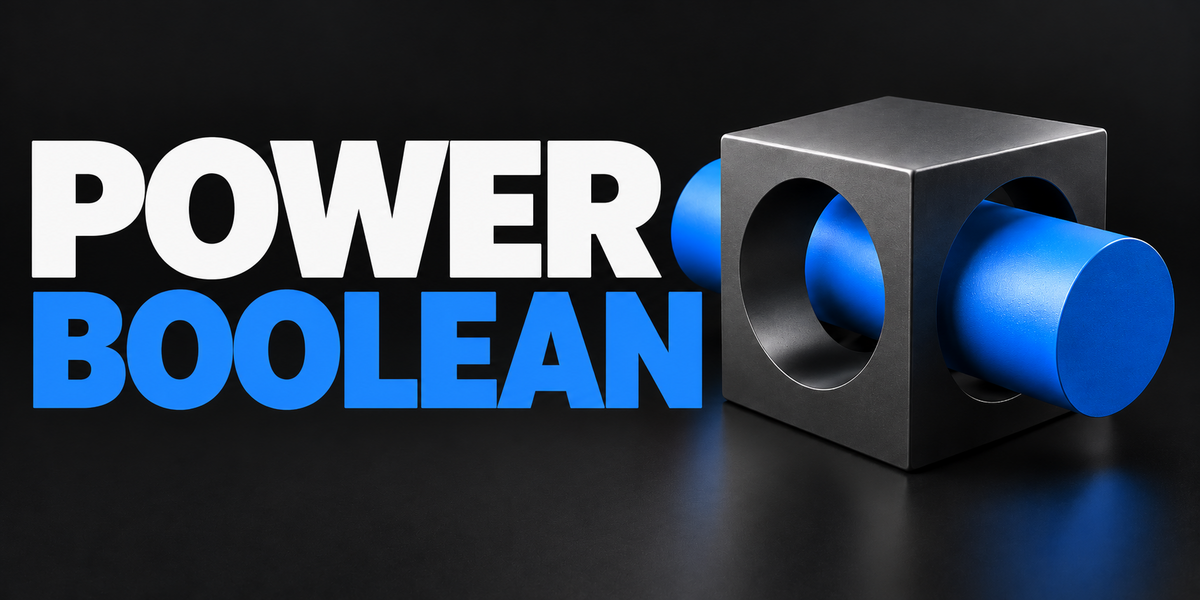


TACHYON STUDIO · HARD-SURFACE MODELING
Power Boolean
Build the cut. Shape the edge. Keep control.
Version 4.0.1Four Boolean operationsFixed or live cuttersBlender 3.0–5.2THE IDEA
From intersecting meshes to a finished cut
Combine multiple cutters with one active target, then tune cleanup and optional bevels in the same sidebar. Power Boolean brings Difference, Union, Intersect and Slice into a consistent mesh-modeling workflow.
Use it for ports, notches, joined forms and separated pieces. The recordings below show the actual add-on in Blender.
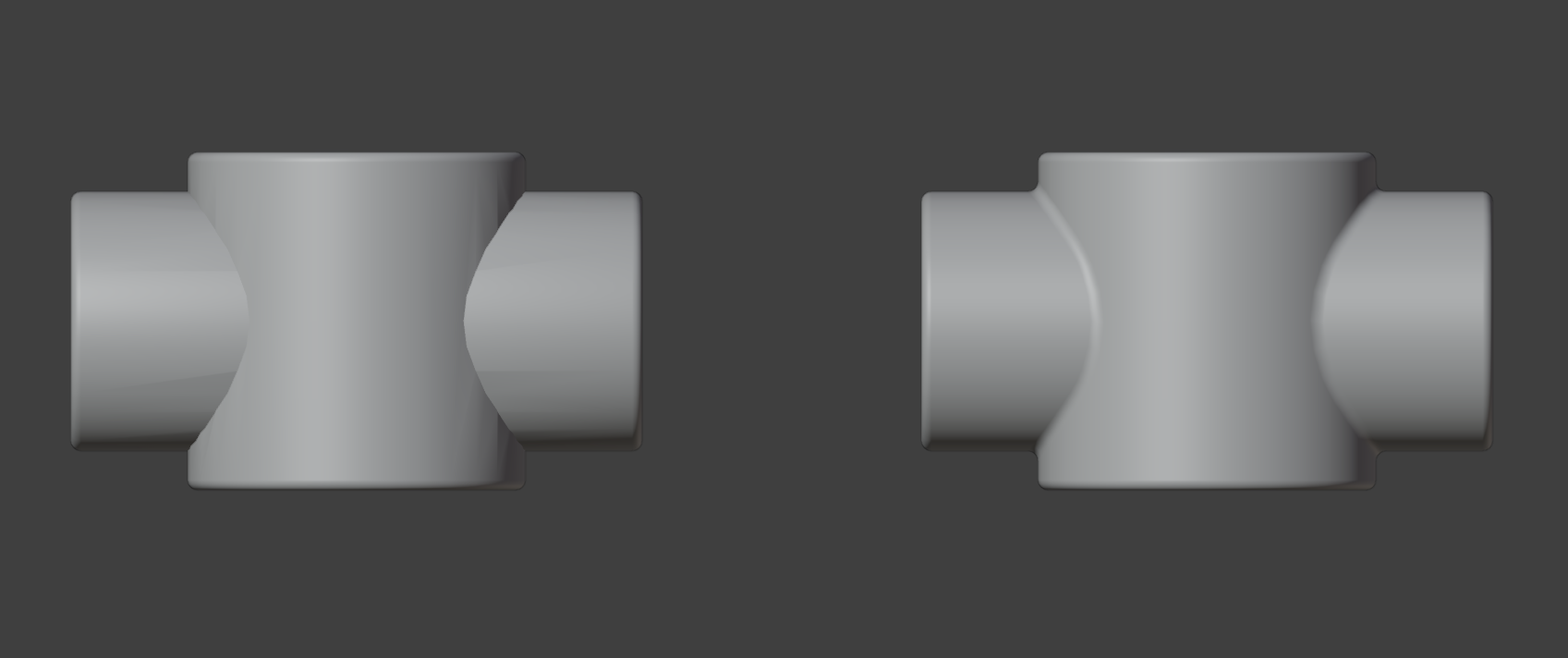
01 / MODEL THE FORM
Four operations. One selection workflow.
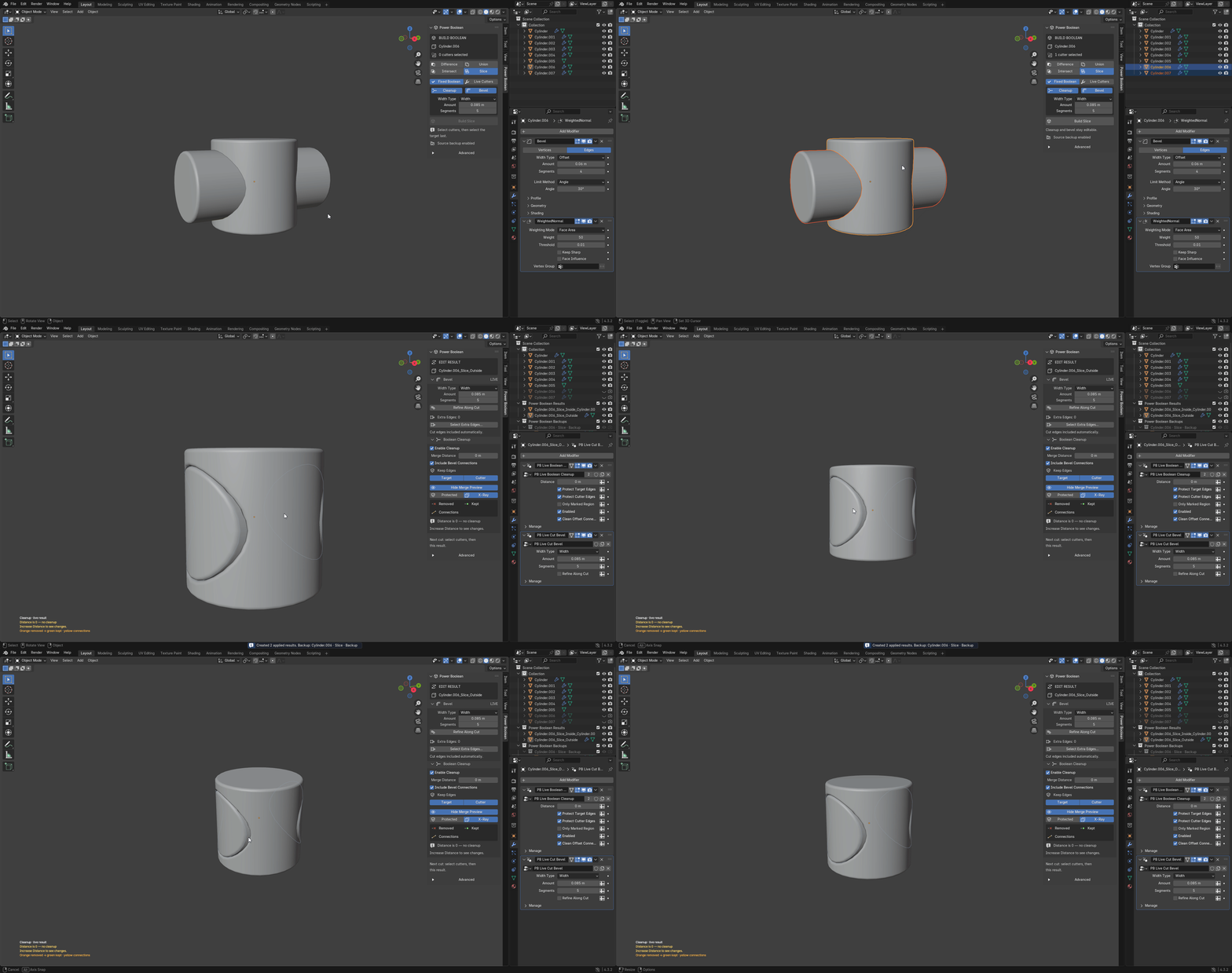
Select the cutters first and the target last. Choose an operation in Sidebar (N) → Power Boolean, then build.

Difference — cut away volume
Subtract the selected cutters from the target and adjust the finish on the resulting cut.
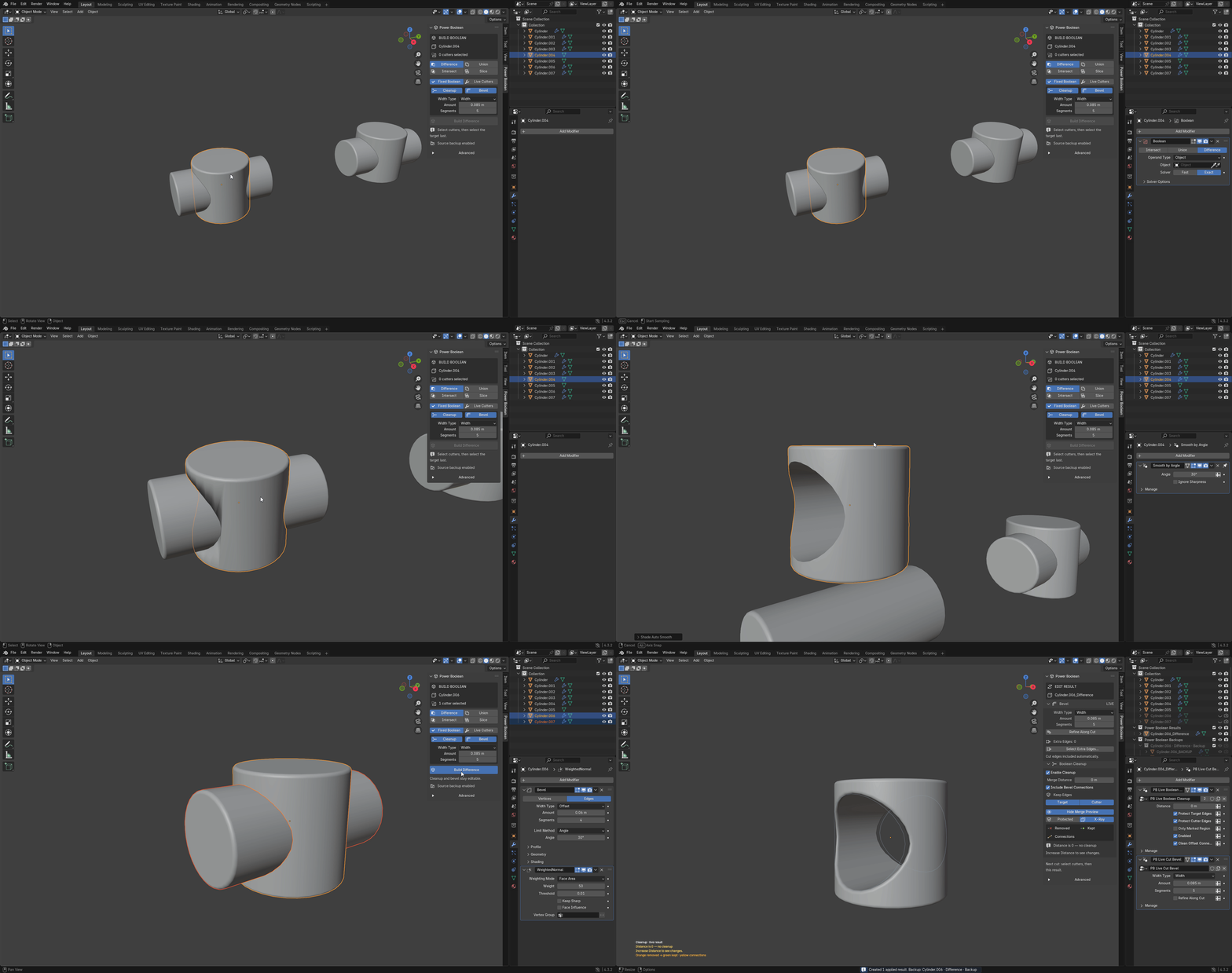

Union — join intersecting forms
Combine intersecting meshes and shape the transition at the junction.
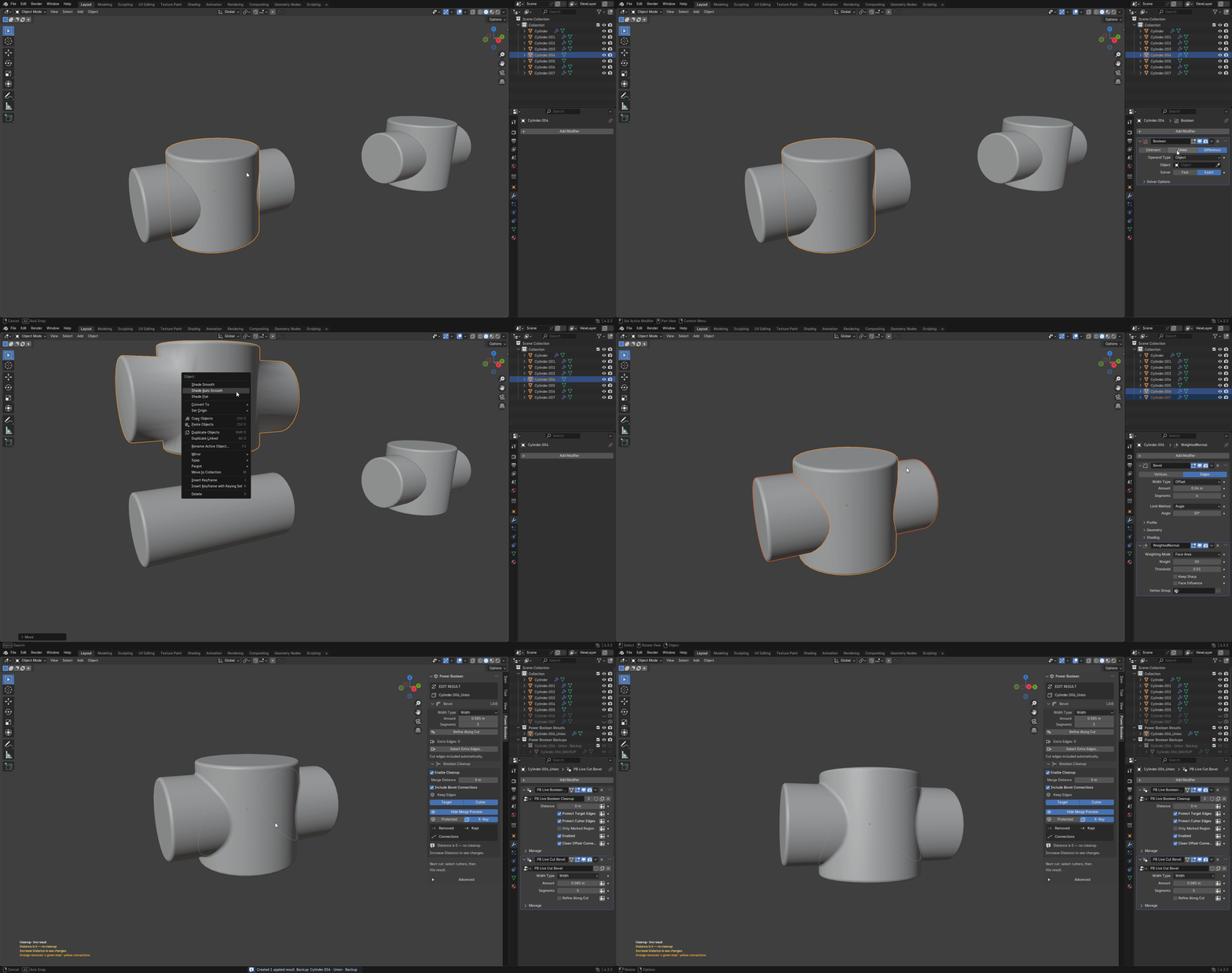

Intersect — keep the shared volume
Use the overlapping volume to build a new result from your source meshes.
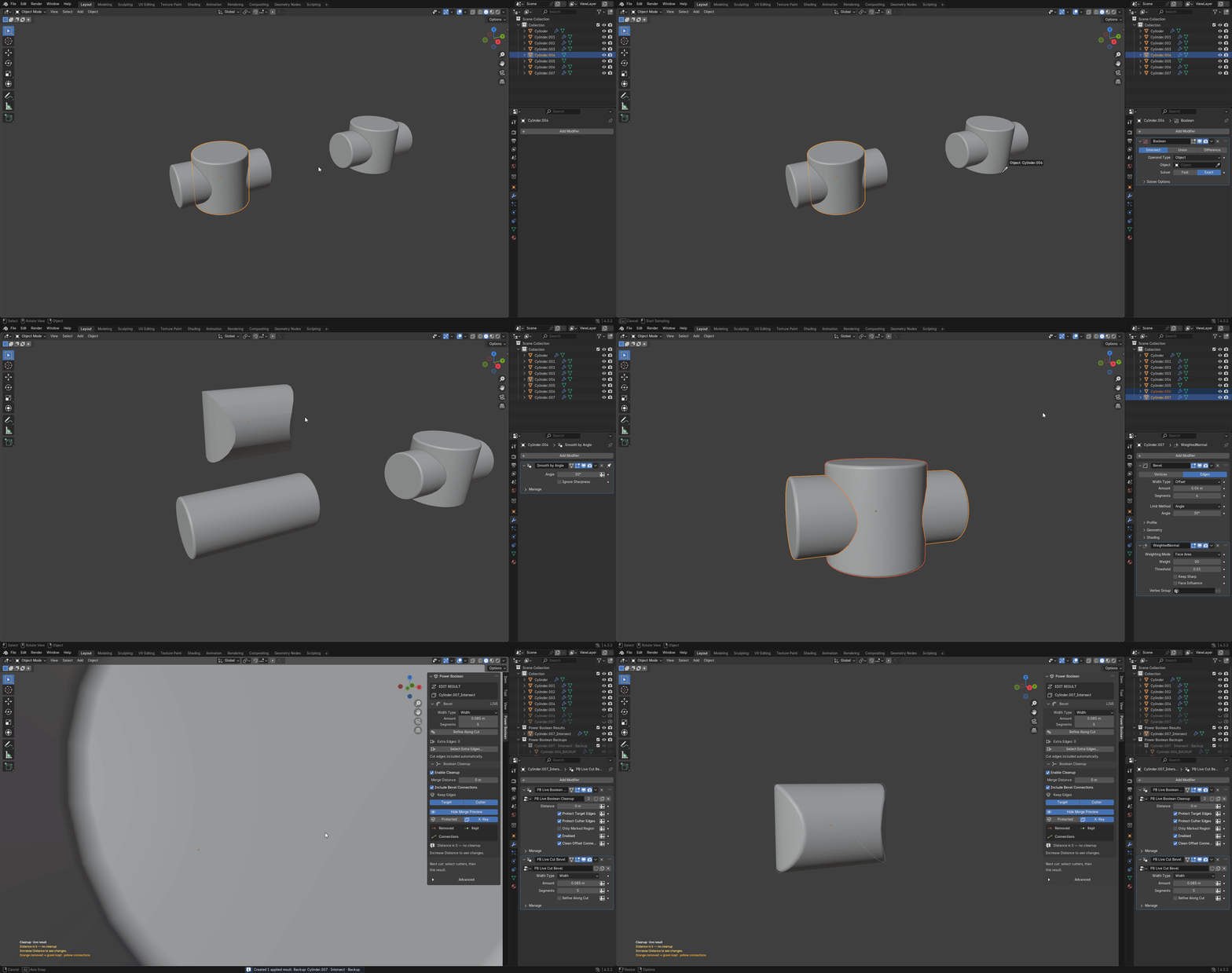

Slice — keep separate pieces
Create an outside result and separate inside pieces rather than discarding the cut volume.
02 / CONTROL THE FINISH
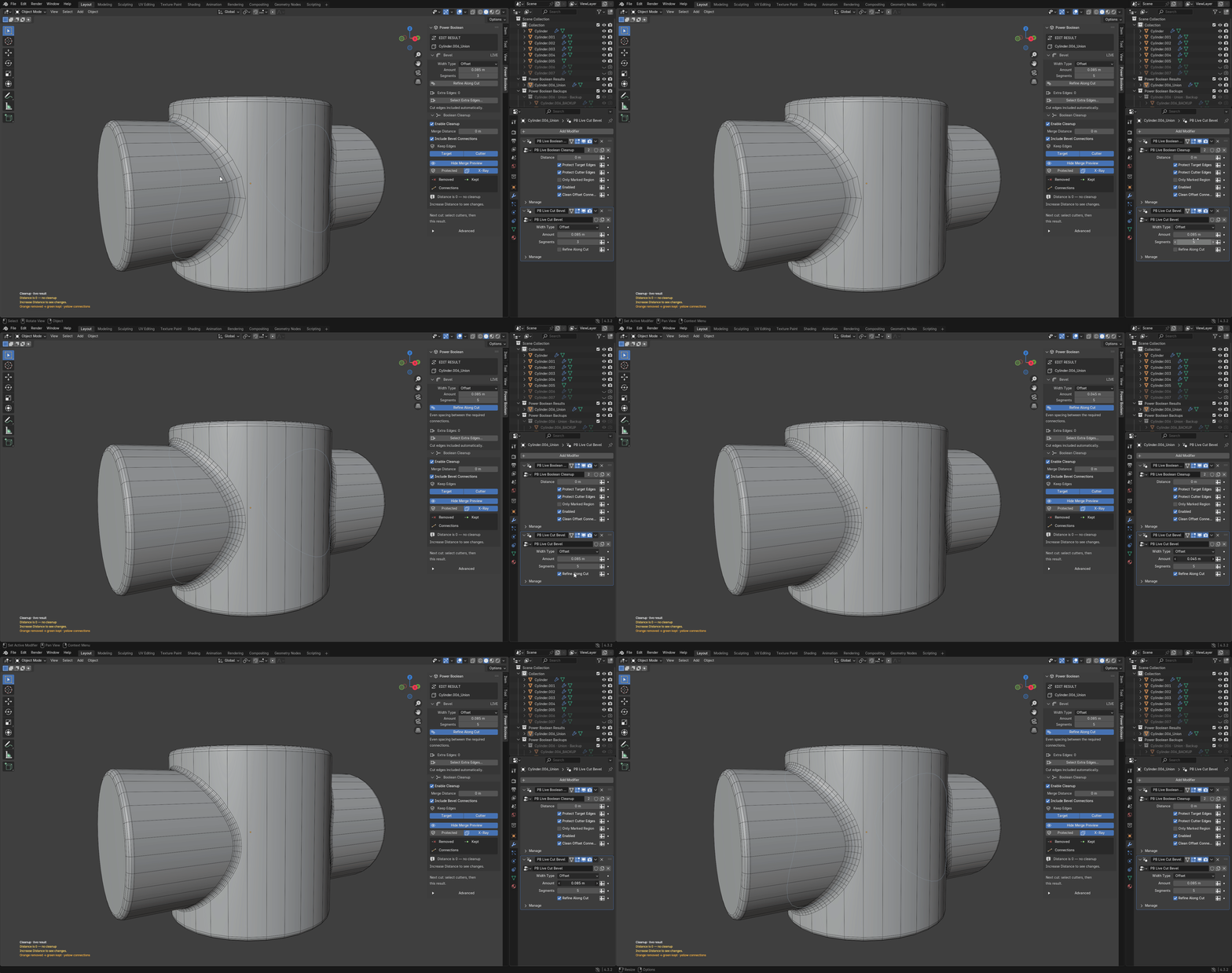
Editable bevels and visible cleanup
Bevel the cut
Choose Width or Offset, adjust Amount and 1–12 Segments, and mark extra edges when needed.
Inspect cleanup

Control Merge Distance, protect target or cutter edges, and preview removed vertices, kept vertices and connections.
Refine Along Cut
Add rows along supported cut configurations while inspecting the real wireframe. Refinement is geometry-dependent; start with a working base bevel.

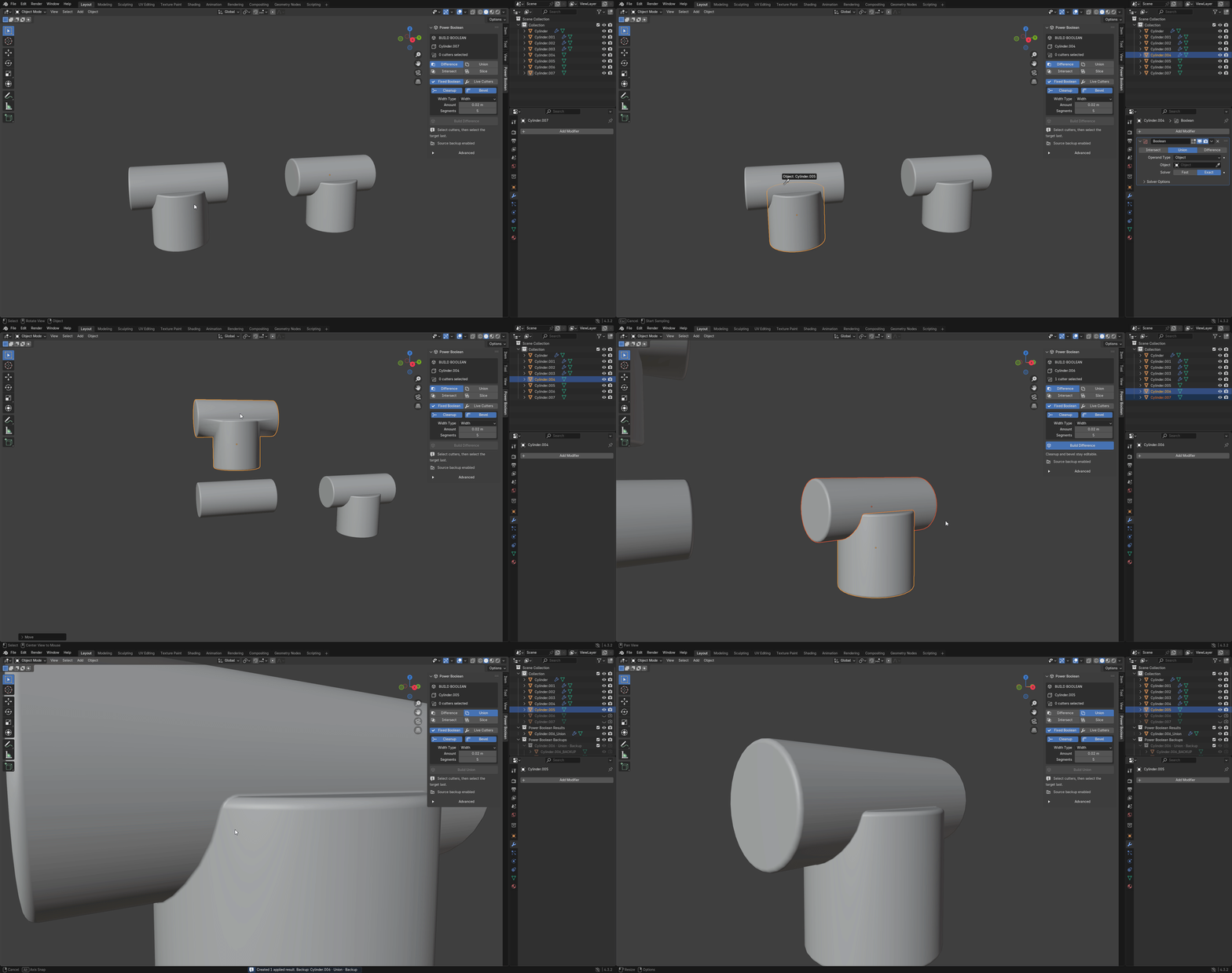
Work around curved junctions
Review the junction from different angles as you build and adjust the result. Bevel settings remain editable on managed results.
03 / STAY IN CONTROL
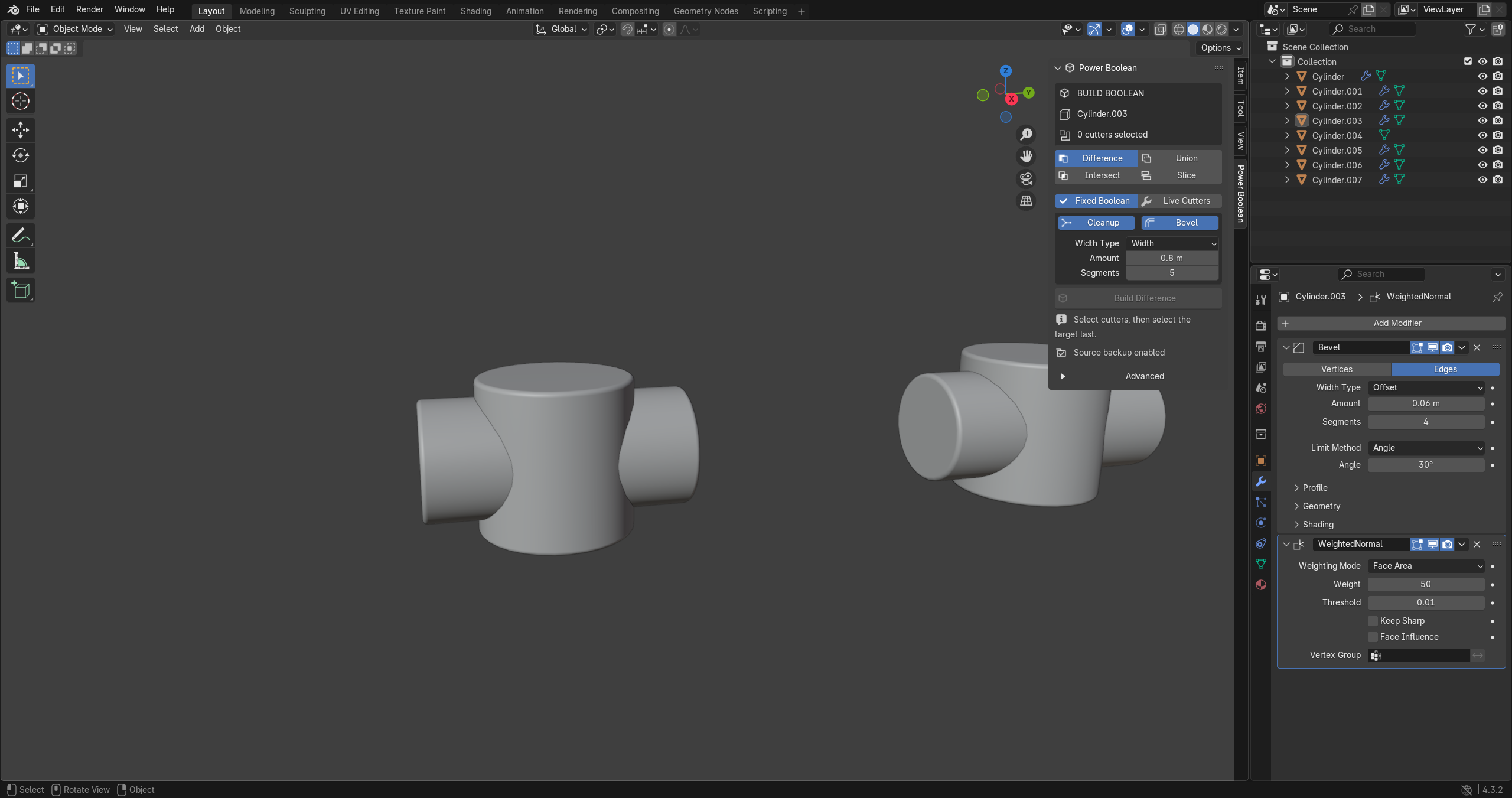
Fixed cuts or live cutters
Fixed Boolean writes the cut into a new mesh. Live Cutters retains the cutter setup so you can move or reshape it. Both keep managed cleanup and bevel controls available.
Successful builds hide source objects and create backups by default. Keep backups enabled while learning, and save an editable copy before using Apply Stack for delivery without the add-on.
YOUR DOWNLOADS
Included in every tier
- power_boolean-4.0.1-universal.zip — universal add-on / Extension installer, editable Python source, icons and GPL license.
- power_boolean-4.0.1-documentation-and-demo.zip — offline manual, quick start, FAQ, release notes and the reworked Precision Lab demo.
Install only the universal add-on ZIP. Extract the documentation archive separately. The four-example demo requires Blender 5.2 and Power Boolean 4.0.1 for live editing.
COMPATIBILITY
Know the boundaries
Power Boolean 4.0.1 supports Blender 3.0–5.2. Installer, 48-case modeling regression, multi-cutter/material checks and fresh-process saved-scene reopening were tested on Windows with Blender 3.0.1, 3.1.2, 3.2.2, 3.3.21, 3.4.1, 3.5.1, 3.6.23, 4.0.2, 4.1.1, 4.2.23, 4.3.2, 4.4.3, 4.5.13, 5.0.1, 5.1.2 and 5.2.0 LTS. Native sidebar and overlay-shader checks also cover 3.0.1, 3.6.23, 4.1.1 and 5.2.0. macOS and Linux are untested. The supplied Precision Lab demo requires Blender 5.2; the add-on does not require that demo. This does not guarantee future Blender versions or every modeling configuration. No external account or Python download is required.
This is not a universal fillet solver. Thin wedges, complex junctions and closely spaced cuts can reject a bevel; the plain Boolean remains visible with diagnostic feedback. Dense meshes can pause rebuilds. Generated bevel faces use material slot 0. Animation and downstream deforming modifiers are not qualified. Test on a copy of your project.
PURCHASE OPTIONS
Same complete tool. Choose your team size.
Individual: For 1 person (1 seat). Commercial use included.
Team: For a team of up to 6 people (6 seats). Commercial use included.
Studio: For a studio of up to 20 people (20 seats). Commercial use included. Need more than 20 seats? Contact us directly.
All three options include the same features and downloads. The included GPL-2.0-or-later license governs the code; purchase-tier wording does not replace those rights.
MADE BY TACHYON STUDIO
Documentation and support
Read the full manual in the Documentation tab. Message Tachyon Studio through Superhive or join our optional Discord community. Include your Blender/add-on versions, operating system, settings and reproduction steps; remove private project data.
By Tachyon Studio. Normal-transfer concept credited to Rico Holmes.
Discord supportRead the manualTHE TACHYON STUDIO COLLECTION
Go beyond
Power Boolean.
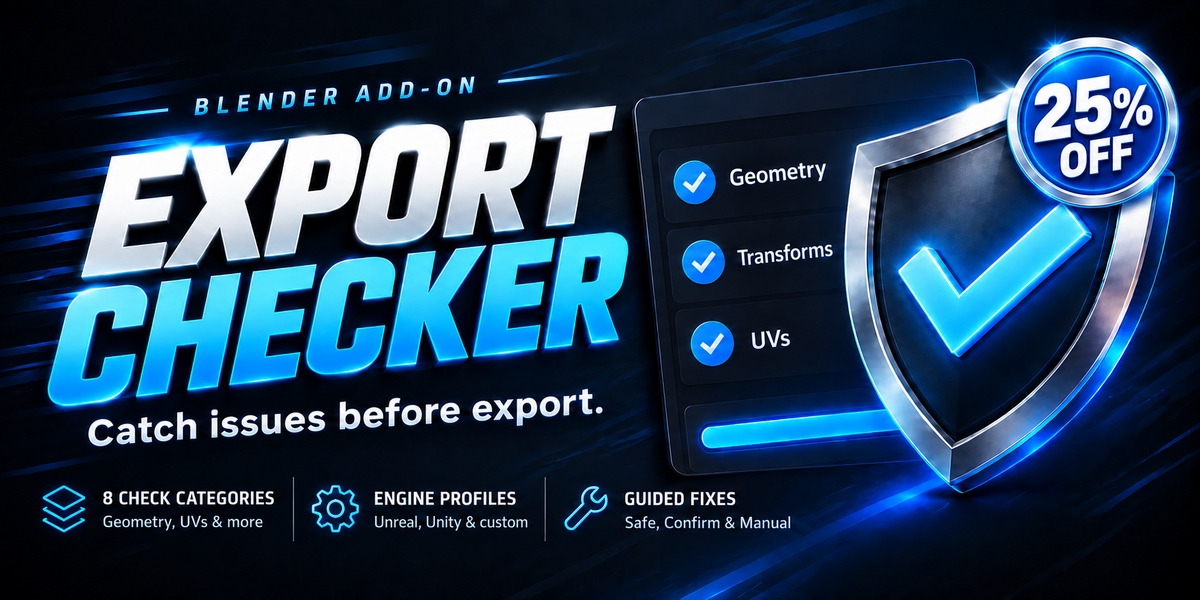
Check your assets. Plan your exports.
Find the next tool for the way you work.

Or choose a focused tool.
One specific job. One dedicated add-on.

There is more in the studio.
See the full collection ↗Sold separately. These products are not included with or required for Power Boolean.
Use Ultimate Utilities or its Core/Export Checker/Fast Export standalones, not both.