 3d illusions


Bringing clipboard images into Blender is a tedious process:
Without the addon:
- paste it into a image editing software
- if using for height and displacement maps, make trial and error modifications and bit depth changes to avoid stepping artefacts.
- browse to a location to save it to
- name the file
- save it
- import into Blender
- create and align:
- geometry
- materials
- nodes
With the addon:
- ctrl + alt + V (image with alpha) or ctrl + shift + alt + V (height/displacement compatibility). The addon will also create the necessary Blender elements relevant to the editor pasted into.
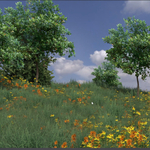
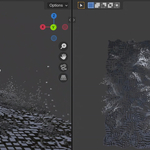
Paste into pre-configured particle systems to generate landscapes in seconds:
Displacement and Height Map pre-processing!
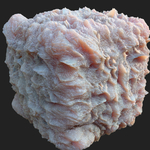
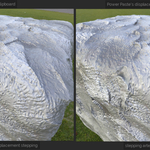
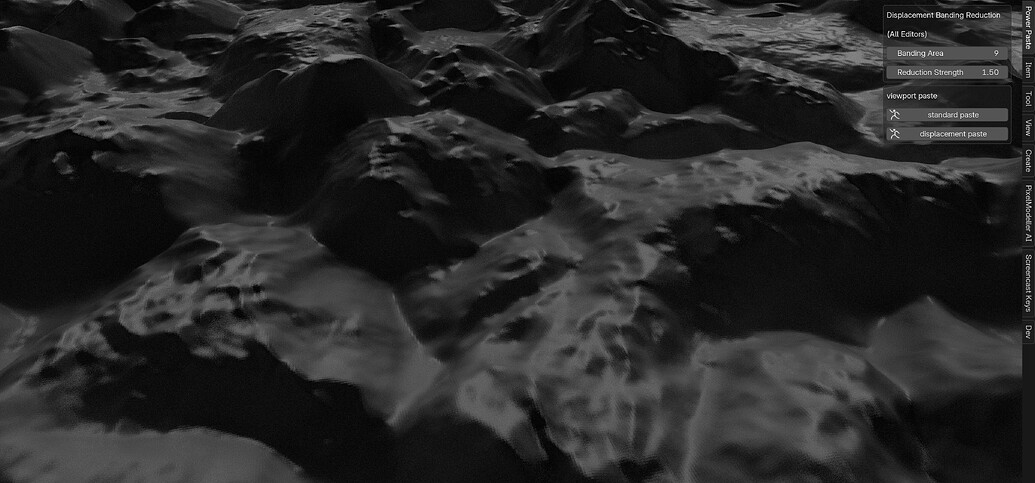
Clipboard images, and even downloaded materials packs, often produce visible steps when used for displacement and bump maps. This is due to the 8 bit clipboard and image files having insufficient dynamic range to produce smooth transitions between pixels. Power Paste has a secondary paste mode (ctrl + shift + alt + V) which not only pastes the image, but also process the image to avoid such artefacts.
Original Height map from downloaded material:
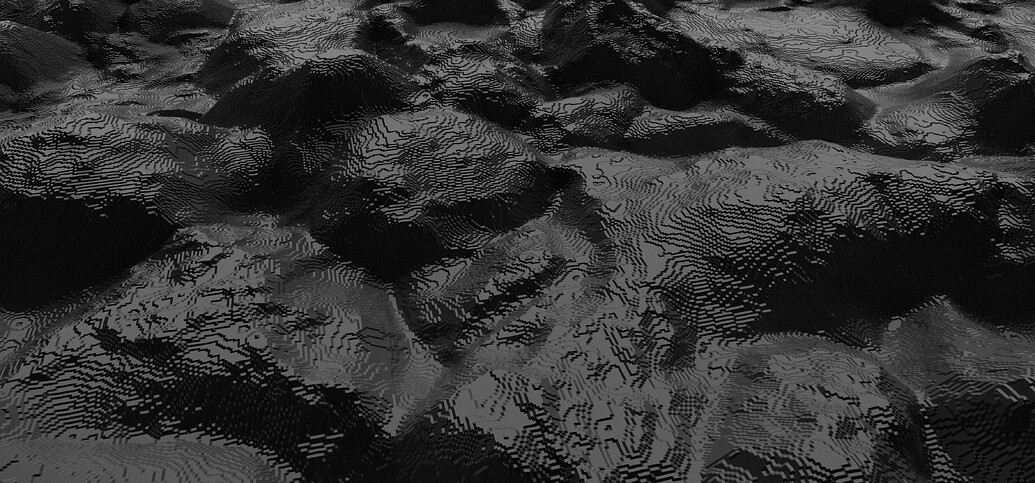
Image copied to clipboard from Blender's image editor, and then re-pasted into Blender using ctrl + shift + alt + V:
Paste to the Viewport!
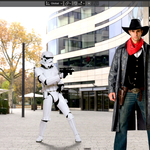
Paste into the viewport as renderable image planes, with materials automatically created and assigned, and tweak the materials in real time:
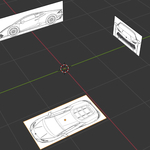
Quickly Set up Reference Images
Paste as empty and automatically orient to the 3d cursor, with rotation based on the global axis the camera is most aligned with. No need to manually position!
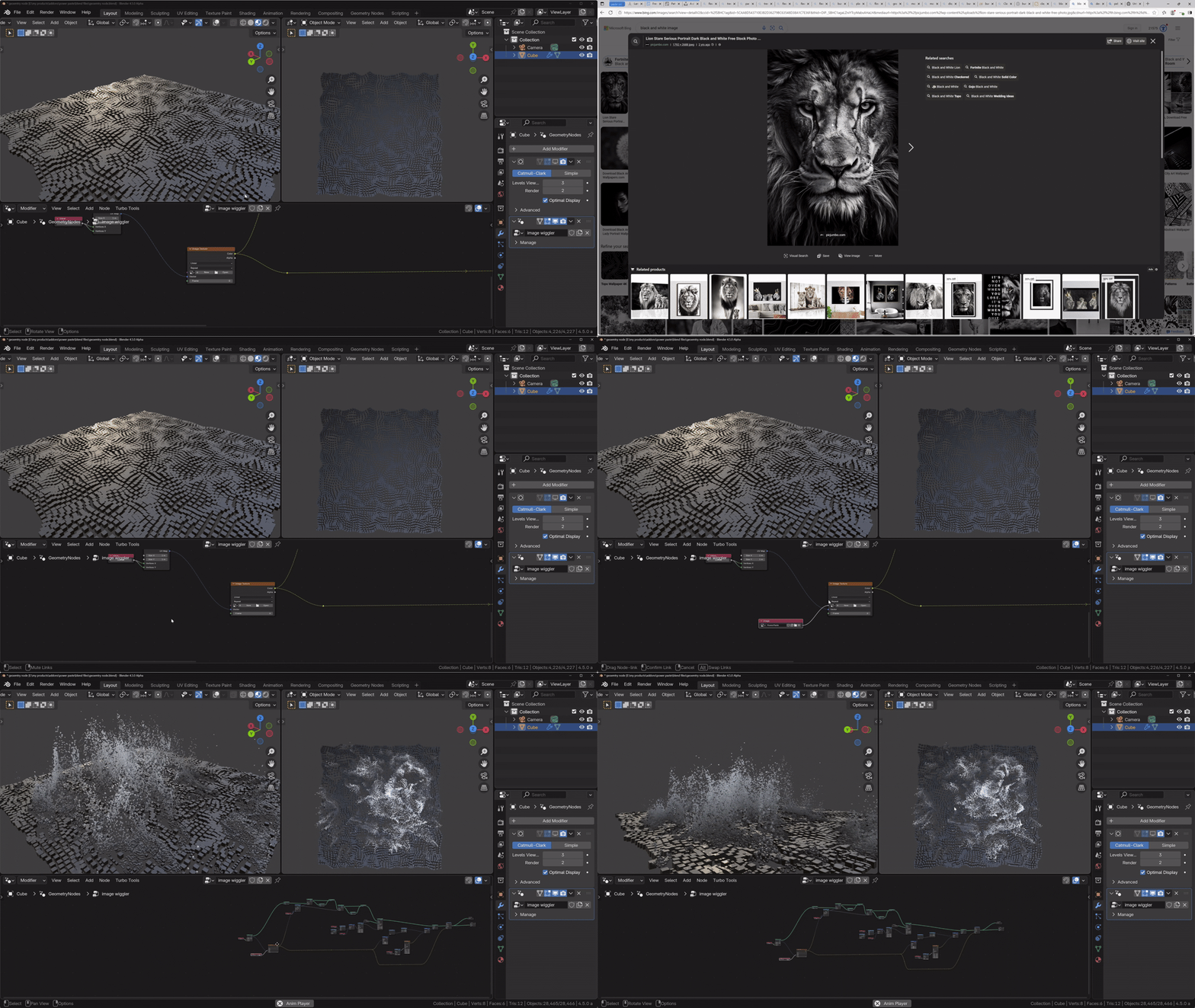
Paste to the Geometry node editor
Nodes are placed at the mouse cursor for added convenience.
Paste to the Shader Editor
Here's I'm pasting an 8 bit for the Base colour, and a 16 bit processed version for the displacement:
Paste to the Compositor

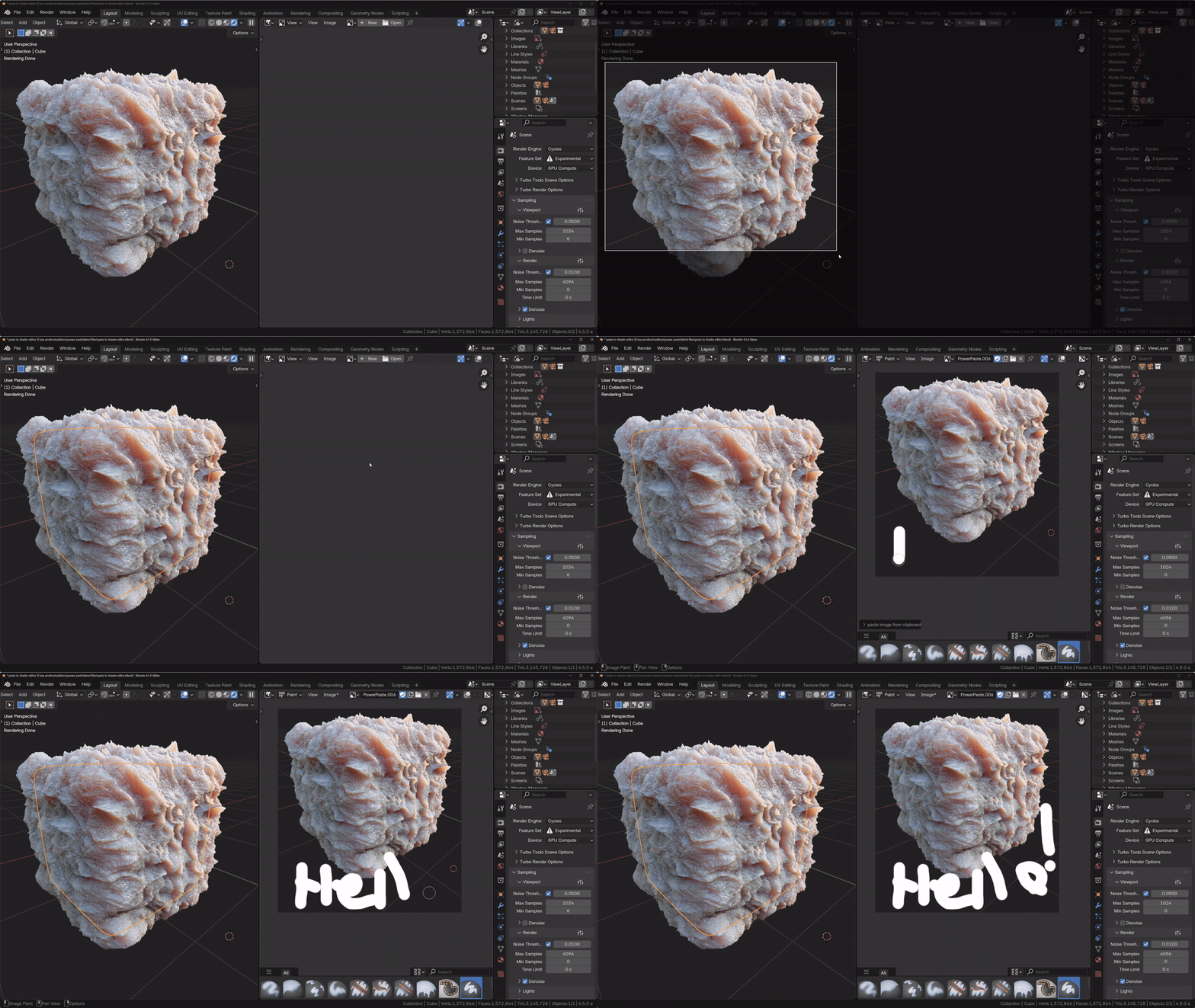
Paste directly into Image Editors
In addition to the above, the addon opens up many different workflows
- quickly copy the output of a compositor viewer node and then paste it into the compositor as a texture node in place of the expensive nodes that generated it.
- Create a texture using the compositor, copy it from the view node, and paste it directly into a shader editor or geometry node editor as a texture node to use as a base colour or bump map for example.
- Converting compositor generated masks into actual pixels that can then be modified with the image editor's paint and mask tools.
For detailed installation and usage instructions, please visit the documentation tab at the top of this page.
Enjoy!
Michael
3d-illusions
Other Popular Addons from 3d-illusions

Turbo Tools is used in more than 150 countries by both major studios and hobbyists alike. It automates professional workflows at the click of a button, to speed up Cycles rendering, compositing, and even removes flicker from animations that would otherwise require up to 40x longer rendering time!

Pixel Modeller AI generates depth based 3d models directly from the clipboard, and then provides a suite of simple sliders to completely modify the model.