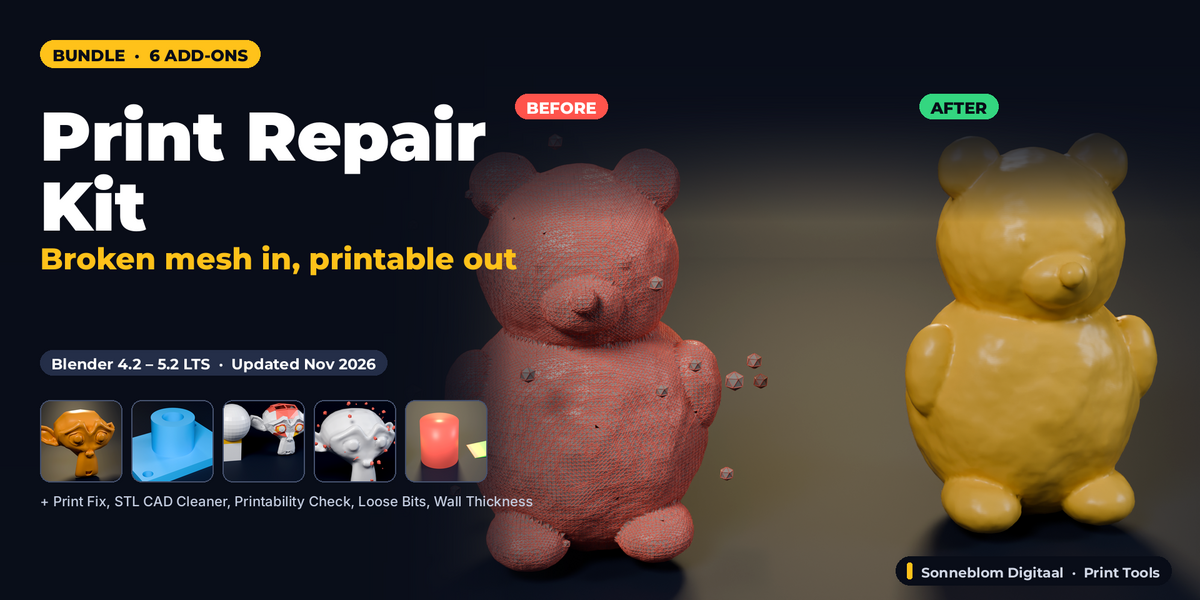
Print Repair Kit - 6 Mesh Repair & Check Add-Ons for 3D Printing
 Sonneblom Digitaal

Installing the bundle
Download every .zip from your Superhive Orders page. Each .zip is one Blender extension. In Blender 4.2 or newer: Edit > Preferences > Get Extensions > arrow menu > Install from Disk, select the .zip. Repeat per add-on. Do not unzip the files.
Included add-ons and their manuals
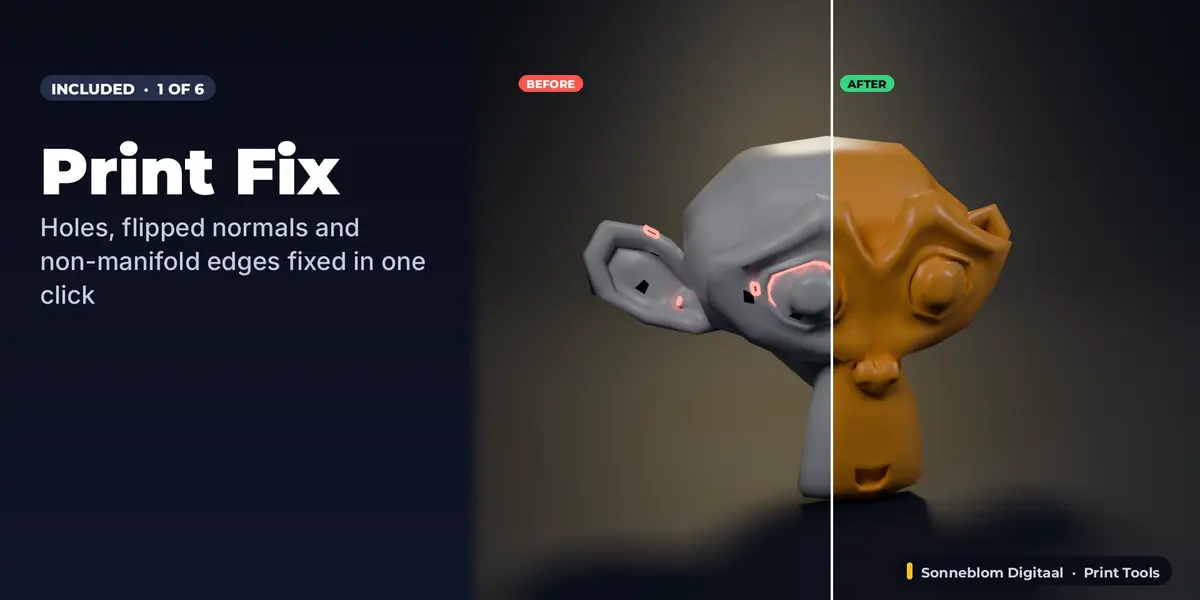
- Print Fix - Mesh Repair for 3D Printing: full documentation and FAQ on its product page.
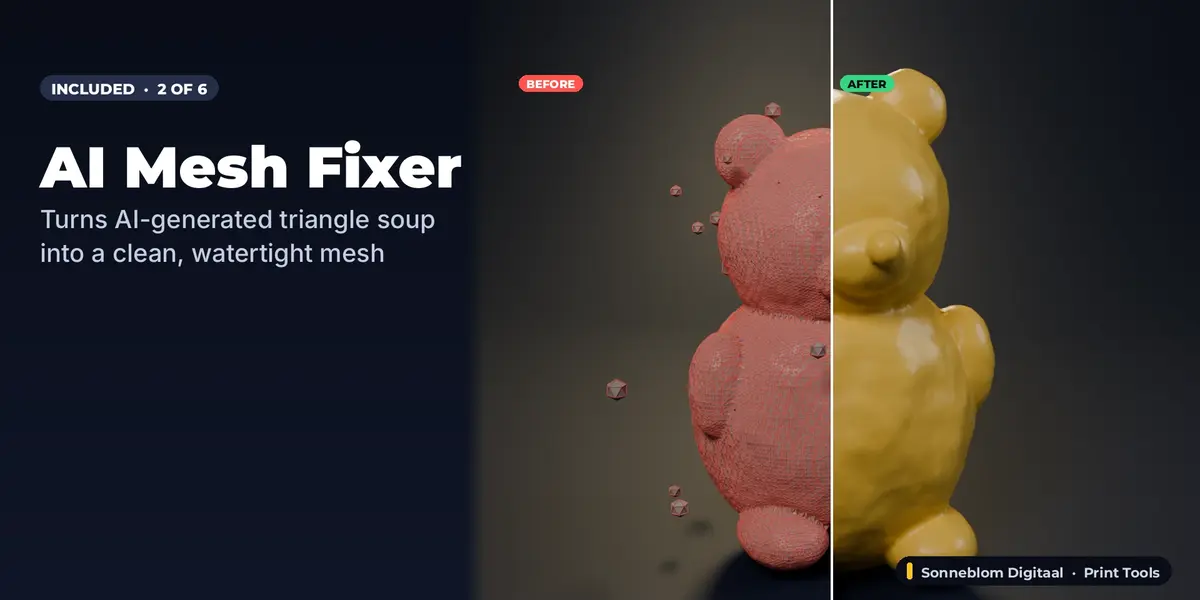
- AI Mesh Fixer: full documentation and FAQ on its product page.
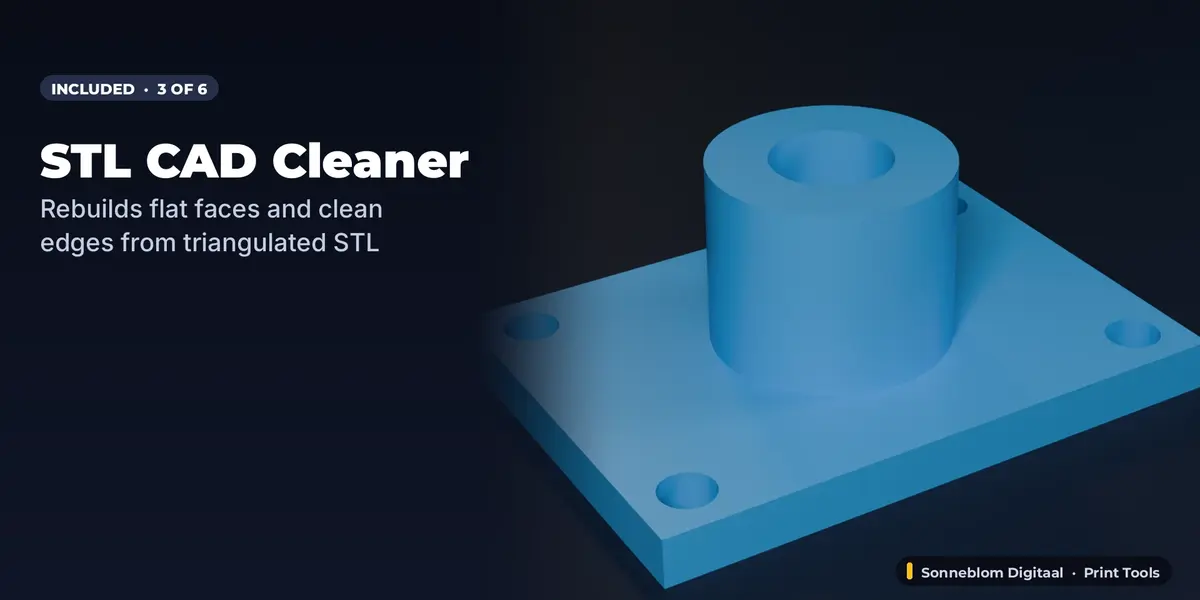
- STL CAD Cleaner: full documentation and FAQ on its product page.
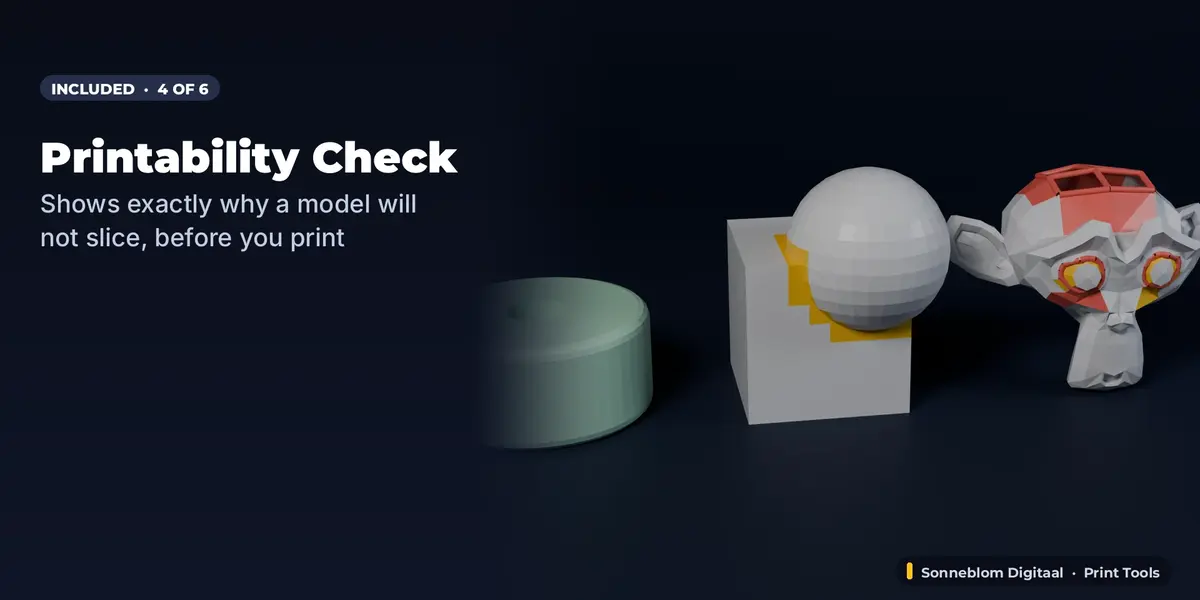
- Printability Check - Will It Slice?: full documentation and FAQ on its product page.
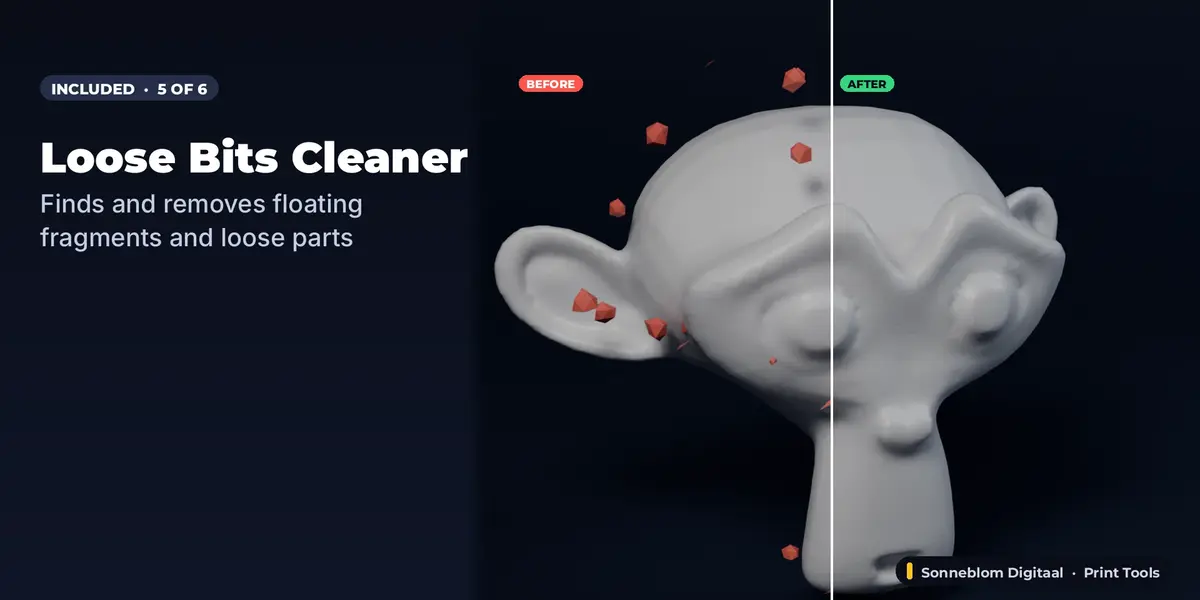
- Loose Bits Cleaner: full documentation and FAQ on its product page.
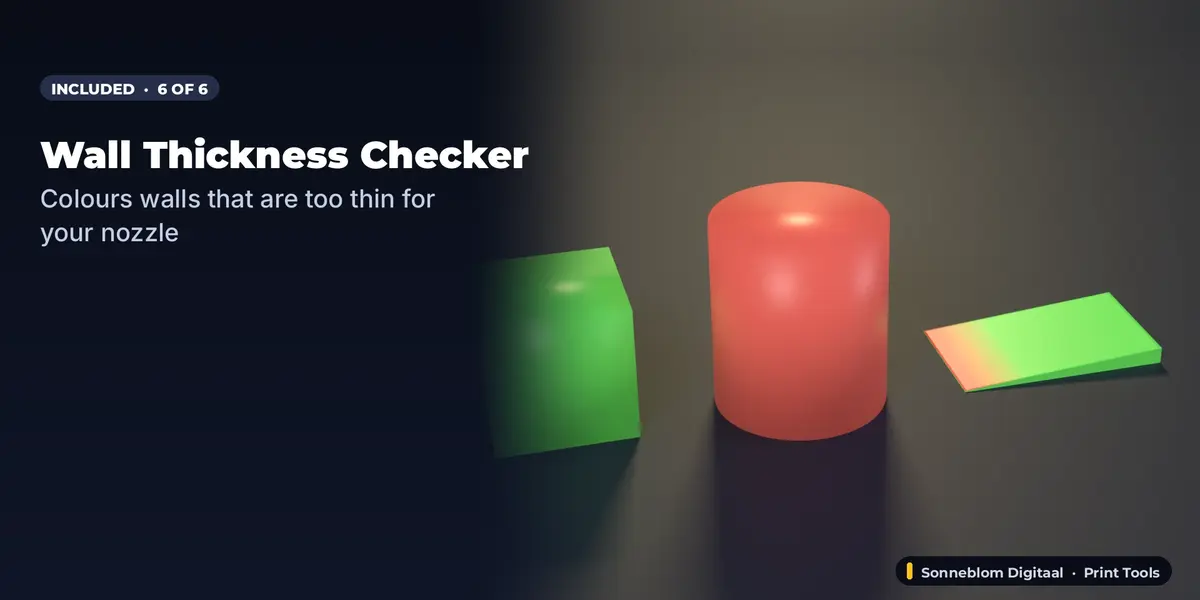
- Wall Thickness Checker: full documentation and FAQ on its product page.
Typical workflow
1) Printability Check shows what is wrong. 2) Print Fix (or AI Mesh Fixer for AI/scan meshes) repairs it; STL CAD Cleaner rebuilds clean faces on CAD STLs. 3) Loose Bits Cleaner removes floaters. 4) Wall Thickness Checker confirms the walls are thick enough for your nozzle.
Updating
When we release a new version of an included add-on, download the new .zip from your Orders page and install it over the old one (Install from Disk).
Have questions about this product?
Login to message
| Blender Extension Compatible | Yes |
| Published | 22 minutes ago |
| Blender Version | 4.2 - 5.2 |
| Extension Type | Add-on |
| License | GPL |
Discover more products like this
ai 3d model mesh repair repair-mesh watertight non-manifold bundle make-printable STL 3d printing print prep