 riccardo scuto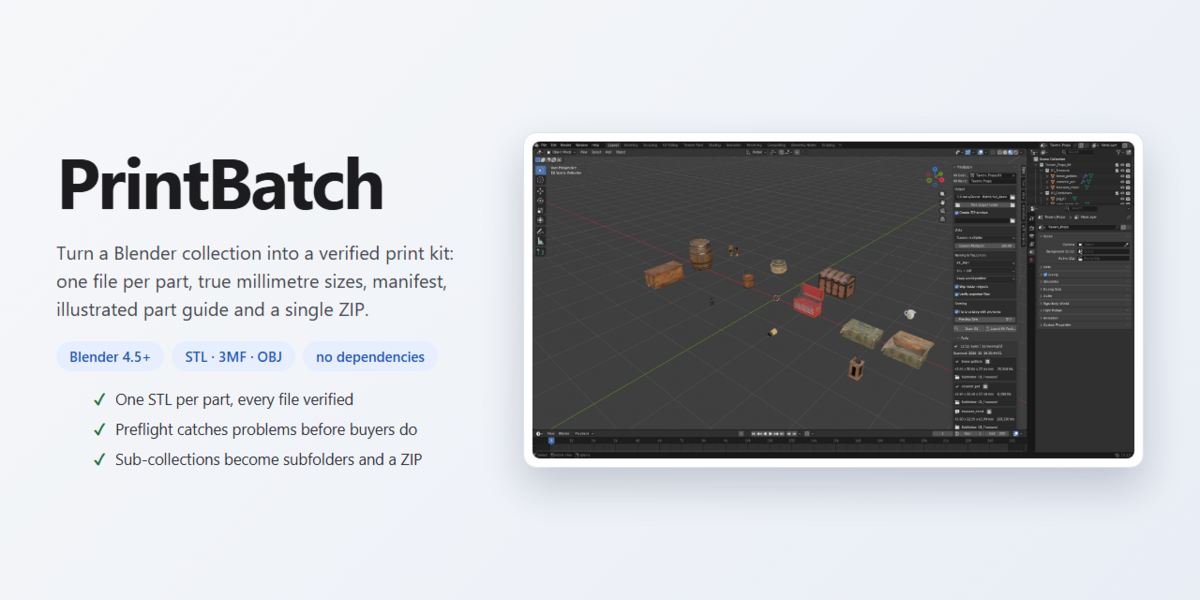
Turn a Blender collection into a delivery-ready 3D print kit: one file per part, clean unique names, true millimetre sizes, subfolders, CSV manifest, an illustrated HTML part guide, and a single ZIP. Built for creators who sell STL sets on Patreon, MyMiniFactory, Cults3D, or Kickstarter.
Blender 4.5 – 5.1+ • STL · 3MF · OBJ • Zero External Dependencies
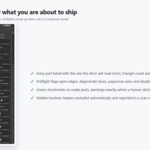
1. Scan — See Exactly What You Are about to Ship
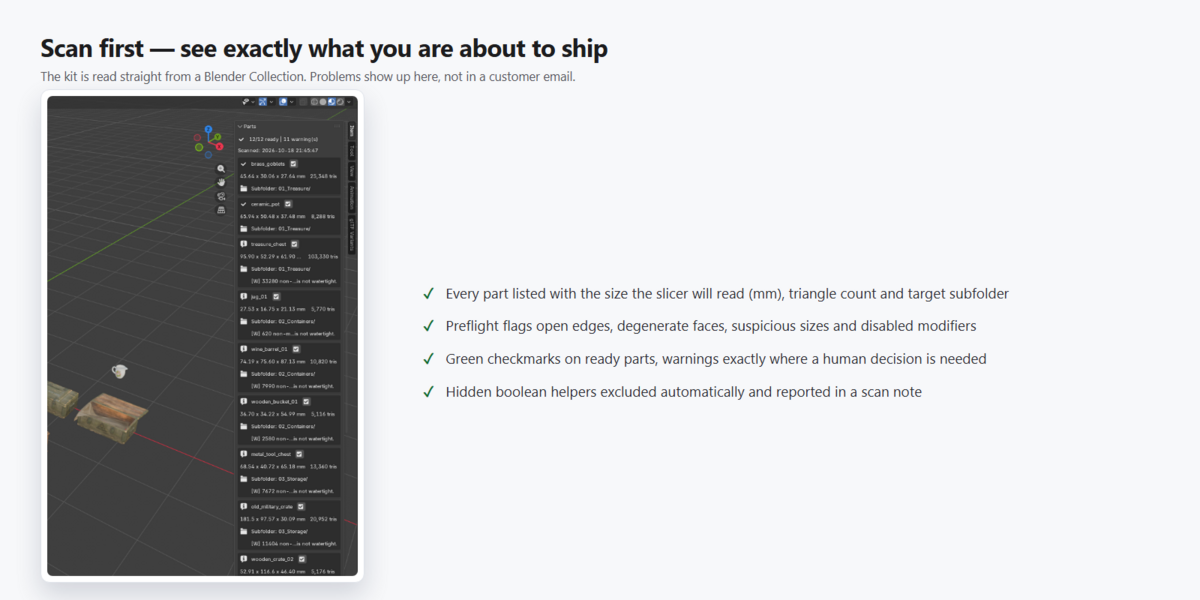
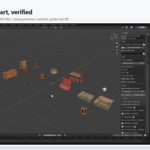
The kit is read directly from a Blender Collection. Every part is listed with the exact size the slicer will read (in mm), triangle count, and the subfolder it will land in. Problems appear before export, not in a customer email.
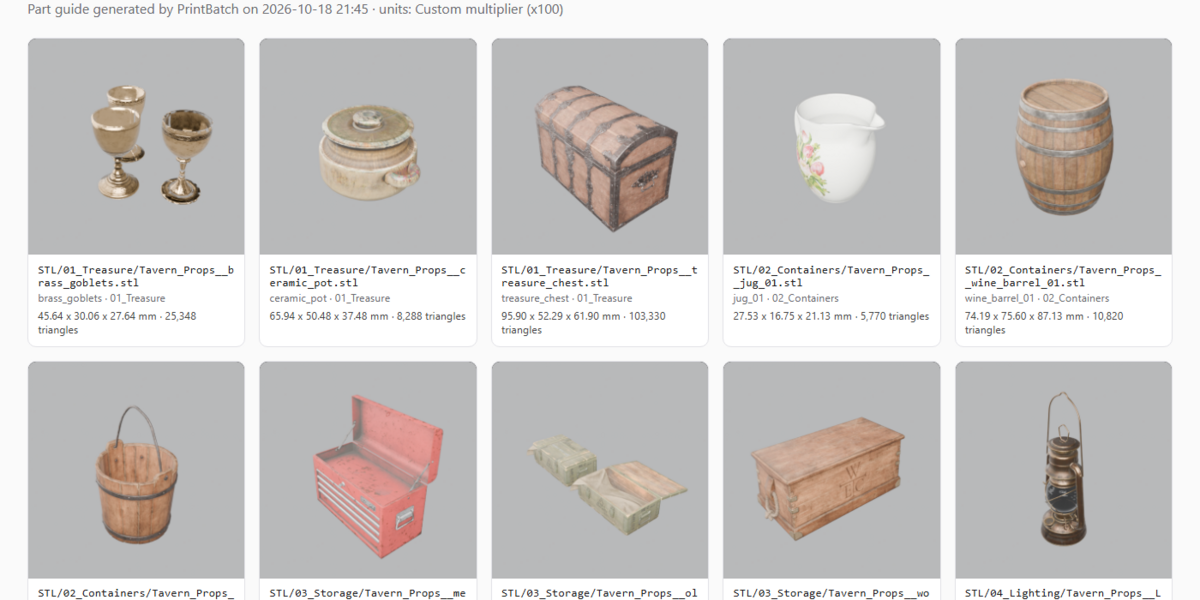
2. The Part Guide Your Customers Actually Read
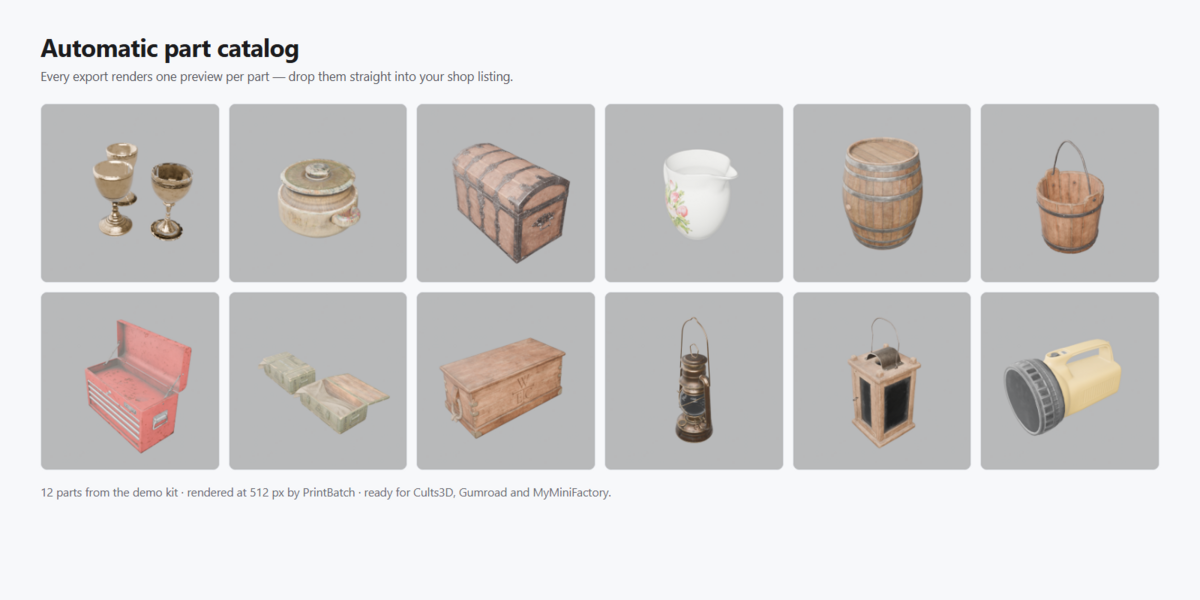
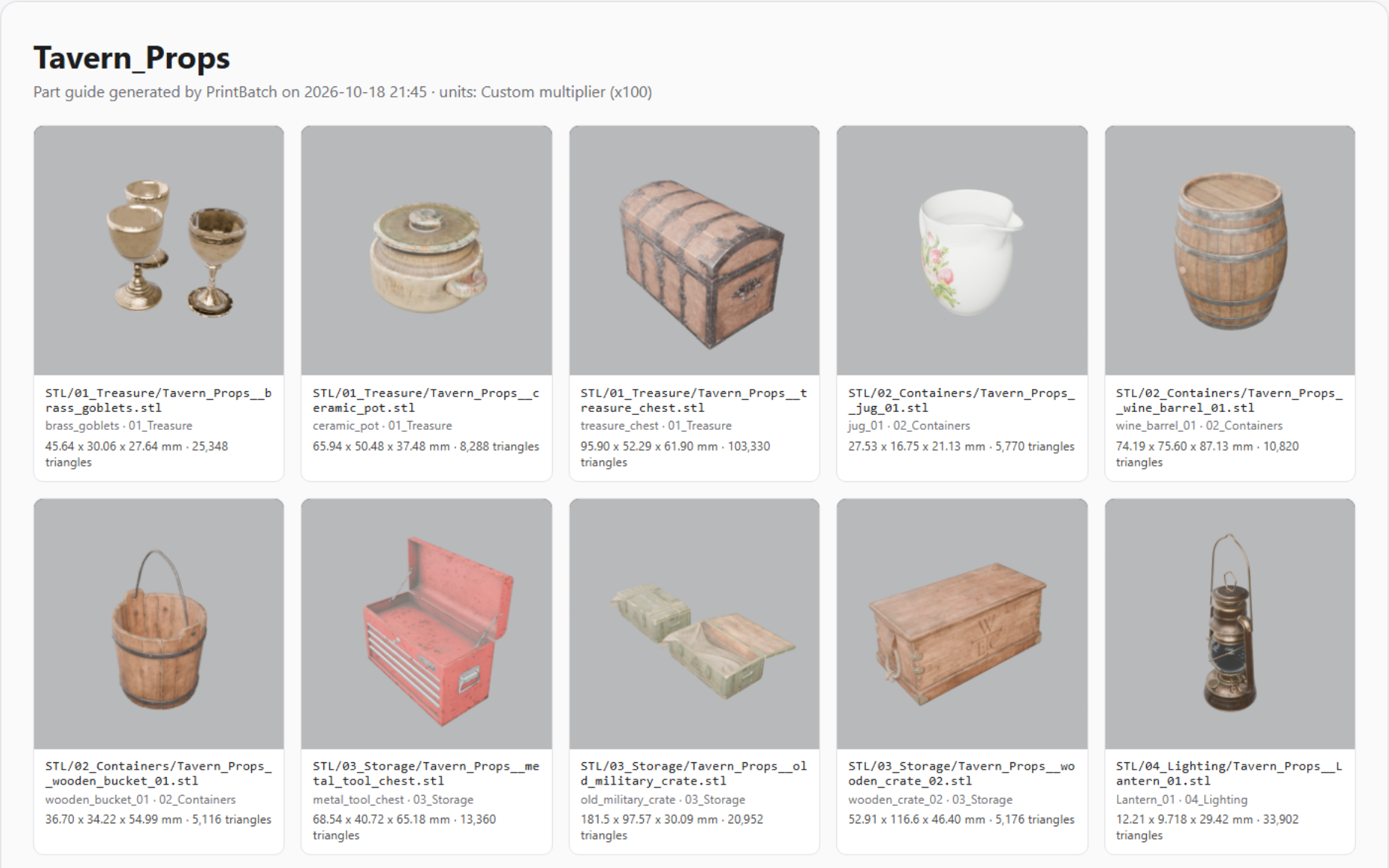
parts_guide.html is generated automatically inside the package: a studio-lit preview image per part, exact file names, subfolder, size in mm, and triangle counts. No more “what size is part X?” messages — it is right in the guide. The same square PNG thumbnails are also saved in catalog/, ready to drop onto your store page.
3. The Division System — Sub-Collections Become Subfolders
Sub-collections in Blender map automatically to subfolders in the package and inside the ZIP:
Tavern_Props/
├── STL/
│   ├── 01_Treasure/       brass_goblets, ceramic_pot, treasure_chest
│   ├── 02_Containers/     jug_01, wine_barrel_01, wooden_bucket_01
│   ├── 03_Storage/        metal_tool_chest, old_military_crate, wooden_crate_02
│   └── 04_Lighting/       Lantern_01, plastic_torch_6v, wooden_lantern_01
├── catalog/               12 studio preview PNGs (ready for store pages)
├── manifest.csv           file · part · subfolder · size mm · triangles · verified
├── parts_guide.html       offline illustrated part guide
└── README.txt             package summary and preflight notes
Each part can also ship as .3mf and/or .obj: the built-in native 3MF writer declares millimetre units and cuts file size by roughly 70% versus STL on dense meshes.
4. Everything PrintBatch Does
| One File Per Part (No Overwrites) Parts are exported individually so two objects sharing a name across collections can never silently overwrite each other. | ×1000 Millimetre Scale Guard Previews the exact mm size slicers will read, detects metres/millimetres traps, and fixes them in one click with Fix Unit Scale. |
| Drop on Print Bed (Z = 0) Keep your kit assembled in your scene. Evaluates all modifiers in place, then centres each exported part on X/Y and rests its lowest point at Z = 0. | Preflight Diagnostic Checks Flags non-manifold edges, zero-area faces, suspicious sizes, and viewport-disabled modifiers. Report-only — never destroys geometry. |
| Hidden Helpers Automatically Skipped Boolean cutter meshes hidden in the viewport are excluded automatically and listed in a scan note so they never end up in a paid ZIP. | Clean, Unique Sanitized Names Spaces, dots, accents, and OS-reserved names are sanitized; collisions receive deterministic numeric suffixes ( _02, _03). |
| Mirrored-Part Normal Fix Parts mirrored with negative scale ( -1.0) automatically have their face winding flipped outward so slicers never see inside-out solids. | End-to-End Binary Verification Every written STL is re-read from disk and its binary triangle count is verified against the evaluated Blender mesh. |
5. Four Steps from Collection to Store-Ready ZIP
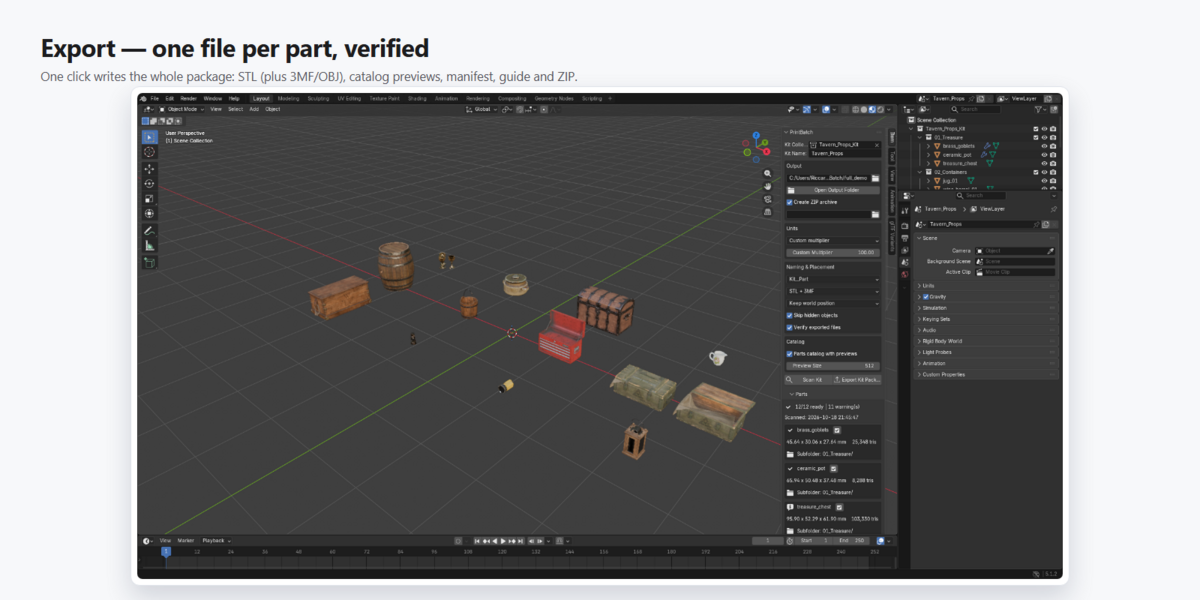
- Put the parts of your kit in one Collection — sub-collections become subfolders.
- Pick the Kit Collection, type a Kit Name, choose the Output folder.
- Click Scan Kit and check sizes, triangle counts and preflight messages.
- Click Export Kit Package and upload the produced ZIP to your shop.
6. Proven on a Real Kit
12/12 parts verified • 244,735 triangles in 5.9 s (catalog + ZIP included) • 3MF ~73% smaller than STL • 22–181 mm part sizes • 116 automated tests, 0 failures
Requires Blender 4.5 or newer on Windows, macOS or Linux — no dependencies, works offline. Full documentation and FAQ are on this product page.