PrintBatch — 3D Print Kit Publisher & STL/3MF Packager for Blender
 riccardo scuto
Do the 3MF files open in my slicer?
The writer declares millimetre units and the output is understood by Bambu
Studio, PrusaSlicer, OrcaSlicer and other spec-compliant tools; it is roughly
70% smaller than STL on dense meshes. A few specialised tools expect a full
build plate and may refuse a geometry-only 3MF - PrintBatch always writes the
STL alongside.
The slicer says my mesh is not watertight. Is the kit broken?
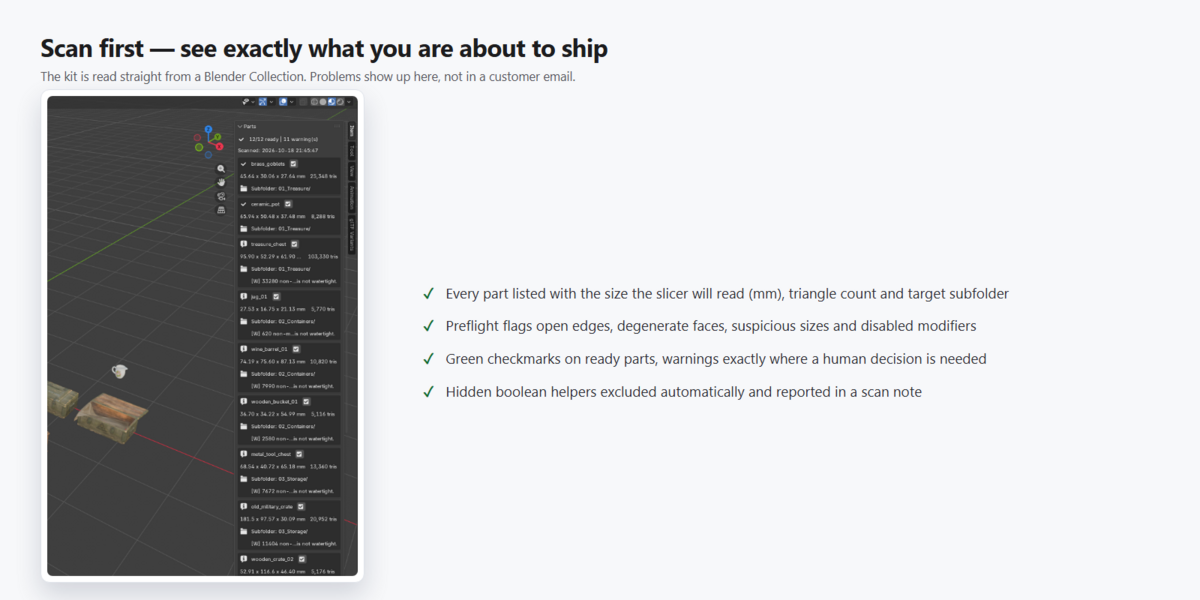
No. The preflight reports open borders or double edges, which are very
common in game and render assets. PrintBatch reports them instead of silently
repairing (repairing would change your art). Many props slice fine as-is; for
functional prints, close the shells in your modelling tool first.
My parts arrive 1000x too big or too small. What happened?
The unit profile does not match your scene convention. Blender's default
metric scene is 1 unit = 1 metre, while slicers read files as millimetres - the
classic x1000 mix-up. Pick the right profile in the Units box, or press
"Fix Unit Scale" when the red scale check appears. For print miniatures of
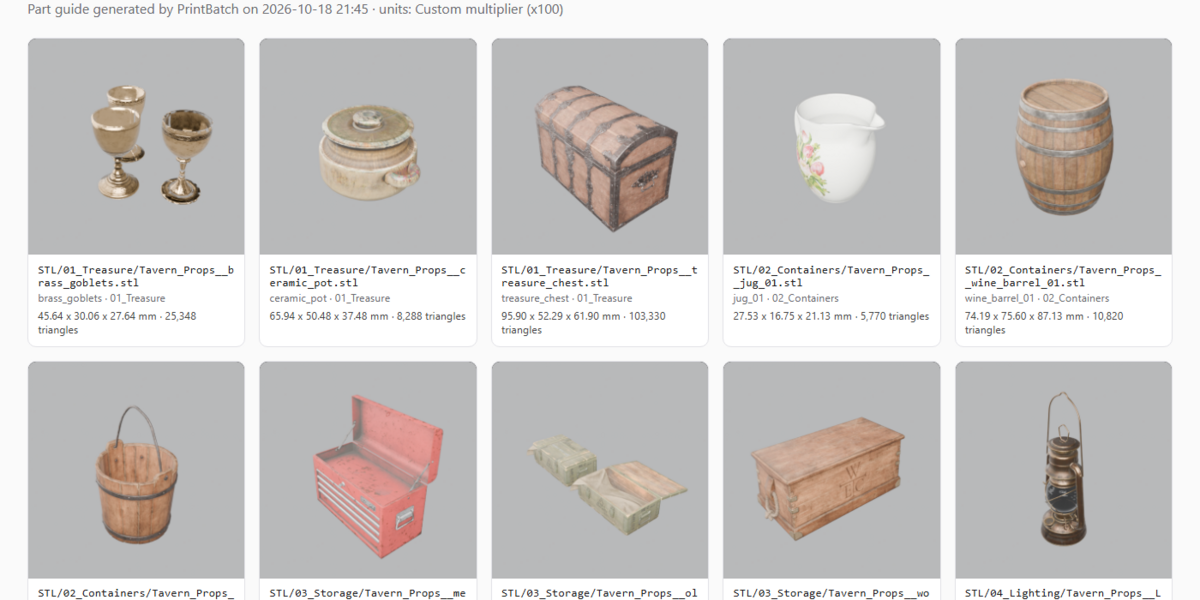
real-world props, use "Custom multiplier": 100 turns a 0.96 m prop into a
96 mm model (1:10).
Does it modify my models?
Never. All exports run on temporary copies; your scene, meshes and materials
are untouched. It is safe to run on work-in-progress files.
Is PrintBatch a slicer?
No. It prepares and packages your files; slicing stays in your slicer
(Bambu Studio, PrusaSlicer, OrcaSlicer, Cura...). PrintBatch makes sure what
arrives there has the right names, the right size in millimetres and the right
folder structure.
Have questions about this product?
Login to message
| Blender Extension Compatible | Yes |
| Published | about 3 hours ago |
| Blender Version | 4.5 - 5.2 |
| Extension Type | Add-on |
| Render Engine Used | Cycles, Eevee |
| License | GPL |
Discover more products like this
kitbash 3MF 3d print catalog generator print bed stl exporter manifold check scale fix cosplay miniatures batch-export manufacturing