 CG_Flow










$99 once. All future updates included.
VERSION 5.4 · PHYSICS NODES · DEFORMABLES · PRO TERRAIN
Physics Nodes, Deformables and Terrain in Blender
Version 5.4 adds Physics Nodes, Cloth, Soft Body, Strands, Dynamic Colliders and Pro Terrain. Build reusable simulation graphs, connect deformables with live smoke and fire, and create procedural landscapes with drawing, erosion and export tools.
Included for all Pro Particles Studio customers at no additional cost.
One-time purchase · Lifetime updates · No subscription
Pro Particles Studio
Pro Particles Studio brings particle simulation, liquids, deformable materials, smoke, fire and procedural terrain to Blender. Work with Lists or Physics Nodes, combine simulation systems, and prepare results with trails, instancing, meshing, caches, Alembic and VDB export. Pro Terrain provides a separate node workflow for static landscapes.
Hardware Check & Free Demo
Test the simulation workflow and your graphics hardware before purchase with the free evaluation build. Blender 5.0 or newer and Vulkan on Windows/Linux or Metal on Apple Silicon macOS are required.
GPU Preview has no frame or particle limit, including Cloth, Soft Body and Strands; Fast GPU Volume also has no frame limit. Particle and deformable Blender Geometry is limited to 120 frames and 25,000 vertices/points per frame. Terrain geometry is limited to 25,000 vertices; VDB preview to 120 frames. Output Cache baking, Alembic, Terrain and VDB exports, and saving Initial States are unavailable in the evaluation build.
Already own standalone Pro Pyro? Use coupon code propyro100 on Superhive to add Pro Particles Studio to your library at no cost.
What's New in Pro Particles Studio 5.4
5.4 adds reusable Physics Nodes, deformable simulation, Dynamic Colliders and Pro Terrain, with new material controls and reusable starting states.
Build Particle and Pyro graphs, expose reusable Physics Group inputs and organize setups with Graph Diagnostics and the Inspector.
Simulate fabric, deformable volumes, hair guides, ropes and cables with mapped materials, attachments, tearing and breakage.
Simulate moving rigid meshes, liquid-driven bodies and live Pyro interaction with colliders and deformables.
Create procedural landscapes with erosion, editable drawings, masks, surface color and up to 16K mesh, heightfield and texture export.
Use MPM Rubber, mapped materials, Pin Groups, Granular Bonded Clumps and painted collider properties.
Reuse Particles, Pyro and Terrain setups, save editable curves and ramps, and capture simulation states as new starting points.
Particles, Liquids, Materials, Pro Pyro and Terrain

GPU Simulation in Blender
Simulate particles, liquids, MPM materials, granular piles, deformables and Pro Pyro on the GPU. Preview motion directly in Blender and combine forces, collisions, Flow Fields and Logic to control the result. Performance depends on scene complexity, resolution and available graphics memory.
Shape Emitters and Viewport Controls
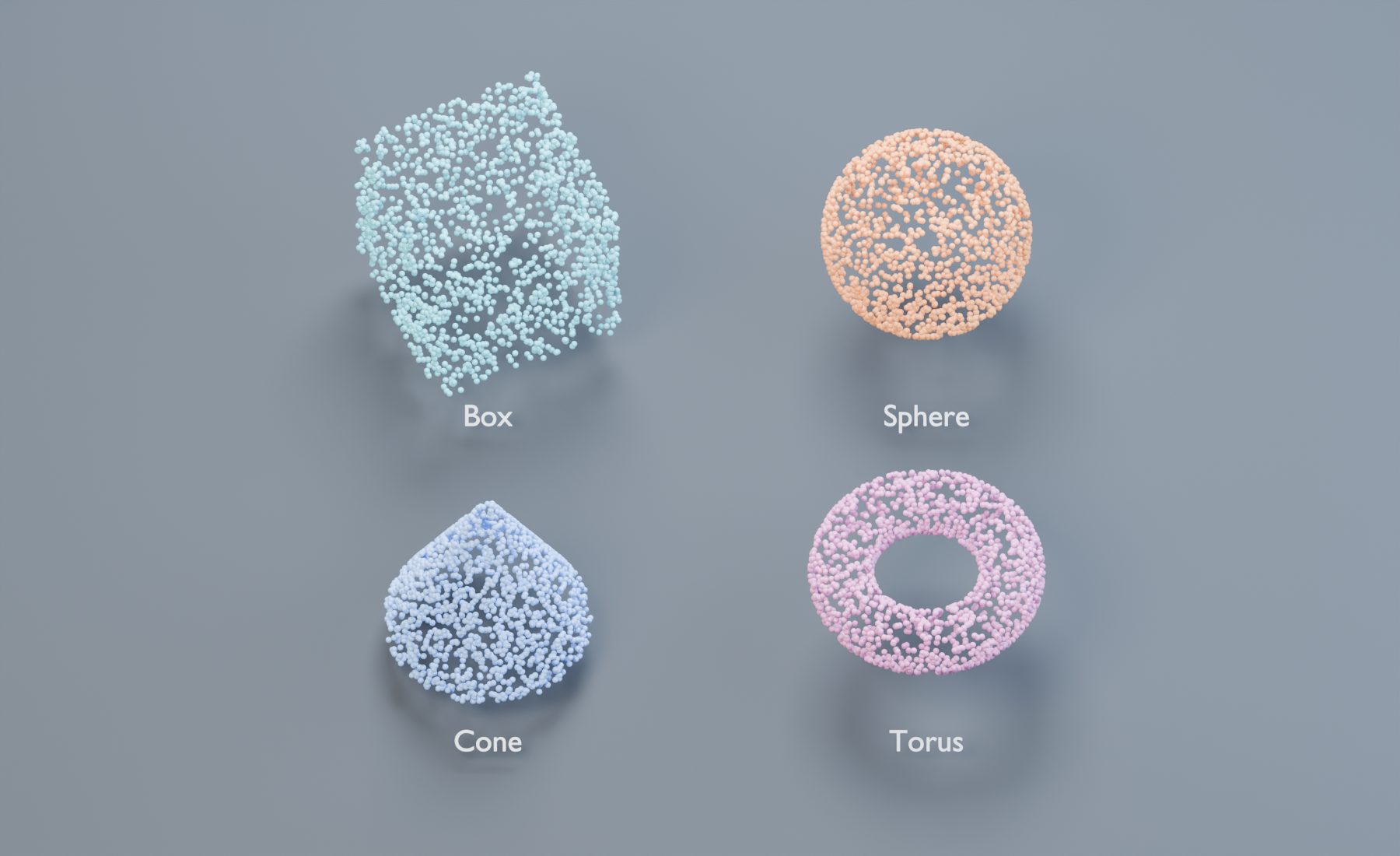
Emit from Rectangle, Disc, Point, Box, Sphere, Cylinder, Cone and Torus Shape sources without creating source objects. Edit dimensions and transforms directly in the viewport with gizmos, G/R/S, snapping and Auto Keying. New systems start with a ready-to-emit Rectangle.
FLIP and APIC Liquids
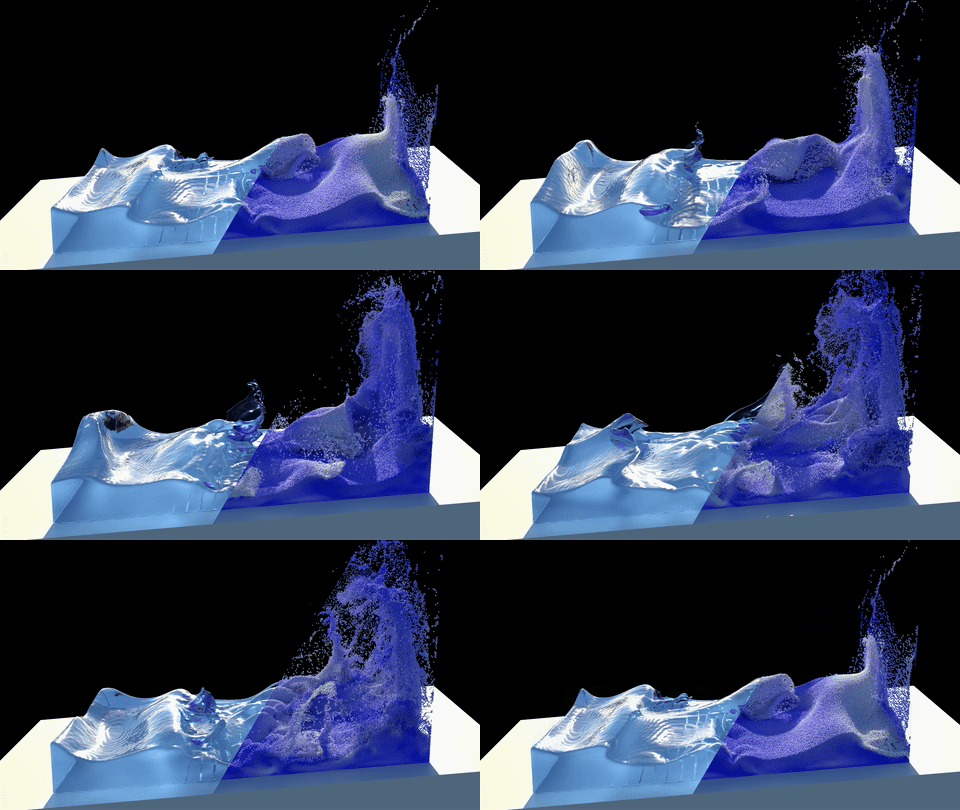
Use FLIP/APIC for fluid motion with splashes, sheeting, whitewater, waves, reseeding, source mixing and particle-based meshing. Version 5.4 refines volume preservation, thin-film surface tension and collider contact for liquid setups.
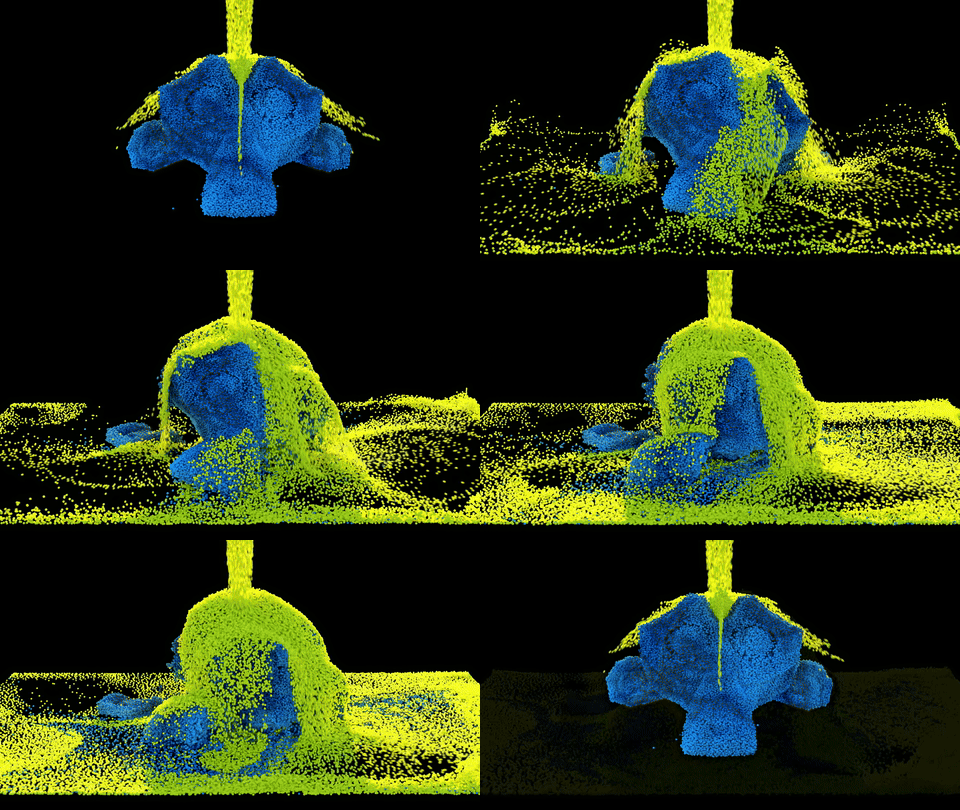
Multi-Material MPM
Simulate water, elastic and ductile solids, Rubber, sand, clay, snow and foam in the same MPM domain. Map each material's properties, change materials with masks and anchor particle groups to animated objects with Pin Groups.
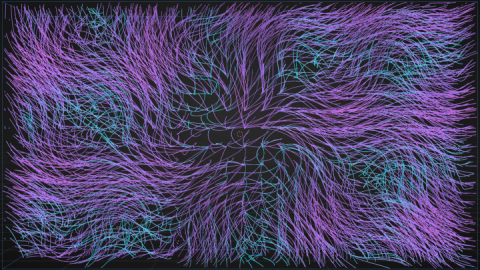
Layered Flow Fields
Build complex motion from stacked Flow Field layers, including radial, vortex, noise, texture, optical flow, particle velocity, FLIP, Pyro, and VDB-driven sources. Shape and combine fields directly inside Blender for procedural, art-directed force design.
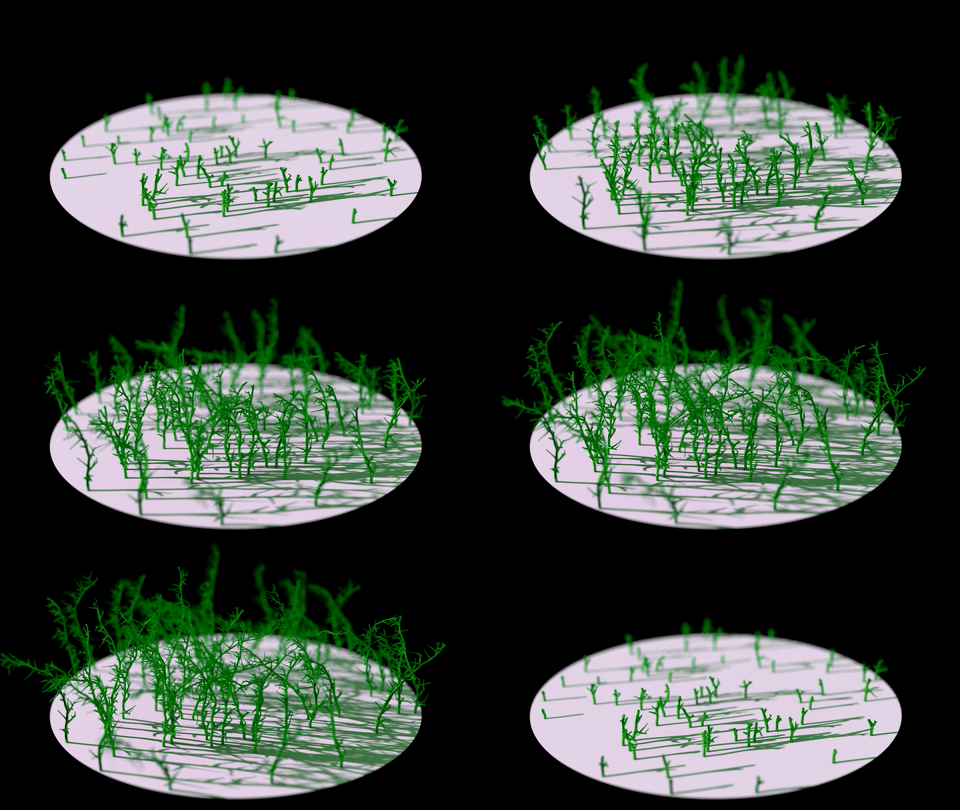
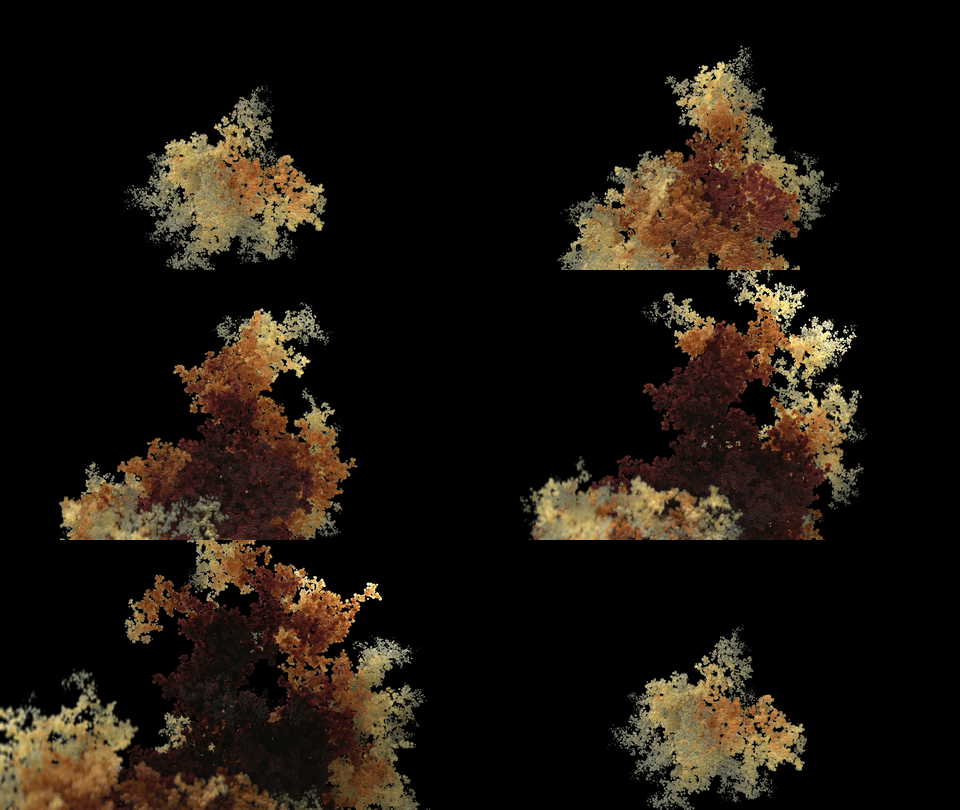
Dendrite Growth
The Dendrite output creates branching growth structures directly from particle motion. Use it for veins, roots, lightning, crystallization, abstract growth patterns, and other procedural motion-graphics or FX-driven structures.
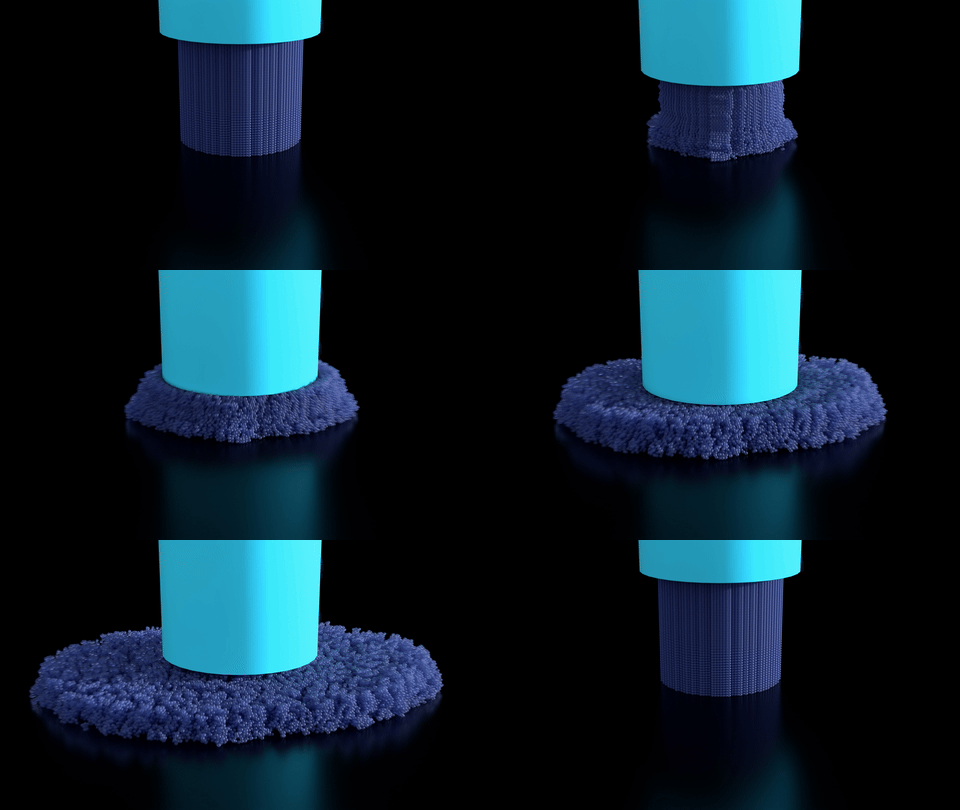
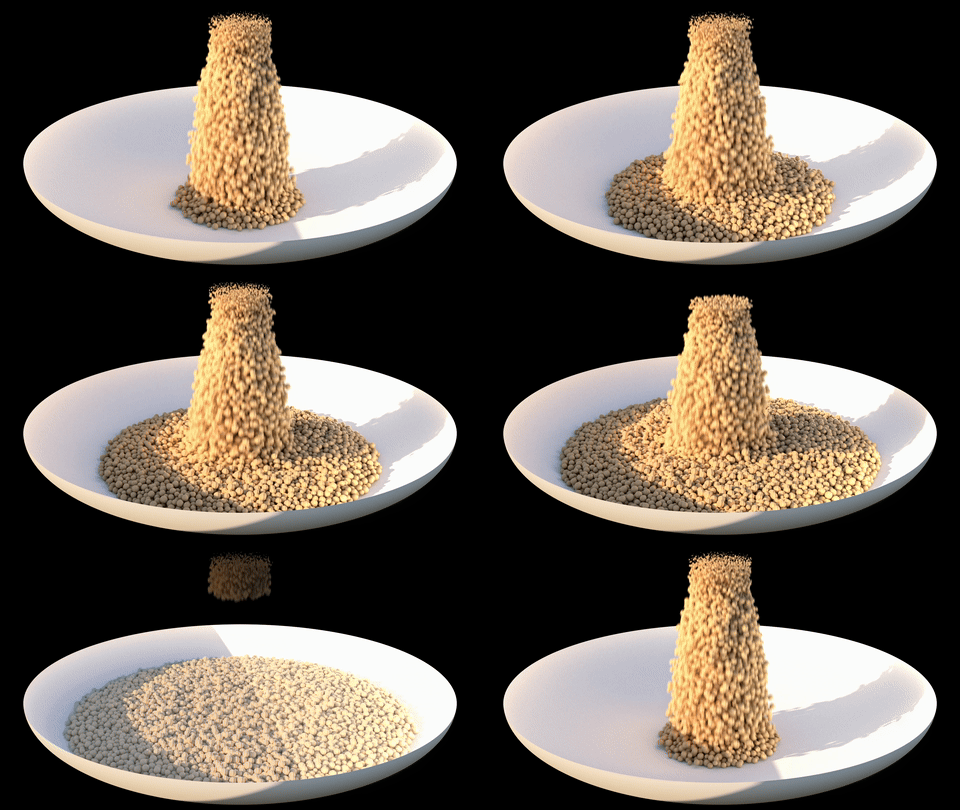
Granular Materials and Bonded Clumps
Create stable piles, wet clumps and brittle breakup with the Granular solver and material presets for sand, snow, gravel, clay, mud and soil. Bonded Clumps create pieces that hold together and crumble when bonds break. Optional Particle Sleep keeps settled particles at rest until motion or masks wake them.
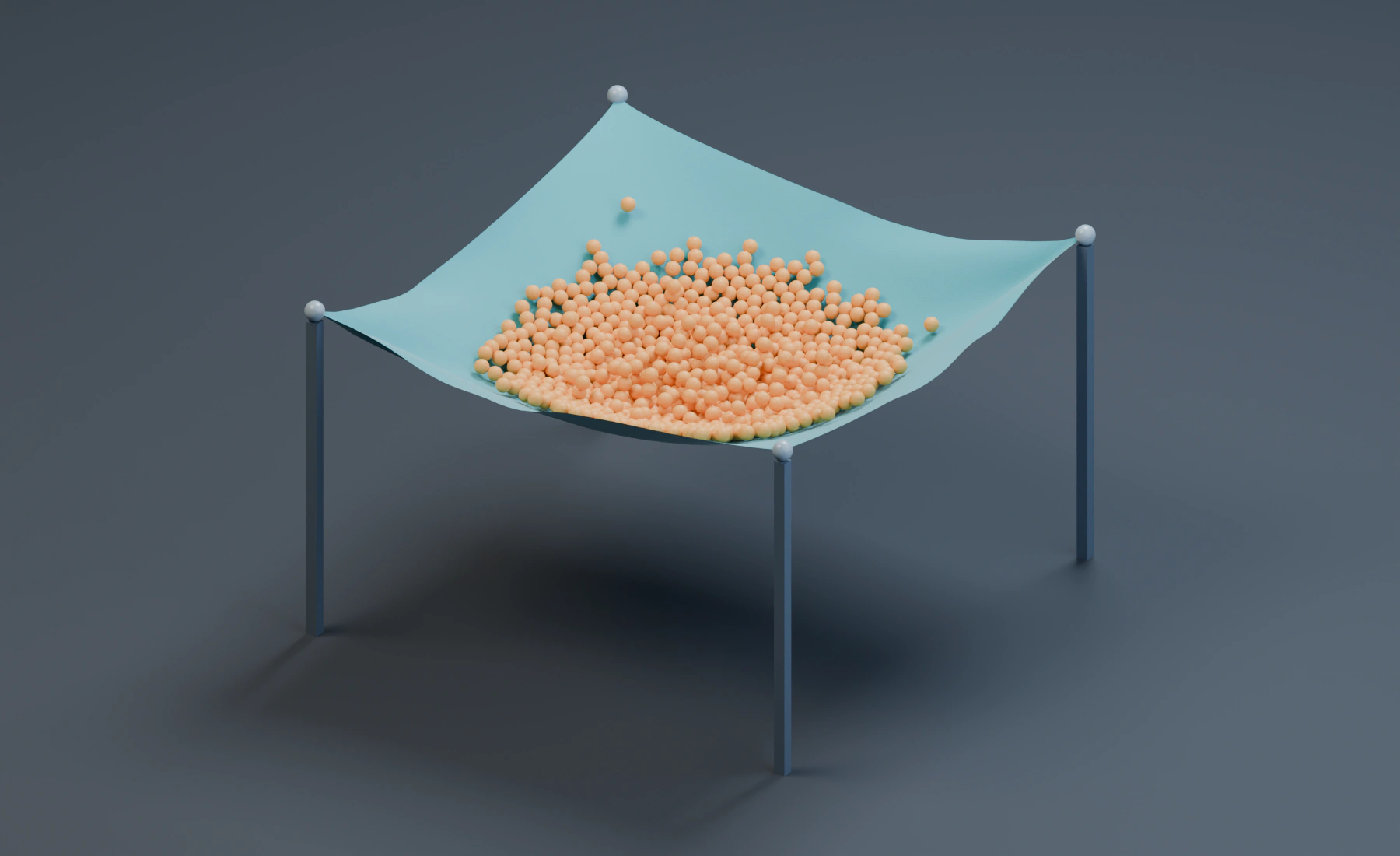
Cloth and Particle Interaction
Simulate fabric with mapped pins, stretch, shear and bending, plus Attach constraints, Stitch, progressive Sew seams, Balloon pressure, Plasticity and Tearing. Enable Particle Interaction so a granular load weighs down the cloth and the cloth supports the particles.
Reduced-resolution simulation and custom proxies can retain the detailed visible surface for preview and export.
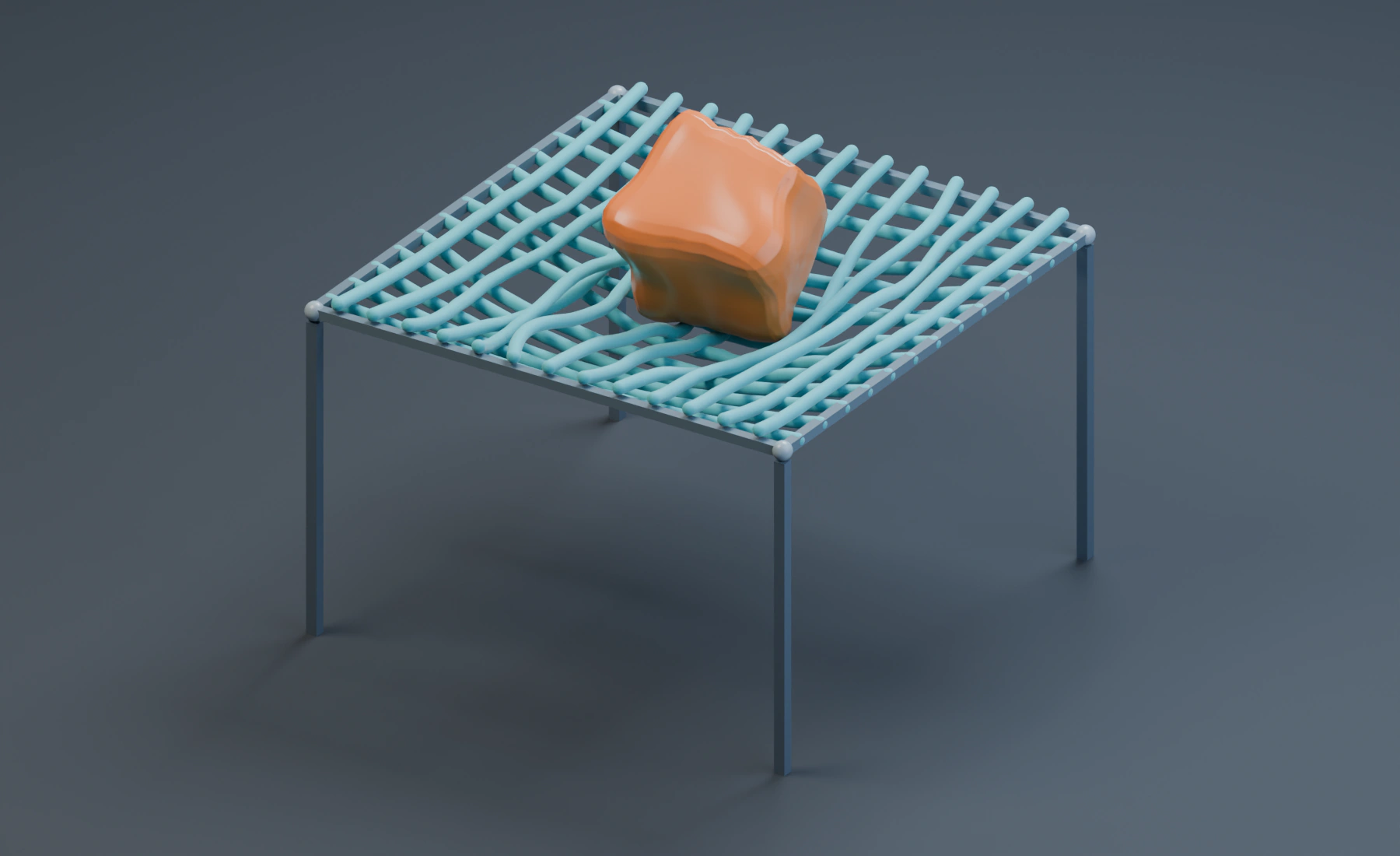
Strands and Soft Body Interaction
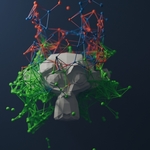
Turn Blender Curves into simulated hair guides, ropes, cables and strings, with material presets, pinning, animated attachments, stretch, bend, twist and breakage. Combine Strands with Soft Body so a suspended rope net and its load deform through mutual contact.
Soft Body simulates closed meshes with Volume Stiffness, Shape Stiffness, material maps and Plasticity. Strand spatial maps vary material response along each curve.
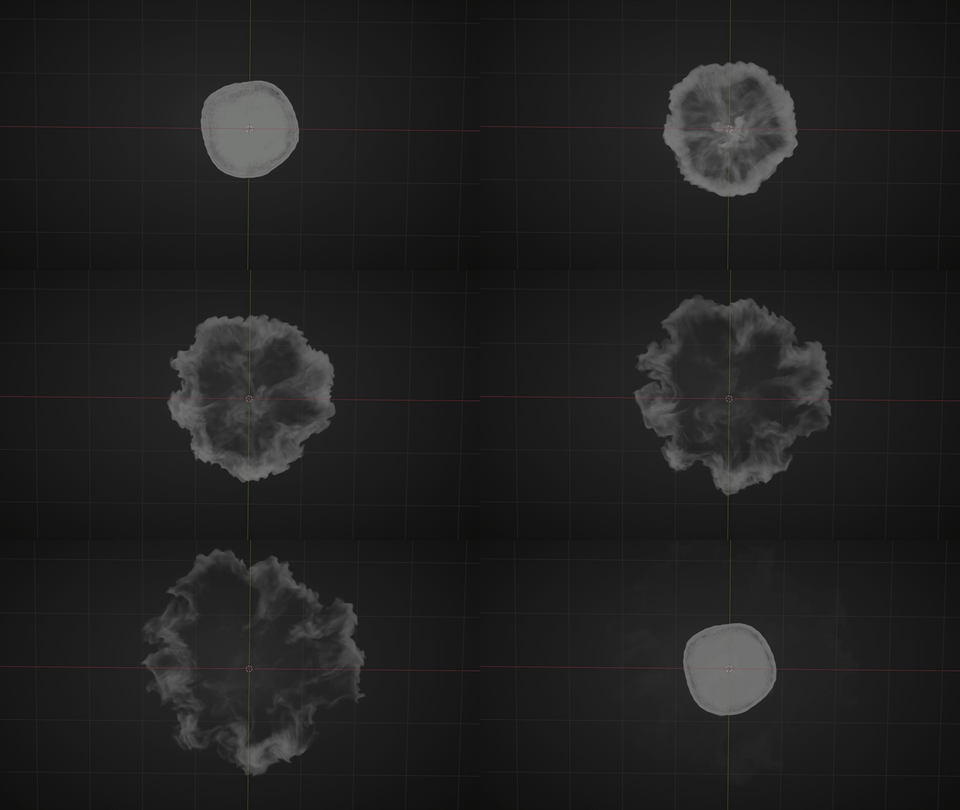
GPU Smoke and Fire Preview
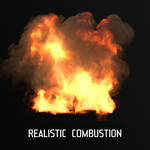
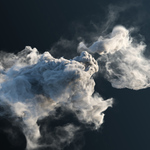
The Pyro module runs on your GPU. Hit play and watch your fire and smoke evolve live in the viewport. Change parameters like heat, buoyancy, and turbulence during creative exploration without baking first.
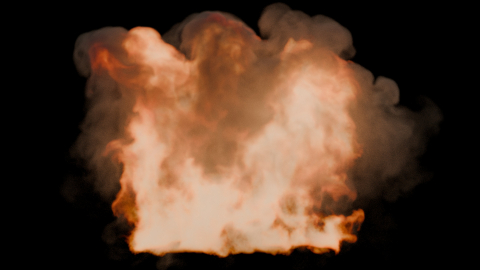
Fuel, Heat and Combustion
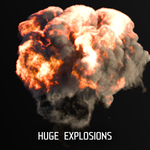
Control fuel ignition, heat, smoke generation and oxygen depletion to shape fire behavior. Tune turbulence and flame-edge detail for fireballs, flames and smoke plumes, and preview the result before baking.
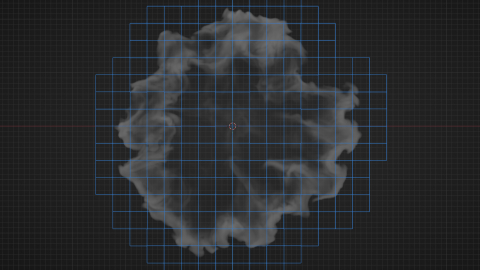
Dense and Sparse Pyro
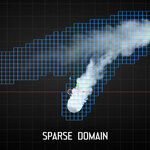
Choose Dense mode for a fixed simulation domain or Sparse mode for smoke and fire that travel across a larger scene. Sparse mode follows the active volume; resolution and the configured capacity still determine the available detail and memory use.
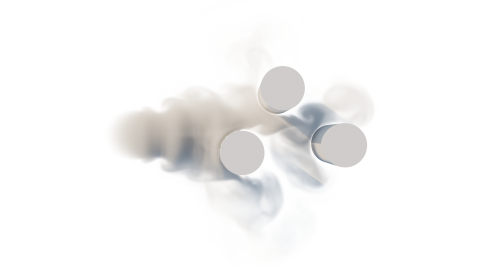
Smoke Reacts to Your Scene
Pyro emitters and colliders support static, rigid, and deforming motion. Moving objects can impart velocity to the surrounding fluid, while deforming cloth, characters, or animated meshes can displace smoke frame by frame.
Cloth and Soft Body can block live smoke and respond to gas pressure. Strands can follow Pyro motion, with heat damage and softening available for deformable materials.
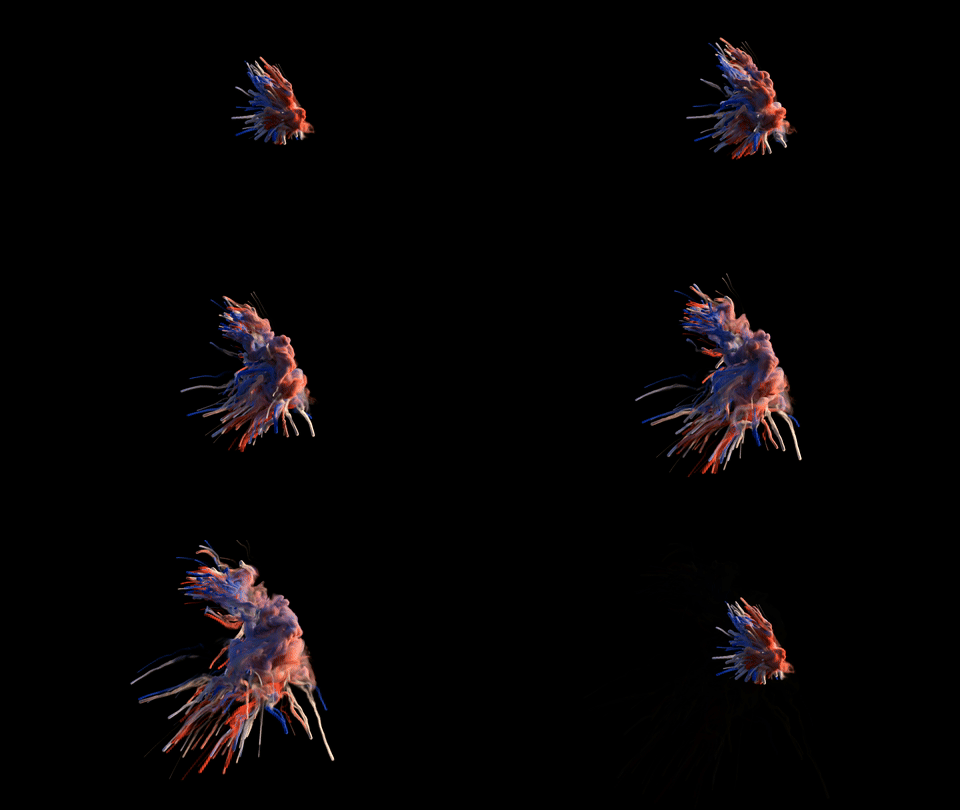
Particles Become Smoke and Fire
Use particle groups as Pro Pyro emitters. Particle motion can seed smoke, fuel, temperature, color, and velocity, so sparks, sand, magic trails, debris, and abstract motion can turn directly into volume effects.
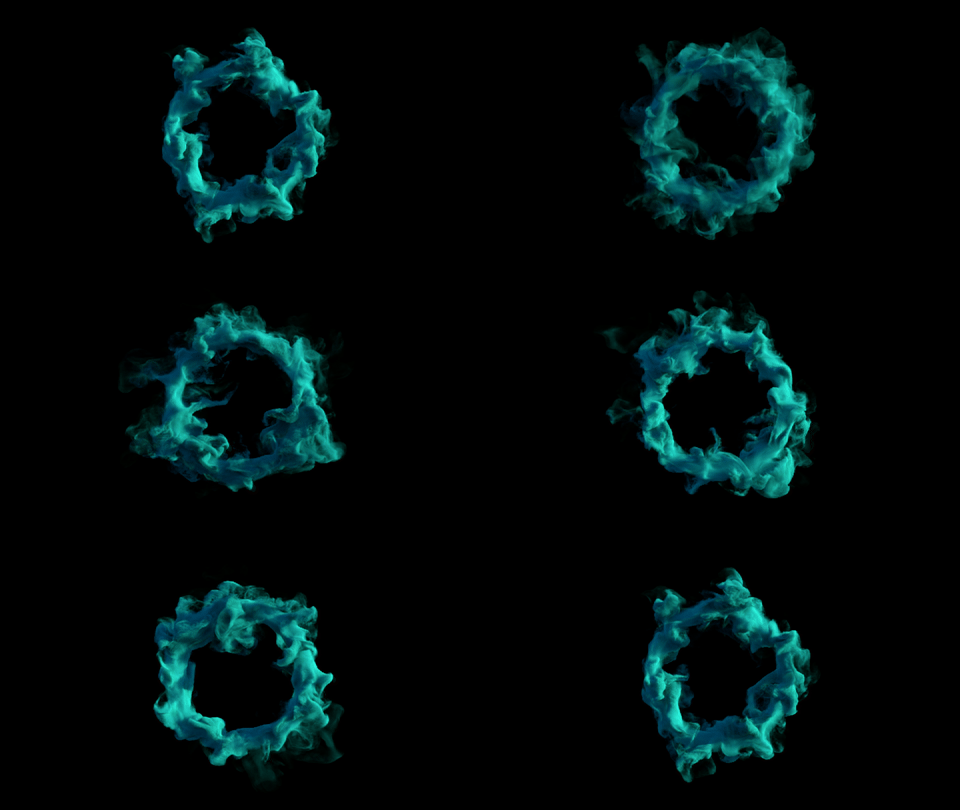
Forces That Sculpt Volumes
Shape smoke and fire with wind, turbulence, vortex, drag, attractors, curve-follow motion, and masks. Pyro stays physically based where it matters, but remains directable for motion graphics and VFX shots.
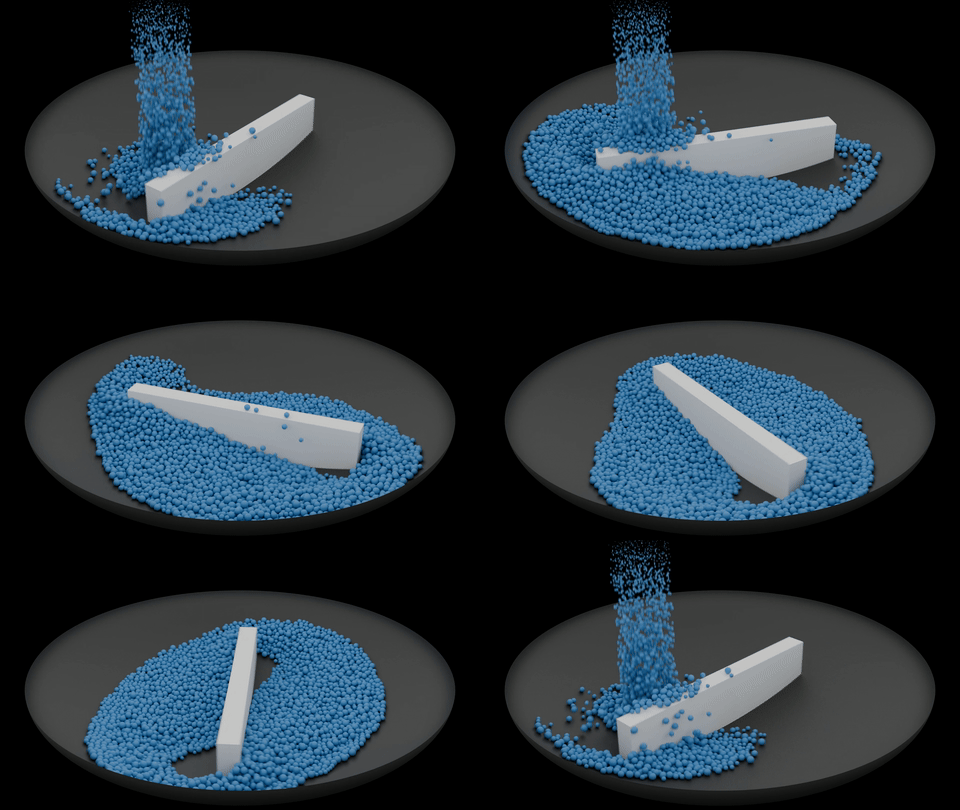
Stable Collision Response
Particles can collide with static, rigid and deforming meshes. Paint Bounciness, Friction, Adhesion and Stickiness with vertex groups or float attributes to vary contact across a surface.
Dynamic Collider meshes can translate and rotate through contacts with particles, deformables and other colliders. Liquid pressure can lift submerged bodies; optional Pyro Interaction lets live gas move them.
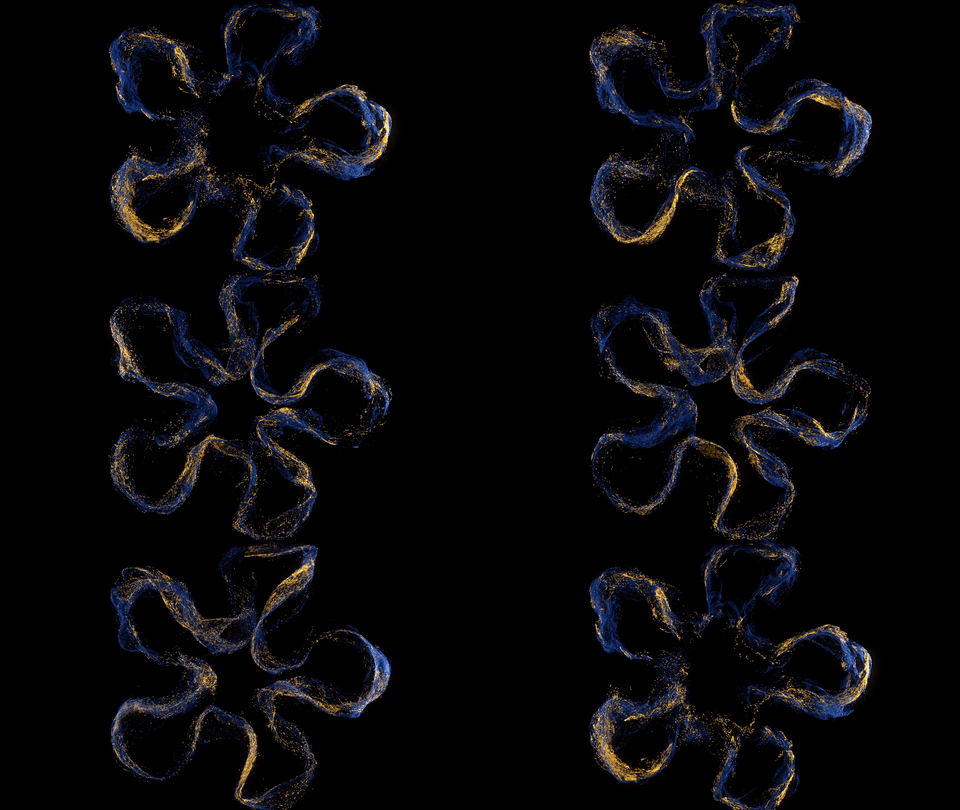
Art-Directed Curve Motion
Follow Curve supports direct guiding or force-based steering, separate follow and attraction response, spline assignment, path offsets, twist, orbit behavior, and controlled release. Combine it with forces, color, Logic, and collisions for tightly art-directed motion.
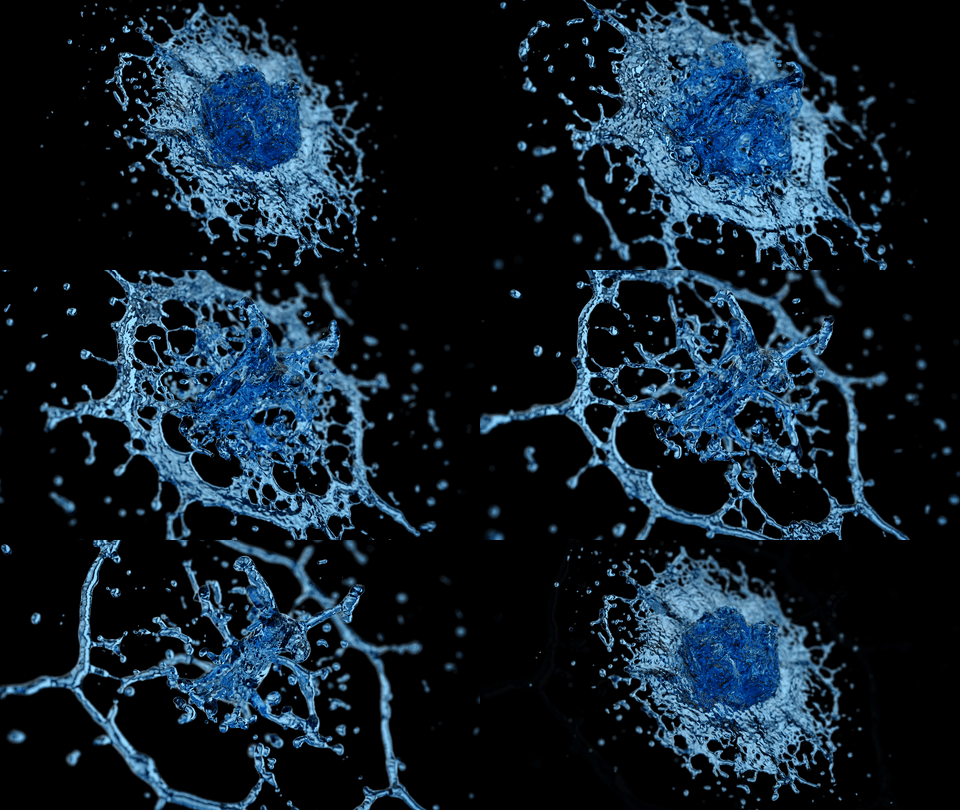
PBF Particle Fluids and Meshing
Use PBF for cohesive particle liquids and source-based fluid mixing. Reconstruct the surface with Mesher, which also supports Pyro sources. Optional Collider Contact closes small gaps at collider surfaces without changing the simulated particle motion.
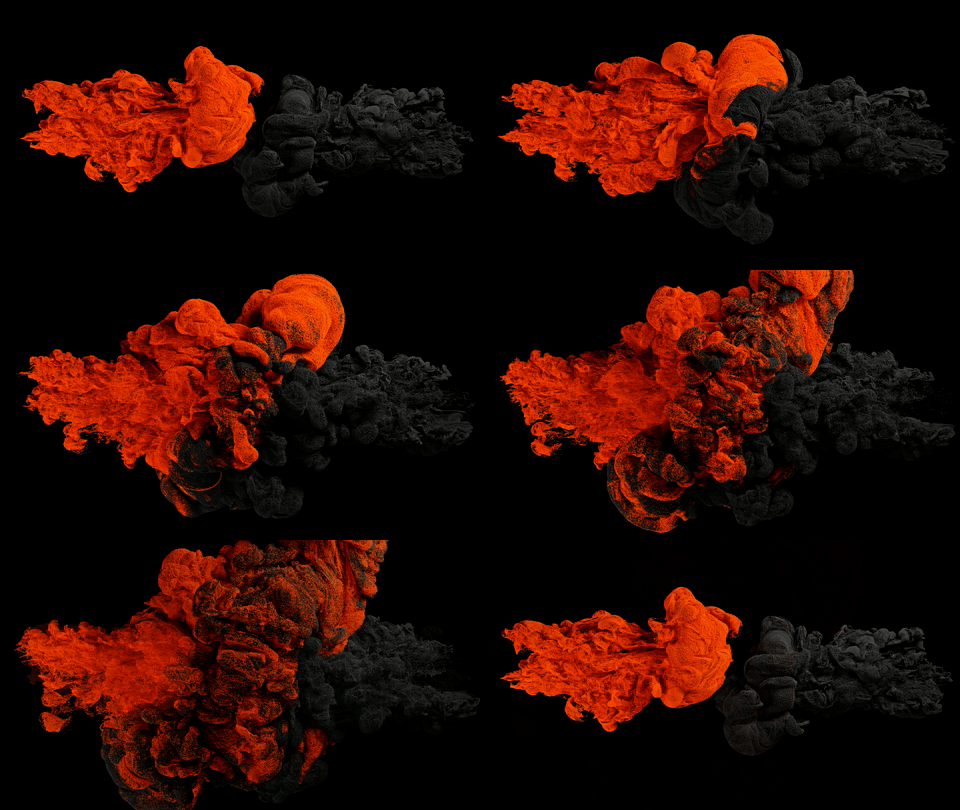
Pyro-Driven Particle Motion
Use Volume Advection to drive particles with live Pro Pyro fields or external VDB volumes. Particles can retain Smoke, Temperature, Fuel and Flame values for Logic, Data Mapping and output attributes. Combine volume-driven motion with particle forces and collisions.
Self Collision and Push Apart
Self Collision gives particles volume and contact, while Push Apart is a fast stabilizer for avoiding visual overlap. Both are useful for dense abstract and motion-graphics setups.
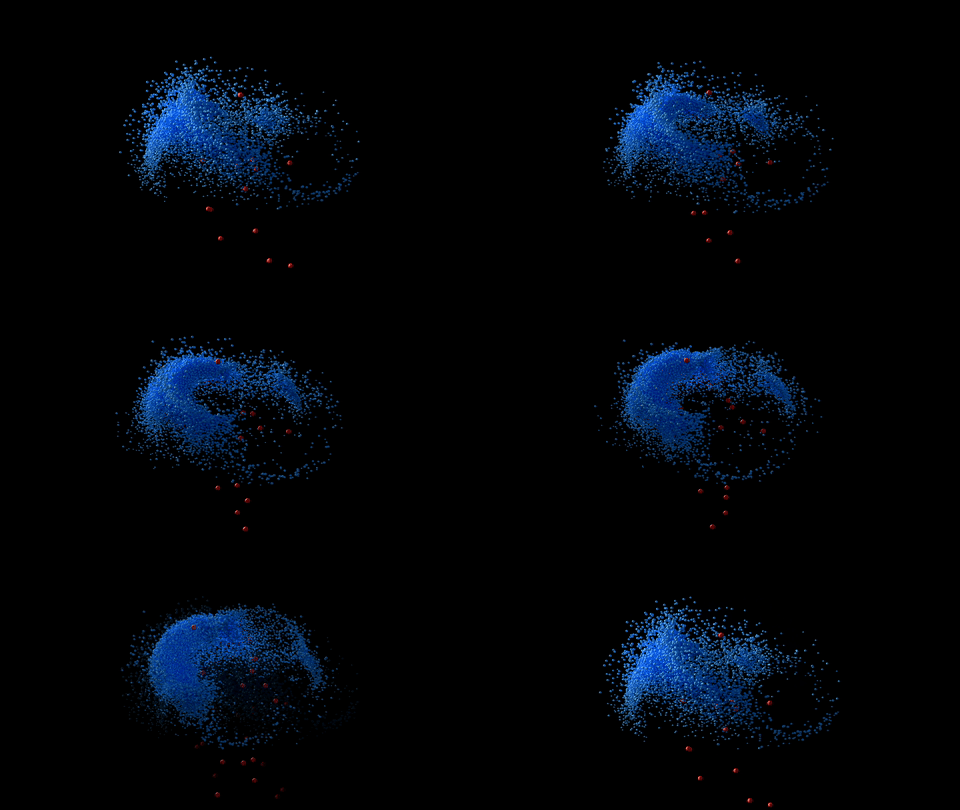
Flocking and Group Behavior
Create swarms, prey/predator systems, target seeking, and group-specific behavior. Named Groups make multiple populations easier to organize, target, filter, and reuse throughout one simulation.
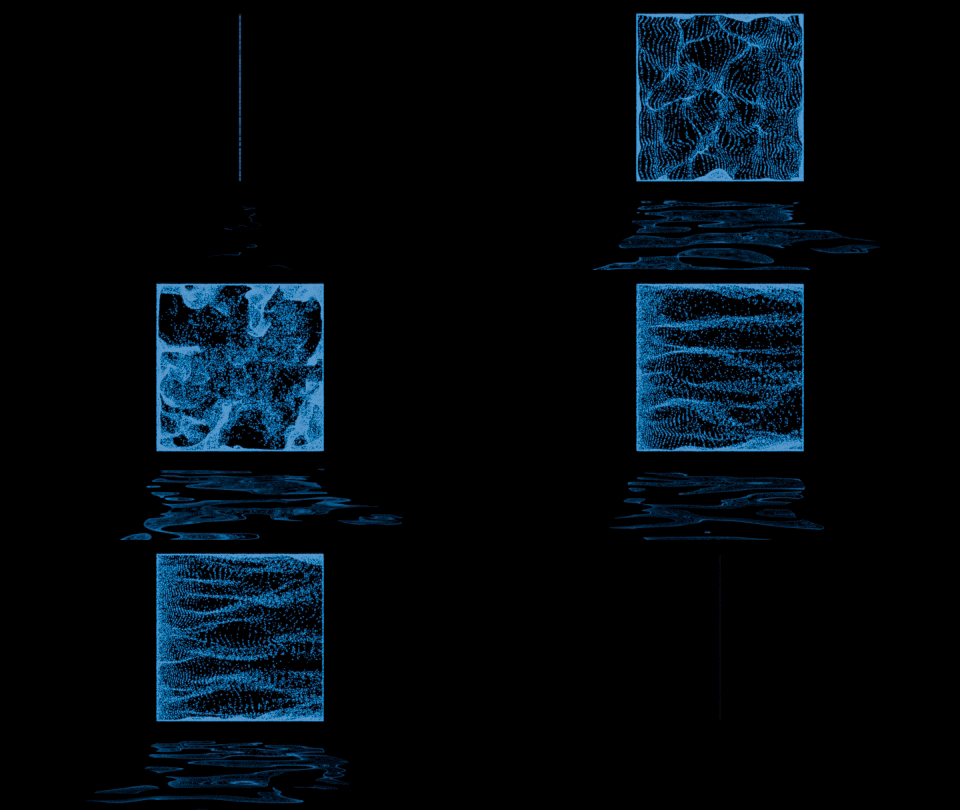
Reusable Masks
Limit emitters, effects, Logic conditions, and mapped parameters with volumes, surfaces, particle properties, noise, random values, curves, proximity, time, and more. Masks can be shared scene-wide, blended, inverted, or made unique wherever a local variation is needed.
Conditional Logic
Build hierarchical If / Else If / Else branches, combine conditions, and run looped actions directly inside the effect stack. Freeze, delete, spawn, recolor, regroup, write custom data, or modify particles when rules based on age, motion, collisions, neighbors, Masks, and other simulation data are met.
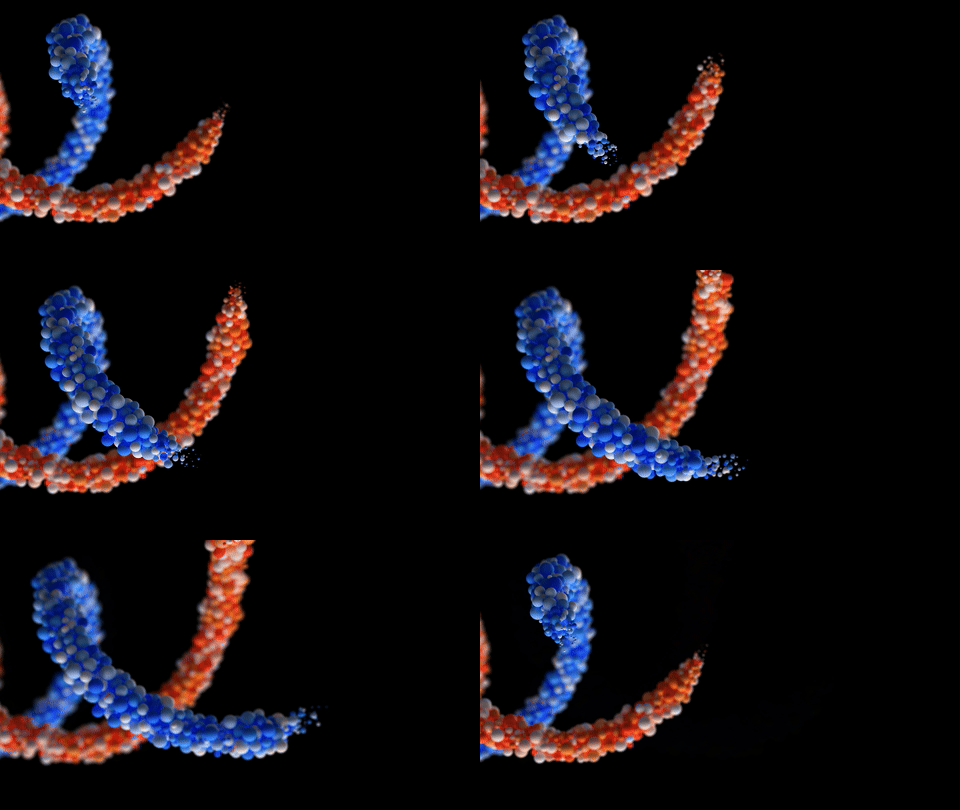
Child Particles
Spawn particles from particles using controlled triggers. Create sparks, secondary debris, magical growth, fireworks, branching effects, and cascading simulations.
Physics Events can spawn particles or emit Pyro from births, deaths, collisions, fluid impacts, tears and deformable thresholds. Nodes add filtering, cooldowns, delays and actions such as breaking constraints.

Native Particle Trails
Create GPU-native trails and connected line or tube geometry from particle motion. Build time- or distance-based trails, sequences, nearest-neighbor links, clusters, and stylized motion streaks with thickness, fading, smoothing, color, and geometry attributes.
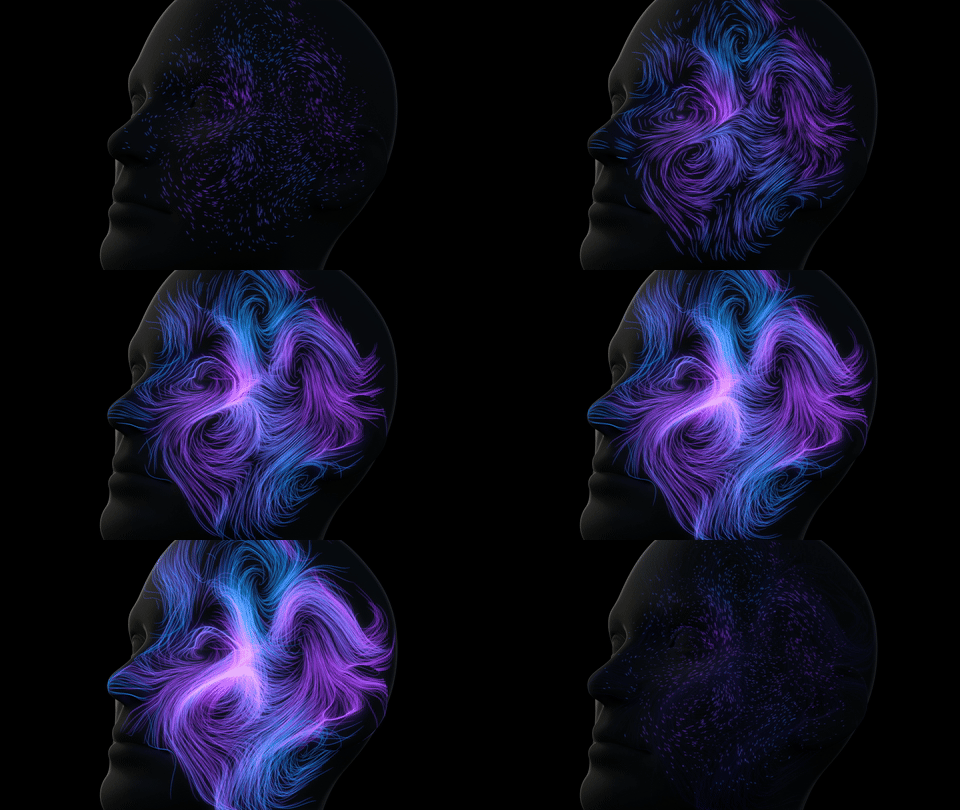
Surface Attach
Attach particles to stable points on animated or deforming meshes and surface-bearing curves. Control attachment range and probability, sliding friction, inherited surface motion, attraction or locking behavior, and release conditions for effects that need to break free.
Volume Bind holds particles inside an animated mesh with Exact or Spring behavior, then releases them with Masks or Data Mapping. Released particles can inherit the mesh motion for crumbling and disintegration effects.
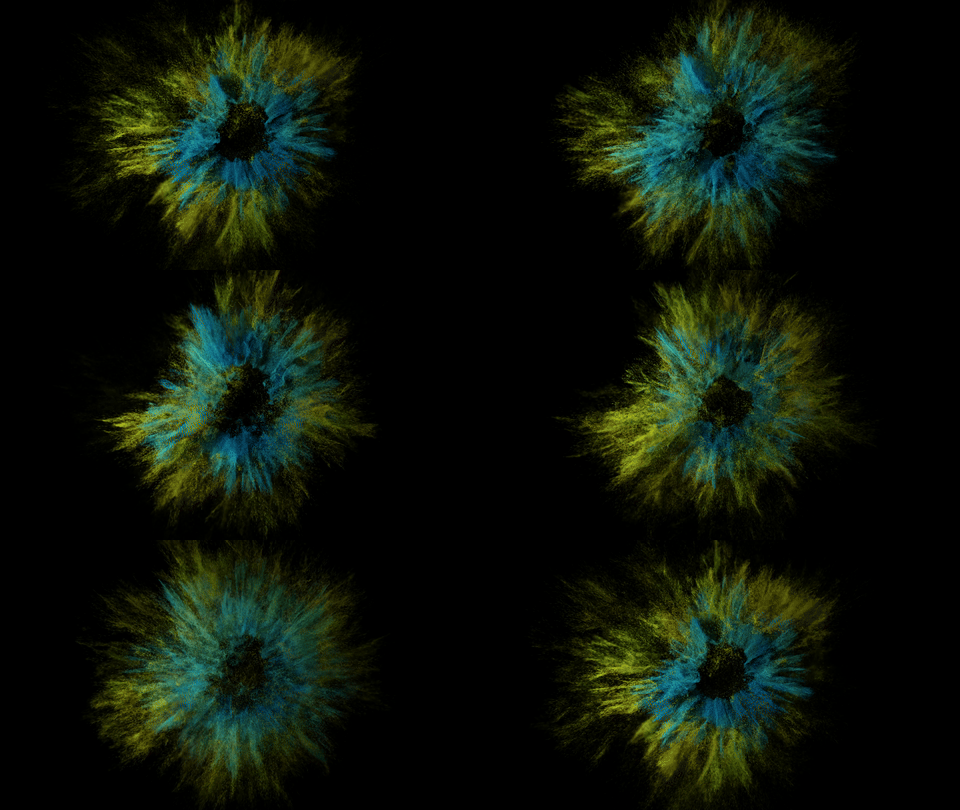
Advanced Color System
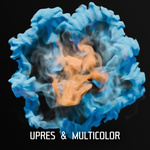
Layer colors like an image editor and drive them from particle age, motion, mass, direction, proximity, textures, random values, procedural noise, fluid/Pyro data, reusable Masks, and custom user data. Blend modes and color ramps keep the result art-directable.

Network Motion
The Network effect creates clean geometric motion with 90-degree directional turns and rounded corners. It is useful for sci-fi UI motion, circuit-like paths, and abstract structures.
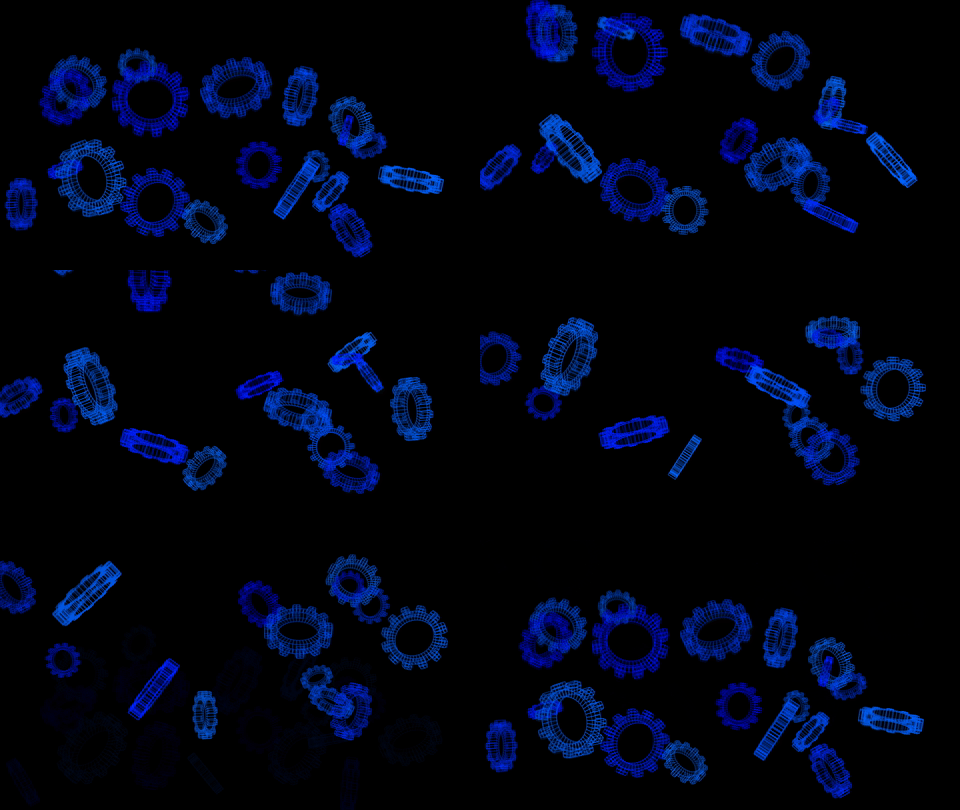
Instancing
Replace particles with layered object or collection sources. Filter by Emitter or Named Group and drive rotation, scale, color, billboarding, source weighting, and geometry attributes to build debris, stones, leaves, sparks, crowds, or abstract structures with native GPU preview.
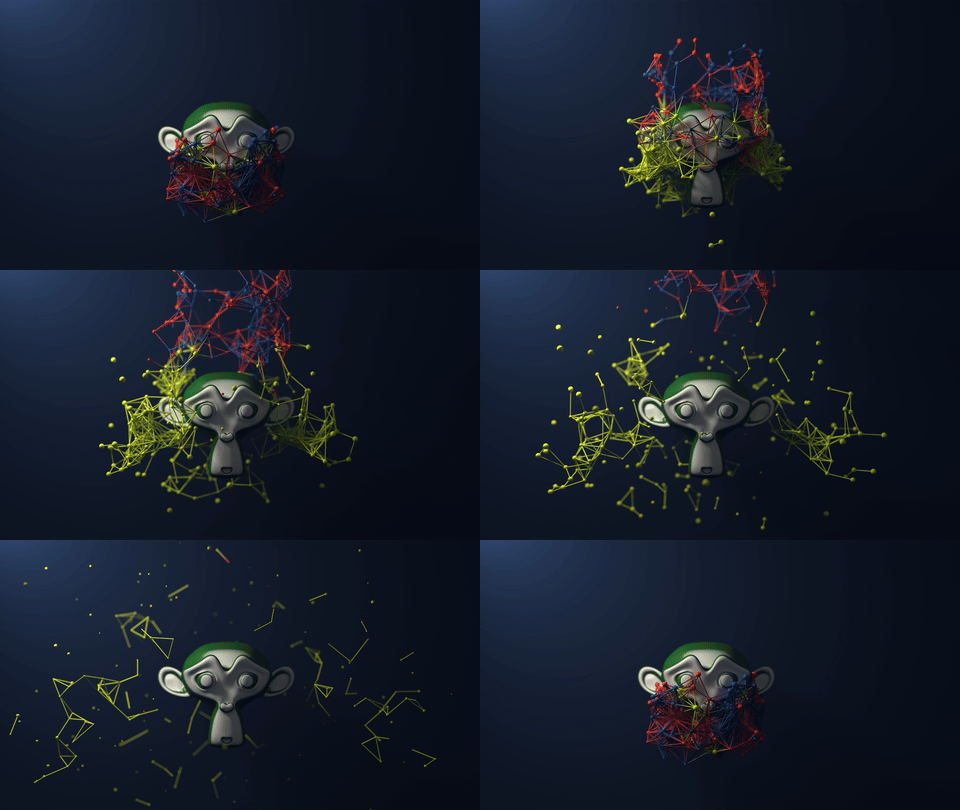
Particle Connections
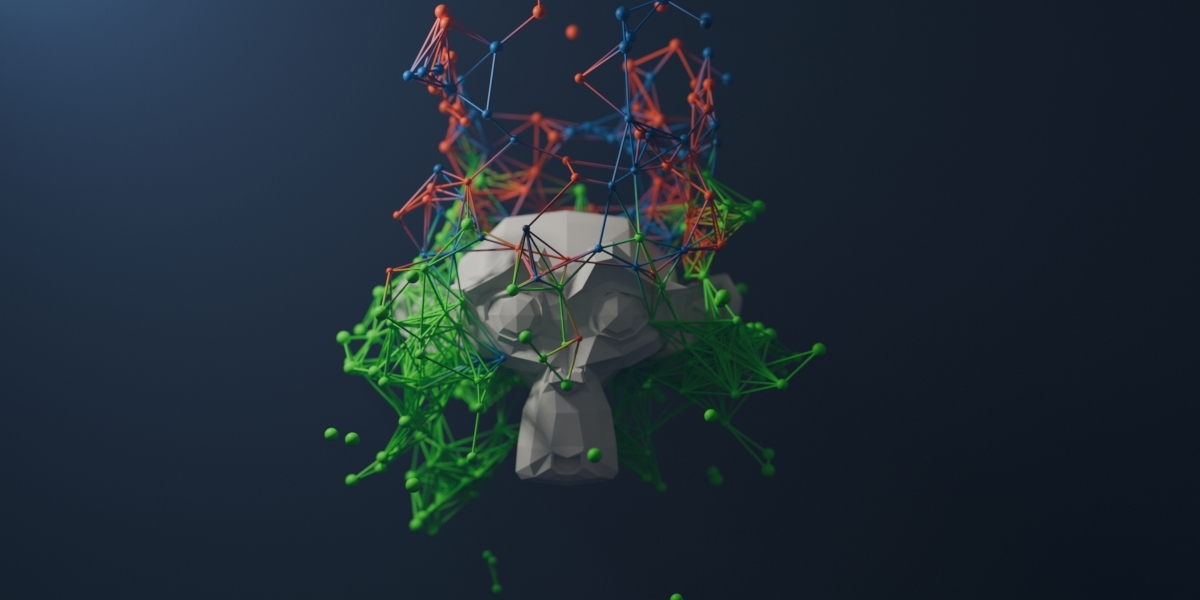
The native Trails system can connect particles by nearest index, nearest distance, clusters, sequences, or constraint bonds. Use line or tube output, destination-group filters, color controls, and geometry attributes for technical, sci-fi, and motion-graphics networks.
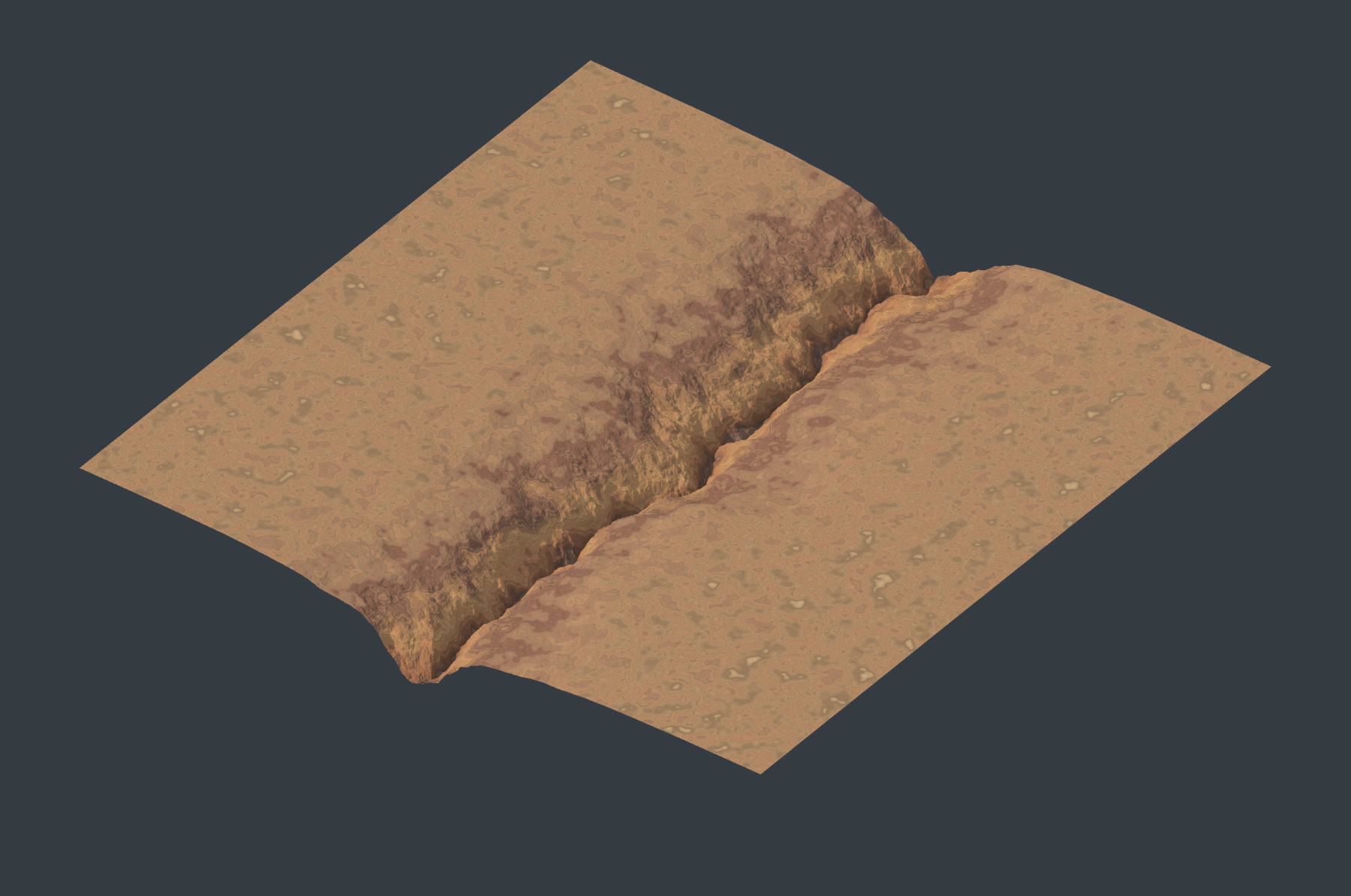
Pro Terrain: Nodes, Drawing and Export
Create static landscapes in the Pro Terrain editor with geological generators, hydraulic and thermal erosion, weathering, drainage, rivers, sediment, masks and surface color. Draw editable roads, rivers, islands, ridges, valleys, plateaus and lake basins. Preview at 1K, 2K or 4K with lighting and color-map presets, then export up to 16K: EXR/PNG heightfields, OBJ/PLY meshes, base color, normal maps and packed texture channels.
Lists, Nodes and Reusable Setups
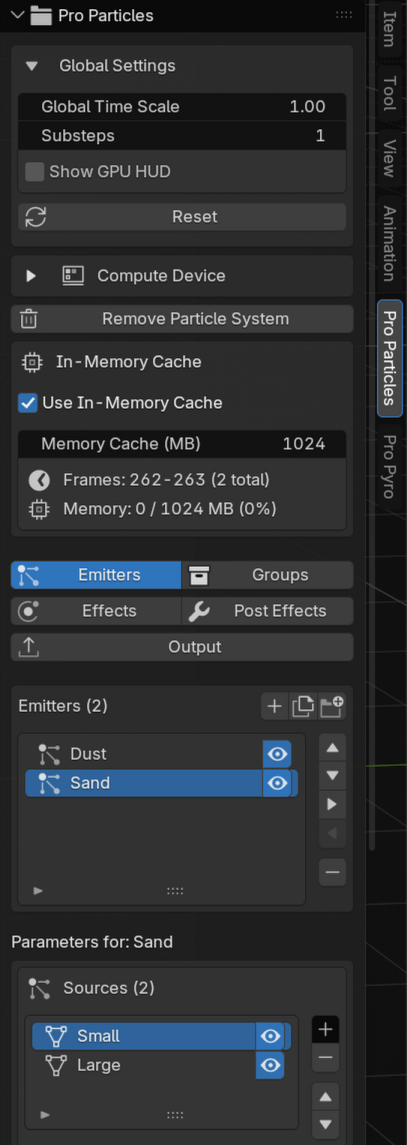
Lists and Physics Nodes
Use the Pro Particles sidebar with Emitters, Groups, Events, Effects, Post Effects and Output, or build a setup in the Pro Physics editor. Named Groups, folders, reusable Masks and Physics Groups organize larger projects. Lists and Nodes retain independent setups.
Save Particles, Pyro, combined Collections and Terrain graphs in the global Preset Manager, with JSON import/export and scene-reference assignment. Reuse editable curves and color ramps across supported controls.
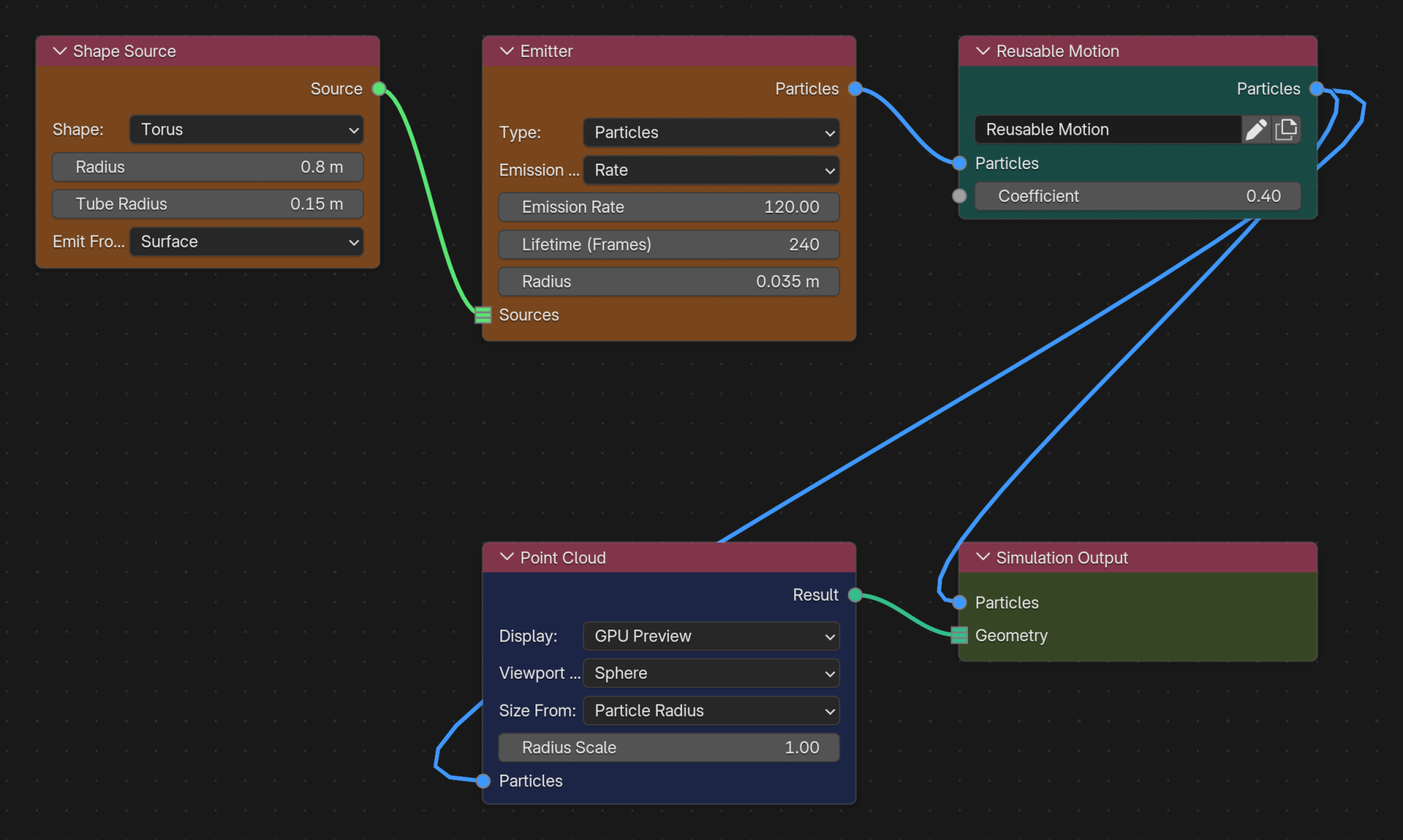
Physics Nodes and Reusable Groups
Build Particles and Pro Pyro setups in the Pro Physics editor. Connect emitters, effects and outputs, create nested Physics Groups, expose inputs and reuse groups through Blender's Asset Browser. The Inspector provides node settings and Graph Diagnostics helps locate setup errors. Lists and Nodes keep separate settings; switching modes does not convert a setup.
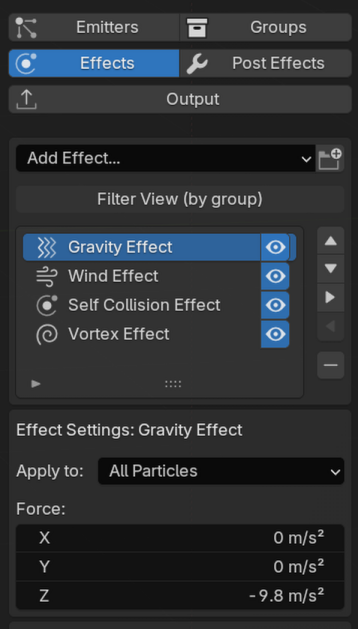
Effect Stack Control
Build the simulation step by step with forces, collisions, FLIP/APIC, SPH, MPM, granular physics, Flow Fields, Particle Constraints, color, Logic, Dendrite growth, and more. Reorder effects to art-direct the result without rebuilding the setup.
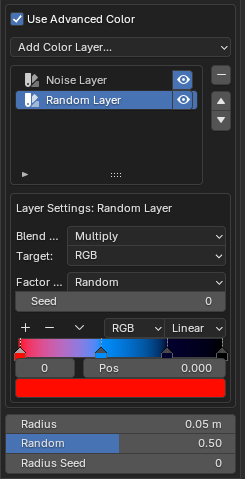
Layered Color and Data Mapping
Drive color and effect parameters with age, motion, neighbors, fluid state, Pyro fields, Masks and user data. Layer mapping curves, ranges and influence controls. Particle Inspector shows live values and mapping inputs/results, tracks particles and displays sampled values in the viewport without changing particle colors.
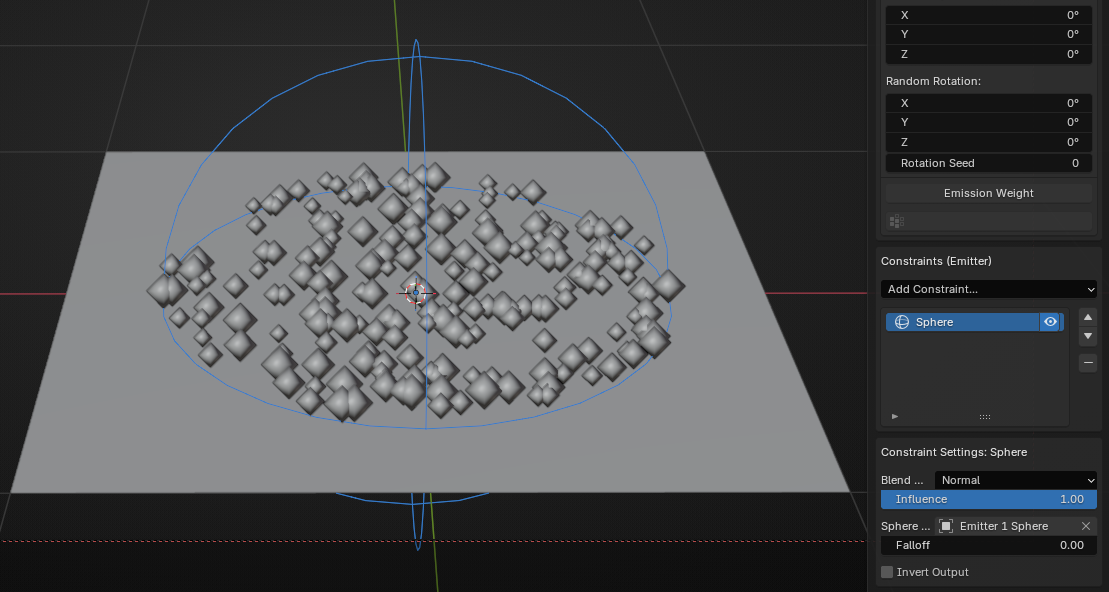
Precise, Reusable Masks
Use volumes, curves, surfaces, objects, noise, time, random values, and particle properties to decide exactly where emitters and effects are active. Share the same Mask across multiple stacks or make a local copy when one setup needs a variation.
Cache, Render, and Finish
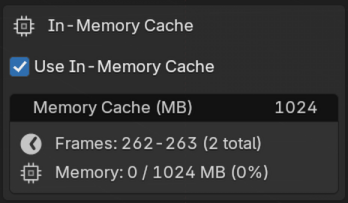
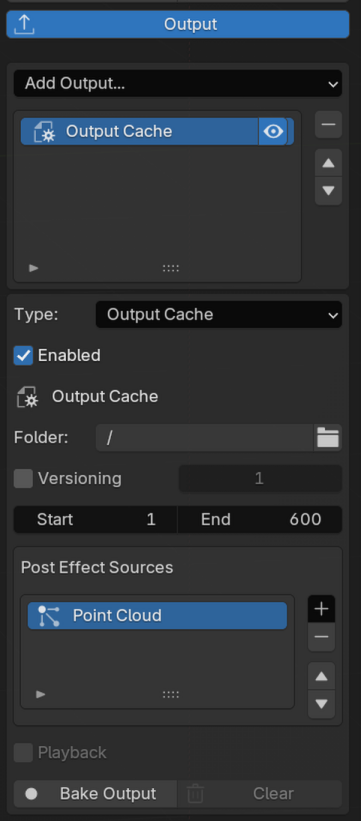
Use interactive caching while developing the motion, then bake approved results for repeatable playback and rendering.
The in-memory cache retains recent Blender Geometry frames for timeline playback. Output Cache stores selected final geometry for persistent playback.
Capture Initial States from an entire simulation, Group, Emitter or Dynamic Collider, then combine compatible captures from different frames as a new starting state.
The central Output tab supports Point Cloud, Trails, Instance, Mesher, Upres-driven and Dendrite results, plus Cloth, Soft Body, Strands and Dynamic Colliders. Bake Output Caches or export supported geometry as Alembic. Enable the particle attributes you need before baking; Pro Particles Particle Info makes retained attributes available in materials and Geometry Nodes.
Preview Pro Pyro as GPU volumes and bake VDB sequences with selectable channels. For polygon output, use Mesher with a Pyro Volume layer and the central Output workflow. Point Cloud's Make Loop blends the transition between similar beginning and end states.
Main Toolsets
Combine particle, liquid, material, deformable and Pyro simulations as needed. Pro Terrain provides a separate workflow for procedural landscapes, drawing and static exports.
Particles & Artist Effects
Multi-source emitters, forces, collisions, Named Groups, Logic, reusable Masks, Data Mapping, Particle Constraints, instancing, trails, and procedural color.
Pyro
Smoke, fire, fuel, flame, combustion, dense mode, sparse mode, colliders, forces, preview, looping, and VDB export.
Liquids & Materials
FLIP/APIC, SPH and PBF liquids, multi-material MPM for water, elastic, ductile, Rubber, sand, clay, snow and foam behavior, plus the dedicated Granular solver for piles, clumping and breakup.
Fields, Growth & Exchange
Layered Flow Fields can combine procedural, geometric, image, VDB, FLIP and Pyro sources. Dendrite adds branching growth, while live particle/Pyro exchange carries motion and volume data across effects.
Post, Cache & Export
Native Point Cloud, Trails, Instance, Mesher, Upres and Dendrite outputs, fast in-memory playback, persistent Output Cache, Alembic geometry export, and versioned Pyro VDB sequences.
Cloth, Soft Body & Strands
Fabric, deformable volumes, hair guides, ropes and cables, with mapped materials, attachments, breakage, detailed output and live Pyro interaction.
Physics Nodes & Reuse
Particle and Pyro graphs, reusable Physics Groups, global setup and curve presets, Initial States and live Particle Inspector values.
Pro Terrain
Landscape nodes, erosion, drawing, masks, surface color, lit previews and up to 16K heightfield, mesh and texture export.
See the Pro Particles Studio Documentation for setup instructions, tutorials, feature details, full changelog, and compatibility information.
System Requirements
| Blender | 5.0 or newer |
| Operating System | Windows 10 / 11, x86-64-v2 CPU macOS 12+ on Apple Silicon (Intel Macs are not supported) Linux: Ubuntu 22.04 or equivalent, GLIBC 2.34+, x86-64-v2 CPU |
| GPU | Simulation and GPU Preview require a compatible GPU and the matching Blender graphics backend. A dedicated GPU is strongly recommended. Integrated graphics may be significantly slower and are not recommended for production work. Required graphics backends: Vulkan in Blender on Windows and Linux Metal in Blender on macOS Apple Silicon Not supported: DirectX 12 OpenGL (including Blender running with its OpenGL backend) CPU software renderers On Windows and Linux, select Vulkan in Blender's Preferences and restart Blender before using the add-on. |
| VRAM | 6 GB practical minimum for Pro Pyro; 8 GB or more recommended for larger particle counts, dense volumes, high-resolution VDB export, and complex scenes. |
| RAM | 16 GB minimum. Large Output Caches, VDB previews, high-resolution terrain, geometry exports and baked simulations can require additional RAM depending on scene size. |
| Disk | A fast SSD is recommended for persistent Output Caches, Alembic geometry, VDB sequences, and large production bakes. |
What's Included?
- Pro Particles Studio add-on
- Integrated Pro Pyro smoke and fire toolset
- Cloth, Soft Body, Strands and Dynamic Collider simulation
- Pro Terrain landscape nodes, drawing and export tools
- Physics Nodes, reusable Physics Groups and global setup presets
- Online documentation with beginner tutorials and control references
- All required components for Windows, Linux and Apple Silicon macOS
- Built-in pyro presets for Campfire, Dry Ice, Flamethrower, Ink in Water, Magic Portal, Cigarette Smoke, and Explosion
- VDB cache and export workflow for smoke and fire rendering
- Example scenes to explore and learn from
- 4 bonus products:
Version & Compatibility Info
Pro Particles Studio 5.4 requires Blender 5.0 or newer.
Simulation and GPU Preview require Vulkan on Windows and Linux or Metal on Apple Silicon macOS. OpenGL and DirectX 12 are not supported. Use current graphics drivers and test the demo if you are unsure about compatibility.
Keep backup copies of production projects before installing major updates.
Licensing
Pro Particles Studio is a one-time purchase with lifetime updates included.
- The Python UI scripts and integration code are licensed under GPLv3+.
- The unified solver executables and native viewport libraries are precompiled, proprietary runtime binaries. Redistribution is prohibited.
- The included node asset content and generated node groups are provided under a Royalty-Free License for personal and commercial projects.
- No subscription or maintenance plan is required for future Pro Particles Studio updates.
See the included licensing overview and third-party notices for the component-specific terms.