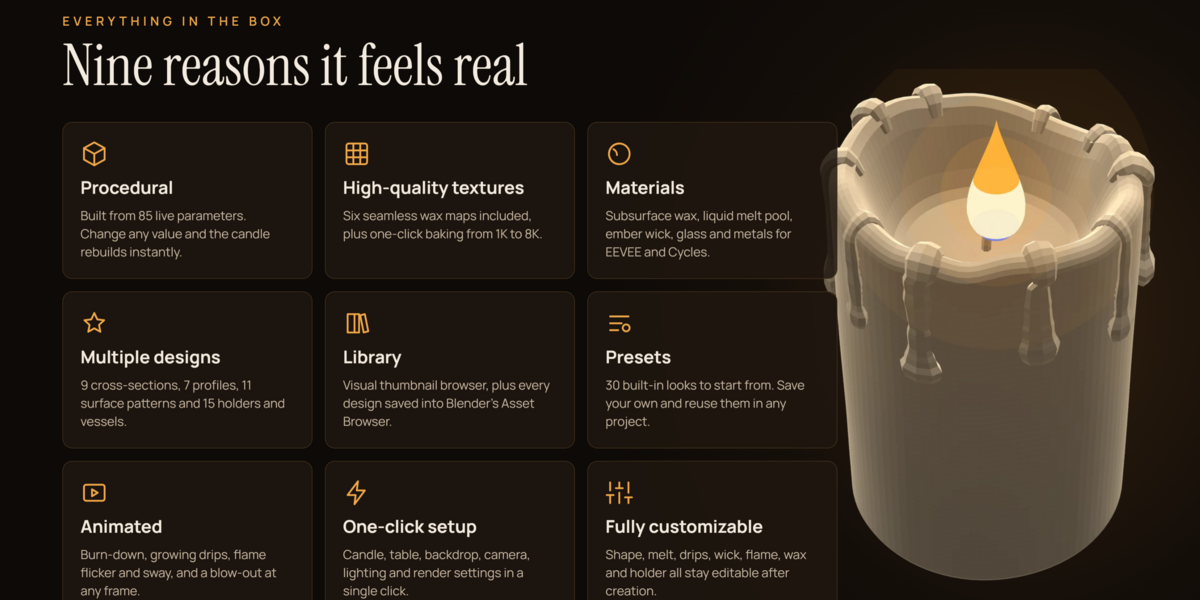
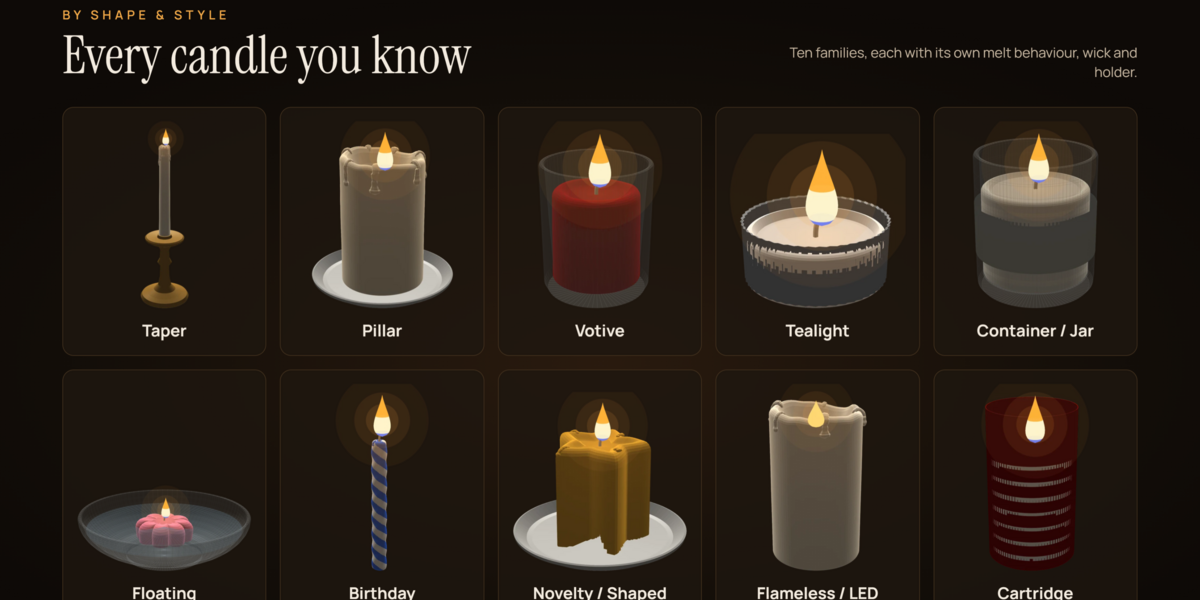
Procedural Candle Generator Addon for Blender - Candle Forge Addon One Click Setup
 Mrs Eliza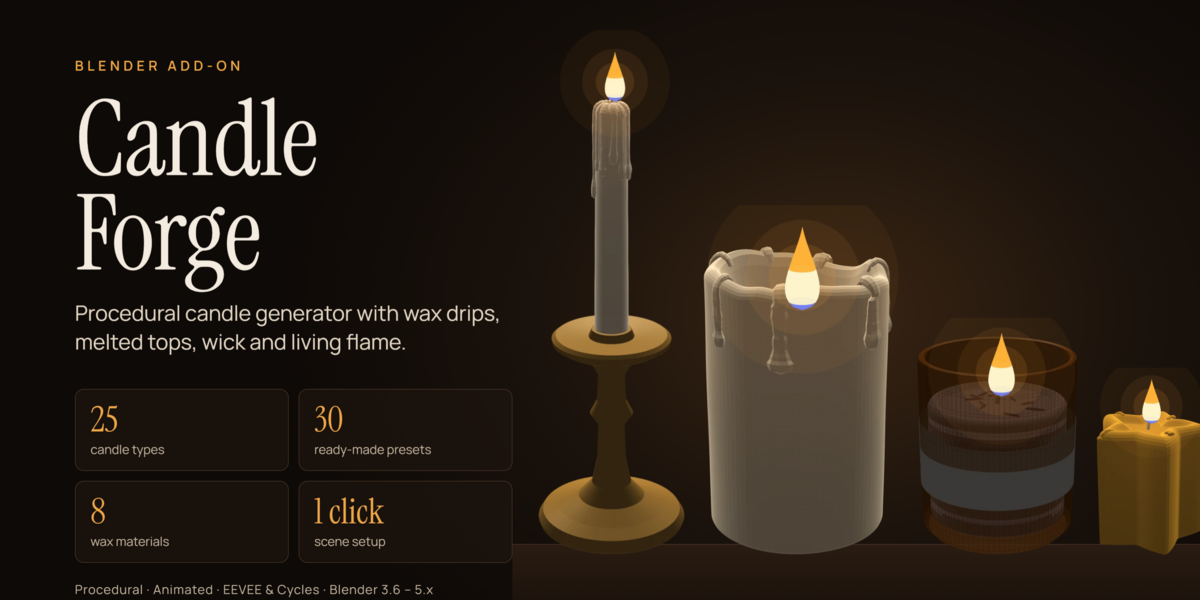

Why doesn't the candle library appear in the Asset Browser?
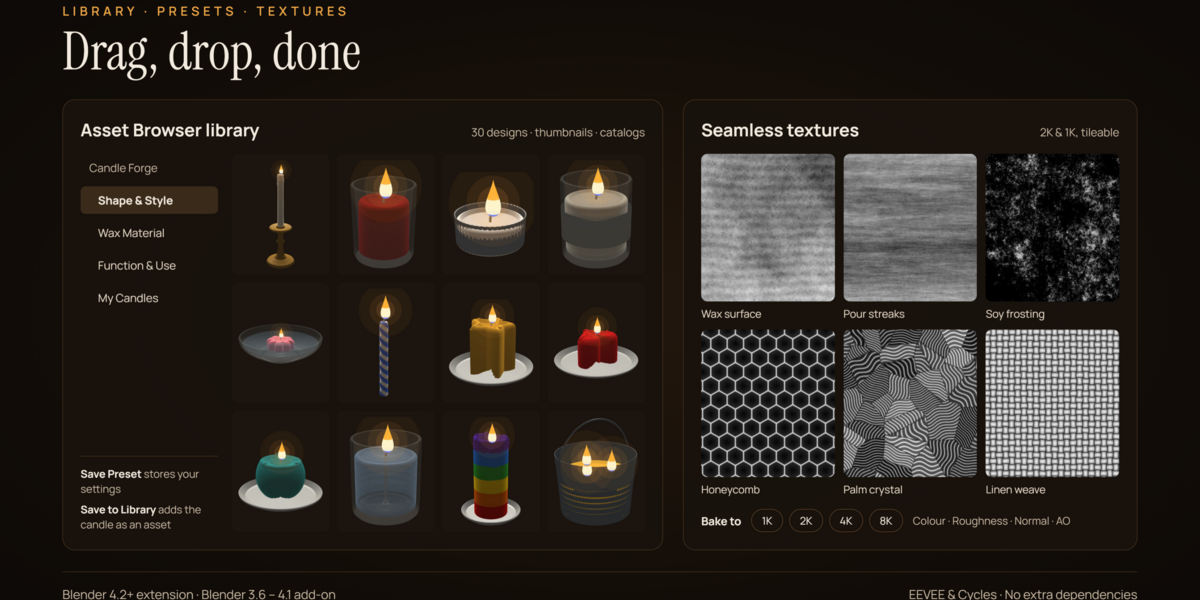
Run Save Candle to Library or Build Full Library once to register the assets. Then select Candle Forge from the library dropdown in the Asset Browser header.
Why were my baked textures saved in an unexpected folder?
By default, baked textures are saved in a folder next to the .blend file. If the file has not been saved, the textures are placed in a candle_textures folder in your home directory. Save the file first or specify a full folder path.
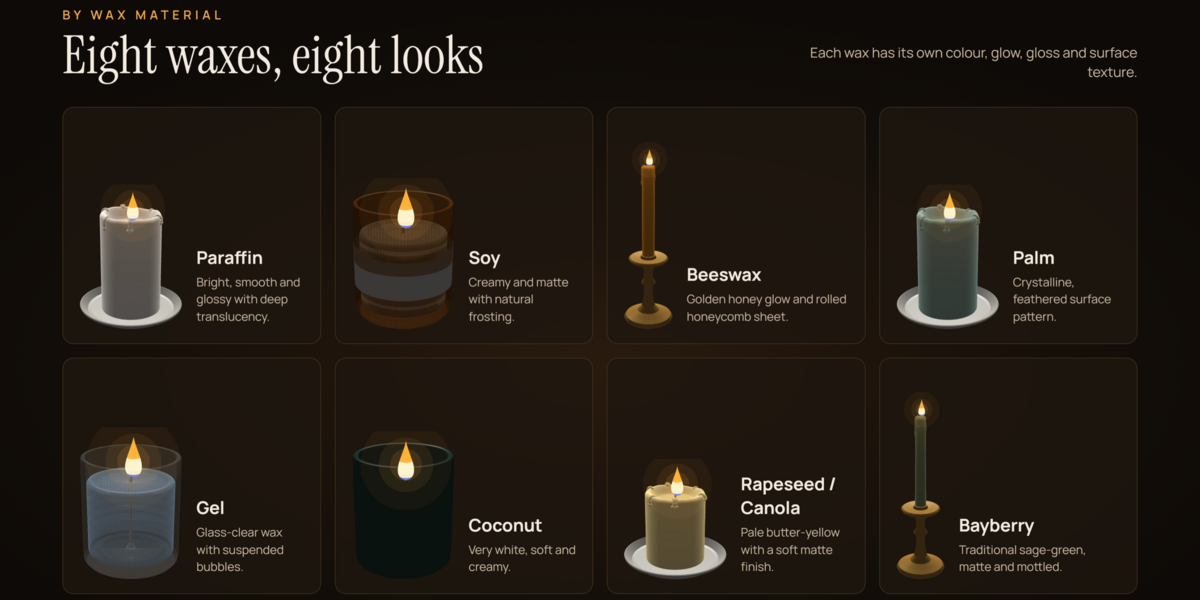
Why do the gel candle or glass materials look black in EEVEE?
Enable ray tracing or screen-space refraction in the render settings, if supported by your Blender version, or render the scene using Cycles.
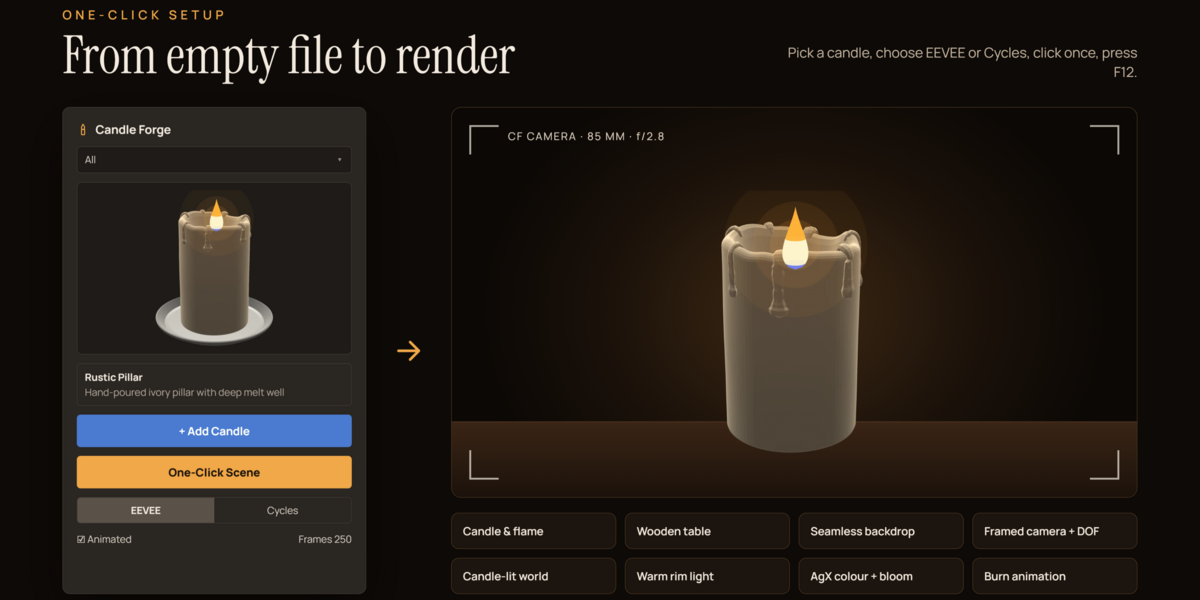
Why does the candle look dark or flat in EEVEE?
Switch the viewport to Rendered mode and ensure Bloom or the compositor glare effect added by One-Click Scene is enabled.
Why did my manual edits disappear?
Changing any setting rebuilds the mesh and may overwrite your manual edits. Finalize the candle first, then make your edits.
Why are my settings changes being ignored?
Make sure Live Update is enabled or click Regenerate. If the candle has been finalized, it will no longer respond to settings changes.
Have questions about this product?
Login to message
| Published | over 2 years ago |
| Blender Version | 3.6 - 5.0 |
| Render Engine Used | Blender-Internal, Cycles, Eevee |
| Misc Data | Uvs-Unwrapped, Low-High-Resolution, Normal-Mapped, Textured |
| License | GPL |
Discover more products like this
gel candle procedural modeling blender addon candle generator candle modeling candle design 3D asset creation procedural candle candle maker blender 3d 3d candle model realistic candles