 alastorv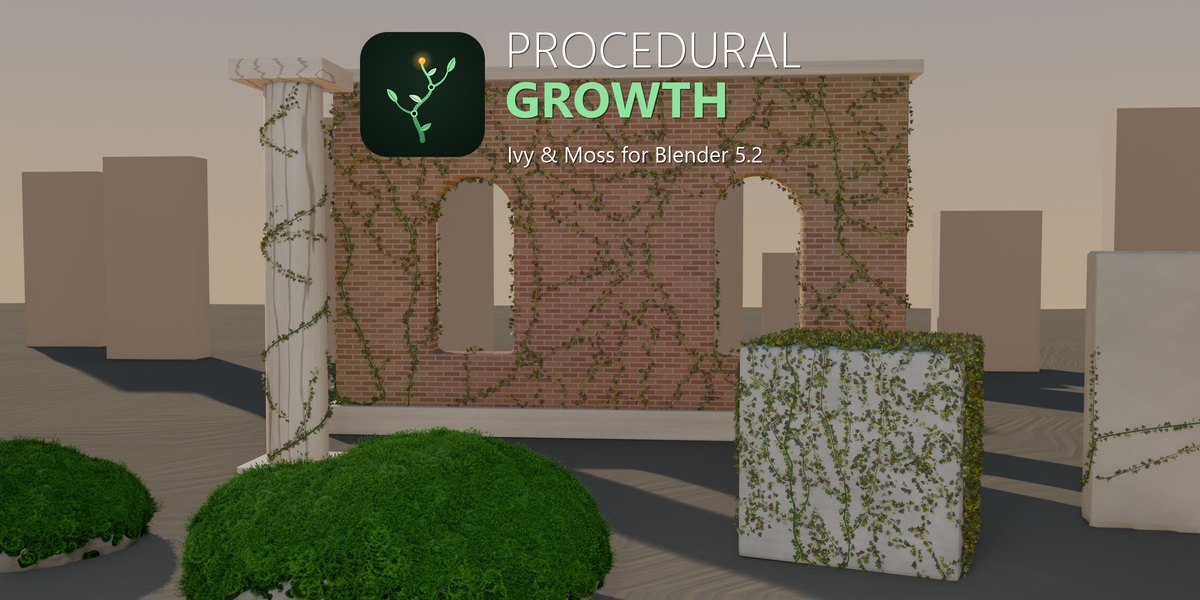
What is Procedural Growth?
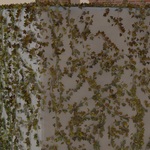
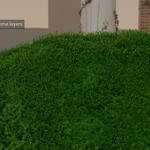
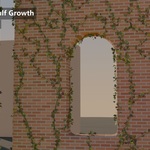
Procedural Growth is an ivy and moss generator for Blender 5.2. Use Geometry Nodes to cover a selected mesh, guide vines along a curve, add layers of moss and animate the environment changing over time.
Build the growth. Shape the leaves. Give the scene a history.
Procedural Growth 1.5.2 — Blender 5.2+
See it in Blender
Watch the full demo in the gallery above. The demonstrations use real Blender add-on output. See the animated previews below for each feature in motion.
Included in 1.5.2
- Four workflows: Quick, Guided, Draw and Engulf
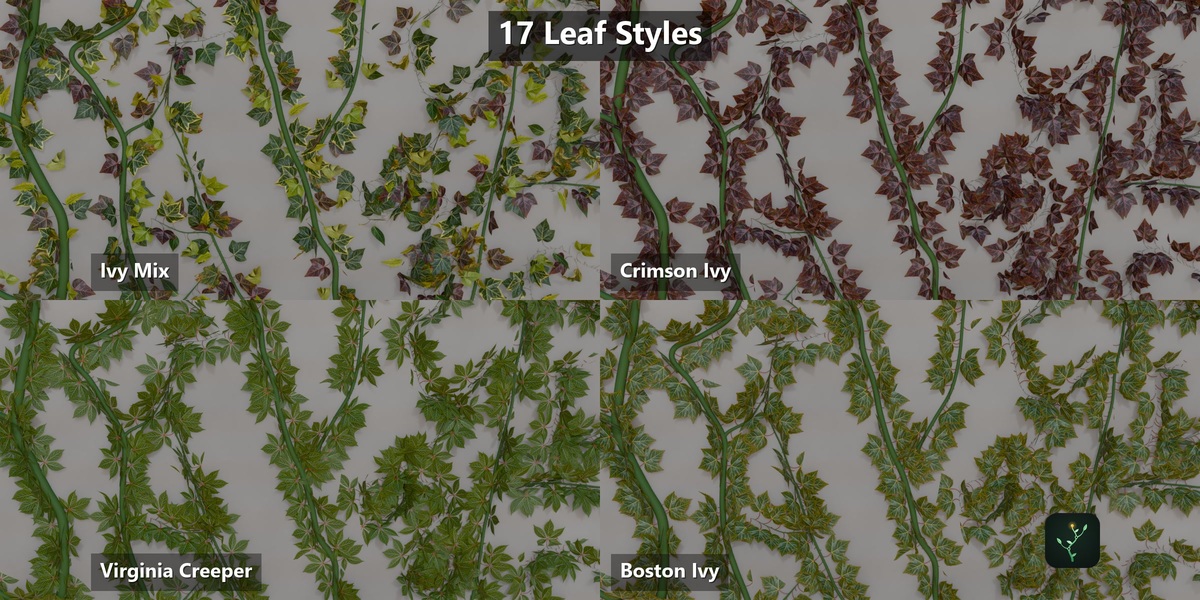
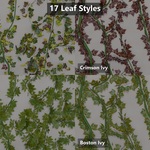
- 17 leaf-gallery choices: one mix, 12 atlas choices and four climbing vines
- 19 material themes; 11 ivy presets and 12 moss presets
- Growth animation, procedural leaf wind, and tip-to-root decay
- Micro, Mid and Macro moss layers with surface masks
- Viewport and render quality controls, baking and mesh conversion tools
Woodland, Olive Lichen, Dry Heather, Spring Green, Wet Forest, Stone Lichen, Autumn Rust, Enchanted, Ember, Frost, Bioluminescent, Faerie Glow, Sunfire, Moonspore, Clear Caustic Glass, Prismatic Dew, Aurora Glass, Opal Bloom, Void Prism
Cover a surface over time
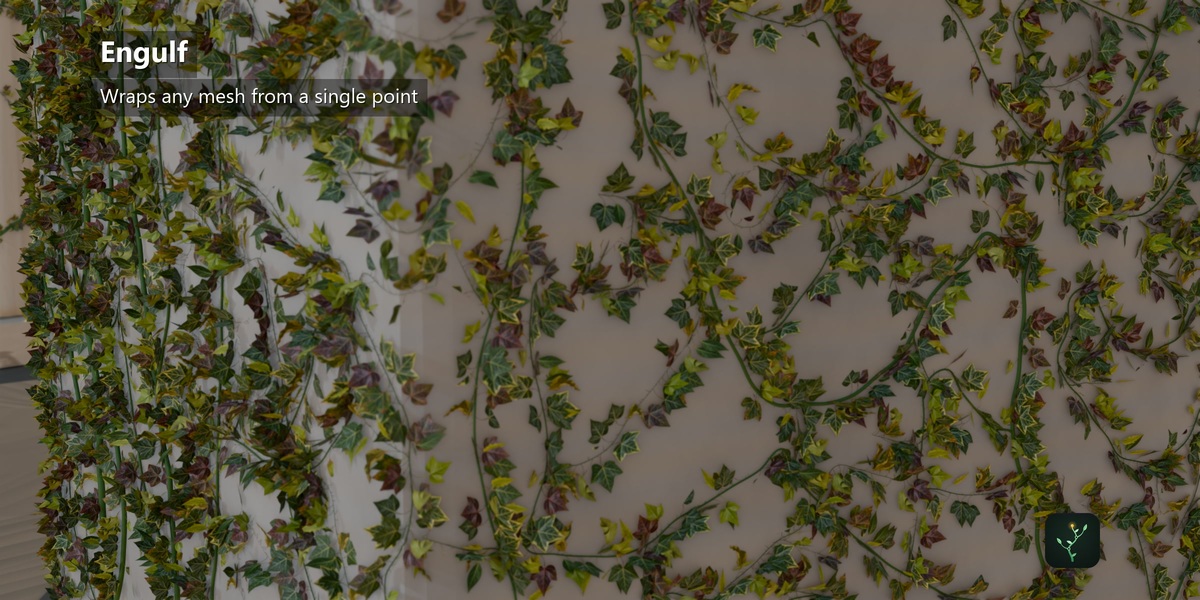
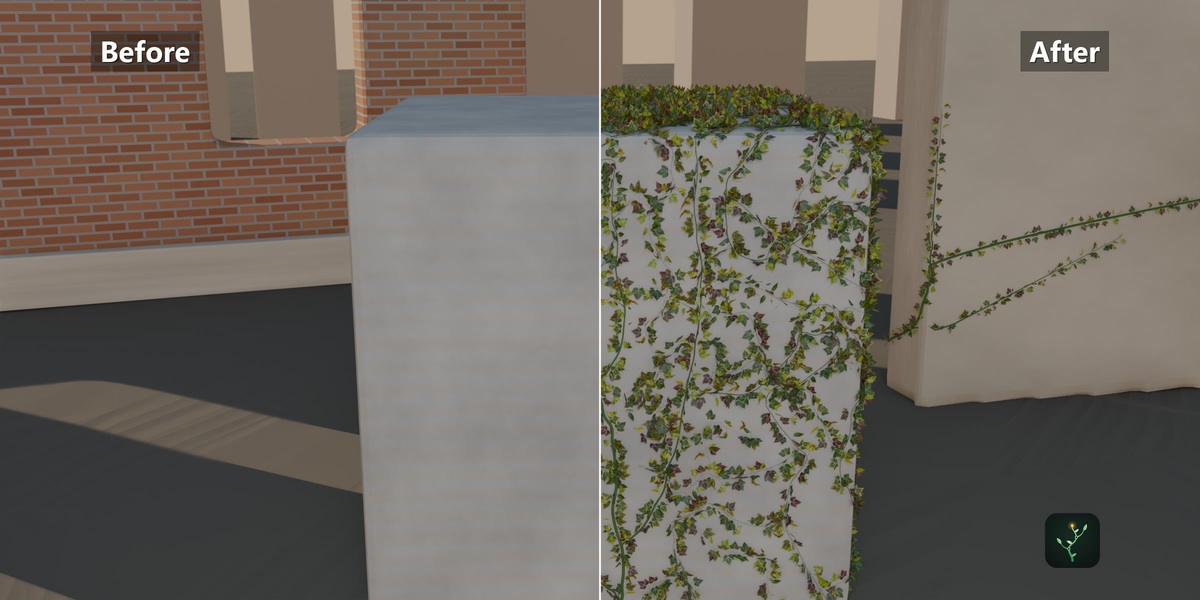
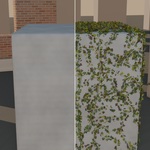
Use Engulf to spread ivy across a selected mesh. Key the coverage control to reveal more of the surface as the shot progresses.
Direct the path of growth
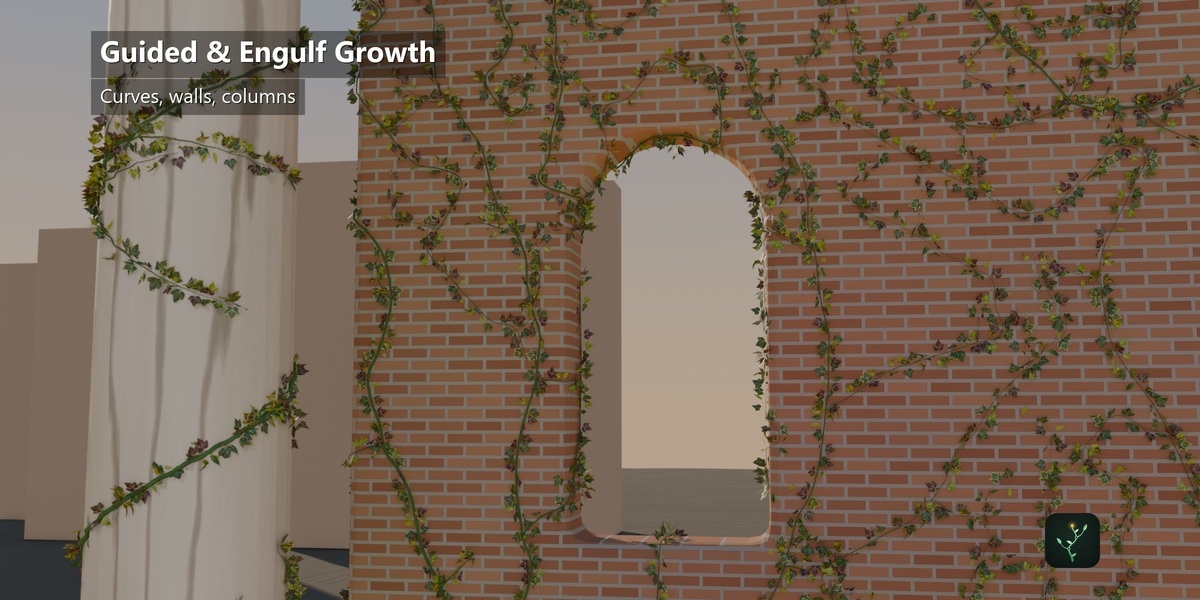
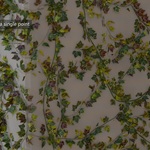
Use a guiding curve to place the main stem. Refine stem thickness, branching and leaf size to suit the shot. Quick, Guided, Draw and Engulf provide four starting workflows.
Choose the leaves. Add motion.
The gallery has 17 choices: one mixed set of 12 atlas leaves, the 12 individual atlas choices, and four climbing-vine styles. Add procedural leaf wind for movement; the branches remain static.
Give the environment a history
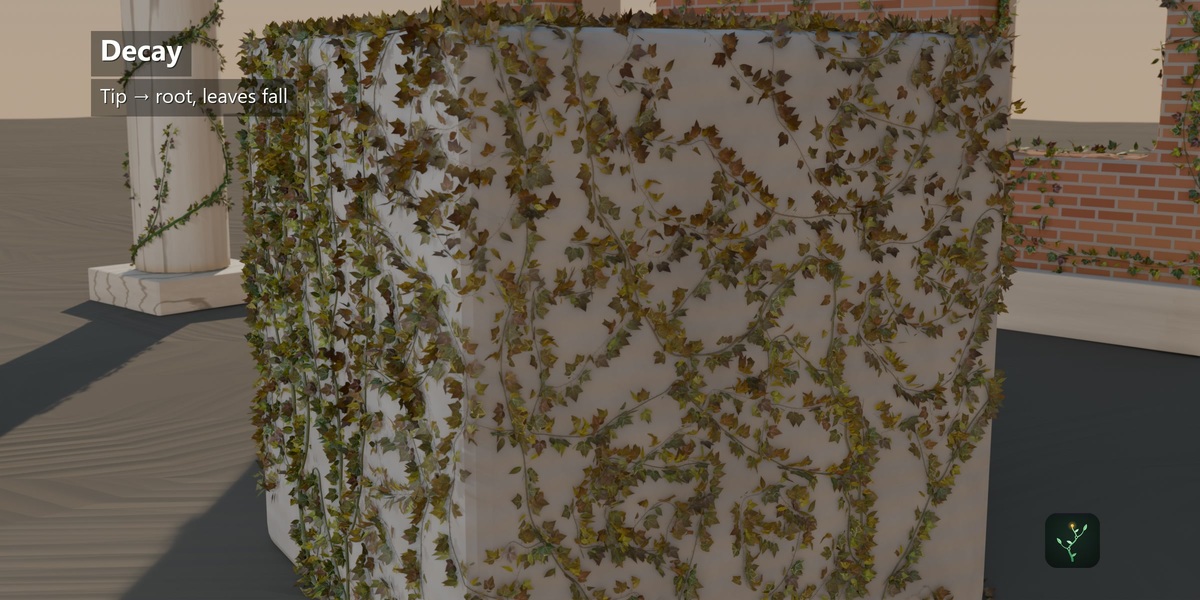
Animate leaves drying, changing color and falling, with decay progressing from the tips toward the root. Use the same growth system for a fresh or weathered scene.
Build moss in layers
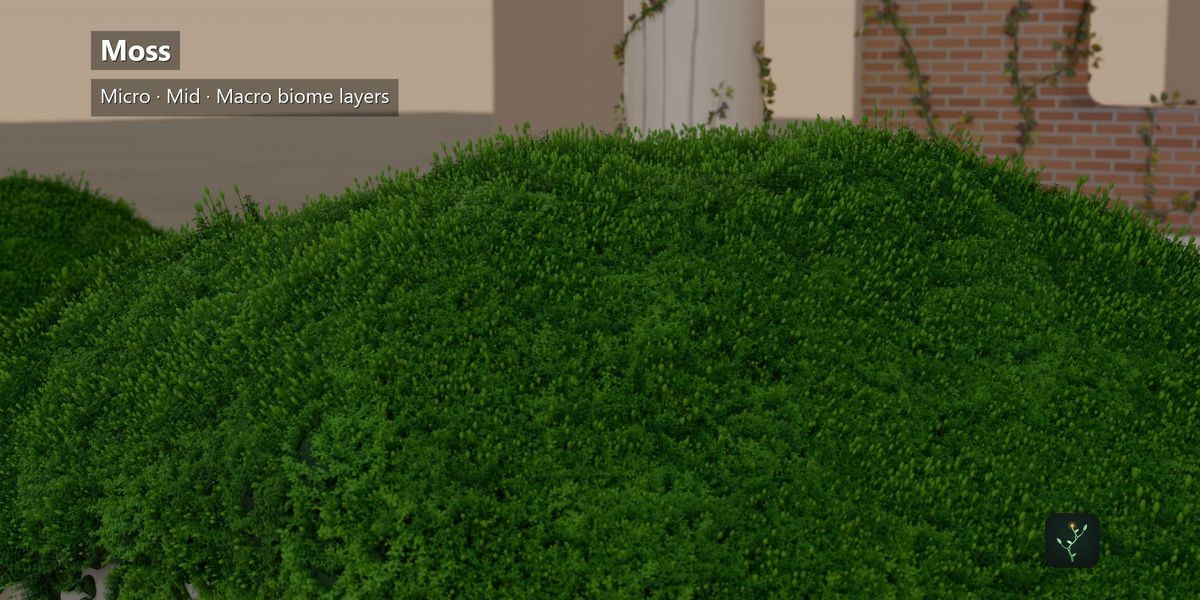
Combine Micro, Mid and Macro moss layers. Shape coverage with slope, cavity, height, paint, noise and moisture controls, then choose from 19 material themes.
Questions before you start
Which Blender version do I need?
Procedural Growth 1.5.2 requires Blender 5.2 or later. The demonstrations were created in Blender 5.2.
Which workflows are included?
Quick, Guided, Draw and Engulf. Use Quick for a starting setup, Guided for a curve-directed vine, Draw to place a path, and Engulf for surface coverage.
How many leaf choices and materials are included?
The gallery contains 17 choices: one mixed atlas set, 12 individual atlas leaves, and four climbing vines. There are 19 material themes, 11 ivy presets and 12 moss presets.
Can I animate the growth?
Yes. Growth and coverage controls can be keyframed. Wind adds leaf motion while branches remain static, and decay changes the leaves and makes them fall.
Can I use Cycles and Eevee?
Yes. Procedural geometry and materials can be rendered with Cycles or Eevee. Glass and refractive themes depend on your renderer and scene lighting.
Are the demonstration scenes included?
The purchase delivers the add-on ZIP and its bundled assets. The promotional scenes are demonstration material and are not promised as included project files.
How do I install it?
Download procedural_growth-1.5.2.zip. In Blender 5.2, open Edit > Preferences > Get Extensions, choose Install from Disk, select the ZIP and enable Procedural Growth. Open its panel in the 3D View sidebar.
Install and start
Download procedural_growth-1.5.2.zip. In Blender 5.2, open Edit > Preferences > Get Extensions, choose Install from Disk, select the ZIP and enable Procedural Growth. Open its panel in the 3D View sidebar.
The purchase delivers the add-on package. Promotional scenes are demonstration material.
License: GPL-3.0-or-later. Use your rendered images and videos commercially.