 LarkLab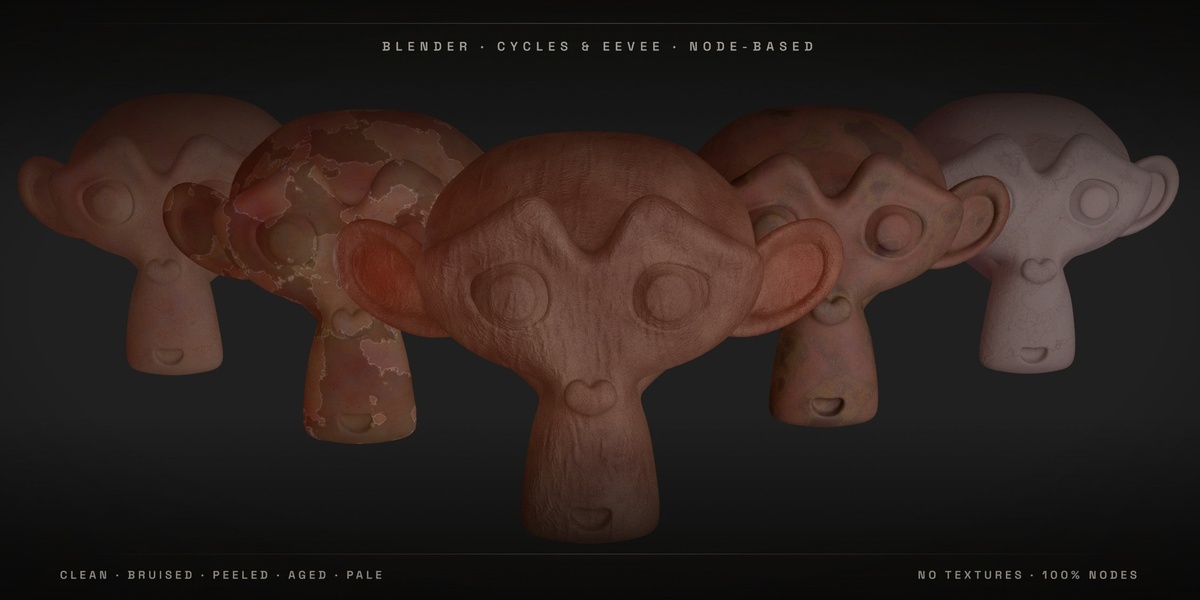
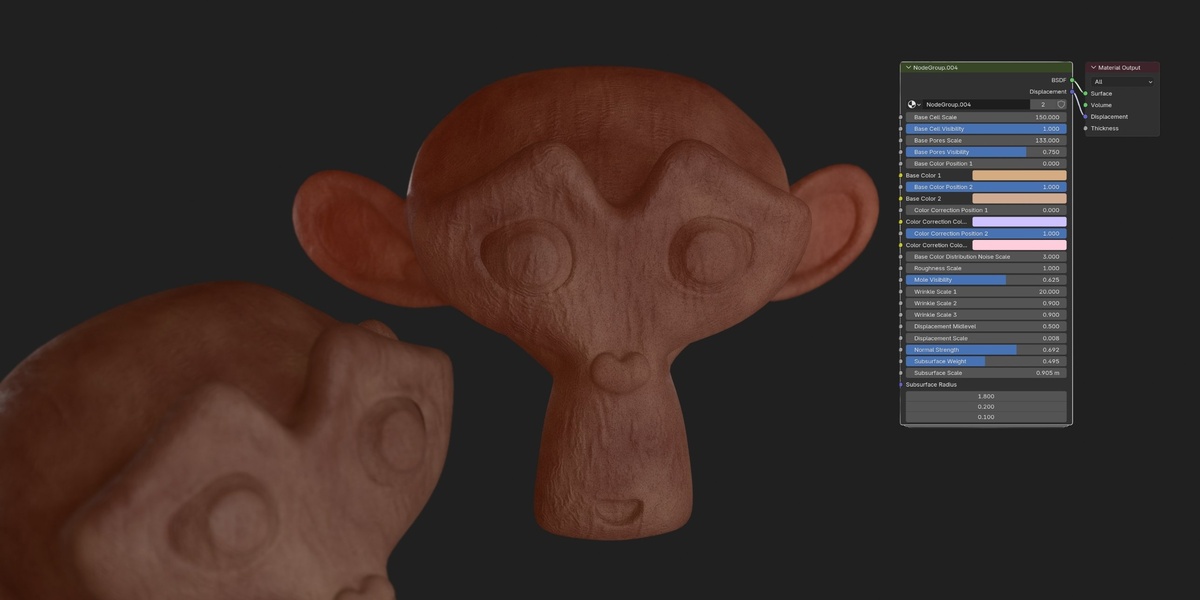
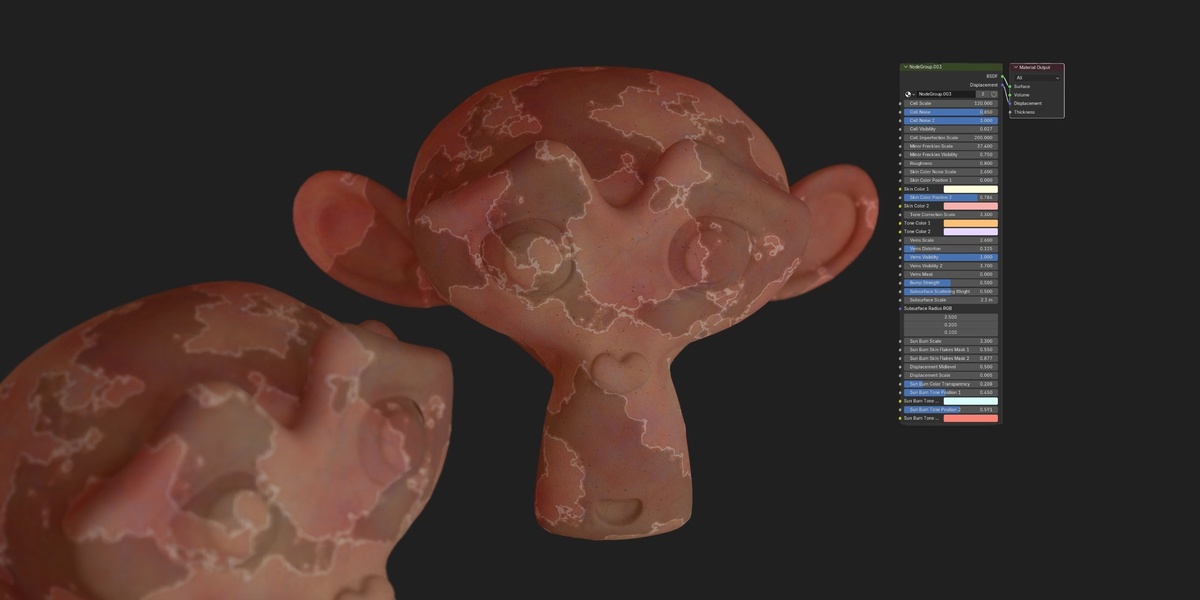
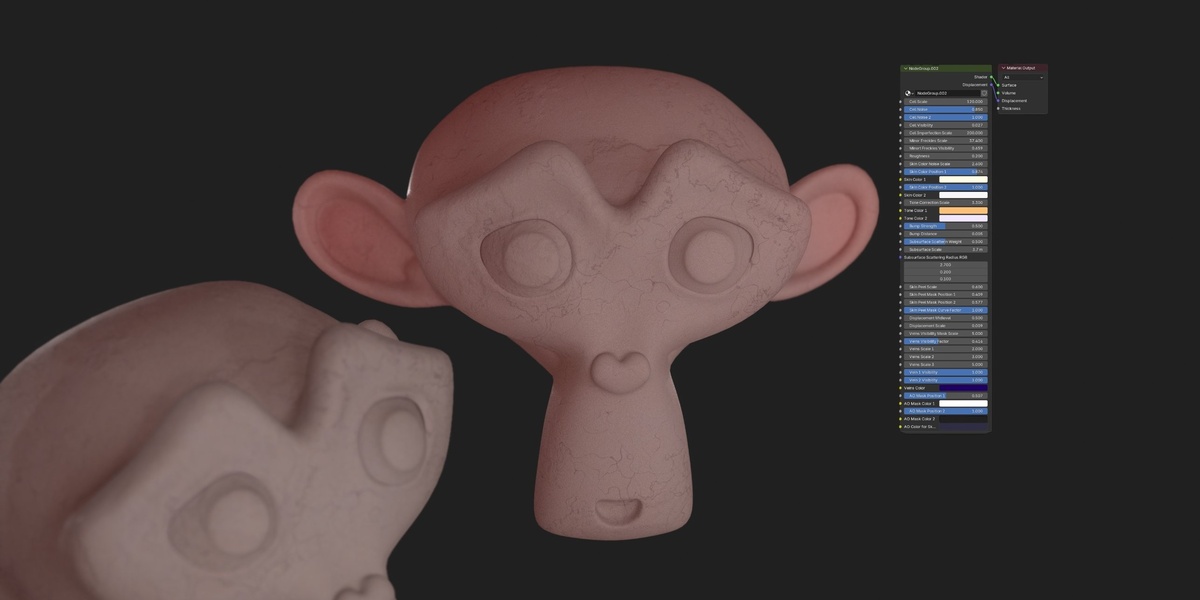
Overview
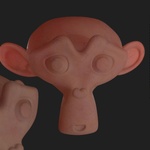
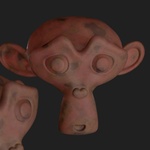
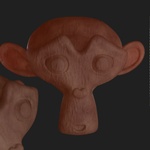
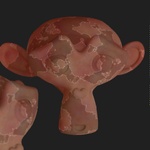
A fully procedural skin shader set for Blender, covering five distinct conditions: Clean, Bruised, Freckled & Sun-Kissed, Aged, and Pale & Veined. No image textures, no UV unwrapping, no baking. Built for character artists, illustrators, and studios who need skin that holds up in close-up render without a texturing pass.
What’s Included
- 1 .blend file containing all 5 materials
- 5 procedural skin materials, each with its own dedicated node group
- 100% procedural — zero image textures, zero UV dependency, infinitely scalable
- Full documentation (installation, slider reference, render tips)
Compatibility
- Primary render engine: Cycles (full support, including true displacement)
- Eevee: core shading, color, and pore/wrinkle detail work; the geometric skin-flake displacement on the Aged and Sun-Kissed materials needs Cycles’ Adaptive Subdivision
- No external textures required
Installation
- Unzip the downloaded package.
- In Blender, go to File > Append, then browse into
SkinPack.blend > Material. - Select one or more materials and click Append.
- Assign the material to your mesh via the Material Properties tab.
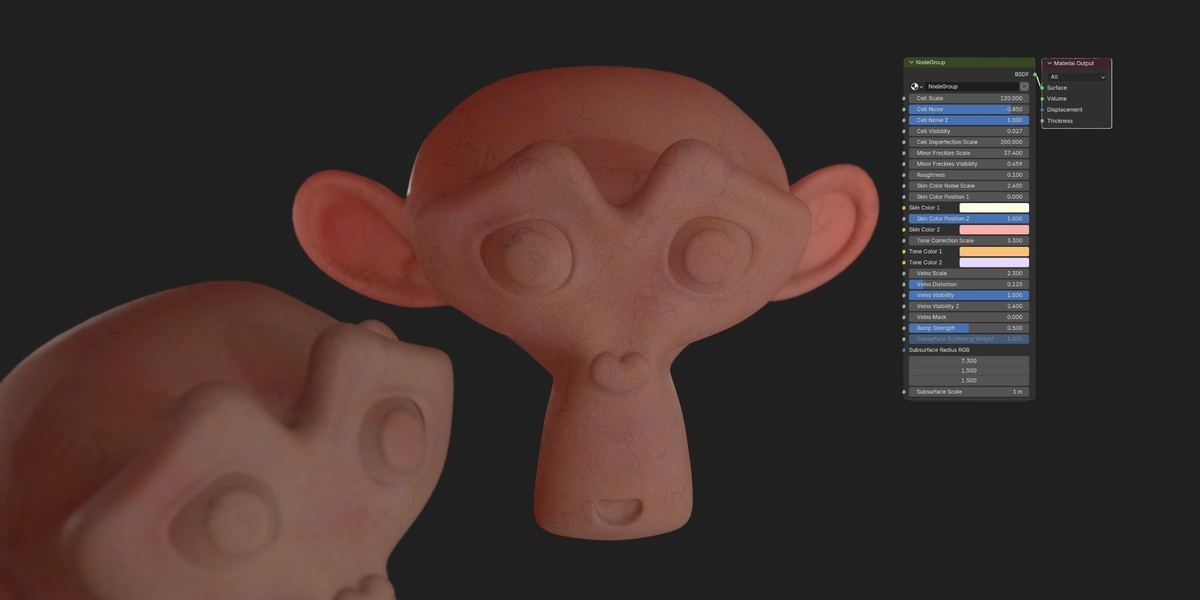
- Open the Shading workspace and press N to open the sidebar — each material’s parameters are grouped on its node group for quick adjustment.
- For full displacement detail: switch to Cycles, enable Render Properties > Feature Set > Experimental, and add a Subdivision Surface modifier with Adaptive Subdivision checked.
The Five Materials
- Clean Skin — healthy base tone, fine pores, subtle micro-wrinkles
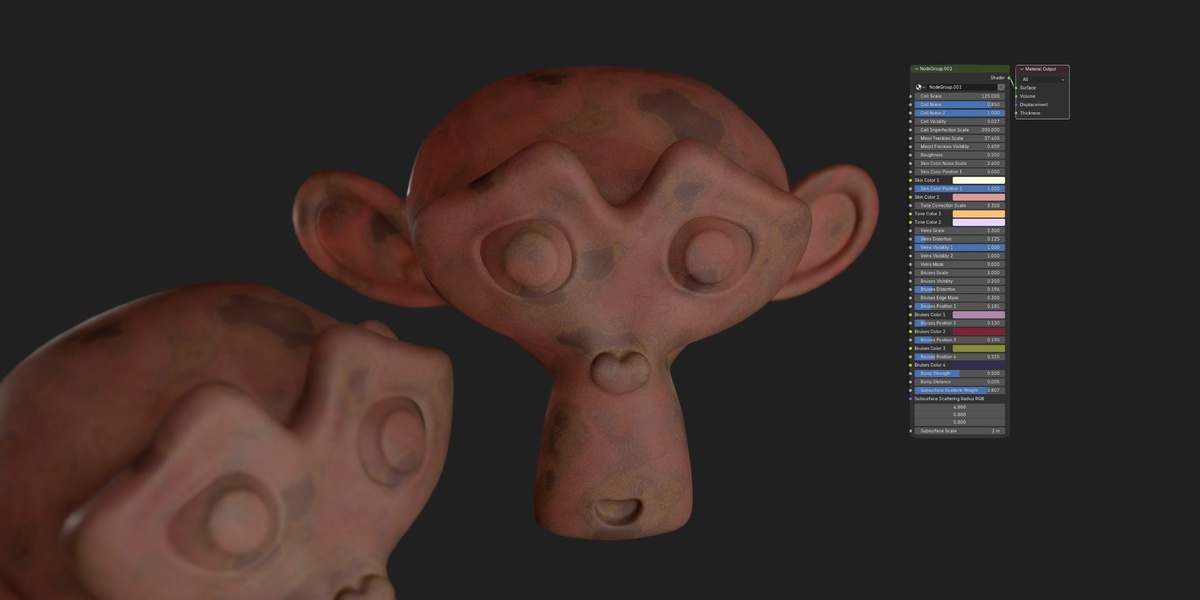
- Bruised Skin — bruise coloring set directly from a Color Ramp
- Freckled & Sun-Kissed Skin — clustered freckles, sunburn redness, fine skin-flake peeling with true displacement
- Aged Skin — directional wrinkle network, age spots, deepened shadow in creases
- Pale & Veined Skin — cool desaturated tone with a fine sub-dermal vein network
Shader Controls (shared across materials)
- Scale — overall size of pore and wrinkle detail
- Tone — base skin colour
- Redness — warmth / blood-flow tint
- Pore Density / Pore Depth — pore pattern and bump strength
- Roughness — surface sheen, dry to oily
- SSS Amount — subsurface scattering strength
Plus material-specific controls: Bruise Colour (Color Ramp), Freckle Density, Sunburn, Age, Vein Visibility, Paleness.
Usage Tips
- Light from the side, not straight on — micro-detail and SSS show far better under angled or rim lighting.
- Shoot close. This is a detail shader; medium to macro shots show it off best.
- Test on your actual mesh, not just a sphere — pore and wrinkle scale read differently on curved surfaces.
License
Standard Royalty Free. Use in unlimited personal and commercial projects. Redistribution or resale of the node setups or .blend file itself requires permission.
Support
Questions or issues — message me directly through your Superhive Inbox after purchase.
Have questions about this product?
Login to message
| Rating | 1 ratings |
| Published | about 11 hours ago |
| Blender Version | 5.0 - 5.2 |
| Render Engine Used | Cycles, Eevee |
| License | Royalty Free |