 blenderustad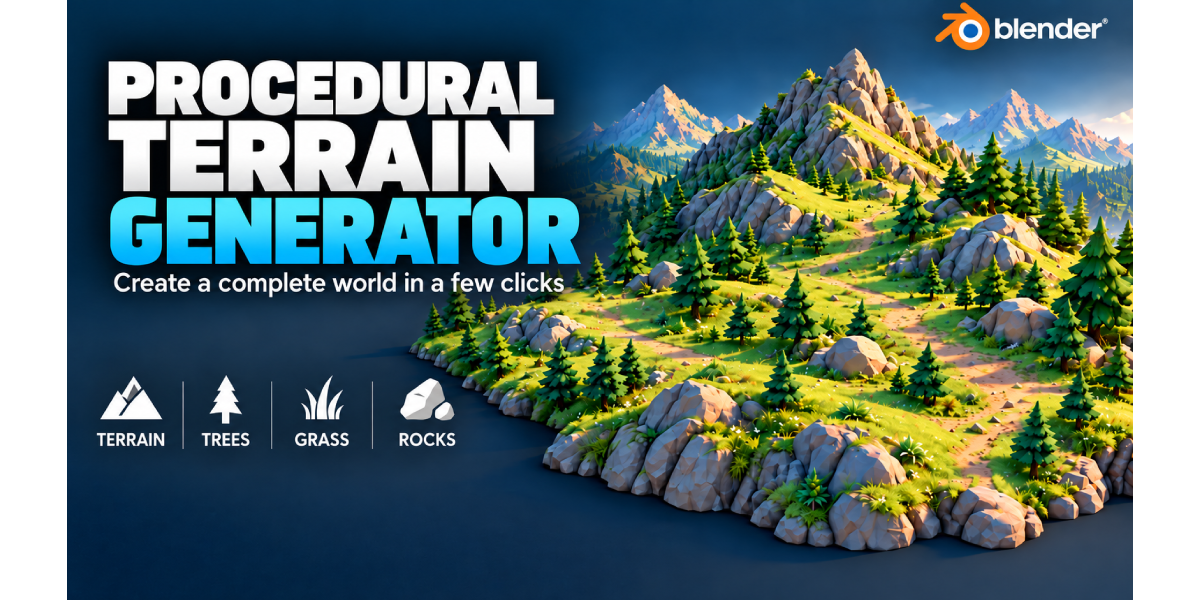
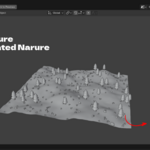
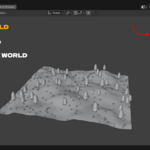
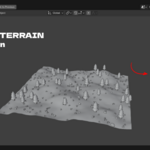
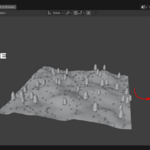
The problem
Building a believable outdoor scene in Blender usually means two separate fights: shaping a terrain mesh (sculpting by hand, or wrestling a displacement image into showing real detail), and then placing grass, trees and rocks across it without them floating on cliffs or bunching unnaturally on flat ground. Most addons solve only one half of that problem.
The solution
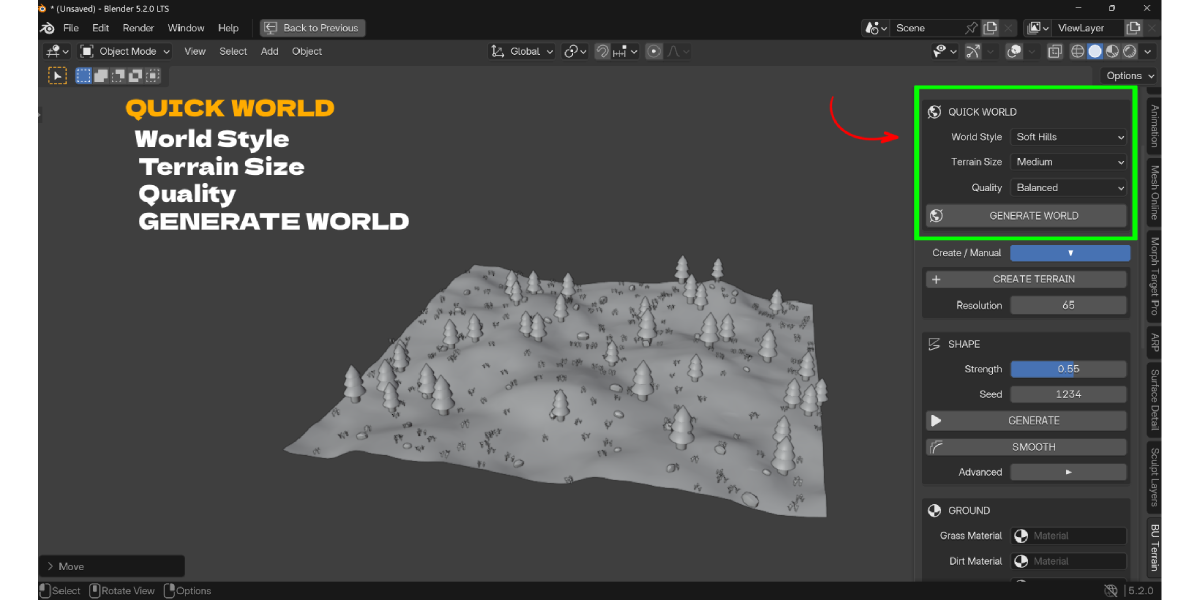
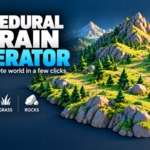


Procedural Terrain Generator does both in the same sidebar panel. Pick a World Style and click Generate World to get a complete, shaped, materialed and vegetated terrain in one pass, or switch to Use Existing Ground to scatter the same Grass, Tree and Rock system onto a mesh you already have, without touching that mesh.
Shape terrain without sculpting
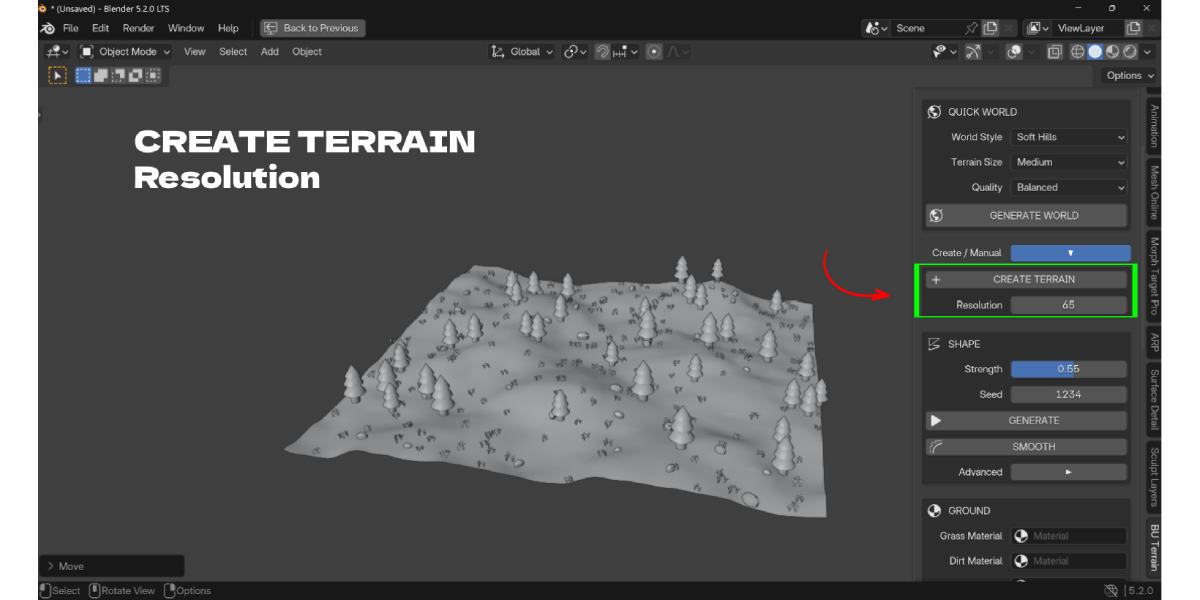
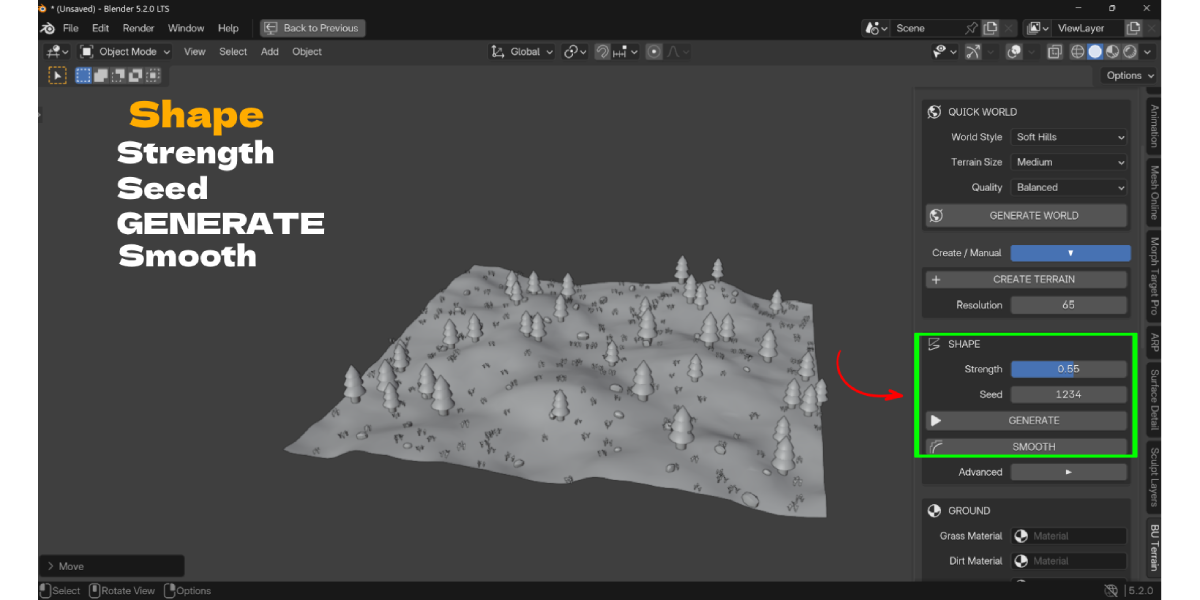
Choose from six World Style presets (Flat, Soft Hills, Mountains, Valley, Rocky, Random), set a Strength and Seed, and the add-on builds a real displaced grid mesh at your chosen Resolution and Size (Small/Medium/Large/Custom). A Smooth pass with adjustable iterations softens noisy results, and Reset Terrain flattens back to zero if you want to start over.
Scatter grass, trees and rocks on any ground
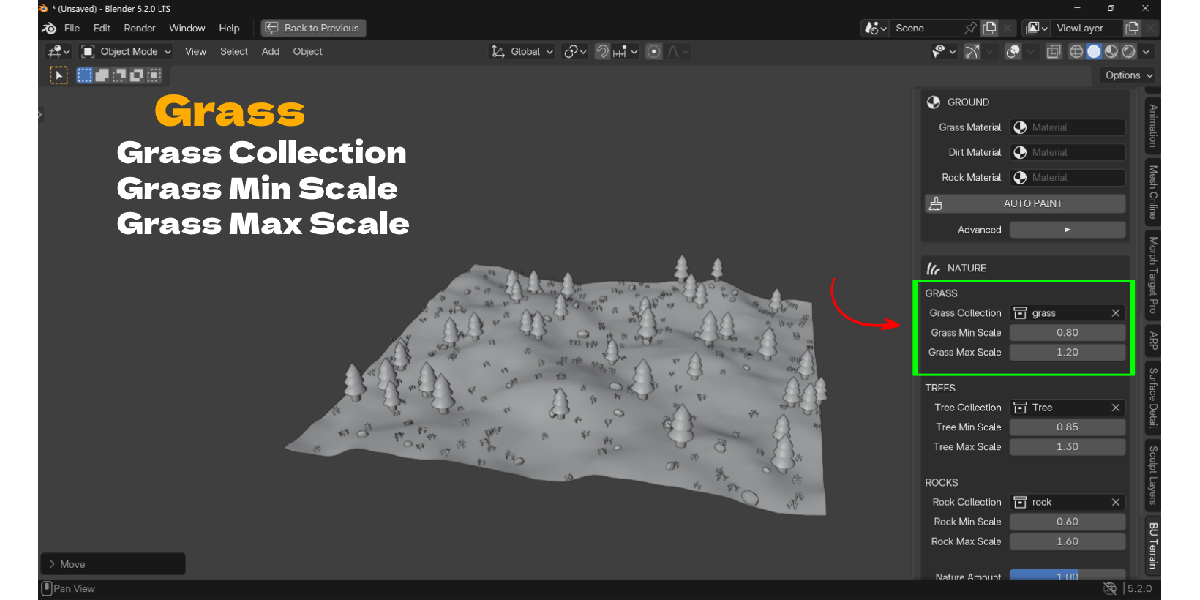
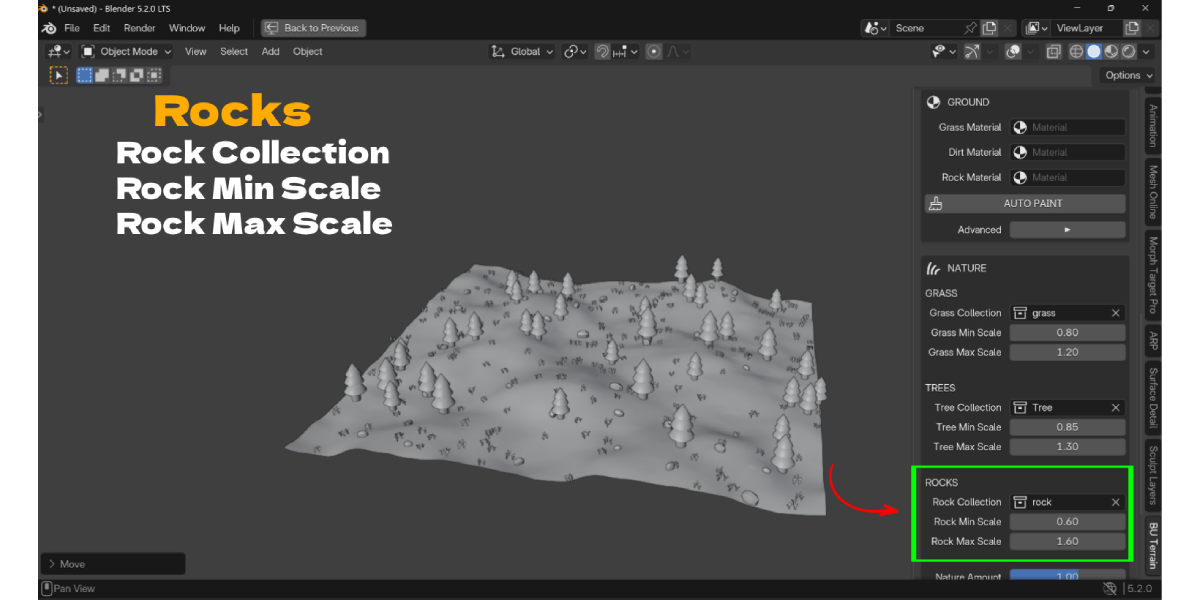
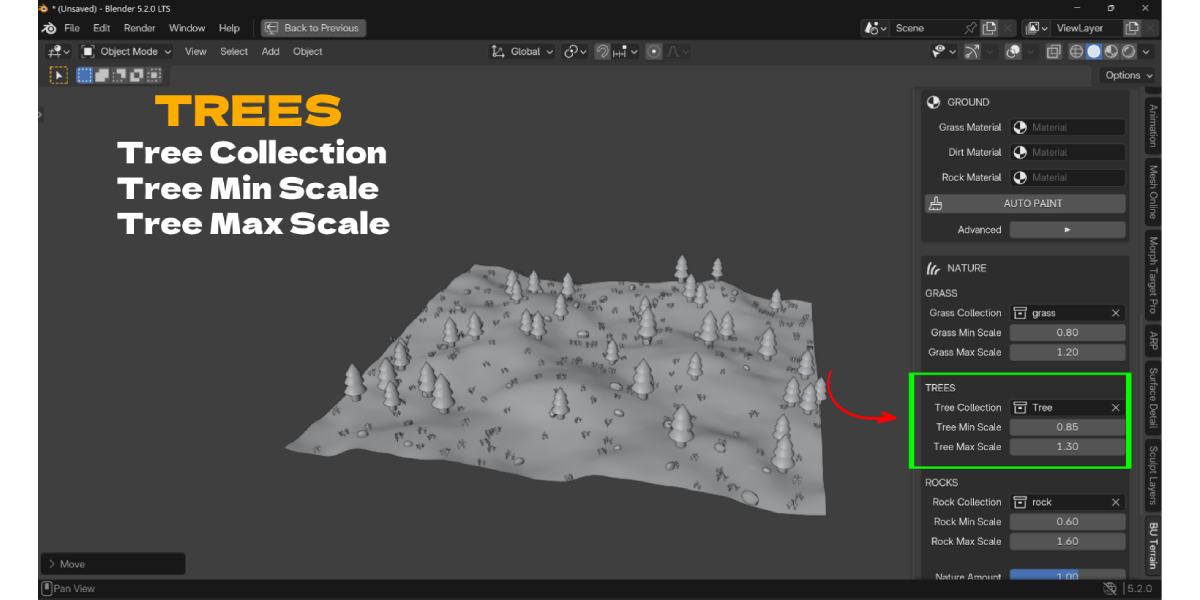
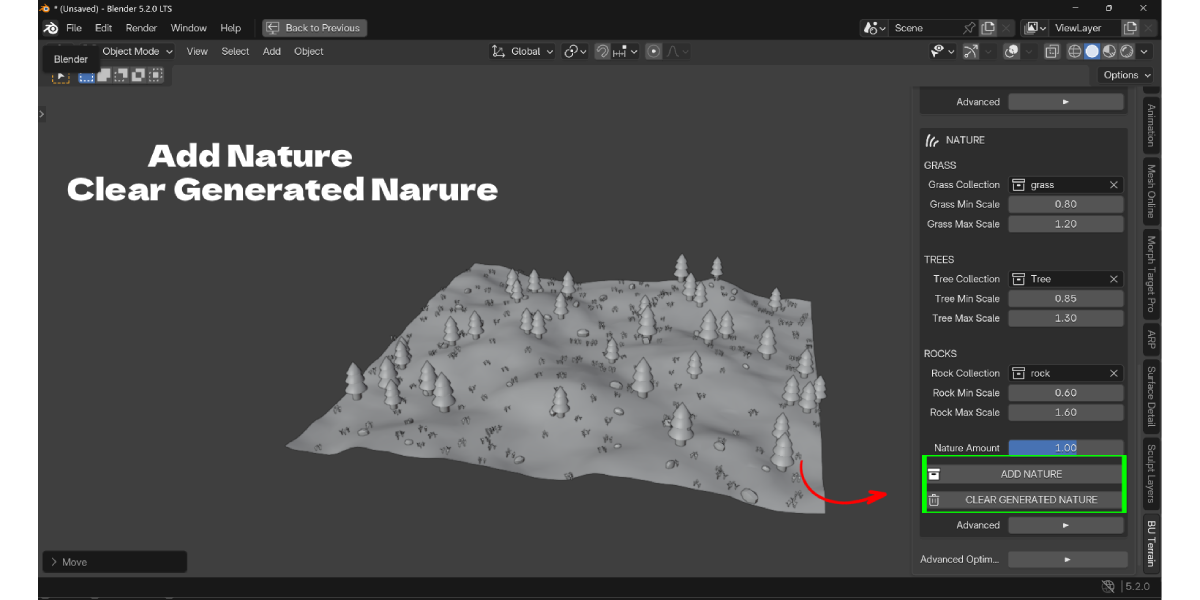
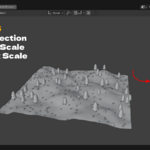
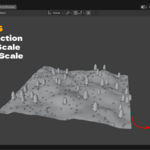
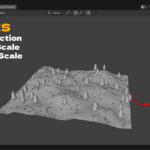

Assign your own Grass, Tree and Rock asset collections, then click Add Nature. Each category has its own density slider, its own independent Min/Max Scale range, and its own Align-to-Surface toggle. Built-in placement rules keep grass off steep slopes, keep trees away from cliff faces, and bias rocks toward rougher ground, on top of manual Height and Slope range filters for full control.
Auto-paint ground materials
Assign Grass, Dirt, Rock and Sand materials once, then click Auto Paint. Each face is assigned automatically based on its slope angle and relative height, so steep faces get rock, low areas get sand, and moderate slopes get dirt or grass.
Use your own ground, not just generated terrain
Switch Ground Source to Use Existing Ground, select any mesh, and click Use Selected Object. The same Grass/Tree/Rock scattering and density controls run on that mesh's real evaluated surface, including Subdivision, Displace and Geometry Nodes modifiers, through a world-space BVH raycast. The source mesh and source collection objects are never modified.
Iterate without losing your layout
Changing a Min/Max Scale slider after scattering resizes the already-placed instances live, in the viewport, without moving, rotating or re-randomizing them. Clear Generated Nature removes only the tagged generated copies for the selected ground, so your source collections and the ground mesh itself stay untouched.
Keep the viewport fast
Optimize Terrain applies a Mobile, Balanced or High Quality Decimate preset to dense generated or scattered scenes, so you can keep working without the viewport slowing down.
Key Features
- Generate World (one click): Creates, shapes, smooths, auto-paints and scatters nature in a single operator run. Benefit: a complete starting terrain without running each step by hand.
- Six World Style presets: Flat, Soft Hills, Mountains, Valley, Rocky, Random, each driven by its own noise profile. Benefit: a usable base shape in seconds instead of manual sculpting.
- Strength, Seed, Size and Resolution controls: Strength scales the height field, Seed reproduces a specific result, Size picks Small/Medium/Large/Custom, Resolution sets grid density. Benefit: predictable, repeatable terrain instead of trial-and-error sculpting.
- Smooth and Reset Terrain: Adjustable-iteration smoothing pass, plus a one-click flatten back to zero height. Benefit: quickly tame overly rough noise or restart a shape without deleting the object.
- Auto Paint ground materials: Assigns Grass, Dirt, Rock and Sand materials per face from slope angle and relative height. Benefit: a textured-looking terrain without hand-painting material weights.
- Grass / Tree / Rock scattering from your own assets: Add Nature places instances from any Mesh or Curve objects in your assigned collections. Benefit: use your own asset library instead of a fixed built-in set.
- Independent density per category: Separate Grass, Tree and Rock Density sliders plus an overall Nature Amount multiplier. Benefit: fine control over how crowded each layer looks without affecting the others.
- Independent Min/Max Scale with live resize: Each category has its own scale range, and adjusting it after scattering resizes existing instances instantly. Benefit: dial in size variation without re-scattering and losing your layout.
- Per-category surface alignment: Align Grass, Trees and Rocks to Surface are separate toggles (Grass and Rocks on by default, Trees off). Benefit: grass and rocks hug slopes naturally while trees stay upright, or you can override either.
- Height and slope placement masks: Manual Placement Height Min/Max and Minimum/Maximum Slope fields, plus built-in per-category slope rules. Benefit: keep vegetation out of water lines, cliff faces or unwanted zones without manual cleanup.
- Use Existing Ground mode: Scatters onto any mesh's real evaluated surface (including modifiers) via a world-space BVH raycast, without altering the source mesh or source collection objects. Benefit: safely populate a hero asset, imported heightmap or another addon's terrain.
- Clear Generated Nature: Removes only the tagged generated copies for the selected ground in one click. Benefit: a clean way to retry a scatter pass without hunting down instances by hand.
- Optimize Terrain presets: Mobile, Balanced and High Quality apply a tuned Decimate modifier. Benefit: keep dense terrain and scatter scenes responsive in the viewport.
Workflow Benefits
Compared with the hand-built workflow:
- Shaping: instead of sculpting or configuring a displacement image and subdivision stack, you pick a World Style, Strength and Seed and click Generate.
- Texturing: instead of manually painting material weights across the terrain, Auto Paint reads slope and height per face and assigns the right material.
- Populating: instead of building a Geometry Nodes scatter graph or buying a separate scatter addon, Add Nature scatters your own Grass/Tree/Rock collections directly in the same panel, with per-category density and scale.
- Cleaning up placement: instead of manually deleting trees that landed on cliffs or rocks that landed on flat ground, built-in slope rules plus manual Height/Slope filters keep placement sensible from the first pass.
- Iterating on scale: instead of re-scattering (and re-randomizing) every time you want bigger or smaller instances, Min/Max Scale sliders live-resize what is already placed.
- Working on existing assets: instead of duplicating a mesh defensively before testing a scatter, Use Existing Ground mode is non-destructive by design, so you can experiment directly on the real asset.
- Keeping the viewport usable: instead of manually adding and tuning a Decimate modifier, Optimize Terrain applies a tested preset in one click.
Who it is for and Use Cases
- Environment artists blocking out game levels or film backdrops who need a usable ground mesh fast, without a sculpting pass.
- Archviz and product artists who need to scatter natural surroundings (grass, trees, rocks) around a building or hero asset mesh without touching that asset.
- Game environment designers who need terrain that stays viewport-friendly through Optimize Terrain's Decimate presets.
- Technical artists building a terrain from a real heightmap or another addon, who need Use Existing Ground's non-destructive scatter instead of a generator tied to its own mesh.
- Hobbyists and students who want a readable, single-panel workflow (Quick World followed by optional Advanced sections) instead of assembling a Geometry Nodes graph from scratch.
What's included
- Blender compatibility: 4.2.0 minimum; the add-on's own documentation states it also supports Blender 5.2+, including the evaluated-mesh BVH placement path used for Existing Ground mode on that version.
- License: GNU GPL v3 or later (GPL-3.0-or-later).
- What it does not include: grass, tree or rock 3D models. You assign your own Mesh or Curve objects (in collections) as the scatter source; ground, dirt, rock and sand materials are also assigned by you (any Blender material works).
