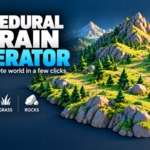
Procedural Terrain Generator & Nature Scatter
 blenderustad
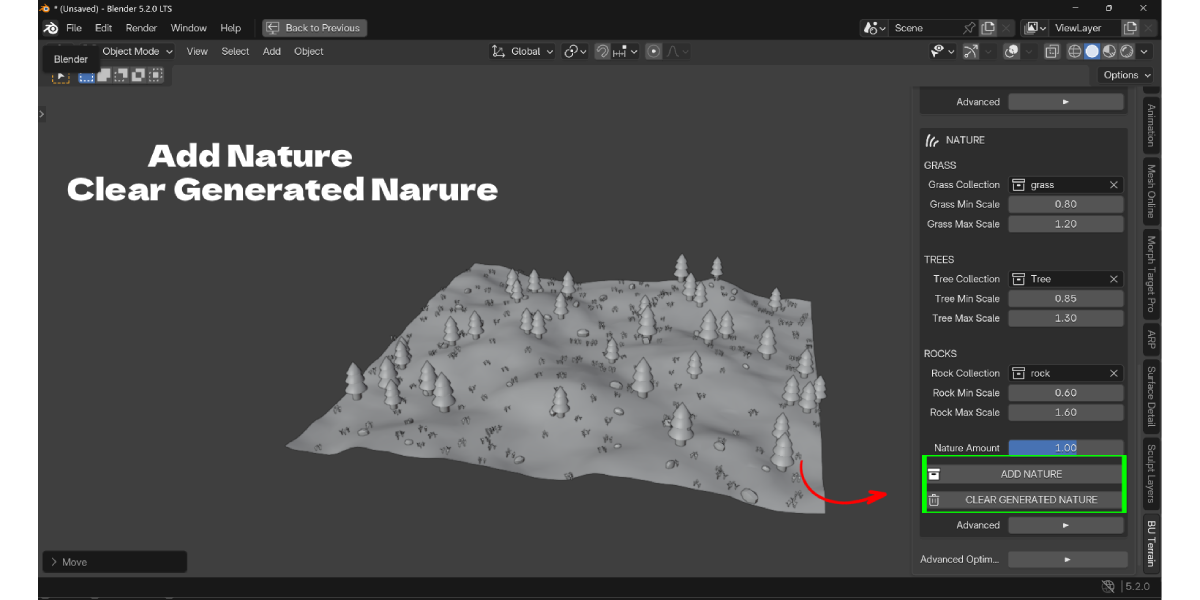
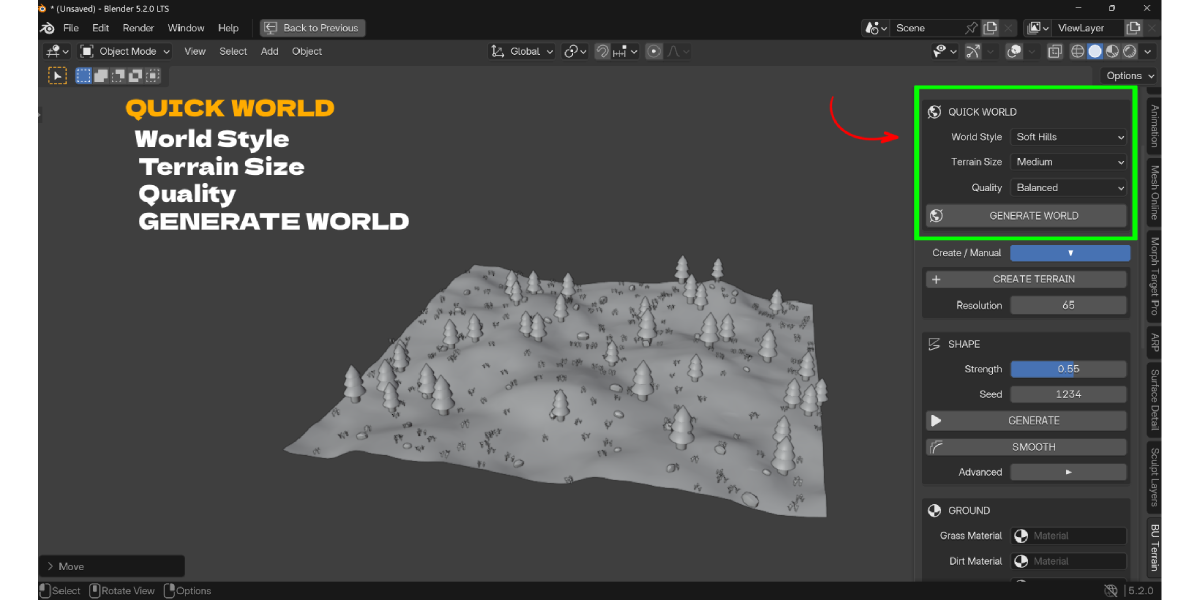
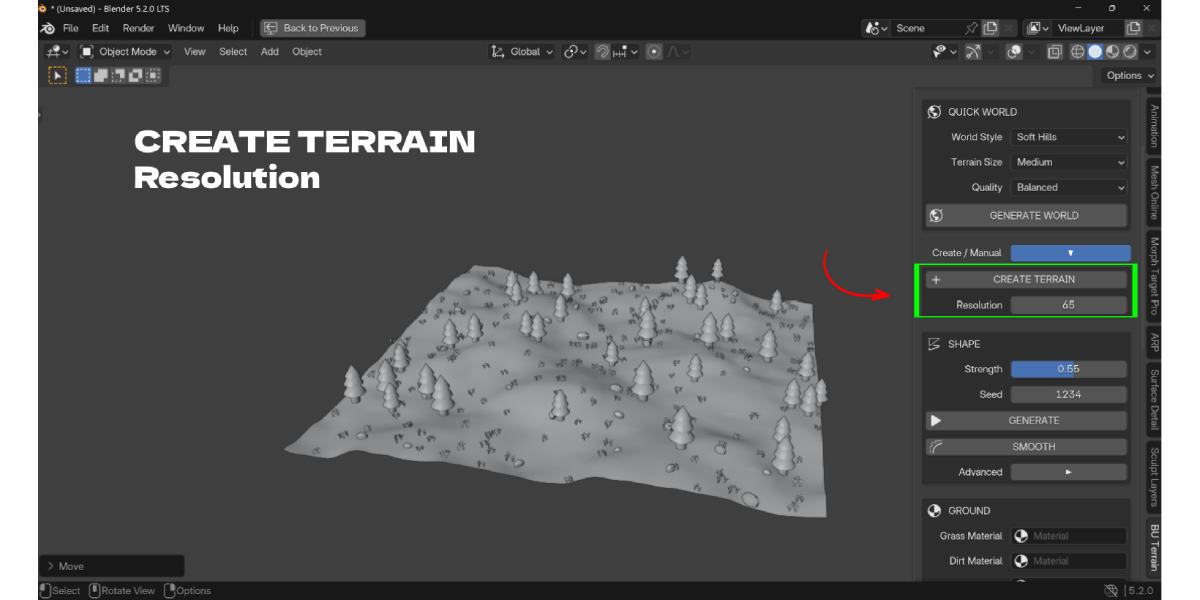
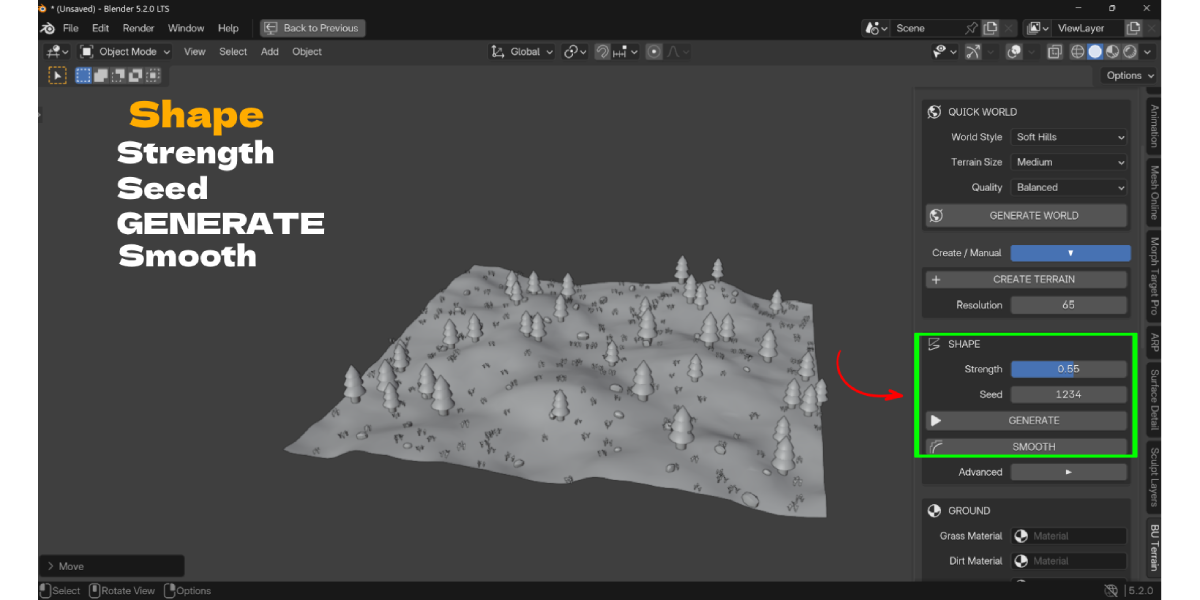
Does it work with Cycles and Eevee?
Yes. The add-on only creates mesh geometry, assigns materials, and places objects; it does not use any render-engine-specific shader nodes, so the result looks the same under either engine.
How does placement avoid putting trees on cliffs or rocks on flat ground?
Each category has its own slope rule in addition to the manual Minimum/Maximum Slope fields: grass skips slopes over 27 degrees, trees skip slopes over 34 degrees, and rocks are biased away from flatter ground (under 13 degrees slope) toward rougher terrain.
Is scattering destructive to my ground mesh?
No. Both the source mesh (in Existing Ground mode) and your source collection objects are left unmodified. Only new, tagged generated copies are added, and Clear Generated Nature removes exactly those.
Does it support Blender 5.2?
Yes. The add-on's minimum is Blender 4.2.0, and its documentation states Blender 5.2+ is supported, including a BVH-based placement path built specifically for that version's evaluated-mesh API in Existing Ground mode.
Can I use my own tree, rock and grass models?
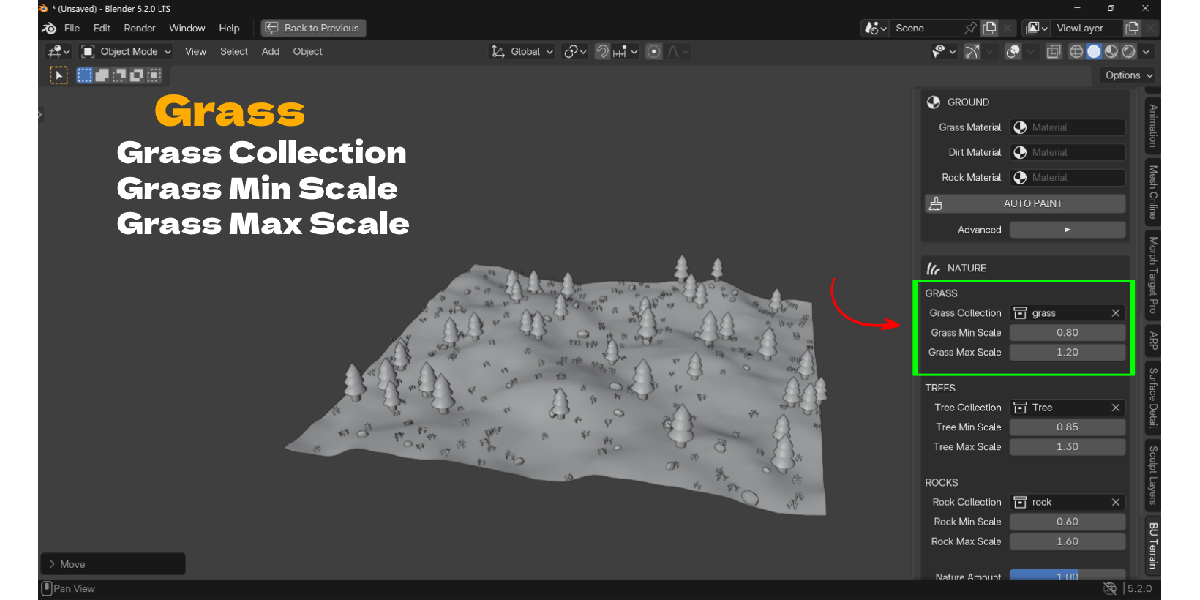
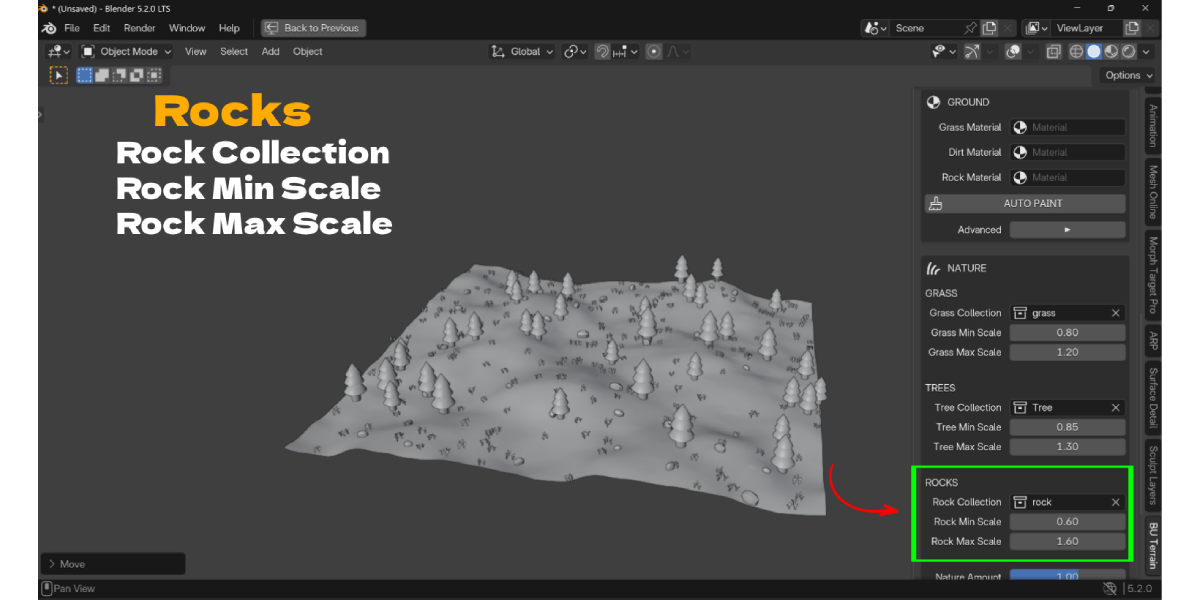
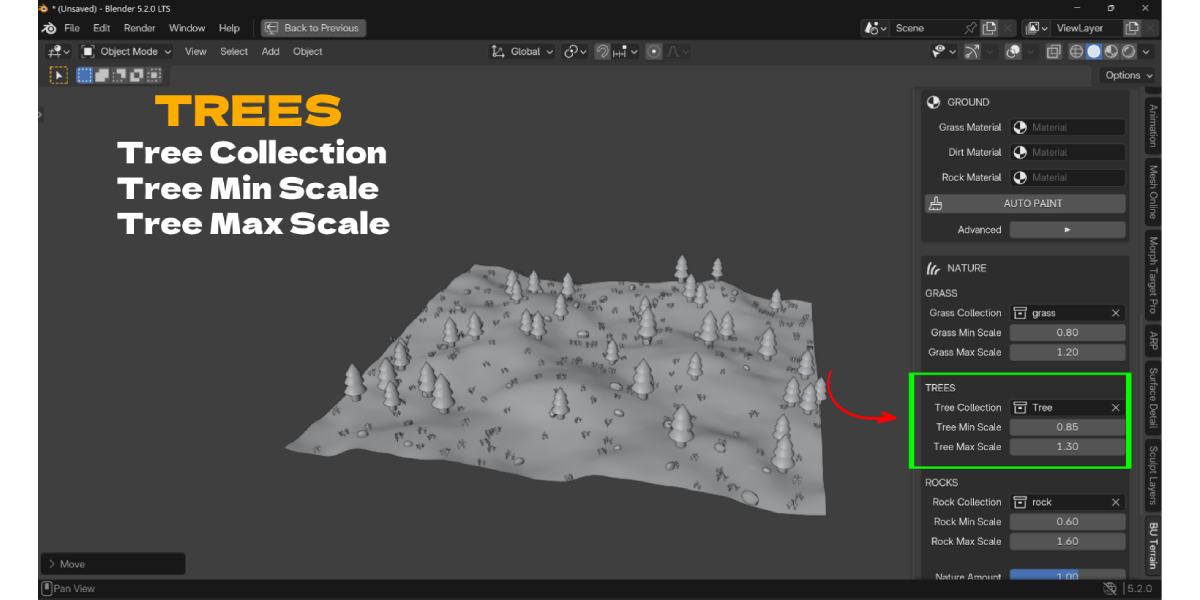
Yes. Assign any Mesh or Curve objects, placed inside a Collection, to the Grass Collection, Tree Collection or Rock Collection fields. The add-on does not include any 3D assets of its own.
If I change the density slider, does my scatter update live like the scale sliders do?
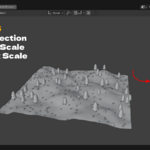
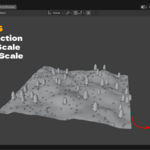
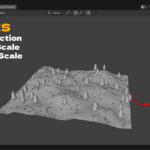
No. Density changes take effect the next time you click Add Nature, which re-runs placement for that category. Only the Min/Max Scale sliders live-resize instances that are already placed, without re-running placement.
Does it need Geometry Nodes or any other add-on?
No. It is pure Python using Blender's standard mesh and object APIs; no node graphs are required to use it.
What license is it released under?
GNU GPL v3 or later (GPL-3.0-or-later), as stated in the included LICENSE file and in every source file's header.
Can I scatter onto terrain made by a different add-on, or an imported heightmap?
Yes, through Use Existing Ground mode. It samples the mesh's real evaluated surface, including modifiers such as Subdivision, Displace or Geometry Nodes, so it works on terrain built elsewhere.
Who do I contact for support?
The creator, Blender Ustad, at [email protected], or through blenderustad.com.
Have questions about this product?
Login to message
| Blender Extension Compatible | Yes |
| Published | about 12 hours ago |
| Blender Version | 4.2 - 5.2 |
| Extension Type | Add-on |
| Render Engine Used | Cycles, Eevee |
| License | GPL |
