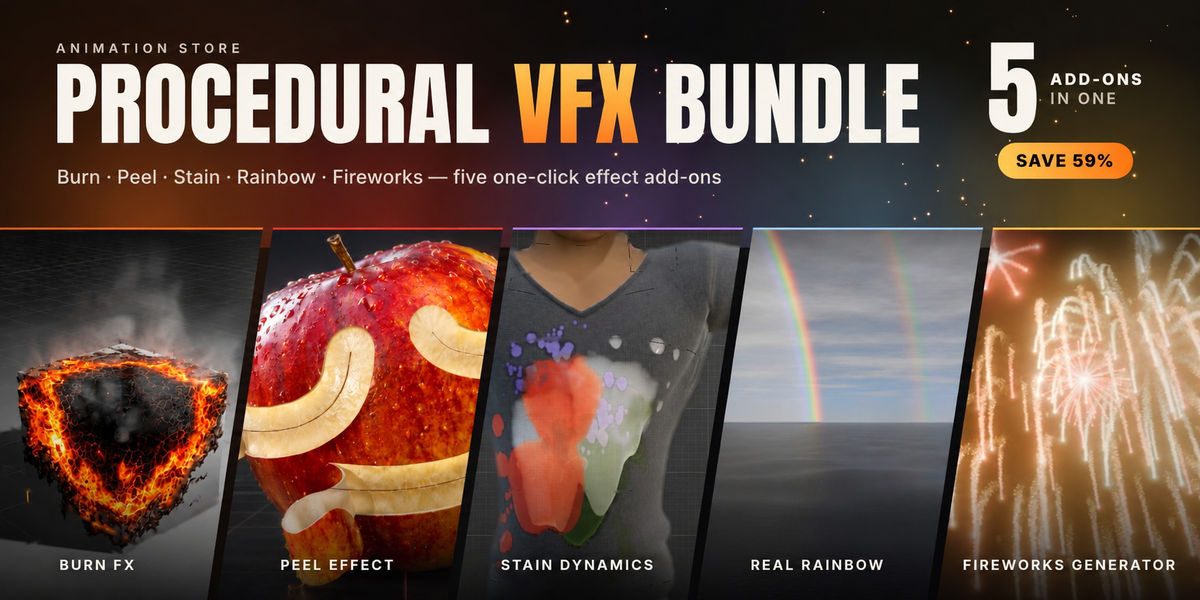
Procedural VFX Bundle
 Animation Store

Documentation
Each add-on installs separately and has its own full manual. This page takes you from download to a first render; the linked manuals cover every setting.
Install
- Download the five .zip files
- In Blender 4.2 or later, open Edit > Preferences > Add-ons.
- Open the drop-down arrow at the top right and choose Install from Disk.
- Select one .zip file and install it. Repeat for the other four.
- Check that all five add-ons are enabled in the list.
You can also drag a .zip file straight into the Blender window to install it.
Burn FX
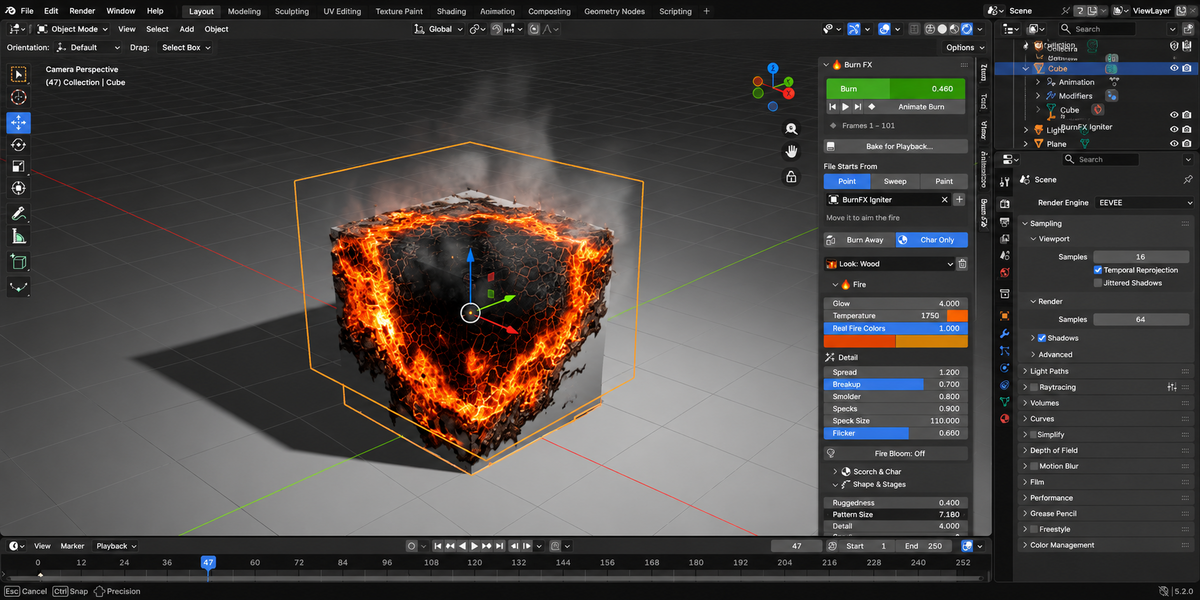
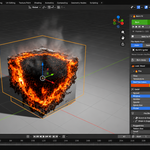
- Select a mesh and choose a preset: Paper, Wood, Cloth, Character or Metal Heat.
- Drag the Burn slider from 0 to 1, or click Animate Burn to key it over a frame range.
- On heavy meshes, click Bake for Playback. The fire's look stays editable after baking.
Peel Effect
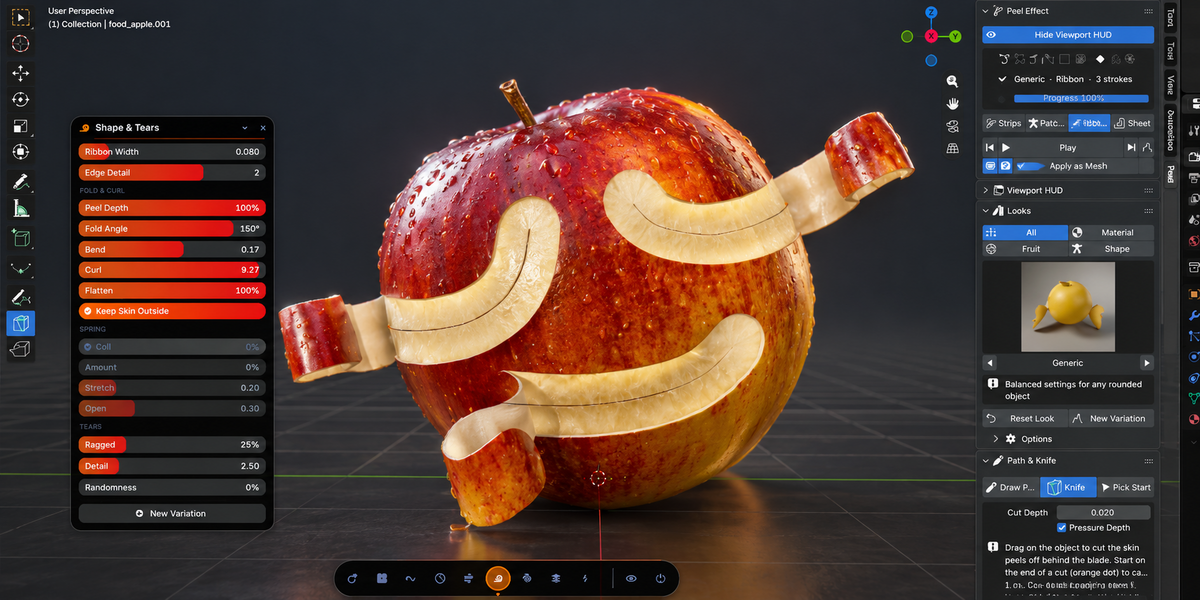
- Select a mesh, pick a look, press Peel, then press Play. With nothing selected, Peel adds a ready-made model for the chosen look.
- To direct the peel, use Draw Peel Path, the Peel Knife or the Shed tool.
- Click Peel HUD in the viewport header to adjust settings while the peel plays.
The first peel takes about 5 seconds to build its setup. Later peels load instantly.
Stain Dynamics
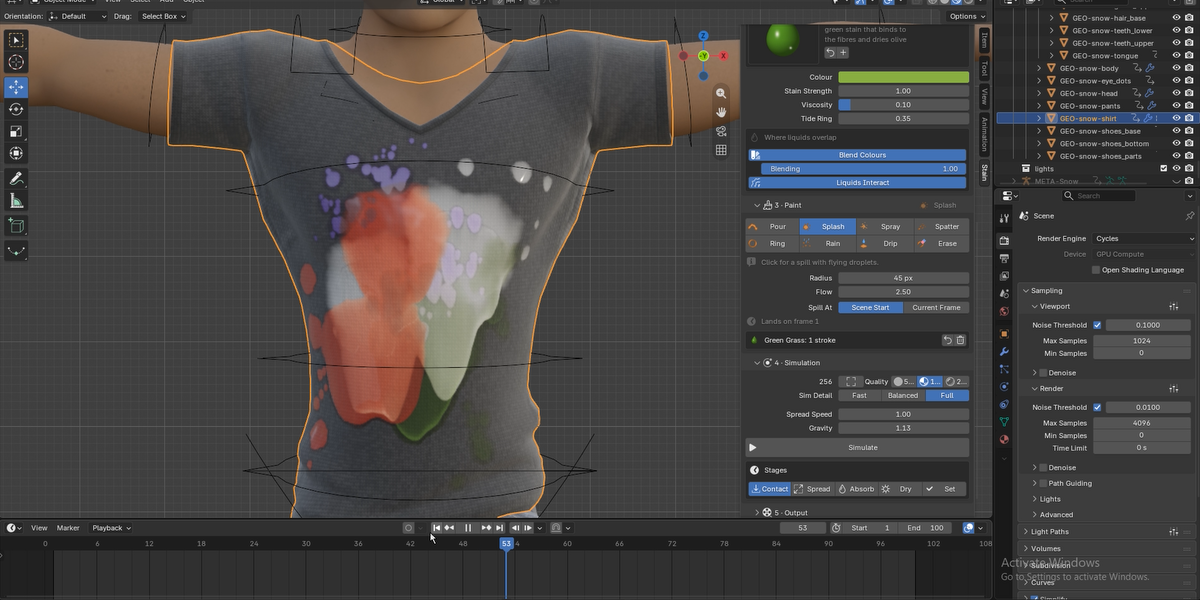
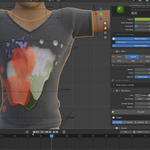
- Select a UV-mapped mesh, then pick a surface and a liquid.
- Paint on the model with one of the 8 brushes.
- Press Simulate, play the timeline and render. The result is cached, so scrubbing is instant.
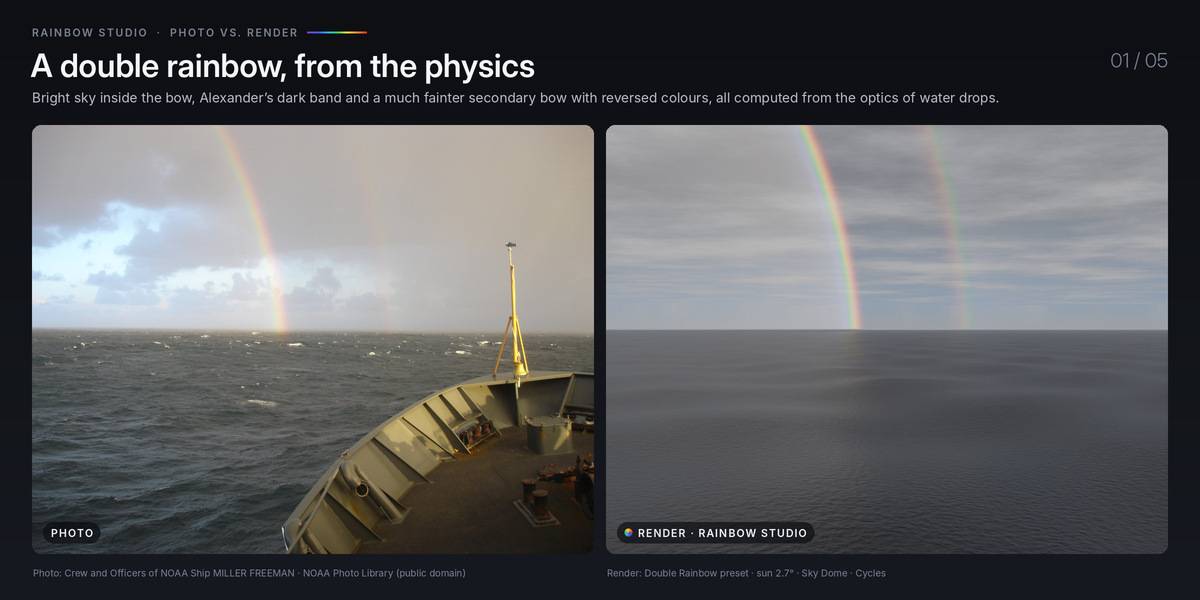
Real Rainbow
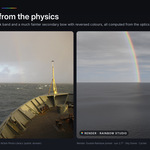
- Pick a rainbow type from the thumbnail gallery.
- Link your sun lamp so the bow stays opposite the sun, even when the sun is animated.
- Click Reveal to animate the bow growing along its arc.
To add rainbow rings around lights, select the lamps or glowing objects and add Light Halos.
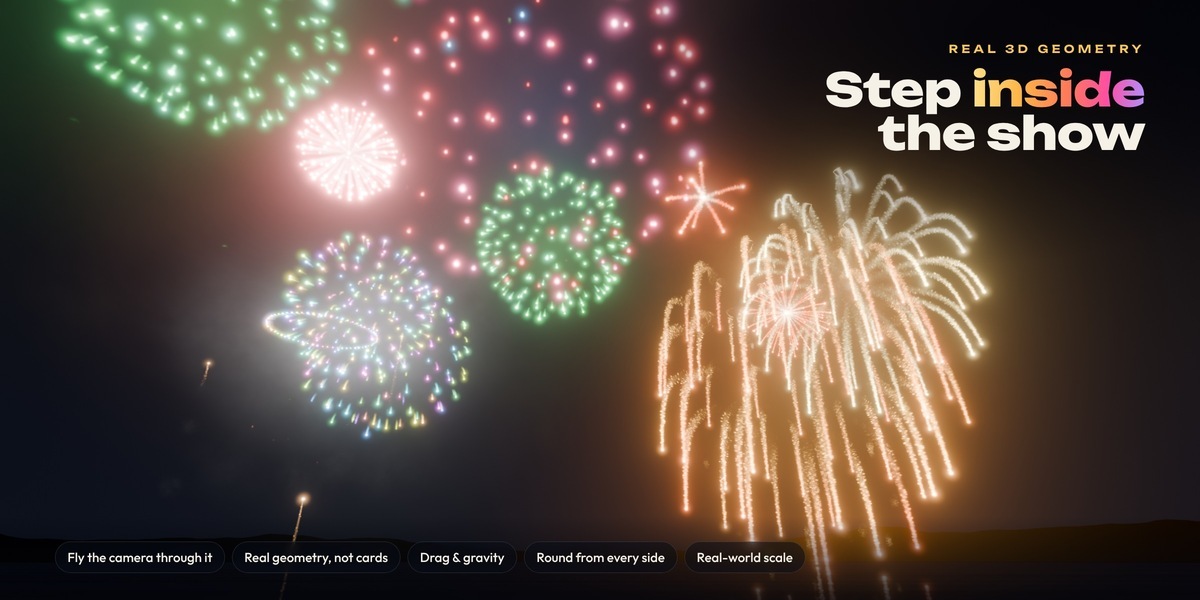
Fireworks Generator
- Add a fireworks display to your scene with one click.
- Click through the show browser to audition shows live in the viewport.
- Choose a sky, add text if you want it, and render. The soundtrack plays in sync with the bursts.
Turn on Light Viewport for smooth playback; renders always use full detail.
Full Fireworks Generator manual
 Included
Includes 12 months of
- Support from Animation Store
- Product updates
Extend this product’s Support Period +12 months: 50% of product price
Have questions before purchasing?
Login to message
| Blender Extension Compatible | Yes |
| Published | about 4 hours ago |
| Blender Version | 4.2 - 5.2 |
| Extension Type | Add-on |
| Render Engine Used | Cycles, Eevee |
| License | GPL |
Discover more products like this
rainbow geometry nodes burn bundle VFX fireworks stain motion graphics procedural animation peel fire