Procedural Wet Puddles Master
 ztrztr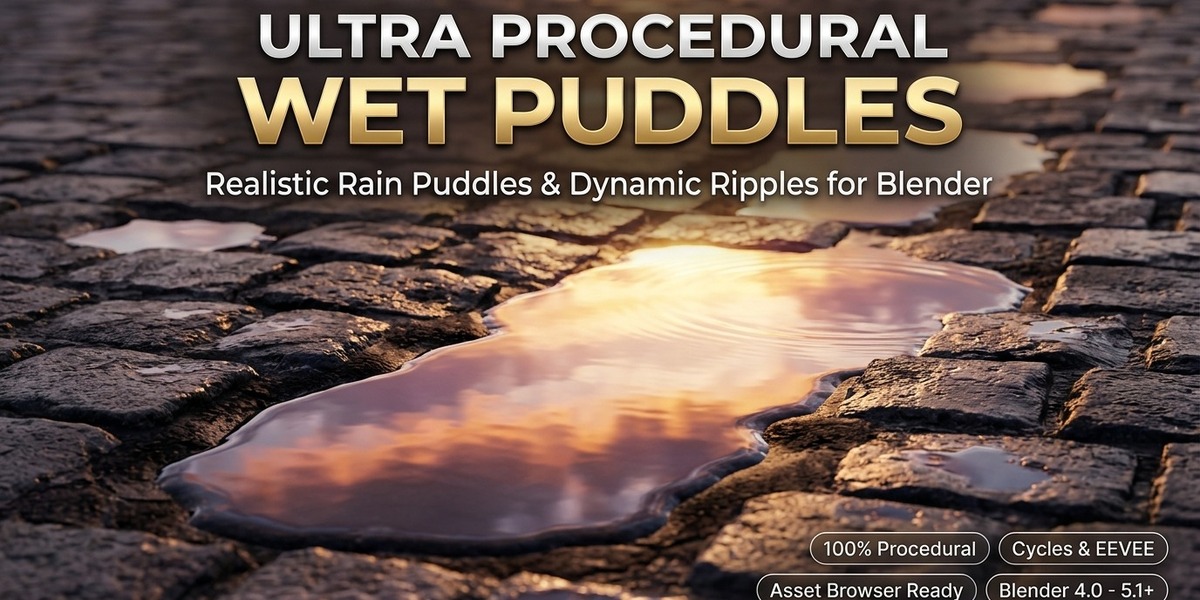
# Ultra Procedural Wet Puddles FX for Blender
### Master Procedural Shader & Asset Pack (Blender 4.0, 4.1, 4.2 LTS, 4.3, 5.0, 5.1+)
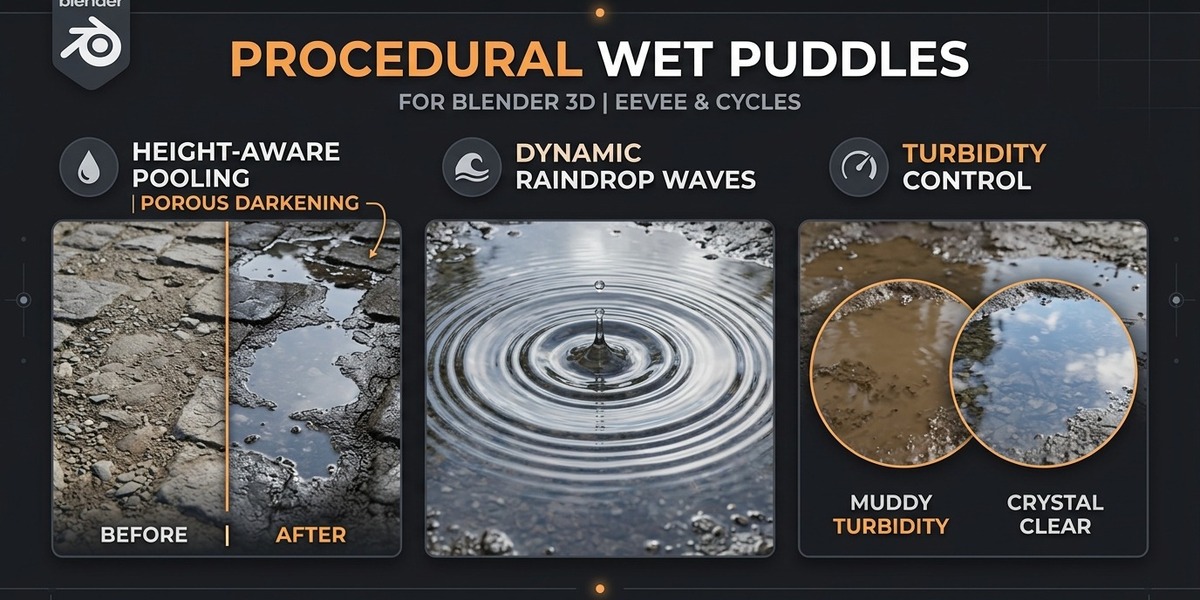
**Ultra Procedural Wet Puddles FX** is a production-grade, 100% procedural shader asset designed for artists, environment designers, and game developers. It brings photorealistic rain pools, capillary damp perimeters, micro-surface wind ripples, and concentric raindrop impact waves to any material without requiring external image textures or UV unwrapping.
---
## 📦 What's Inside the Pack
| File | Description |
| :--- | :--- |
| **`procedural_wet_puddles_master.blend`** | The complete Master Project containing the node group, 5 production presets, studio lighting with physical Nishita Sky, and demonstration geometry. Compatible with **Blender 4.0+ through 5.1+**. |
| **`procedural_wet_puddles.blend`** | Backwards-compatible core `.blend` file saved in **Blender 4.1 universal format** (resolves version locks). |
| **`apply_wet_puddles_master.py`** | One-click Python installer: automatically creates and attaches the node group to any active mesh in your own project. |
| **`generate_master_product.py`** | Full source code used to programmatically generate the entire asset suite and presets. |
| **High-Resolution Showcase Renders** | 4K / 1080p preview renders for all presets: Cobblestone, Asphalt, Muddy Dirt, Concrete Spill, and Monsoon Downpour. |
---
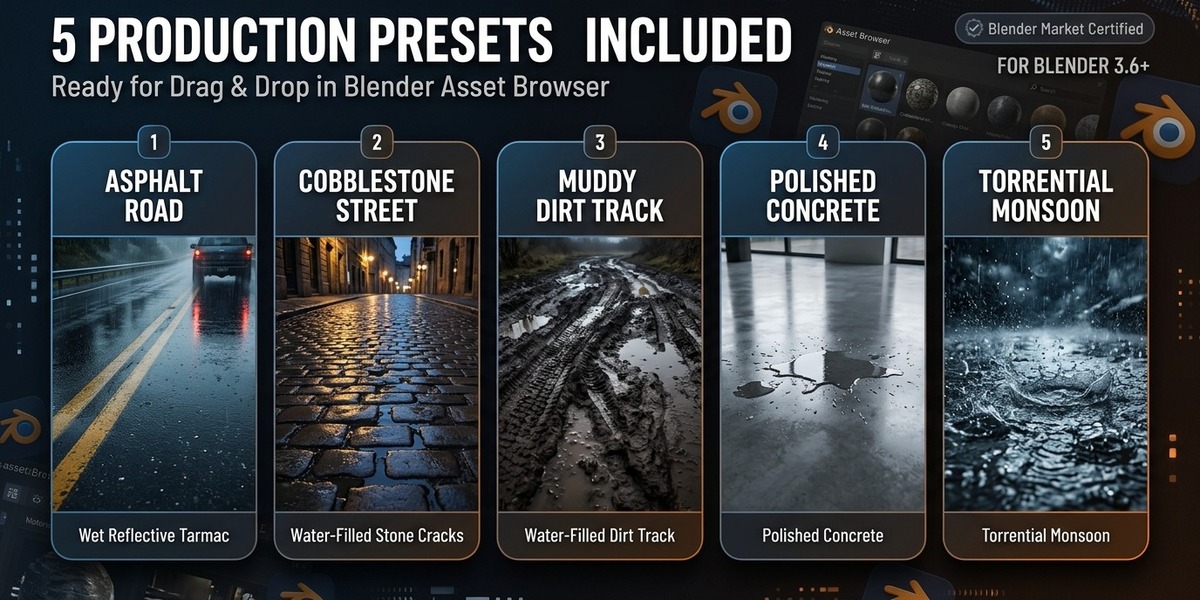
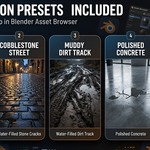
## 🎨 5 Ready-to-Use Production Presets Included
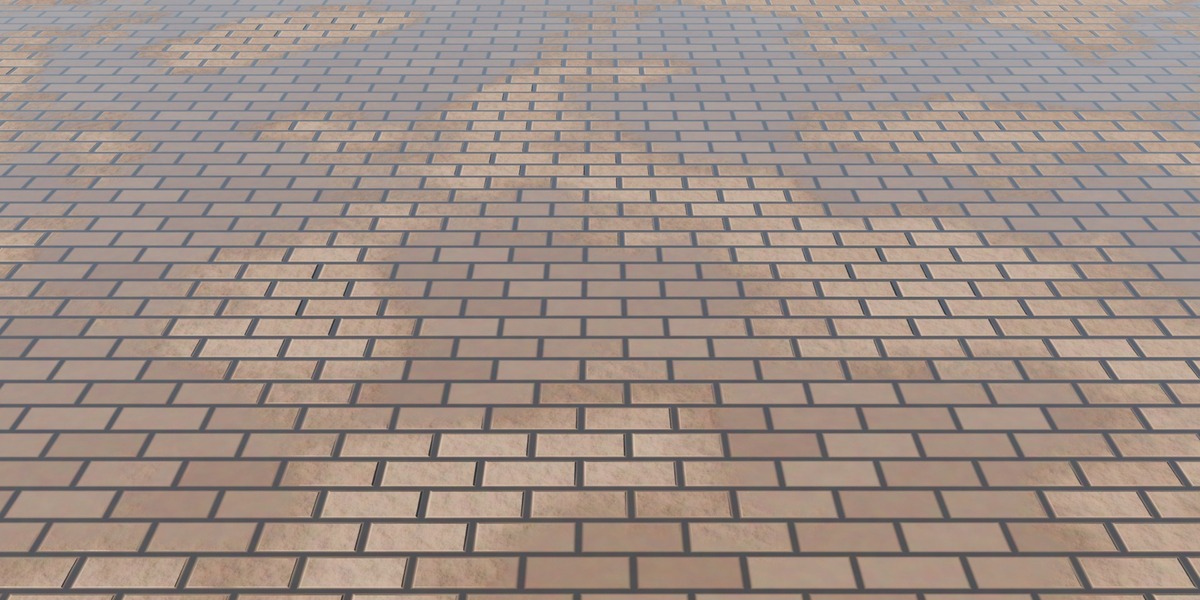
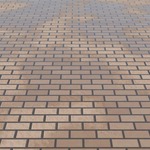
1. **Cobblestone Street (Classic Rain)**: Water pools into mortar crevices, darkens porous brick faces, and spills into reflective standing pools.
2. **Wet Asphalt Highway**: Fine tarmac gravel bump with high-gloss sky reflections and tire depression pooling.
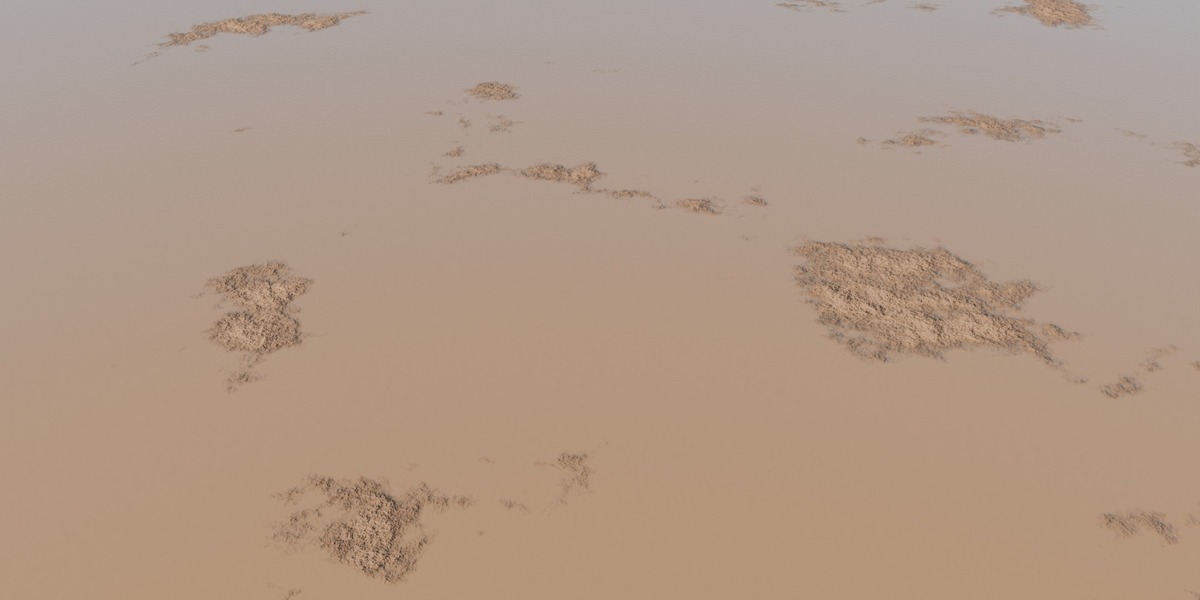
3. **Muddy Dirt Track**: High turbidity with thick brown silt suspended in the water, accompanied by soaked earthen borders.
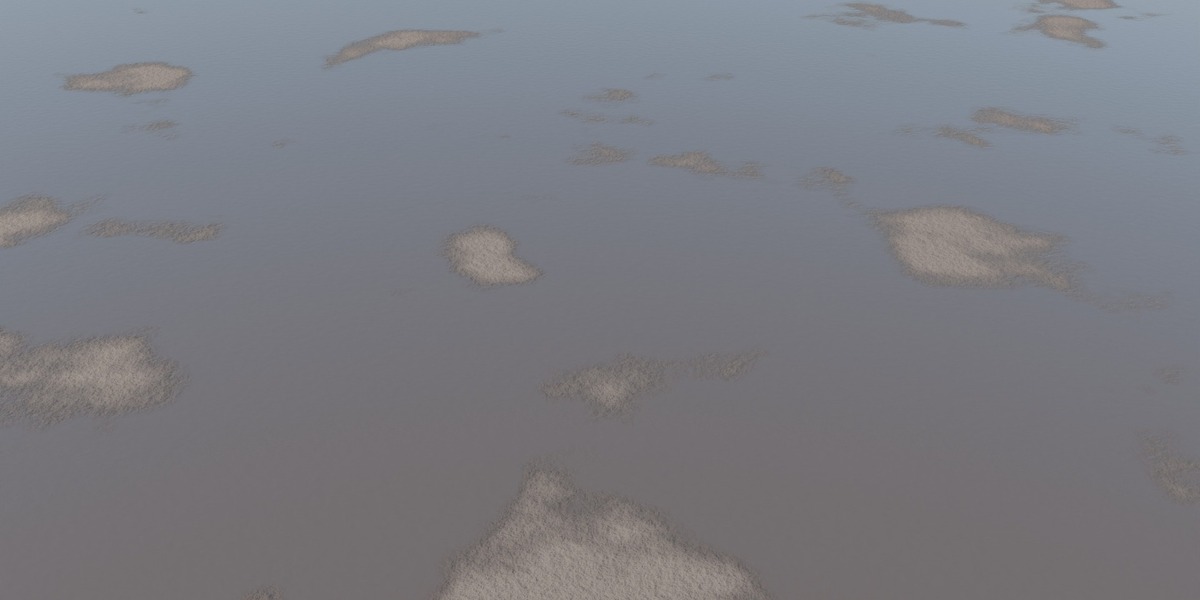
4. **Polished Concrete Floor Spill**: Low height-bias smooth water spill with a wide damp capillary halo for architectural interiors.
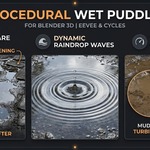
5. **Torrential Monsoon Downpour**: 85%+ submerged flood plane with active 4D wind ripples and concentric raindrop splash rings.
---
## 🎛️ Group Inputs & Control Parameters
| Socket Name | Type | Range / Default | Purpose & Description |
| :--- | :--- | :--- | :--- |
| **Vector** | Vector | `(0, 0, 0)` | Texture coordinates. Auto-fallbacks to **Object coordinates** if unconnected. Accepts UV or Generated maps. |
| **Base Color** | Color | RGB | Dry surface albedo / diffuse texture map. |
| **Roughness** | Float | `0.0 – 1.0` (`0.75`) | Dry surface micro-roughness. |
| **Normal** | Vector | Vector | Dry surface bump / normal vector. |
| **Height / Depressions** | Float | `0.0 – 1.0` (`0.50`) | Height map input. Low values represent depressions where water pools first. |
| **Wetness** | Float | `0.0 – 1.0` (`0.60`) | **Normalized global wetness**: `0.0` = bone dry, `0.5` = natural puddles, `1.0` = completely flooded lake. |
| **Height Influence** | Float | `0.0 – 1.0` (`0.65`) | How strictly water is forced into crevices vs forming open surface pools. |
| **Puddle Scale** | Float | `0.1 – 50.0` (`1.2`) | Macro scale of puddle islands and clusters. |
| **Puddle Coverage** | Float | `0.0 – 1.0` (`0.50`) | Island clustering and spacing density. |
| **Wet Rim Width** | Float | `0.01 – 1.0` (`0.28`) | Width of the capillary damp transition border surrounding puddles. |
| **Porous Darkening** | Float | `0.0 – 1.0` (`0.45`) | Intensity of wet ground light absorption (darkens wet substrate). |
| **Puddle Roughness** | Float | `0.0 – 0.2` (`0.005`) | Mirror glossiness of standing calm water. |
| **Water Murkiness** | Float | `0.0 – 1.0` (`0.0`) | Turbidity / mud opacity in the water. Set higher for dirt tracks and ponds. |
| **Water Tint** | Color | RGB | Color tint of suspended muddy sediment in standing water. |
| **Wind Ripple Scale** | Float | `1.0 – 150.0` (`32.0`) | Frequency / scale of surface disturbance across water pools. |
| **Wind Ripple Strength**| Float | `0.0 – 0.3` (`0.025`) | Wave height / bump strength of wind ripples. |
| **Rain Drops Strength** | Float | `0.0 – 0.5` (`0.0`) | Concentric raindrop impact rings on the water surface. |
| **Animation Time** | Float | `0.0+` (`0.0`) | Drive with `#frame * 0.05` to animate ripples and raindrops smoothly. |
---
## ⚡ Output Sockets & Dual Workflow
- **`BSDF`**: A pre-assembled, fully integrated **Principled BSDF (v2)** with physical IOR (1.333) and Coat layer support.
- **Pass-Through Outputs**: For artists with existing custom node setups:
- `Base Color` (soaked & tinted)
- `Roughness` (dry $\to$ damp $\to$ water)
- `Normal` (surface + ripple normal)
- `Coat Weight`, `Coat Roughness`, `Coat Normal`
- `Puddle Mask` (0 to 1 float of standing water pools)
- `Wet Mask` (0 to 1 float of standing water + damp rims)
---
## 🚀 Quick Start Guide
### Method 1: Blender Asset Browser (Recommended)
1. Add the folder containing `procedural_wet_puddles_master.blend` to your Blender **Asset Libraries** in **Preferences → File Paths → Asset Libraries**.
2. Open your project, switch to the **Asset Browser** editor.
3. Drag any of the 5 presets or the **`Ultra Procedural Wet Puddles`** node group directly onto your objects!
### Method 2: Append via File Menu
1. In your scene, go to **File → Append...**
2. Browse to `procedural_wet_puddles_master.blend`.
3. Open **NodeTree** $\to$ select **`Ultra Procedural Wet Puddles`** (or open **Material** to import the presets).
### Method 3: One-Click Python Script
1. Open Blender's **Scripting workspace**.
2. Open `apply_wet_puddles_master.py`.
3. Select your ground mesh and click **Run Script** (`Alt + P`).
---
## 🌧️ How to Animate Rain Ripples
In the shader settings for `Ultra Procedural Wet Puddles`:
1. In the **Animation Time** socket, type `#frame / 25.0` and press Enter.
2. Increase **Wind Ripple Strength** to `0.03`.
3. Increase **Rain Drops Strength** to `0.25`.
4. Press **Spacebar** in Blender to play your timeline: watch procedural wind waves and concentric rain drops ripple across the puddle surface in real time!
---
## 🖥️ Compatibility & Render Engines
- **Cycles**: 100% compatible. Recommended: 64–128 samples with OpenImageDenoise.
- **EEVEE Next (Blender 4.2+ / 5.x)**: 100% compatible. Ensure *Ray Tracing / Screen Space Reflections* is enabled in Render Properties.
- **EEVEE Legacy (Blender 4.0 / 4.1)**: Enable *Screen Space Reflections* and *Refraction*.
Have questions about this product?
Login to message
| Published | about 11 hours ago |
| Blender Version | 4.0 - 5.2 |
| Extension Type | N/A |
| Render Engine Used | Cycles, Eevee |
| License | GPL |
