 Bevel Graphics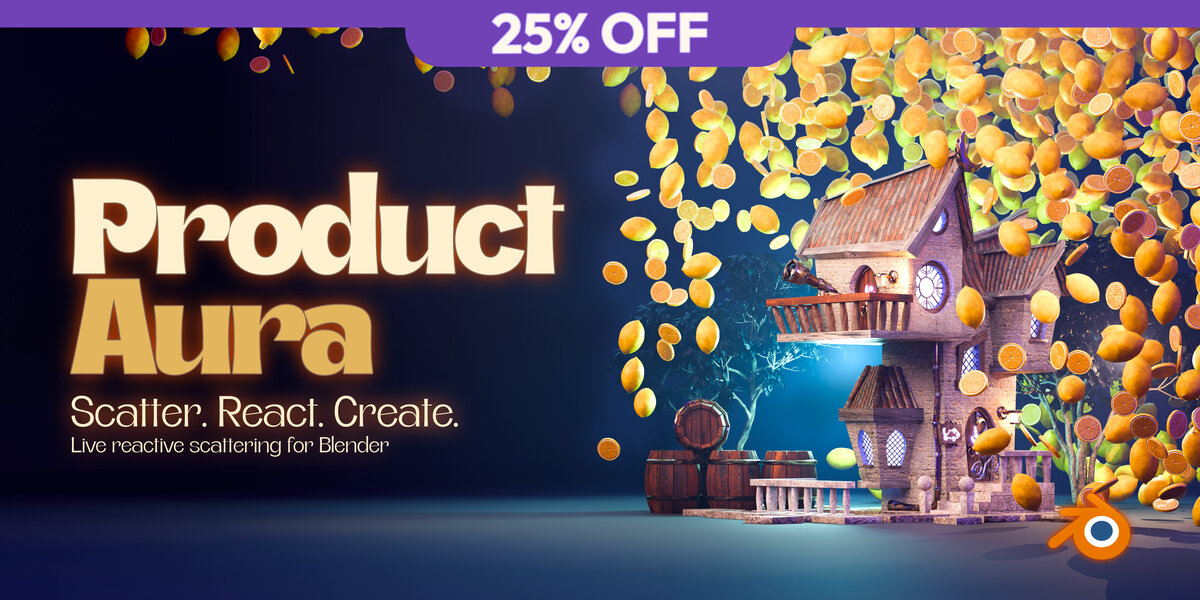
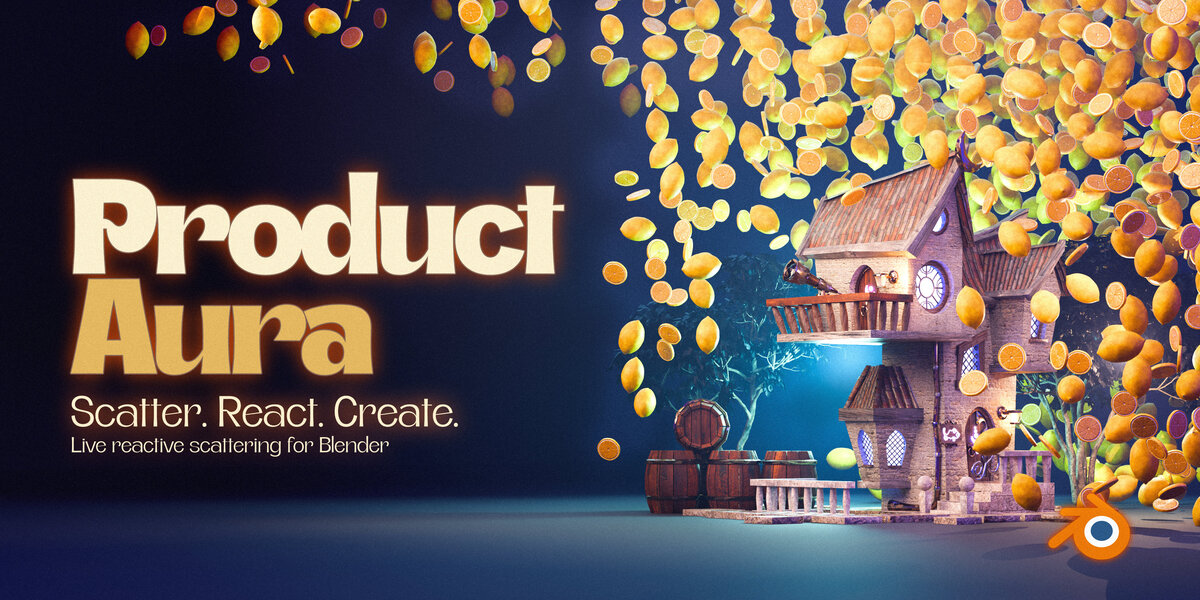




Live reactive scattering for Blender


Scatter. React. Create.
Build a world around your hero. Surround a product, character or scene centerpiece with decorations, then shape their count, size and spacing. Move your hero and watch the live layout react.
Live product reactionUse your own modelsOriginal sources preserved
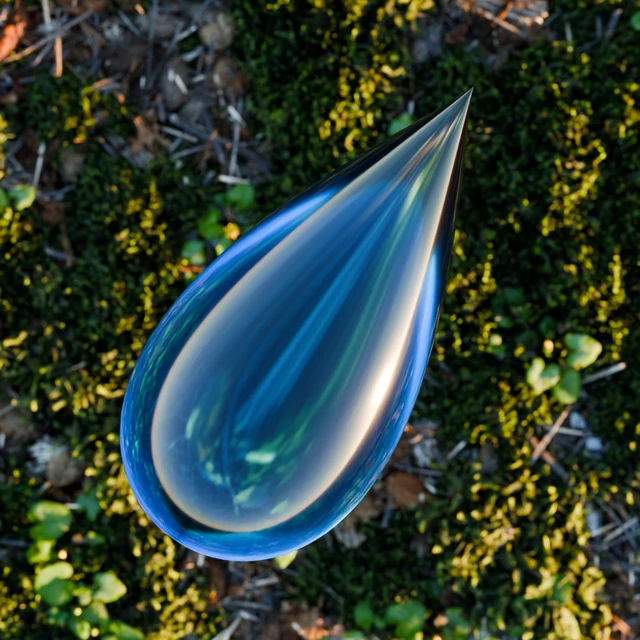
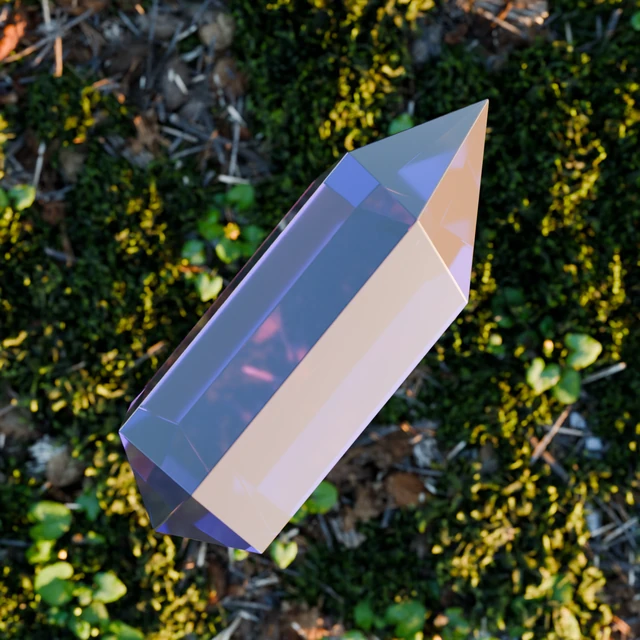
Crystal + Glass droplet. Two included decorations, one composition.
| 10Included decorations | 2Decoration slots | LiveReactive layout |
01 / Build your composition



Choose your hero, select a decoration and click Create Product Aura. Adjust the fixed region to frame your composition, then use a fill preset as your starting point.

Choose a source, create the aura, then compare the two fill presets.
02 / Live product reaction






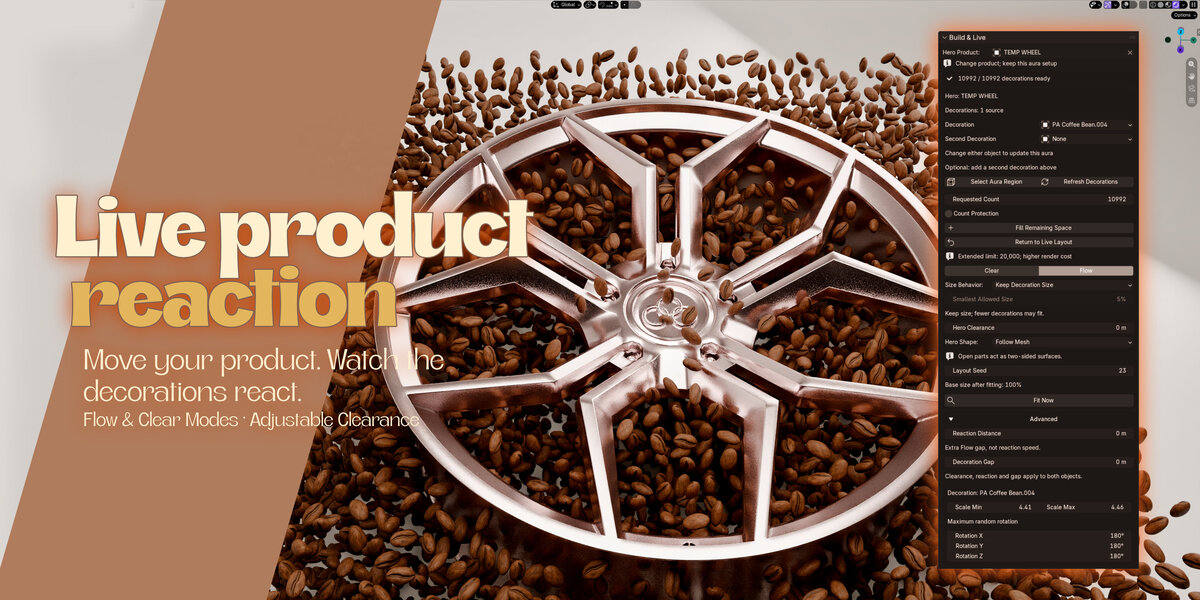
Move your product. Watch the decorations react. In the ordinary live layout, Flow pushes candidates away from the hero, while Clear hides unsafe placements. Allow Shrinking lets nearby instances shrink and recover as the hero moves.
Control the breathing room with Hero Clearance and Reaction Distance. Choose Follow Mesh for openings and recesses, or keep Solid Envelope for outer-shell protection.

Adjust the clearance, then shape the region. Solid shading makes the spacing easier to inspect.
03 / Change the ingredients




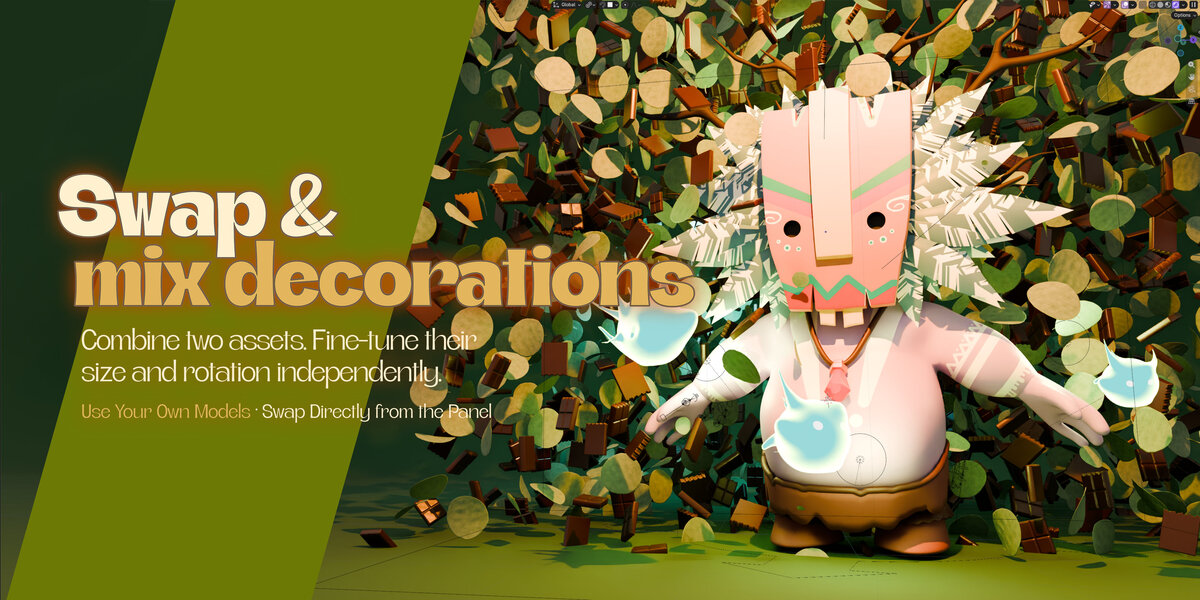
Combine two assets. Fine-tune their size and rotation independently. Swap sources directly in Decoration and Second Decoration, using the included library or compatible objects from your scene.
Change the hero without rebuilding the aura. Your region and layout settings stay in place, while the generated decorations respond to the new shape. After editing a decoration’s geometry or materials, use Refresh Decorations.
04 / Shape the surround



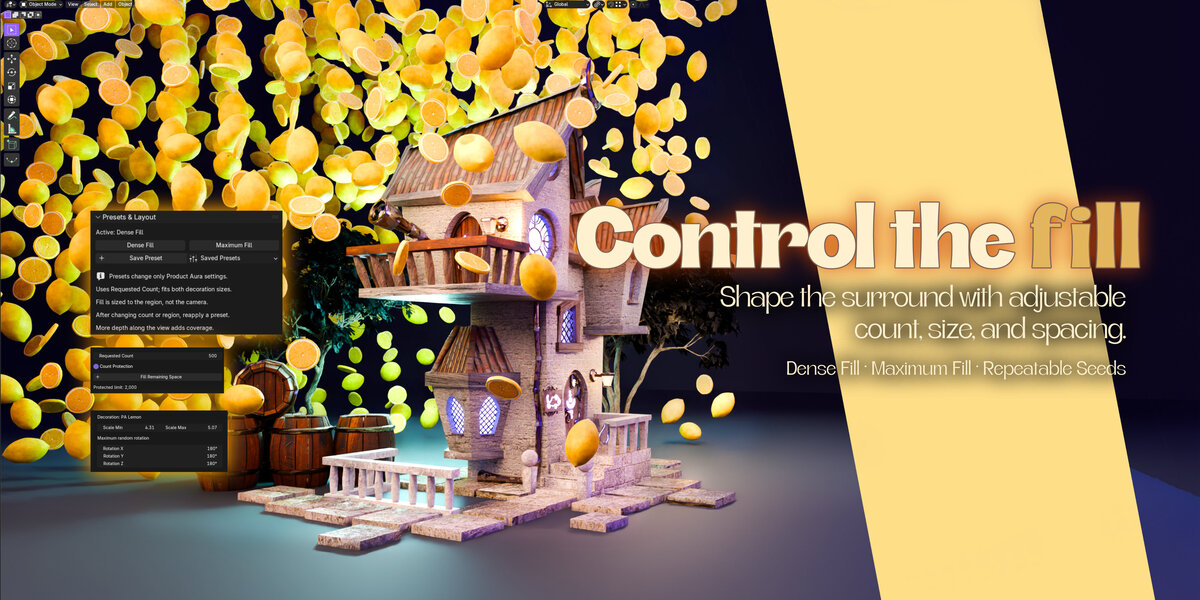
Shape the surround with adjustable count, size and spacing. Set the region and requested count, then apply Dense Fill for varied sizes or Maximum Fill for a more uniform surround. Reapply the preset when you want to recalculate sizes for a changed count or region.
Prefer your current sizes? Increase the requested count and run Fill Remaining Space. It searches for additional placements while retaining existing ones.
05 / Keep exploring







Use New Variation to try another combination of one or two included decorations and a new seed. Save your layout settings as a preset, or use Duplicate Aura to compare independently editable layouts.
Hide/Show Aura Preview clears generated decorations from the viewport while you work. It does not change final render visibility.
Included with the add-on




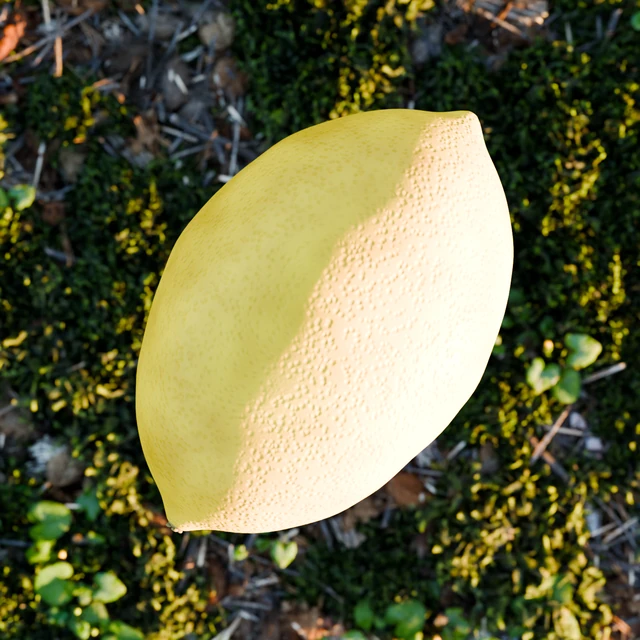
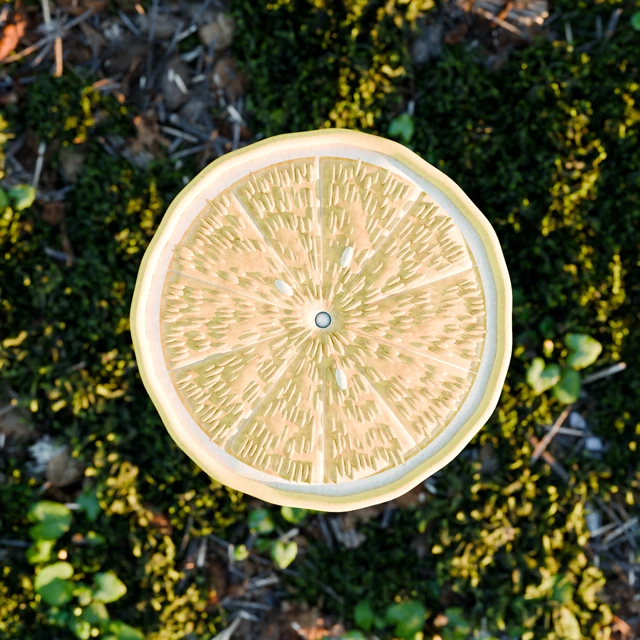
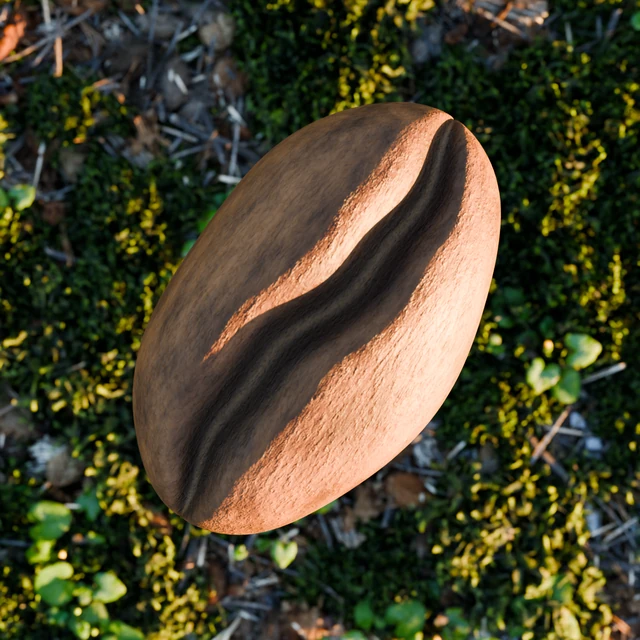
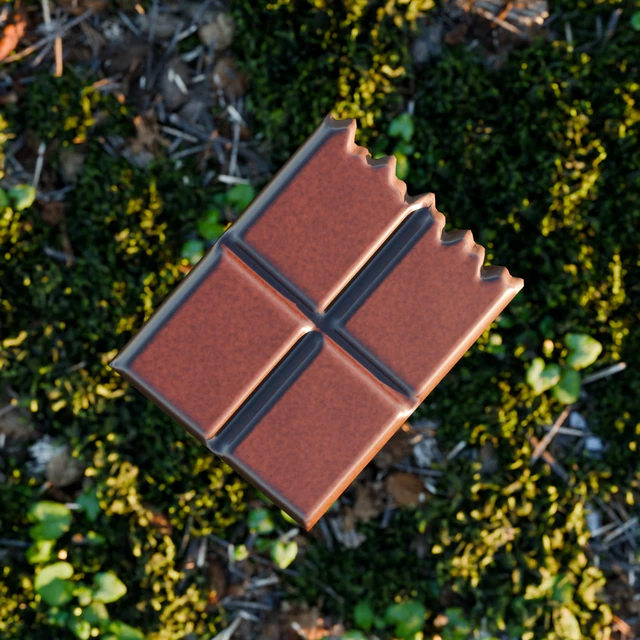
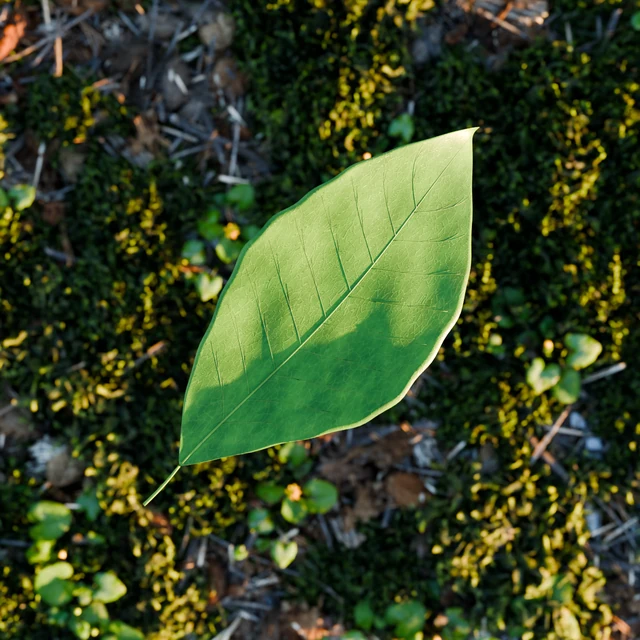
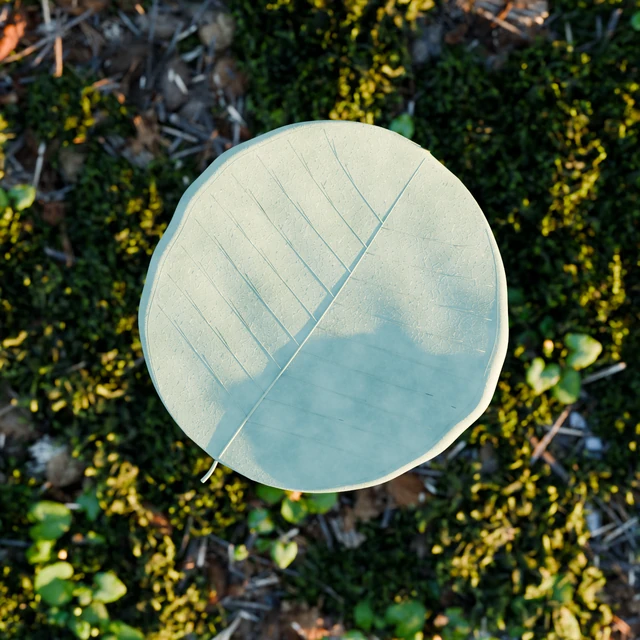
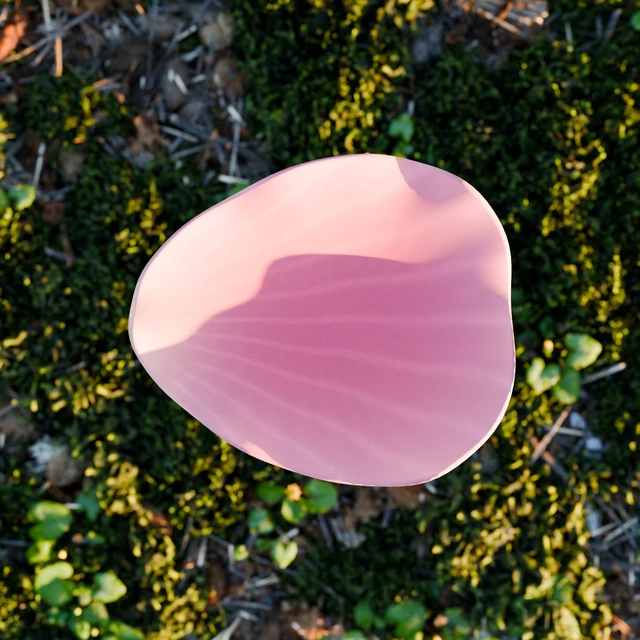
Start with citrus, botanicals, coffee, chocolate, glass and more. All ten included decorations have UVs and self-contained materials, ready to choose directly from the panel. Both decoration menus show the full included library.

Product Aura · Bevel Graphics · [email protected]
