🌀 Product Aura — Reactive Product Scatter for Blender
 Bevel Graphics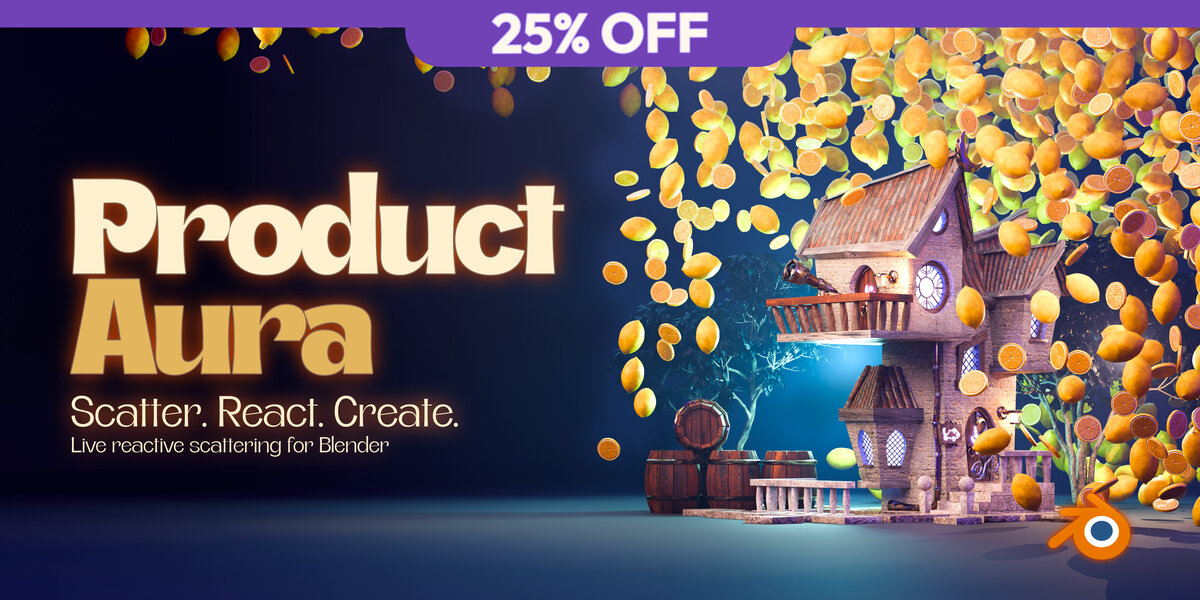




Can I change or animate the product without rebuilding the aura?
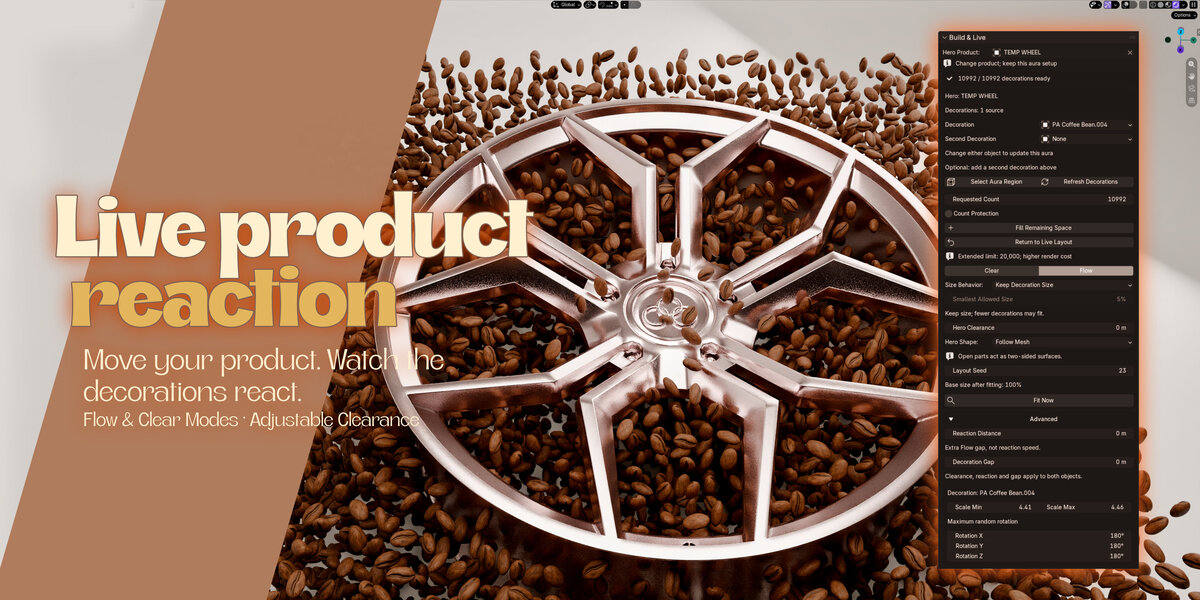
Yes. Change Hero Product, Decoration, or Second Decoration directly in the panel while keeping the existing region and layout settings.
The ordinary live layout reacts when you move or animate the hero, without a simulation bake. Product Aura does not create cameras, lighting, or product animation. When replacing the hero, position the new product inside the existing region and manage the old product’s visibility yourself.
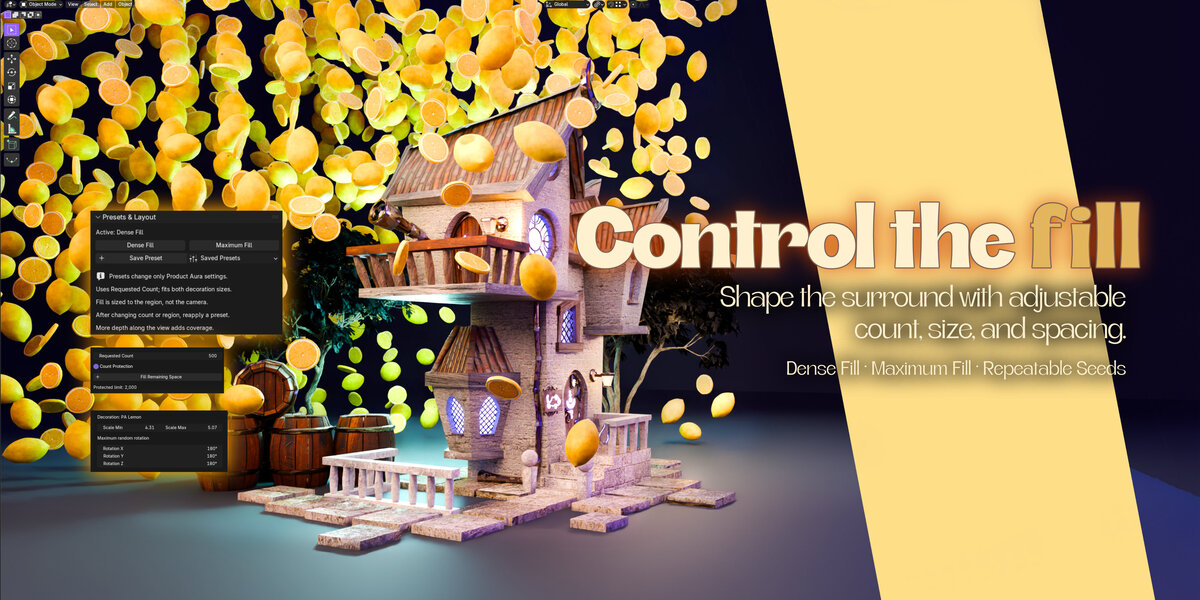
What is the difference between the fill presets and Fill Remaining Space?
Dense Fill and Maximum Fill recalculate decoration sizes for your requested count and region. Maximum Fill uses a tighter size range.
Fill Remaining Space keeps the current sizes and searches for additional placements and rotations. Its filled layout uses fixed positions, reacting to the hero by hiding or shrinking decorations rather than flowing. Available space and object shapes determine how many items fit.
Are decorations included, and can I use my own?
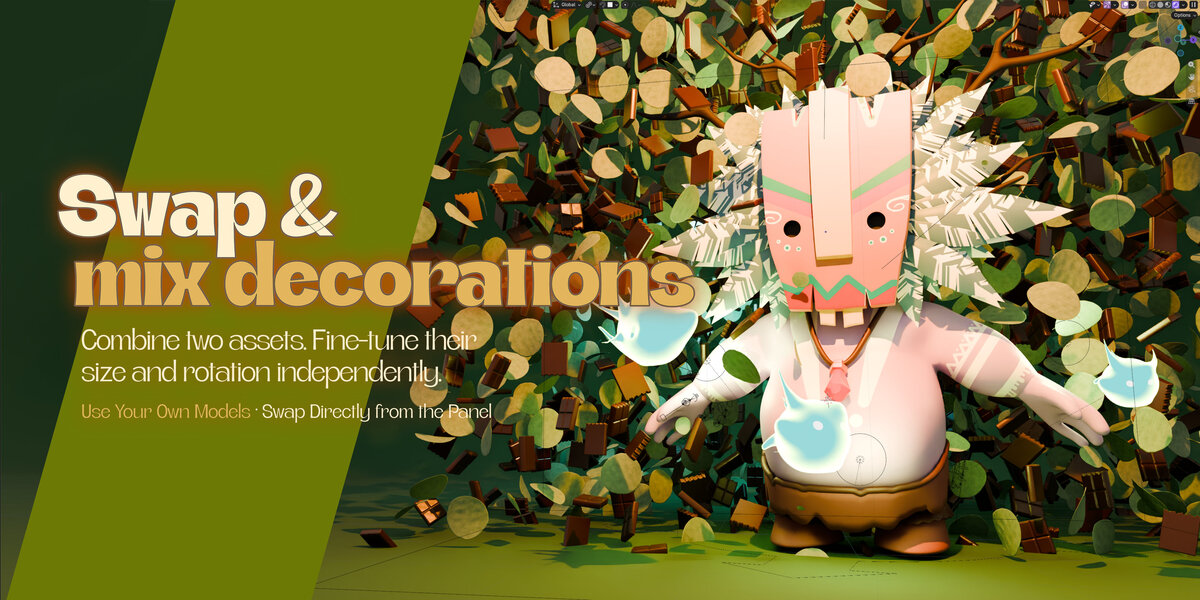
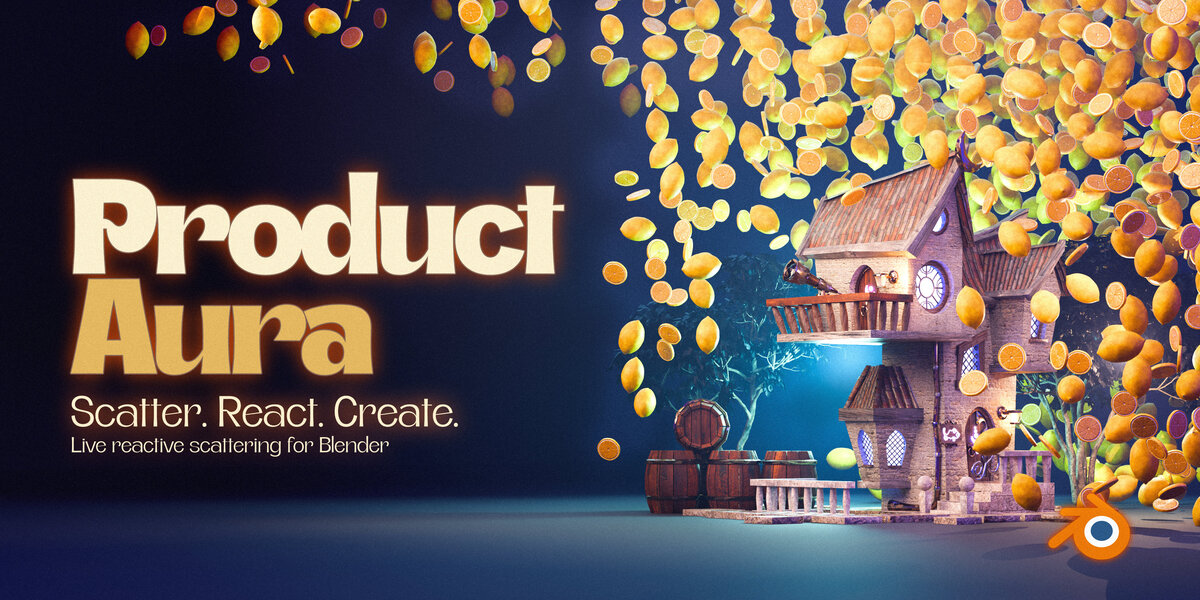
Yes. Product Aura includes ten decorations with self-contained materials, with no separate library download. You can also use compatible custom objects and mix two decoration sources in one aura. After editing a source’s geometry or materials, use Refresh Decorations to update its captured instances.
 Included
Includes 12 months of
- Support from Bevel Graphics
- Product updates
Extend this product’s Support Period +12 months: 75% of product price
Have questions before purchasing?
Login to message
| Blender Extension Compatible | Yes |
| Dev Fund Contributor | |
| Published | about 5 hours ago |
| Blender Version | 4.2 - 5.2 |
| Extension Type | Add-on |
| Render Engine Used | Cycles, Eevee |
| License | GPL |
Discover more products like this
geometry nodes product-visualization motion graphics blender advertising collision avoidance Add-on scene decoration 3d assets procedural product animation scatter