 HanaYou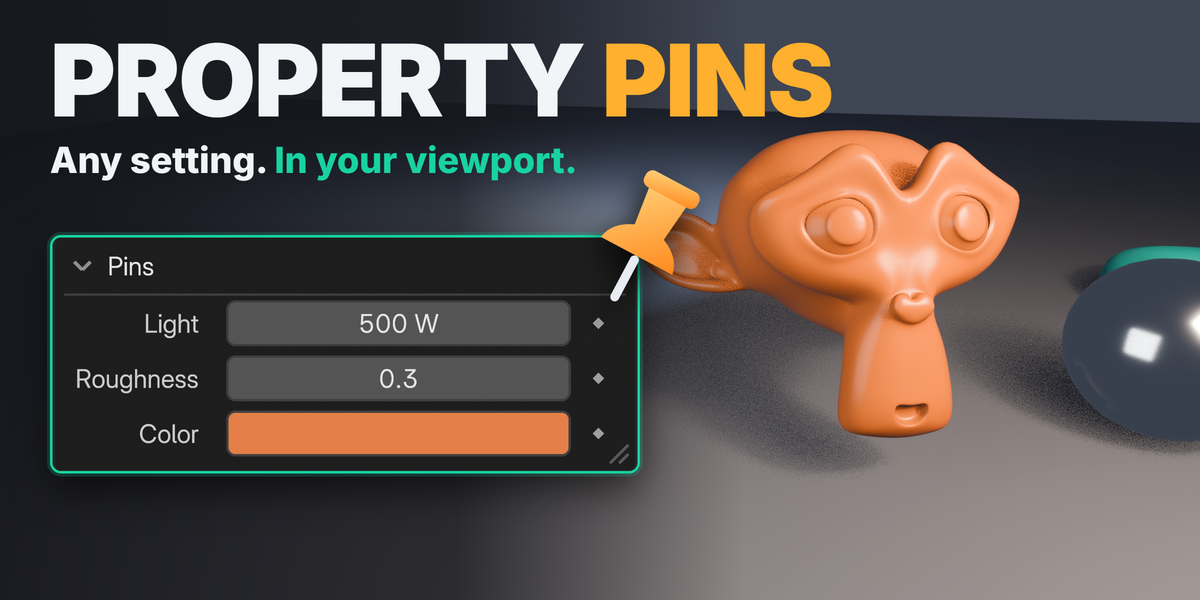
Which package should I install?
The Extension package (property_pins-1.0.0-extension.zip) is recommended. The regular ZIP is the same add-on for the classic add-on install. Install only one of them.
Which versions and editors are supported?
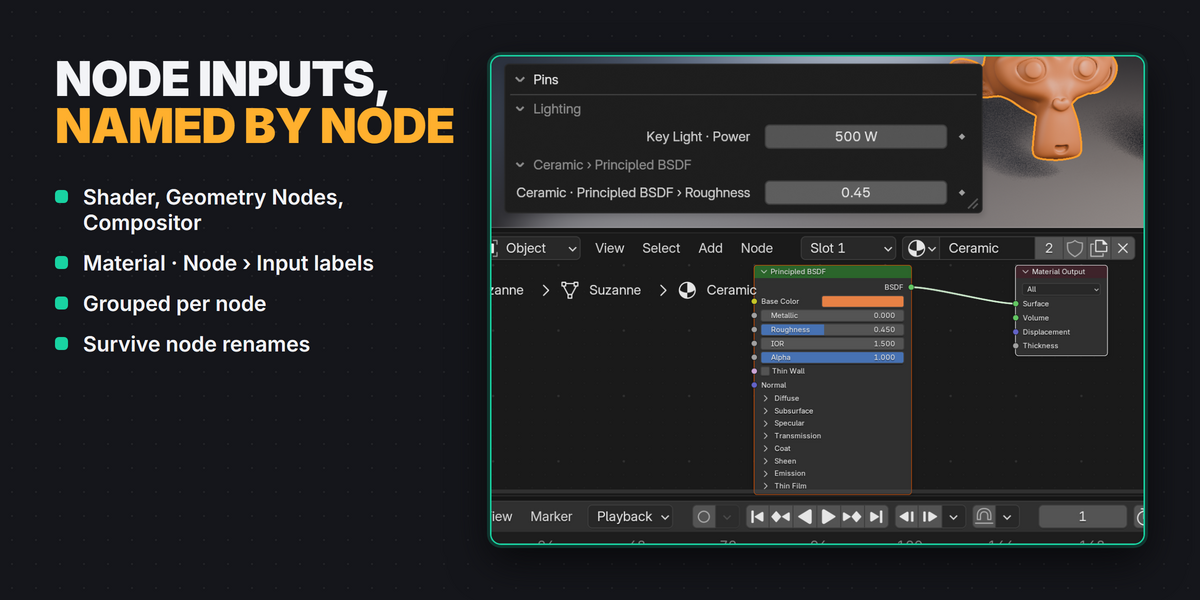
Blender 4.3 to 5.2. The HUD works in the 3D Viewport, the Node Editor (Shader, Geometry Nodes, Compositor) and the Image Editor. Release testing was done on Windows with 4.3.2, 4.5.9 LTS and 5.2.2 LTS. macOS and Linux are expected to work but were not part of release testing.
What can I pin?
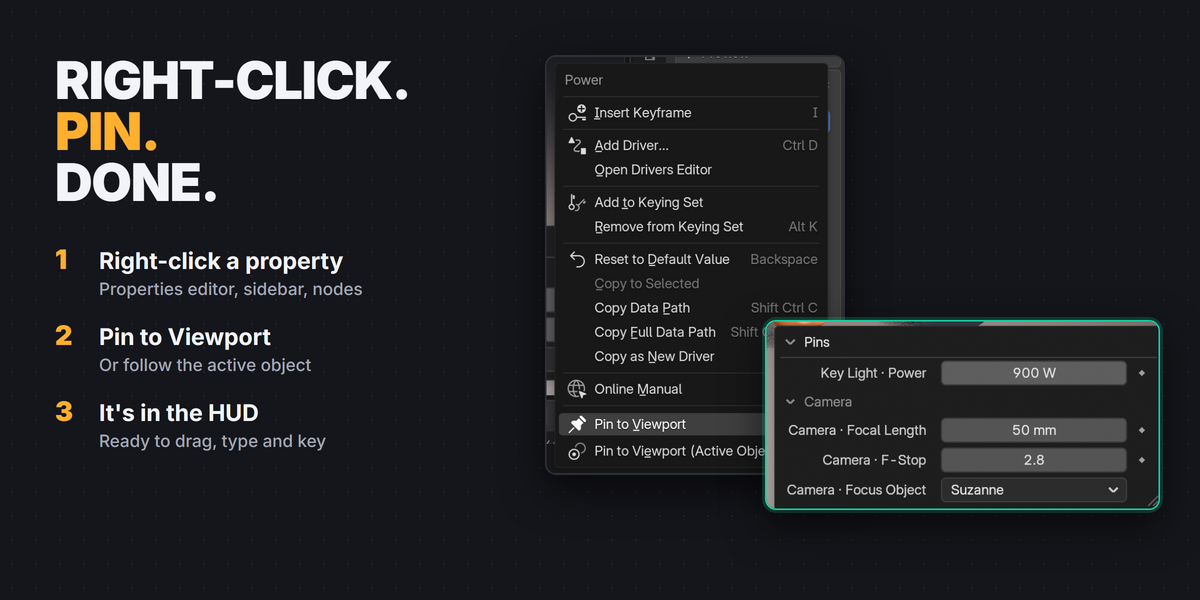
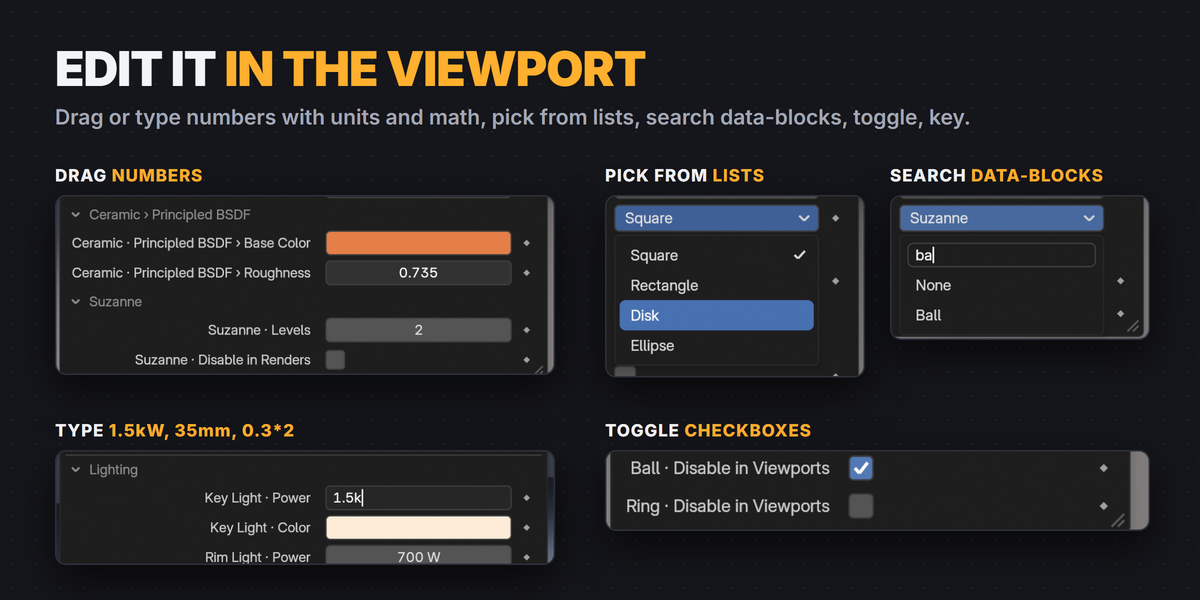
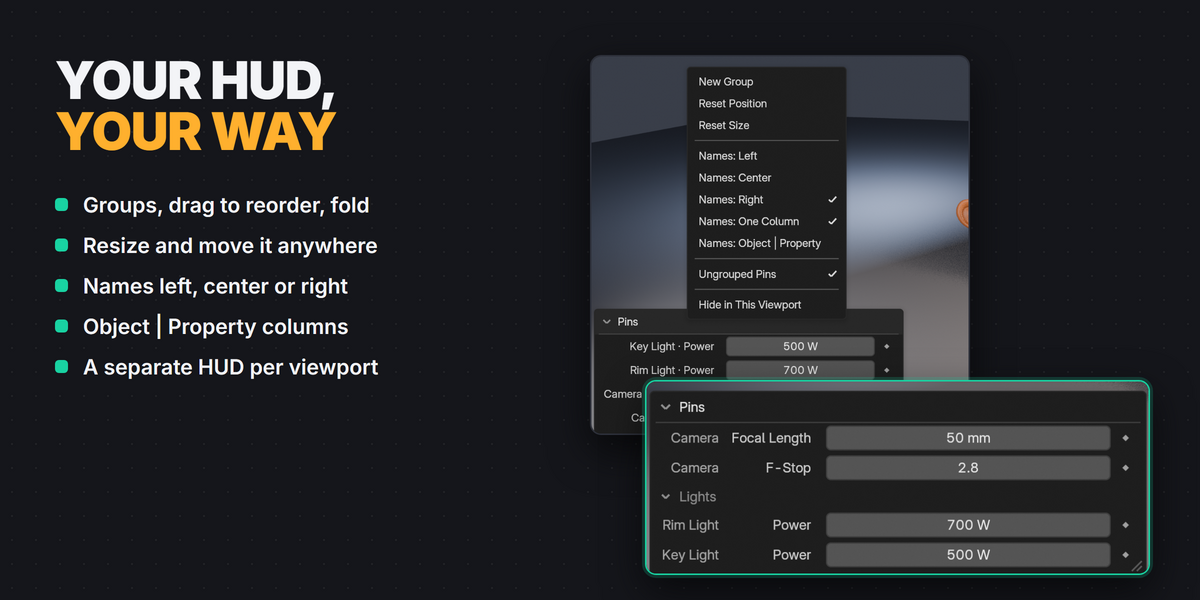
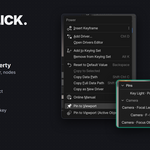
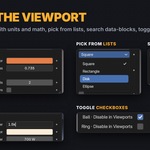
Almost any property you can right-click: light, camera, material, modifier, object and render settings, node inputs and custom properties. Numbers, vectors, checkboxes, dropdowns, data-block pointers, colors and text all work. Matrices and arrays over 32 values are shown read-only.
Are my pins saved with the file?
Yes. Pins and groups are saved in the .blend file, per scene. Each viewport's HUD layout (position, size, folding, visible groups) is saved too.
What happens when I rename or delete the object?
Labels follow renames, including node renames. A pin of a deleted object shows Deleted; Undo brings the object back, and Remove Deleted Pins cleans such pins up. Deleted objects are not kept in the saved file because of a pin.
Does it work with keyframes and Auto Keying?
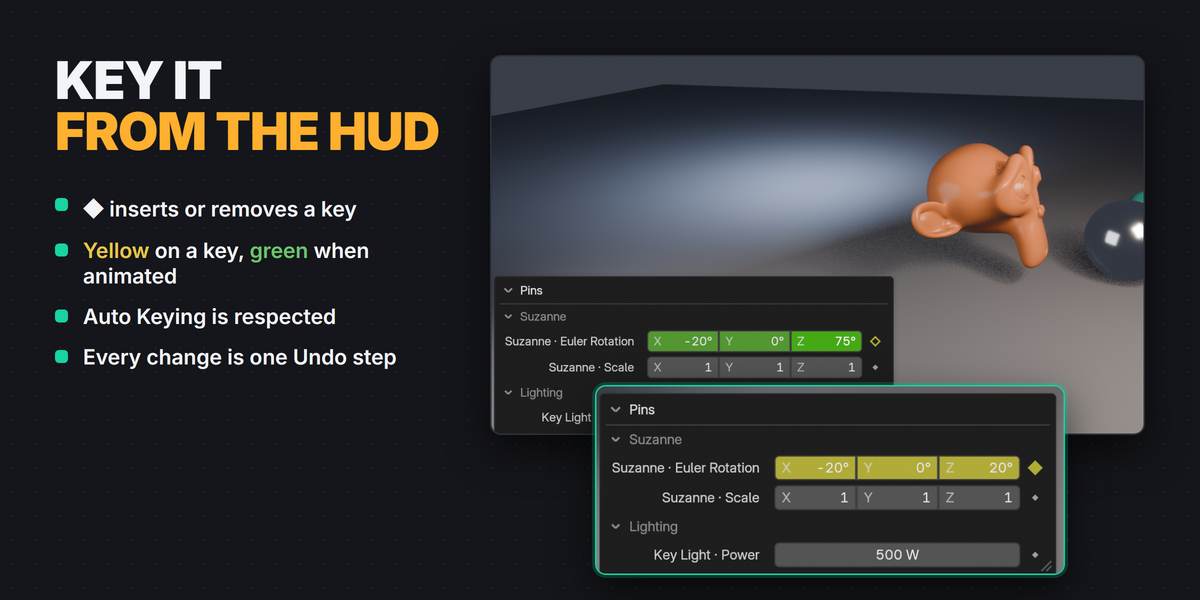
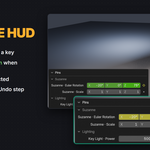
Yes. ◆ inserts or removes a key, fields show keyed and animated states like the Properties editor, Auto Keying is respected, and every change is one Undo step.
Can one pin follow my selection?
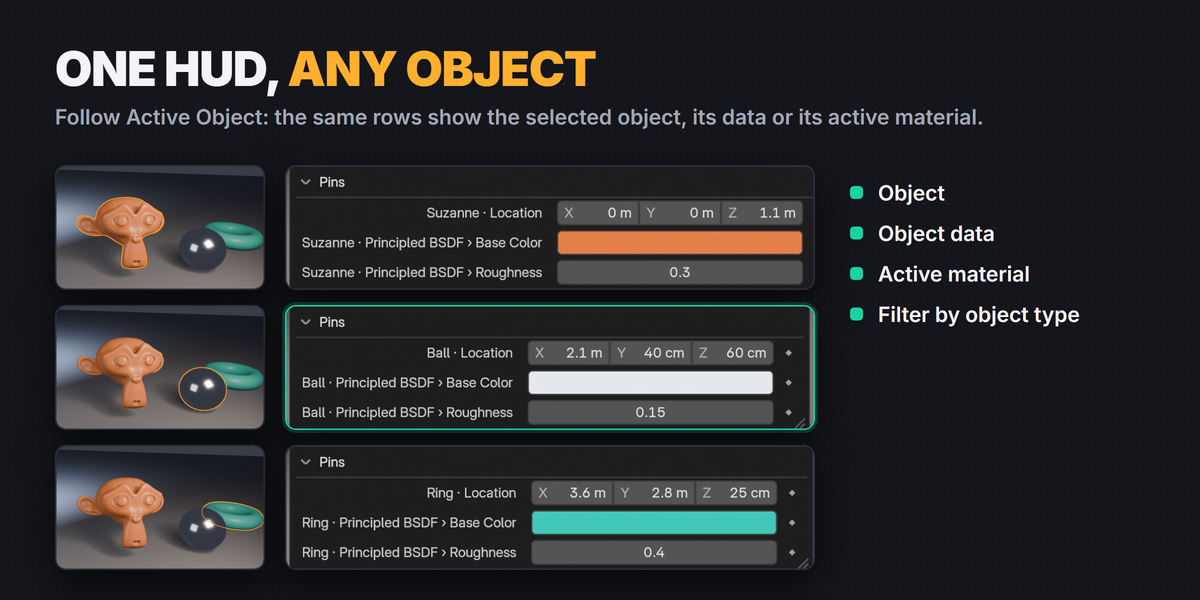
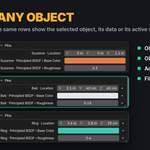
Yes. Pin to Viewport (Active Object) pins the property of whichever object is active, relative to the object, its data or its active material, optionally for one object type only.
$9.99$7.49
Have questions about this product?
Login to message
| Blender Extension Compatible | Yes |
| Published | 4 days ago |
| Blender Version | 4.3 - 5.2 |
| Extension Type | Add-on |
| License | GPL |
Discover more products like this
hud Node Editor viewport Workflow quick access Pin keyframe interface properties productivity