 Jishnu Jithu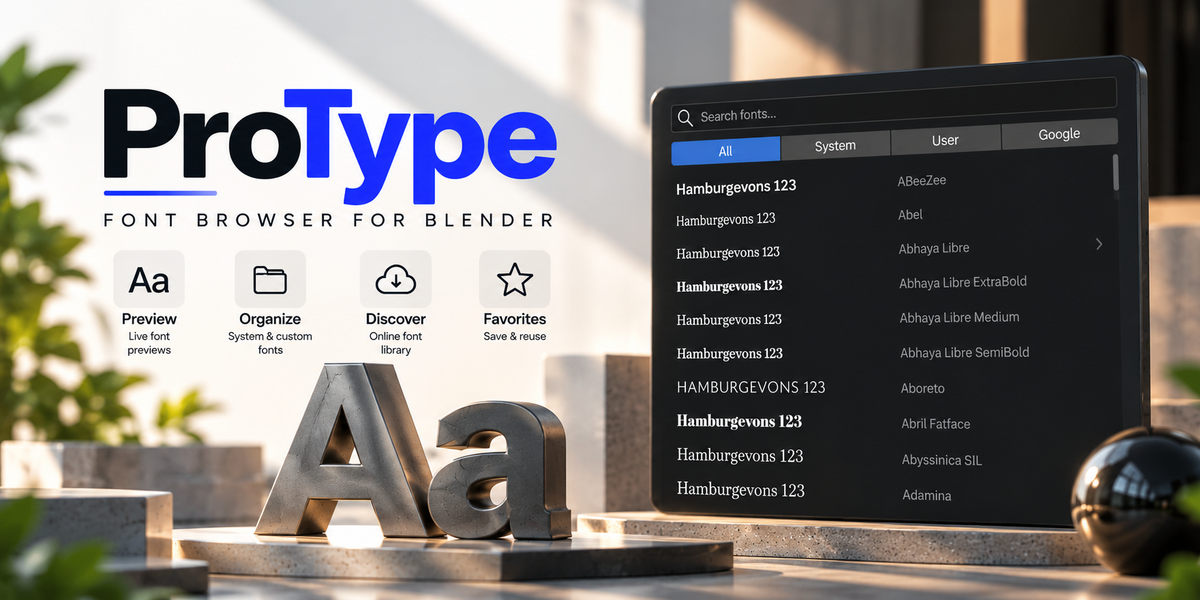
Installation & Getting Started
ProType is packaged as an official Blender 4.2+ extension. Installation takes seconds:
- In Blender 4.2 or newer, open Edit > Preferences > Get Extensions.
- Click the menu dropdown icon in the top-right corner and choose Install from Disk....
- Select the downloaded
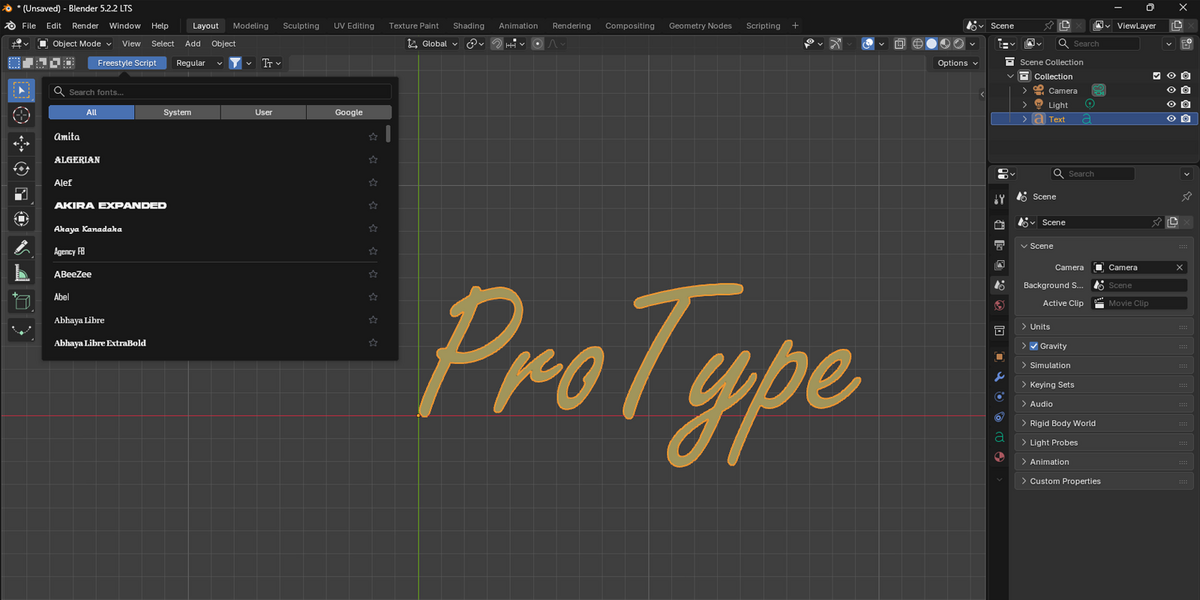
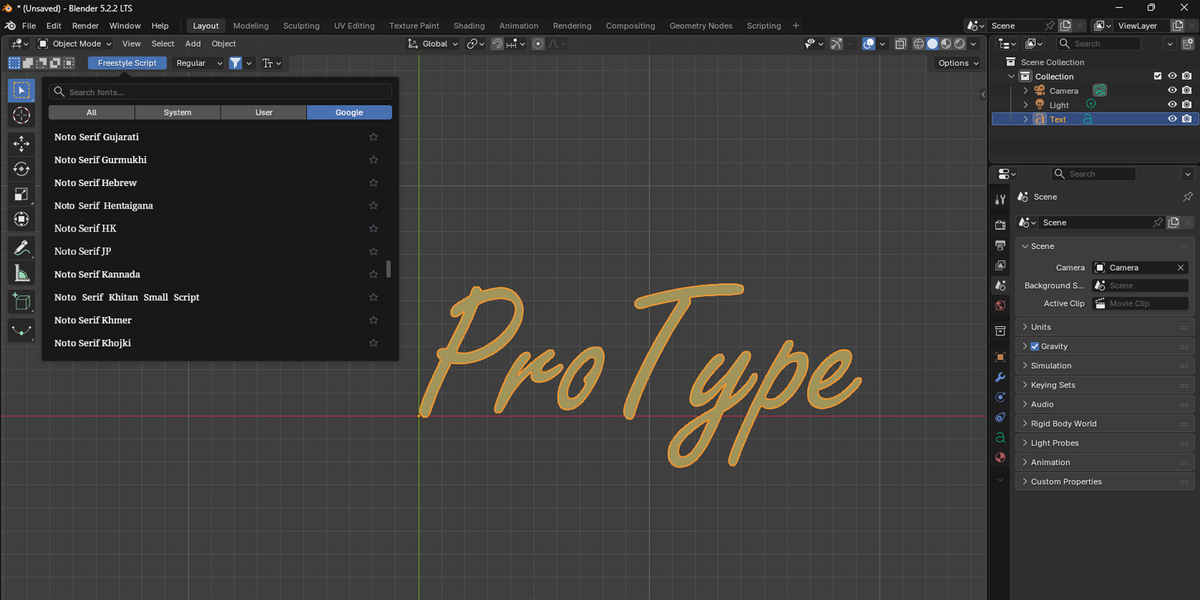
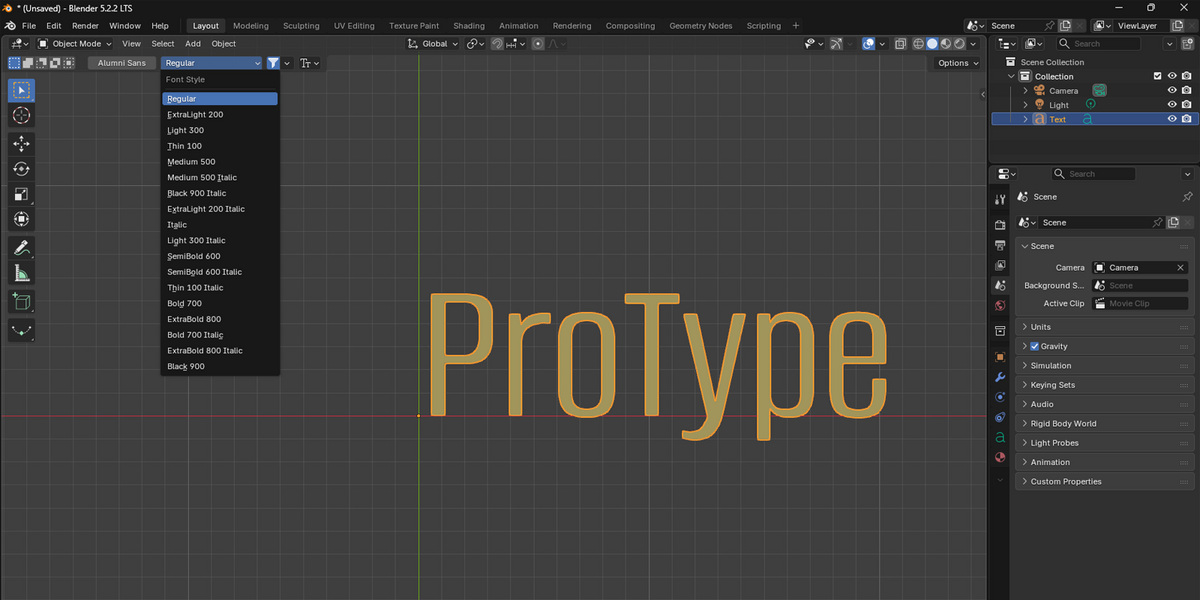
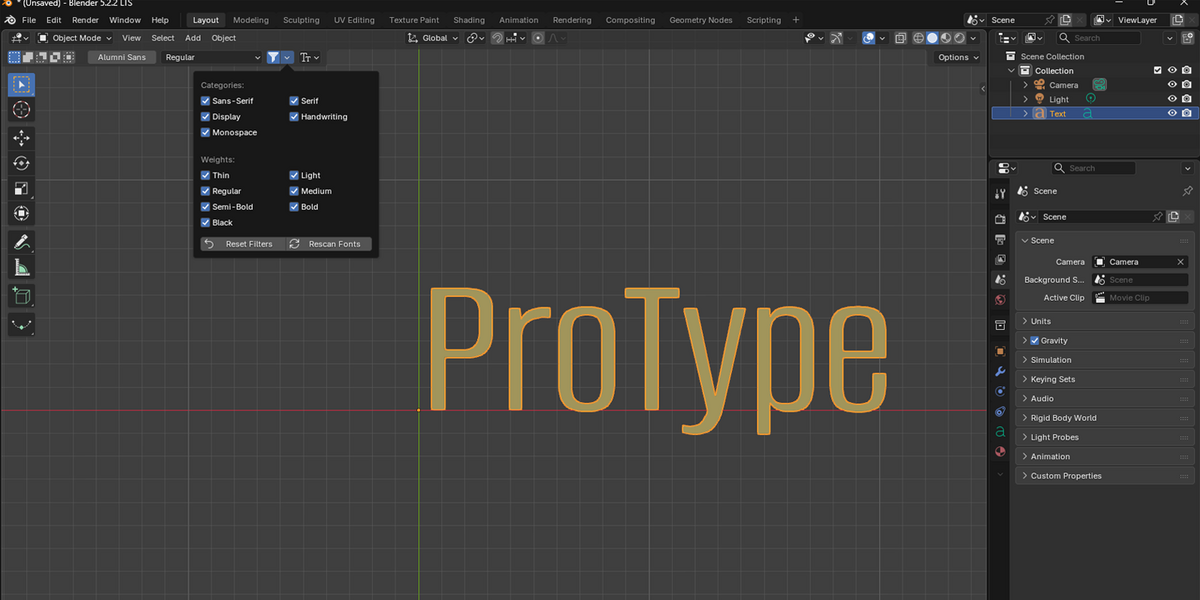
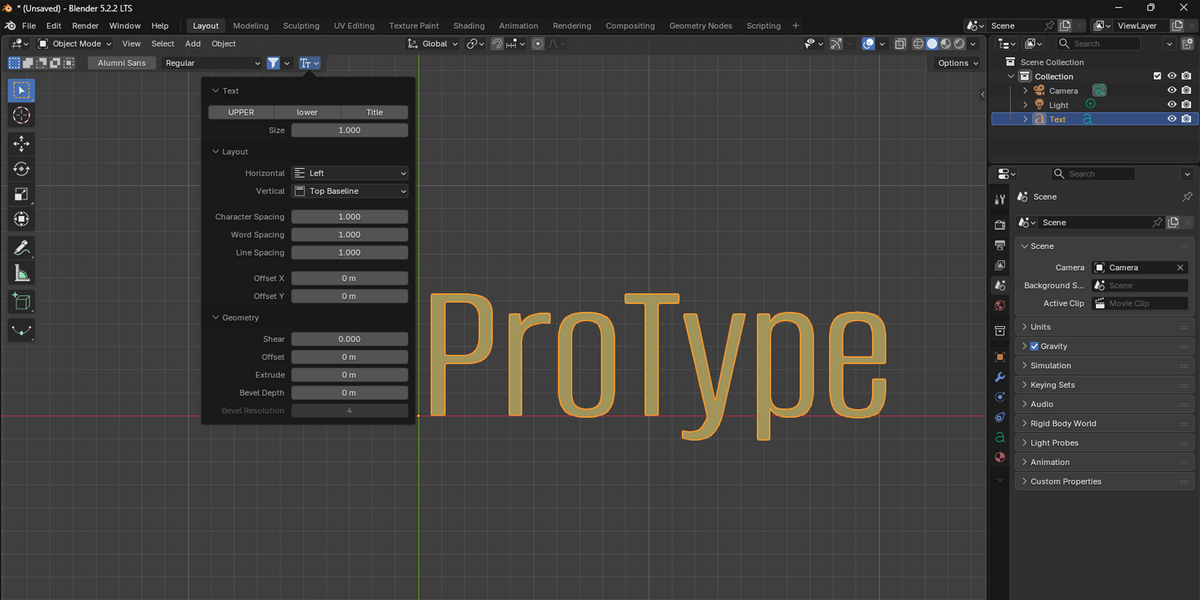
protype.zipfile to install and activate. - Select any 3D Text object in your 3D Viewport — the ProType font picker button appears immediately in the viewport header.
