 BlenderGem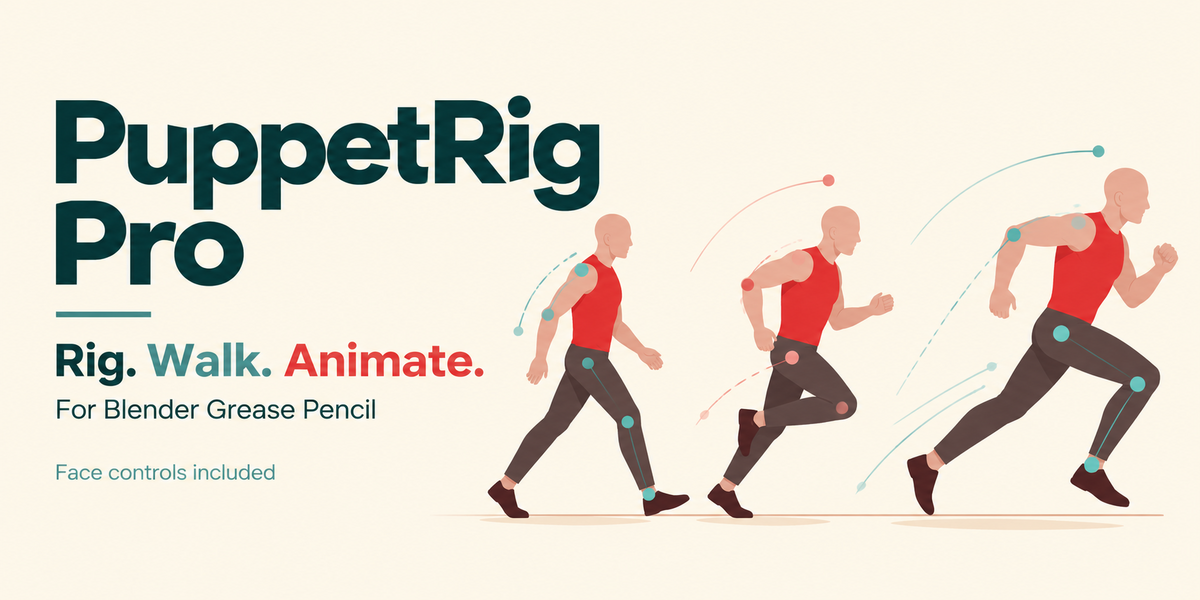
First release offer
50% off with puppet50
$39 $19.50
puppet50
Double-click the code to select it. Copy it and enter it at checkout.
Ends 3 November 2026 (Amsterdam time). Then $39 again.
The price stays $39 until you apply the code.
PuppetRig Pro 2D
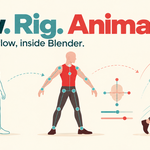
Rig and animate your 2D character in Blender.
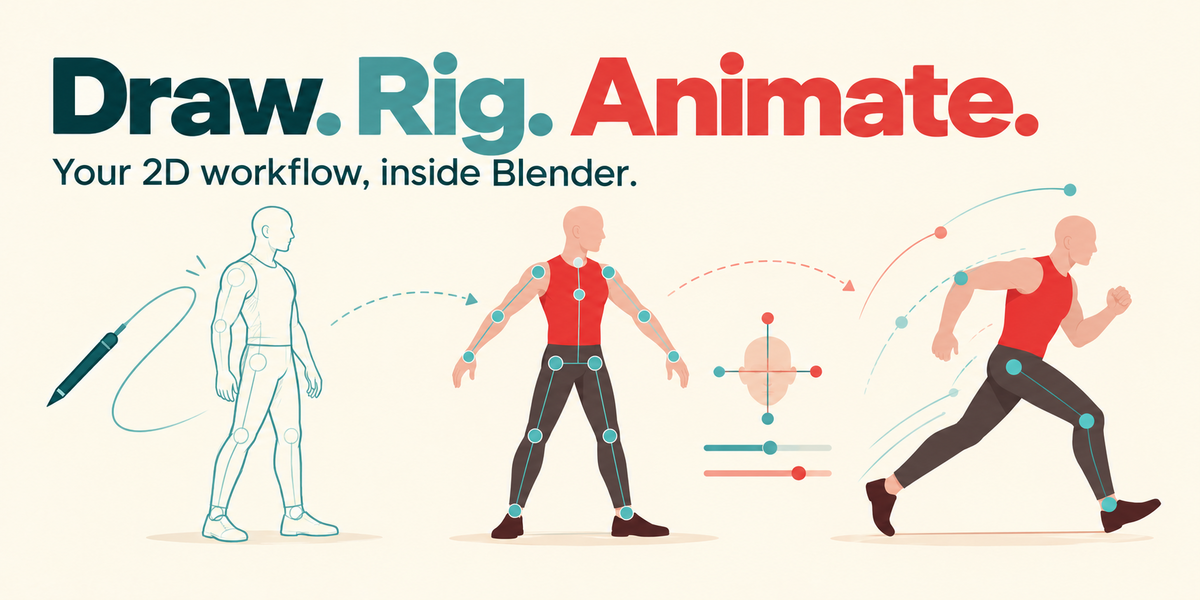
Add a rig to your Grease Pencil drawing, move the hands and feet, and try a walk or run. Use the sliders to change the movement. You can also make your own poses and animate them by hand.
Start with the included character
Tate Getting Started is already rigged. Open the Blender file and press Space to play. Try changing the speed, step length and arm movement to see what they do.
The addon, editable Tate example and getting-started guides are included.
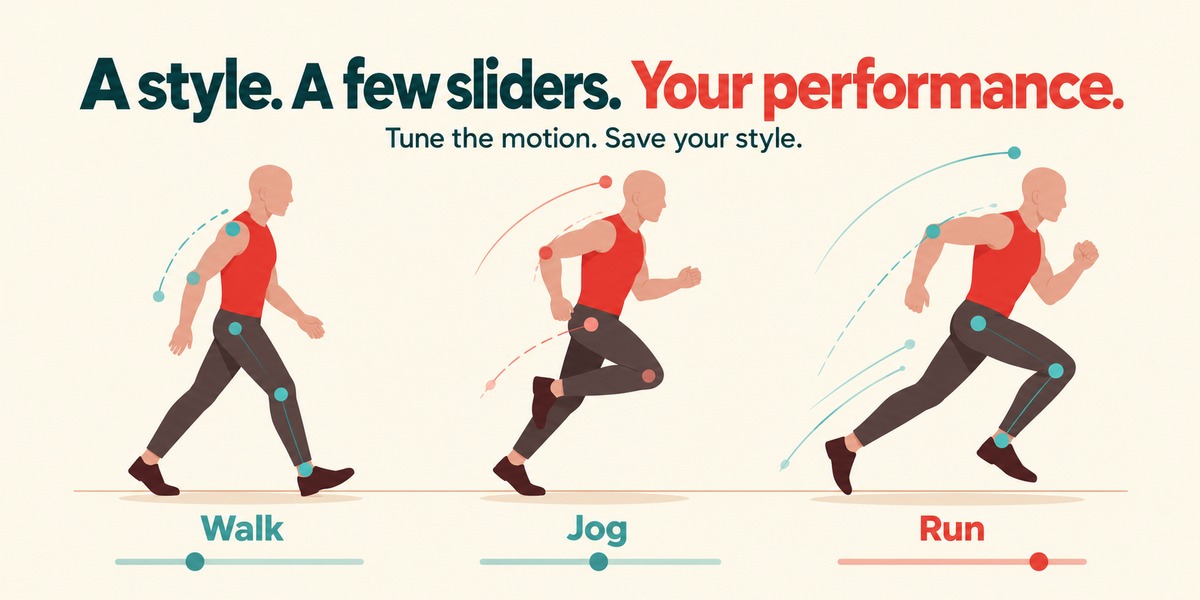
Walk and Run
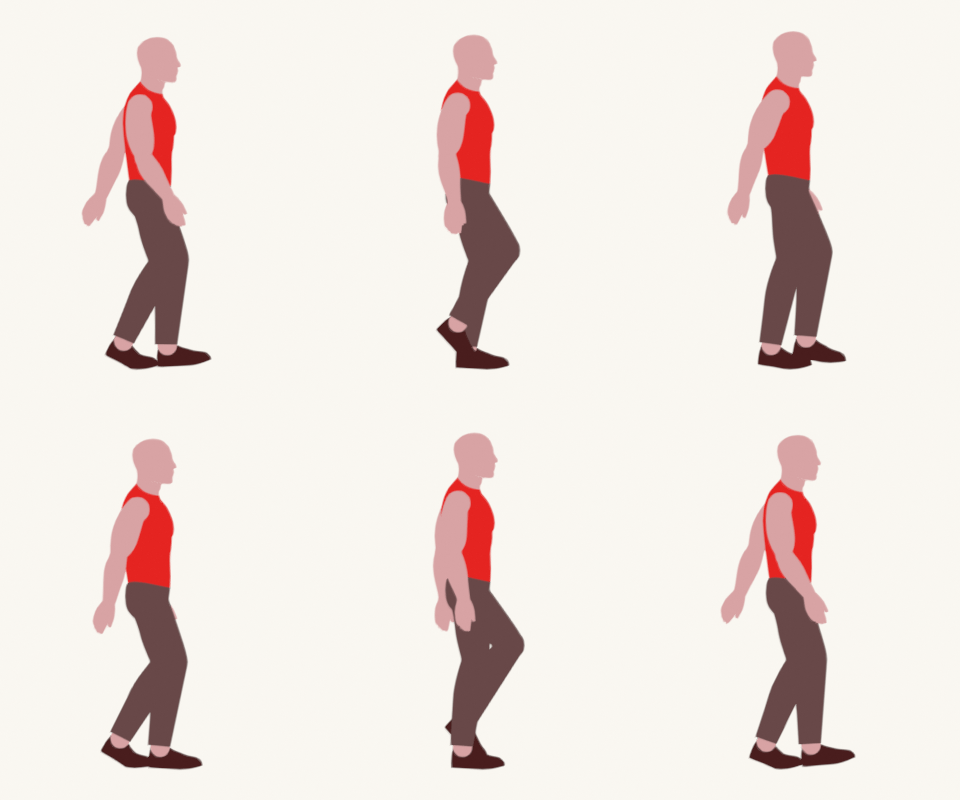
This is Tate animated in Blender. The example file includes both movements.
Walk
Run
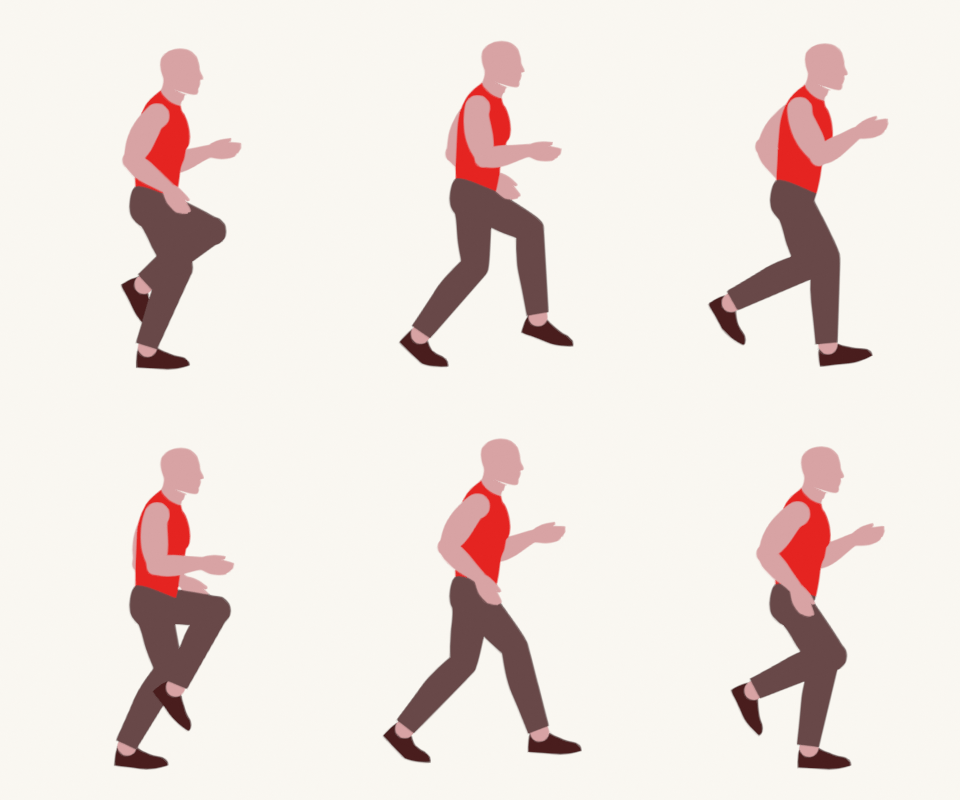
Adjust the timing, step length, foot lift, body lean and arm swing. Elbow bend and hand angles have their own controls. Save settings you like as a style for that character.
Keep the character in place or use Travel to move forward. You can bake the movement to keyframes and edit it yourself.
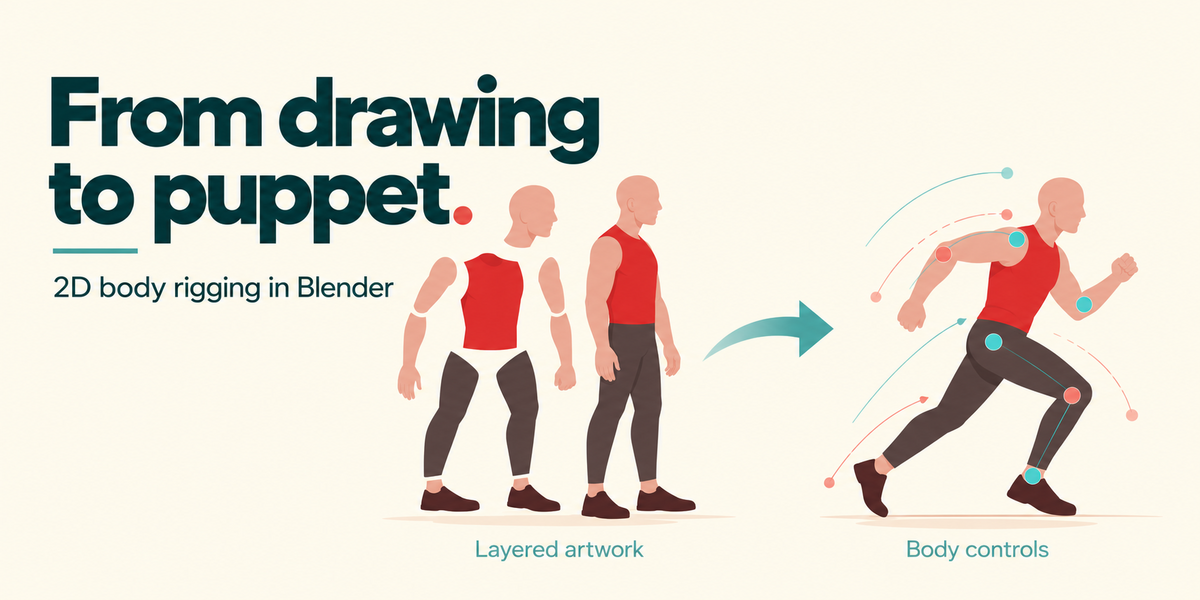
Use your own drawing
- Put the body parts on separate, named Grease Pencil layers in one object.
- Click Rig Character. Check the joints and move the hand and foot controls.
- Click Start Walk Preview, choose a style and play. Adjust the sliders for your drawing.
Overlap the artwork at the joints and draw the elbows and knees slightly bent. A single flattened image needs to be split into parts first.
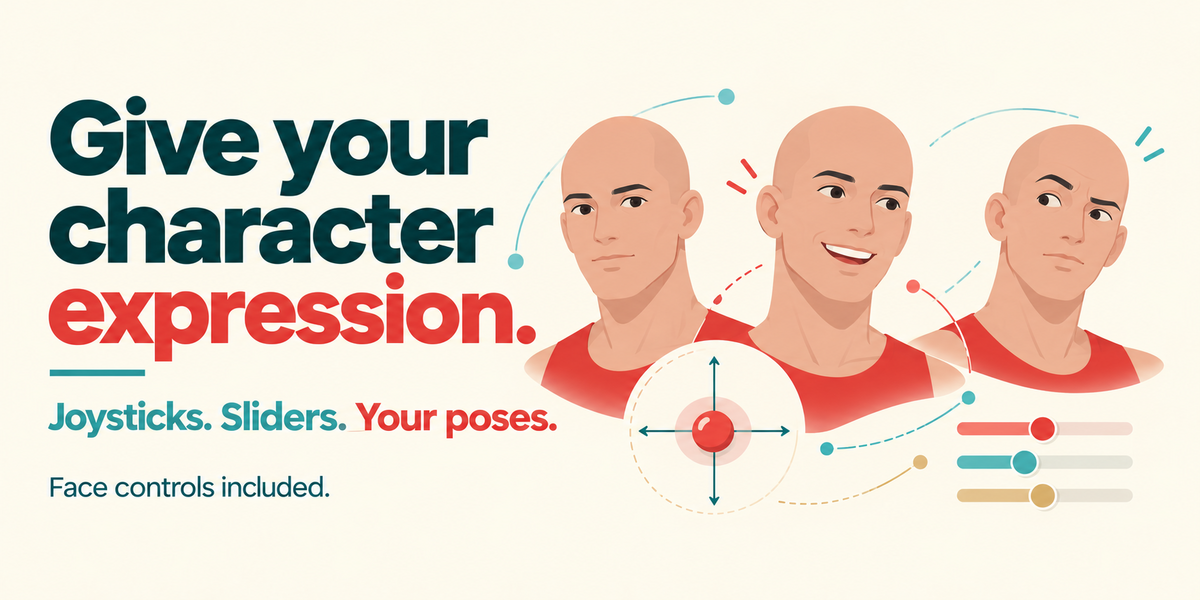
Face controls are included
Use joysticks and sliders for eyes, brows and mouths. Make your poses first, then use the controls to blend between them. Save expressions and add automatic blinks.
This needs separate facial layers in your artwork. Tate is a side-view body example. It does not include a head-turn demonstration.
Before you start
For Blender 5.1.1 and 5.2 LTS, using Grease Pencil v3. Basic Blender selection and timeline controls are useful. Start with Tate while you learn how the rig works.
Automatic movement gives you a starting point. Check the poses and adjust them for your character.
Read the getting-started guide
Made by Gosse Scherstra, BlenderGem.
The gallery illustrations were made with AI assistance. The Walk and Run previews above are renders from the included Blender file.
