PuppetRig Pro 2D
 BlenderGem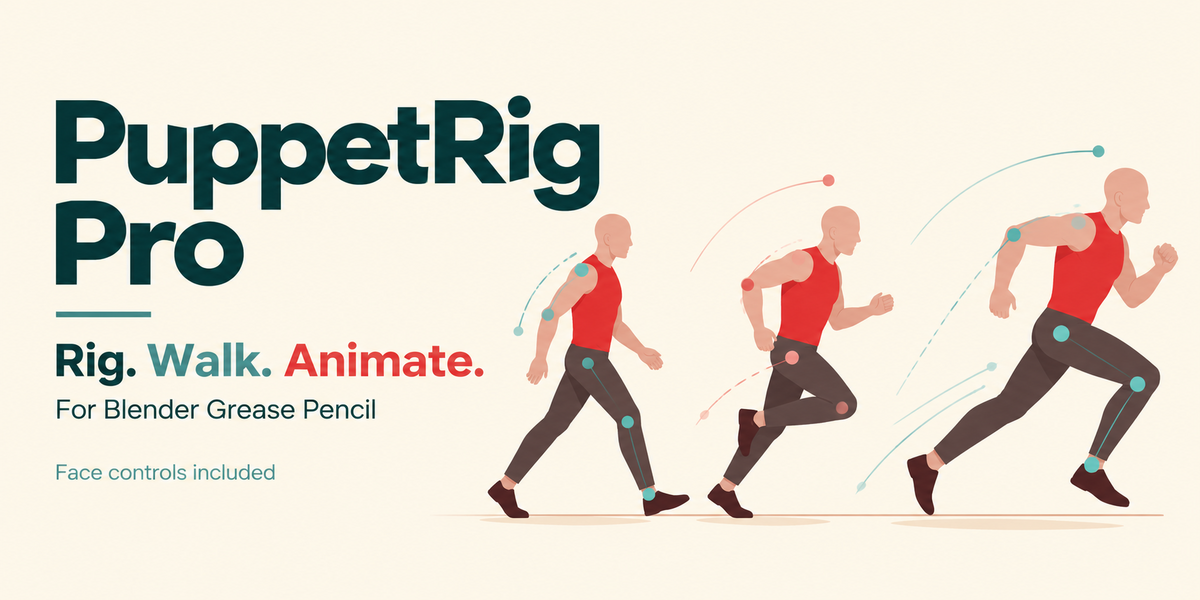
PuppetRig Pro 2D: getting started
1. Install the addon
Use Blender 5.1.1 or 5.2 LTS. In Edit > Preferences > Get Extensions, open the menu and choose Install from Disk. Select puppetrig_pro-1.2.19.zip and enable the addon. Do not install the Tate example ZIP as an extension.
2. Open Tate
Unzip puppetrig_pro-tate-getting-started-1.2.19.zip. Open Tate Getting Started.blend and press Space. The file is already rigged. Walk starts at frame 1 and Run at frame 73. The animation ends at frame 144.
3. Try the sliders
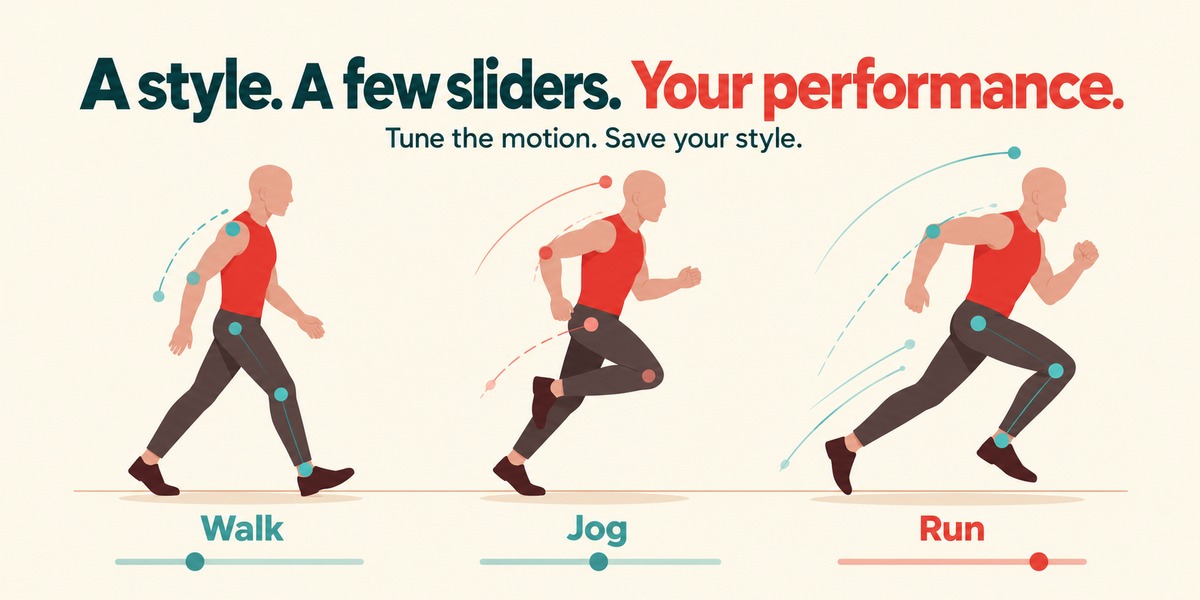
Select the armature. Press N in the 3D View and open PuppetRig, then Animate. Switch Key changes OFF while trying settings. Try Cycle length, Step length, Step height, Body lean and Arm swing. Whole arm forward rotates the arm from the shoulder. Elbow bend changes its flexion separately. Hand angles let you adjust the wrists.
Save a copy of the file when you want to keep your changes. Save Style keeps a set of movement settings for the current character.
4. Use your own drawing
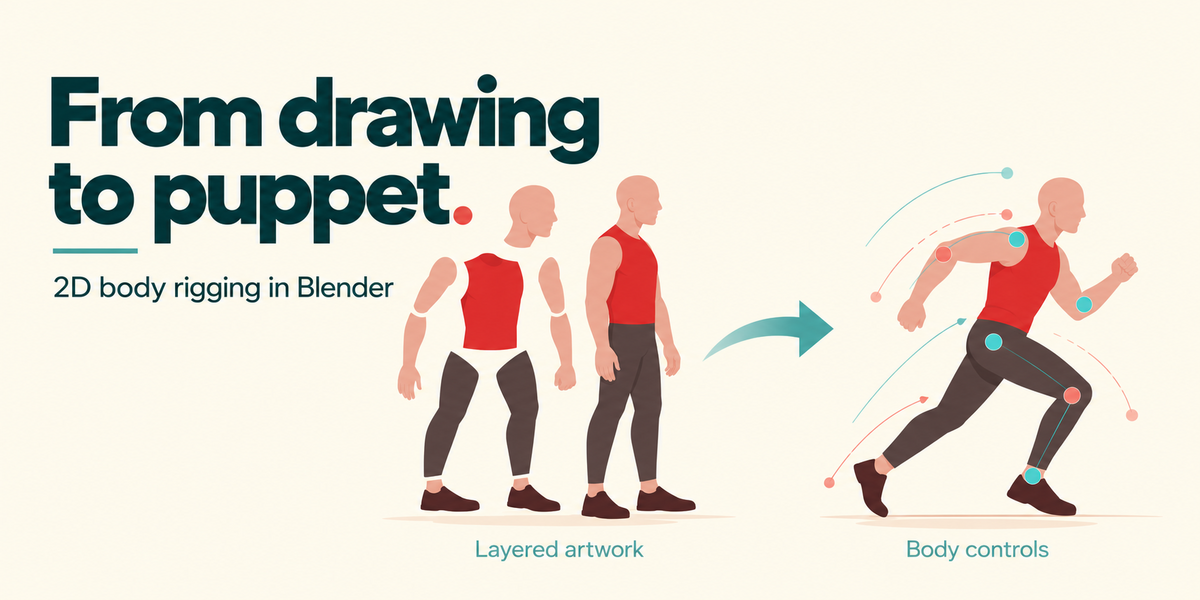
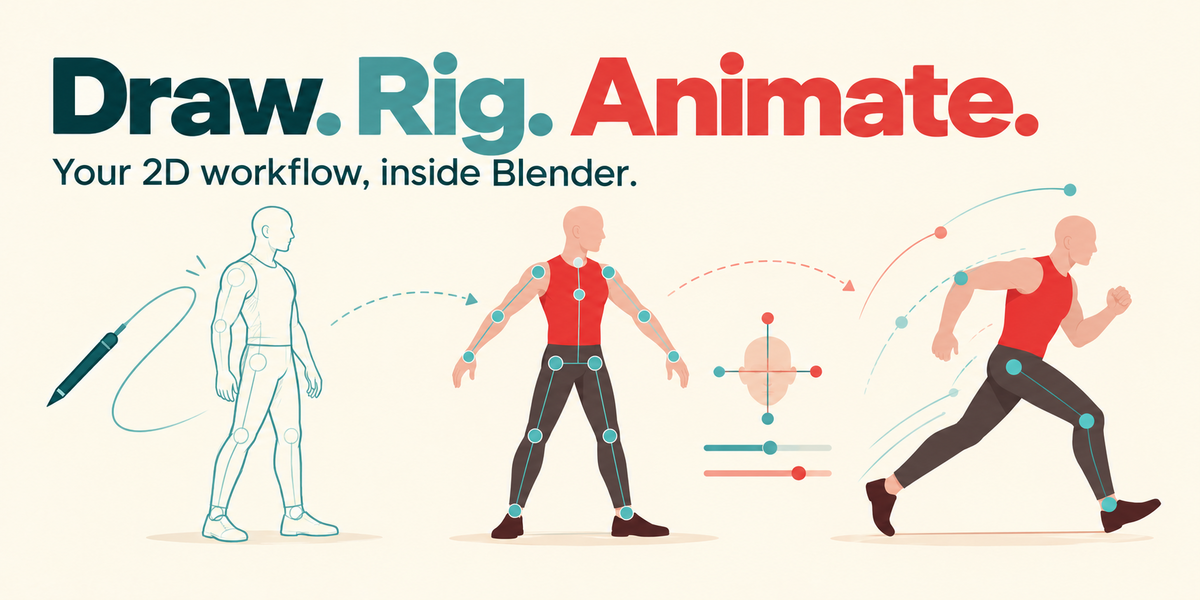
Put separate body parts on named layers in one Grease Pencil object. Overlap the artwork at the joints and keep elbows and knees slightly bent. Select the drawing and click Rig Character. Check the joint positions and try moving the hand and foot controls.
Click Start Walk Preview, choose a style and play. Adjust the motion for your character. To practise on a fresh drawing first, deselect everything and choose Load Demo Character in the PuppetRig sidebar.
Moving forward or staying in place
Travel = 0 keeps the character in place. Travel = 1 moves the root forward. The Tate example has a plain background with its ground line and distance marks hidden. Optional Scene Preview can add those reference marks and a follow camera.
Editing the animation
Key changes records style changes on the timeline. Blend controls the transition length, ending at the playhead. Drag the generated markers to change the timing. Bake the movement when you want ordinary keyframes to edit.
Face controls
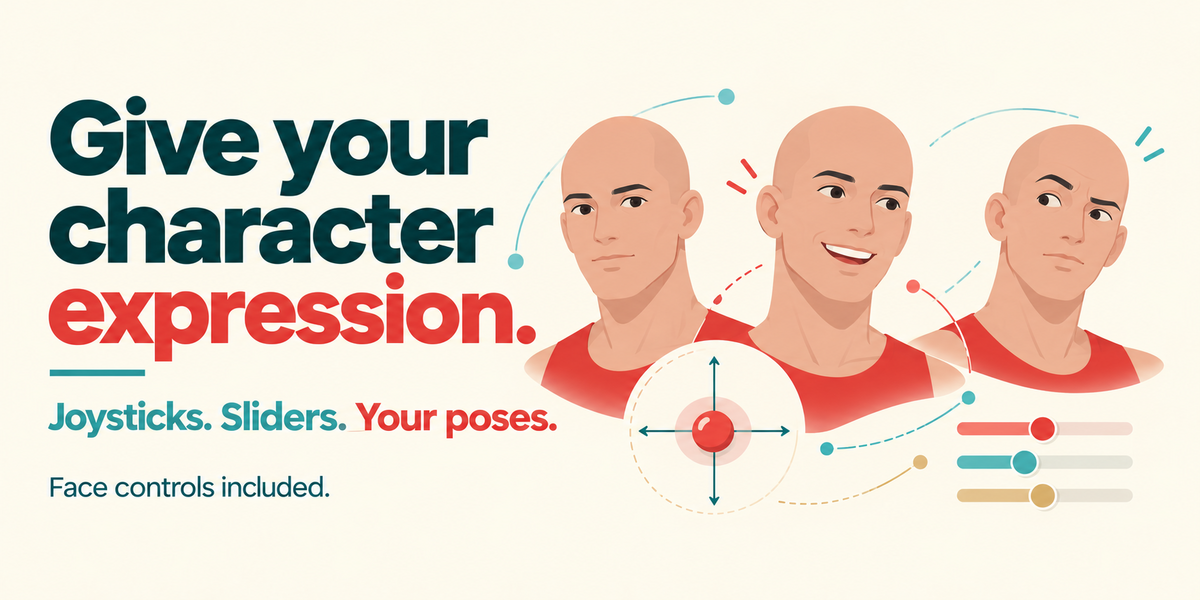
Face joysticks, sliders, expressions and automatic blinks are included. They need suitable facial layers and poses that you create. Tate is a side-view body example, without a head-turn demonstration. See FACE_CONTROLS.md in the addon package for the face workflow.
QUICKSTART.md and FIRST_SHOT.md are also included with the addon. Saved motion uses native drivers and plays with Auto Run Python Scripts switched off.
Have questions about this product?
Login to message
| Blender Extension Compatible | Yes |
| Published | 3 days ago |
| Blender Version | 5.1 - 5.2 |
| Extension Type | Add-on |
| Render Engine Used | Eevee |
| License | GPL |

Discover more products like this
animation rigging IK auto-rig Grease Pencil Walk Cycle character animation 2d