PuppetRig Pro 2D
 BlenderGem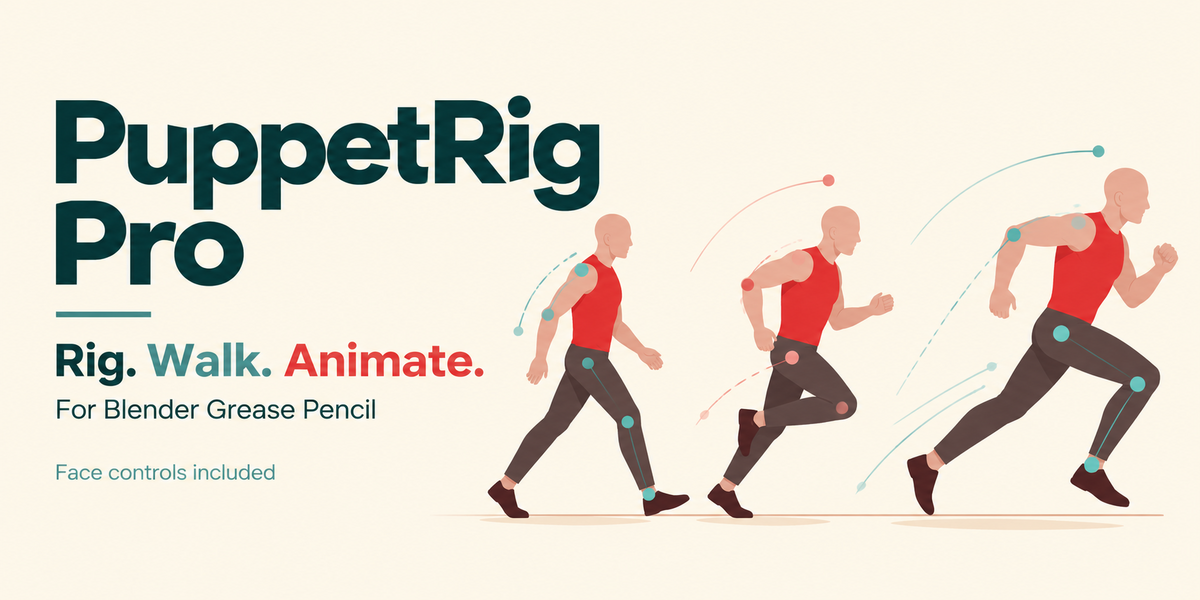
What is included, and which license applies?
The PuppetRig Pro extension ZIP includes the body and face tools, the procedural demo generator and Markdown guides. A separate download provides an editable character example, saved motion styles and a getting-started guide. The add-on source is GPL-3.0-or-later. Separate artwork/media terms are stated in that download.
Can I bring in a Moho or After Effects rig?
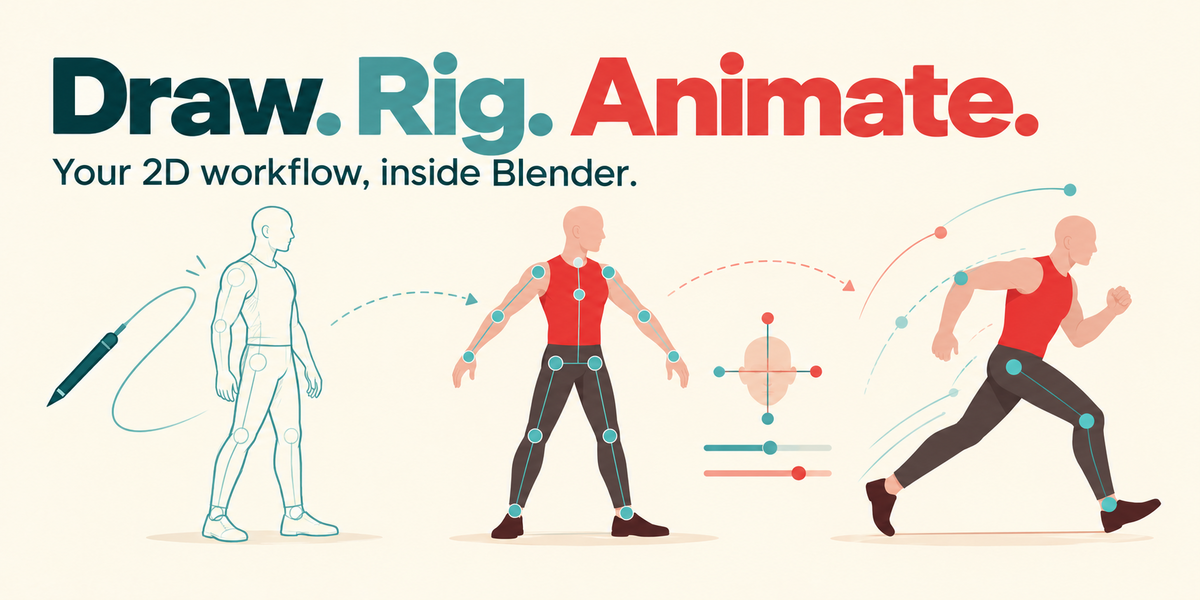
PuppetRig works with Blender Grease Pencil artwork. It does not convert Moho, Duik or Joysticks ’n Sliders rig files. The familiar ideas are layers, posing, IK handles and reusable controls; the rig is built inside Blender.
11. Does it animate dialogue from audio?
The included mouth controls support keyed acting and custom authored poses. Automatic audio-to-viseme generation is a separate 2D Lip Sync Pro feature.
Does Body Turn generate side and back views?
You author those views. Body Turn interpolates saved body poses and switches your supplied drawing variants. Drawings cut between available views. It does not reconstruct a 3D character or automatically make a new gait for each direction.
How does a custom head-turn joystick work?
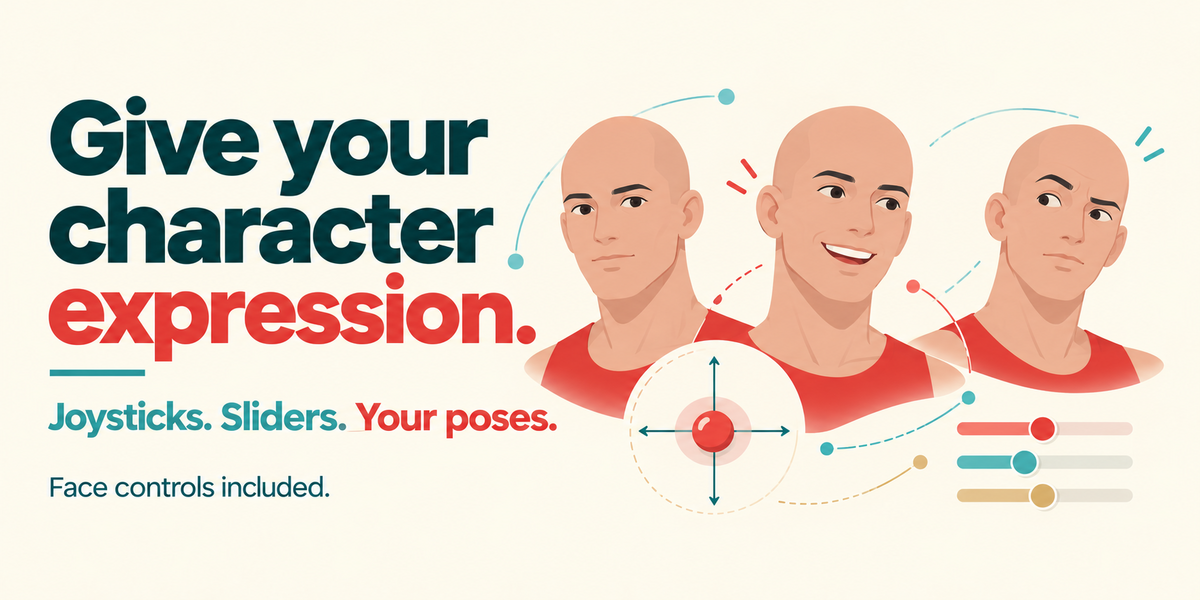
You pose the feature bones and capture Neutral, Right, Left, Up and Down, then generate the joystick. It blends the poses you supplied; optional corner captures add diagonal poses. Prepare alternate drawings where the shape needs to change. The add-on does not invent unseen facial artwork.
Are face controls included?
Yes. Eye, brow and mouth controls, custom joysticks/sliders, expressions and auto-blink are included. You do not need to buy or install JoystickRig Pro separately. Put independently movable facial features on their own drawing layers.
Can I animate a hand gesture while the body walks?
Yes. Under Animate by Hand, release an arm and key its handle. The other parts keep walking. The released part stays manual until you give it back to Auto-Walk. You can also bake the generated motion to an editable NLA layer.
Does the character actually move forward?
Yes. Travel = 0 keeps it walking in place; increase Travel to move it through the scene. The optional Scene Preview has simple ground marks and a camera that follows horizontal Root movement. In-place scrolling marks use live preview; render that shot before baking. Set direction and facing before travel, since mirroring an existing journey reflects the travelled path.
Can I adjust Walk, Jog and Run with sliders?
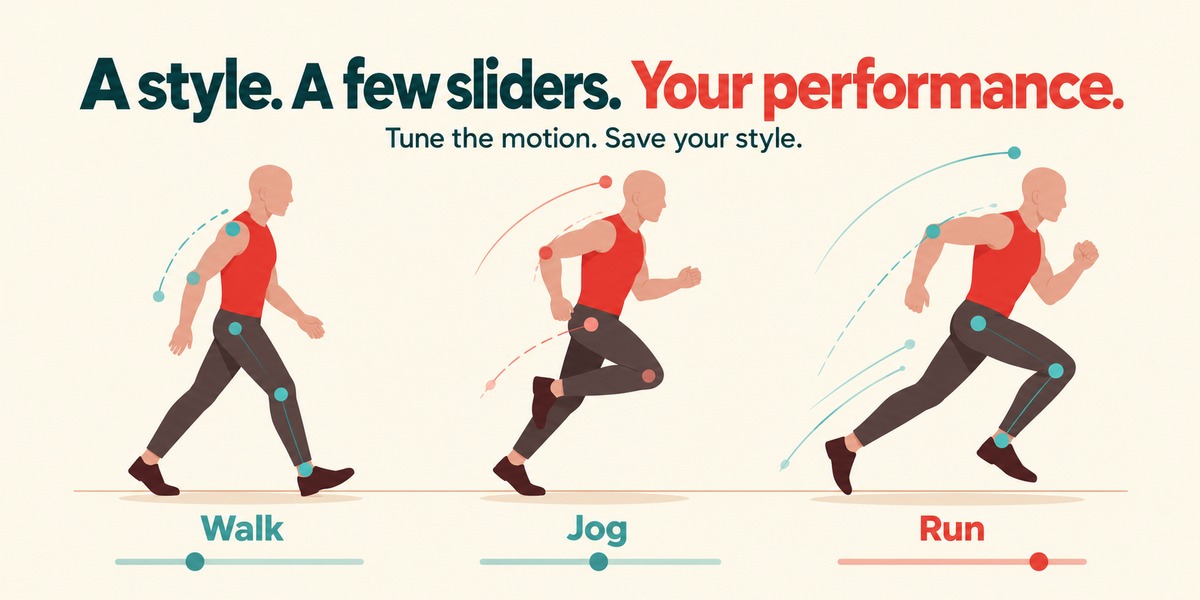
Yes. Adjust Motion includes cycle length, stride, step height, body movement and arm swing. Save your tuning as a character style. Use Key changes and Blend for transitions on the timeline. Review foot contact and reach after large adjustments.
Is it suitable if I am new to Blender?
The demo gives you a short route to a first walk. Basic object selection, playing the timeline and inserting keys will help. Preparing your own layered character and authoring custom head turns require more practice; you can learn those after the demo.
How should I prepare my artwork?
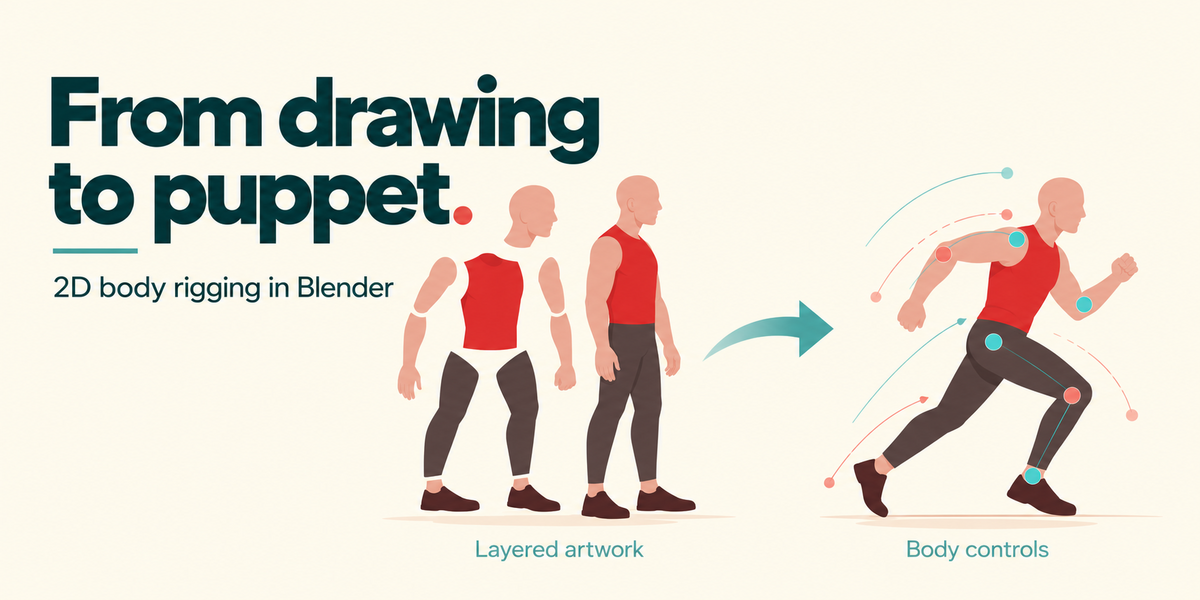
Use one Grease Pencil object with separate, named layers for the torso, head and limb segments. Overlap parts at joints, keep knees and elbows slightly bent and apply object scale. A flattened image needs separation into movable parts first. Import artwork with Blender’s own tools and check the resulting layers before rigging.
Can I start before drawing my own character?
Yes. Use Load Demo Character → Rig Character → Start Walk Preview. The built-in demo lets you learn the controls first. See the Documentation tab for the short start guide.
Which Blender versions does it support?
Blender 5.1.1 and 5.2 LTS, using Grease Pencil v3. The release was tested on both versions on macOS. Blender 4.x and other versions are not advertised as supported.
Have questions about this product?
Login to message
| Blender Extension Compatible | Yes |
| Published | 3 days ago |
| Blender Version | 5.1 - 5.2 |
| Extension Type | Add-on |
| Render Engine Used | Eevee |
| License | GPL |

Discover more products like this
IK Walk Cycle rigging auto-rig character animation 2d animation Grease Pencil