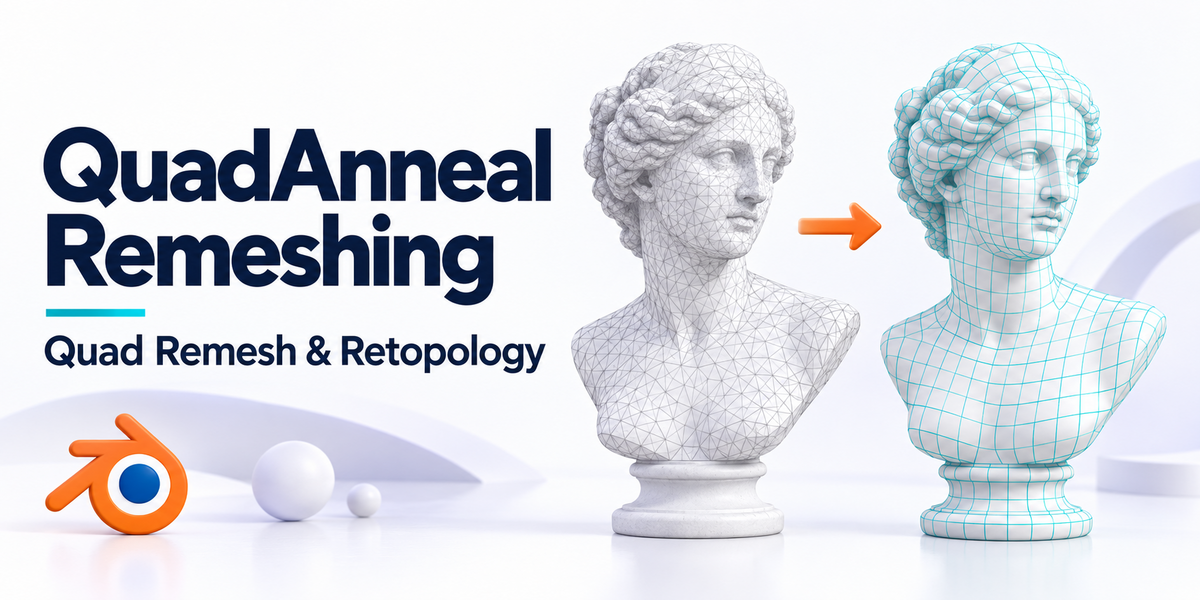
QuadAnneal Remeshing — QuadRemesh & Retopology for Blender
 blenderVfxMaster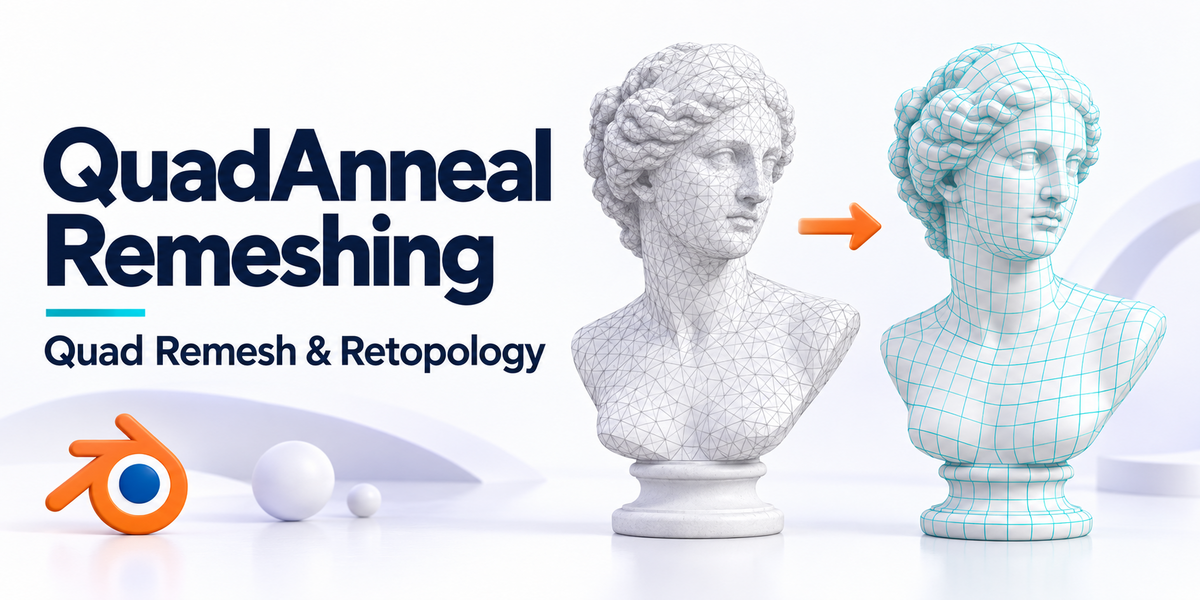





QuadAnneal Remeshing — Quick Documentation
QuadAnneal Remeshing runs one of two bundled external remeshing backends from Blender's 3D View sidebar. The original object is retained and every completed remesh is imported as a new object.
Basic workflow
- Select one or more mesh objects.
- Open View3D Sidebar > QuadAnneal Remeshing.
- Choose Instant Meshes or QuadAnneal.
- Choose a polygon-count or edge-length target and adjust the supported backend settings.
- Press Run Remesh. Progress is non-blocking and the active job can be cancelled.
Backend controls
Instant Meshes exposes crease, boundary alignment, projection passes, thread count, and deterministic mode. QuadAnneal exposes sharp-edge angle, adaptivity, edge scaling, and normal smoothing. The interface only shows controls supported by the selected backend.
Production options
Production Options includes batch processing, evaluated modifiers, result-name tokens, continue-after-error behavior, result selection, temporary-file retention, and optional material, UV-map, and vertex-group transfer.
Attribute transfer
Material assignments use multi-sample, area-weighted nearest-surface projection. UV maps and vertex-group weights use Blender's spatial data transfer. Transfer Max Distance can limit all three operations. A remeshed face can store only one material, so faces crossing an original material boundary receive their majority material.
Compatibility
Requires Blender 4.2 or newer. Bundled backends are provided for Windows x64, macOS Apple Silicon, and Linux x64. Target face counts are approximate and difficult geometry may require cleanup.
-
$12
Production-ready Simple edition with the full core toolset for fast, reliable everyday remeshing.
-
$20
Built for the most demanding, highly complex meshes—with precise control over topology, density, edge flow, and reprojection.
Have questions about this product?
Login to message
Discover more products like this
blender addon remesh mesh 3d sculpting quadremesh topology bridge zremesher retopology quad modeling