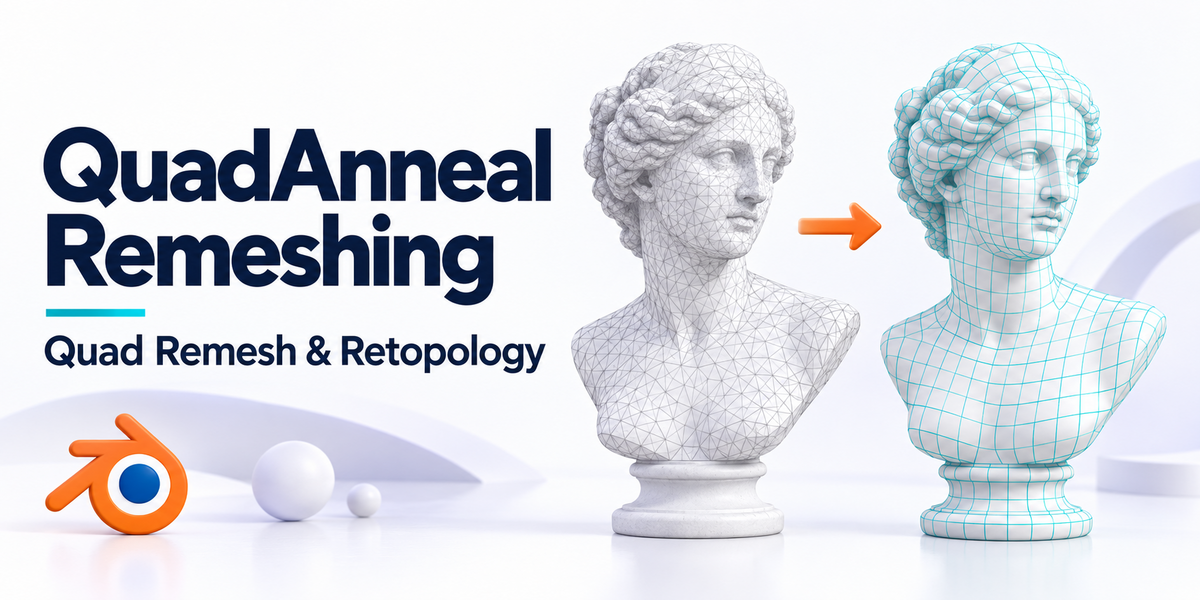
QuadAnneal Remeshing — QuadRemesh & Retopology for Blender
 blenderVfxMaster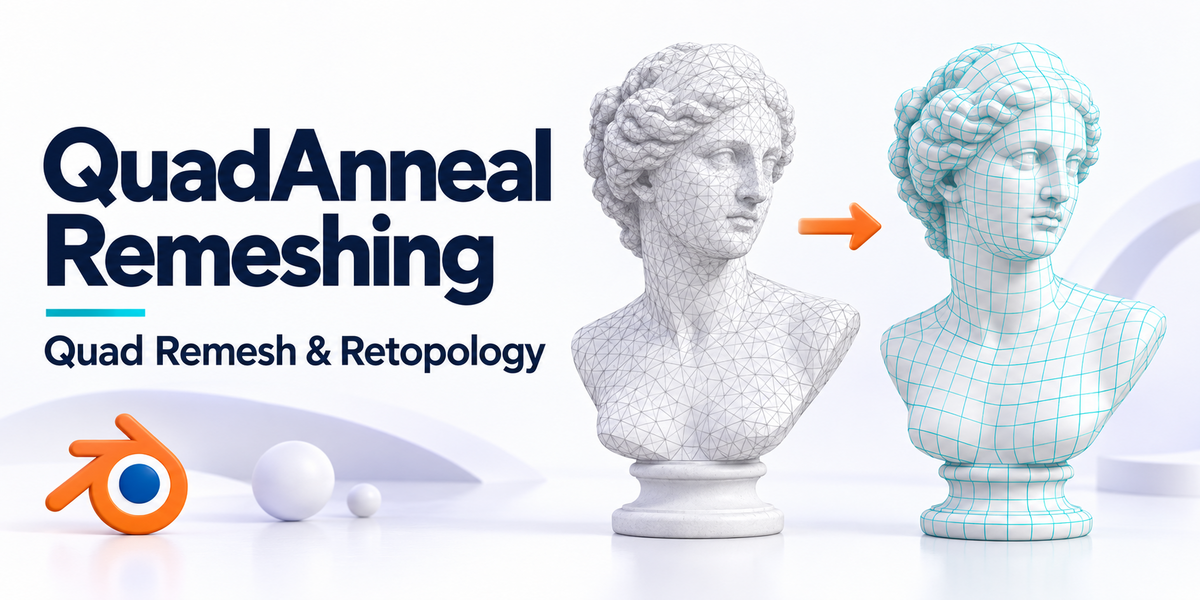



6. Which controls are backend-specific?
Instant Meshes shows crease, boundary, projection, thread, and deterministic controls. QuadAnneal shows sharp-edge, adaptivity, edge-scaling, and normal-smoothing controls. Unsupported Density Map, Flow Lines, symmetry, and group hard-edge controls were removed.
5. Are materials, UV maps, and vertex groups preserved?
Yes. Materials use multi-sample, area-weighted surface projection, while UV maps and vertex-group weights use Blender's spatial data transfer. Difficult boundaries may still require minor cleanup because each remeshed face can hold only one material.
4. Can I remesh multiple objects and cancel a job?
Yes. Enable Batch Selected Meshes in Production Options. Progress remains non-blocking, and Cancel Remesh stops the active operation.
3. How do I choose a backend?
Open the QuadAnneal Remeshing N-panel and select Instant Meshes or QuadAnneal under Algorithm. The bundled backend files are detected automatically.
2. Does the add-on use Blender's built-in QuadriFlow?
No. It exports the mesh and runs either the Instant Meshes or QuadAnneal external backend.
1. What does QuadAnneal Remeshing do?
It creates a new quad-based retopology result from a selected mesh while keeping the original object unchanged.
-
$12
Production-ready Simple edition with the full core toolset for fast, reliable everyday remeshing.
-
$20
Built for the most demanding, highly complex meshes—with precise control over topology, density, edge flow, and reprojection.
Have questions about this product?
Login to message
Discover more products like this
quadremesh topology mesh 3d blender addon remesh bridge modeling retopology sculpting zremesher quad