
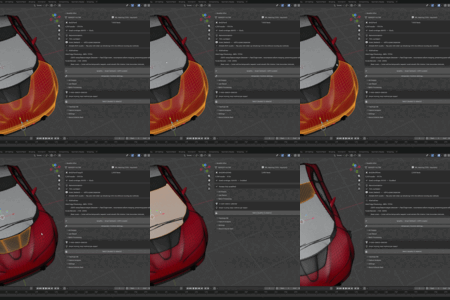
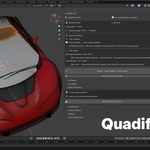
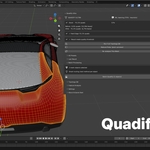
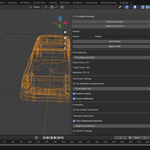

Quadify – Clean Quad Retopology for Blender Meshes

Anvil Interactive Solutions in Modeling


Item Rating

This item has an average rating of 3 from 12 ratings by the community.

50%
9%
9%
0%
34%

Purchase this item to leave a review!

  • noir39
    5 months ago

    It's some kind of scam.
    I bought Ultra.
    I'm trying different presets, and the mesh is worse than the Decimate.
    I set the target count to around 15,000, and the mesh still has 100,000 polygons.
    In the time it took me to work with the addon, I could have already done the job.
    Until there are decent video examples and attached test meshes (like in the video), this will remain a scam.

    It might work when the mesh isn't dense and is heavily simplified by Decimate from Zbrush or some other method, but then it doesn't make much sense, since there's no point in projecting on something like that.
    I tried it on a hardsurface in some places, and it's just awful: loops, smoothed corners where sharpening is used, and so on.

    There are no clear examples yet for all types of revisions (especially for ultra - it's a waste of money)

    • Anvil Interactive Solutions

      5 months ago

      Hi, thank you for the detailed feedback. We take this seriously.

      A few things worth clarifying for anyone reading:

      The target face count discrepancy you experienced (setting 15K and getting 100K) is not expected behaviour. This is almost always caused by the mode or preset selected; certain modes in Ultra prioritise topology quality over hitting an exact count, and the wrong preset for a hard surface mesh will produce exactly what you described. We would like to walk you through the correct setup for your specific mesh.

      On hard surface topology, automatic retopology on hard surface meshes with sharp edges and mechanical loops is genuinely one of the harder problems in this space. Ultra has specific settings for this (sharp edge preservation, hard surface presets) that make a significant difference, but we acknowledge these are not obvious out of the box. That is valid criticism, and we are actively working on better documentation and preset examples.

      We would like to make this right. Please reach out to us at [email protected], and we will work through your specific mesh with you directly. If, after that, you still feel the tool does not meet your needs, we will sort out a refund with no friction.

      Anvil Interactive Solutions

  • Martinirosso
    8 months ago

    I bought the base version and it doesn't convert properly at all (in my case, anyway). Maybe the premium version works better but I won't bet another 13€ to discover it doesn't work either...

    • Anvil Interactive Solutions

      8 months ago

      Hi, thanks for leaving this. We're sorry Quadify didn't deliver what you expected.

      The Base tier does have limitations with certain mesh types, and we'd genuinely like to understand what you were working with so we can tell you whether Premium would actually solve it or not. There's no point upgrading if it won't help your specific case.

      Could you reach out at [email protected] with a brief description of the mesh (or a screenshot if possible)? We'll look at it and give you an honest answer, and if Premium is the right fix, we'll sort out the price difference for you.

      We want this to work for you, not just sell you another tier.

      - Anvil Interactive Solutions

  • Full manual control with region tagging, LOD generation, and Quadriflow. For artists who know exactly what they want.

    $18.75 $25
  • A complete game-asset pipeline: retopo, UV unwrap, LOD, collision, export — all Agent-driven.

    $37.50 $50
  • AI selects the right retopo method for your mesh, runs it, and learns from results. The only tool that gets smarter the more you use it.

    $112.50 $150
$18.75

Support Period Included

Includes 12 months of

Extend this product’s Support Period +12 months: 25% of product price

Have questions before purchasing?
Login to message

Details
Blender Extension Compatible Yes
Sales 500+
Rating
12 ratings
Dev Fund Contributor
Published over 1 year ago
Blender Version 3.6 - 5.0
Extension Type Add-on
Render Engine Used Cycles, Eevee
License GPL