 Mendworks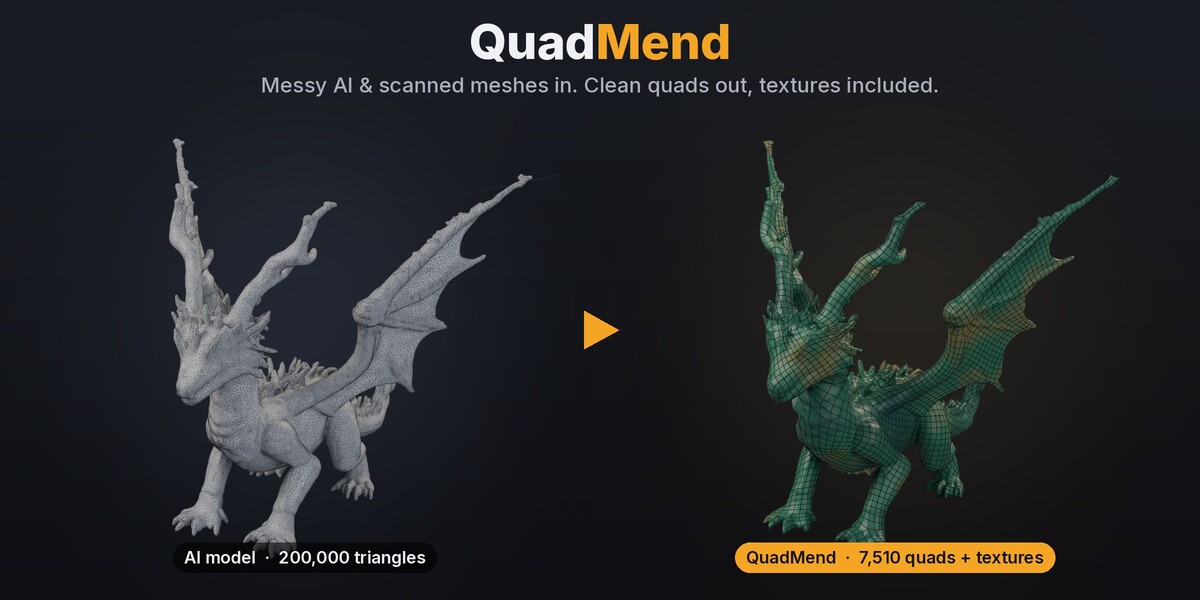
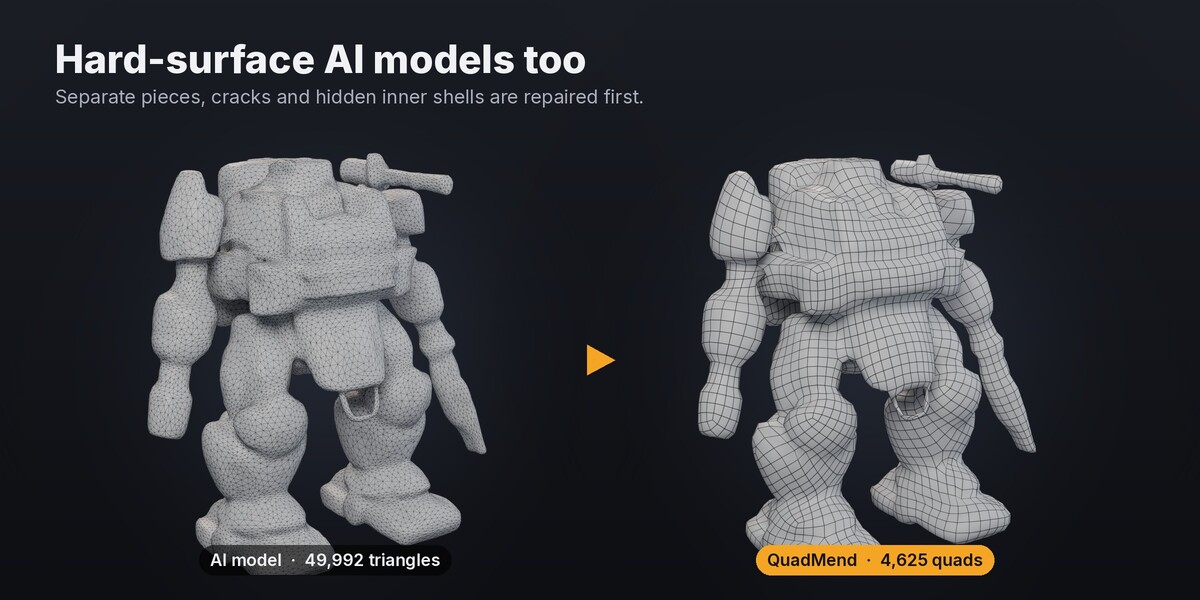
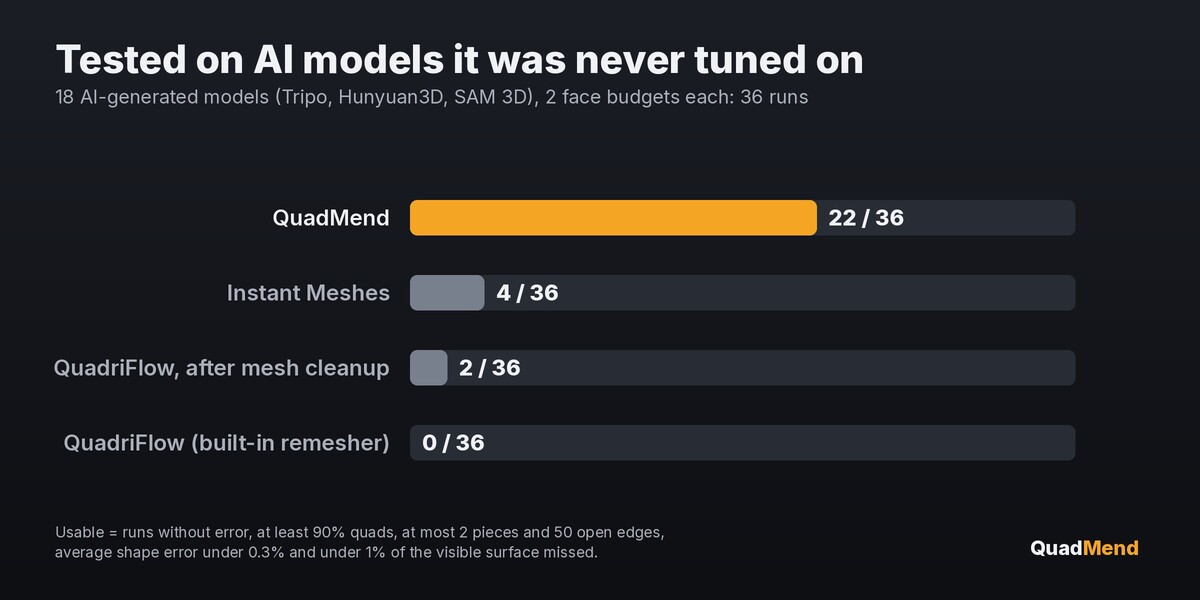
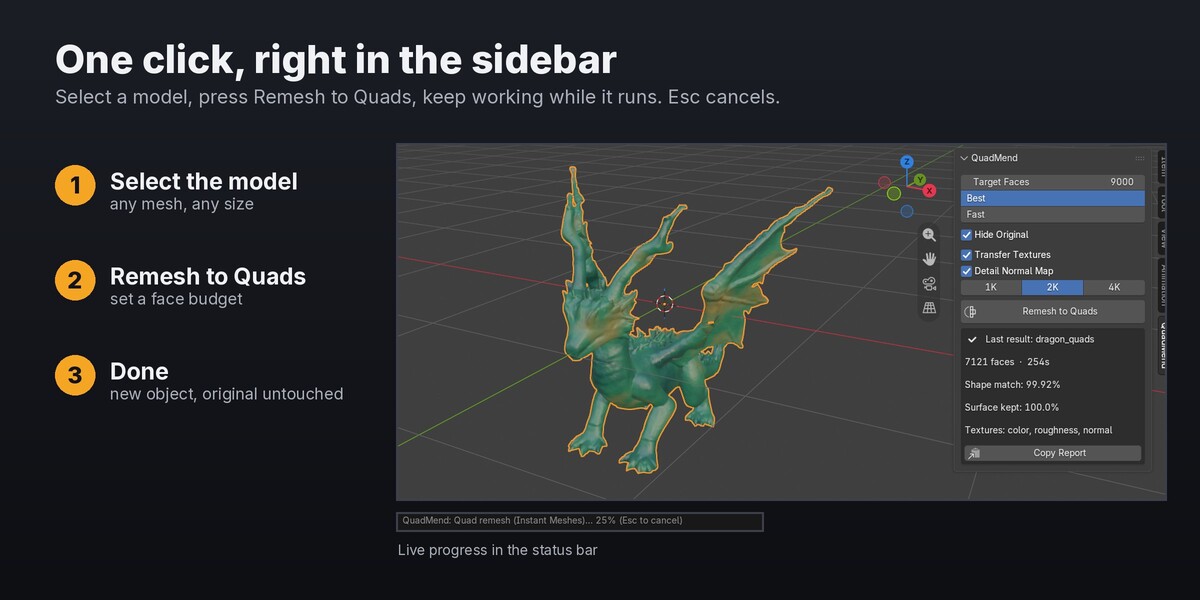

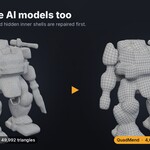
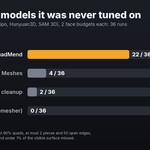
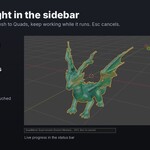
Yes. Import the .glb or .obj, join the pieces if there are several, and run QuadMend. It was tested on models from Tripo, Hunyuan3D, SAM 3D, TRELLIS and Step1X-3D.
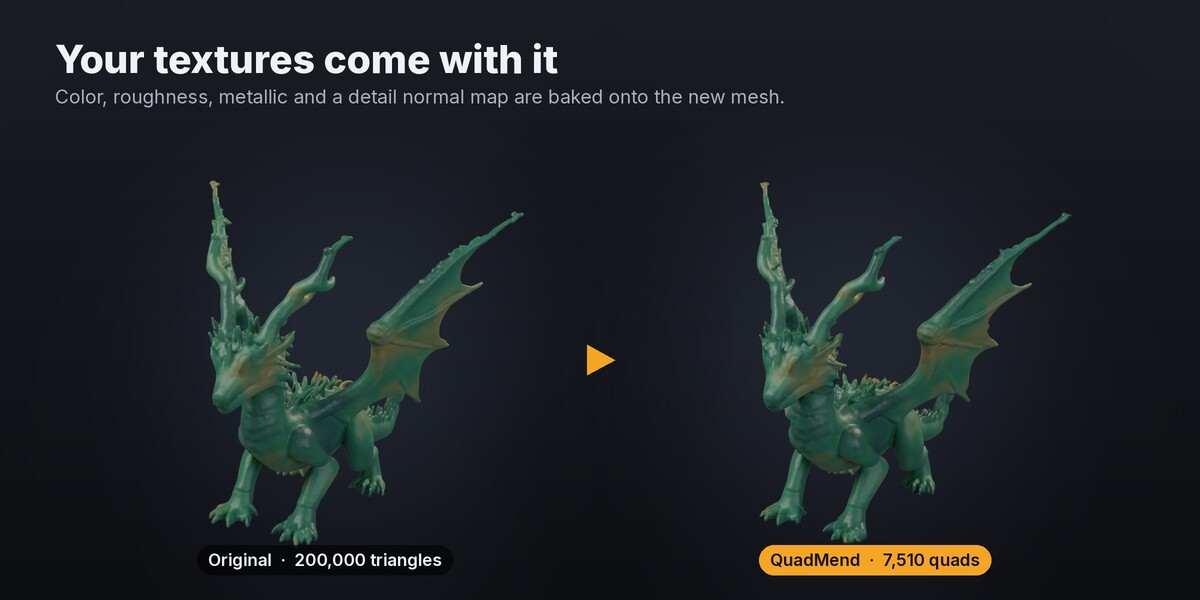
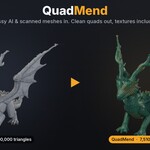
Those tools rebuild the topology but drop your textures, so you have to re-texture afterwards. QuadMend repairs the mesh first, keeps your color, roughness and metallic (plus a detail normal map) on the new mesh, and works on any model inside Blender, offline, including scans and sculpts.
Yes. Scans and sculpts are usually cleaner than AI models, and they remesh well.
Yes, when Transfer Textures is on. Color, roughness and metallic are baked onto the new mesh, and Detail Normal Map adds surface detail. Emission, alpha and other material channels are not transferred yet.
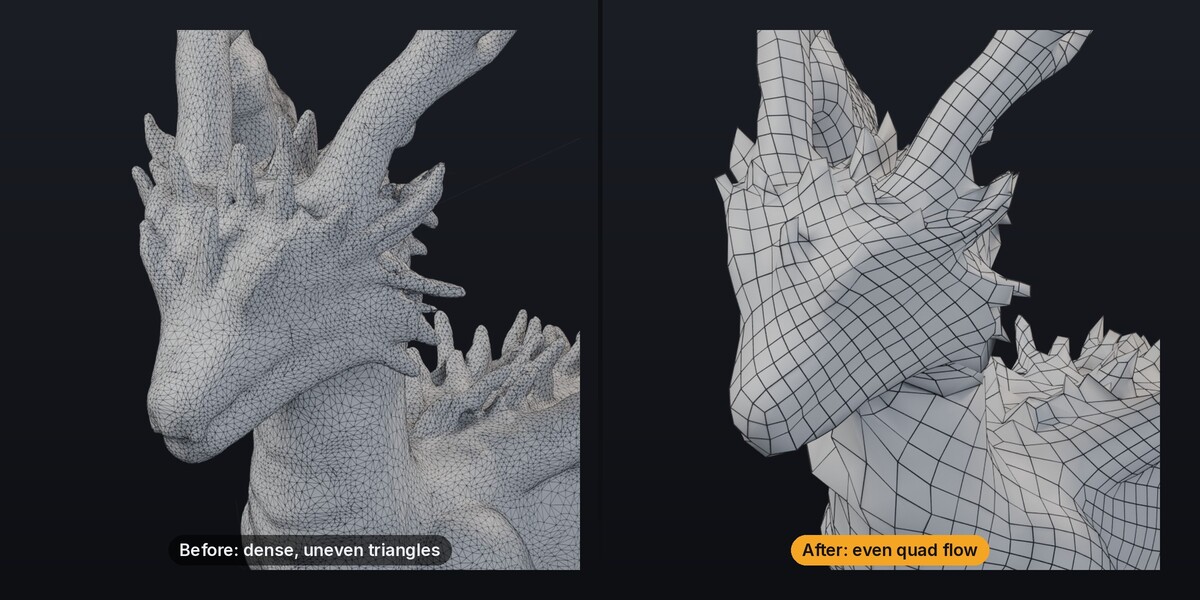
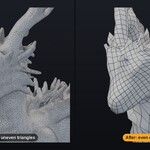
No. It gives clean, even quads that are a good base for UVs, sculpting, rigging and subdivision, but it doesn't place deformation loops the way an artist would.
No. Everything runs locally on the CPU.
Yes. What you make with QuadMend is yours.
Have questions about this product?
Login to message
| Blender Extension Compatible | Yes |
| Published | about 6 hours ago |
| Blender Version | 4.2 - 5.2 |
| Extension Type | Add-on |
| Render Engine Used | Cycles |
| License | GPL |

Discover more products like this
3D Scan texture-baking mesh repair tripo ai 3d quads quad remesh photogrammetry hunyuan3d retopology remesh meshy