 3DSkillUp

Ryan Banks
about 1 month ago
Thanks so much for testing QuadMend and for the detailed feedback! An in-panel progress bar showing the current stage is coming in the next update, and I'm looking at a lower-resource option for heavy meshes too.
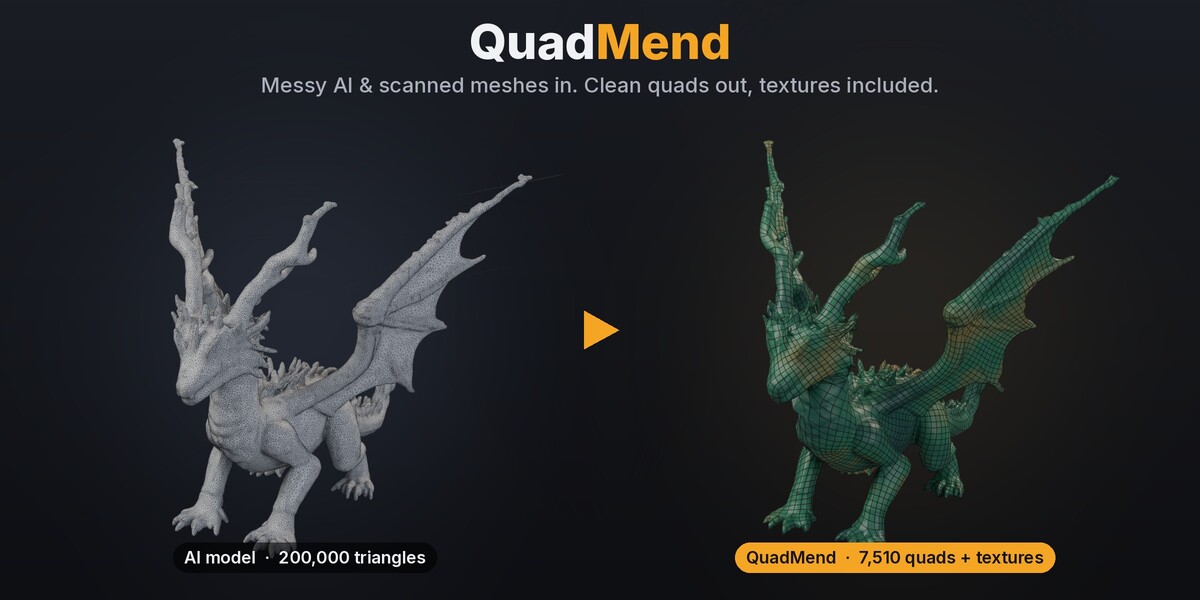
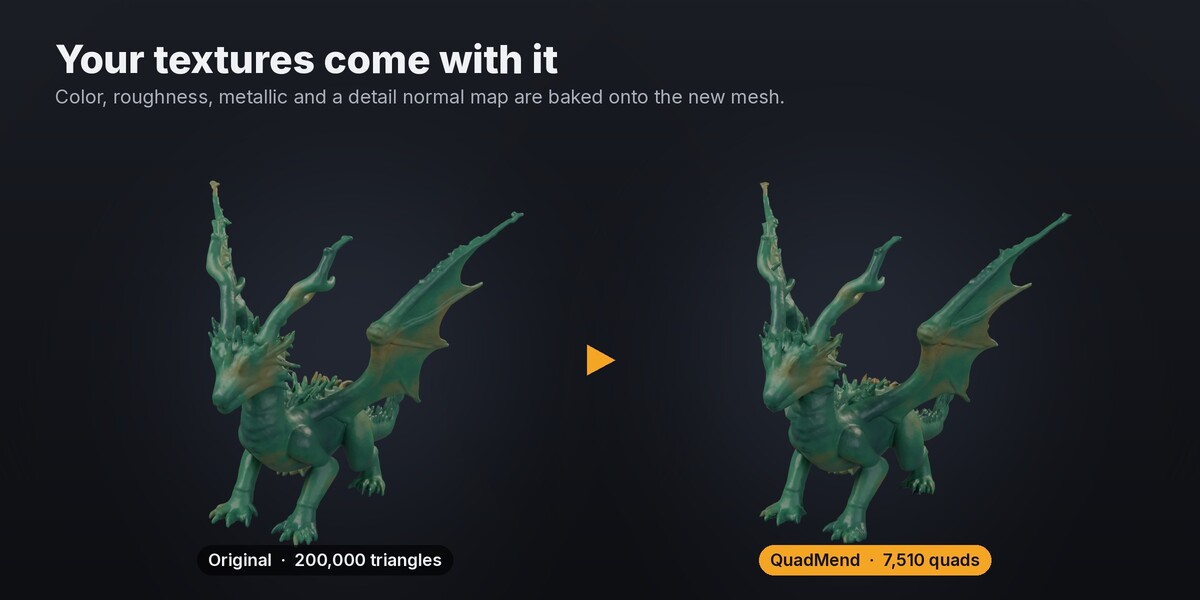
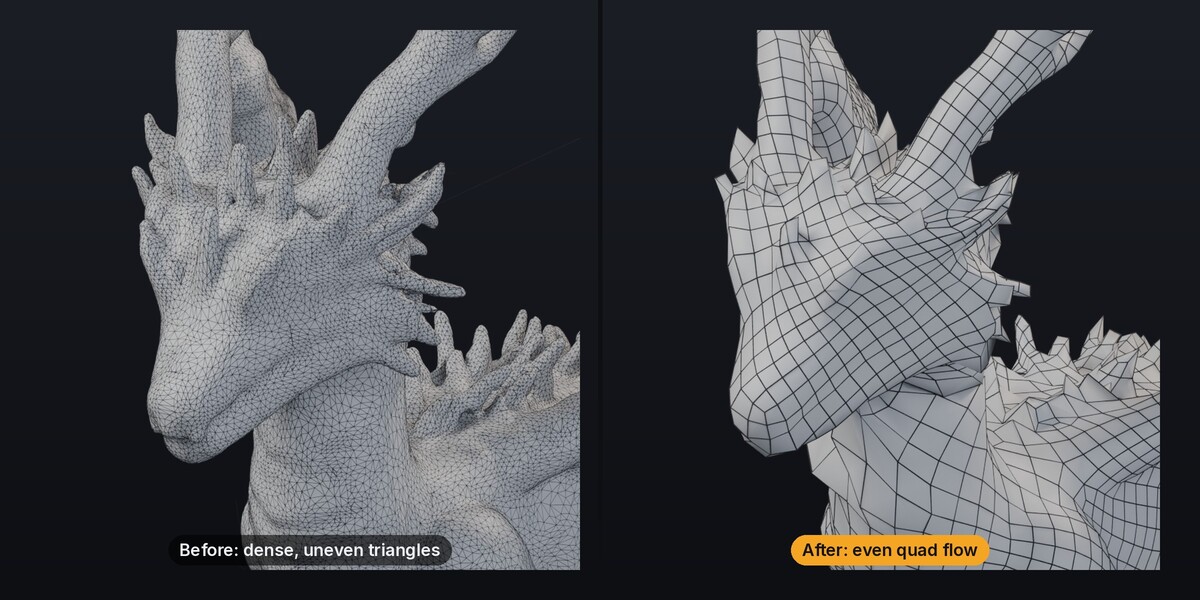
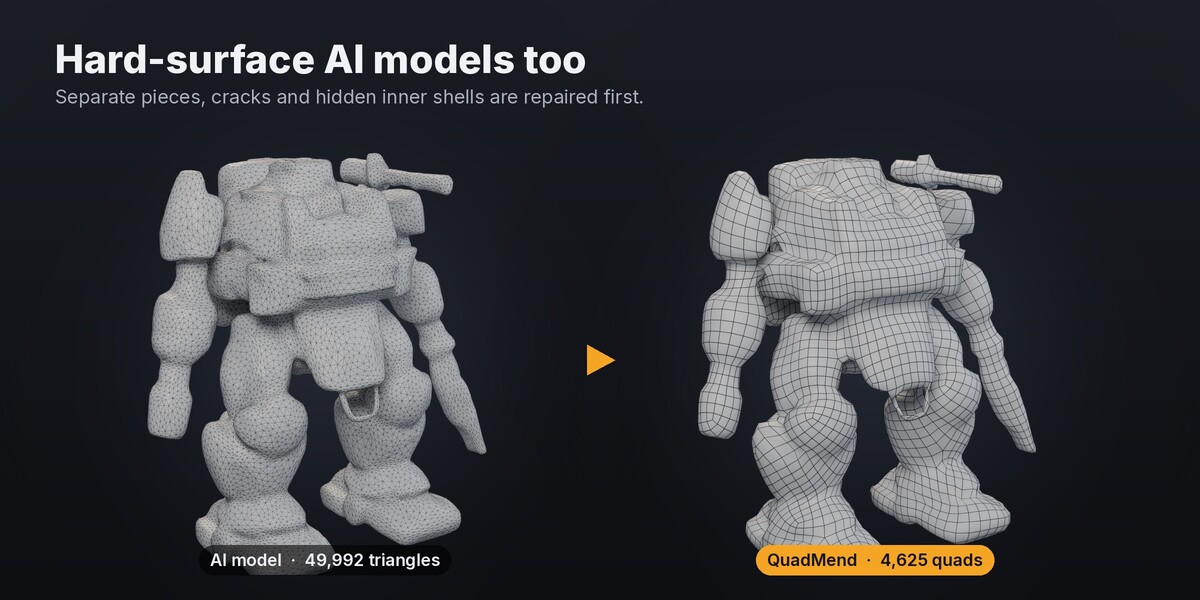
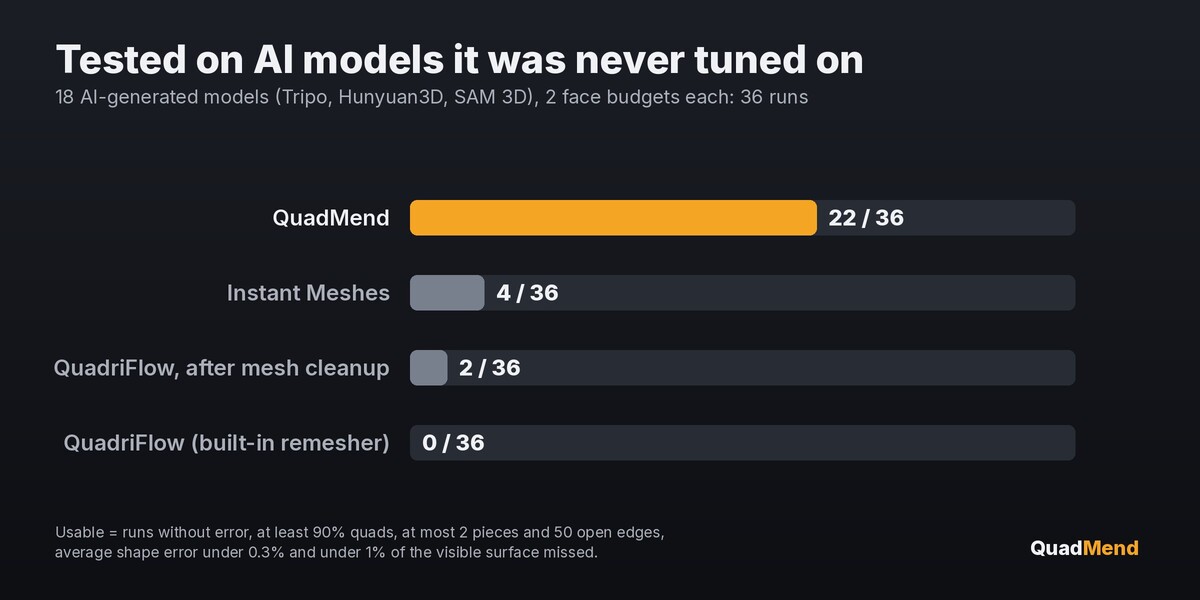
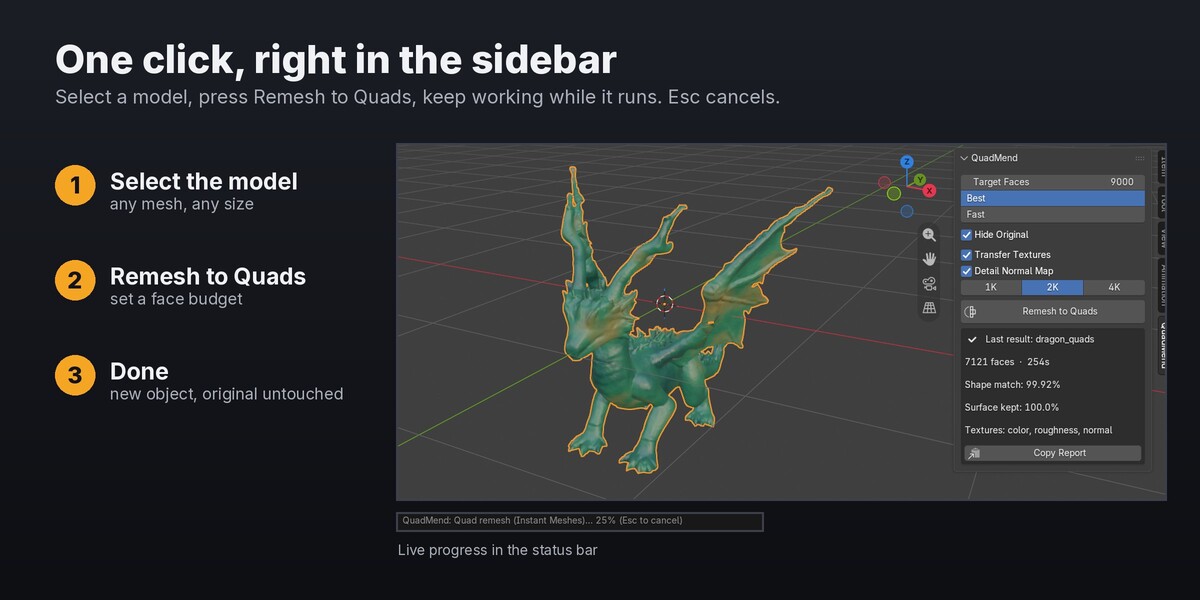



This item has an average rating of 5 from 2 ratings by the community.
Purchase this item to leave a review!
Ryan Banks
about 1 month ago
Thanks so much for testing QuadMend and for the detailed feedback! An in-panel progress bar showing the current stage is coming in the next update, and I'm looking at a lower-resource option for heavy meshes too.
Ryan Banks
about 1 month ago
Hi Dima, I'm really sorry QuadMend crashed Blender for you, and thank you for flagging it. I've just released version 0.10.3, which runs all of the remeshing in a separate background process, so even if a mesh trips up the solver, your Blender stays responsive and can't be taken down by it. Please download the update from your Superhive account and try again. If you still have problems, click Copy Report in the QuadMend panel and send it to me through Contact Creator along with your Blender version and operating system, and I'll make it right, including a refund if I can't fix it. — Ryan, MendWorks
tripo 3D Scan retopo remesh meshy hunyuan3d AI-generated game ready retopology quad remesh mesh repair texture-baking
 Dima