 gemaxstudio


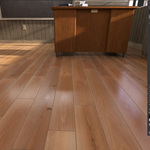
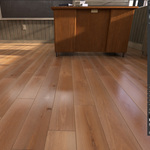
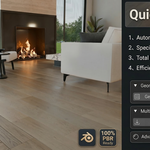
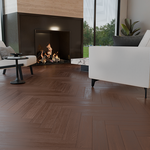
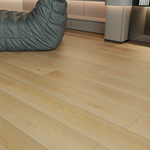
Quick Floor Pro: Born from the Factory Floor, Built for Professionals
The Story Behind the Tool
I am a 3D artist working directly within a wood flooring manufacturing environment. In our industry, the requirements for detail are incredibly high—especially when dealing with planks of various predetermined lengths that must be laid together seamlessly.
For a long time, I searched for a tool that could handle these specific professional demands—the precise integration of different plank lengths—but I found nothing that quite hit the mark. Manually snapping hundreds of planks was a torturous process, and applying individual textures to every single piece felt like a repetitive, soul-crushing labor with zero creative fulfillment.
Driven by this frustration, I decided to
build a solution that was both fast and professional. After months of
development and refinement, Quick Floor Pro was born. I created it as a
developer with over 20 years of industry experience to win back my time, and I
hope it does the same for you.

-
What makes Quick Floor Pro unique?
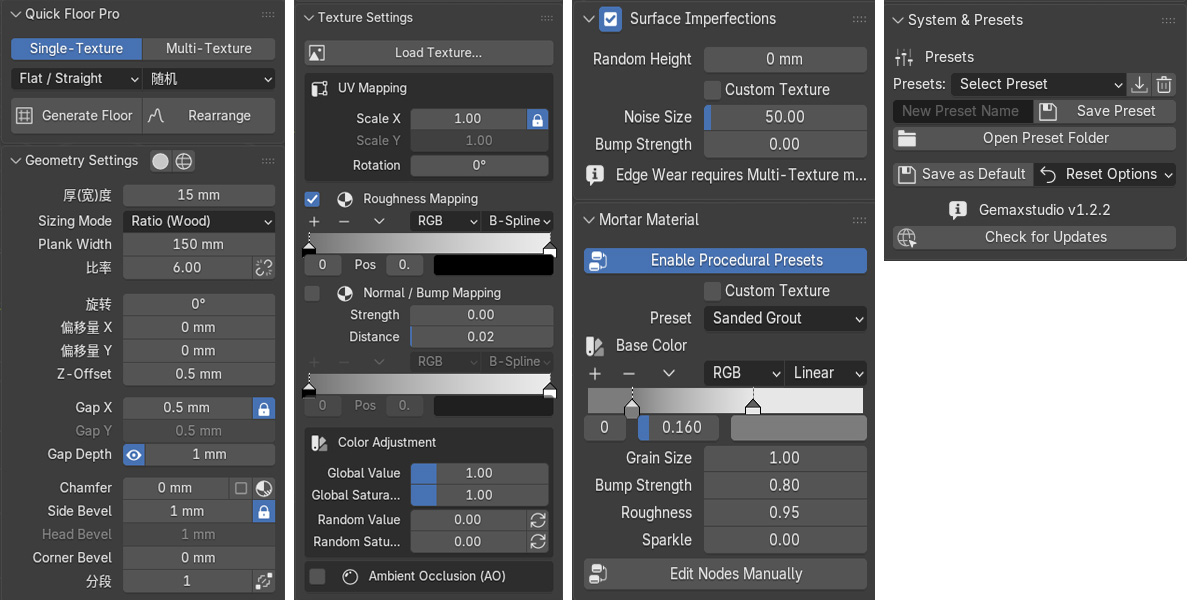
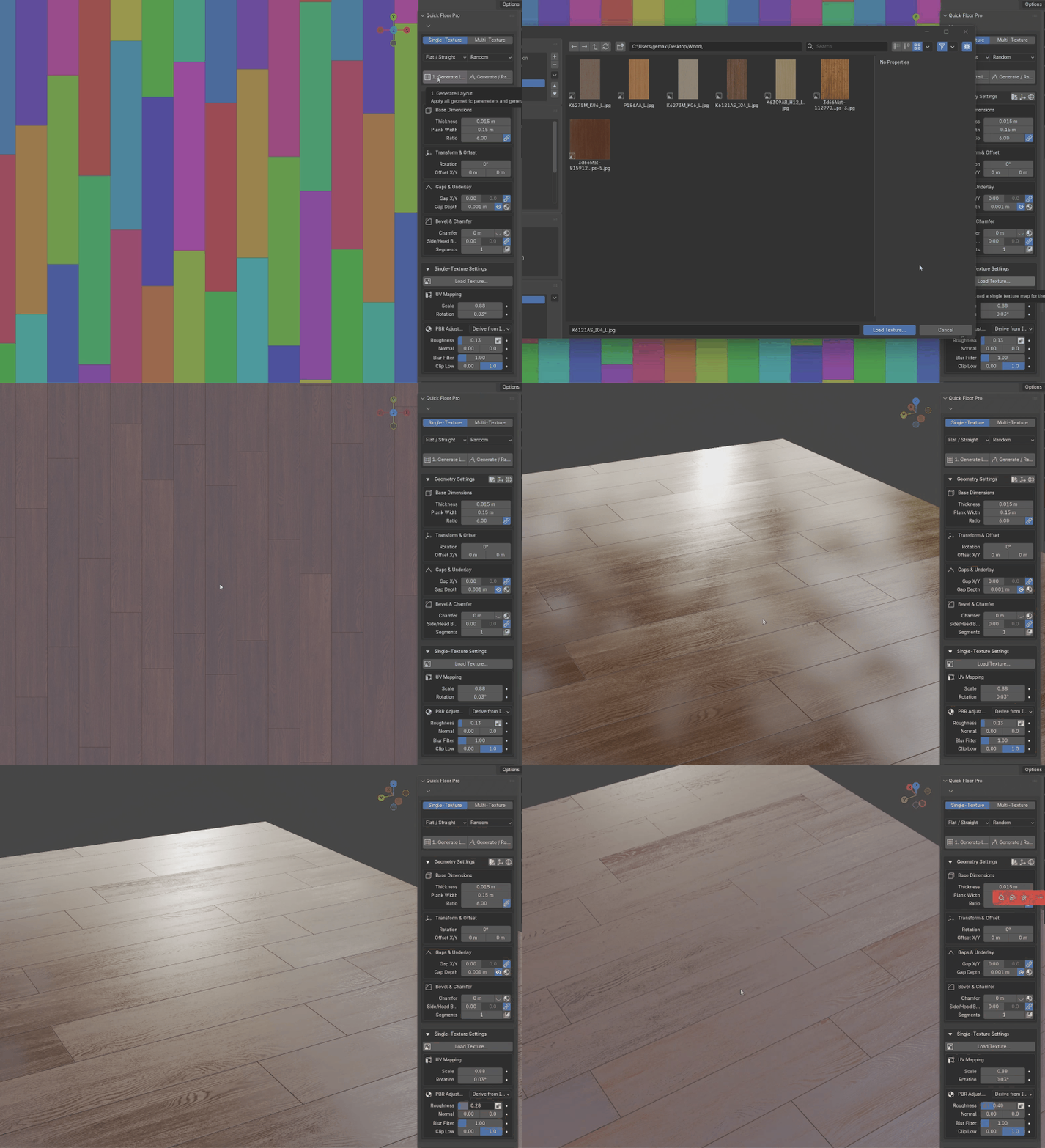
- 1 to 16 Smart Variation: Only have one high-quality texture? Our advanced algorithm can generate up to 16 unique visual variations from a single image, instantly eliminating the "tiling" effect.
- Scan-Friendly Workflow: For scanned assets, simply set the plank/tile width—the tool automatically adapts the length based on the original image aspect ratio, preserving the natural grain/pattern.
- New in V1.2.5: Realistic Color Variation: We’ve added randomized Hue, Saturation, and Brightness sliders. Even with limited textures, every element can have subtle, natural color differences.
- Neighbor Exclusion Algorithm: Our logic ensures that planks/tiles with the same texture ID never touch each other.
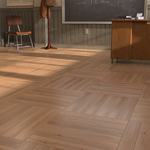
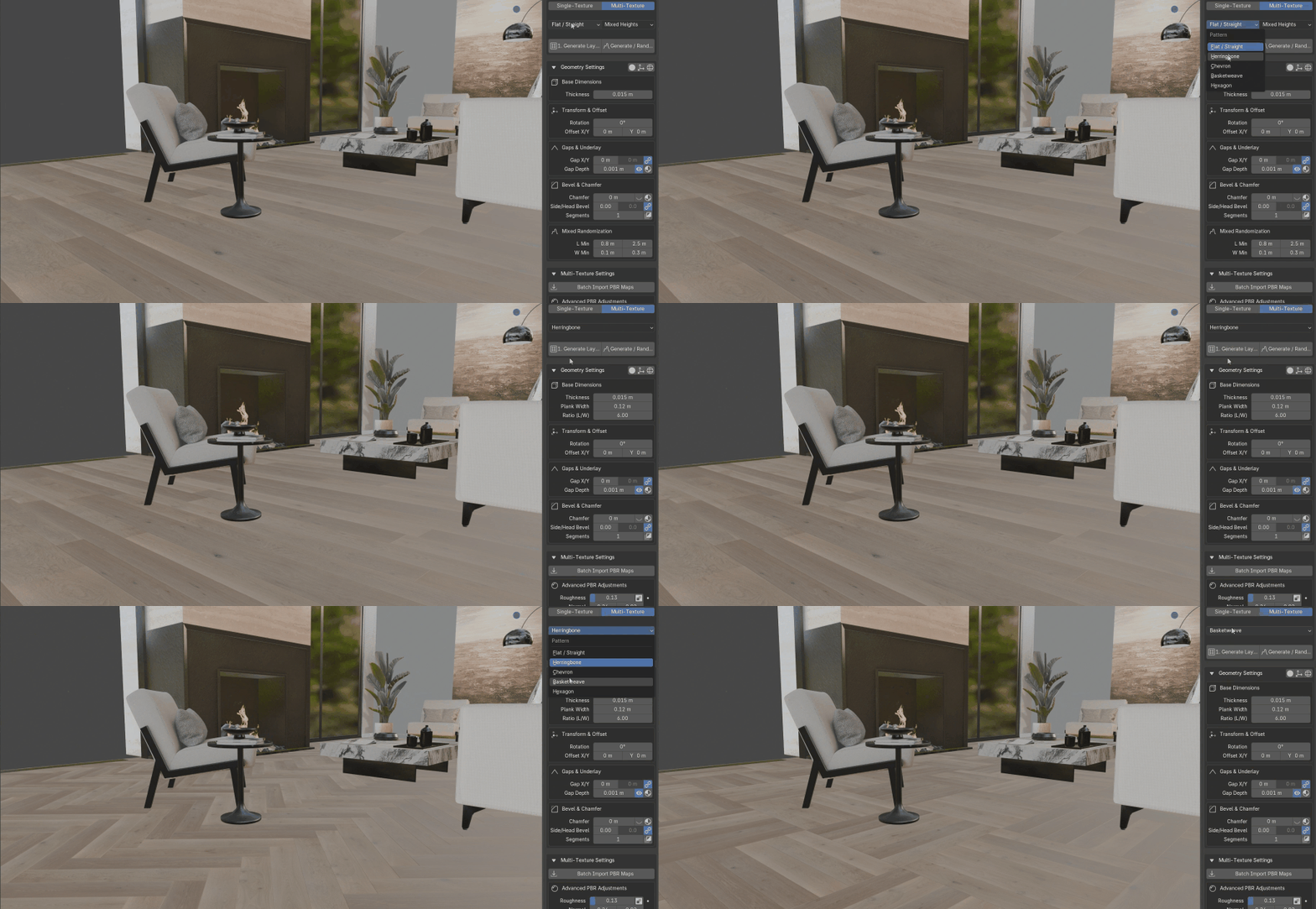
- Industrial Pattern Library: One-click generation for Herringbone, Chevron, Basketweave, Hexagon, and standard Flat layouts with mixed-length support.
- Not Just for Wood: While built with a wood-flooring foundation, Quick Floor Pro is equally powerful for tile floors! The randomization and variation algorithms work perfectly for marble, stone, ceramic, and any other tiled material.
- Plank/Tile Manager: For ultimate control, use the built-in Plank Manager to override textures or jump to specific shader nodes for any specific element.
-
🛠 Technical Specs:
Compatibility: Blender 3.6, 4.0, 4.1 and above.
Workflow: Fully non-destructive. Change your mind? Just tweak the sliders.
📖 What’s Included:
Quick Floor Pro Addon (.zip)
Quick Start PDF Guide
Demo Scene File
💬 Support & Community
I am committed to providing professional support. If you have any questions or feature requests, feel free to reach out!