 MROD
MROD
Quick Textures Resolution – Batch Texture Resizer for Blender
Resize all your textures in a few clicks, directly inside Blender.
Quick Textures Resolution adds a button to the 3D Viewport header. Pick a folder, choose a resolution, choose where to export, and the add-on takes care of the rest. No external software, no manual re-exporting, no repetitive work.
Key features
- One-click access from the 3D Viewport header
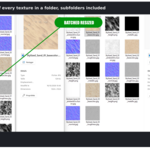
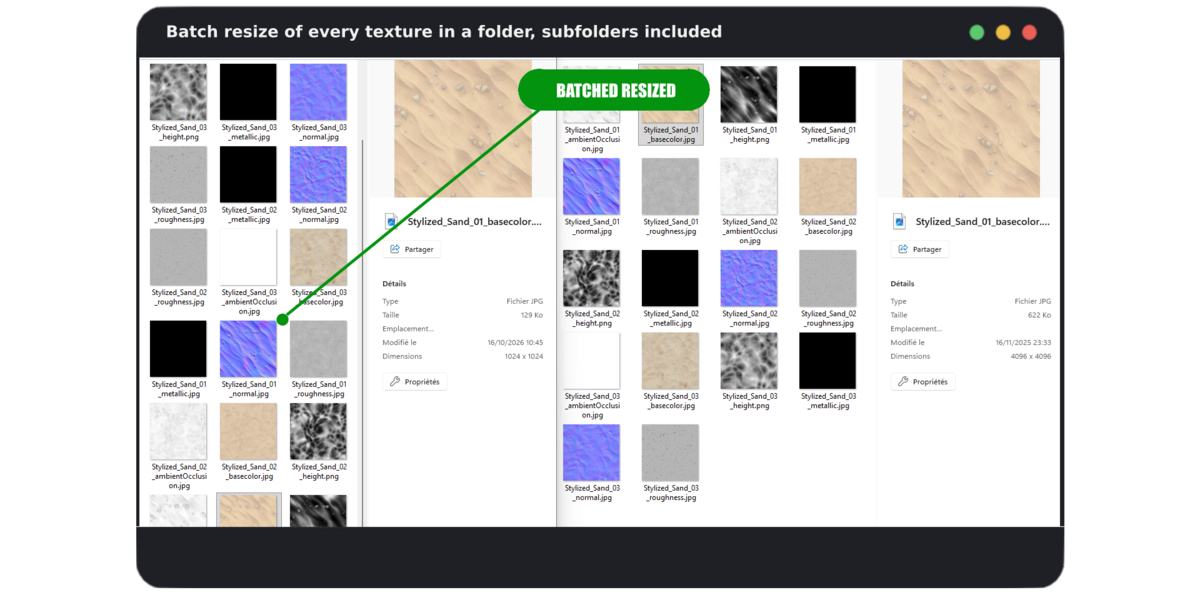
- Batch resize of every texture in a folder, subfolders included
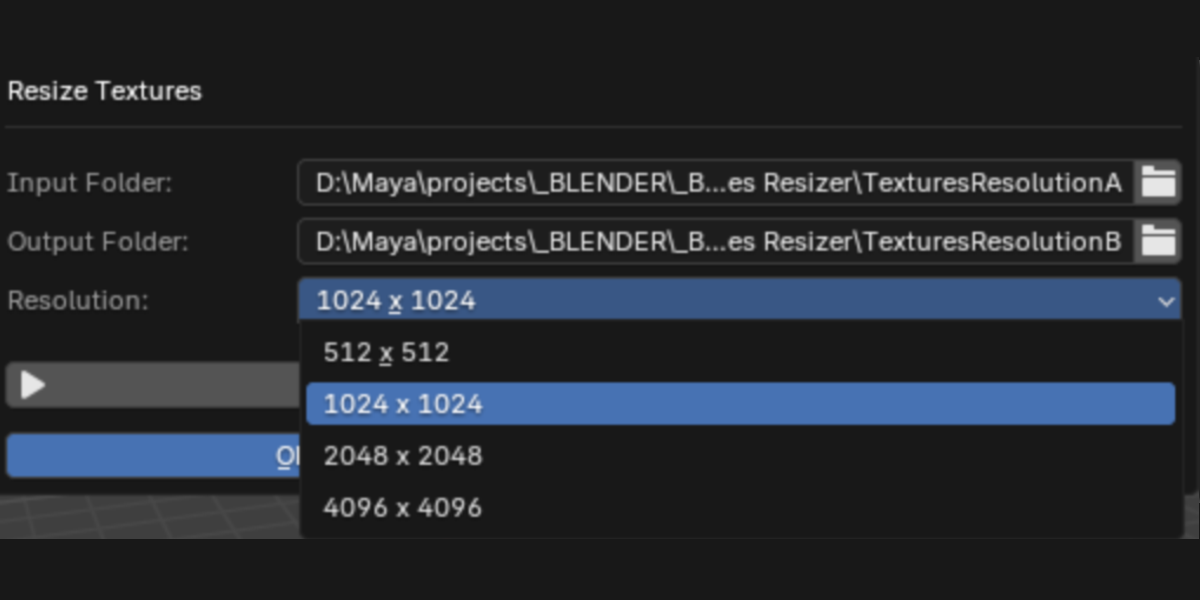
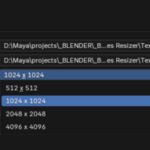
- Resolutions from 512 to 4096 px (512, 1024, 2048, 4096)
- Export to any folder you want, your original files are never touched
- Original folder structure preserved in the output folder
- Keeps the original file format: PNG, JPG/JPEG, TGA, BMP, TIFF and EXR
- Clean, simple popup interface with no complicated settings
Perfect for
- Creating lighter texture versions for real-time, games and previews
- Optimizing heavy scenes and speeding up viewport and render times
- Preparing assets for different platforms or quality levels
- Saving time on pipelines that require multiple texture resolutions
How to use
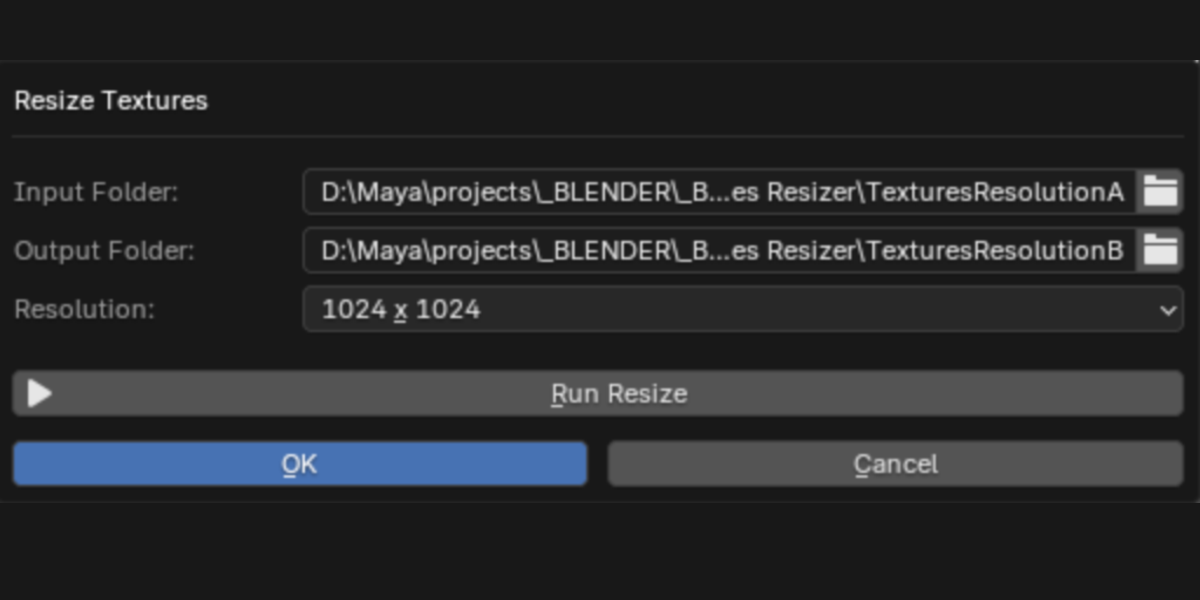
- Click Resize Textures in the 3D Viewport header
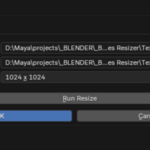
- Select the input folder and the output folder
- Choose the target resolution
- Click Run Resize
Compatibility: Blender 3.3 and above.
