 MROD
MROD
How to installe it ?
Installation (Blender 4.0, 4.1, 4.2 and 5.x)
Blender 4.0 and 4.1
- Go to Edit > Preferences > Add-ons.
- Click Install... in the top right corner and select
texture_resizer.zip. - Tick the checkbox next to Quick Textures Resolution to enable the add-on.
Blender 4.2 and newer (including Blender 5.x)
- Go to Edit > Preferences > Add-ons.
- Click the dropdown arrow (⌄) in the top right corner, then choose Install from Disk....
- Select
texture_resizer.zip. - Enable the add-on in the list.
You can also drag and drop the .zip file directly into the Blender window.
Usage
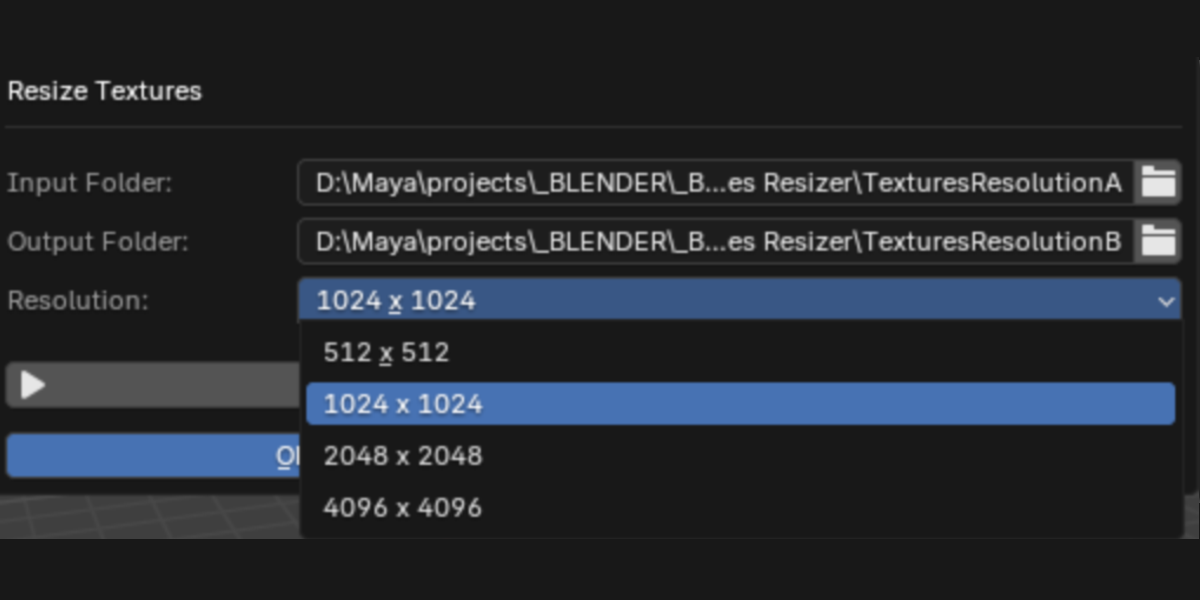
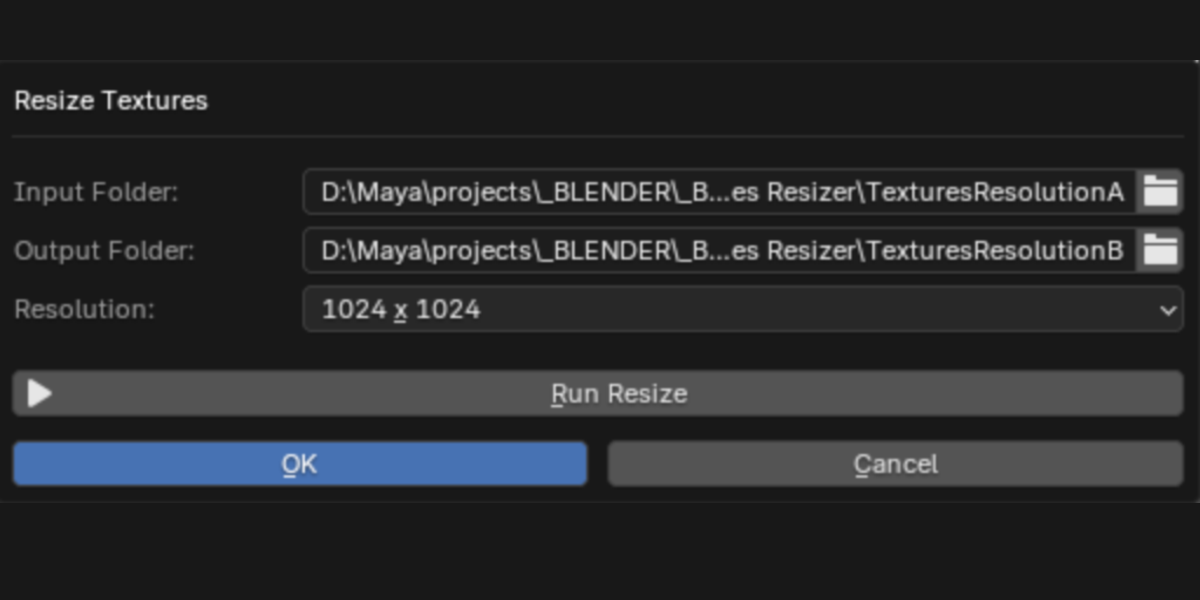
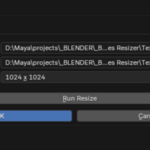
Once enabled, the Resize Textures button appears in the 3D Viewport header, on the right side.
Troubleshooting
- Do not unzip the file: Blender expects the
.zipas is. - If the button does not appear, make sure the add-on is ticked in the list, then restart Blender.
- To update: disable and remove the previous version, install the new
.zip, then restart Blender.
Have questions about this product?
Login to message
| Published | about 7 hours ago |
| Blender Version | 3.3 - 5.2 |
| Extension Type | N/A |
| License | GPL |
