RadFit – Fit Any Outfit to Any Body
 ArtTalentStudio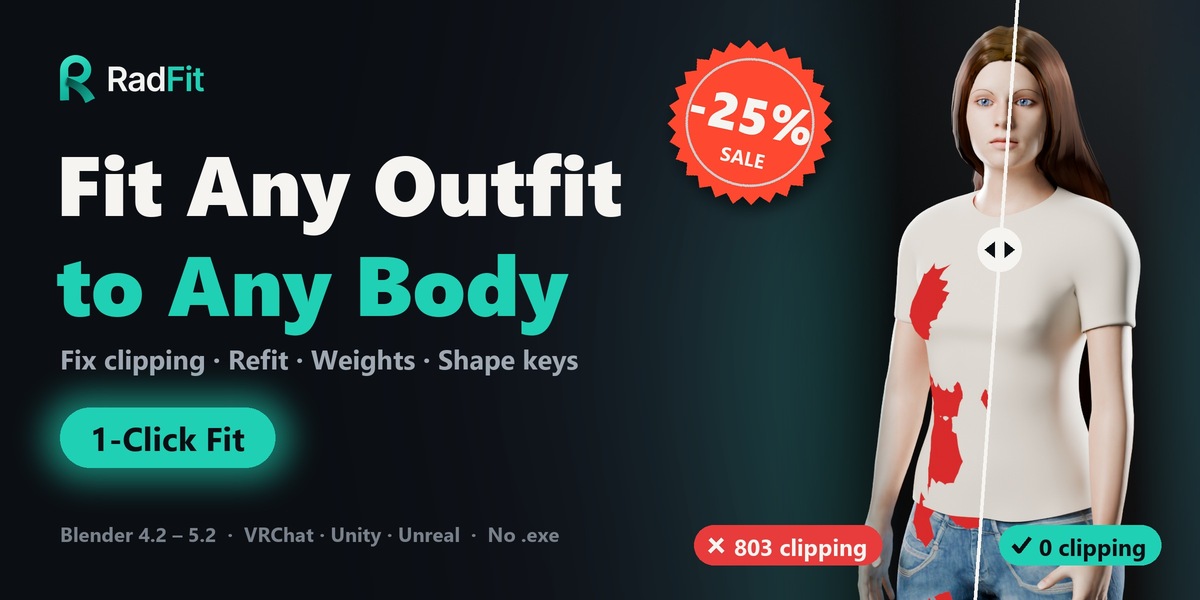

RadFit 1.0.2 - Update notes
This update focuses on layered outfits, accessories and posed characters, based on detailed feedback from users. Thank you to everyone who sent in scenes and reports!
NEW & IMPROVED IN 1.0.2
- Accessories stay in place: small pieces sitting on another garment (buttons, buckles, straps, trims) now move together with the garment they belong to instead of sinking into it.
- Closed garments fit the right way out: solid, closed pieces such as corsets and vests now always face outward in the layer collider, so their details are no longer pushed inside.
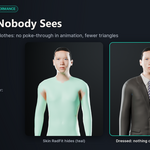
- Clothes left out of the list are respected: garments you fit stay underneath any visible clothing that is not in the list, so underwear and inner layers no longer poke through a skirt or coat you didn't select. (New option "Stay Under", on by default.)
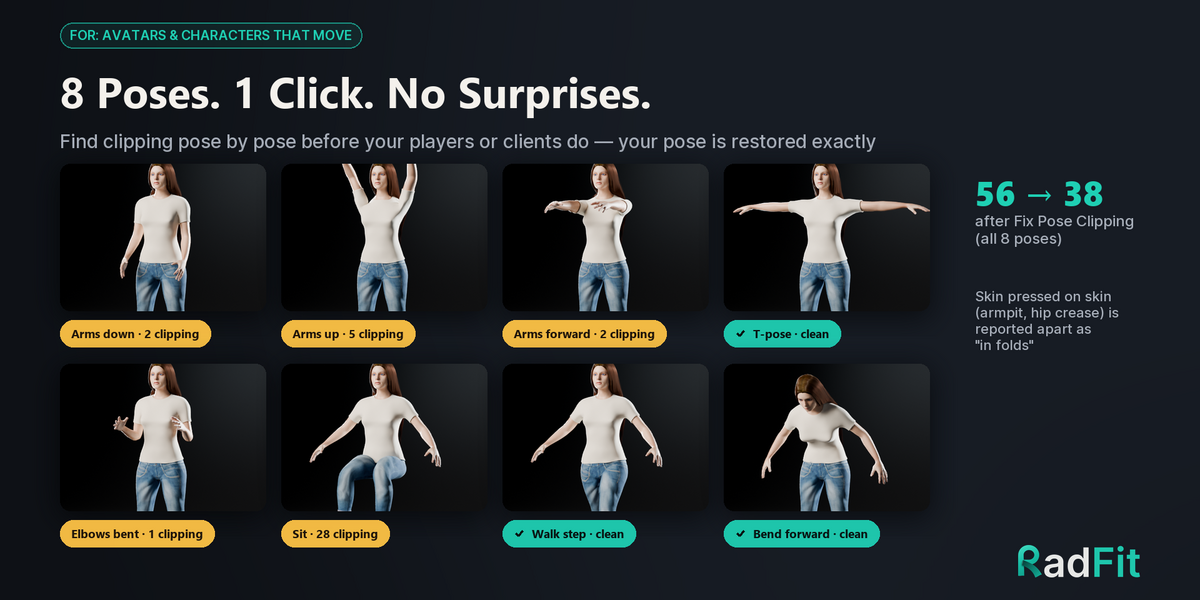
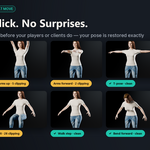
- Smarter Pose Check and Fix Pose Clipping:
- Cloth bones driven by non-deforming control bones now follow their body segment correctly.
- Your rig's own actions are sampled with constraints active, so the check sees the poses your animation really uses.
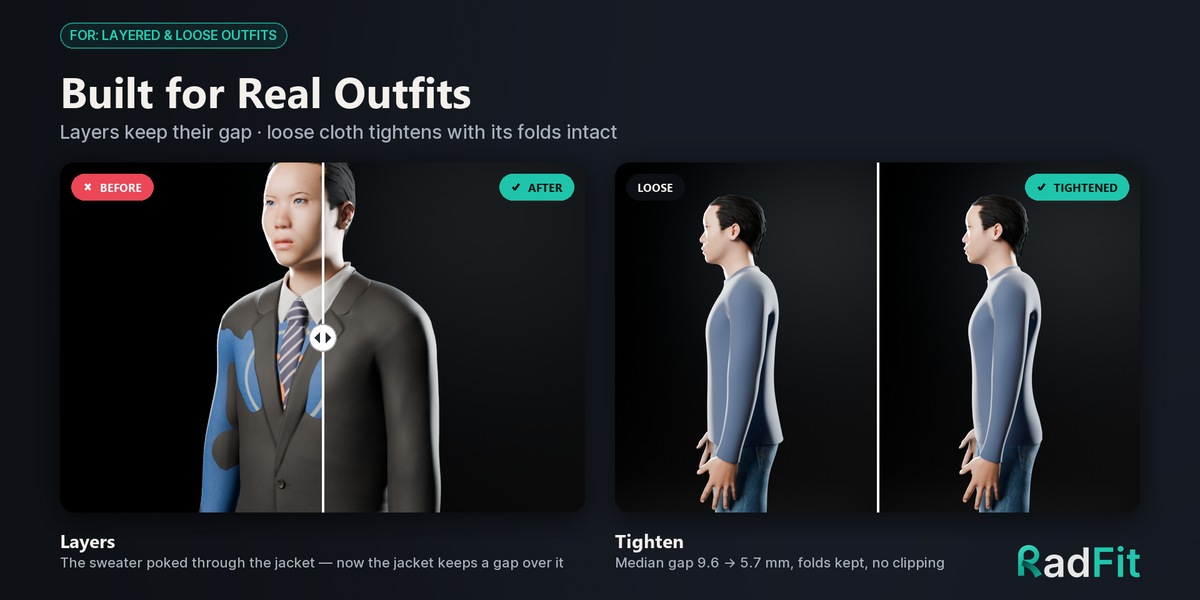
- Layered clothes are measured and fixed together, keeping their order in every pose.
INCLUDED FROM 1.0.1
- More reliable layer ordering for multi-layer outfits.
- Protect is now on by default, so the parts you mark stay untouched.
- Better compatibility with popular auto-rigging setups.
QUALITY
- Tested on Blender 4.2 LTS and 5.2 LTS, including a clean install from the zip.
- User guide updated for every change above.
HOW TO UPDATE
1. In Blender, open Edit > Preferences > Add-ons, find RadFit and click Remove.
2. Restart Blender.
3. Click Install from Disk and choose the new radfit-1.0.2.zip.
Your existing scenes keep working - no need to refit finished characters.
Questions or a scene that doesn't fit right? Send a message through the product page and I'll take a look.
RadFit 1.0.1 – bug-fix update
Fixed
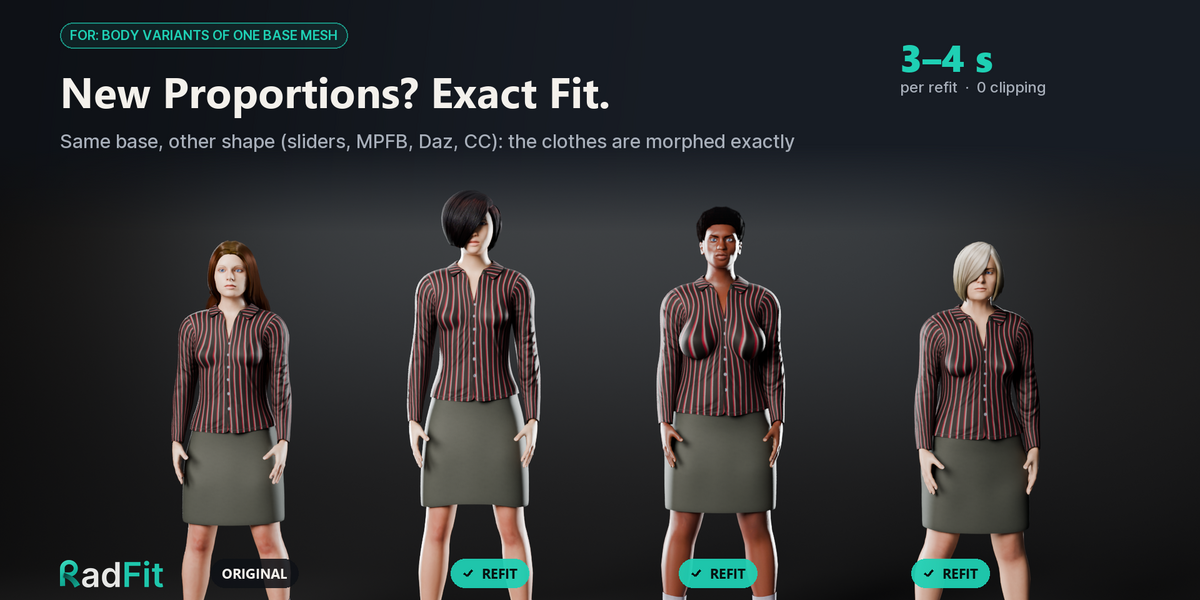
- Layer order: garments are now ordered by where they actually overlap, so an inner layer that is longer than the outer one (a sleeve lining that shows past the cuff, a skirt lining) stays underneath. The list order was previously ignored.
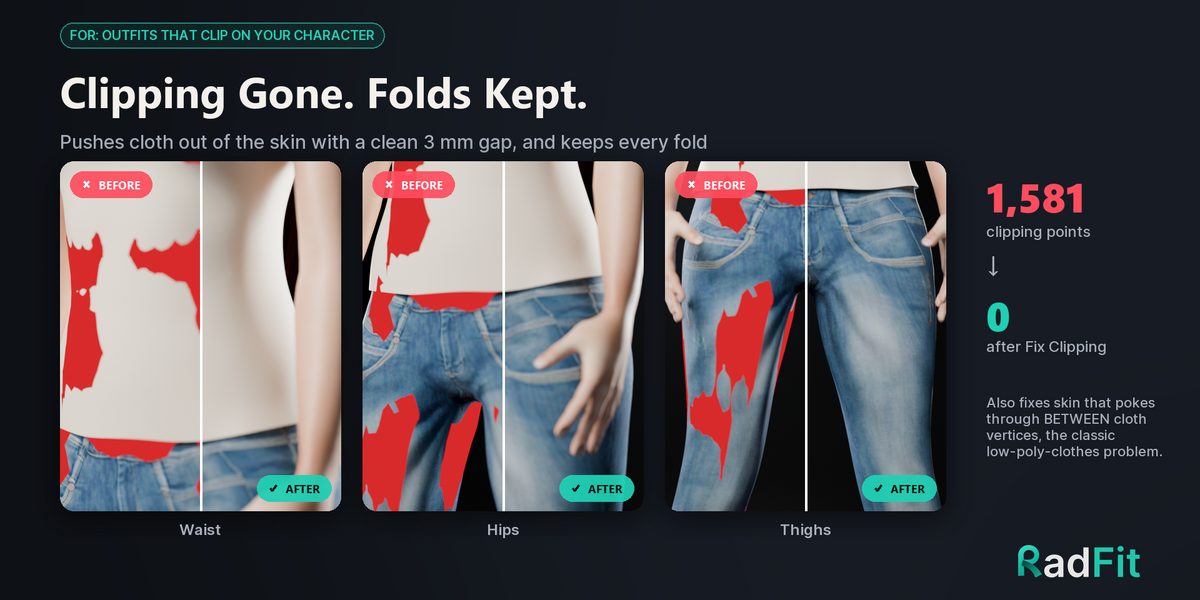
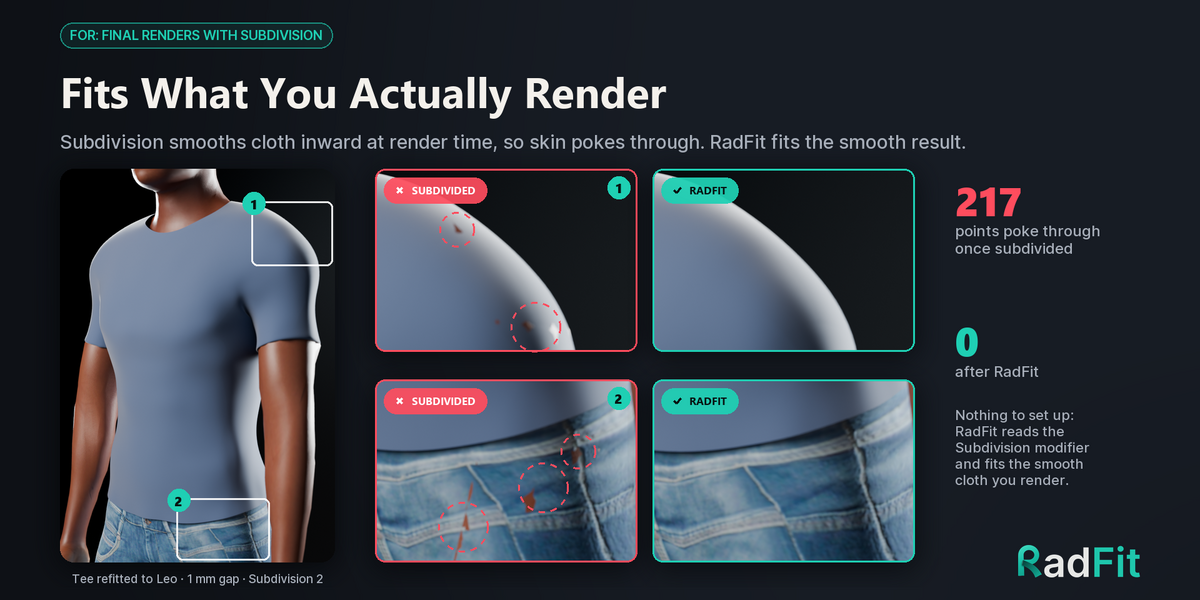
- Protect group: protected vertices are now held in every step that moves cloth (Fix Clipping, Fit Everything, Fabric Bridging, subdivided clothes, Tighten, Fix Pose Clipping). Cloth next to a protected area no longer bulges or separates at seams.
- Pose Check: Auto-Rig Pro rigs are recognised (including rig_add), and all default poses run on them.
Added
- Layer Order setting: Auto (default) or List Order, with up/down arrows on the Clothes list (top of the list = next to the skin).
- Protect Group field: default name "Protect", any letter case; the panel shows which garments carry the group.
Install: remove the old version, restart Blender, then Install from Disk with radfit-1.0.1.zip (do not unzip it). Run Reset Fit on existing fits before refitting.
Blender 4.2 to 5.2. The updated User Guide is included.
 Included
Includes 12 months of
- Support from ArtTalentStudio
- Product updates
Extend this product’s Support Period +12 months: 50% of product price
Have questions before purchasing?
Login to message
| Blender Extension Compatible | Yes |
| Sales | 50+ |
| Published | 19 days ago |
| Blender Version | 4.2 - 5.2 |
| Extension Type | Add-on |
| Render Engine Used | Cycles, Eevee |
| License | GPL |