 Gllone
REAL CAR DRIVER / CUSTOM PHYSICS / v4.4.0
YOUR CAR. YOUR ROAD.
YOUR PERFORMANCE.
Drive your prepared car inside Blender. Feel the response, capture the take, and turn it into editable animation.
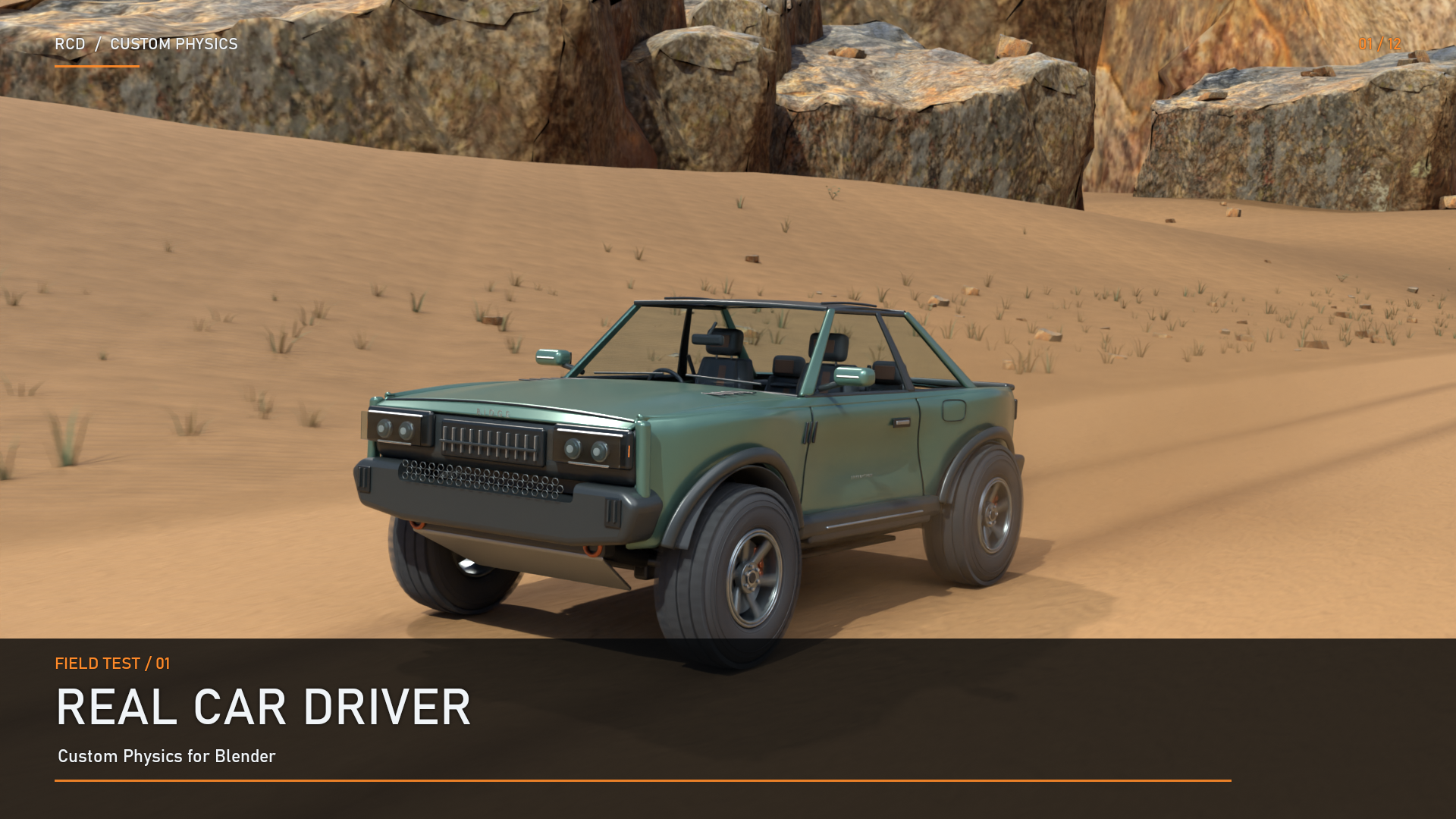
Drive live · Tune the response · Record the take · Edit the route
Use your own four-wheel vehicle and mesh road or environment. Real Car Driver uses its own fixed-step vehicle solver—no Blender rigid-body world or timeline playback is required while you drive.
Watch the full cinematic trailer →
WHAT'S NEW / 4.4.0
DRIVE IT ONCE.
KEEP THE PERFORMANCE.
Editable recorded-motion paths, faster export, and less duplicate recording work. The vehicle physics equations and recording cadence stay unchanged.
01 / RESHAPE THE ROUTE
Collection Mode exports a native Blender Curve for the recorded route. Body orientation, steering, wheel spin, suspension parts and lights remain native animation.
14-second demonstration: the original take, followed by the same take with path points edited. Native playback was checked with the add-on disabled.
Important: route editing does not recalculate terrain contact, steering or physics. Re-record for a different road. Mechanical animation still uses native Actions; this is not a zero-keyframe system. Mesh Mode retains Direct Animation.
02 / LESS WAITING. MORE ANIMATING.
Bulk animation writing replaces repeated individual key insertion. In the controlled export test below, export time fell from 2.685 s to 0.284 s—approximately 9.5× faster.
Benchmark visualization, not a screen recording. 12 synthetic controls, 1,200 samples, Blender 5.2 on Windows. This measures export time—not driving FPS. Results depend on your scene and hardware.
Recording also does less duplicate work: cached targets and deferred display updates where safe reduce overhead without lowering the official recording cadence. Complex scenes can still be demanding.
03 / KEEP IT NATIVE
After export, use Blender's timeline, Graph Editor and native animation tools. No custom add-on playback handler is required. Save your take as .rcdrec before closing Blender; for retiming, move all take Actions together, not only path progress.
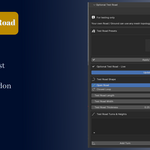
Assign → Prepare → Drive → Record → Export Drive
Your model stays yours. Your take stays editable.
THE DETAILS MOVE WITH YOU.
Go beyond the body and wheels. Connect supported suspension parts to the recorded vehicle motion.
10-second cutaway: springs, dampers and linkages on the optional prepared RIDGE test rig, followed by synchronized exterior and suspension views.
For your own vehicle, use suspension collections, mesh selectors and supported common-type presets to assign the parts you have. Tune travel, damping, anti-roll response and bump stops for your setup.
GRASS THAT GIVES WAY
Optional grass interaction supports normal mesh and Geometry Nodes grass workflows. Assigned vegetation can bend around the car without being treated as a rigid road obstacle.
6-second modifier demonstration using normal-mesh grass and the released Geometry Nodes bending system. Roots remain fixed as the car passes.
Small rocks, separately controlled: Collection Mode also offers an optional rock collection for rounded wheel contact and suspension response over suitable small obstacles. It is off by default. Large rocks still require appropriate clearance and collision setup.
BUILT AROUND YOUR SCENE.
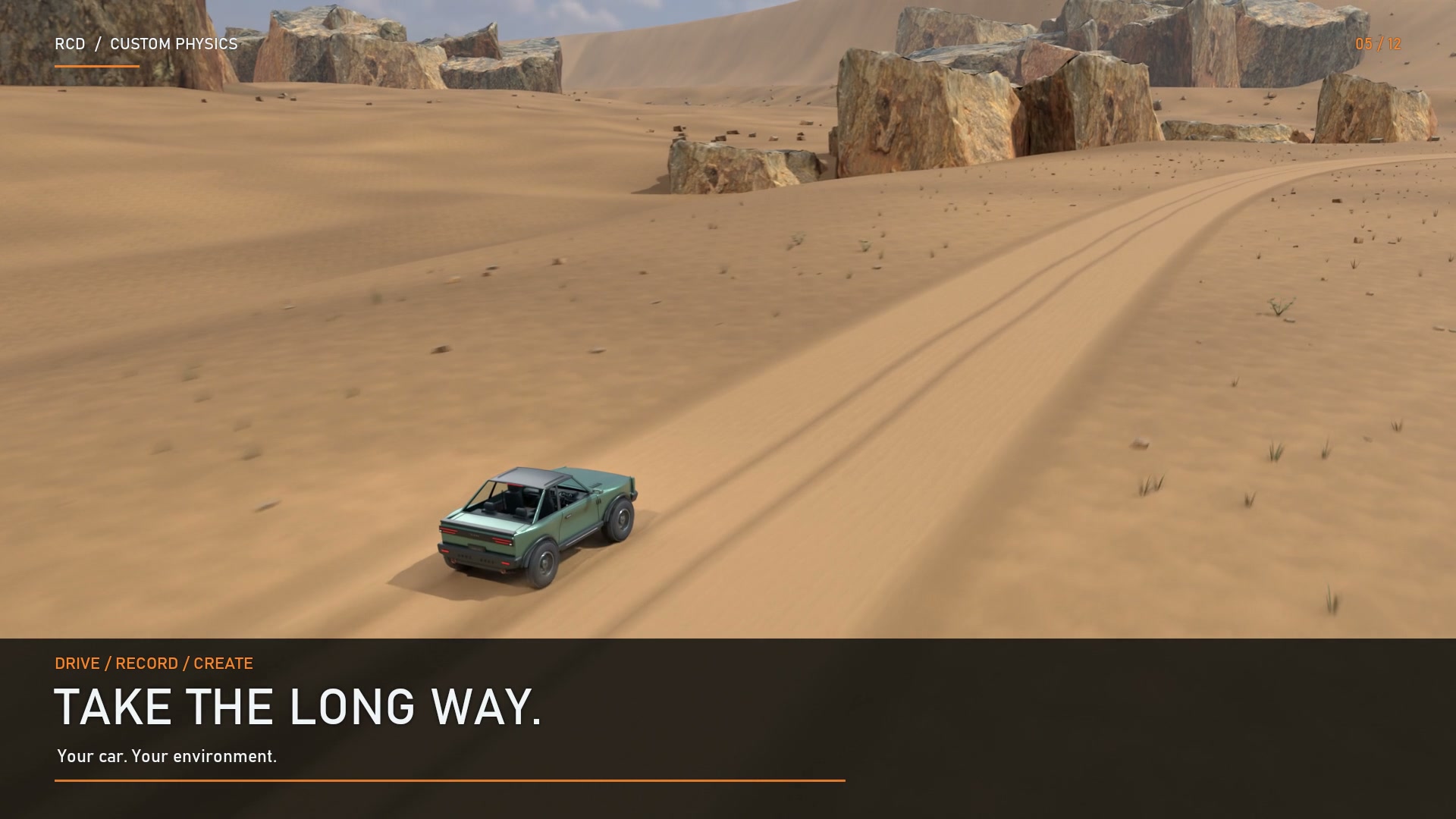
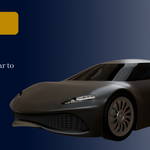
The demo cars and canyon are testing aids—not a required workflow. Bring your own prepared car and use your own mesh road, terrain or environment collection.
ONE SOLVER. TWO SETUP WORKFLOWS.
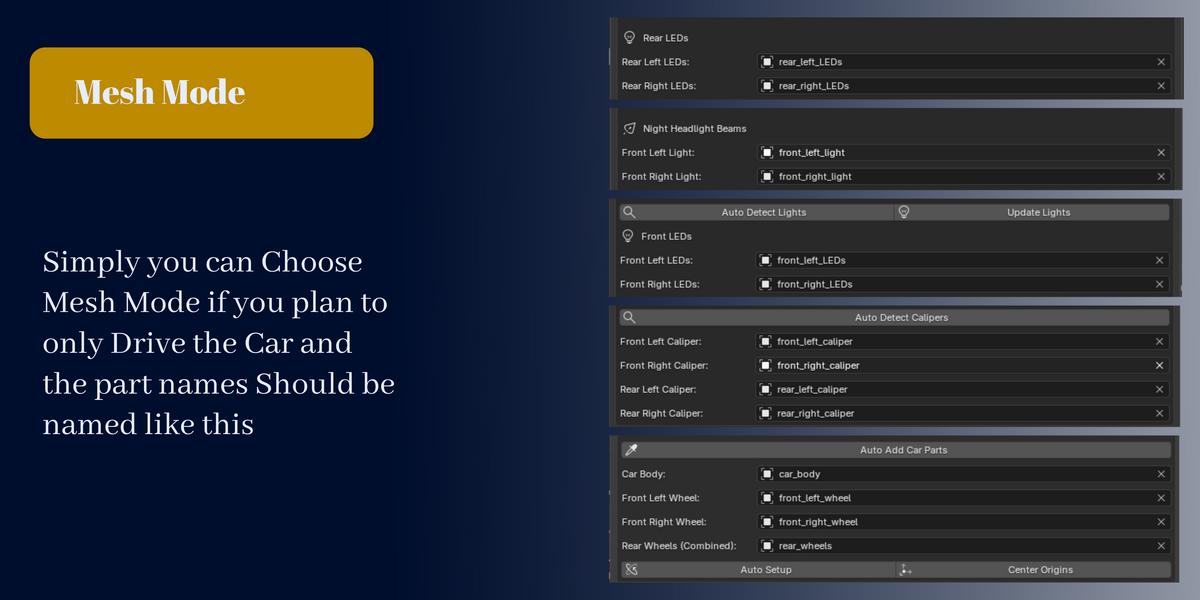
- Mesh Mode: assign a body mesh, two front-wheel meshes and one combined rear-wheel mesh. Export with Direct Animation.
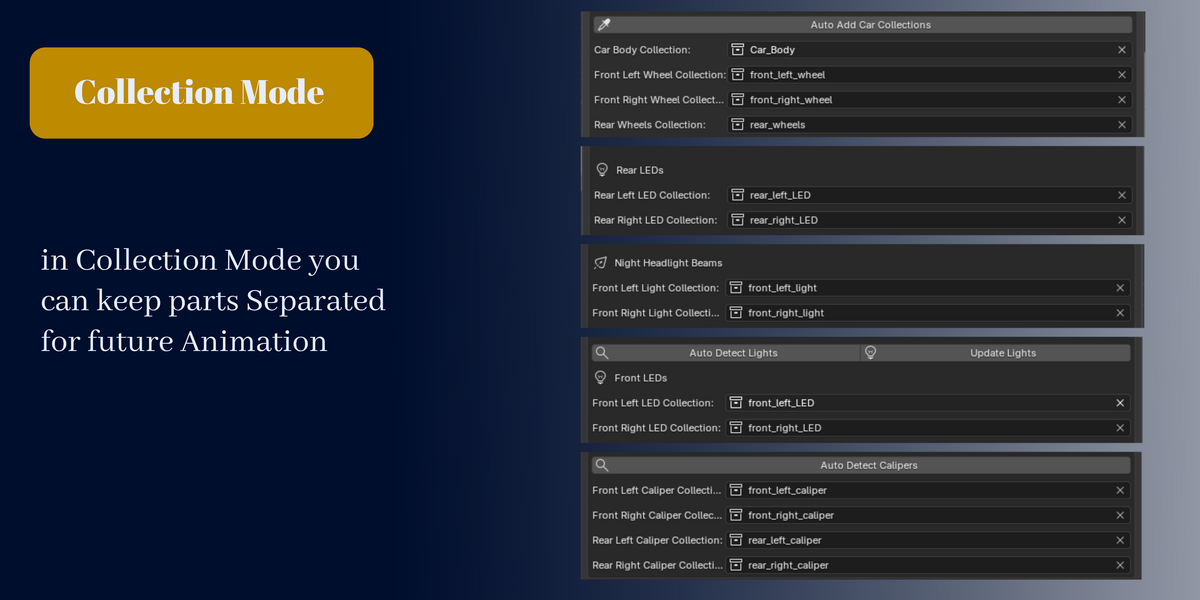
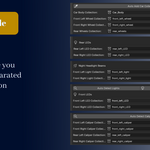
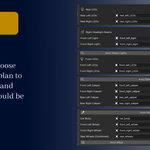
- Collection Mode: assign role collections and keep doors, windows, wheels and other organized parts separate. Supports nested collections and internal parenting; non-rendering controllers do not join or replace your meshes. Choose Editable Path or Direct Animation.
Assign a mesh road in Mesh Mode, or an environment collection in Collection Mode. The solver uses evaluated mesh surfaces without rebuilding your custom road. After physical road edits, exit Driving Mode and prepare again.
TAKE THE WHEEL. DIAL IT IN.
Keyboard or optional analog mouse steering. Progressive steering, Brake Hold, Cruise Control and an optional P-R-N-D selector keep the drive under your control.
W/S drive · A/D steer · Space brake · 1–9 power · Shift boost · B Brake Hold · C Cruise · M mouse steering · O/Pause pause · R reset · Esc finish
Start with Road Car, Sports Car, Off-Road or Drift, then tune grip, engine torque, transmission, front- or rear-wheel drive, suspension, steering, ABS, Traction Control, drag and downforce. Save reusable tuning as JSON profiles.
Optional calipers follow wheel position without tire spin. Assigned brake/reverse LEDs, hazard flashing and managed night headlight beams add visual detail. Performance, Balanced and Maximum Realism quality presets offer different workload starting points.
Watch the full add-on overview →
The overview shows an earlier interface; v4.4.0 uses the Export Drive label.
WHAT YOU GET
- Real Car Driver — Custom Physics add-on and installation / usage documentation.
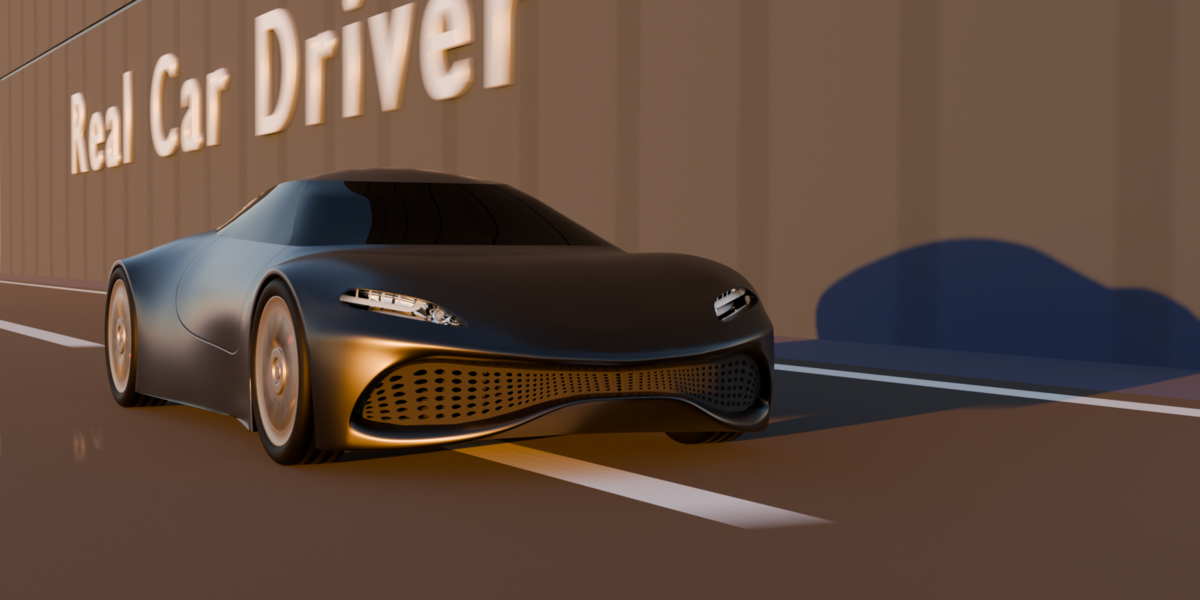
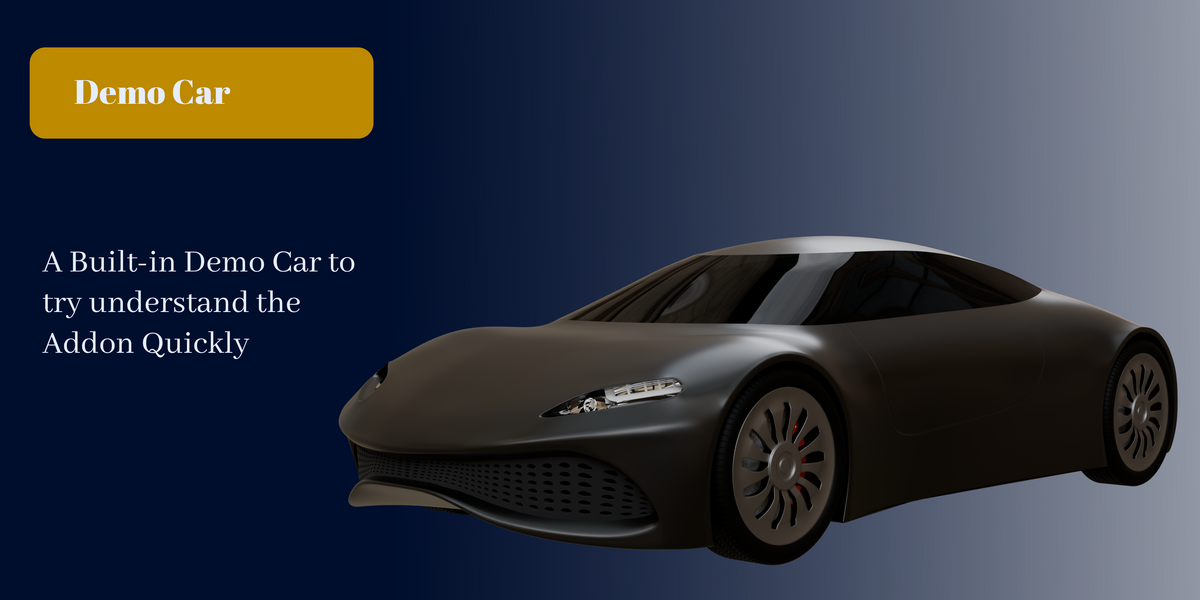
- Prepared concept-car examples for Mesh Mode and Collection Mode.
- Optional RIDGE off-road test car and separately imported canyon test environment.
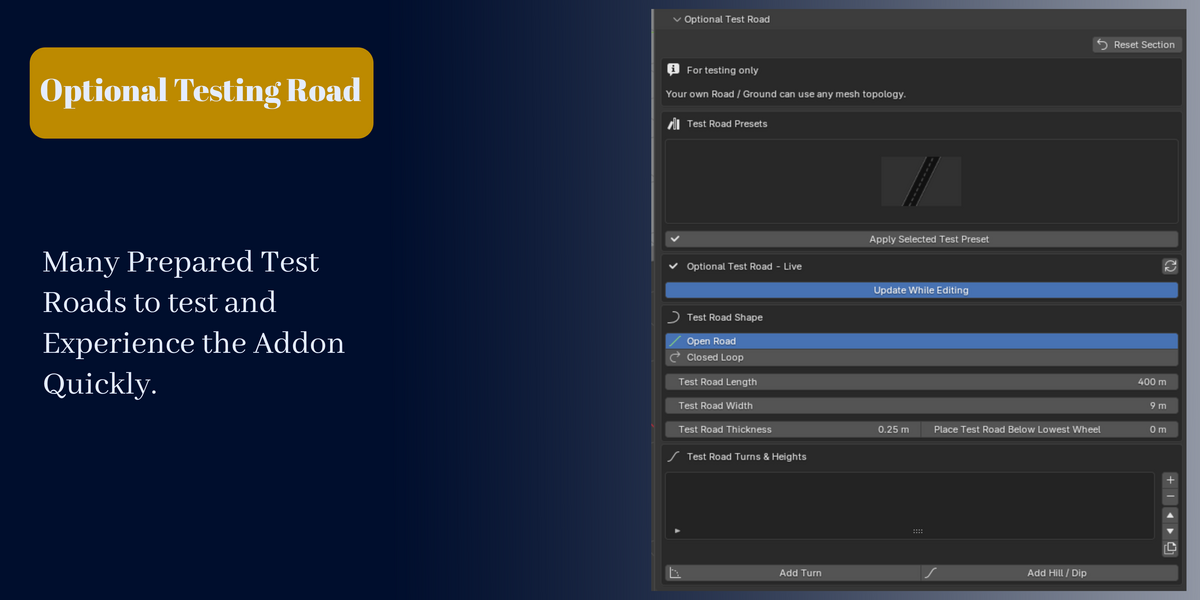
- Optional asphalt test-road builder with six layouts: straight, circle, oval, rounded circuit, technical loop and rolling hills.
- Recording and path-export guidance in PATH_RECORDING_GUIDE.md.
Test assets are optional. The test-road builder is not a final production-road generator. Trailer cameras, titles and dust are presentation effects; automatic dust generation is not an add-on feature.
BEFORE YOU BUY
- Blender 4 minimum. v4.4.0 tested across 4.0–5.2 LTS on Windows.
- A conventional four-wheel vehicle organized into supported roles, plus a mesh road or environment collection.
- One active Driving Mode session at a time. Scene complexity, settings and hardware affect performance.
- A dedicated road-vehicle solver—not a general-purpose rigid-body replacement. No all-wheel drive, arbitrary wheel counts or vehicle-to-vehicle rigid-body simulation.
Installing 4.4.0: save your work and finish active renders first. Disable the older version and install the new ZIP in a fresh Blender session. Use legacy add-on installation on Blender 4.0/4.1, or Extensions → Install from Disk on 4.2+.
DRIVE YOUR NEXT SHOT.
Your vehicle. Your environment. An editable performance.
