 3DMAGIC


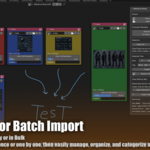
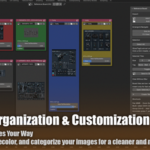
Can I organize and manage many reference images easily?
Yes. You can select multiple images, change their size and color tags, arrange them visually, group them using Blender's native Frame system, and use Lock to keep important references out of automatic grid arrangement.
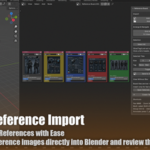
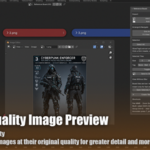
Can I view my reference images at full quality
Yes. Click View Full Resolution to open an image in a resizable Image Editor window. You can also open multiple selected images at full resolution or send them to the 3D Viewport, where Image Empties display the original image quality.
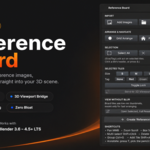
Can I send my reference images directly into the 3D Viewport?
Yes. Select one or more reference images and use Send to 3D Viewport. You can group them into a single rig, automatically match their size to a selected mesh, and even detect their orientation from filenames such as front, back, left, or right.
Have questions about this product?
Login to message
| Blender Extension Compatible | Yes |
| Published | about 2 months ago |
| Blender Version | 4.1 - 5.2 |
| Extension Type | Add-on |
| Render Engine Used | Cycles, Eevee |
| License | GPL |
Discover more products like this
Import-Export geometry nodes 3D View Add Curve Development Game Engine Compositing bake camera animation Grease Pencil add mesh