RegoSplit - 3D Print Part Optimizer
 TastyVoxels
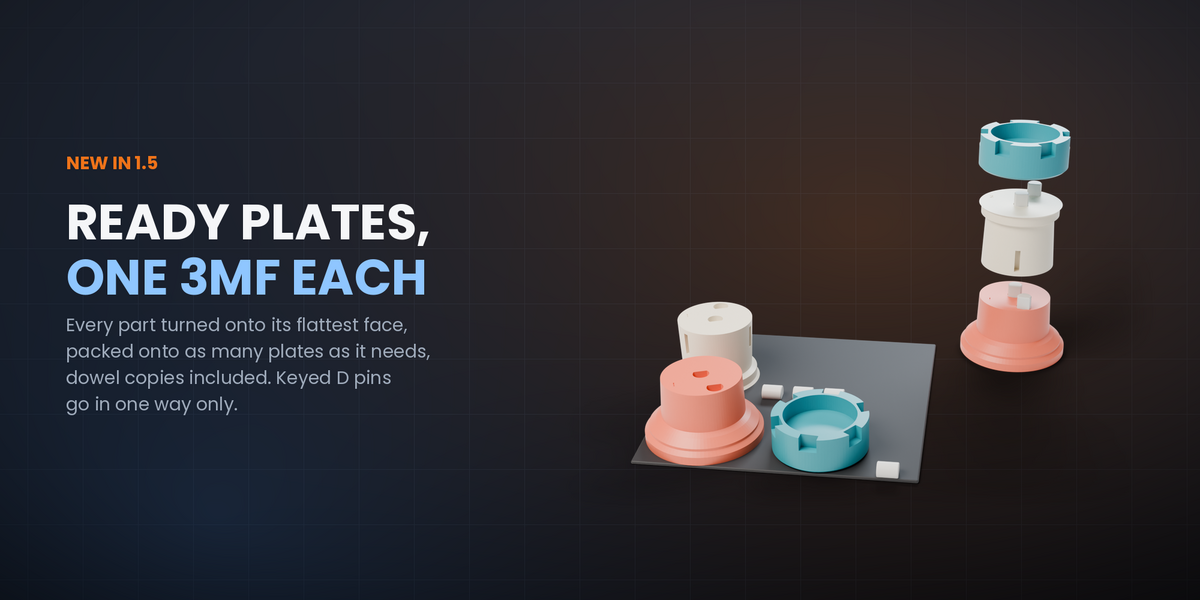
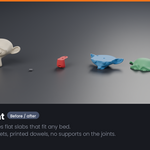

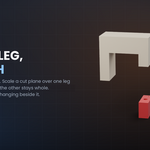

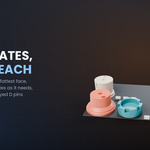
Yes, since 1.5.0: one 3MF per printer plate, with the parts laid flat and placed and every dowel copy included, in millimeters. It carries the geometry; filaments and painted colors are chosen in the slicer.
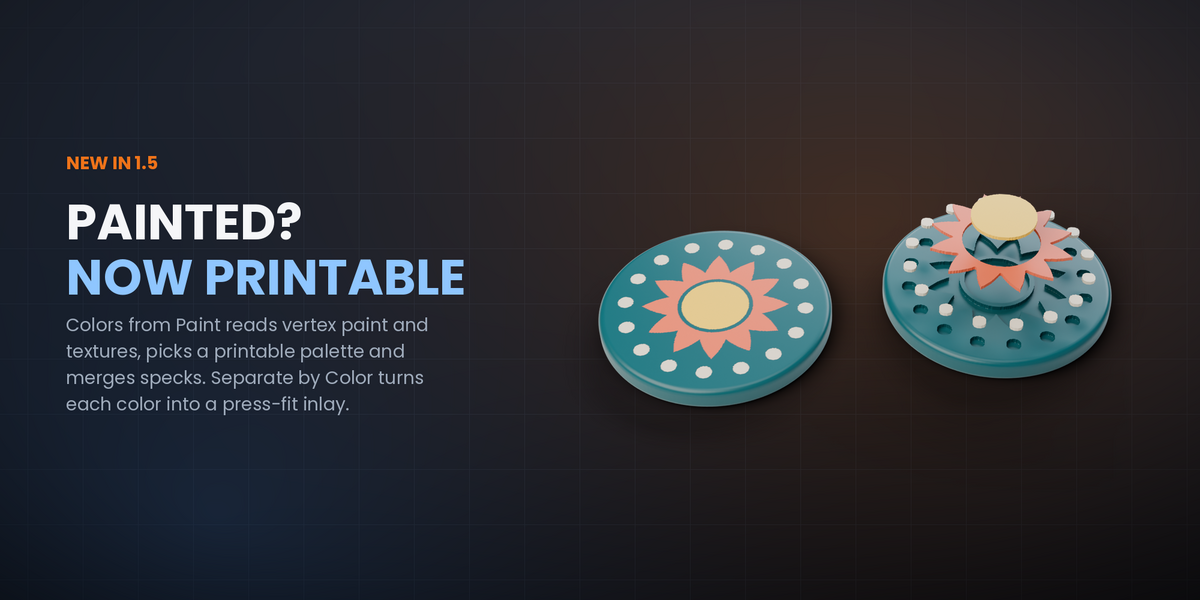
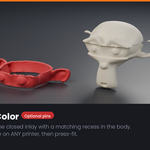
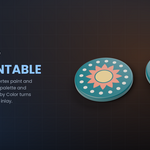
Yes, since 1.5.0. Press Colors from Paint: it reads Vertex Paint (a color attribute) or an image texture on the Base Color, picks a printable palette from what you painted, and merges specks too small to print. Then Separate by Color turns each color into an inlay. Procedural textures are not read; bake them to an image first.
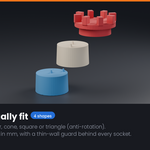
Yes, since 1.4.0. Choose Magnets in step 6 and pick the size you bought, from 3 x 2 to 10 x 3 mm, or type your own diameter and thickness. Every joint gets a matching pocket on both faces, and the assembly plan tells you how many magnets to buy.
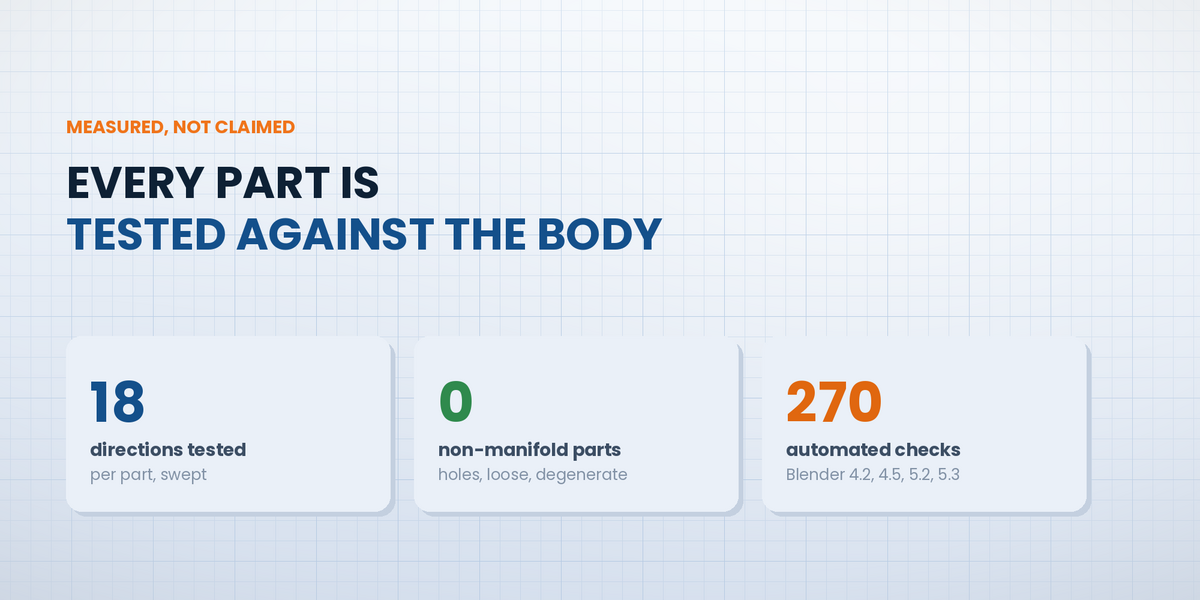
It means everything on this page is implemented and passes the automated suite on Blender 4.2, 4.5, 5.2 and 5.3, I have used it on my own models, and it has not yet met the variety of files and printers that only other people have. Panel wording, defaults and some controls may still change while the workflow settles. Nothing you make with it is at risk: it writes new parts and never overwrites your original. If something breaks or confuses you, message me here on Superhive: that feedback is what this beta is for, and it decides what I build next.
Blender 4.2 LTS and newer, installed as an extension: Edit > Preferences > Get Extensions > Install from Disk. The test suite runs on 4.2.23 LTS, 4.5.16 LTS, 5.2.4 LTS and 5.3.0 and passes on all four. Windows, macOS and Linux.
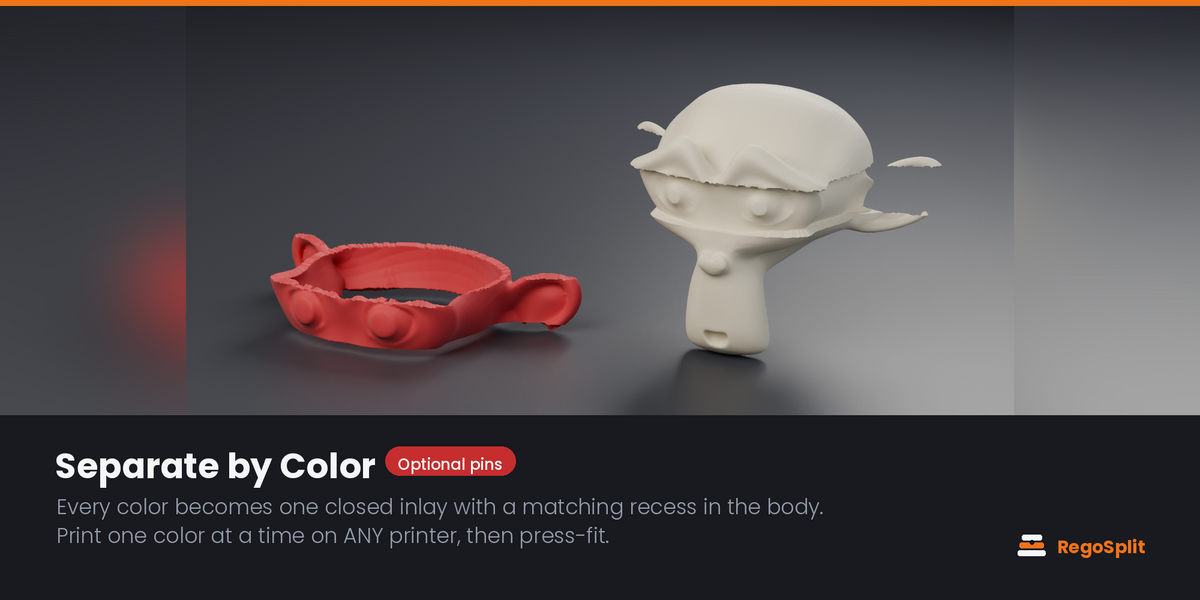
That is exactly the point of Separate by Color. Every color becomes its own closed solid part with a matching recess in the body: print them one at a time in whatever filament you have and press-fit them together.
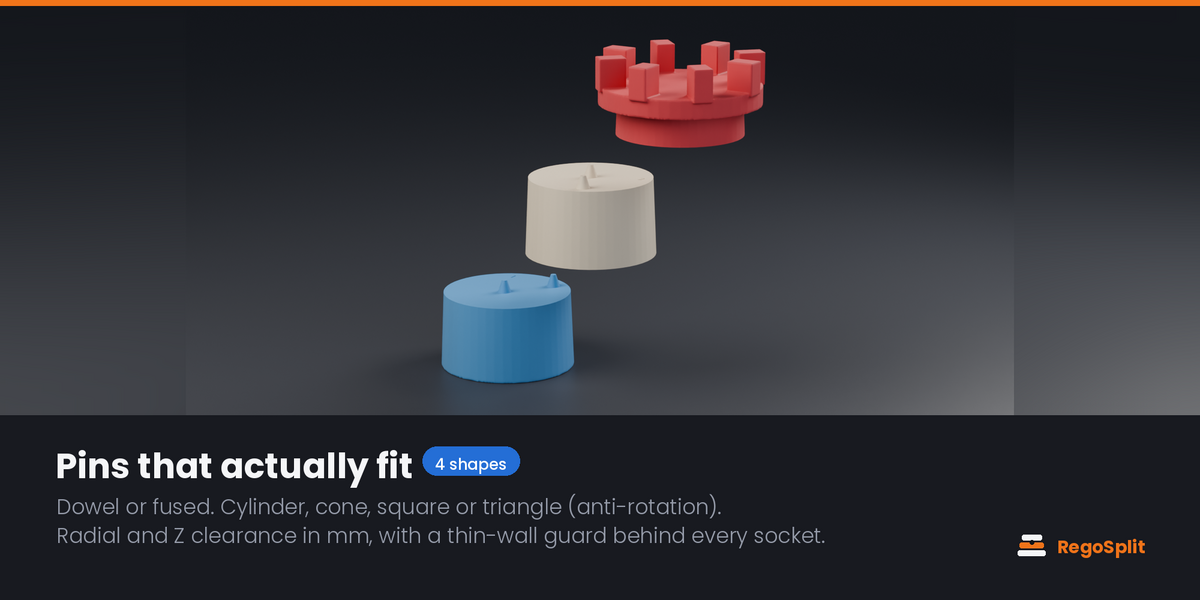
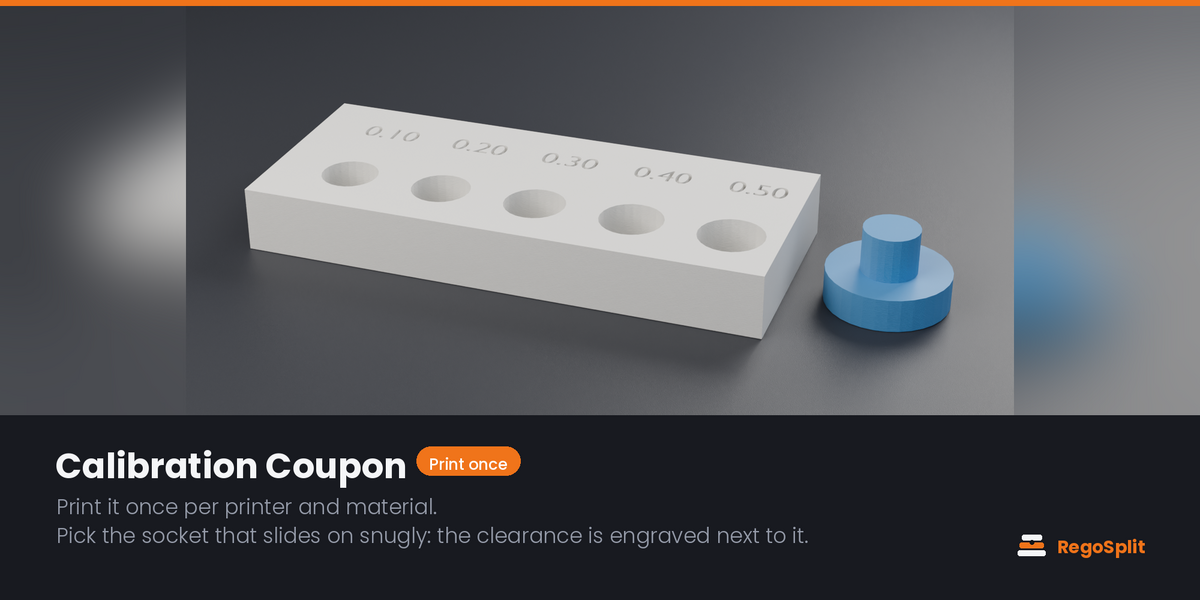
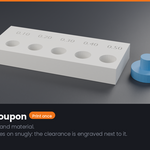
There is no universal number: it depends on your printer and your filament. Print the included Calibration Coupon once, find the socket the pin slides into snugly, press the button with that value and save it as a profile for that printer and filament. Around 0.20 mm on a well-tuned machine, 0.35 to 0.50 mm on most.
Clearance, and only clearance. Too tight: raise it by 0.05 mm and re-split. Too loose: lower it by the same step. Print the Calibration Coupon once and you get the right number for your printer and filament in one go, instead of guessing on a full model. The parts themselves do not need rebuilding: press Split again and they regenerate with the new setting.
It is not printer-specific. RegoSplit works in millimeters and exports ordinary STL or OBJ parts, or one 3MF per plate, so any FDM or resin printer and any slicer that opens them will take them. What varies between machines is not the format but the fit: printers differ in how much they oversize a hole. That is what the Calibration Coupon is for: print it once on your machine, read which pin slides in cleanly, and save that clearance. I have not print-tested every brand, and I will not pretend otherwise; the coupon replaces the need for me to.
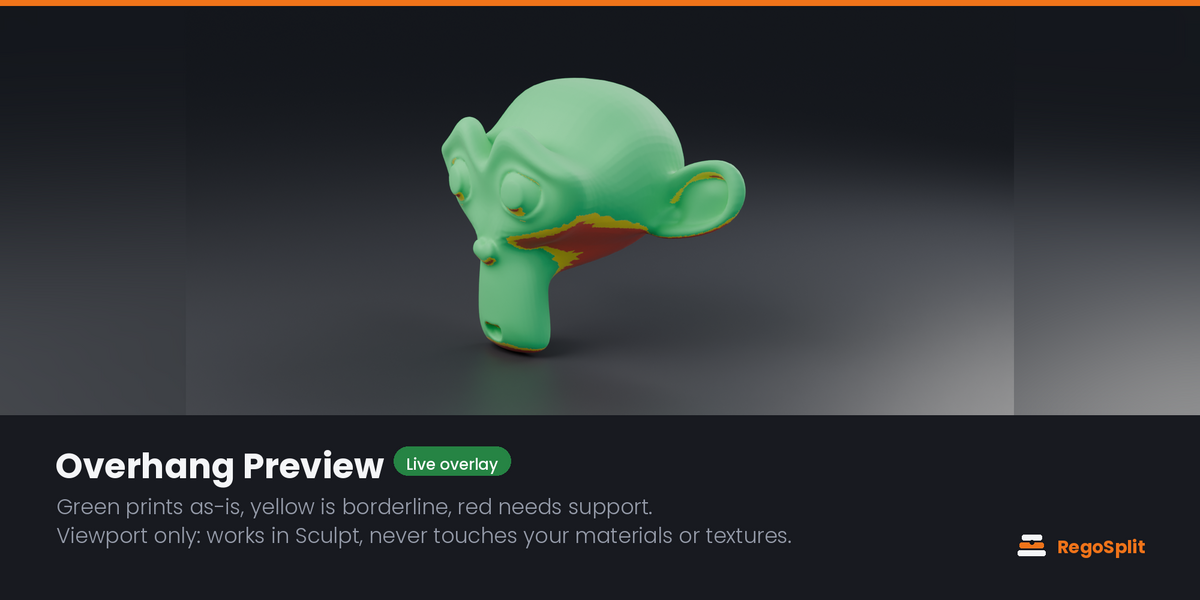
No. It is a draw-only viewport overlay. Nothing is written to materials, textures or mesh data: switch it off and it is gone.
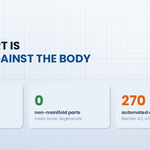
Run Reduce Colors first to merge them into a printable palette. RegoSplit refuses to start a job with more color regions than the safety limit rather than freezing Blender for half an hour, and tells you what to do instead.
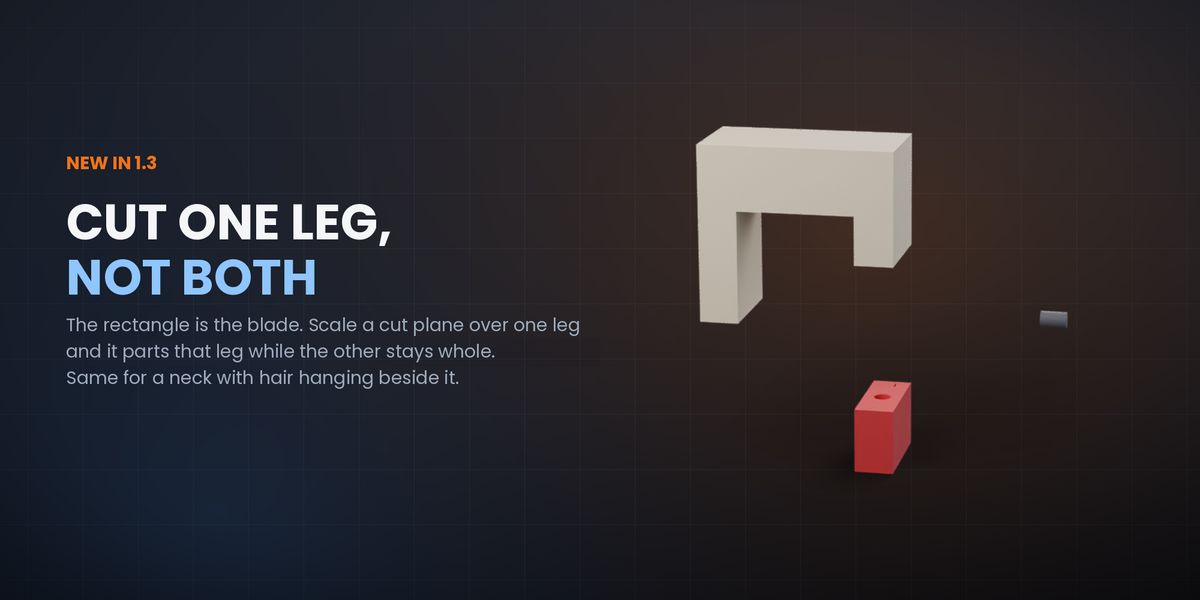
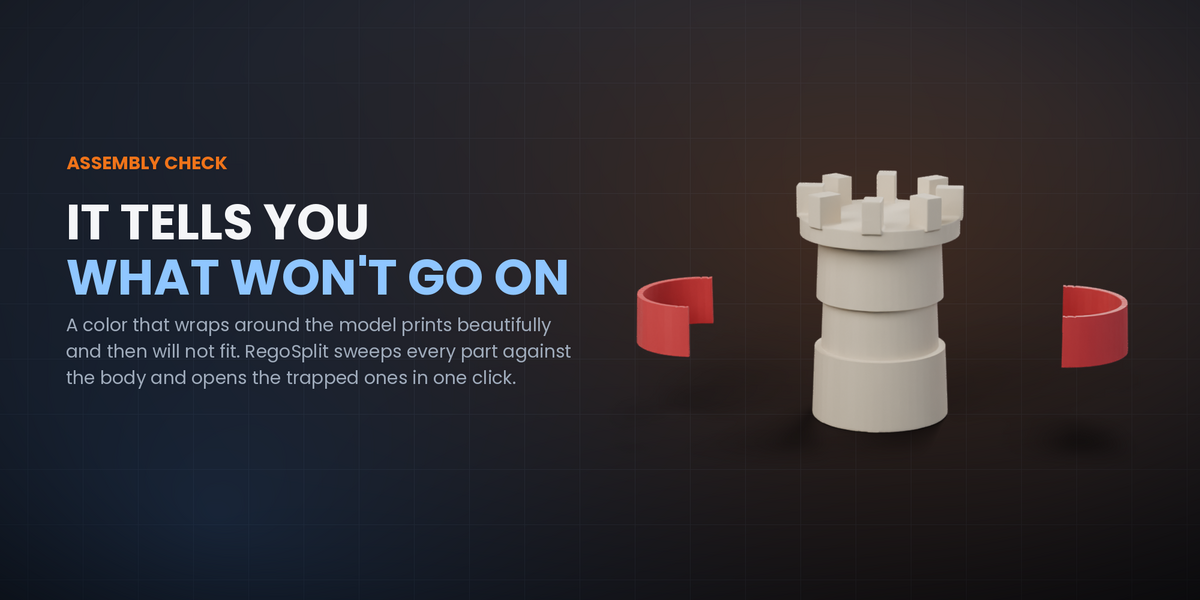
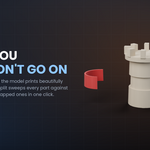
Then it comes out as a closed collar that cannot be slid on, however well it prints. RegoSplit tests every part for a real assembly direction, tells you which ones are trapped, and opens them in one click into segments that close around the model, with locating pins when a single cut is enough.
Yes. The add-on is GPL, as Blender add-ons must be, and that license covers the add-on's own code, not your models. Anything you cut, pin or split with it is yours: sell the prints, sell the files, use them in client work. No attribution required, though it is always welcome.
Neither. Updates and support are included for good. There is no support period to expire and nothing to renew: you buy it once.
No to both. There is no artificial intelligence and no machine learning in RegoSplit, and no network code at all: no telemetry, no analytics, nothing leaves your machine, and it works fully offline. On the development side I use AI tools the way I use every other tool in my kit: for coding assistance and for translation. I have been developing software for years, the design decisions are mine, and every release is reviewed and tested before it ships. The automated tests check the real geometry, not just that the code runs.
Yes, as a tool, and I would rather say so plainly than leave you guessing. I use AI assistance for coding help and to translate my documentation and the product page into English, which is not my first language: Italian is where I think and where I write first. I have been programming since well before generative tools were mainstream, and the design decisions are mine. Every release is reviewed and tested before it ships, and the automated checks are how: they measure the real geometry (watertightness, socket clearances, volume conservation, assembly feasibility), not merely that the code runs. The product itself contains no AI: no model, no inference, no network access.
Have questions about this product?
Login to message
| Blender Extension Compatible | Yes |
| Dev Fund Contributor | |
| Published | 3 months ago |
| Blender Version | 4.2 - 5.3 |
| Extension Type | Add-on |
| License | GPL |
Discover more products like this
calibration mesh repair color separation miniatures 3MF overhang supports Print Preparation split 3d printing multicolor pins