RegoSplit - 3D Print Part Optimizer
 TastyVoxels
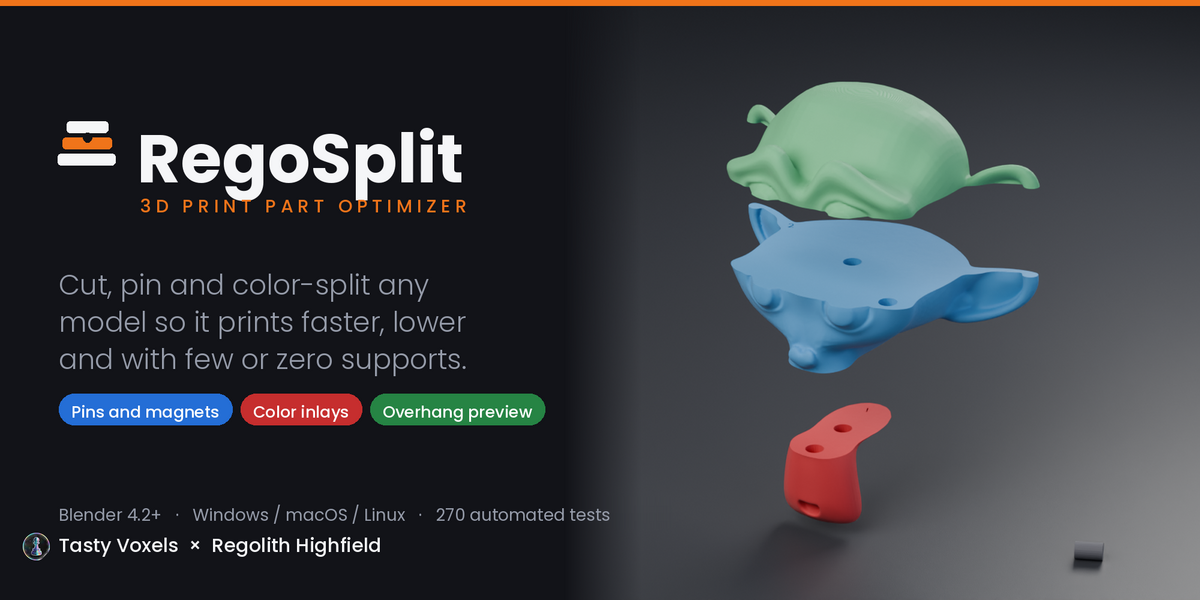
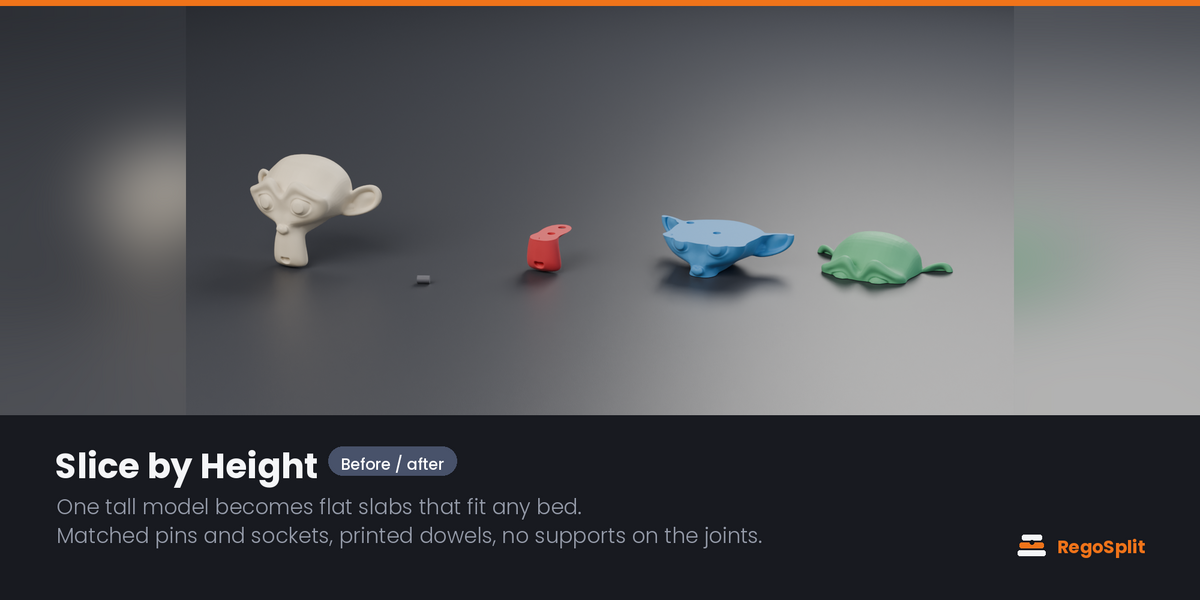
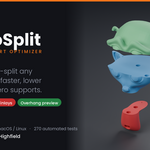
1.5.0: Colors from Paint, ready plates with 3MF, keyed pins, and tested on Blender 5.3. Still a beta, still asking for your feedback.
New
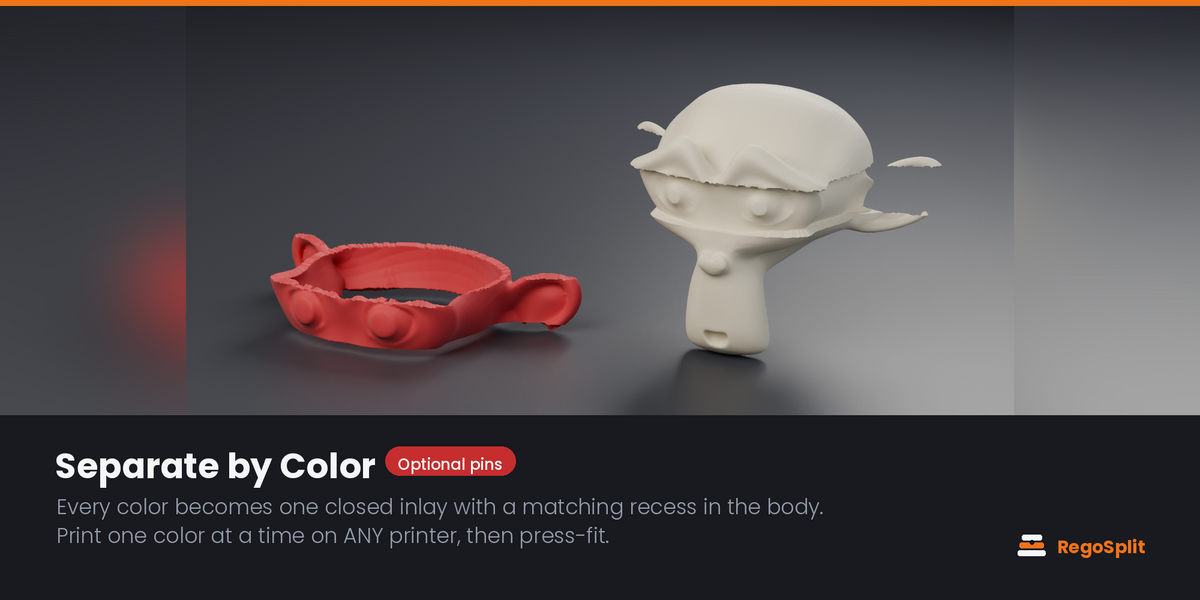
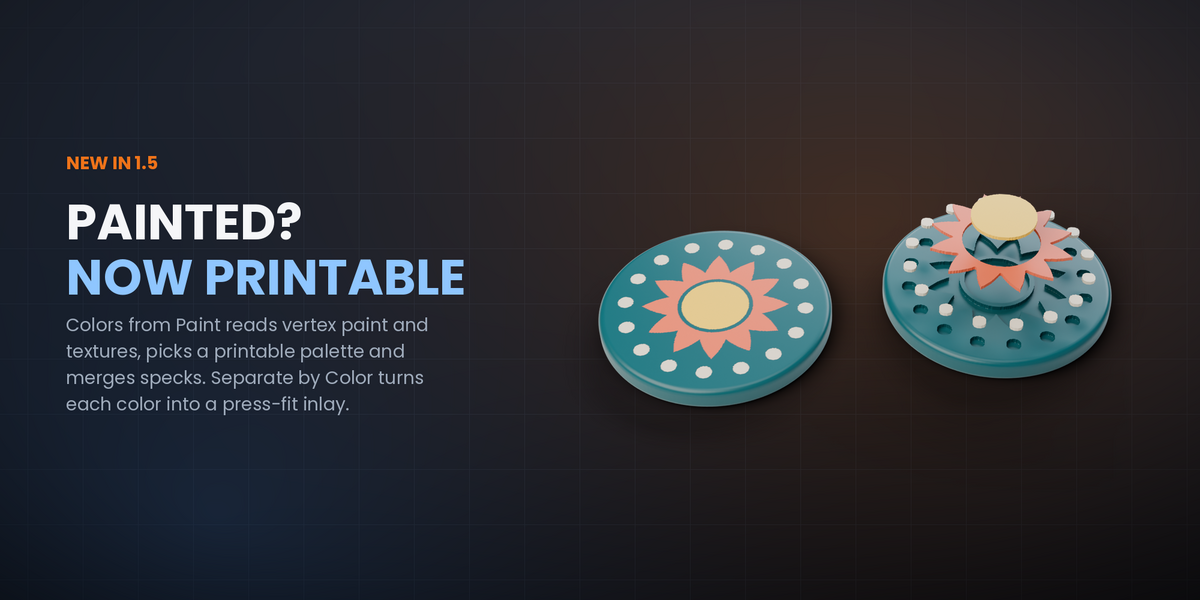
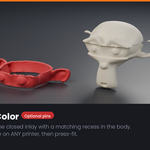
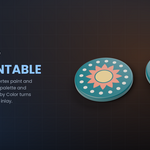
- Colors from Paint: a color attribute (Vertex Paint) or an image texture on the Base Color becomes a printable palette, one material per color, on a _painted copy. The palette comes from the colors you painted, each face takes the color most of its corners agree on, and patches smaller than Smallest Patch (mm2) are merged into the color around them. Separate by Color works on the copy as on any multi-material model.
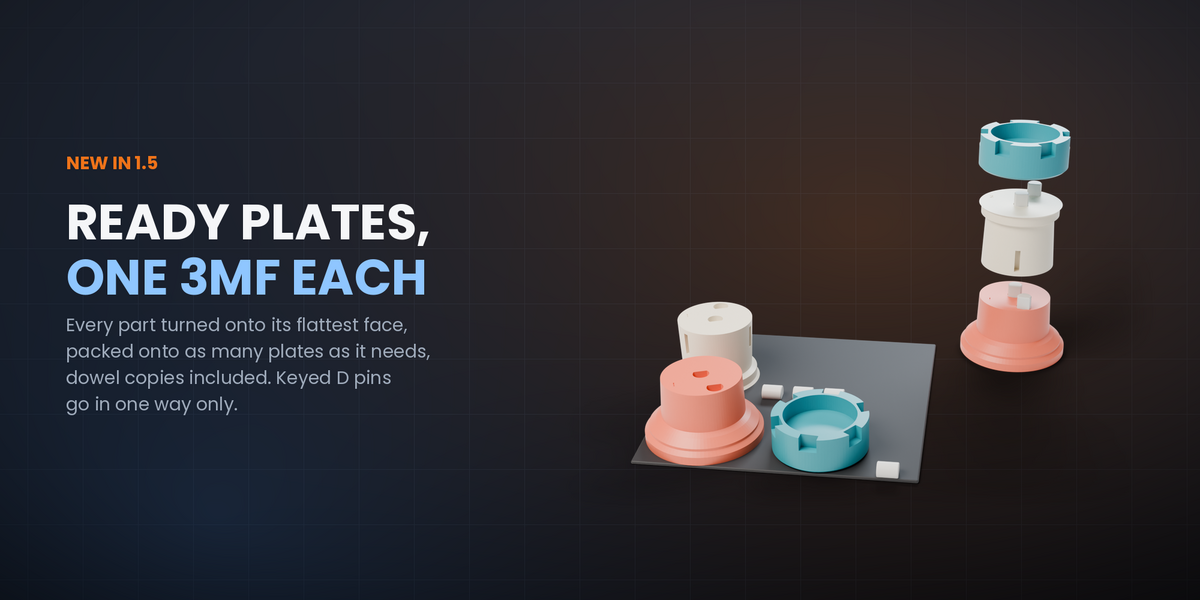
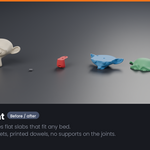
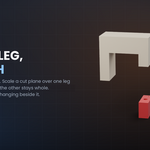
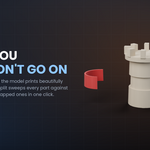
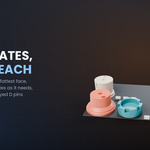
- Arrange on Bed lays every part on its flattest face, usually the cut, turns it for the smallest footprint and packs the parts onto as many plates as your printer needs. The extra dowel copies are placed too, and thin outlines show the plates.
- 3MF export: one file per plate (RegoSplit_plate_1.3mf and so on), in millimeters, parts placed as on the plate, every dowel copy included. The assembly plan says which plate each part is on.
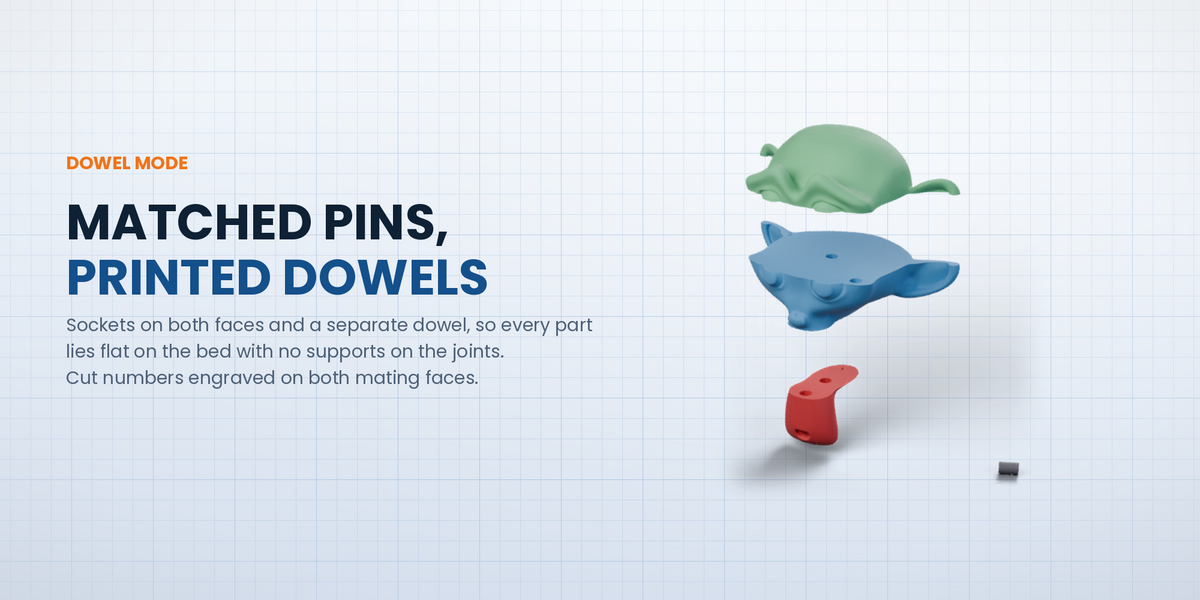
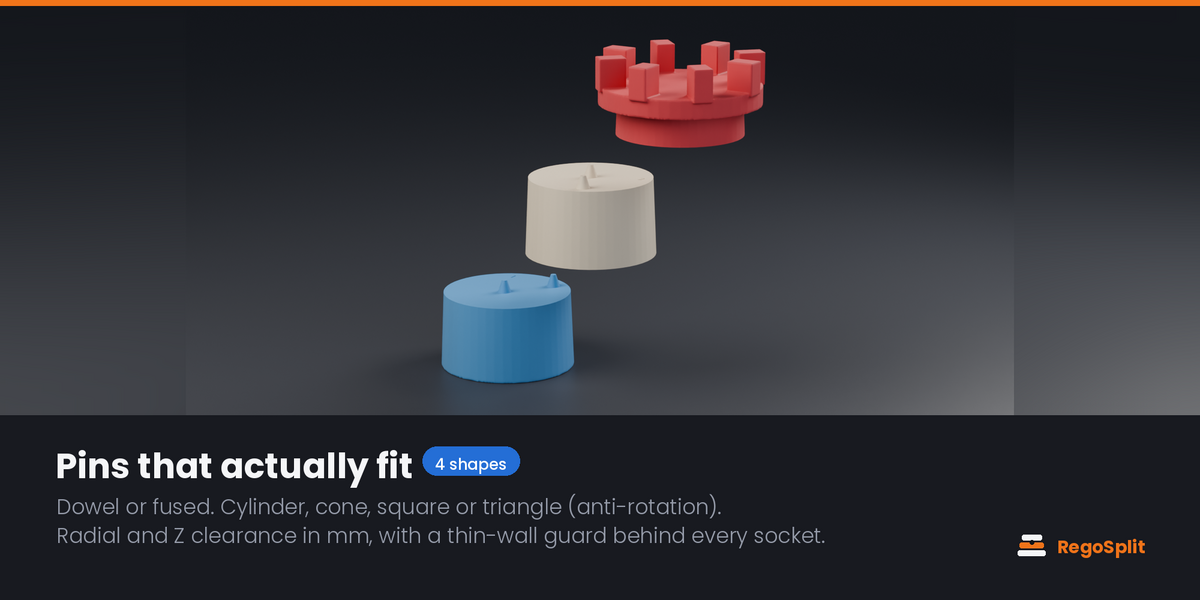
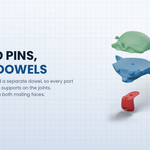
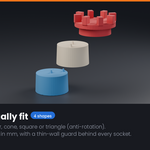
- Keyed (D) pins: round with one flat side, so a part goes on one way only. A keyed dowel prints lying on its flat.
- Exploded View pulls each model apart from its center; Reassemble puts every part back exactly where it was.
- Eleven printer presets with the makers' build volumes: Bambu Lab A1 mini; A1, P1S, P2S, X1C; H2C; H2D, H2S, X1E; Snapmaker U1; Prusa MINI, MK4/S, CORE One, XL+; Creality Ender-3 V3 SE, K1 Max.
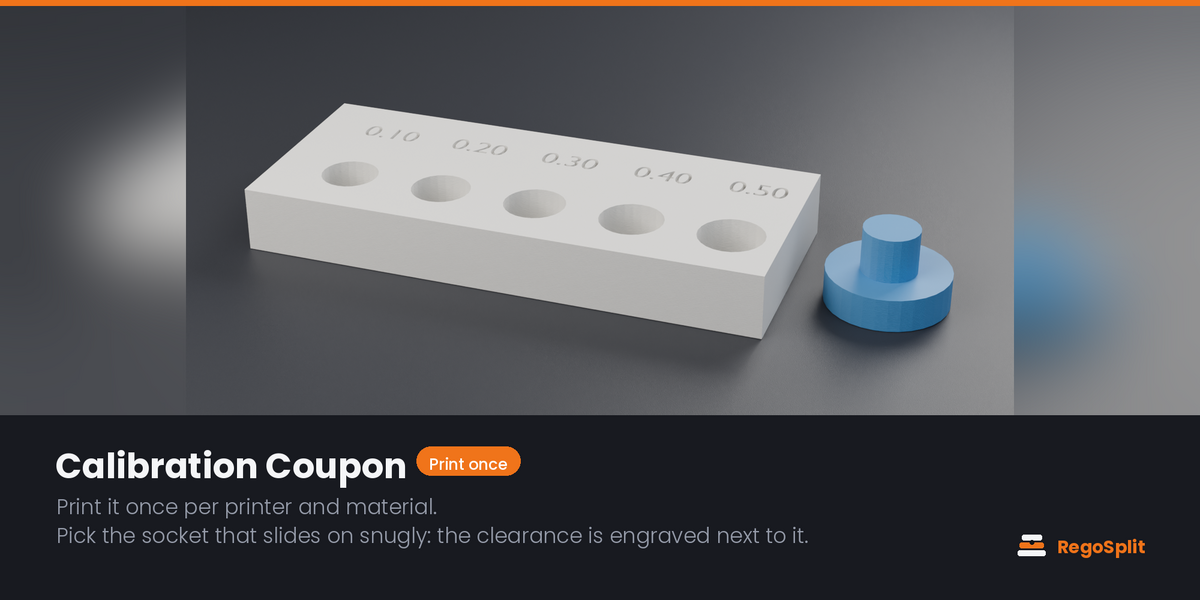
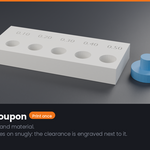
- Starting clearances for PLA, PETG, ABS/ASA, TPU and resin, one click each, until you print the Calibration Coupon.
- Blender 5.3: the step guide uses the new multi-line labels and wraps to the width of the sidebar.
Fixed
- Triangle dowels on a horizontal cut (every Slice by Height): the two sockets were turned half a turn from each other, so the dowel fitted only one of them. Both sockets of a joint now share one orientation.
- Exported STL files could have a folded edge on a concave cut face (Blender showed the part as closed, the file was not). Parts are now triangulated with the beauty rule for export, and the suite reads the files back to check every edge.
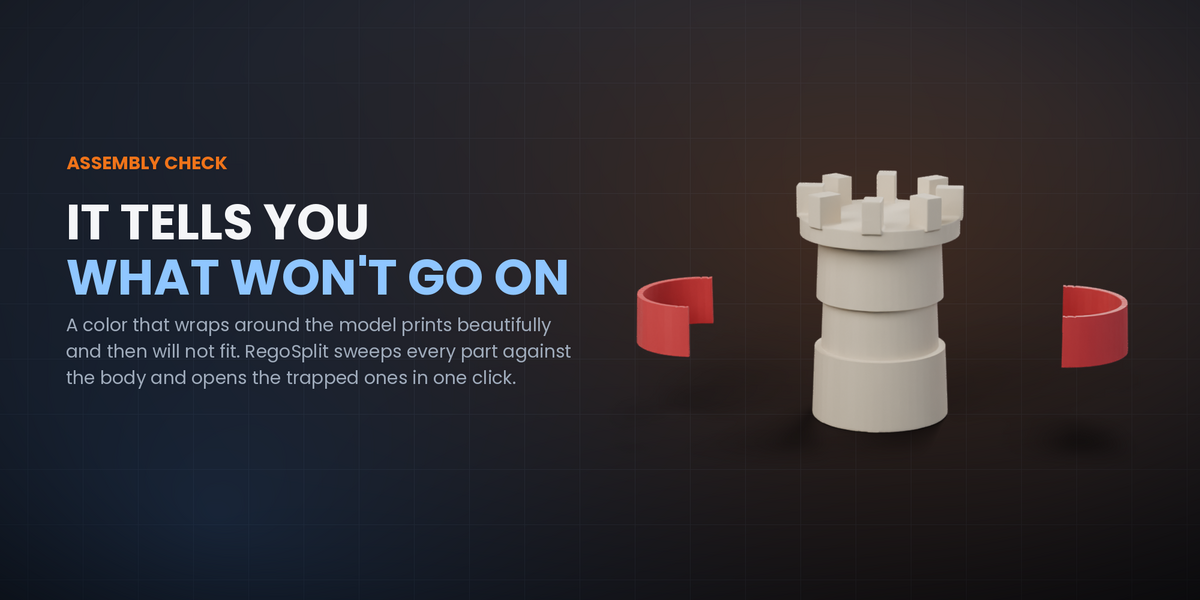
- Separate by Color reported the sharp inner corners of an inlay, such as the points of a star, as trapped. Contacts below 0.05 mm, which printing tolerances absorb, no longer count.
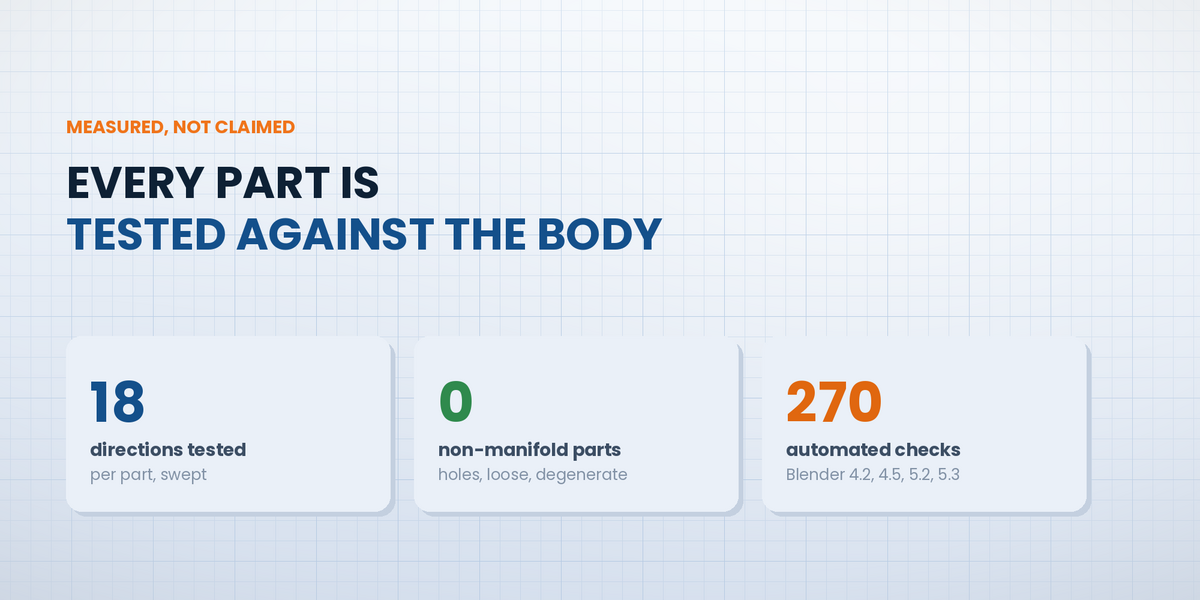
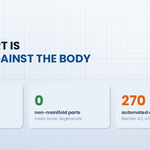
Tests: 270 checks on real geometry, all passing on Blender 4.2.23 LTS, 4.5.16 LTS, 5.2.4 LTS and 5.3.0.
1.4.0: magnets, saved fit profiles, an assembly plan, and tested on Blender 5. Still a beta, still asking for your feedback.
New
- Magnets: a third joint type next to Dowel and Fused. Matching round pockets on both faces for disc magnets, presets from 3 x 2 to 10 x 3 mm or your own size, with its own clearance.
- Fit profiles: press the Calibration Coupon socket that took the pin snugly, save it as a profile (for example "A1 PLA"), and set it again with one click in any file. Profiles live in your Blender user settings.
- Assembly plan: Export All Parts also writes RegoSplit_assembly_plan.txt with every file, how many times to print it, how many magnets to buy and which cut number joins which parts.
- Dowels get a narrow flat so they do not roll on the bed and chamfered ends so they start into the socket. Cone dowels are now double cones: a single cone the length of two sockets could not go in.
- RegoSplit is in the right-click menu of the 3D Viewport, and every option panel is named after the step it belongs to, in step order.
Fixed
- Blender 5: colors set only as the viewport display color read as grey, so Reduce Colors could drop a vivid accent.
- Split Ring in Two crashed when Add Pins to Inlays was on.
- Check Mesh, Quick Fix and the other buttons failed when pressed in Edit mode; they now switch to Object mode first.
- A Split or Separate by Color that was refused deleted the previous good parts. They now stay until the new run succeeds.
- Back to Draft also deleted color inlays from step 4; it now only undoes the split.
- Exporting from an unsaved file wrote to Blender's working folder. It now asks you to save or pick a folder.
- Export skips parts in excluded collections instead of failing, and the assembly plan names files exactly as they are written.
- A refused Rebuild Solid left its hidden backup copy behind.
- Set Print Size kept the pieces of a multi-object model at their old distance; they now scale together.
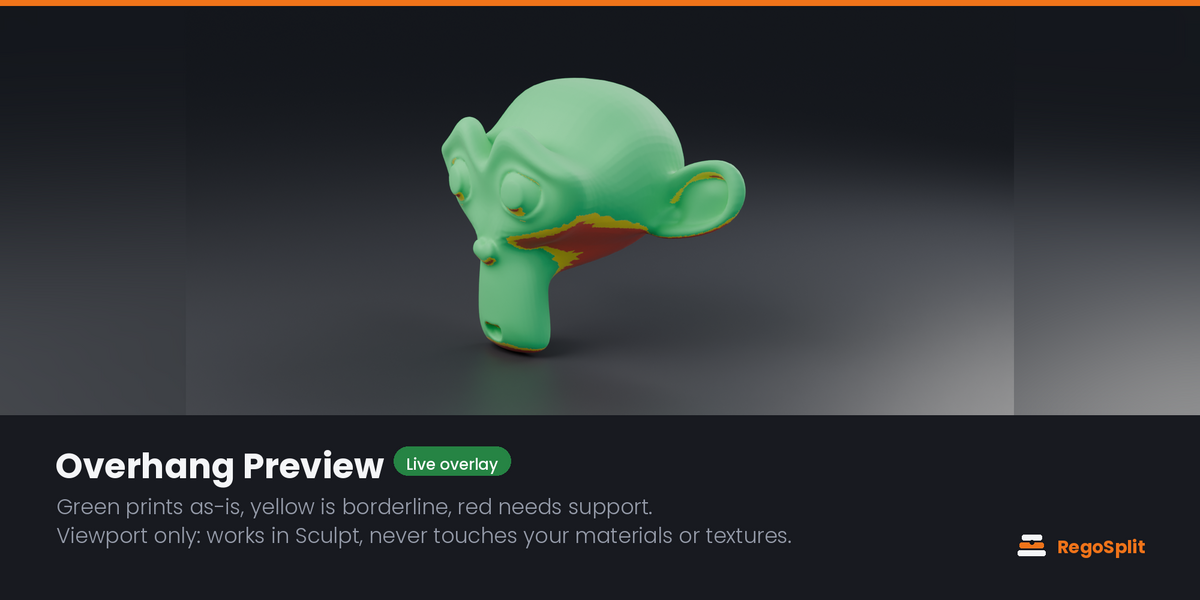
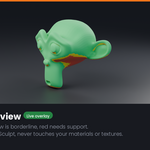
- Overhang Preview: correct colors on objects with unapplied scale, mirrored objects, rotated objects, and after reopening a file saved with it on. The floating-island and hanging-tip check is vectorised: on a 200,000 vertex mesh it went from about 2.3 seconds to a few milliseconds per refresh, so the overlay keeps up while you sculpt.
- Check Bed Fit gives a part its color back once it fits.
- Color separation cleans the zero-area slivers an exact boolean can leave in the body.
- The confirmation text of heavy operations no longer reappears in the Adjust Last Operation panel.
- Reports show the export folder's name, never its full path, so recordings and screenshots do not show your disk.
- The manifest tagline was over Blender's 64 character limit; fixed, and the manifest now declares the file access it uses.
Tests: 210 checks on real geometry, all passing on Blender 4.2.23 LTS, 4.5.14 LTS and 5.2.2 LTS. Two sections of the suite used to run twice; every check is now counted once.
1.3.1 — the body no longer disappears on painted models.
Separate by Color returned an empty body whenever two colored regions shared a border: you were left holding the thin inlays and lost the model itself, around 90% of the volume, while the operator reported success. Measured on a test sphere with two adjacent color bands: 0 faces and 8.24% of the volume kept before, 1200 faces and 98.22% now. Regions that do not touch were never affected.
Cause: two touching regions produce recess shells whose rim walls sit exactly on top of each other, and the exact boolean solver answers an empty mesh when it is handed coincident walls. Recess shells are now subtracted one at a time. A regression test covers exactly this case; the suite is now 157/157.
Also in this release: every image inside the add-on was re-encoded with no metadata at all, and a warning message that named another add-on now points at RegoSplit's own Fix Mesh. Verified alongside 3MF Magic Solver with both add-ons in one Blender: painted colors bake to material slots, Separate by Color reads them, and 98% of the volume survives the crossing.
Have questions about this product?
Login to message
| Blender Extension Compatible | Yes |
| Dev Fund Contributor | |
| Published | 3 months ago |
| Blender Version | 4.2 - 5.3 |
| Extension Type | Add-on |
| License | GPL |
Discover more products like this
3d printing 3MF multicolor pins split miniatures supports color separation mesh repair calibration Print Preparation overhang