 CGJackB

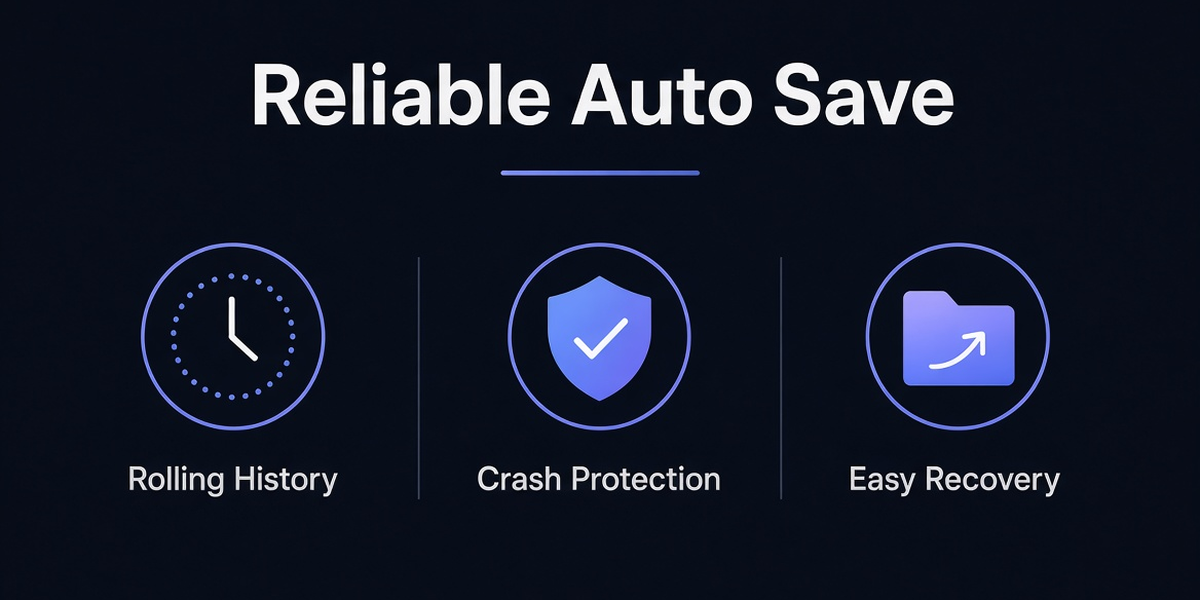
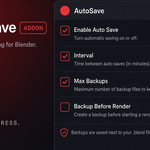


Blender’s built-in autosave is designed for temporary crash recovery. Reliable Auto Save adds a second layer of protection by creating real, timestamped .blend backup files that you can open directly.
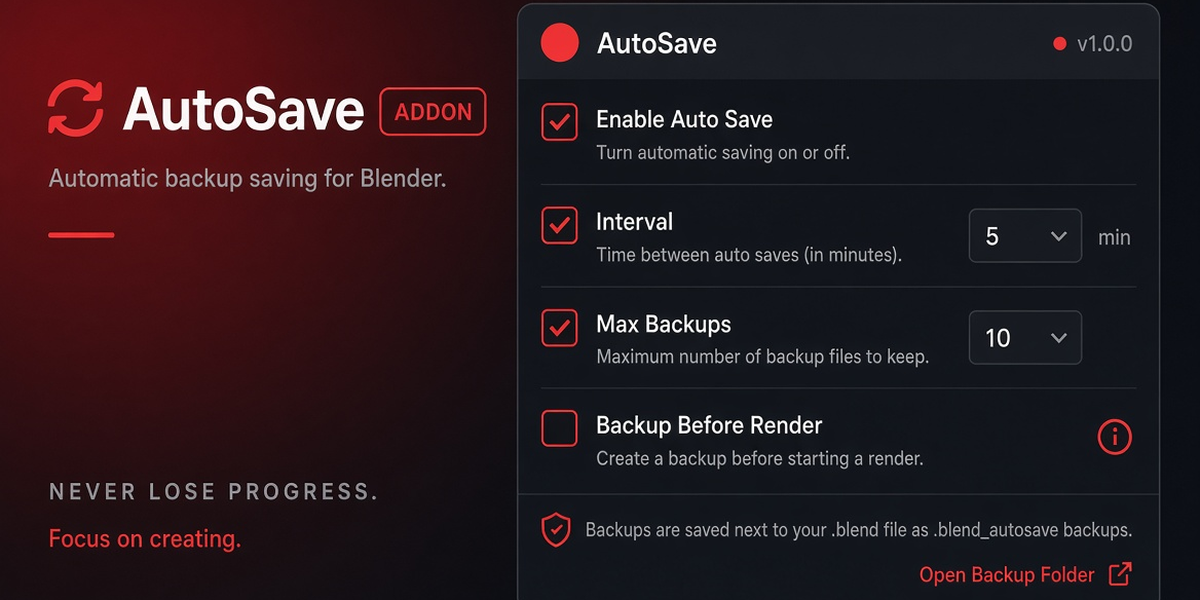
Set your interval, keep a rolling history, save only when the file has changed, and optionally create a backup right before a render starts. Controls are available in the 3D Viewport header and the AutoSave sidebar.
Key Features
- Real timestamped .blend backup files
- Adjustable autosave interval
- Rolling backup limit with automatic pruning
- Save only when the file has unsaved changes
- Optional backup before render
- Project-adjacent or custom backup folder
- Manual “Save Backup Now”
- Open Backup Folder shortcut
- Re-arm timer
- 3D Viewport header toggle and dropdown
- Full N-panel controls
- Non-destructive (never replaces your active file path)
Designed For
Long sessions, animation, simulations, modeling, sculpting, production work, and anyone who has lost hours of work to a crash.
Compatibility
- Blender 5.0 or newer
- Windows, macOS, and Linux
- No external dependencies
Important Note
The optional header button uses an experimental override and may conflict with other add-ons that modify the 3D View header. It can be disabled without affecting the rest of the addon.
Reliable Auto Save is a backup aid, not a replacement for normal saves, source control, or external backups.
