 CGJackB

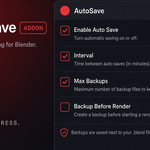

What does Backup Before Render do?
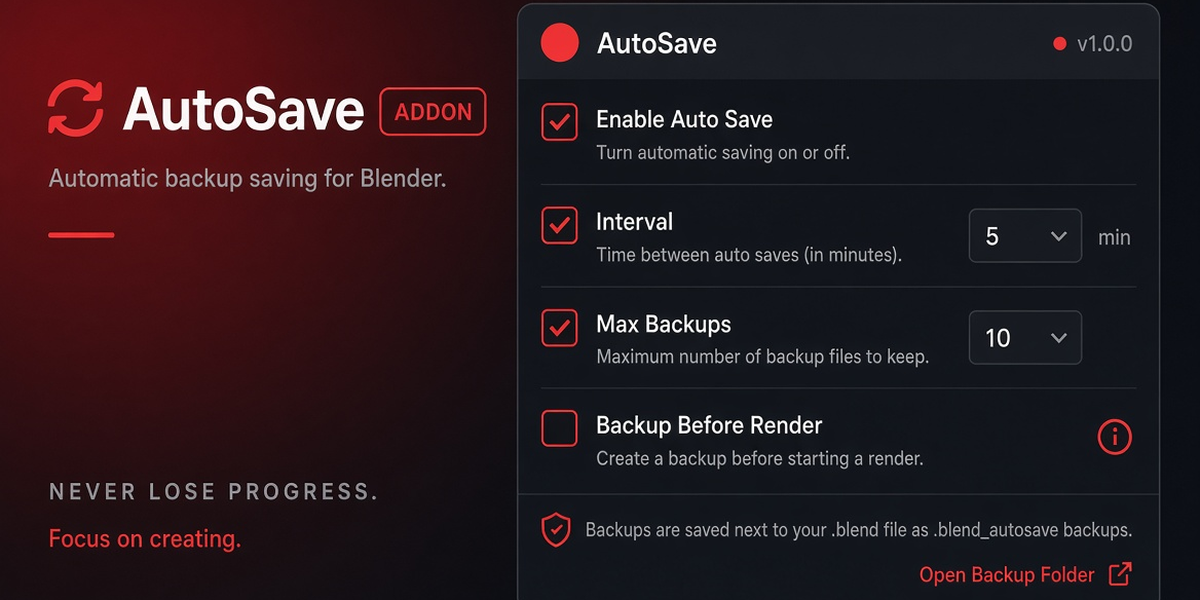
When enabled, a timestamped backup is created when a render job starts.
An animation render creates one backup when the render begins, not one backup for every frame.
Can I create a backup manually?
Yes.
Click Save Backup Now from the AutoSave panel or header dropdown.
Does it work with Cycles and Eevee?
Yes.
Reliable Auto Save is render-engine independent.
Does it require any external software or Python packages?
No.
Reliable Auto Save uses Blender’s built-in Python API and has no external dependencies.
Which Blender versions are supported?
Reliable Auto Save is designed for Blender 5.0 and newer.
Why might the autosave timer not create a file?
If Save Only If File Changed is enabled and Blender reports no unsaved changes, a backup will be skipped.
You can also use Re-Arm Timer to restart the countdown or Save Backup Now to verify the backup location is writable.
Have questions about this product?
Login to message
| Blender Extension Compatible | Yes |
| Dev Fund Contributor | |
| Published | about 4 hours ago |
| Blender Version | 5.0 - 5.2 |
| Extension Type | Add-on |
| License | GPL |

Discover more products like this
blend backup backup Workflow Versioning blender 5 file management productivity file recovery pipeline safety crash recovery autosave