 NovaStrikes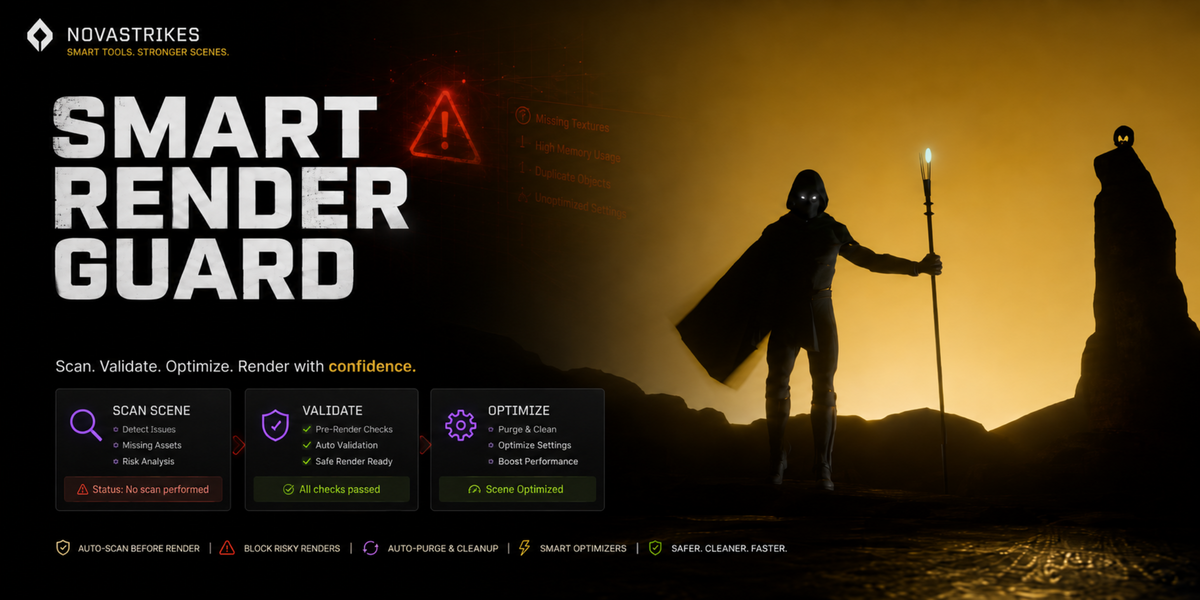
Don't render into
a crash.
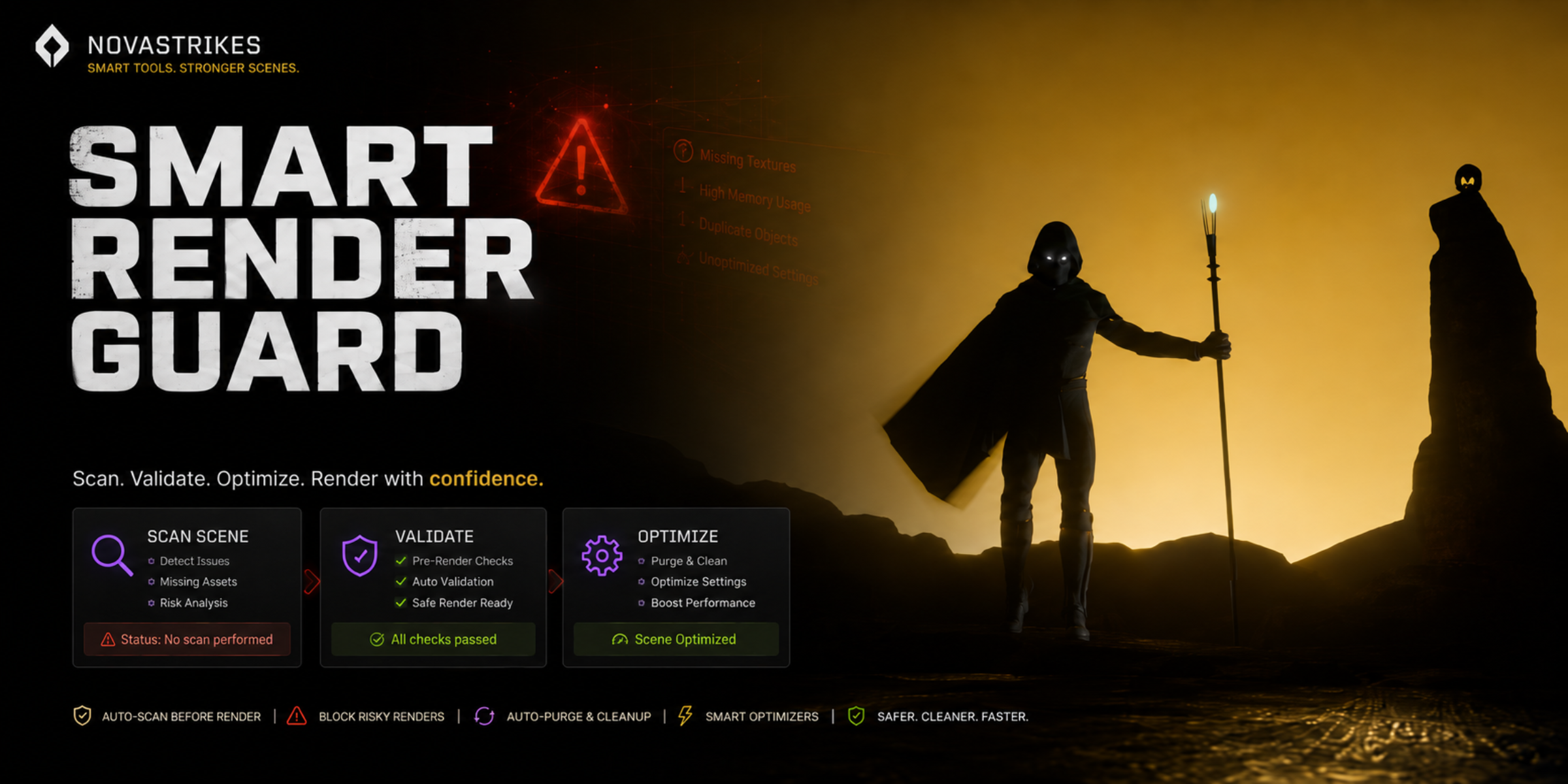
Smart Render Guard scans your scene for the problems that kill overnight renders — missing textures, broken drivers, bloated geometry, oversized textures — then cleans and optimizes it in one click before you commit hours of render time.
Scan. Validate. Optimize.
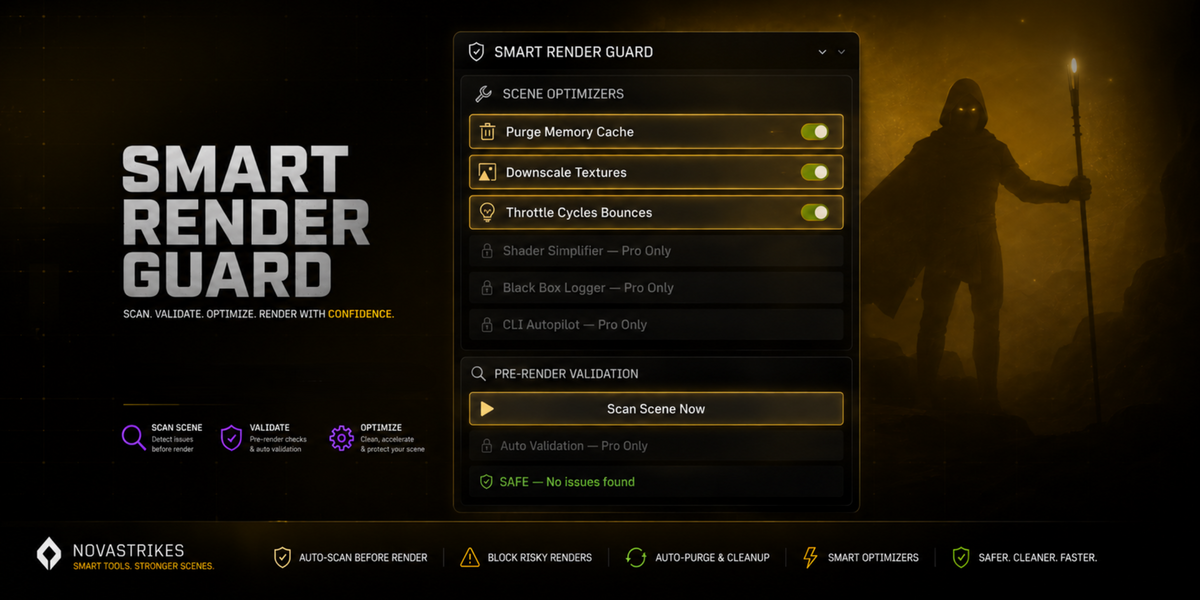
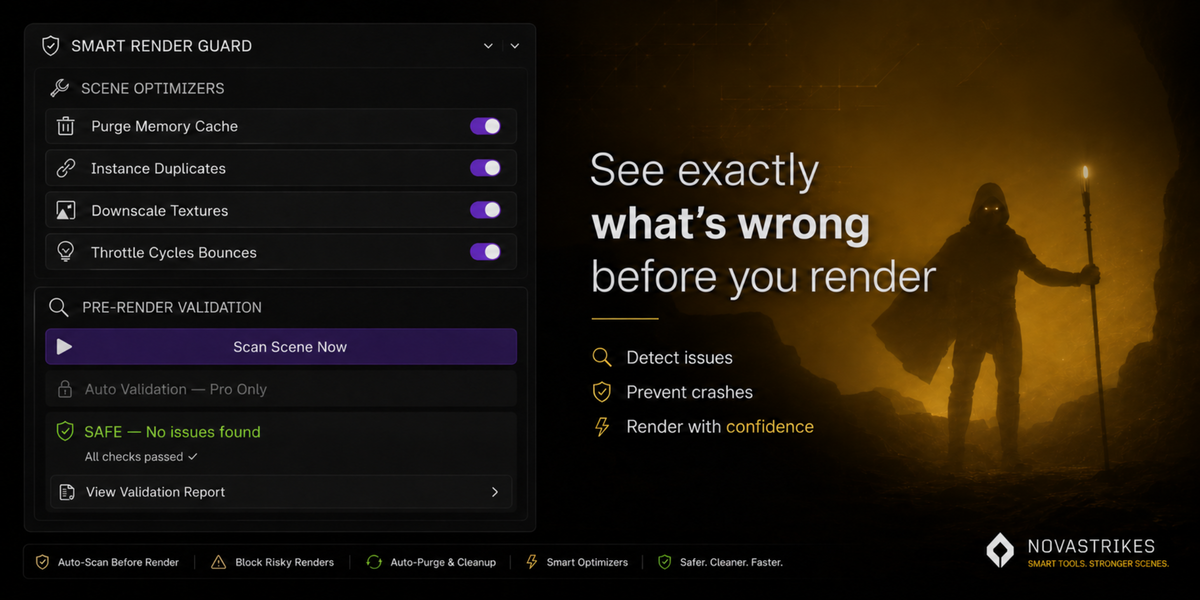
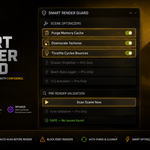
One-click checks your scene for broken drivers, missing libraries, missing textures, and risky modifier setups. If it's clean, you get a clear "SAFE" status. If it's not, you know exactly what to fix before you lose hours to a crash you couldn't see coming.
Lite vs Pro
Free and open source on GitHub, or the full toolset in one Pro license — no middle tier to figure out.
| FEATURE | LITE (FREE) | PRO |
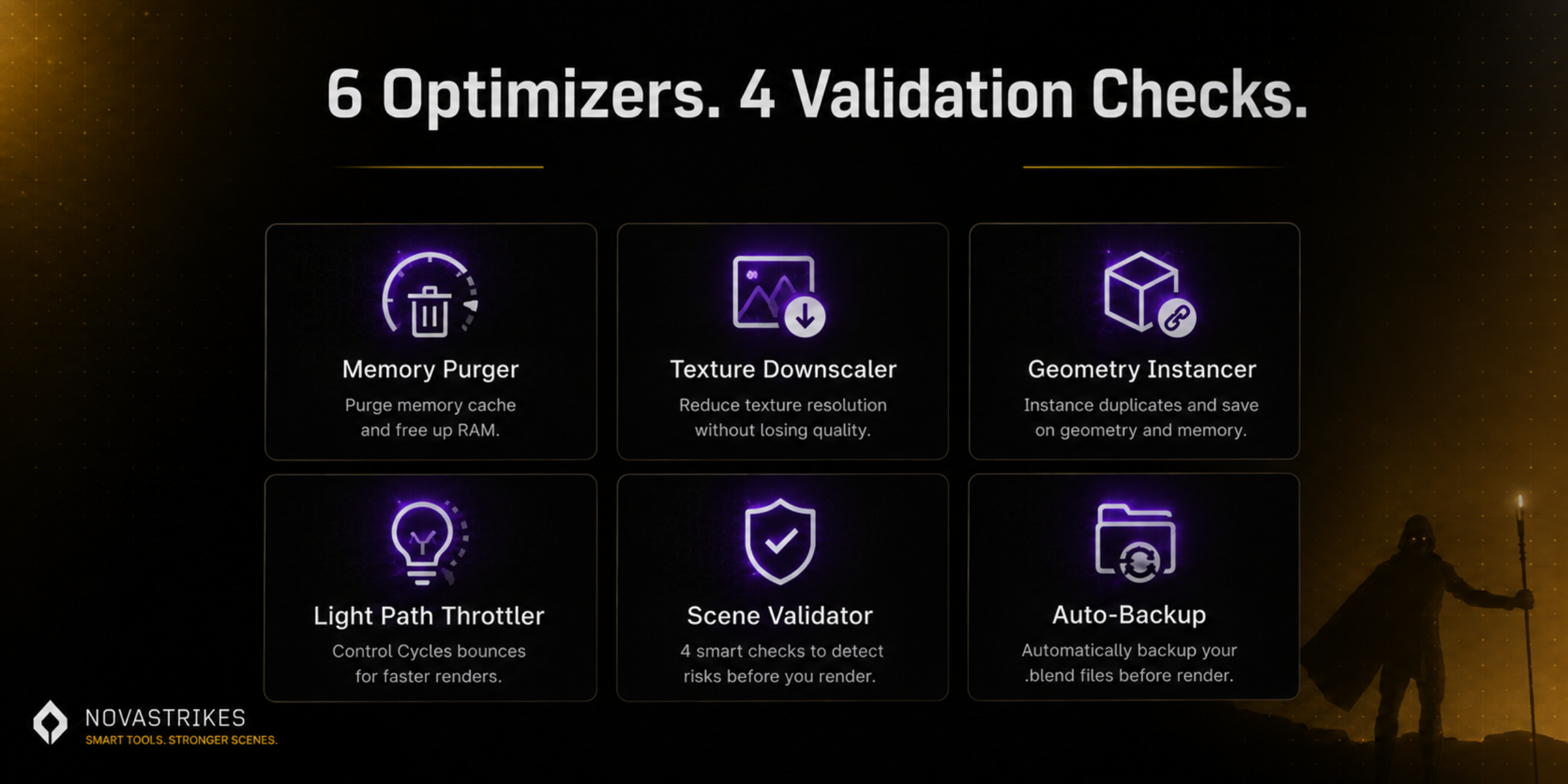
| Memory Purger | ✓ | ✓ |
| GPU / RAM / VRAM Diagnostics | ✓ | ✓ |
| Scene Validator (drivers, libraries, textures, modifiers) | ✓ | ✓ |
| Auto-Backup before destructive edits | — | ✓ |
| Texture Downscaler (128px–4096px target) | — | ✓ |
| Geometry Instancer | — | ✓ |
| Light Path Throttler (Cycles) | — | ✓ |
| Locate & Relink Missing Textures | — | ✓ |
| Shader Simplifier / Restorer | — | ✓ |
| Forensic Crash Logger | — | ✓ |
| Automatic Pre-Render Validation | — | ✓ |
Lite is free and open source — source on GitHub. Pro is a one-time license, no subscription.
Why there's no Basic tier anymore
During the beta, Smart Render Guard was planned as three tiers — Lite, Basic, and Pro. After running it through real scenes and real feedback, that split didn't hold up: four features (Shader Simplifier, Forensic Logger, and a couple others) were sitting behind a separate Pro tier for reasons that came down to pricing structure, not what actually made the addon safer or more reliable to use.
We'd rather ship one clear Pro tier with everything in it than gate a handful of features nobody asked to have gated. Lite stays genuinely free and open source. Pro is everything else, in one license.
Built for people rendering scenes they can't afford to lose
Catch a broken driver or missing texture before it eats a client deadline overnight.
Purge bloat and downscale textures on complex scenes before VRAM becomes the bottleneck.
Learn what actually slows a render down instead of guessing at settings.
A quick scan before you walk away is the whole point.
Getting the most out of it
A few habits that make Smart Render Guard actually useful, not just installed.
A 20-second scan before you walk away beats finding out at 6am that a driver broke three hours in.
Pro backs up before any destructive optimization. Still pair it with your normal version control — never rely on one safety net alone.
128–256px is fine for background props no one gets close to. Save 2048px+ for hero assets the camera actually sees.
On a scene you care about, run one fix, check the result, then move to the next — rather than firing everything at once.
This addon edits your scene — read this first
Texture downscaling and duplicate-geometry instancing are destructive changes to the working file. Pro creates a backup automatically before either runs — but you should still know where it goes and check it before you trust a result.
Recommended workflow: save your project through your normal version control first, run SCAN SCENE, review what it flags, then run individual optimizers rather than everything at once on a file you haven't backed up yourself.
Frequently asked
What's the actual difference between Lite and Pro?
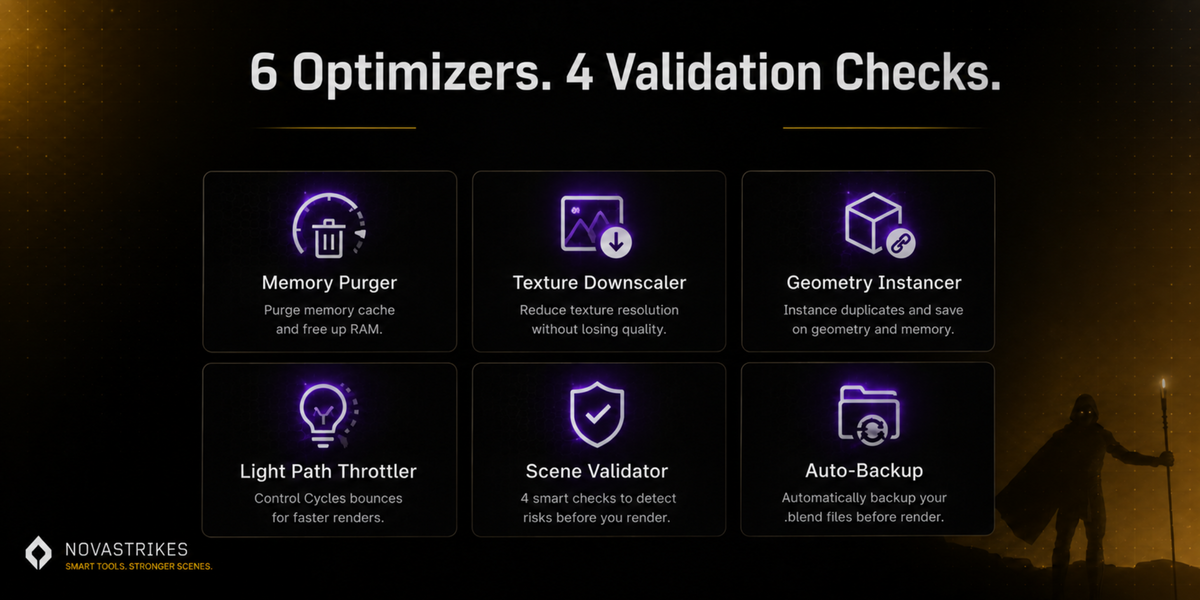
Lite gives you the Memory Purger and Scene Validator — diagnosis and basic cleanup, completely free and open source. Pro adds every fixer and optimizer: auto-backup, texture downscaling, geometry instancing, bounce throttling, shader simplification, the forensic crash logger, missing-texture relinking, and automatic pre-render validation. See the comparison table above for the full breakdown.
I used the Basic beta — what happens now?
Thank you for testing. Beta testers who submitted feedback are being contacted directly about Pro access — check your email, or reach out via the contact link in Preferences if you haven't heard anything.
Will the optimizers change my scene in ways I can't undo?
Pro creates a backup automatically before texture downscaling or geometry instancing run. Still — keep your own backup too, and review what SCAN SCENE flags before running optimizers on a file you care about.
Does the Light Path Throttler work with EEVEE?
No — it only affects Cycles bounce settings. On an EEVEE scene, it will report that there's nothing to optimize, which is expected, not a bug.
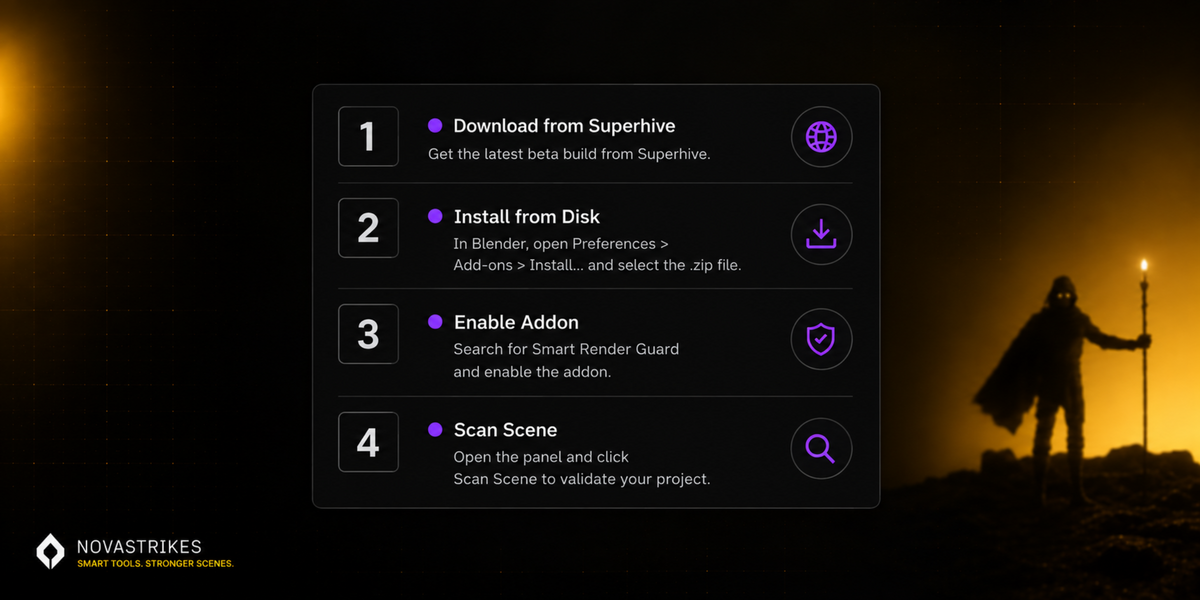
Install in 60 seconds
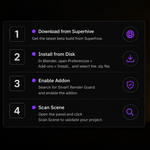
- Download the zip from Superhive
- Edit → Preferences → Add-ons → Install from Disk
- Select the zip and enable the add-on
- Open the N-Panel in the 3D Viewport, or Render Properties → Smart Render Guard
- Click SCAN SCENE before your next render
Version & Compatibility
Blender 4.0–5.2 · Windows, macOS, Linux
Support
Reach out via the contact link in Preferences, or novastrikes.com.
A note on safety
Smart Render Guard creates a backup before any destructive optimization step, but it should never be the only copy of your work. Keep your own version control or backups, review scan results before applying fixes, and treat this as a tool that assists your judgment — not a replacement for it.
AI assistance disclosure
Built with AI coding agents (Google Antigravity), directed by NovaStrikes through a hand-written specification covering scene scanning, optimization logic, and tier structure. Testing and debugging — including verifying backup behavior, tier-code isolation, and cross-platform diagnostics — was done through direct collaboration with Claude for code review and fix verification. Not shipped without scrutiny.
Questions? Reach out via the contact link in Preferences.
NovaStrikes · novastrikes.com