 EnnJinn


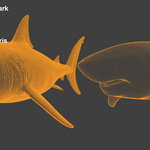
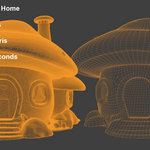
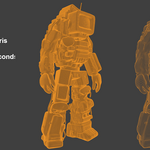
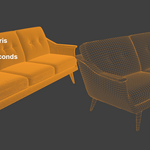

Crazy fast. Crazy good.
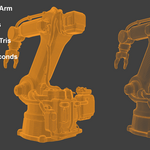
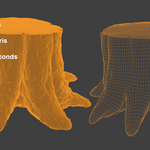
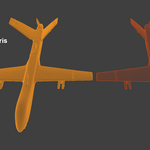
Retopo Loco is a game changing retopology addon built directly into blender, that runs on local CPU without any license or token restrictions. Retopologize as many assets as you want, whenever you want.
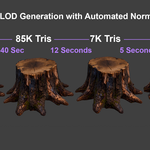
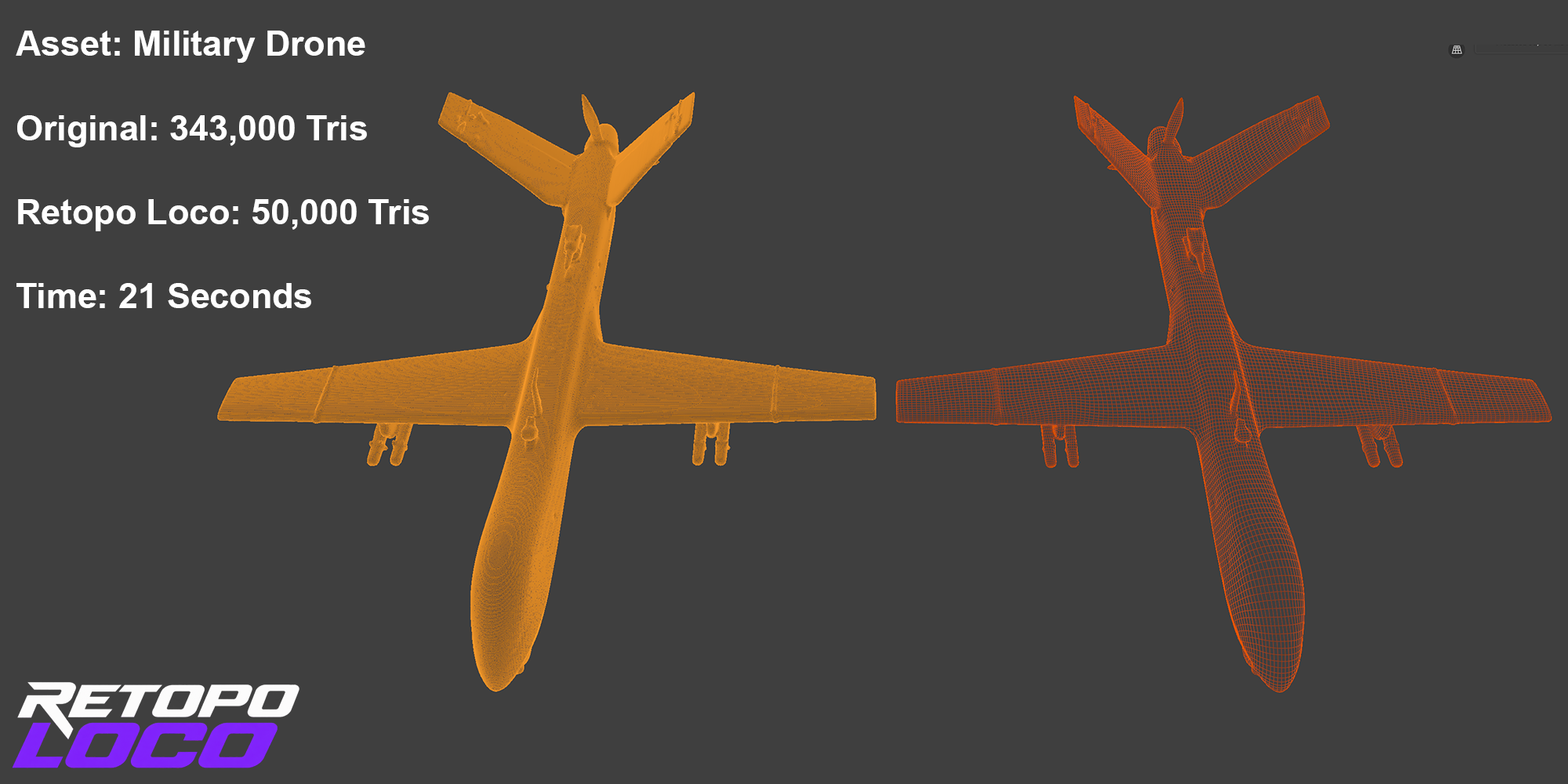
Quickly generate production ready quad solved mesh geometry. Automatically bake high poly to low poly. Rapidly create LODs that retain quality and details.
Retopo Loco runs entirely offline on your machine. No account. No uploads. No per-mesh token fees. The solver is built directly into addon and works inside Blender, so there's nothing else to install or manage.
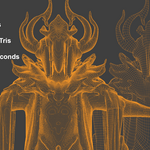
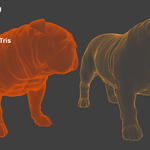
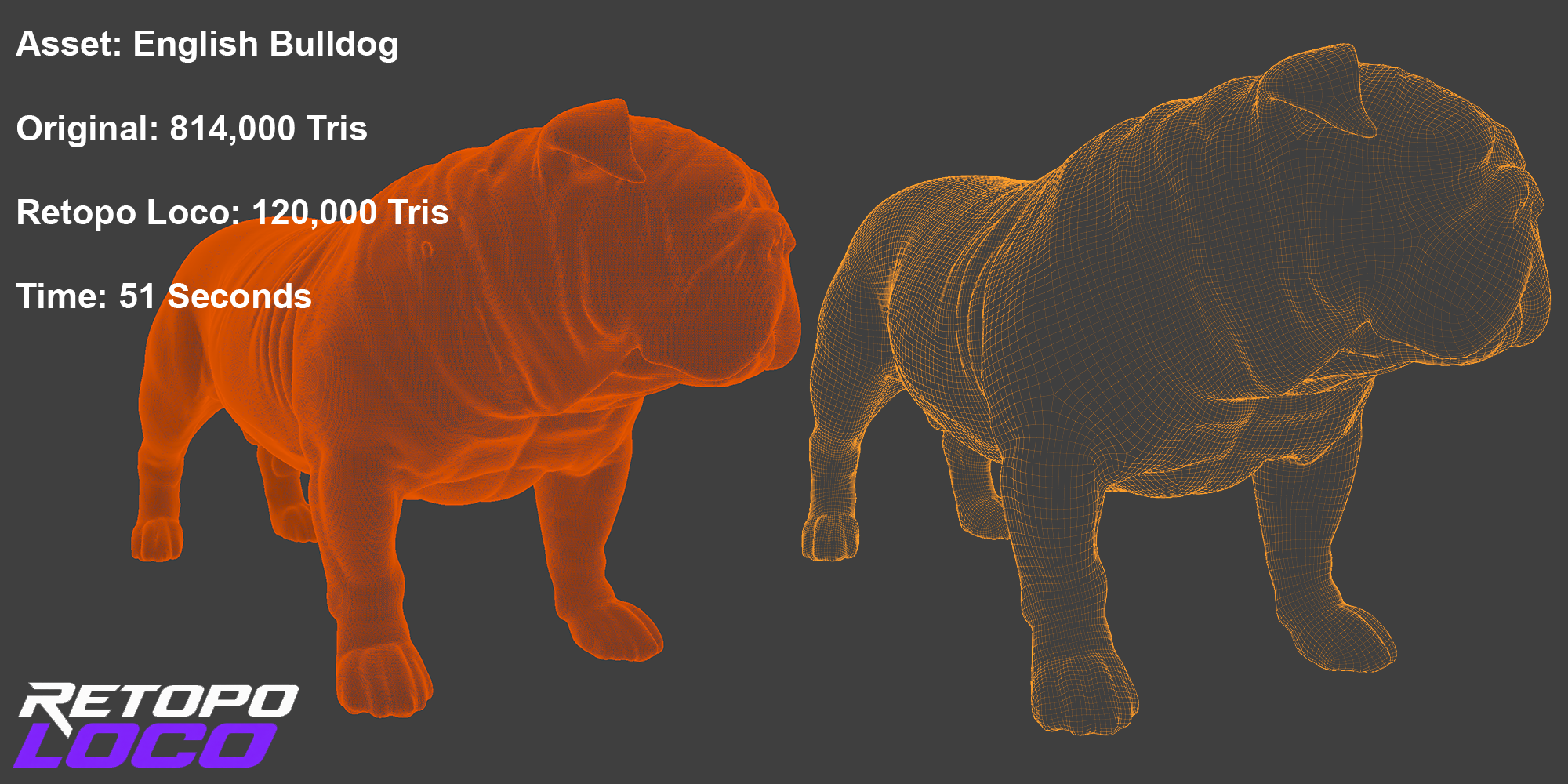
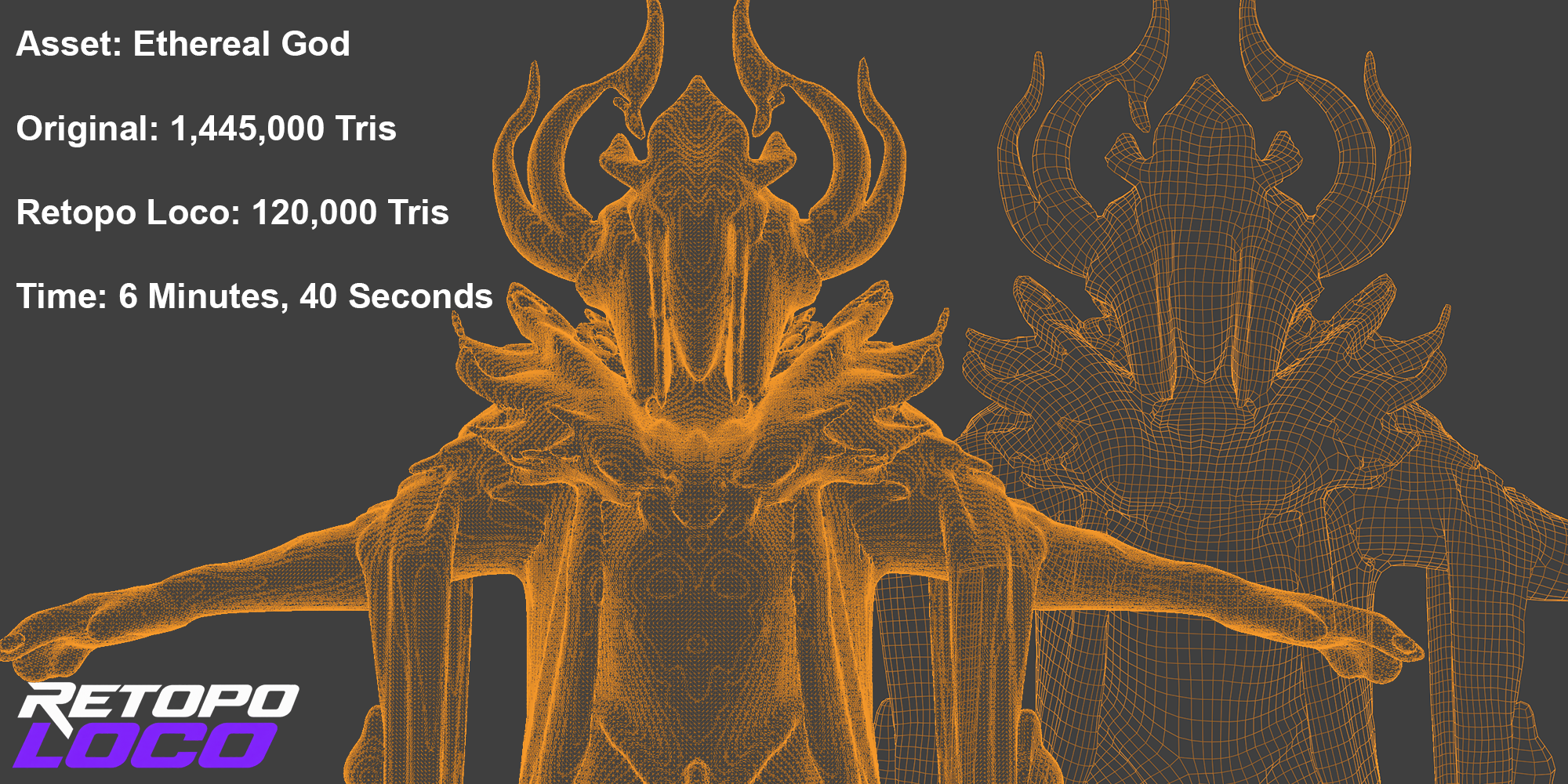
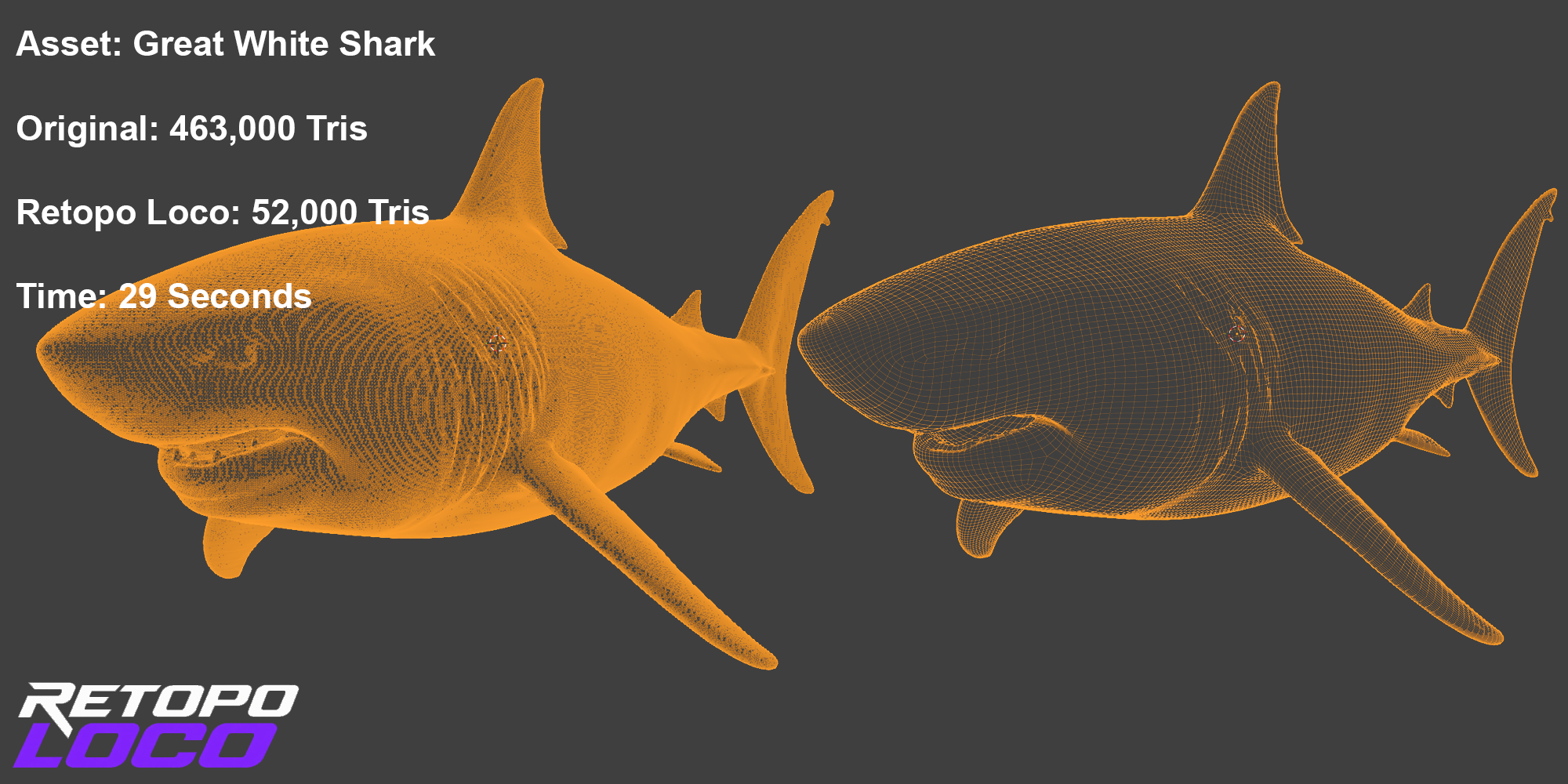
Excellent for taking dense photoscanned objects or generative assets and quickly reaching production ready, quad-based mesh geometry.
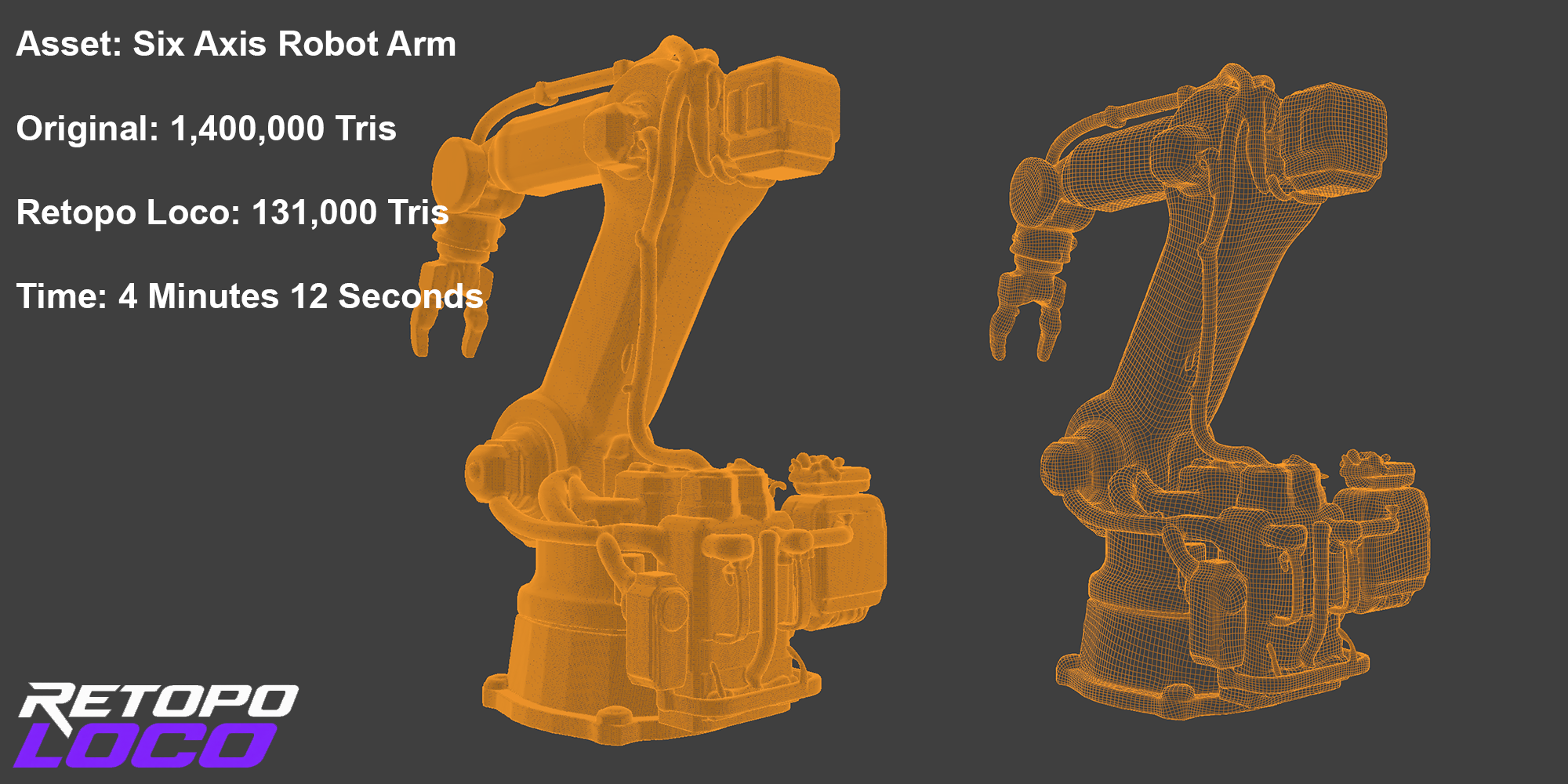
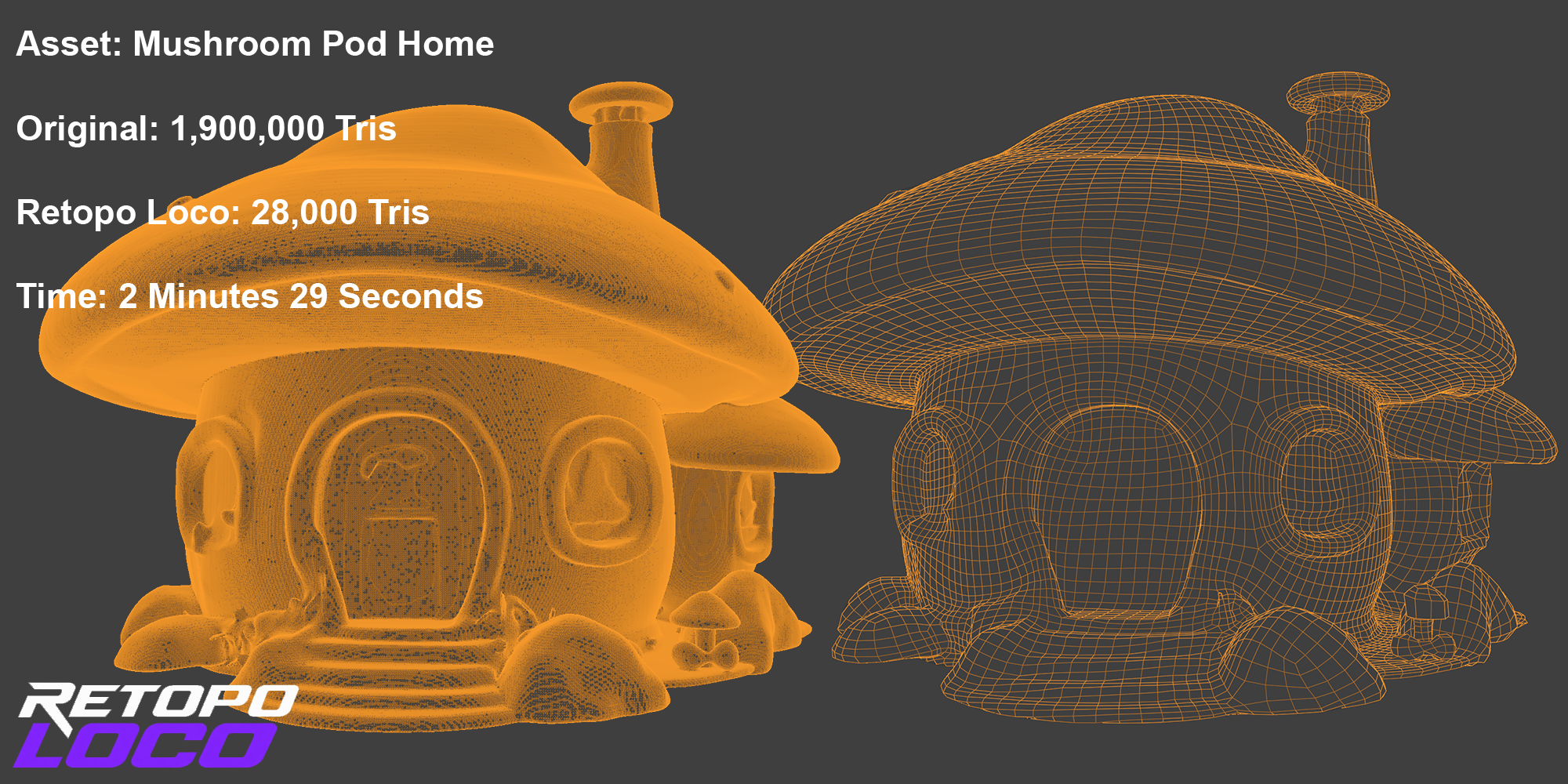
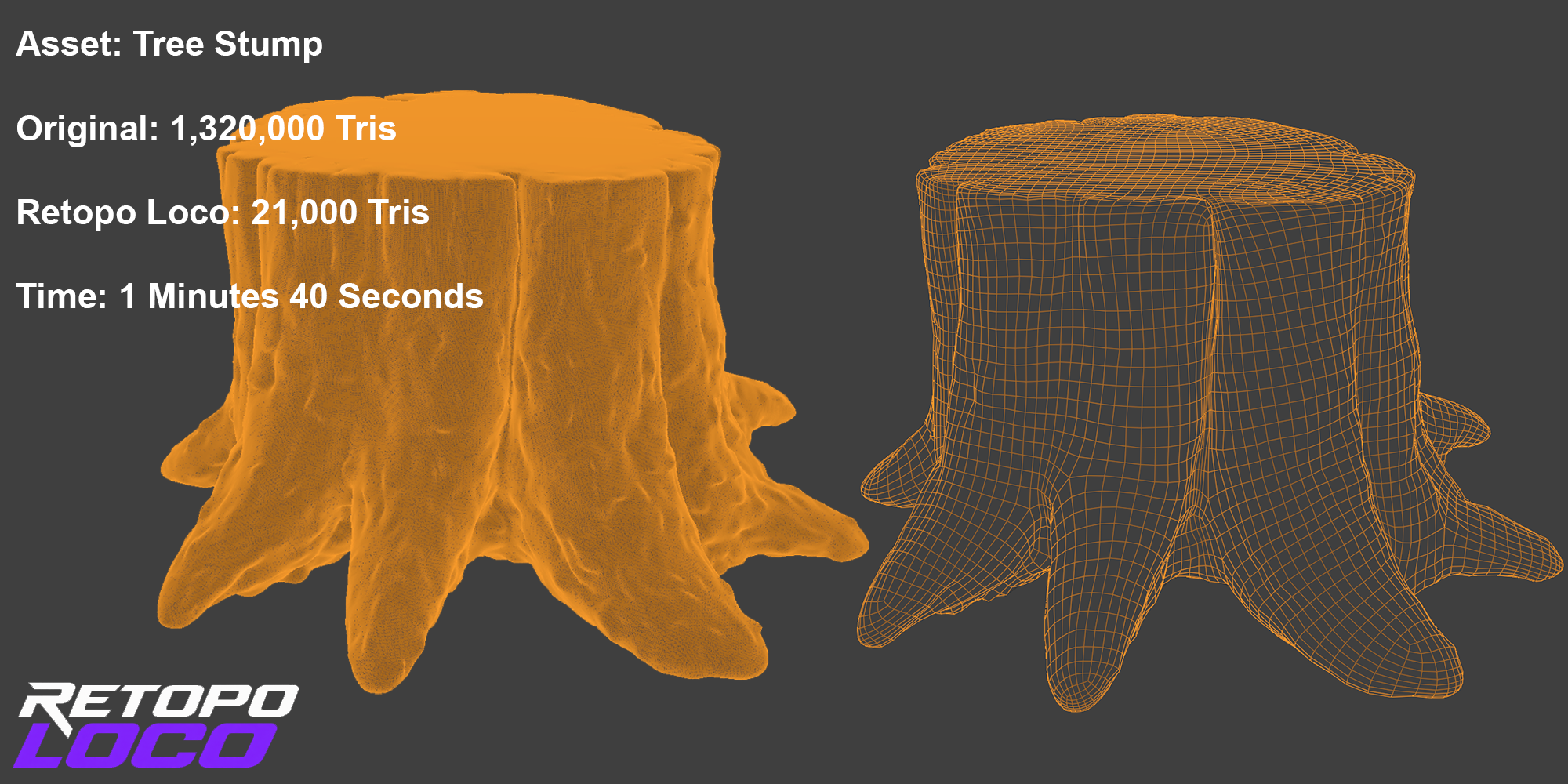
Examples & Results
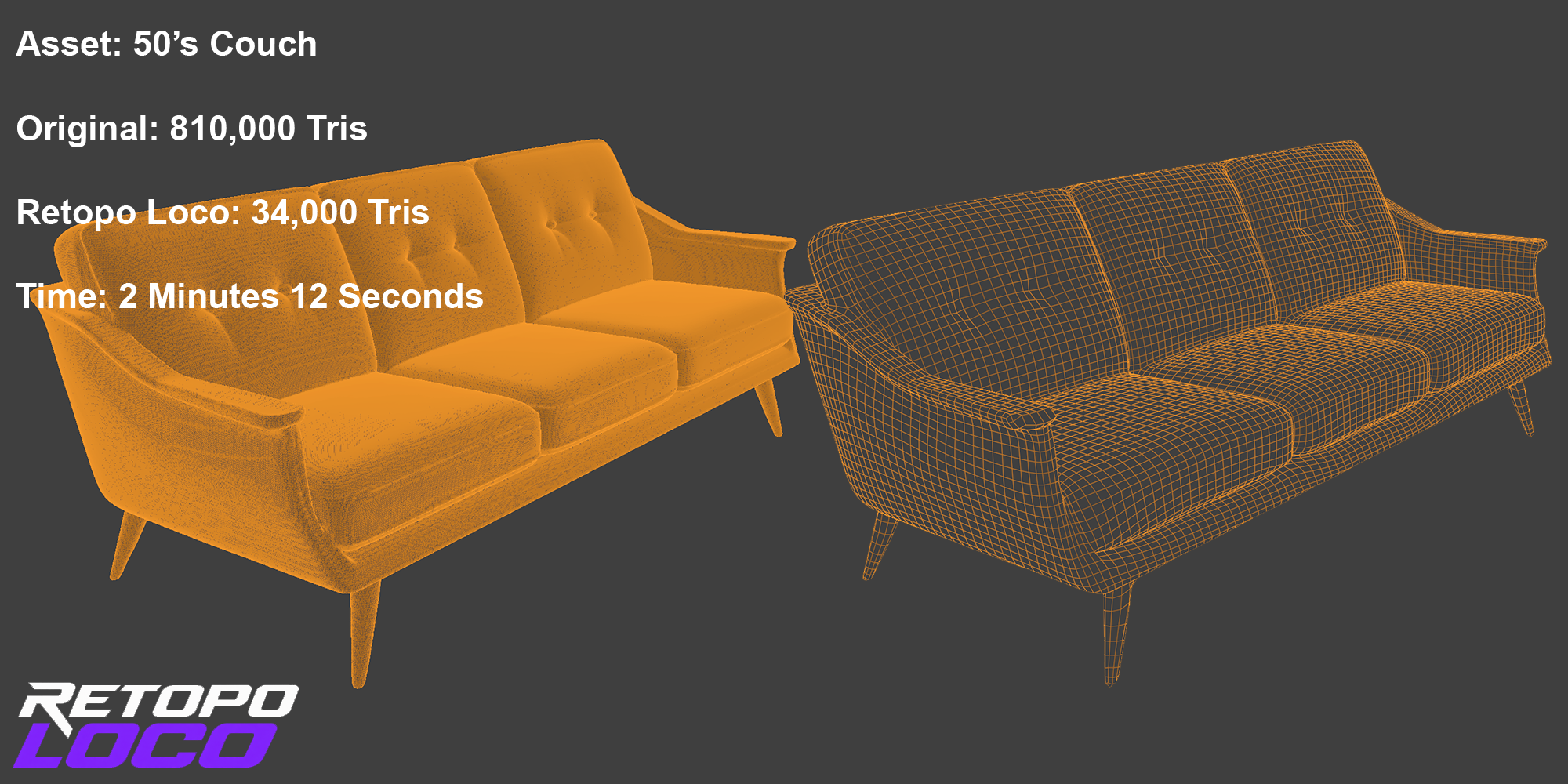
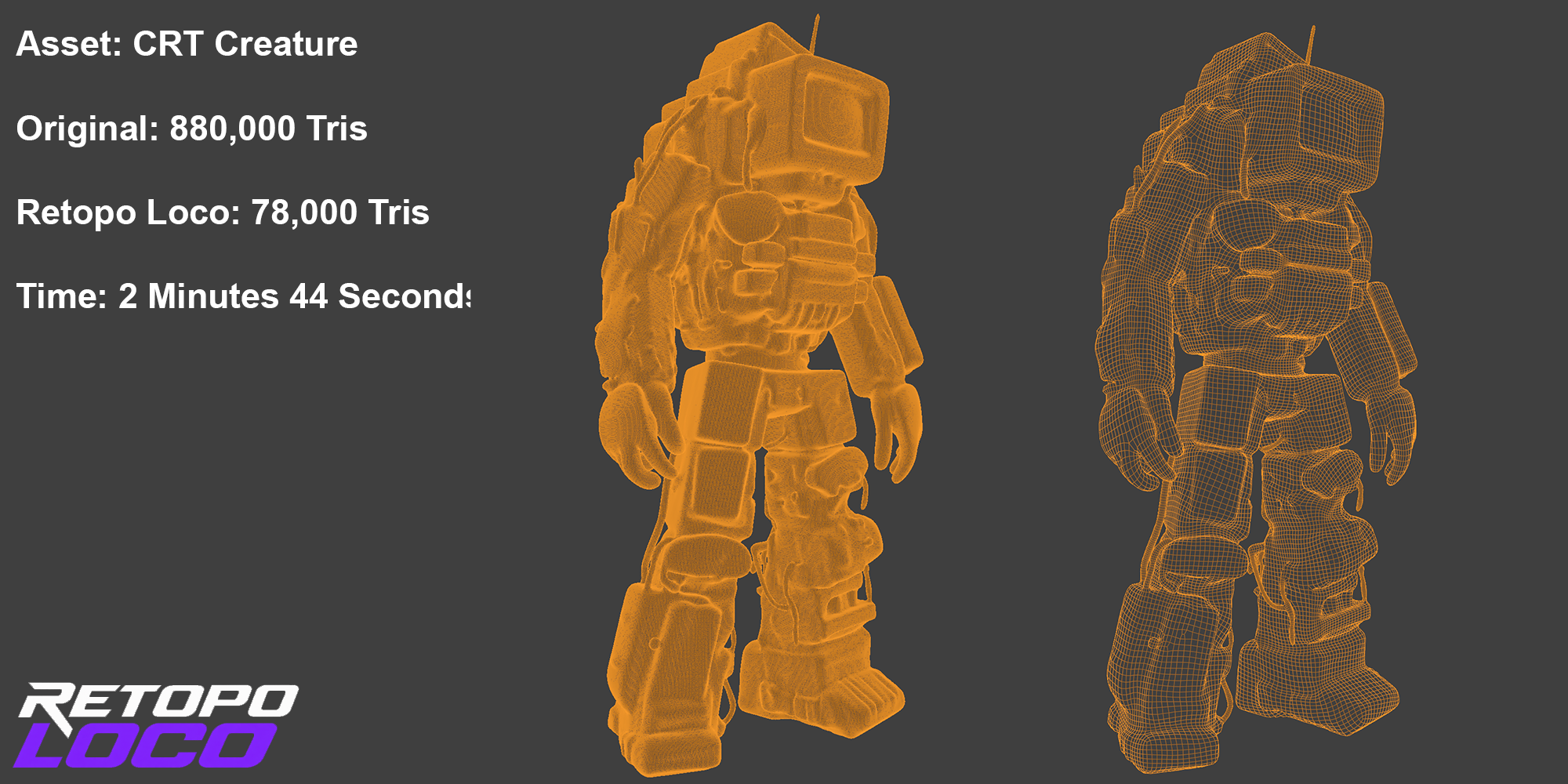
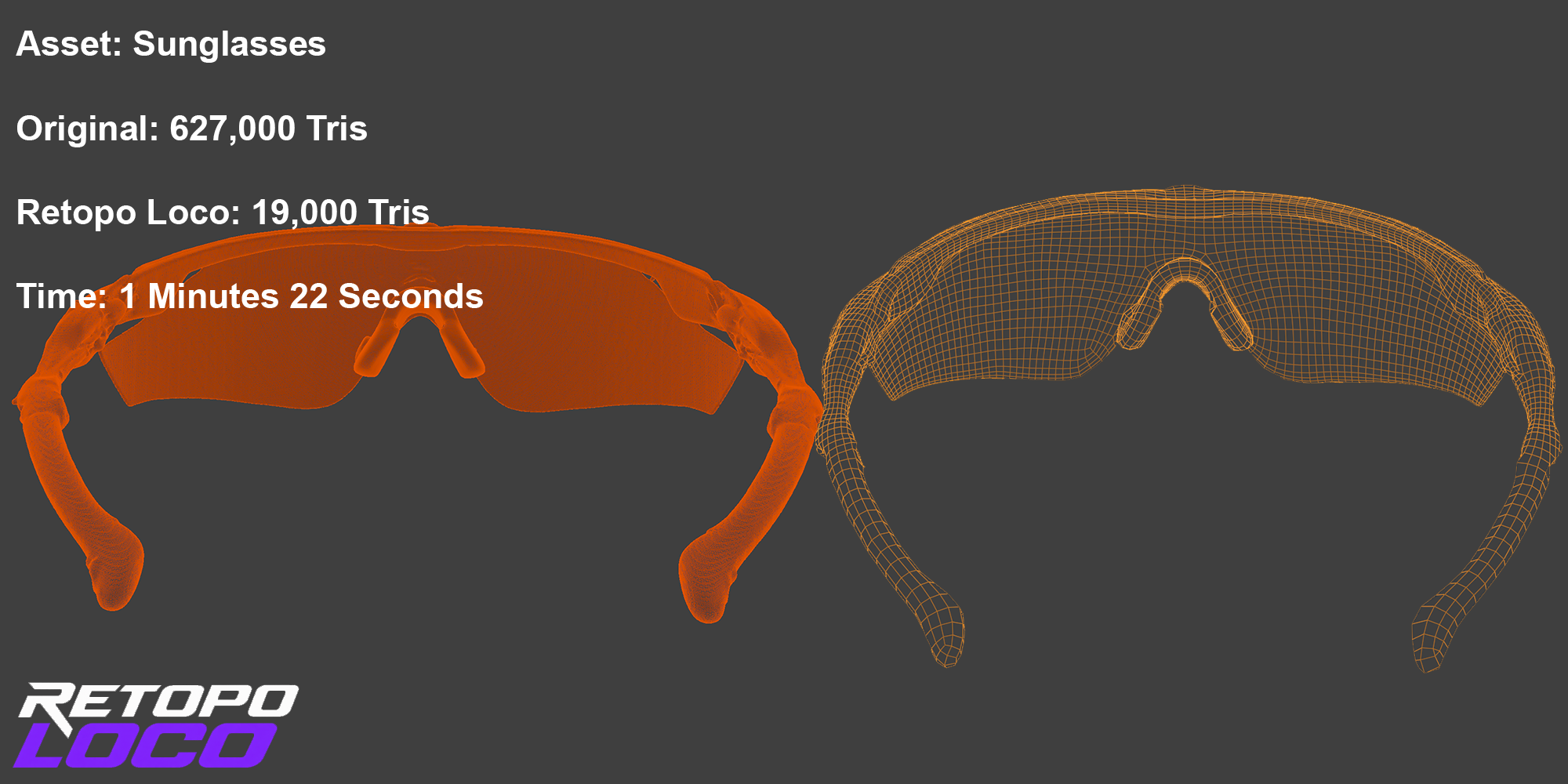
What it does
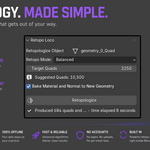
Retopo Loco puts real quad-based retopology inside your own scene. Nothing leaves Blender — the retopology engine ships with the add-on itself, so there's no exporting to a separate remeshing app and no round-trip through another program. Select your mesh, choose a Retopo Mode, set a target quad count, and press Retopologize. The result lands in the exact same position, rotation, and scale as your source, so the before and after sit right on top of each other for a fast comparison.
- Runs entirely inside Blender — the solver is bundled, no downloads or internet connection needed
- The result keeps the exact orientation of the source mesh, every time
- Non-destructive — your original mesh is hidden, not deleted, so you can compare or redo freely
- A genuine cross-field quad solver, not a triangle-decimation pass dressed up as one
- Comes back UV unwrapped, ready for the next step
- Optional Transfer Material: bakes the source's Base Color, Roughness, Metallic and Normal onto the new mesh — using the source as a high-poly cage — so you're not starting the material from scratch
- A real progress bar while it runs — percentage and current phase straight from the solver, plus a rough time-remaining estimate once it has enough to go on, not a generic spinner with no idea how long is left
Four modes, not forty sliders
Most retopology tools hand you a wall of cross-field parameters and expect you to know what they do. We stripped that down. Every source mesh really falls into one of a few practical categories, so instead of exposing the raw knobs, Retopo Loco ships four modes, each one a tuned recipe for a specific kind of job. Pick the one that matches your mesh and move on.
| Mode | Best for | What it favors |
|---|---|---|
| Bedrock | Rigging and deformation-safe assets | Even, predictable quads that hold up under a rig |
| Balanced | General-purpose, first-pick default | Density where the mesh needs it, spare where it doesn't |
| Chiseled | Hard-surface props, panel lines, bevels | Crisp, deliberate edges that stay sharp |
| Sculpted | Organic sculpts, scans, AI-generated meshes | Flow that follows curves instead of fighting them |
Automated Baking Pipeline
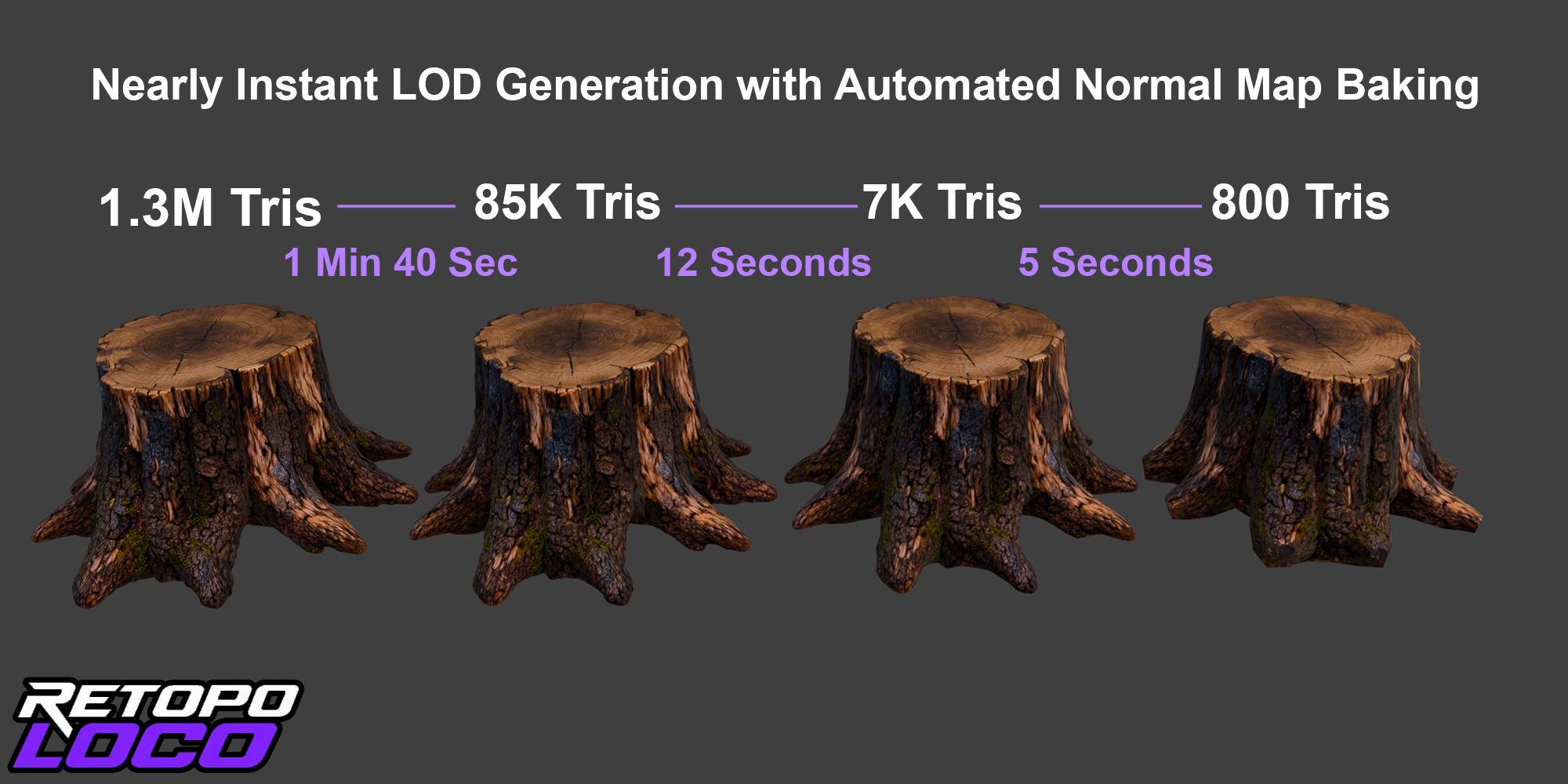
Custom baking pipeline that retains high res color information and bakes normal map to new lower poly geometry. Retain texture and details of higher res automatically. Generate LODs nearly instantly.
How it works
- Select the mesh you want to retopologize.
- Open the Retopo tab in the sidebar and pick a Retopo Mode.
- Set your target quad count, or just use the suggested value.
- Turn on Transfer Material if you want the source's material baked onto the new mesh — off by default.
- Press Retopologize and watch the new quad mesh appear, right where your original was.
Why it's different
Most retopology workflows mean exporting to a separate app, hoping the axes line up, and manually re-aligning the result once it comes back — all before you've even started evaluating the topology itself. Retopo Loco skips that entirely: one button, inside the scene you're already working in, and the result comes back on the exact same transform as the source. Nothing to re-rotate, nothing to rescale, and the original stays around (just hidden) so you can compare the two freely.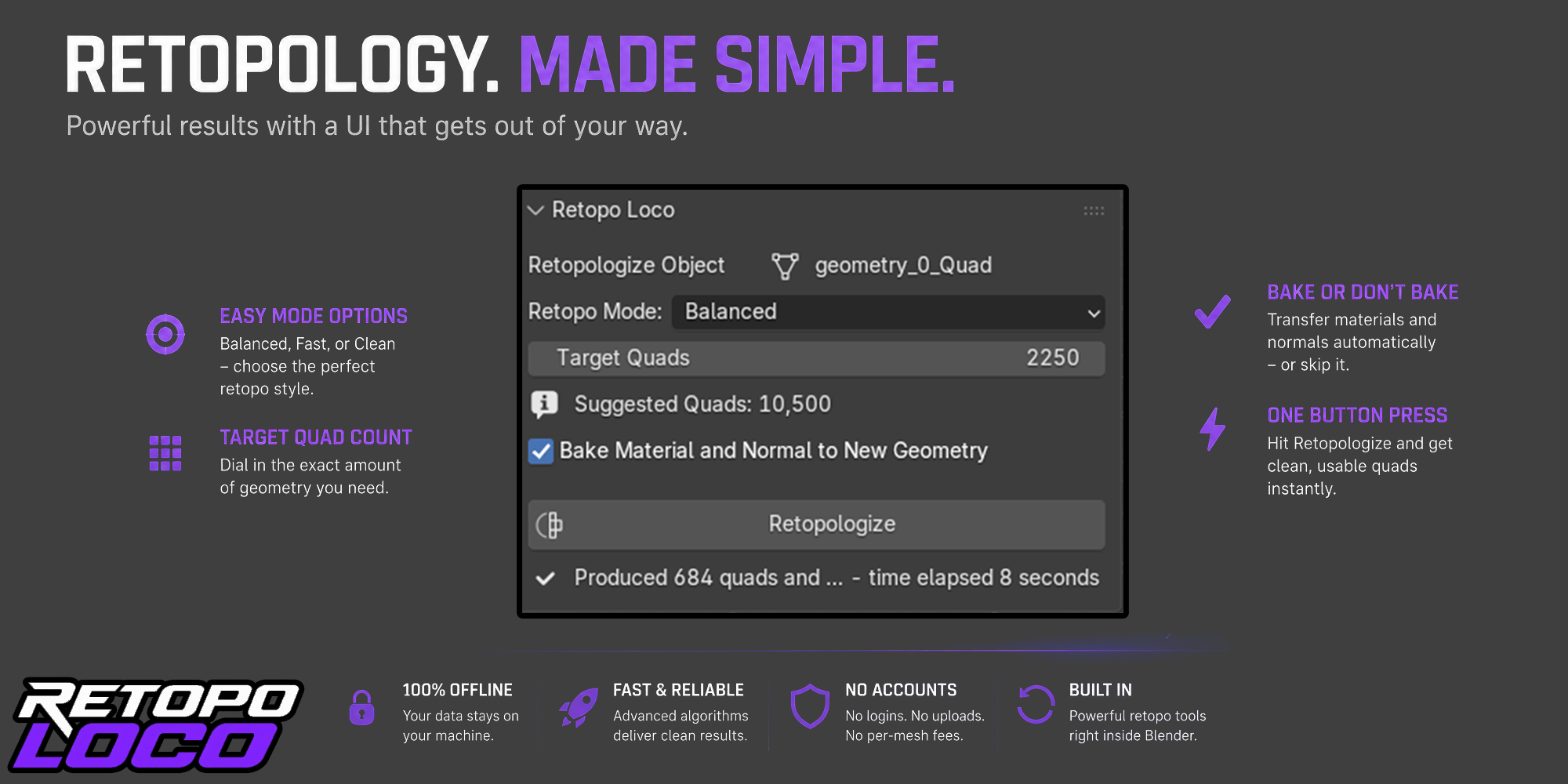
Perfect for
- Cleaning up dense sculpts before rigging or animation
- Turning scan or photogrammetry data into deformation-friendly meshes
- Making AI-generated 3D assets production-ready
- Prepping hard-surface props with clean, predictable edge flow
- Game-ready pipelines that need a fast, repeatable topology pass
Specs
| Blender version | 4.2 and newer |
| Platform | Windows, Mac, Linux |
| Internet required | No — the engine is bundled, everything runs locally |
| What it touches | Geometry by default. Materials are only touched if you turn on Transfer Material |
| Output | A new quad mesh object, placed in-scene, UV-unwrapped |
Get crazy with Retopo Loco.
