 KacaDev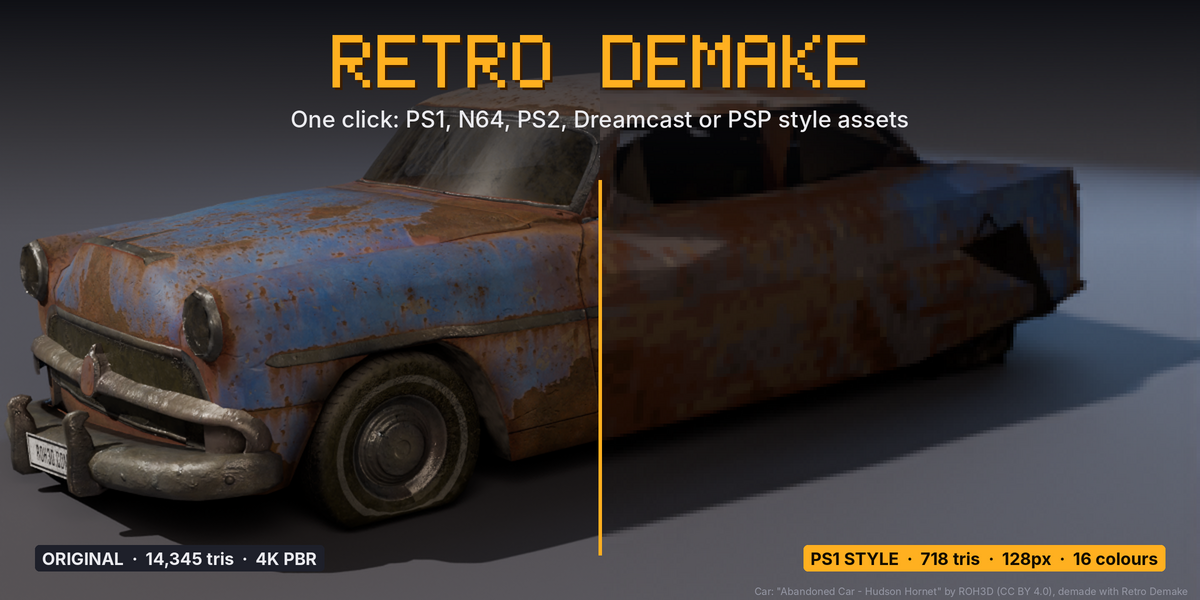
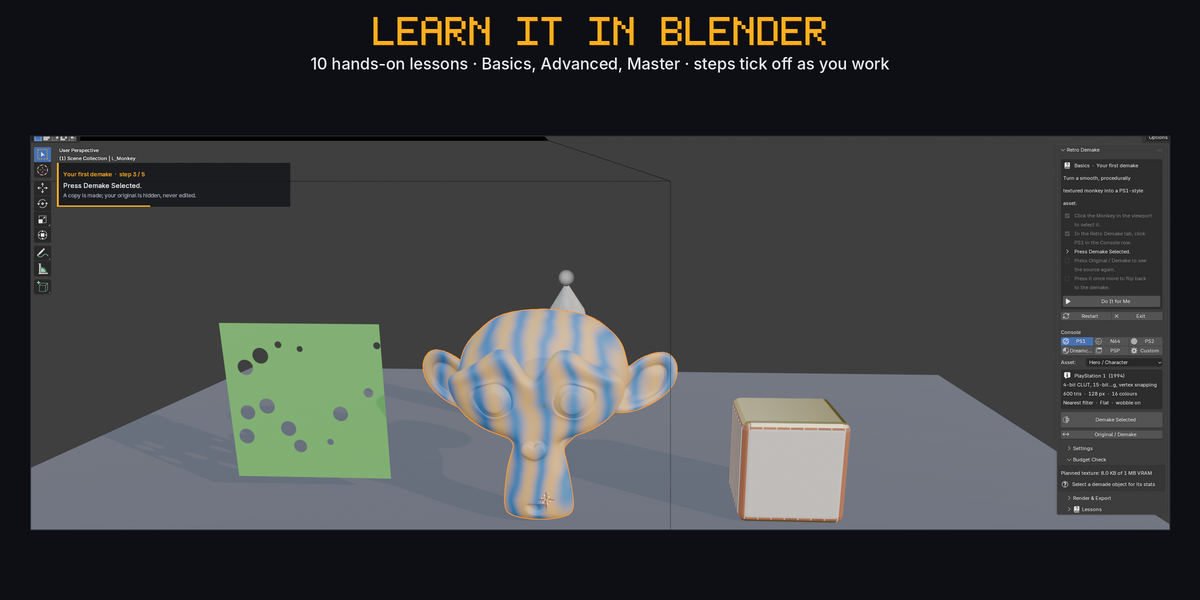
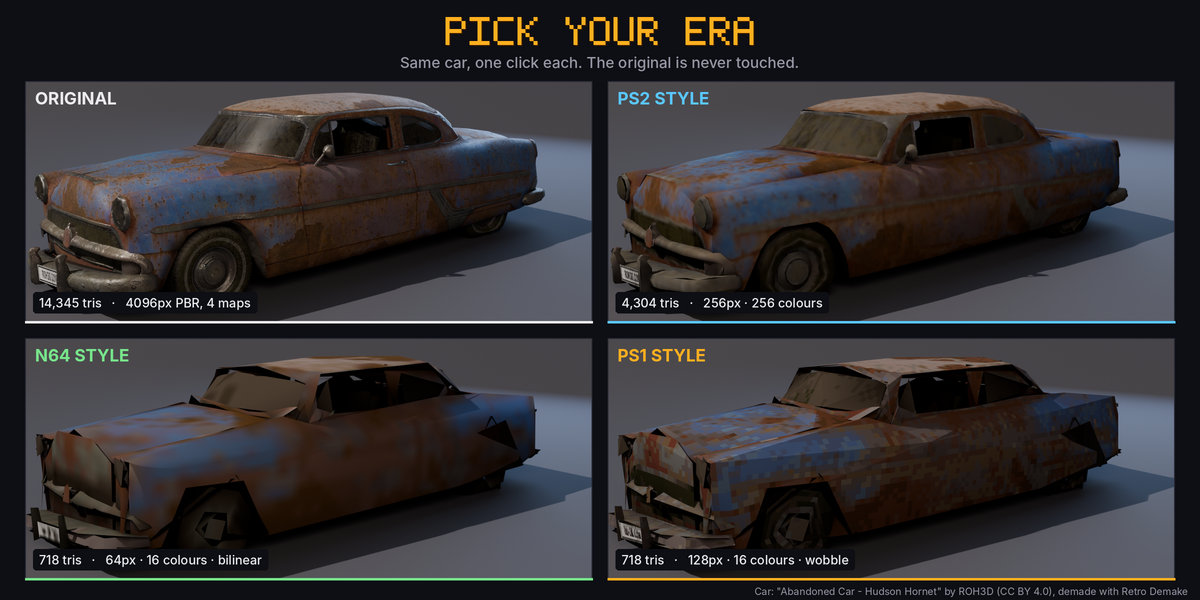
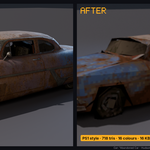
No. Every demake is a new copy; the original is hidden, never edited. The Original / Demake button flips between them.
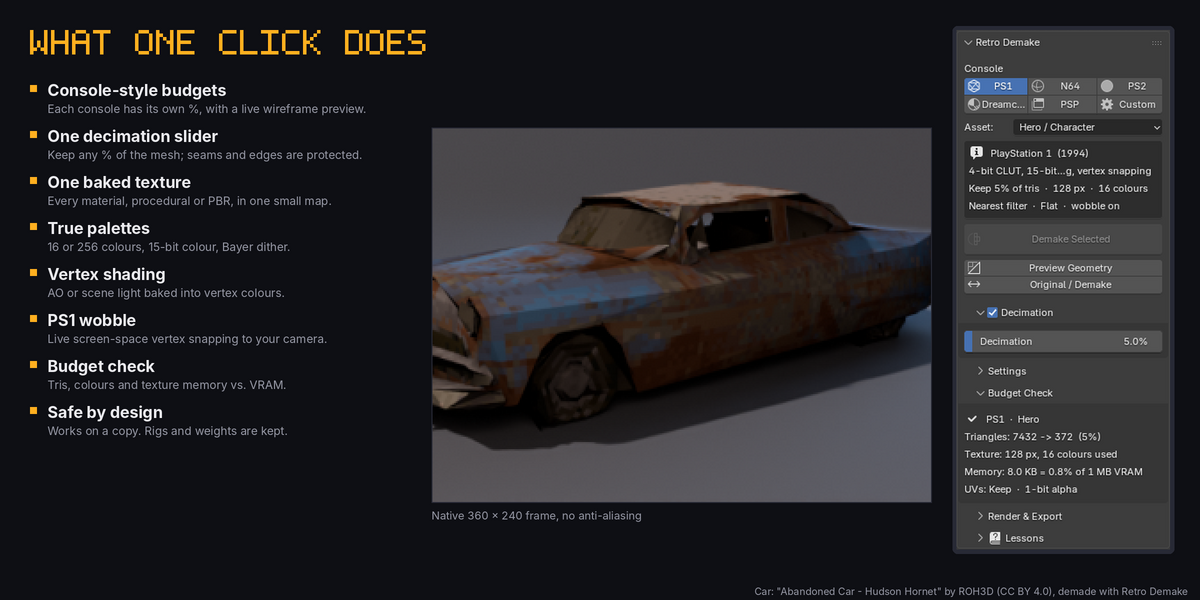
Yes. Each demake is one mesh, one material and one packed texture. Use Save Textures for the PNG and export with FBX or glTF. Set nearest/point filtering in your engine for the PS1 look.
Yes. Procedural, image-based and metallic PBR materials are all baked into the one texture. It uses Cycles baking internally, no setup needed.
No. The Armature modifier and vertex weights are kept on the copy, so the demake still deforms with your rig. Shape keys are not carried over.
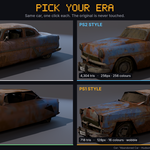
Yes. Each console keeps its own copy, so you can demake the same asset to PS1, N64 and PS2 and line them up. Re-running a console replaces only that console’s copy.
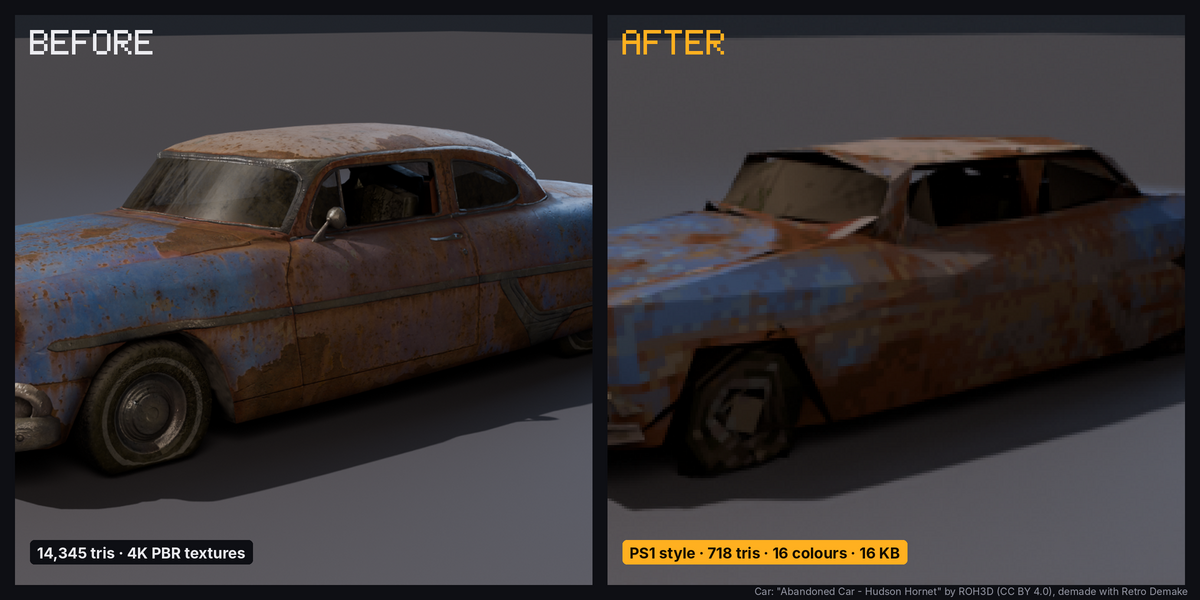
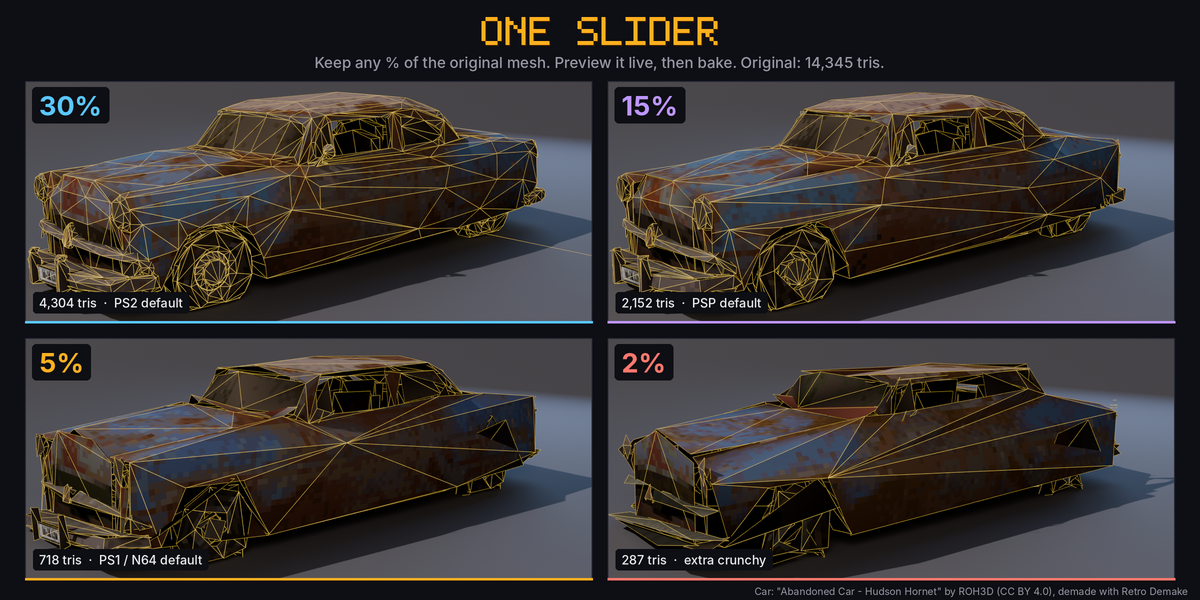
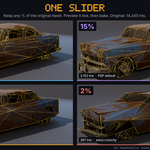
Yes. The Decimation slider sets the percentage of the original triangles to keep; for example, 5% of a 14,000-triangle car is about 700. Press Preview Geometry to see the reduced mesh live while you drag the slider, and Demake Selected bakes exactly what you see.
Vertex wobble follows the scene camera. Add a perspective camera, look through it (Numpad 0) and move it. Lower Snap Resolution for a stronger effect.
Have questions about this product?
Login to message
| Blender Extension Compatible | Yes |
| Published | about 21 hours ago |
| Blender Version | 4.2 - 5.2 |
| Extension Type | Add-on |
| Render Engine Used | Cycles, Eevee |
| License | GPL |