 SUPRA3D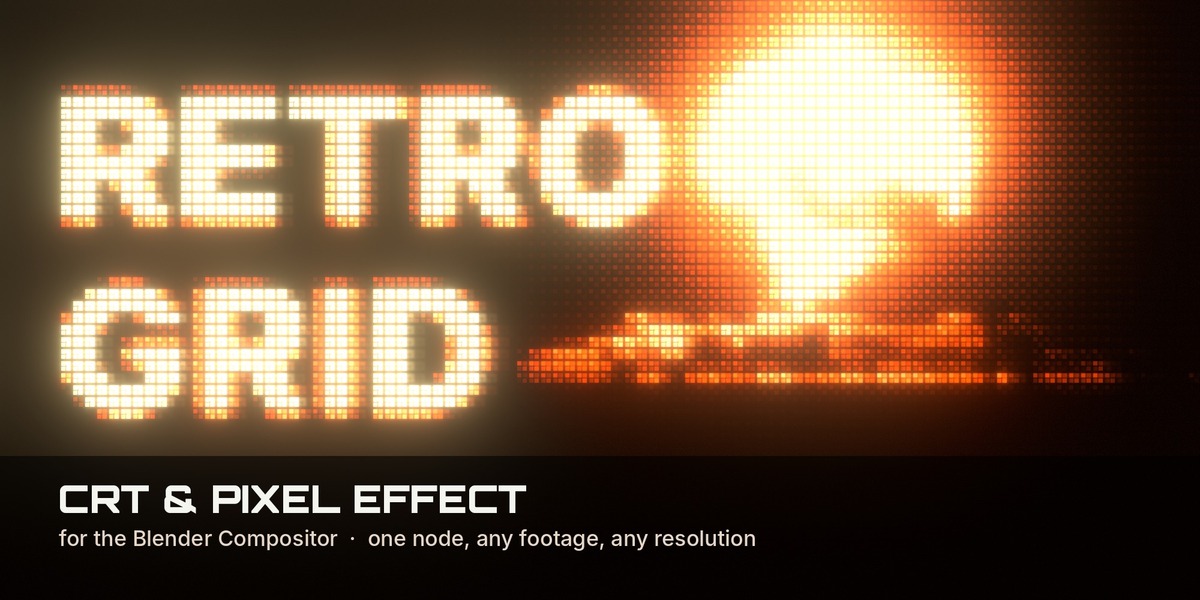
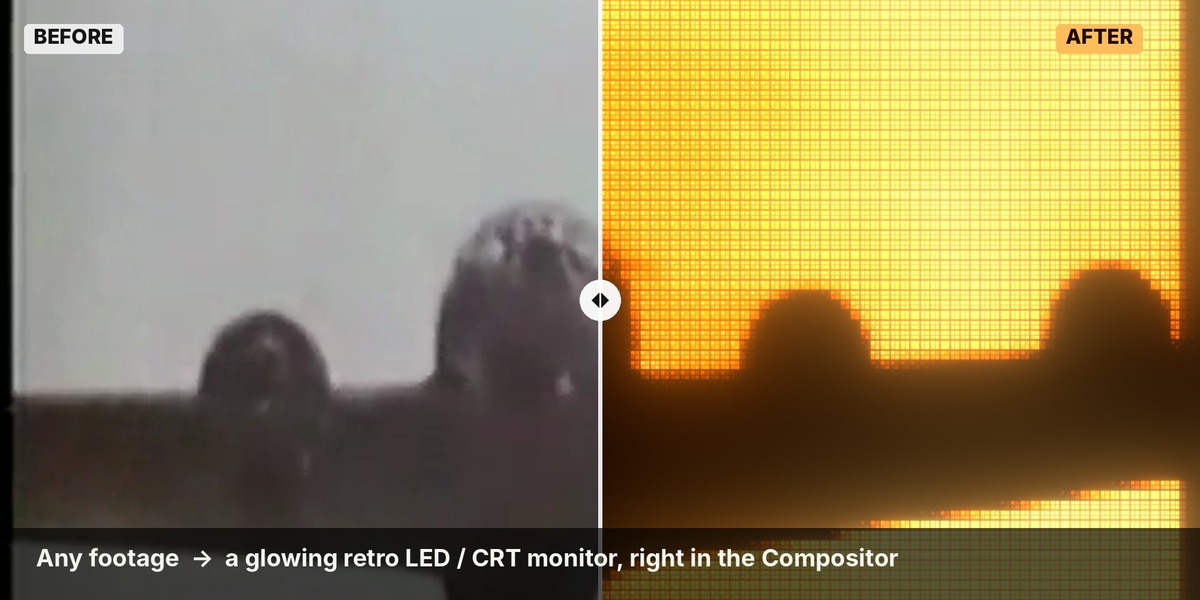
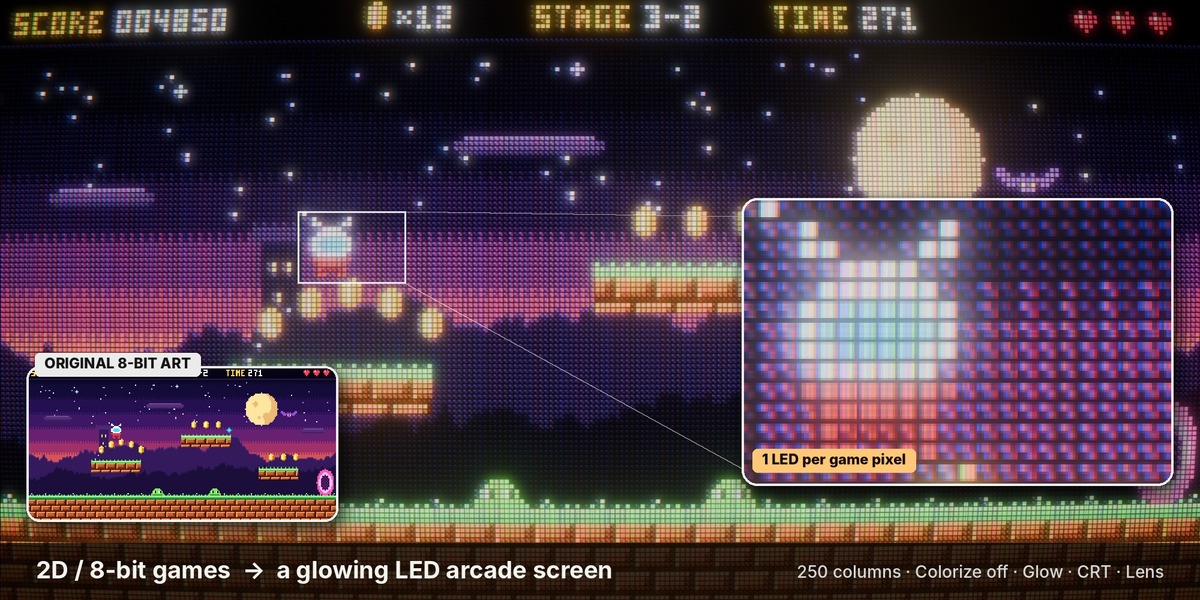
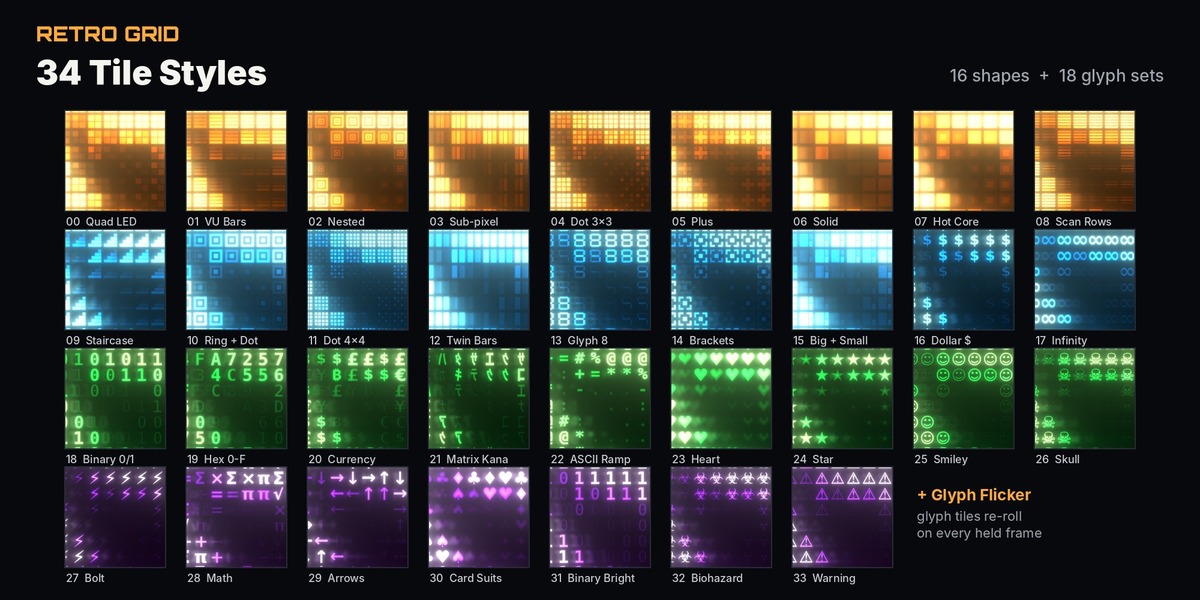
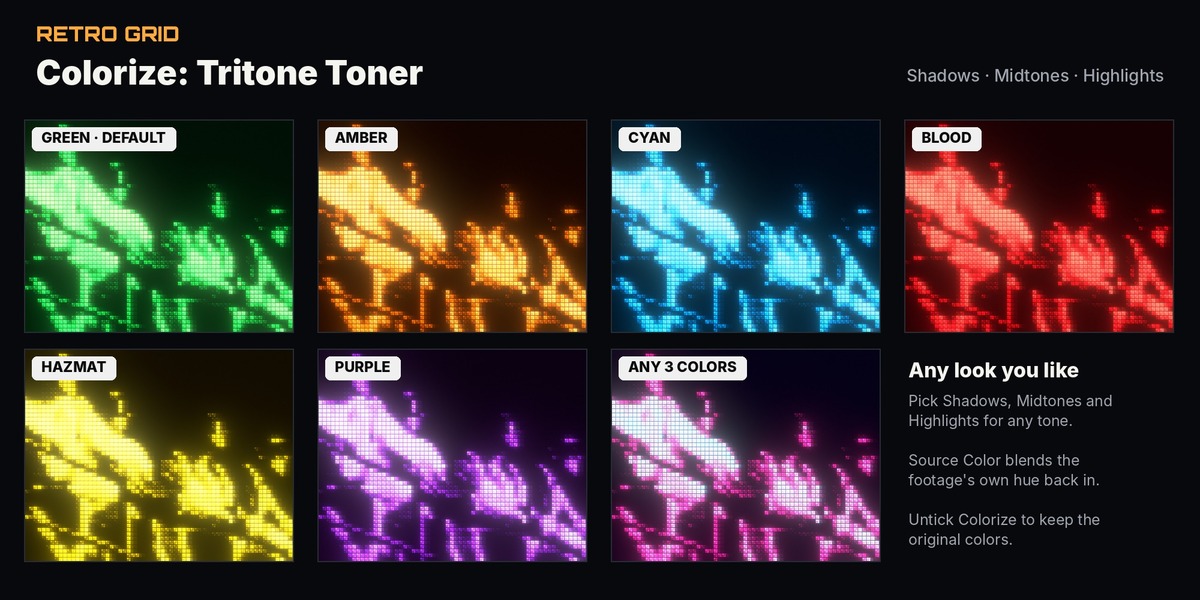
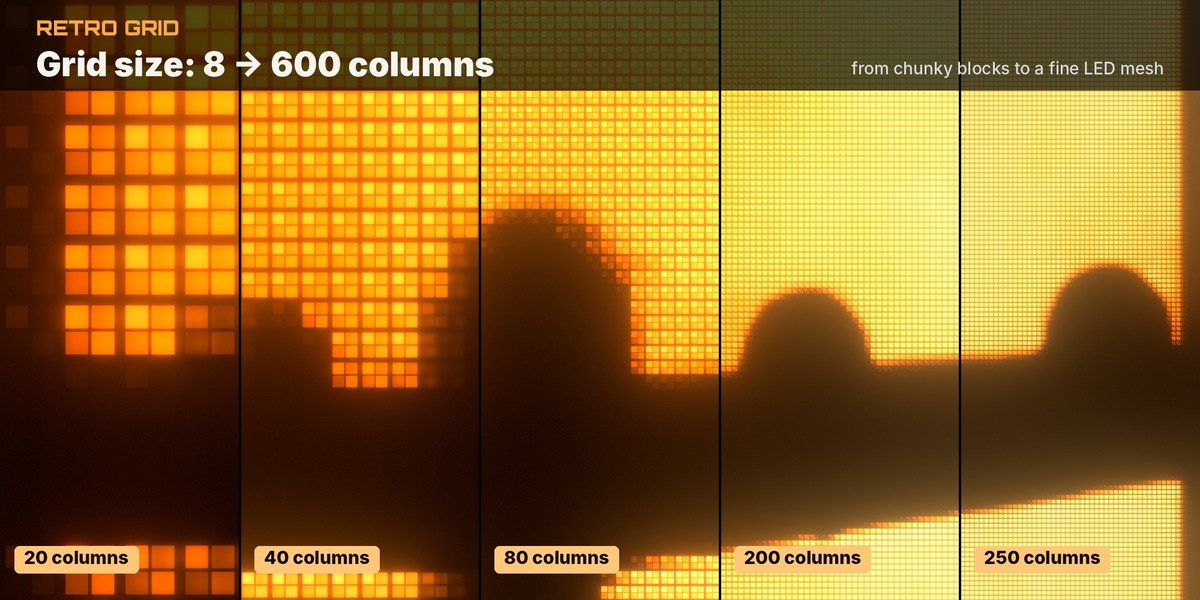
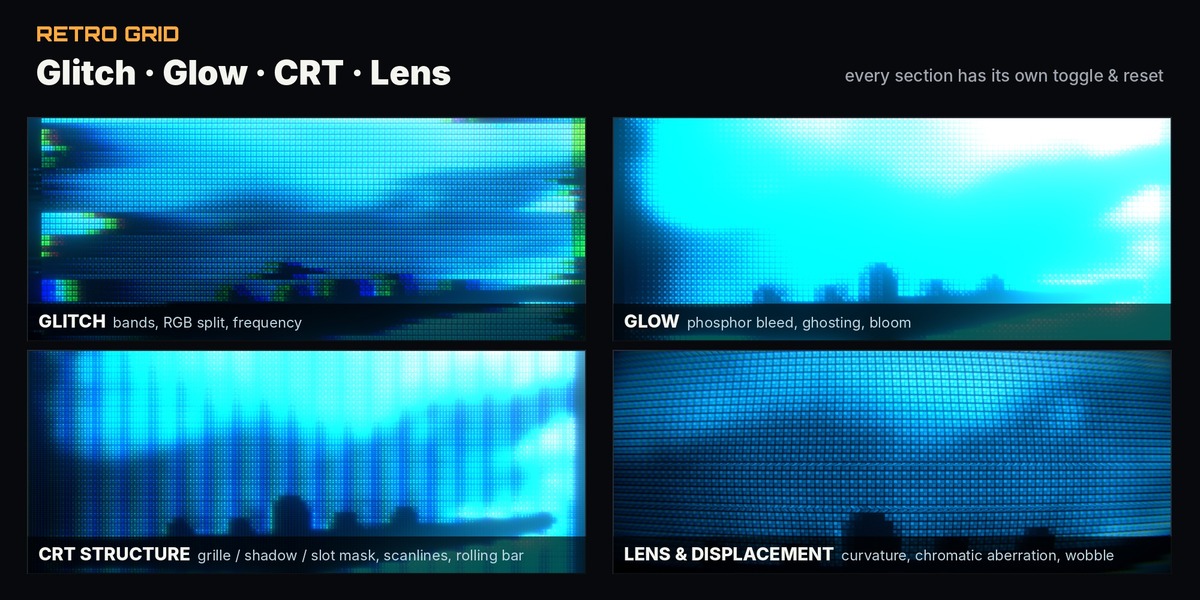
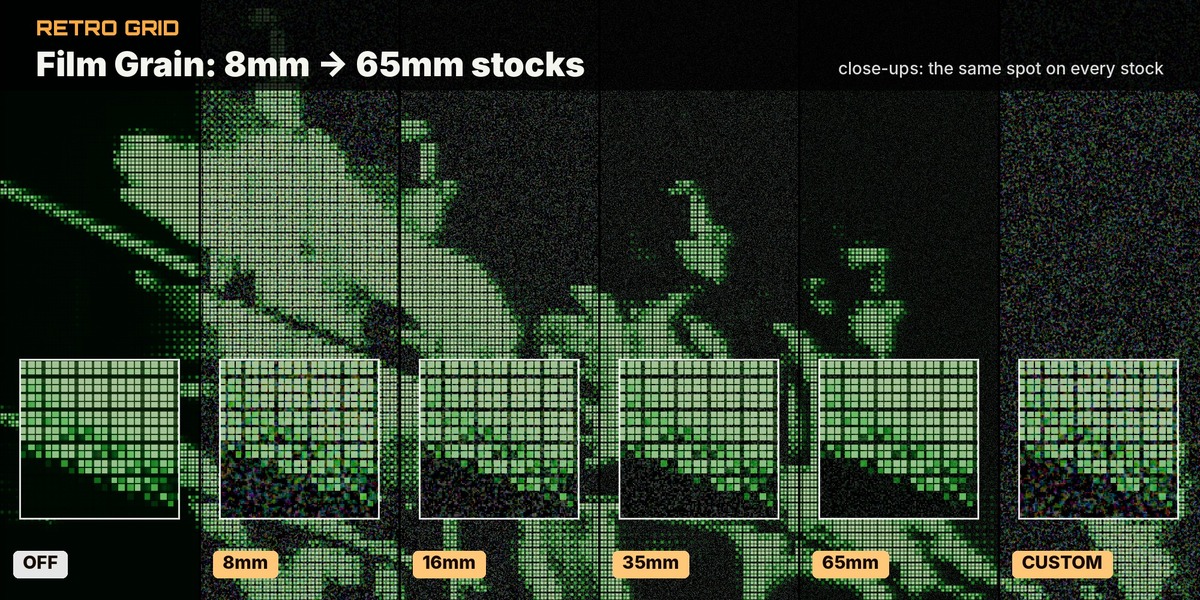
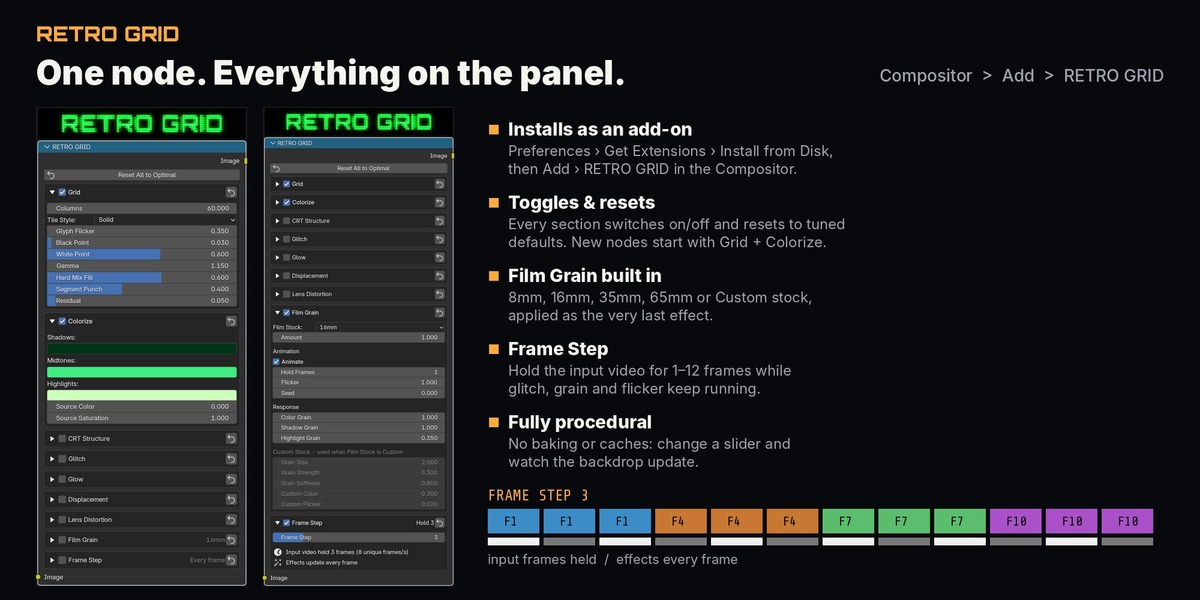
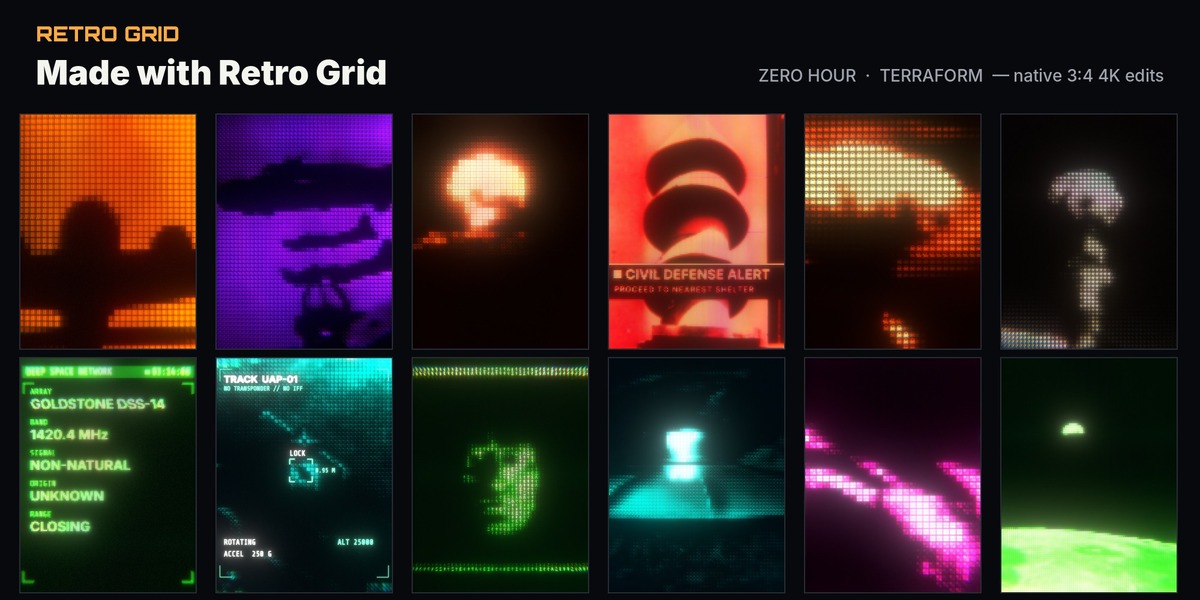

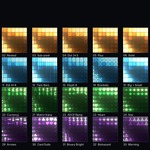
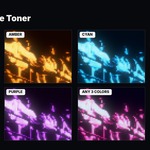
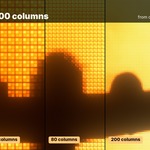
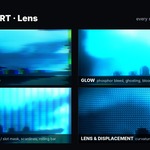
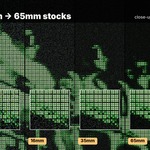
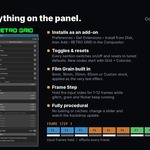
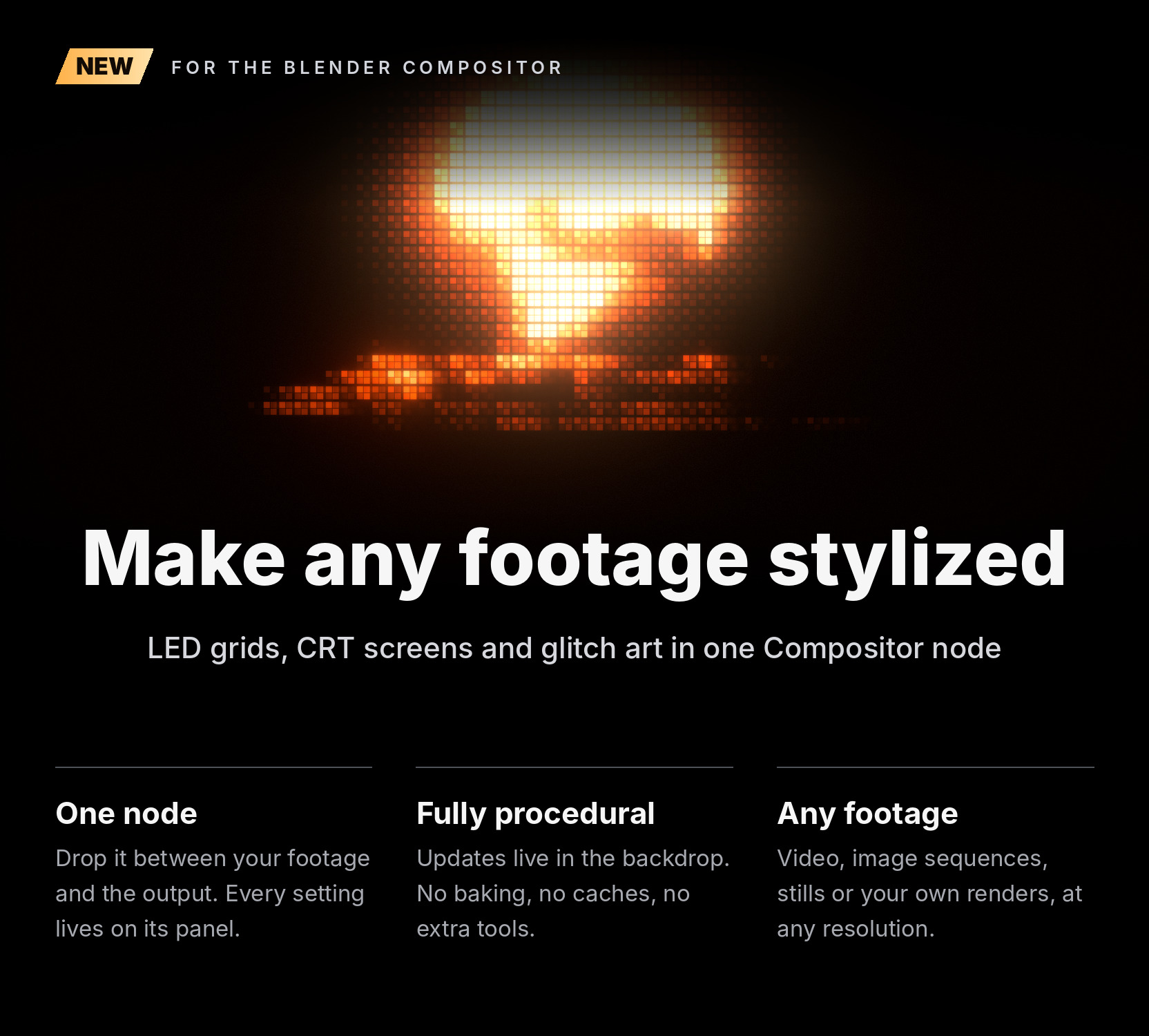

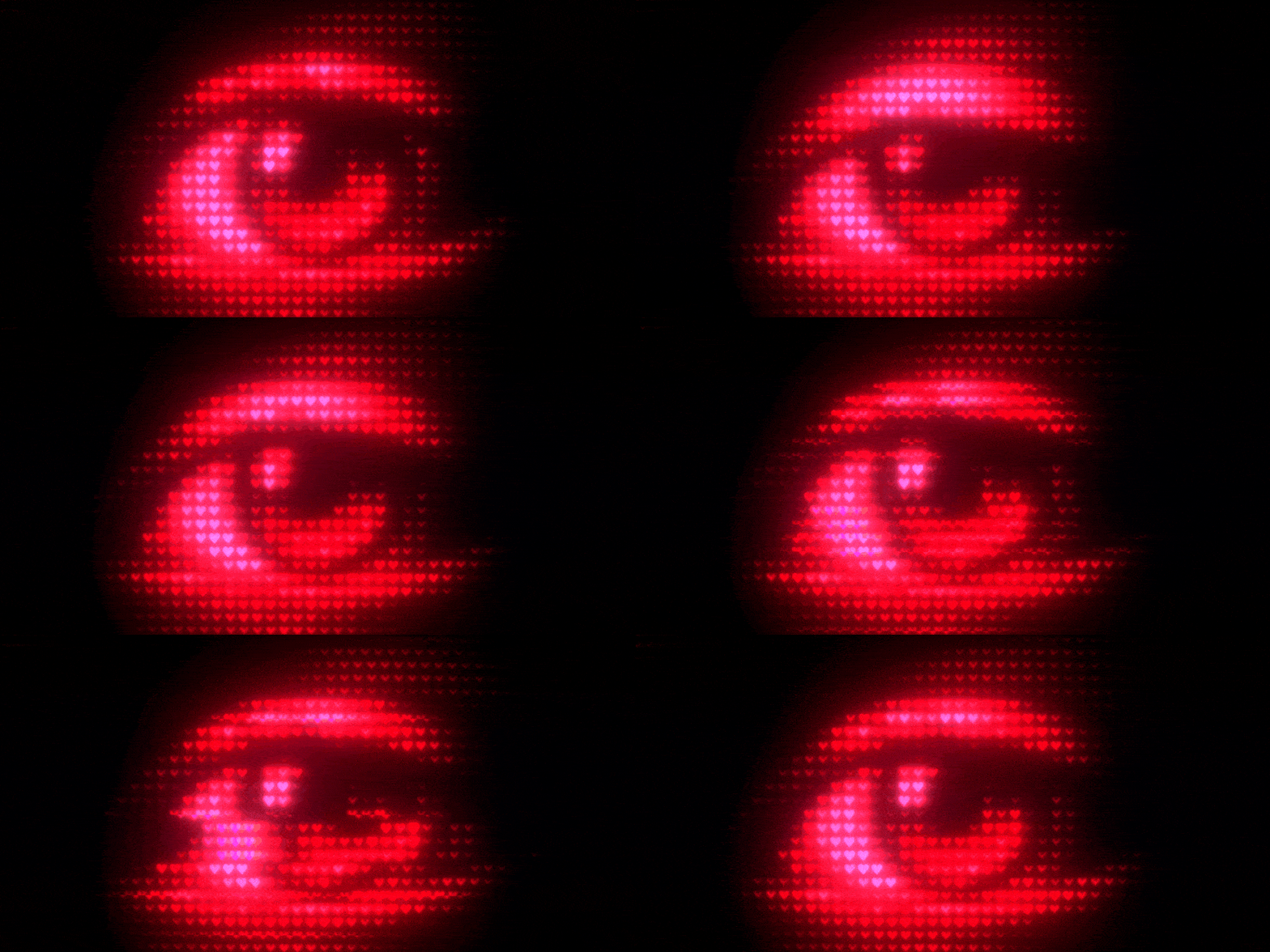
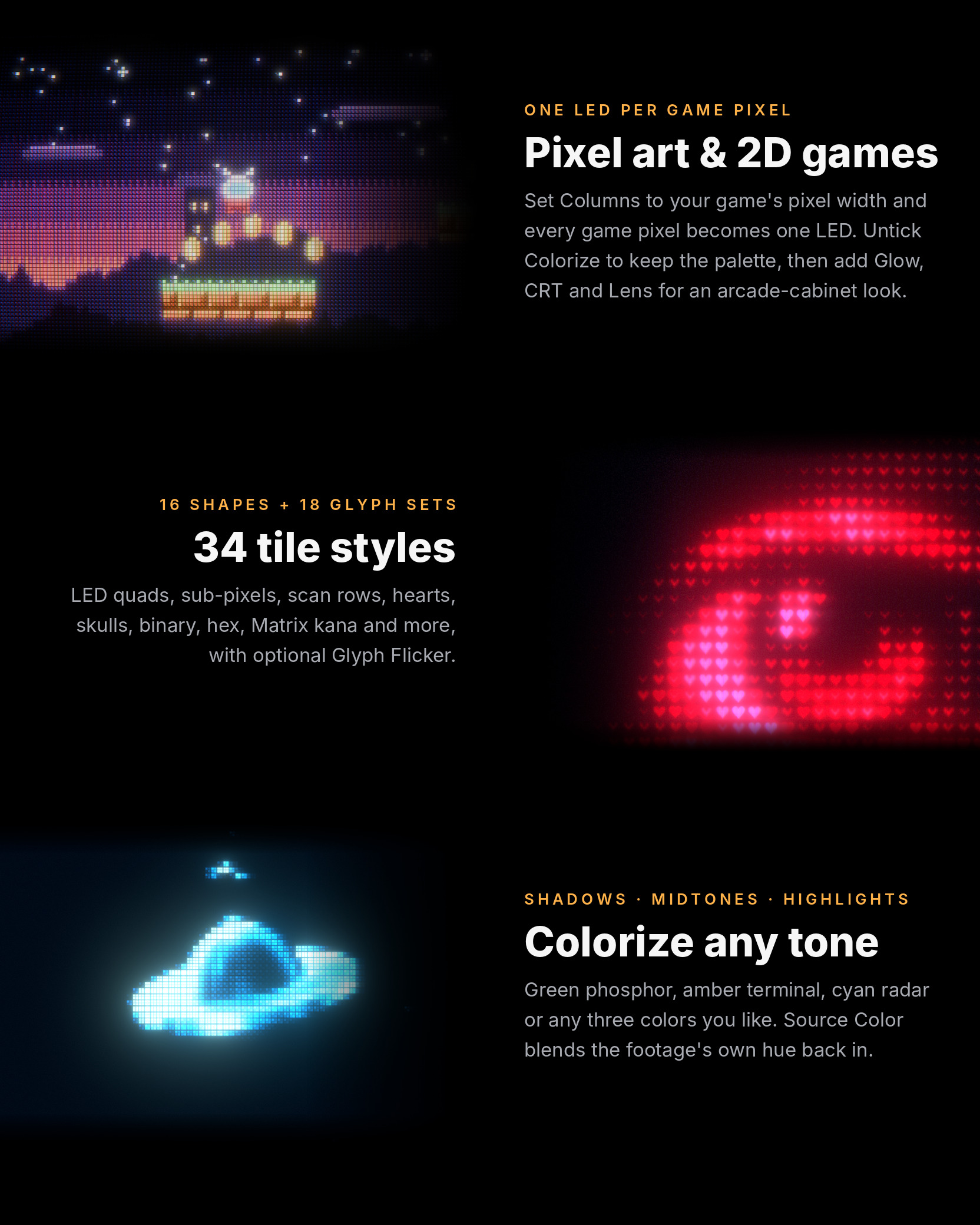
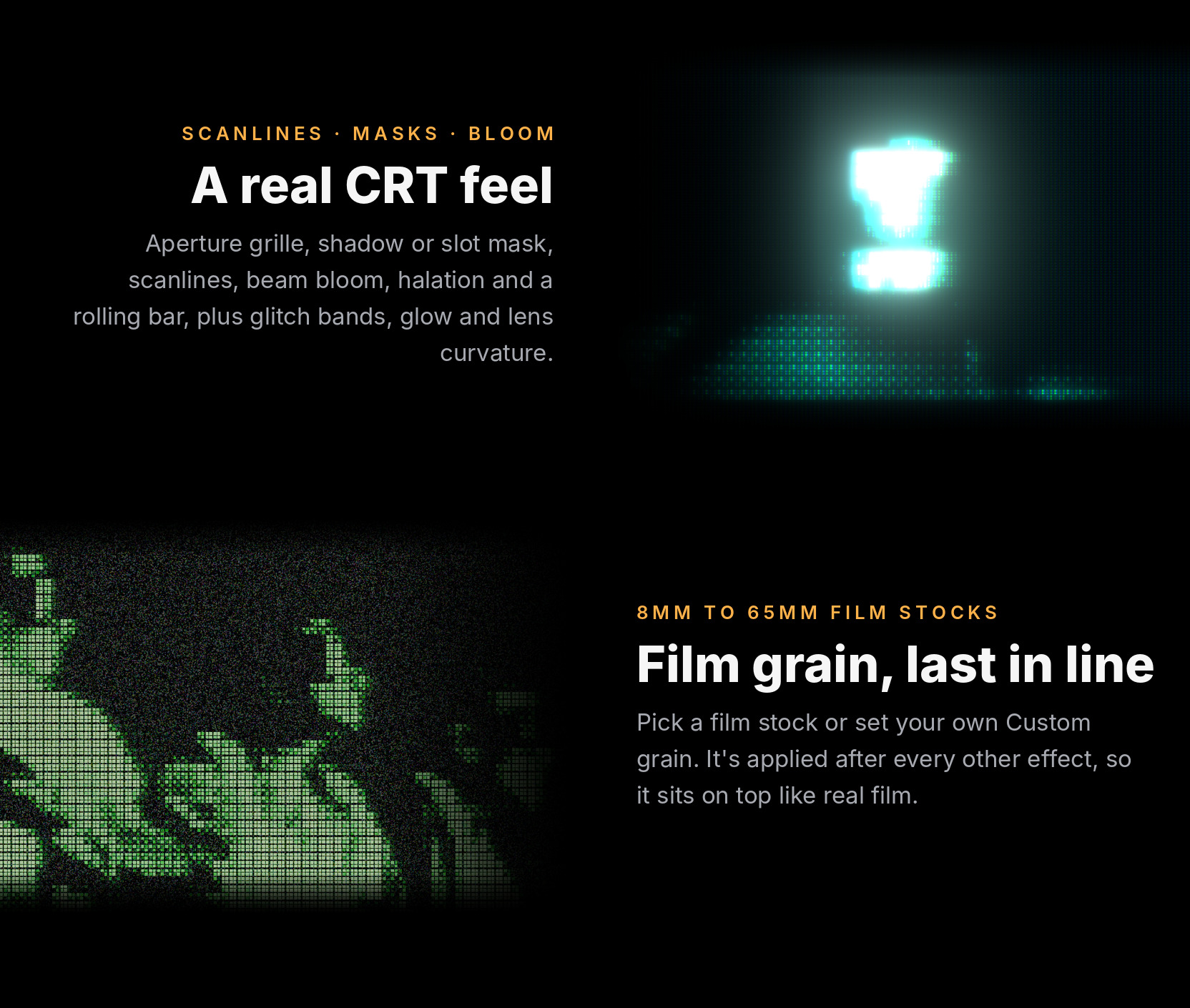
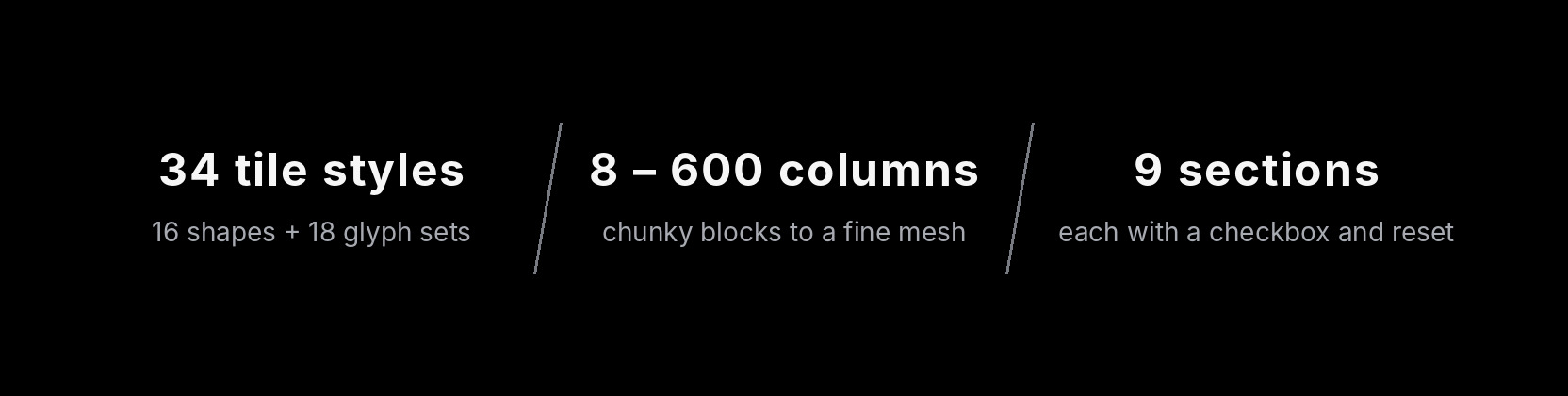
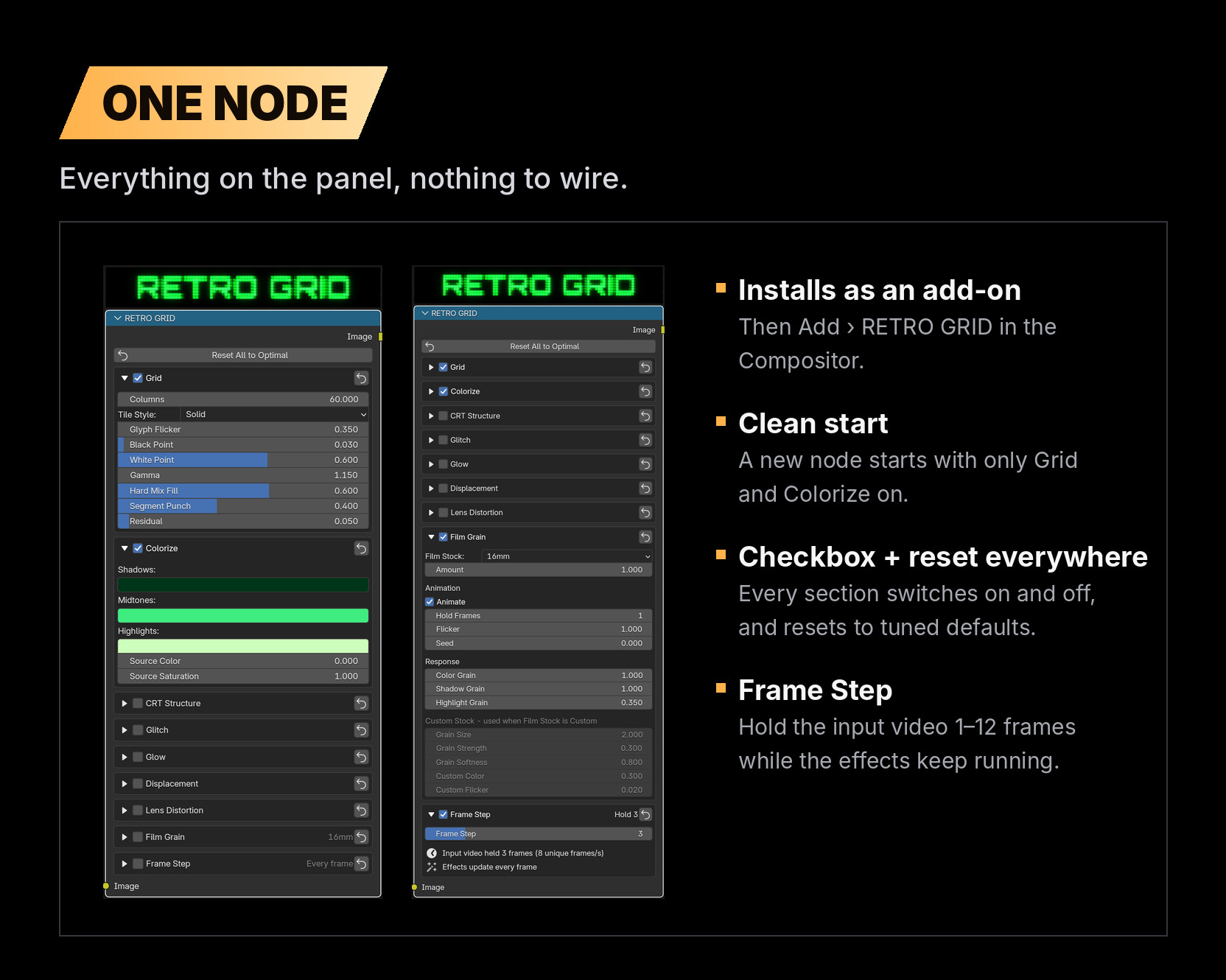
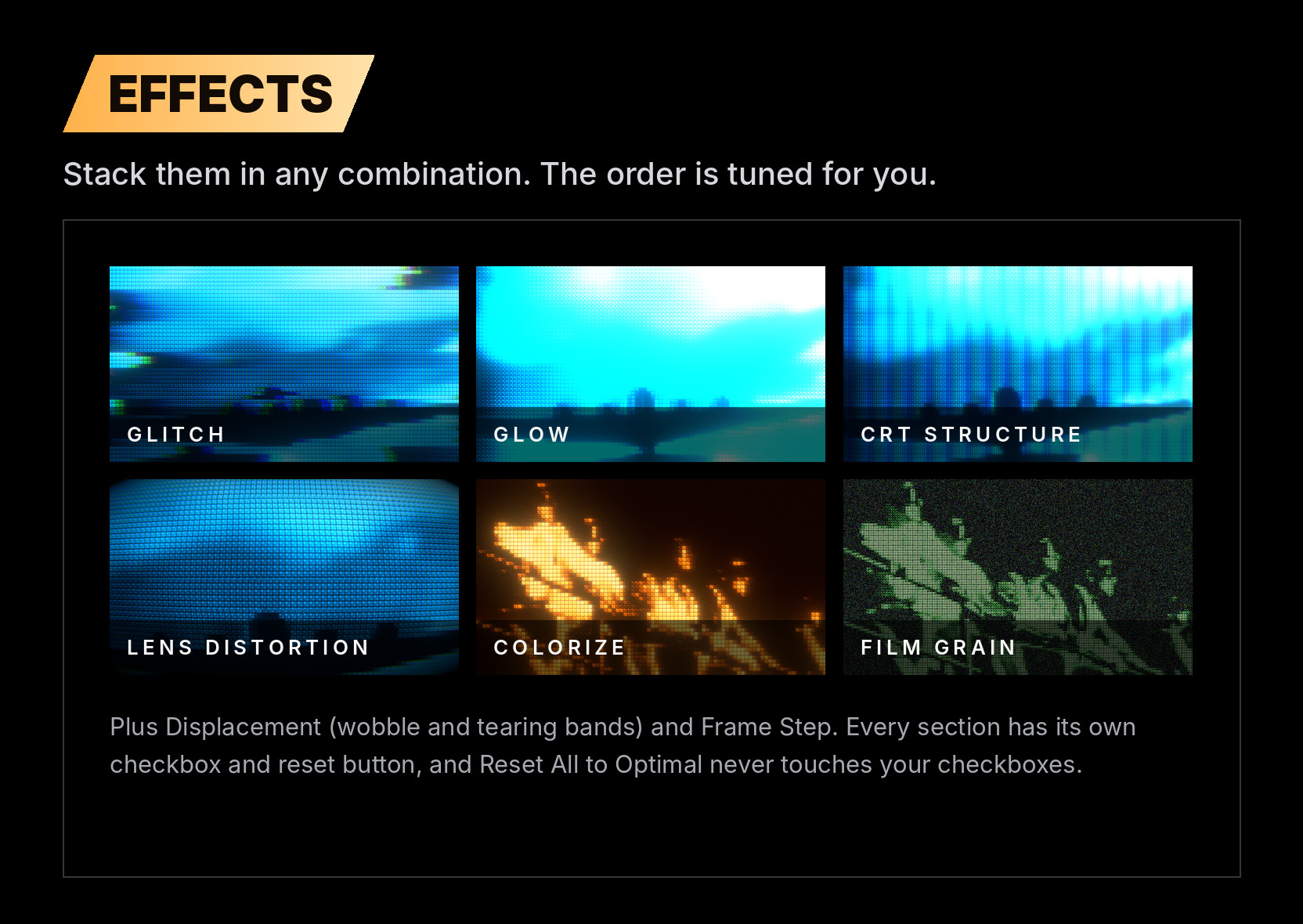
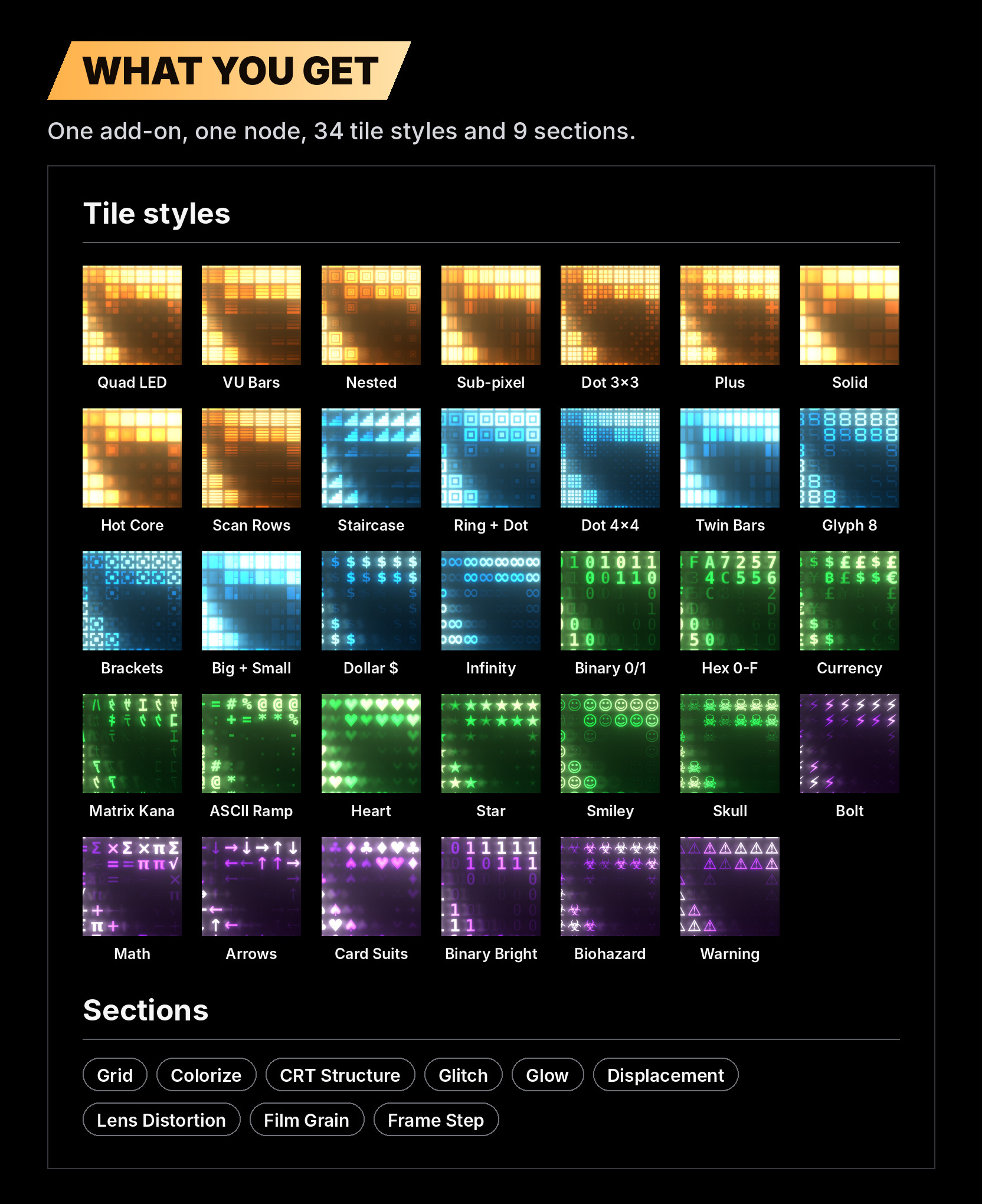
RETRO GRID is a single Compositor node that rebuilds your image out of glowing LED cells or glyphs, then tones, glitches, blooms and adds grain like an old monitor. Drop it between your footage and the output and you have a retro screen in seconds. It's fully procedural and updates live in the backdrop, with nothing to bake.
See it in action
ZERO HOUR, a short made entirely with Retro Grid in Blender's Compositor.
Install
- In Blender, open Edit › Preferences › Get Extensions, click the ⌄ menu at the top right and choose Install from Disk…. Then pick retro_grid-1.0.0.zip. You can also drag the zip straight into Blender.
- In the Compositor, choose Add › RETRO GRID.
- Connect your footage into the node and the node into the output.
Requirements
Blender 5.2 or newer. No external dependencies.
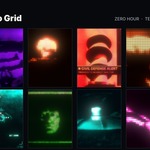
Footage: public-domain archival film (US government films, NASA Apollo 11 onboard film and 1950s public-domain sci-fi, via the Internet Archive). The 8-bit game scene is original pixel art made for this page. The "Made with Retro Grid" frames come from ZERO HOUR and TERRAFORM, two short edits made with Retro Grid.