Retro Grid - CRT & Pixel Effect
 SUPRA3D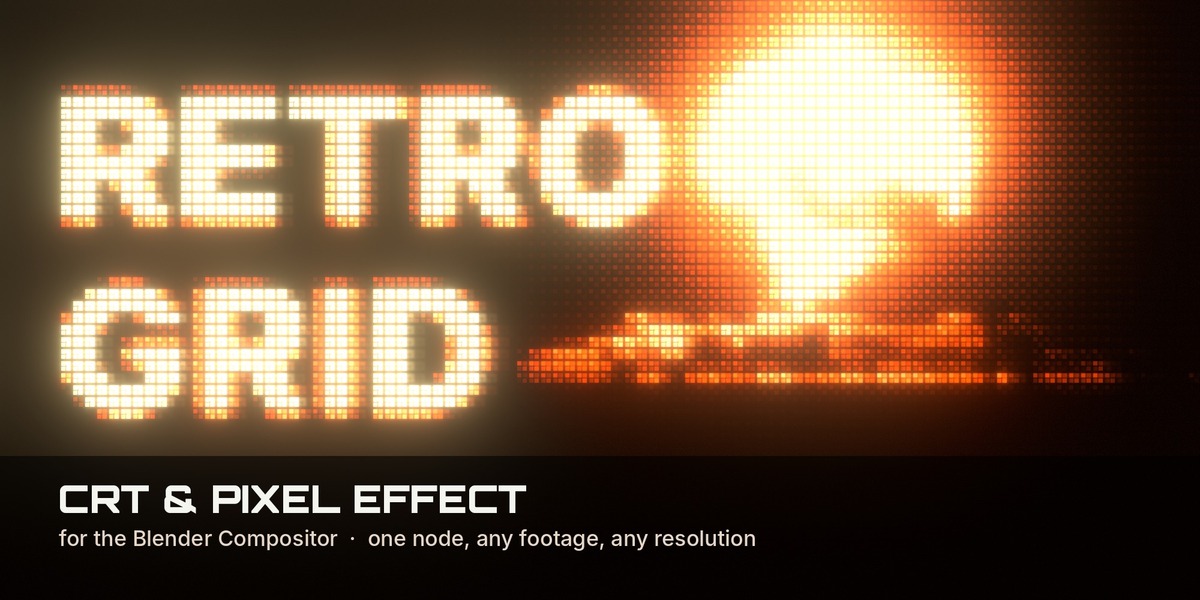

Which Blender version do I need?
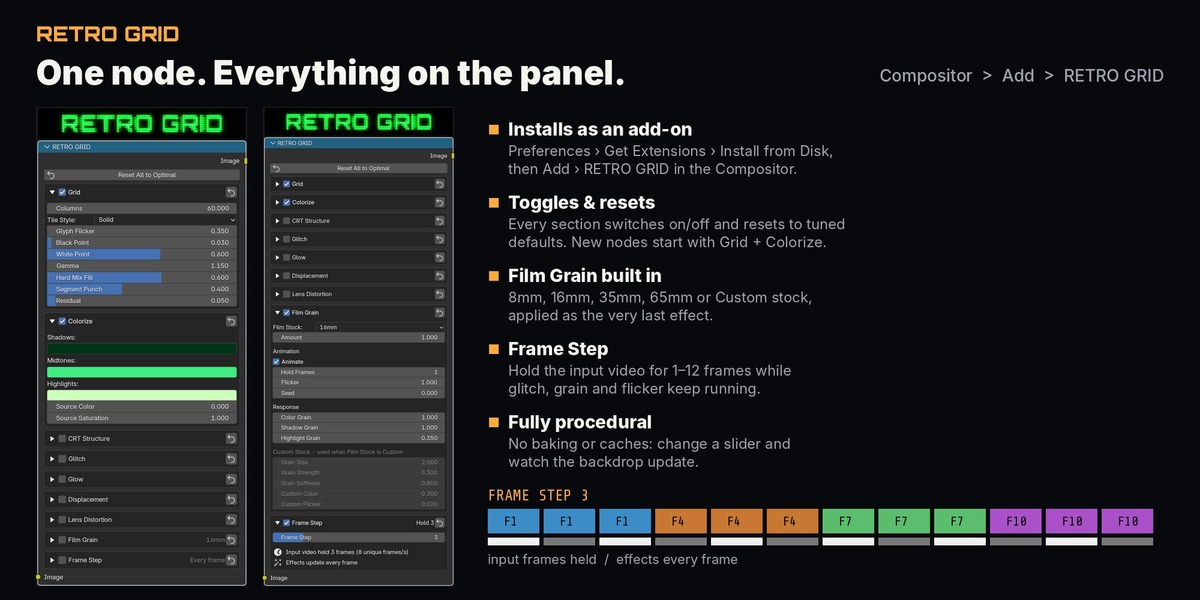
Blender 5.2 or newer, in the Compositor. It installs as a regular add-on (extension) from the zip.
The RETRO GRID node isn't in the Add menu. What do I do?
Make sure the add-on is installed and enabled: open Edit › Preferences › Add-ons, search for Retro Grid and tick it. Then, in the Compositor, use Add › RETRO GRID. The node needs Blender 5.2 or newer.
Does it work on video, image sequences and my own renders?
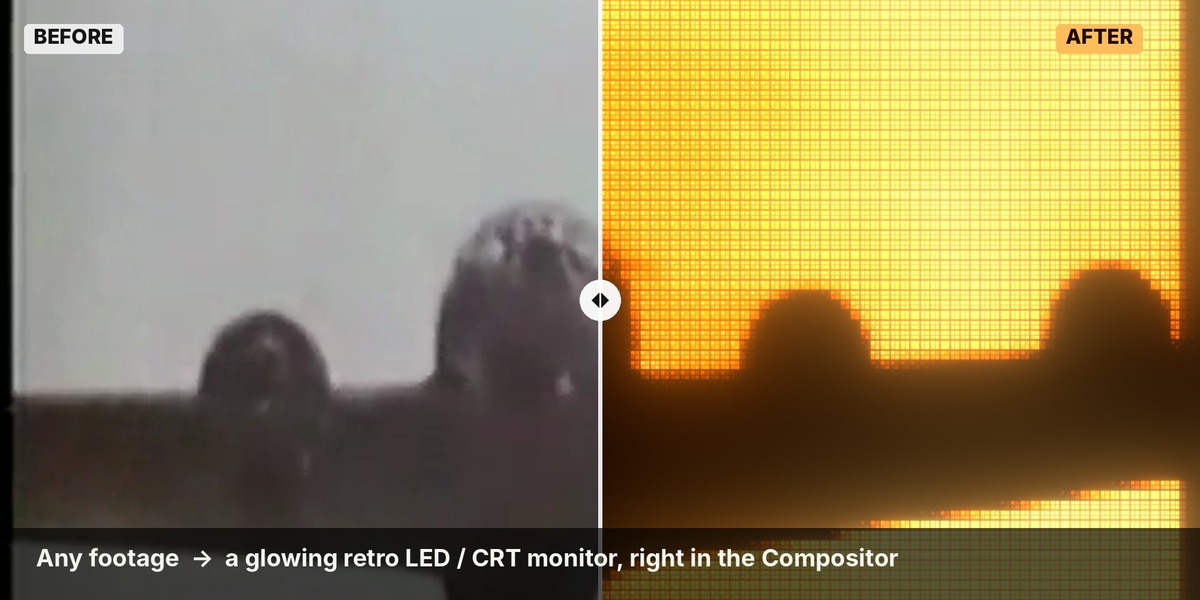
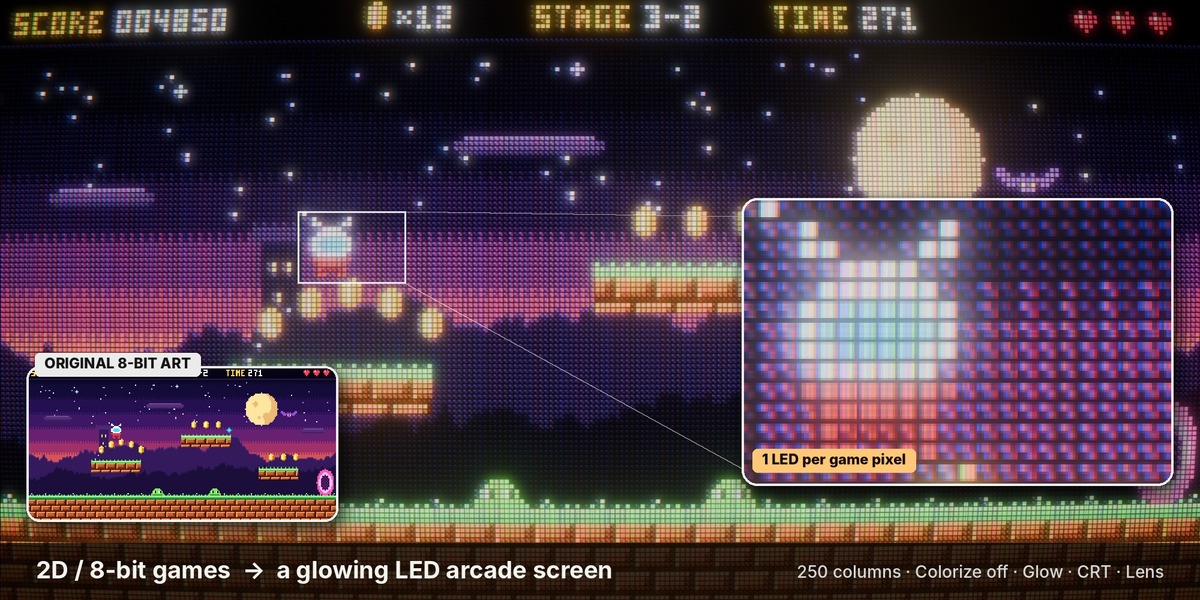
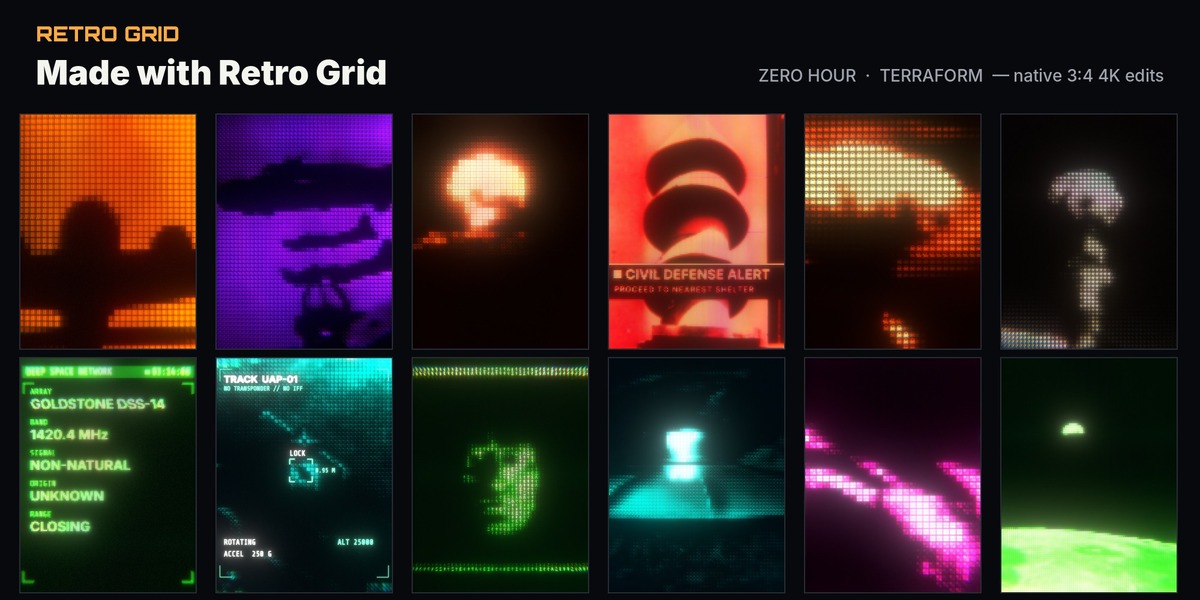
Yes. Anything you can feed into the Compositor works: video files, image sequences and stills through an Image node, or your renders straight from Render Layers.
What does Frame Step do?
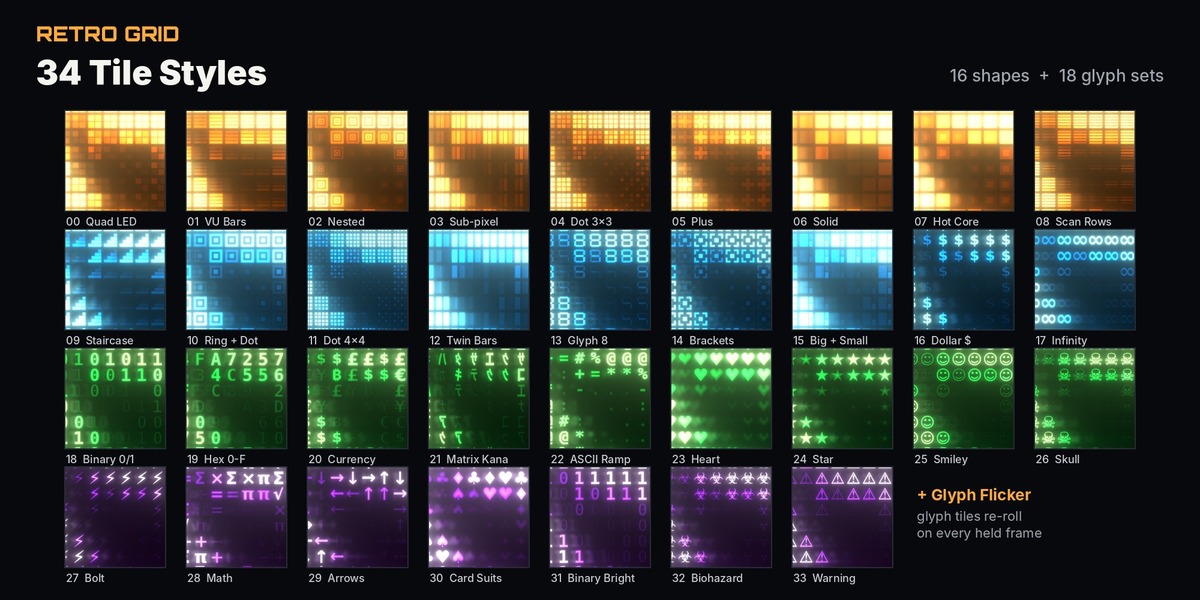
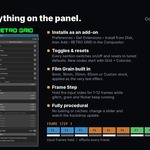
It holds each frame of the input video for 1 to 12 frames for a stop-motion feel. The grid, glitch, grain and glyph flicker keep updating every frame, so the screen still feels alive.
Have questions about this product?
Login to message
| Published | about 6 hours ago |
| Blender Version | 5.2 |
| License | GPL |
Discover more products like this
compositor Post-Processing retro-futurism scanlines monitor led-screen CRT retro pixel glitch blender-compositor compositor node