 Lumorux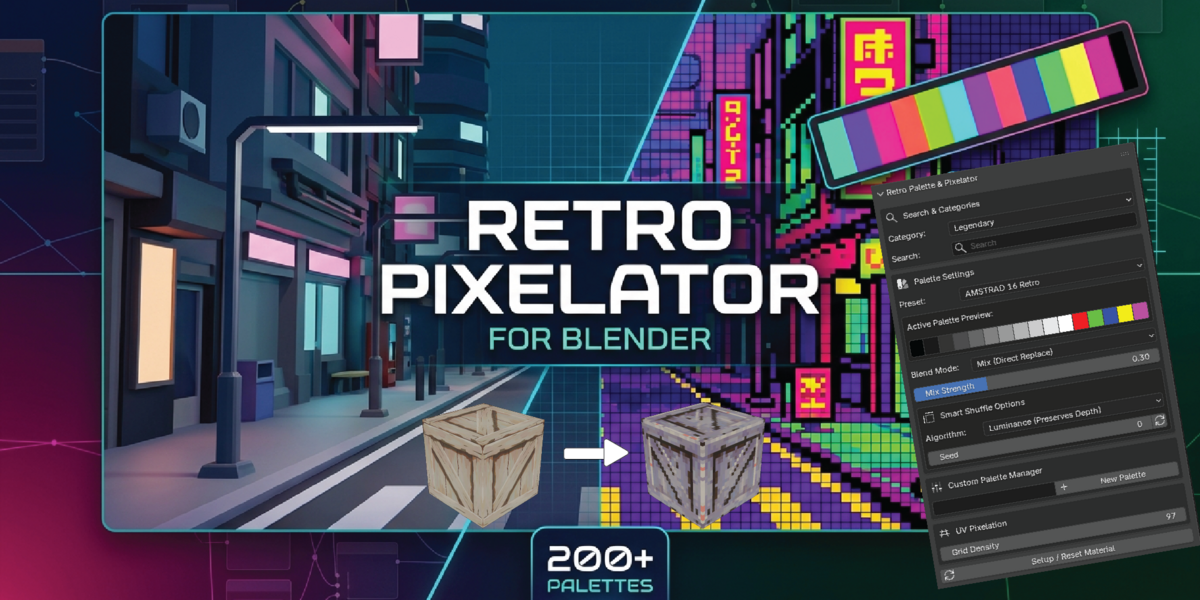
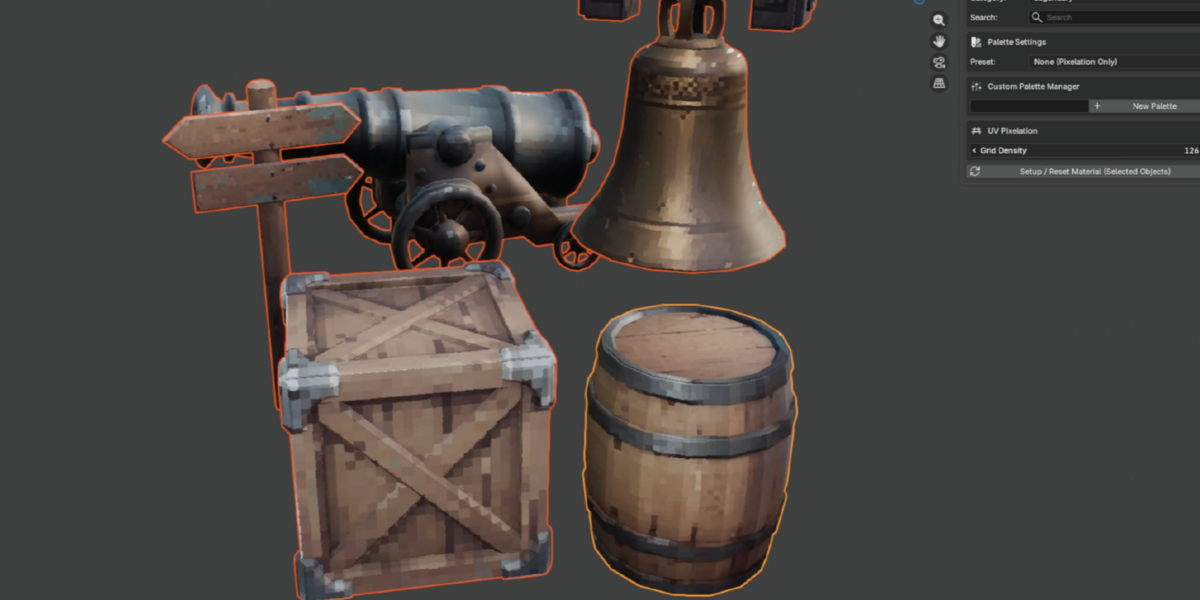
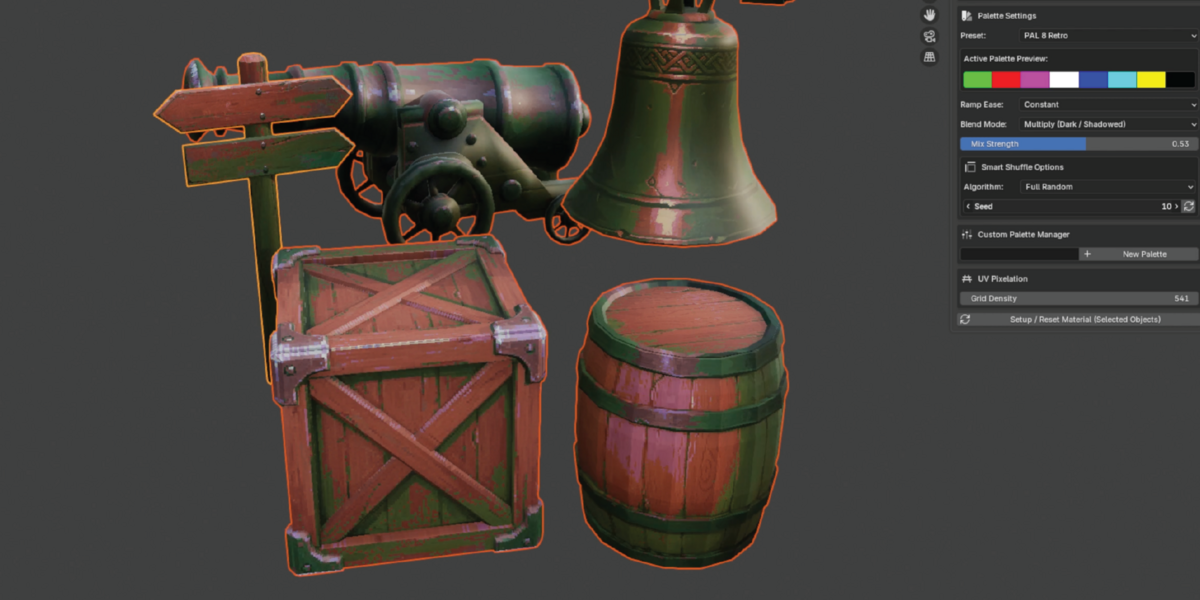
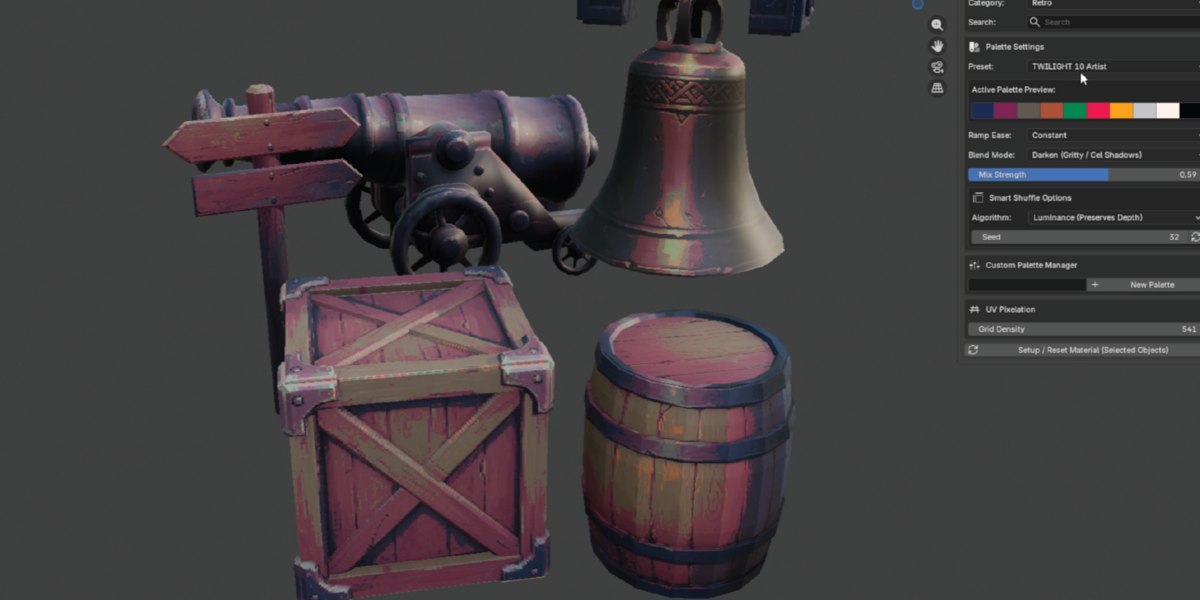
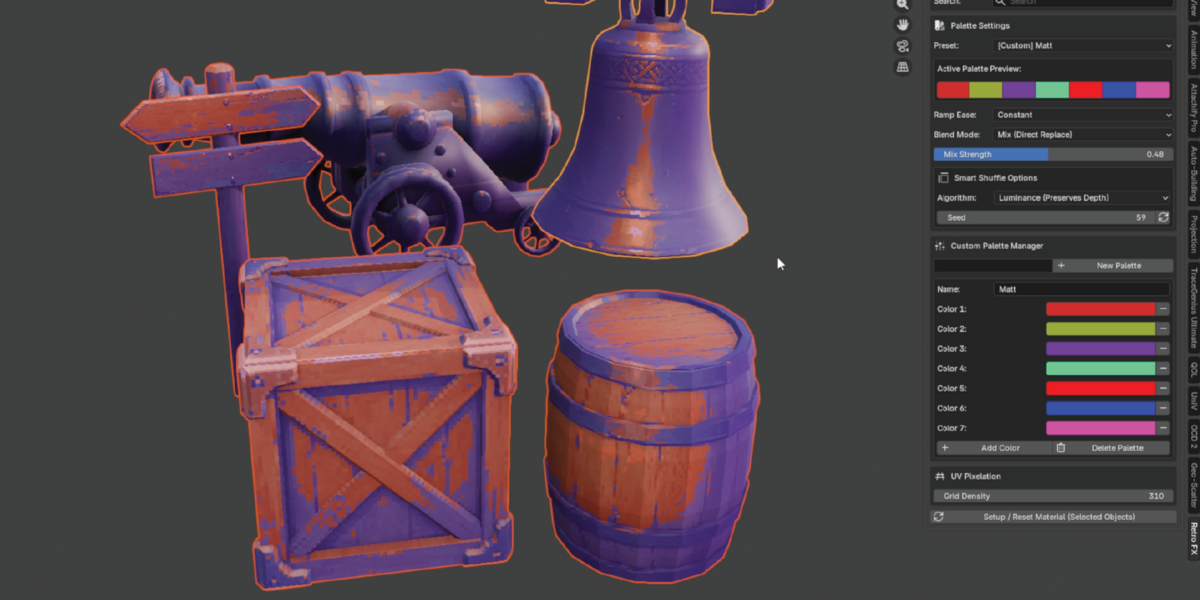
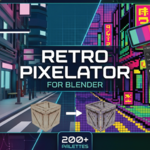
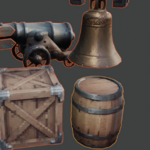
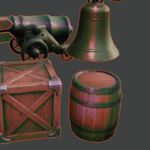
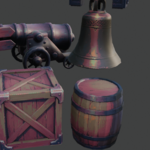
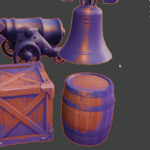
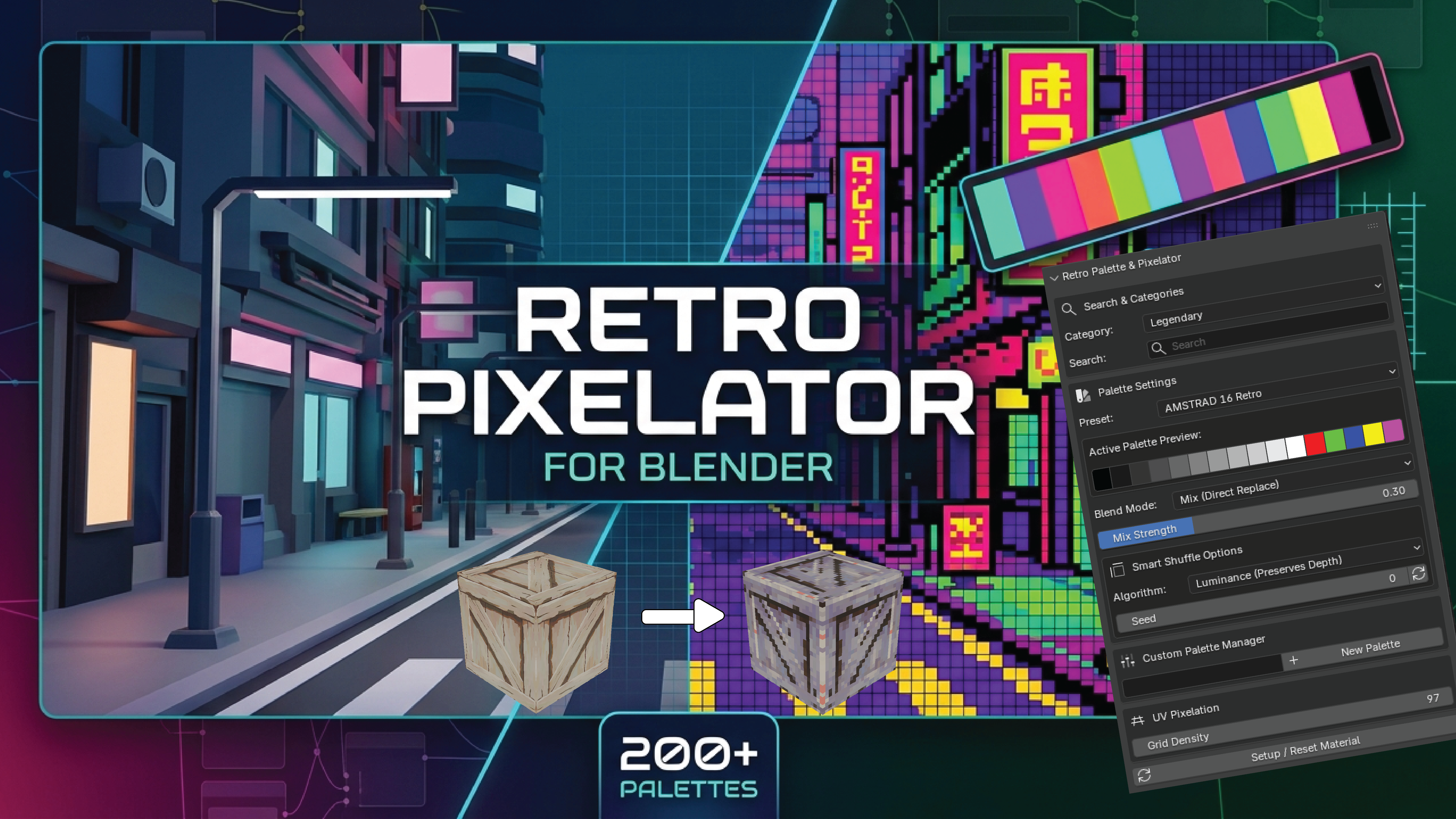
The Retro Pixelator & Palette Manager is a powerful Blender add-on designed to transform 3D models and scenes into authentic retro, low-poly, and 8-bit/16-bit stylized art. Combining a flexible UV pixelation shader with an expansive preset library, it gives artists, game developers, and motion designers full control over retro aesthetic rendering directly within the viewport.
Key Features
-
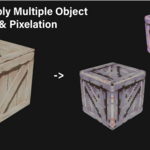
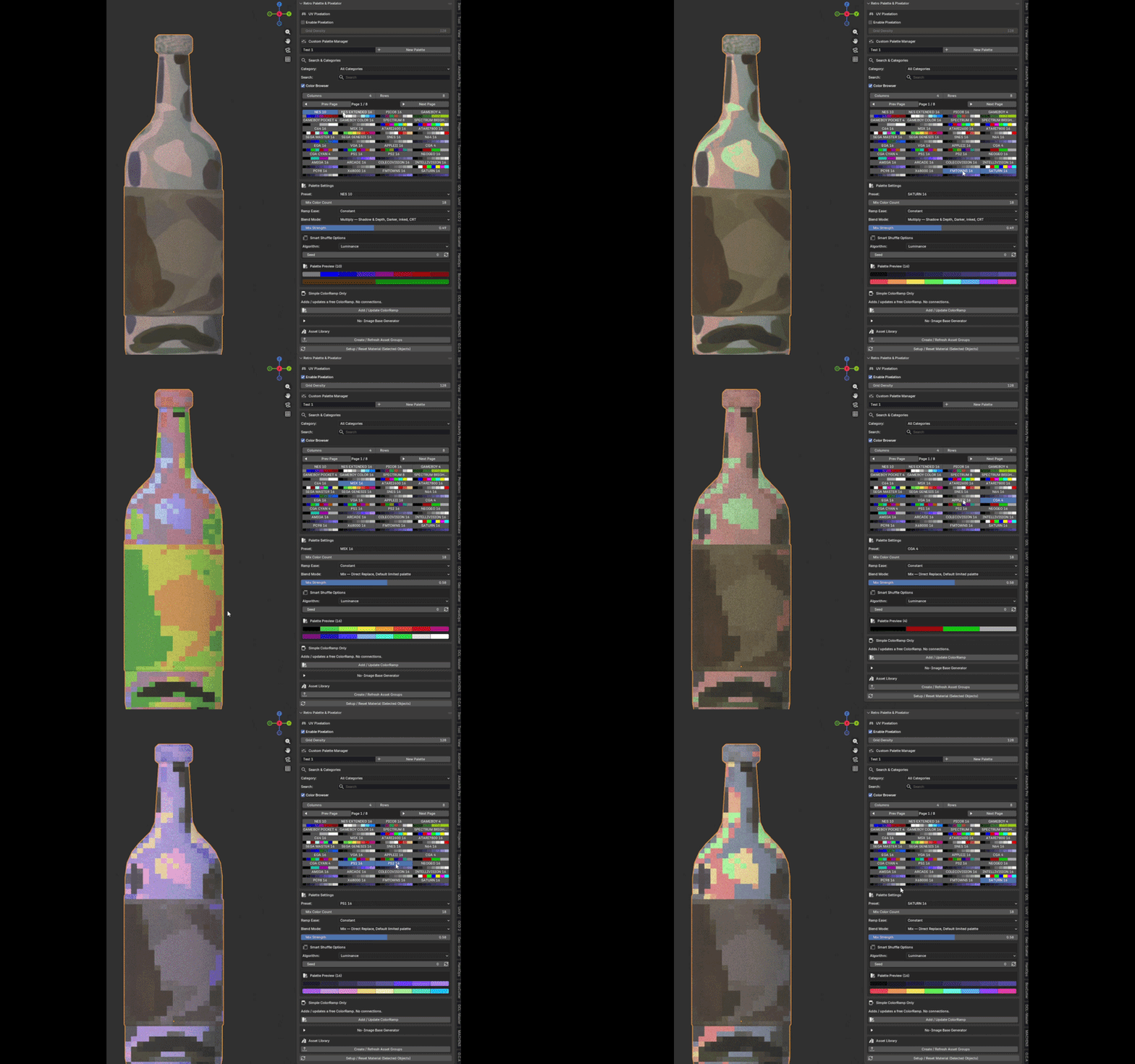
Authentic Retro Pixelation Engine: Custom procedural shader nodes snap UV coordinates to customizable pixel grid scales, allowing you to dial in everything from mild CRT texture to chunky, low-res arcade visuals. Includes a neutral "None" preset mode to isolate pixelation effects without overriding base material colors.
Retro Pixelation Engine
-
Retro Color Palette Presets
-
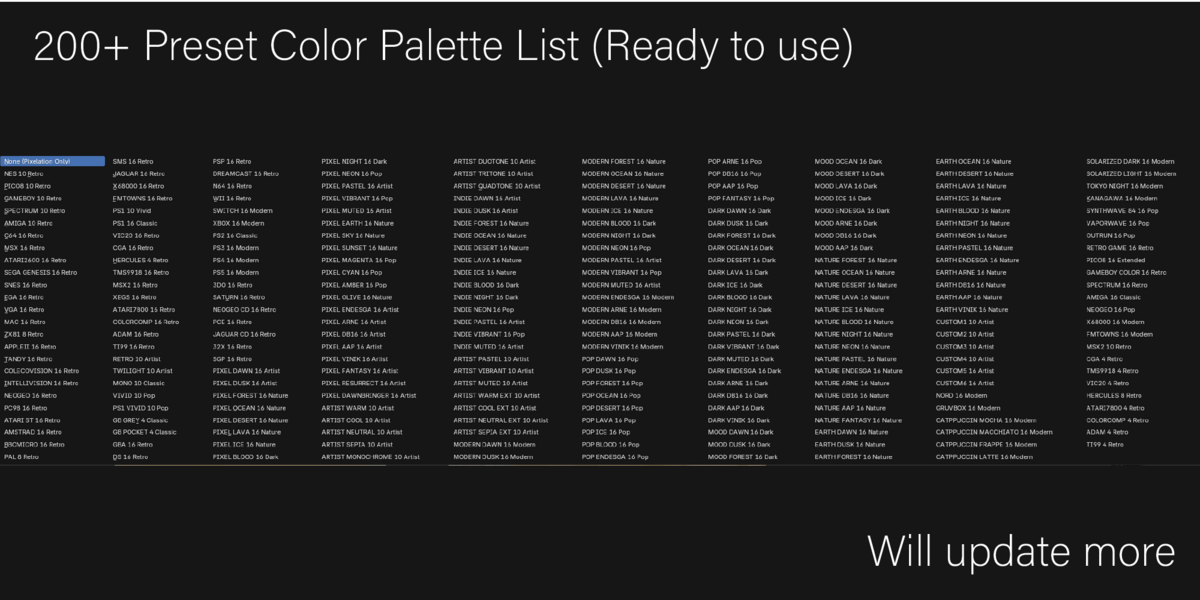
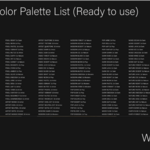
200+ Retro Color Palette Presets: Includes a massive, curated library of iconic retro palettes categorized by hardware eras and aesthetics—including 8-bit/16-bit consoles, Game Boy greens, CGA/EGA display modes, arcade monitors, and synthwave palettes.
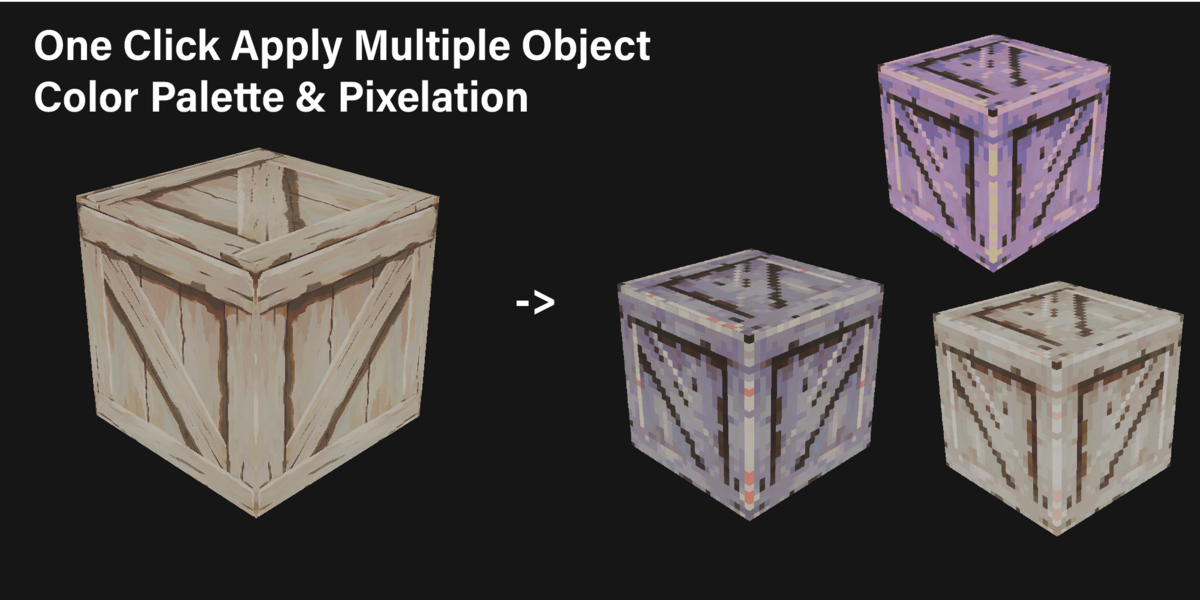
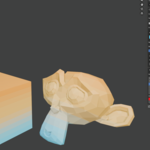
Selected Object Colors Changes
Selected Multiple Objects Colors Changes
Blend Mode , Ramp Mode and Seed-Based Colors Shuffling
Blend Mode: Controls how the retro palette mixes with base textures, offering options like direct color replacement or shaded blending.
Ramp Mode: Manages how gradients and luminance map across palette colors, supporting hard step posterization or smooth interpolation.
-
Seed-Based Color Shuffling: Uses numerical seeds and a shuffle function to dynamically randomize color distributions across UV pixel clusters.
Custom Palette Builder Custom Palette Builder (Save/Load): Full-featured palette management in the N-panel that allows you to build custom swatches, save your favorite combinations, and export/import them for future Blender projects.
-
Real-Time Palette UI & Previews: Integrated color swatches built directly into the Blender Sidebar panel for instant visual feedback as you tweak seed settings or switch presets.
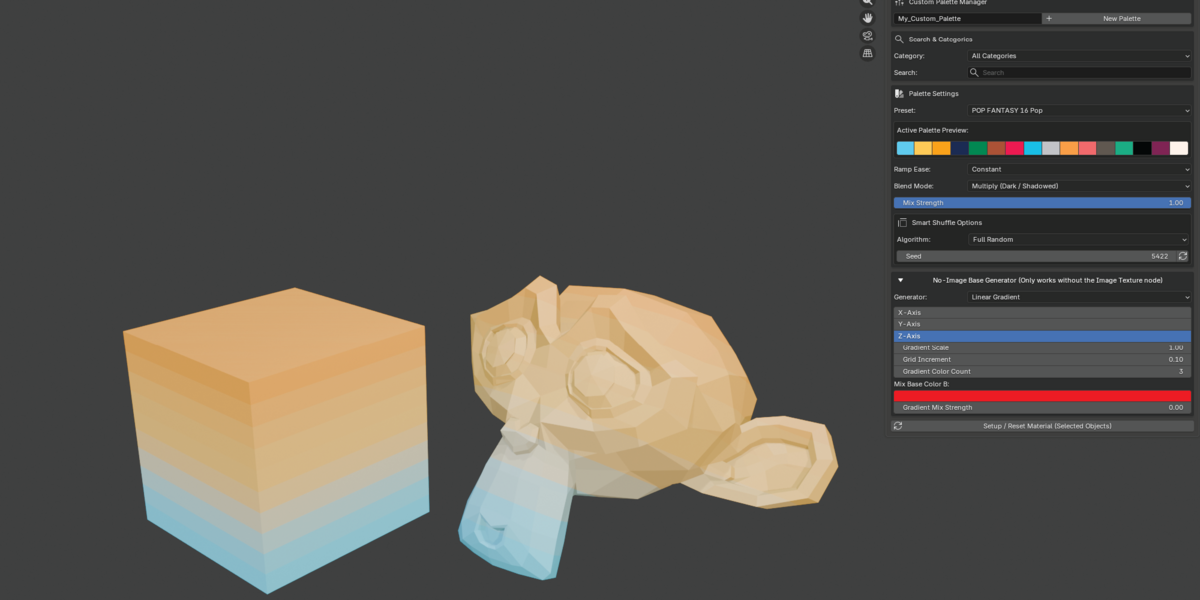
Updates - No image based Generator and More User Friendly UI
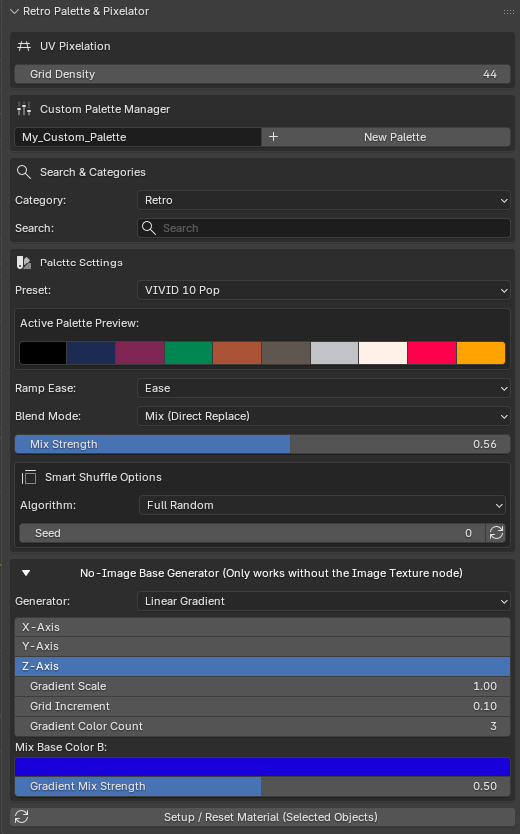
New System UI
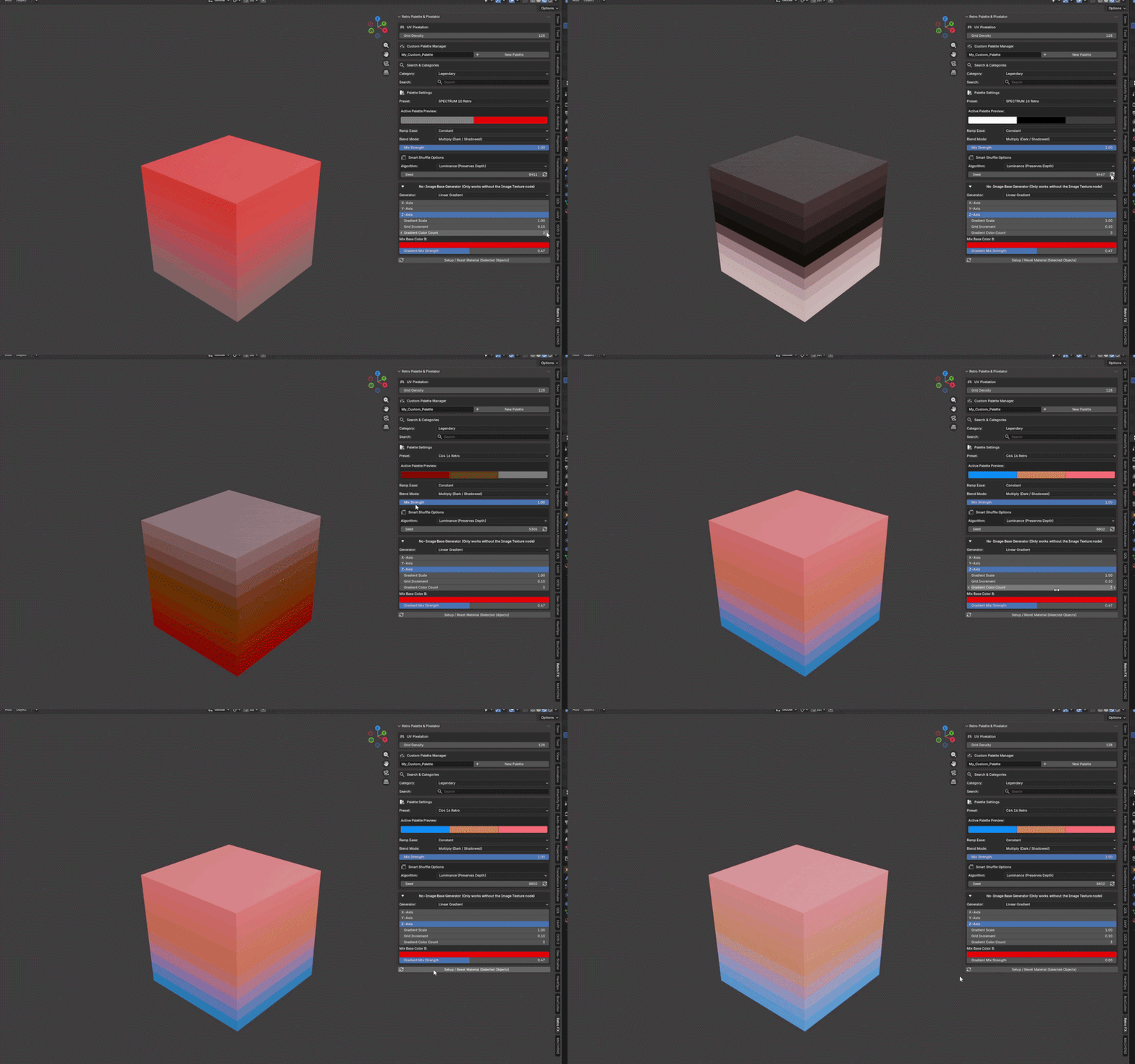
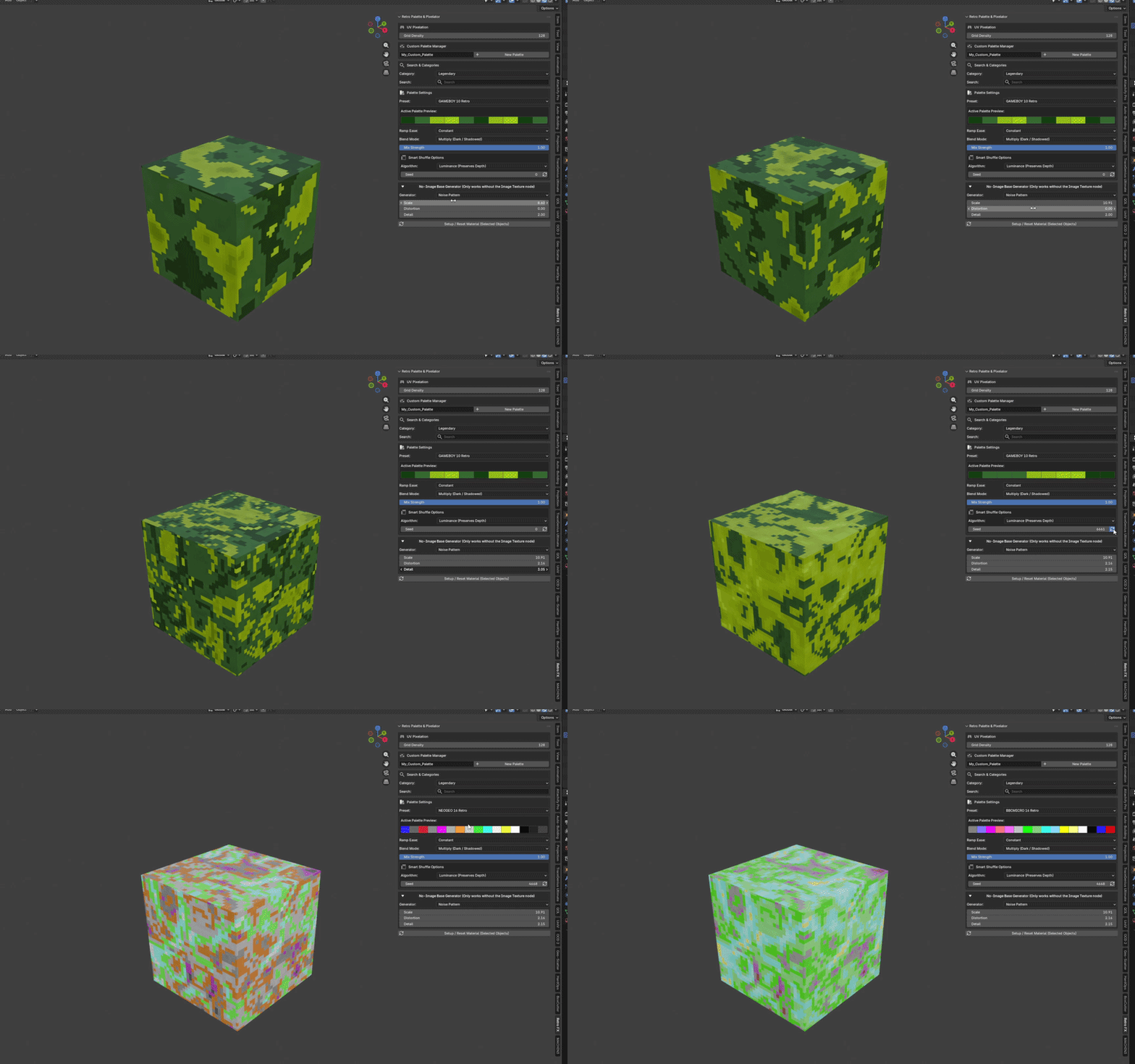
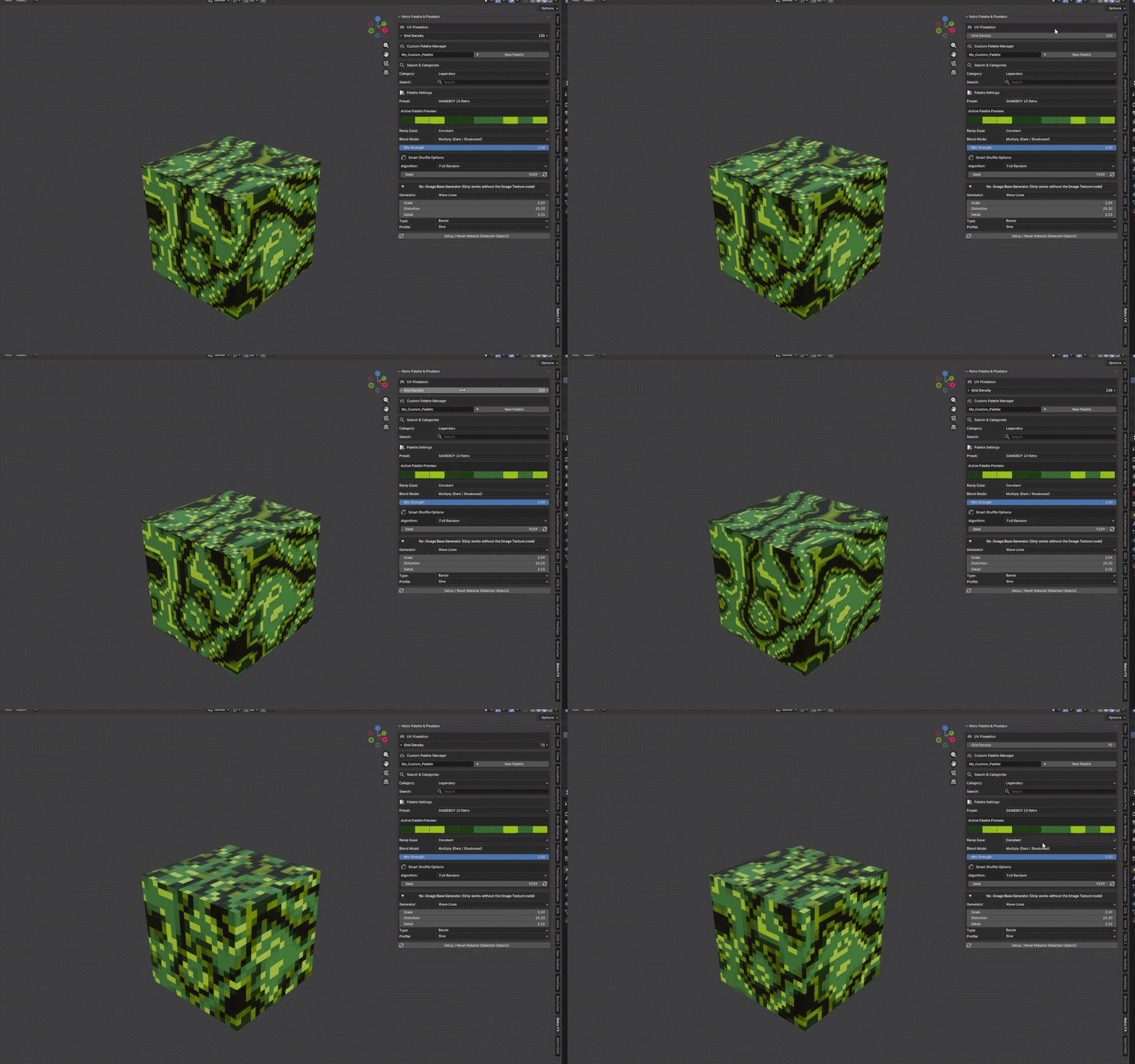
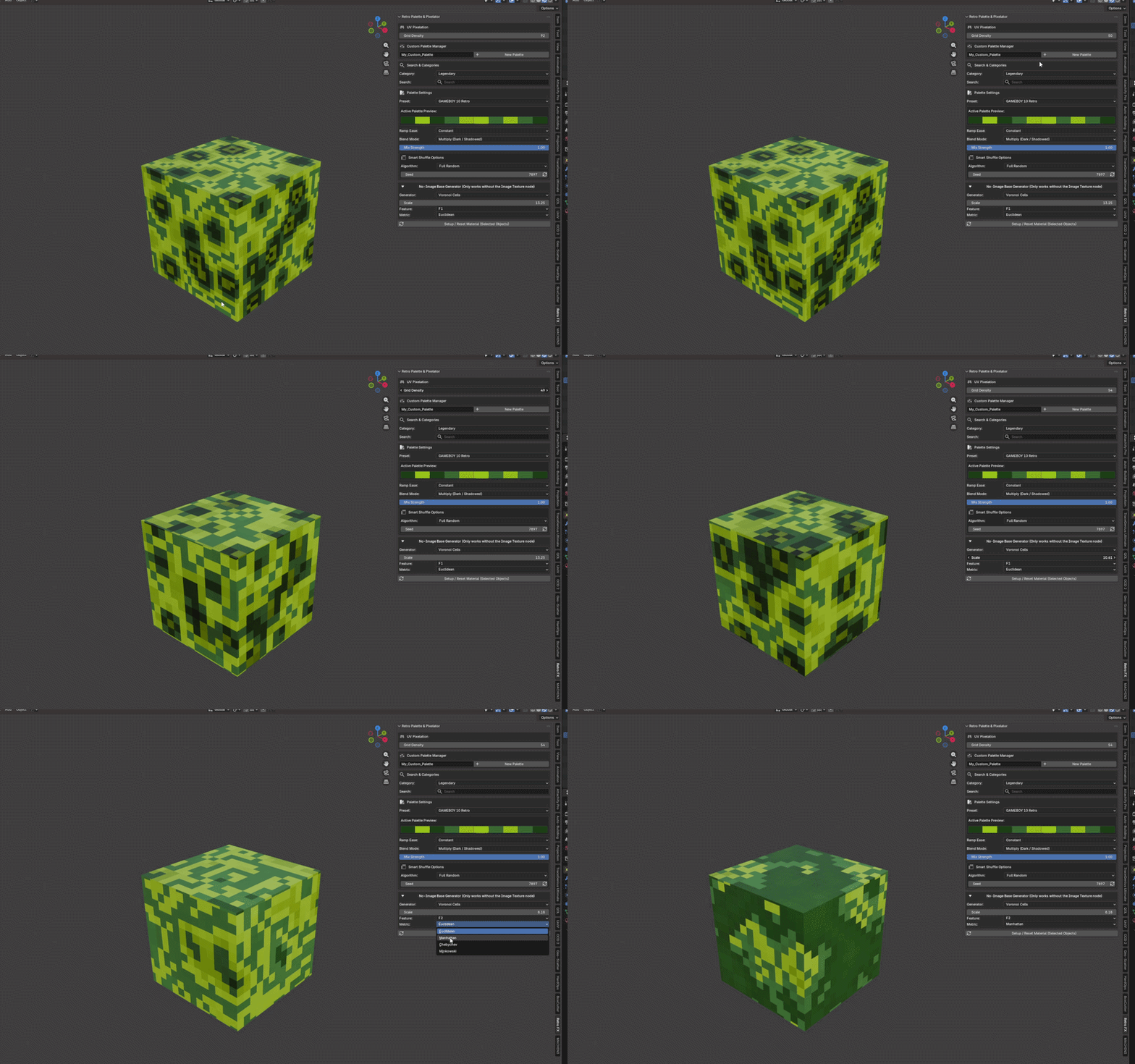
Linear Gradient, Noise, Wave, Voronoi Cells and Magic Pattern - Procedural Texture (Only Works without the Image Texture Node in Shading Editor
V2.9.5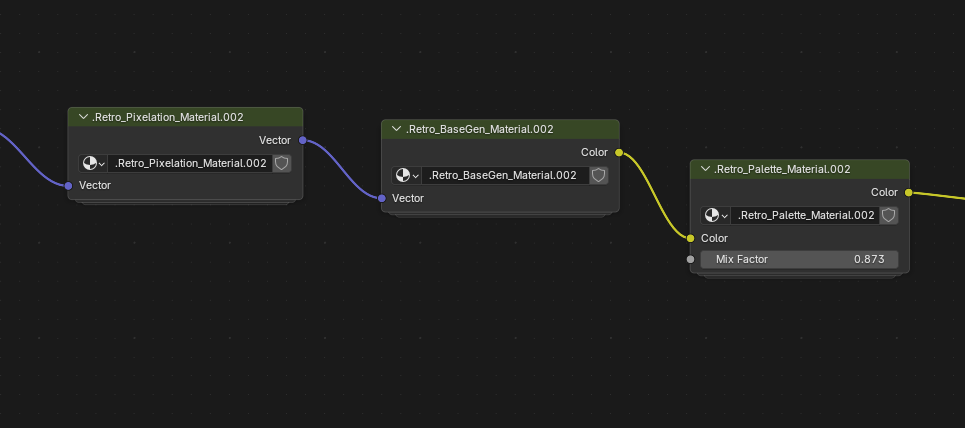
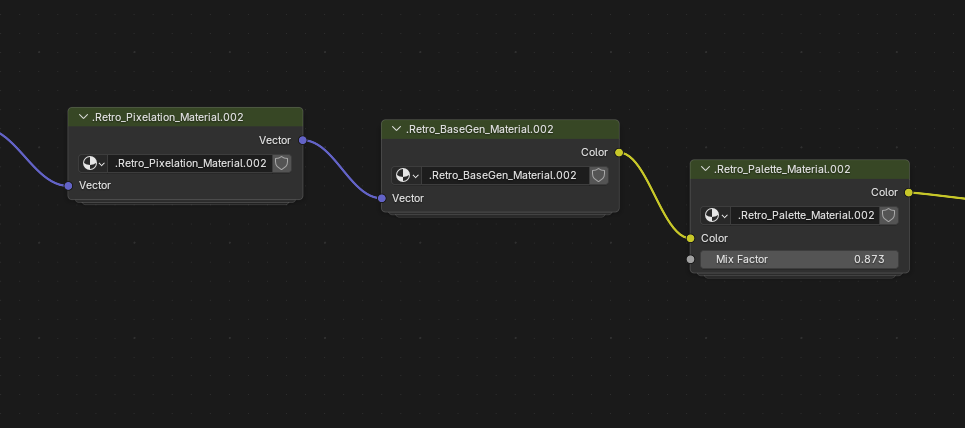
Architecture: per-material node groups
- Settings are organized into three unique node groups per material:
- Retro_Pixelation_Group — UV pixelation / grid density
- Retro_Palette_Group — color ramp + palette mix
- Retro_BaseGen_Group — no-image generators (gradient, noise, wave, voronoi, magic, solid)
- Each material owns its own group datablocks (.Retro_*_), so materials stay independent.
Selection isolation
- Palette, mix, shuffle, pixelation, and generator changes only update materials on currently selected objects.
- Unselected objects keep their previous palette and settings.
- Shared materials still update together (normal Blender behavior).
How to use
- Select the target object(s).
- Setup / Reset Material.
- Change palette / Mix Color Count / pixelation / generator in the sidebar.
- Only selected materials are affected.
Shader Editor
- Material trees show the three group nodes instead of the old flat node chain.
Mix Color Count
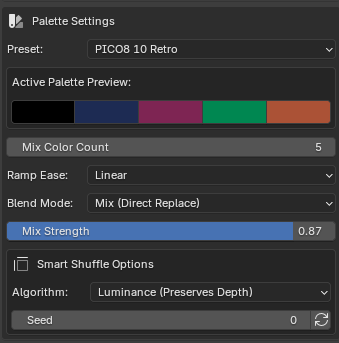
- New property: Mix Color Count (retro_palette_color_count).
- Limits how many colors from the selected palette go into the main color ramp.
- 0 = use full palette (default, previous behavior).
- 2, 4, 8, etc. = take only that many colors (after shuffle).
- Panel preview respects this limit.
- Separate from existing Gradient Color Count (gradient mode only).
Assets Library - Preset Node .blend file (optional)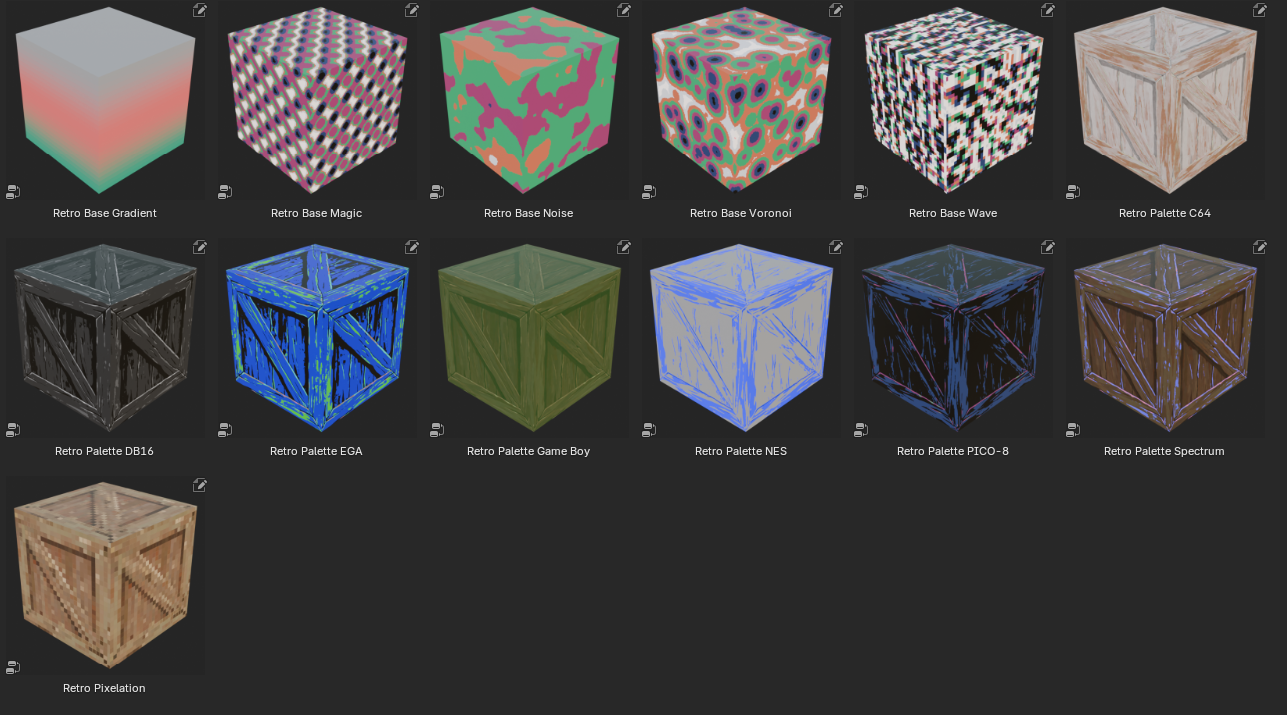
Assets Library - Preset Node Create
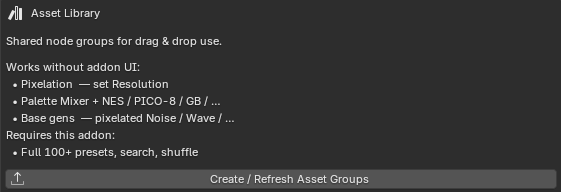
V2.9.6
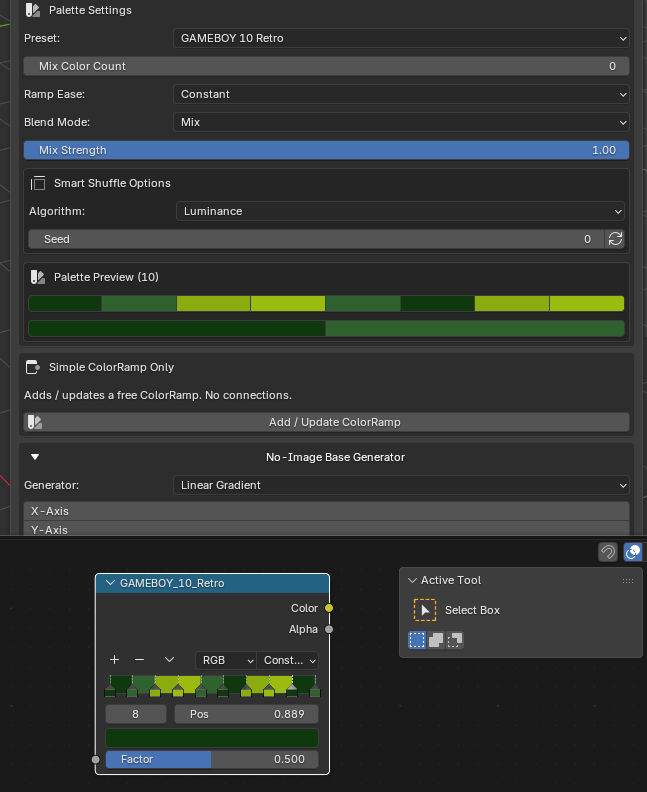
Add Simple Color Ramp - Add same number selection and color palette into shader editor without connect anything
Target Audience & Use Cases
Indie Game Developers: Rapidly prototype and render low-fidelity textures, sprite sheets, and retro assets for engines like Unity or Unreal Engine.
3D Motion Designers: Create nostalgic 80s/90s tech visuals, stylized UI graphics, and arcade-themed animations.
Concept Artists: Experiment with strong shape language and limited color palettes directly on 3D geometry.
