 Lumorux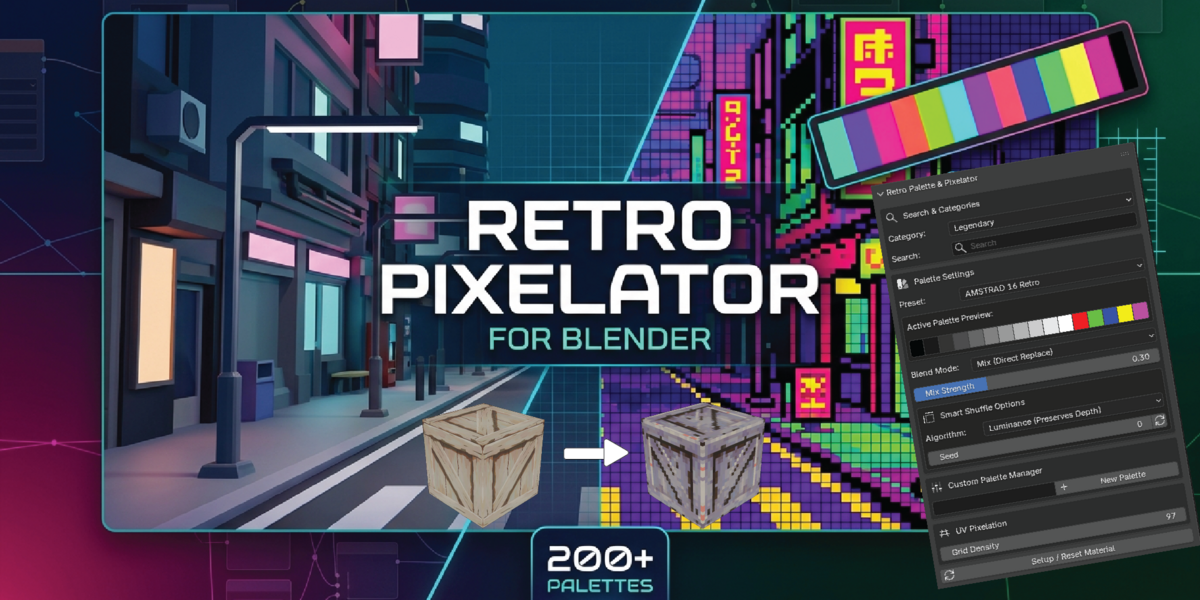
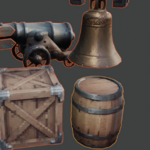
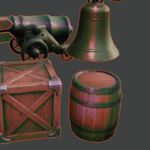
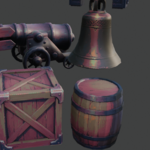
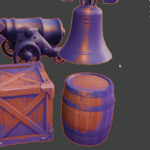
Retro Palette & Pixelator
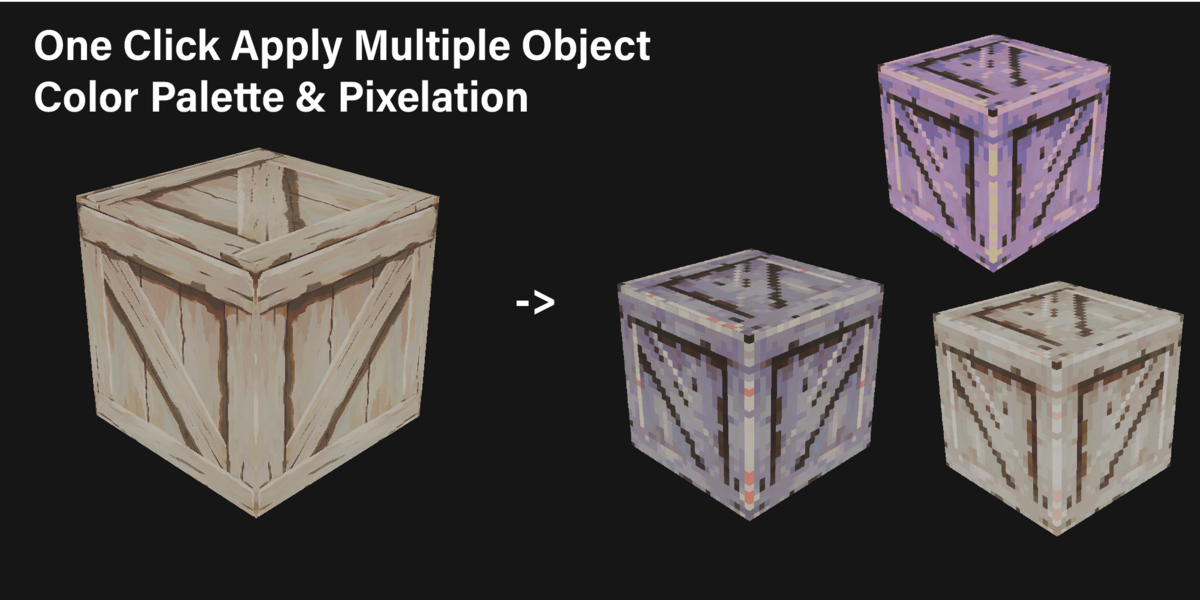
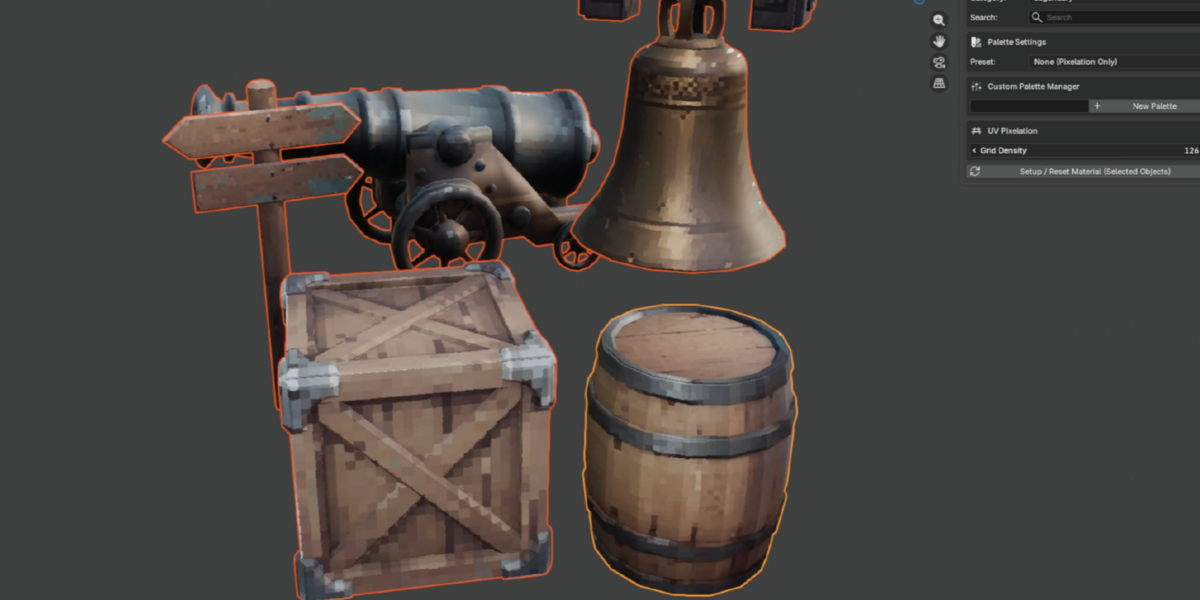
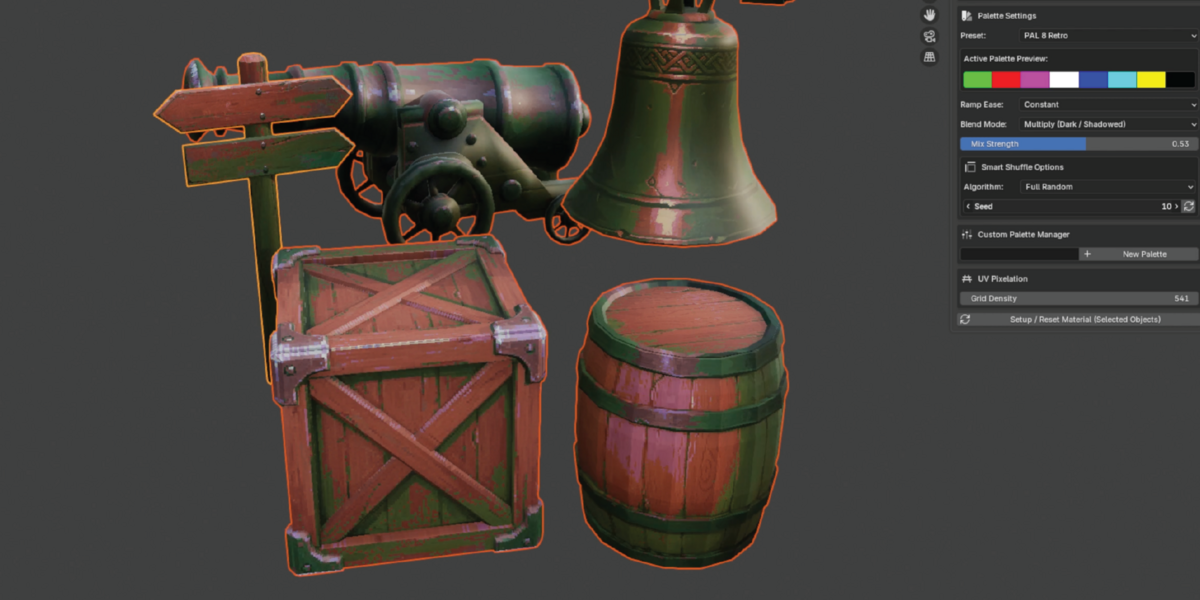
Retro Palette & Pixelator is an all-in-one Blender add-on designed to give your 3D models an authentic retro game engine look. Whether you are aiming for classic Game Boy nostalgia, PS1 low-poly vibes, or custom pixelated art styles, this tool automates node network creation to instantly apply UV-based pixelation, procedural base patterns, and custom or legendary color palettes directly to your materials.
Key Features
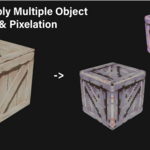
UV Pixel Density Control: Scale pixelation dynamically across single or multiple selected objects without destructive UV mapping adjustments.
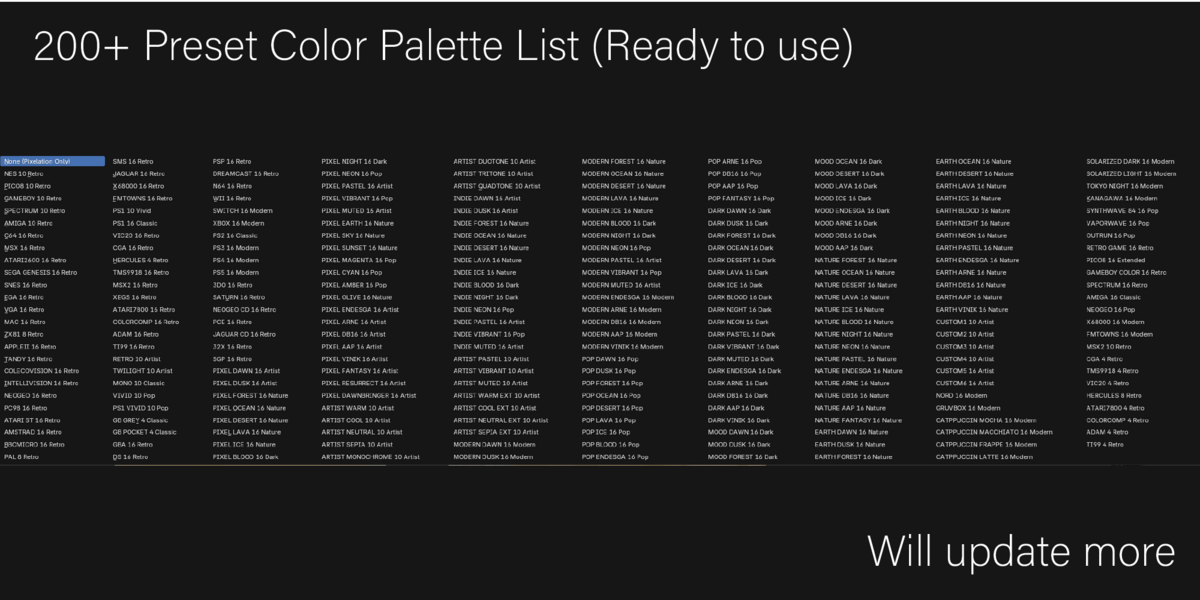
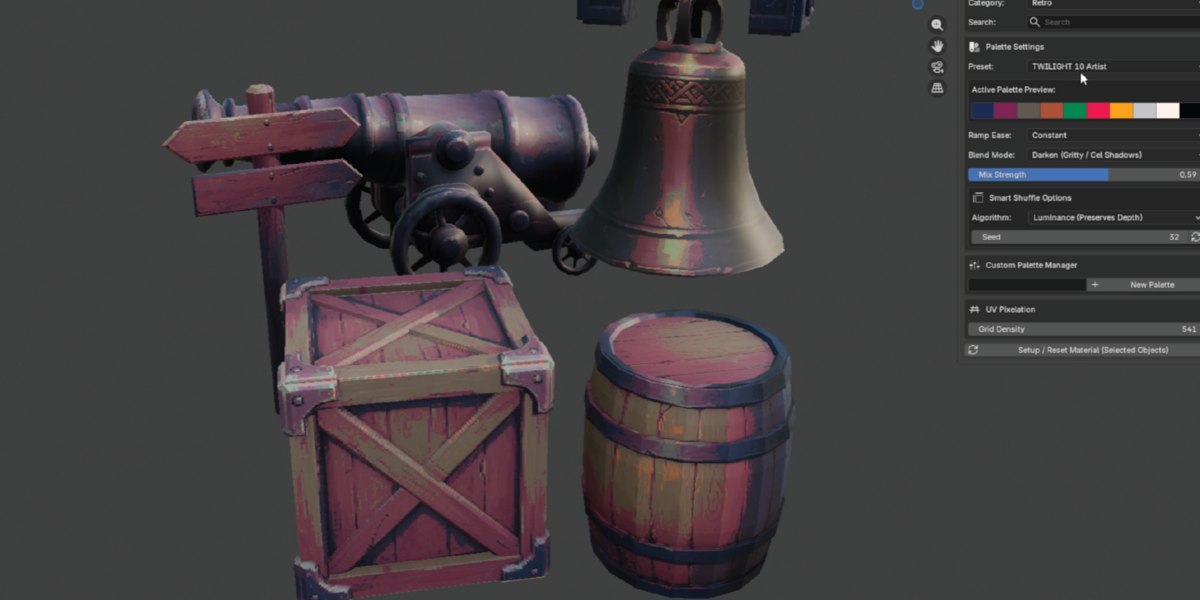
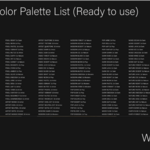
50+ Built-in Retro Palettes: Includes iconic color palettes spanning classic hardware generations (NES, Game Boy, PS1, Sega Genesis, MSX, C64, EGA, VGA, and more).
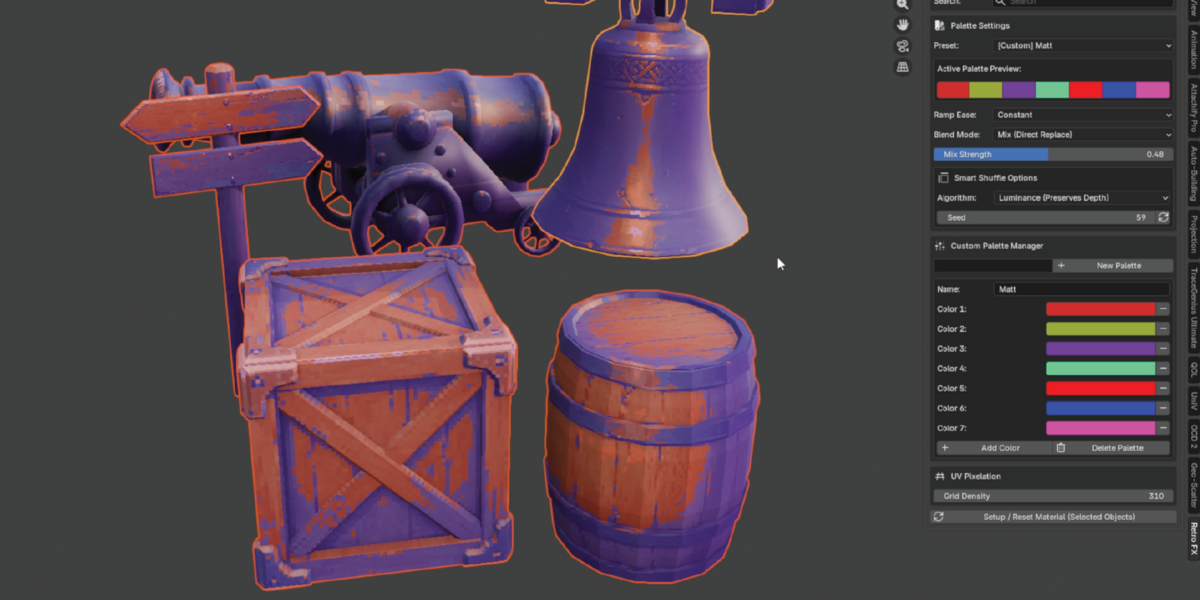
Custom Palette Manager: Create, rename, edit, and save your own custom color palettes directly inside the Blender N-panel.
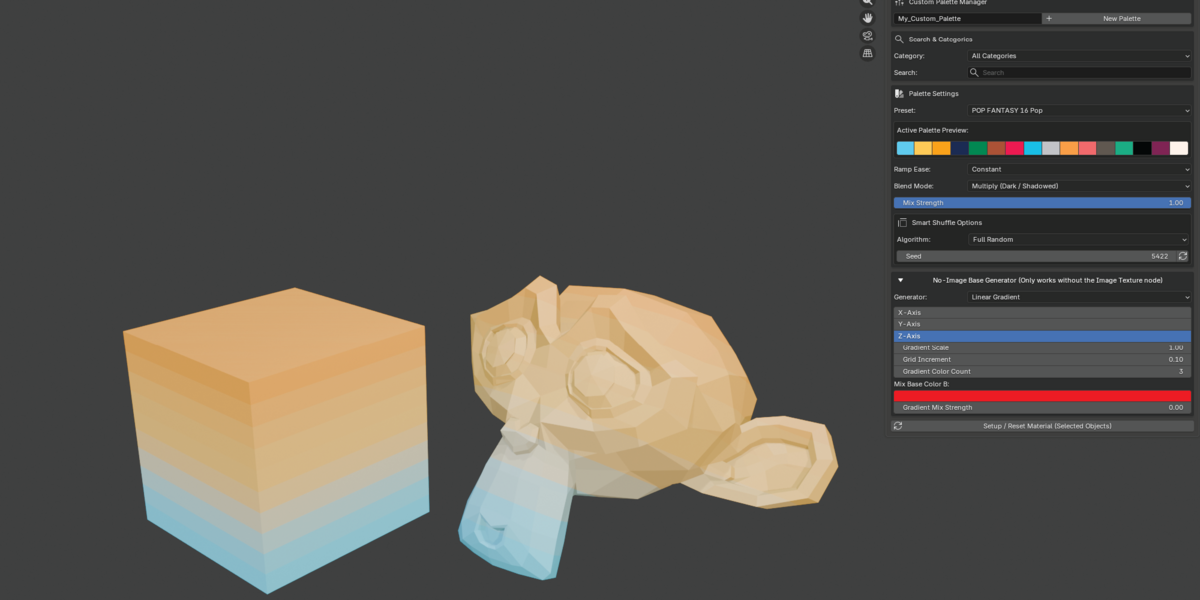
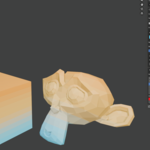
Procedural No-Image Base Generator: Don't have an image texture on your material? Generate procedural linear gradients, noise, wave lines, voronoi cells, or magic patterns on the fly.
Smart Palette Shuffle: Reorder palette entries dynamically using Luminance (preserves shadow/highlight depth), Hue Shift, or Full Randomization with custom seed values.
Advanced Color Ramping & Blending: Fine-tune transitions with multiple interpolation modes (Constant, Linear, Ease, B-Spline) and blend modes (Mix, Multiply, Soft Light, Overlay, Color Dodge).
Linear Color Space Accuracy: Built-in automatic sRGB-to-linear color conversion keeps your color output accurate inside Blender's shading pipeline.
Quick Start Guide
Select Objects: In the 3D Viewport, select one or more mesh objects you wish to stylize.
Open the Panel: Press
Nto open the sidebar in the 3D Viewport and click on the Retro FX tab.Adjust Pixel Density: Change the Grid Density value under the UV Pixelation section to set your desired pixel resolution.
Choose a Palette: Select a preset from the Palette Settings dropdown or filter presets using the Search & Categories search bar.
Set Base Texture (Optional): If your model lacks an image texture, open the No-Image Base Generator fold-out panel and select a procedural pattern (e.g., Linear Gradient or Noise Pattern).
Apply Effects: Click Setup / Reset Material (Selected Objects) to build or rebuild the Shader Node network automatically.
System Requirements
Blender Version: 3.4.0 or higher (uses updated Shader Node Mix standards).
OS: Windows, macOS, or Linux.
Render Engine: Compatible with both EEVEE and Cycles.
 Included
Includes 12 months of
- Support from Lumorux
- Product updates
Extend this product’s Support Period +12 months: 50% of product price
Have questions before purchasing?
Login to message
| Published | about 2 months ago |
| Blender Version | 3.4 - 5.2 |
| Extension Type | N/A |
| Render Engine Used | Cycles, Eevee |
| License | GPL |
Discover more products like this
pixel art pixelator python blender color-palette retro shader materials node wrangler blender addon low poly game-dev procedural texture palette manager