 Skava
Skava
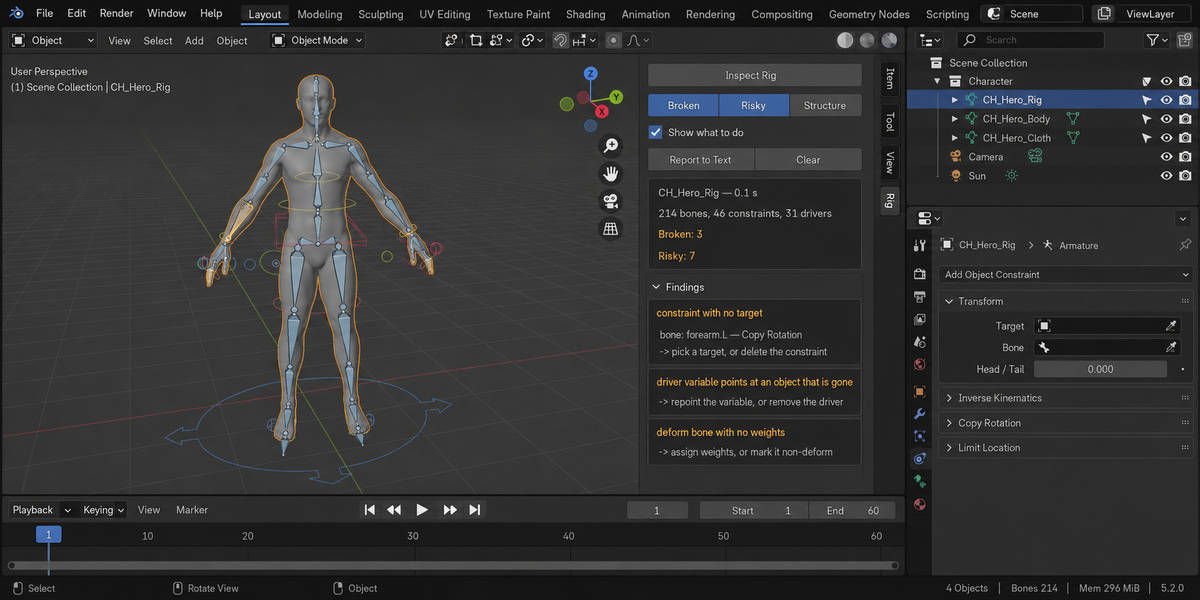
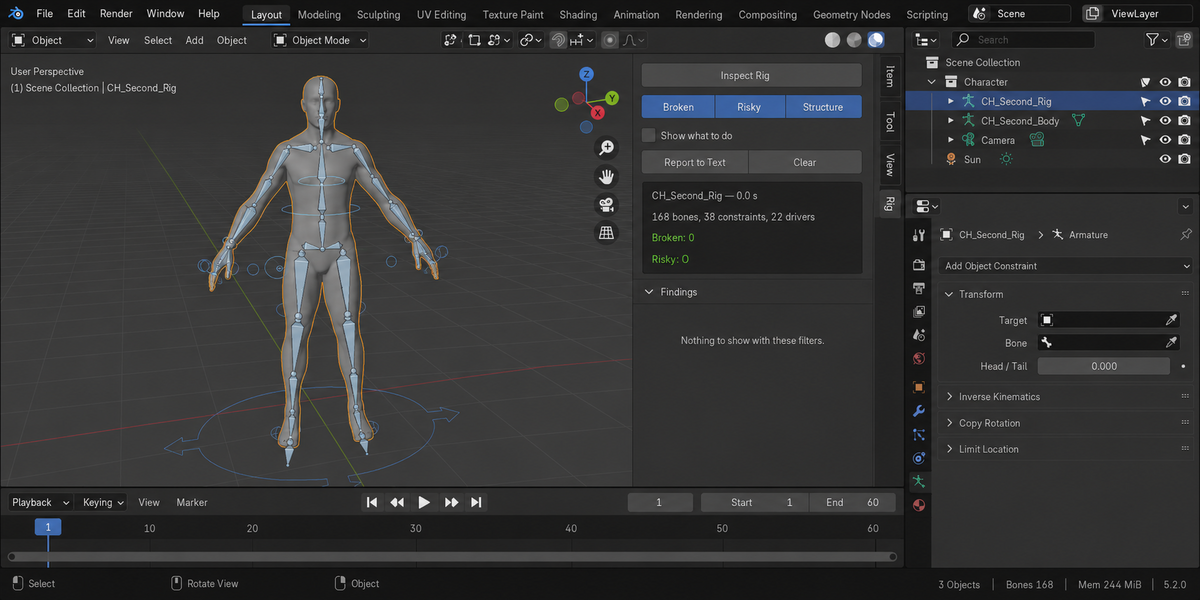
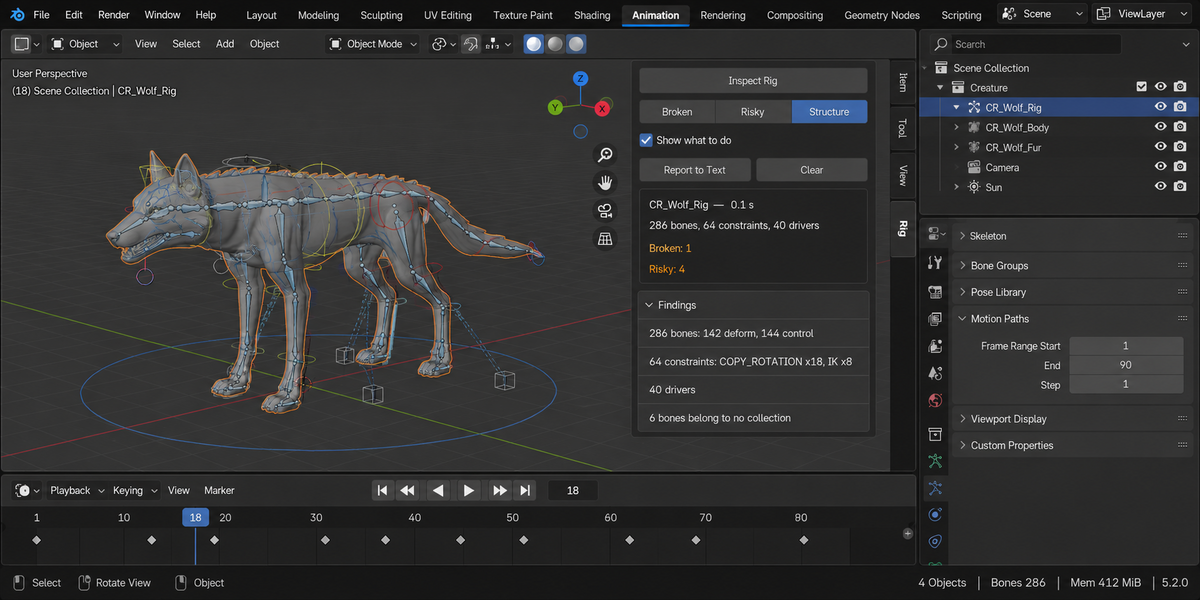

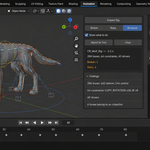
Download the zip and do not unpack it. In Blender open Edit > Preferences > Add-ons, click the drop-down arrow in the top-right corner and choose Install from Disk, then pick the zip. Tick the checkbox next to Rig Inspector. Press N in the 3D Viewport and open the Rig tab in the sidebar.
Blender 4.2 LTS or newer. The README inside the zip lists the builds it was tested live on: 4.2.9 and 5.2.0.
Select the armature (several at once is fine; findings are then prefixed with the rig name) and press Inspect Rig. Findings are sorted into Broken, Risky and Structure; the toggles at the top of the panel filter the list, and Show what to do adds one line of advice under each finding. If the button is greyed out, nothing selected is an armature: select the rig, not the mesh.
Constraints with no target, pointing at a renamed bone, with no bone chosen, or running in a circle; drivers Blender marks invalid, driver variables whose object is gone or whose bone no longer exists, drivers reading the property they drive (drivers are read from the armature, its data and the shape keys of bound meshes); custom shapes not in the scene; deform bones with no weights and vertex groups whose weights are all zero; weights on a bone with Deform off; hidden bones and bones hidden by their collections; bones locked on every channel with nothing driving them; bones with no length; an unapplied armature scale; and constraints or drivers reaching for an object outside the rig.
No. It reads and reports, and never fixes anything. Deciding whether a constraint should be deleted is your call. The only changes it makes are the ones you click: the bone button on a finding makes the rig active, switches to Pose Mode and selects that bone, and Report to Text writes a text block called RigInspector Report inside your .blend.
That is what it is for. It reads the armature as Blender sees it, so the naming scheme does not matter. Weights are read from meshes bound to the armature by an Armature modifier or by armature parenting; a mesh driven some other way is not counted. A driver loop that also passes through constraints is reported as its two halves.
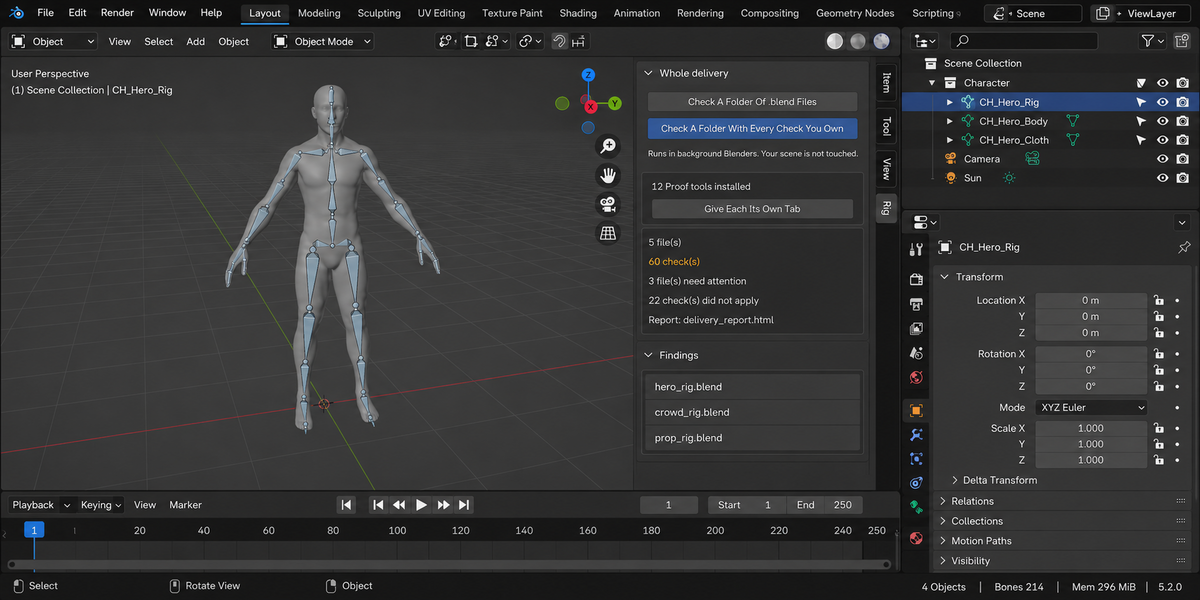
No. The add-on makes no network connections; everything runs on your computer. The only file it can write to disk is the optional HTML report from Check A Folder Of .blend Files in the Whole Delivery panel, which opens each file in a separate background Blender on your machine and saves the report into the folder you picked.
Yes. Rig Inspector is licensed GPL-3.0-or-later; the full text is in LICENSE.txt inside the zip. The license covers the add-on code; what you create with it is yours. Full documentation is on the Documentation & FAQ tab of this product page, and README.txt inside the zip covers install, first run and uninstall.
Have questions about this product?
Login to message
| Published | about 2 months ago |
| Blender Version | 4.2 - 5.2 |
| Extension Type | N/A |
| Render Engine Used | Cycles, Eevee |
| License | GPL |