 Edmond
Draw one curve. Get a whole street.
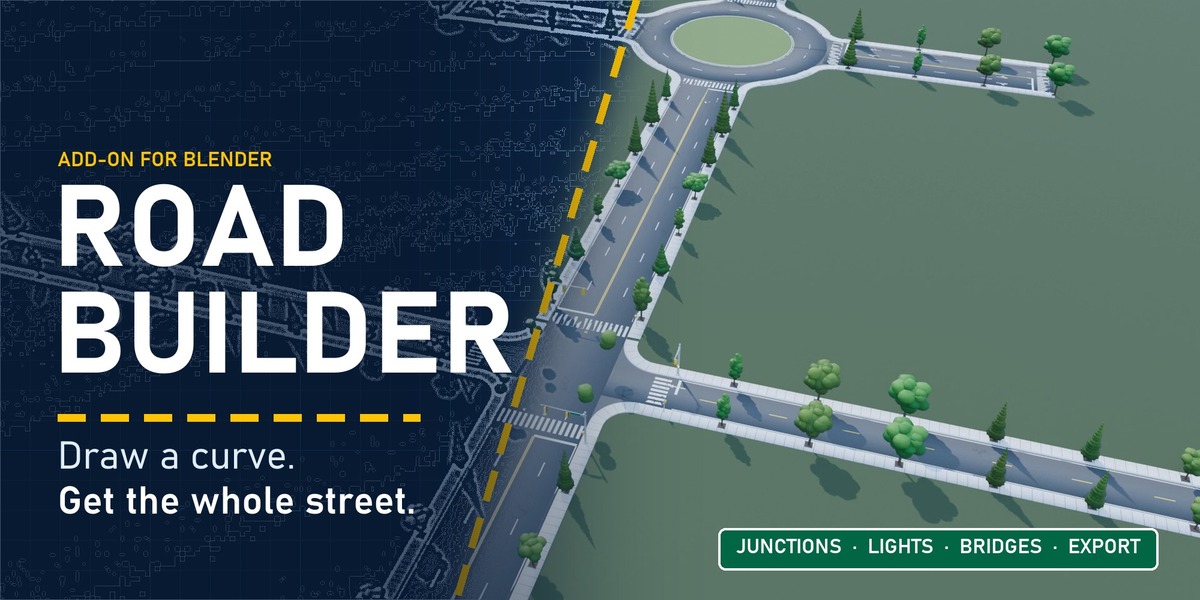
Road Builder turns an ordinary Blender curve into a finished road: asphalt, kerbs, sidewalks, lane markings, crosswalks, signs, trees, street lights, power lines, junctions and bridges. Everything stays live. Drag a point and the whole street follows, furniture and all.
Built for environment artists, archviz scenes, game levels and anyone who has ever modelled a kerb by hand and swore never again.
Seven steps from empty scene to finished street
① Lay it down
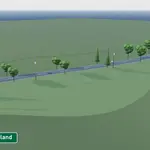
Press Add Road and a complete street appears in about a second. Start from one of six presets: Modern Highway, City Street, Country Two-Lane, Dirt Road, Mountain Trail or Elevated Bridge. Each is an ordinary curve with a geometry nodes modifier, so every curve tool you already know works.
② Fill it in
Every part of the street is one toggle:
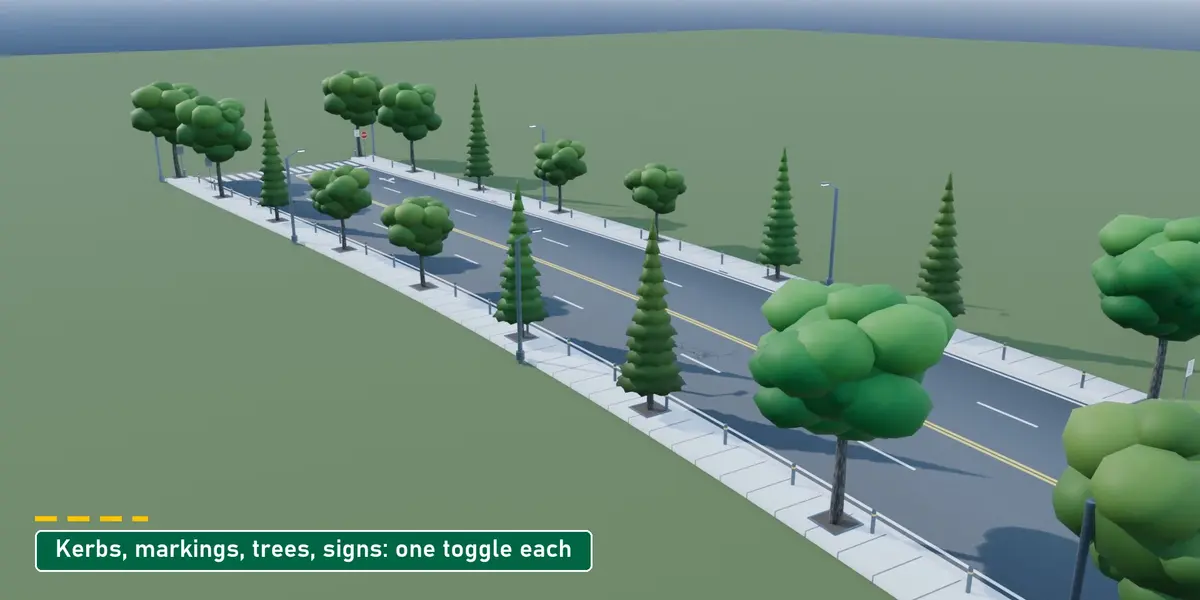
- Markings: US or UK / Europe styles, any lane count, edge lines, crosswalks, stop lines and turn arrows
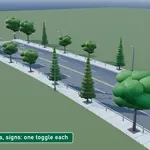
- Street furniture: speed and stop signs, trees in pits or on the verge, bollards, kerb drain gutters with grates
- Your own assets: point the tree scatter at your own collection and it places those instead
③ Shape it
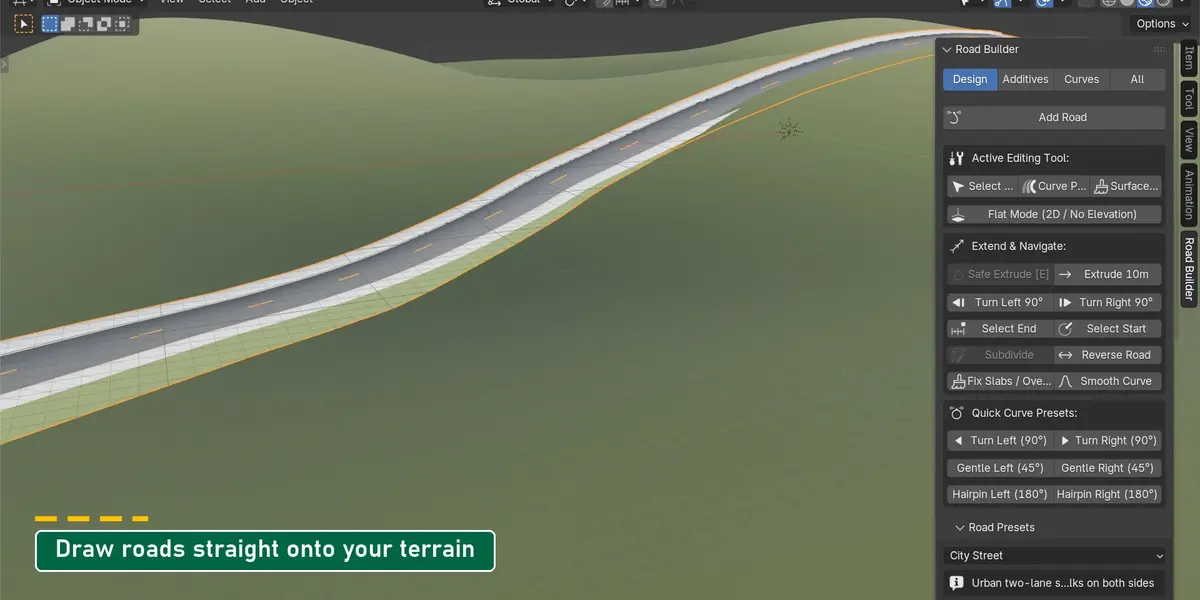
Bend. Extrude the end of a road with E, or use the Quick Curve Presets: 90° turns, gentle 45° bends and 180° hairpins in one click.
Lift. Raise any point and the road climbs with it. Smooth Slope evens out the grade between points; Flat Mode keeps everything on the ground.
Bank. Auto-Bank tilts every curve from the design speed and the curve radius, the way real roads are built, up to a maximum angle you set.
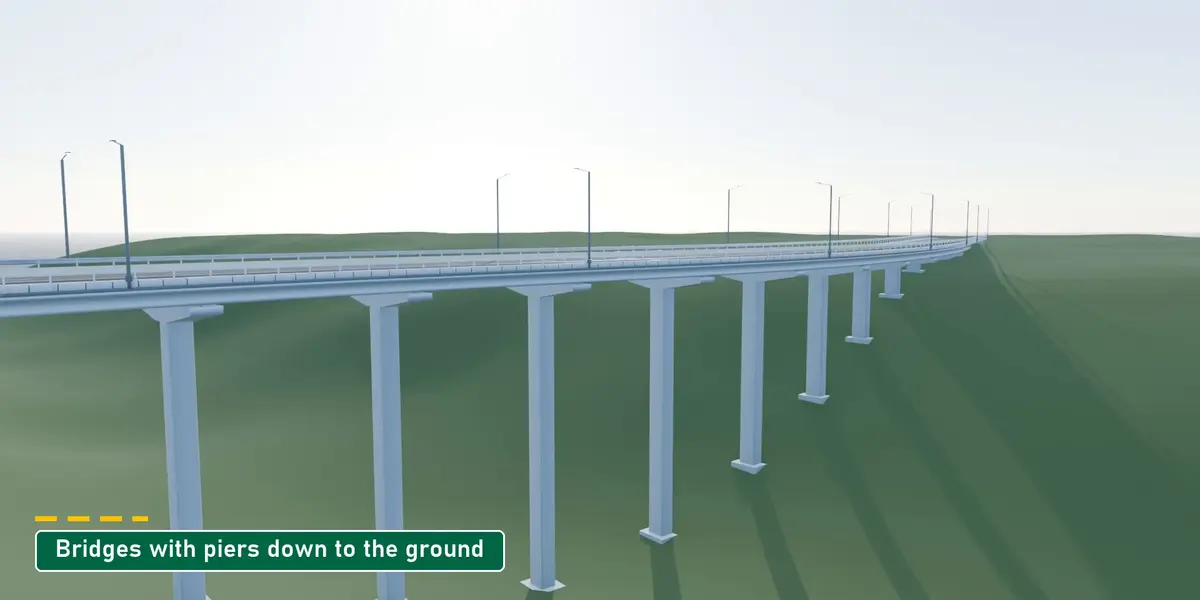
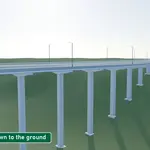
Bridge. Lift a road off the ground and turn on the support pillars: hammerhead, flared or column piers stand on footings at the terrain, with girders under the deck.
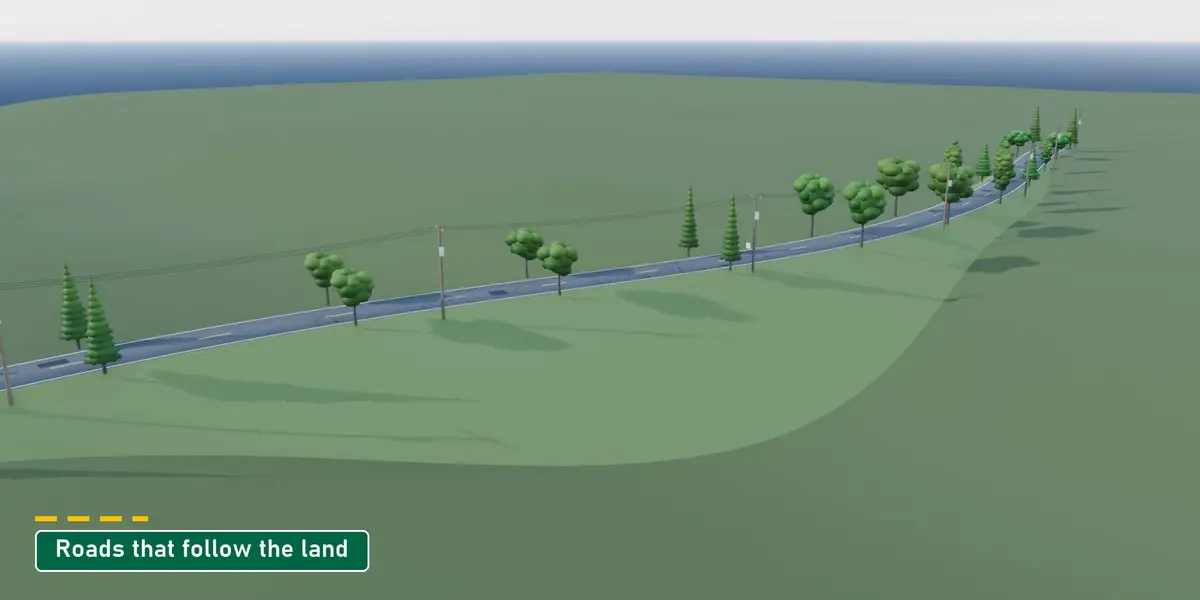
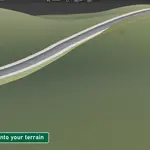
Draw on terrain. Pick Surface Draw and sketch straight onto any mesh. Each stroke becomes a clean road riding on the ground, with embankments and cuts down to it.
④ Finish it
Dress it. 32 bundled Poly Haven surfaces at real-world scale for the road, the sidewalk and the kerb: asphalt, gravel, laterite, cobblestone, pavers, herringbone, brick and more.
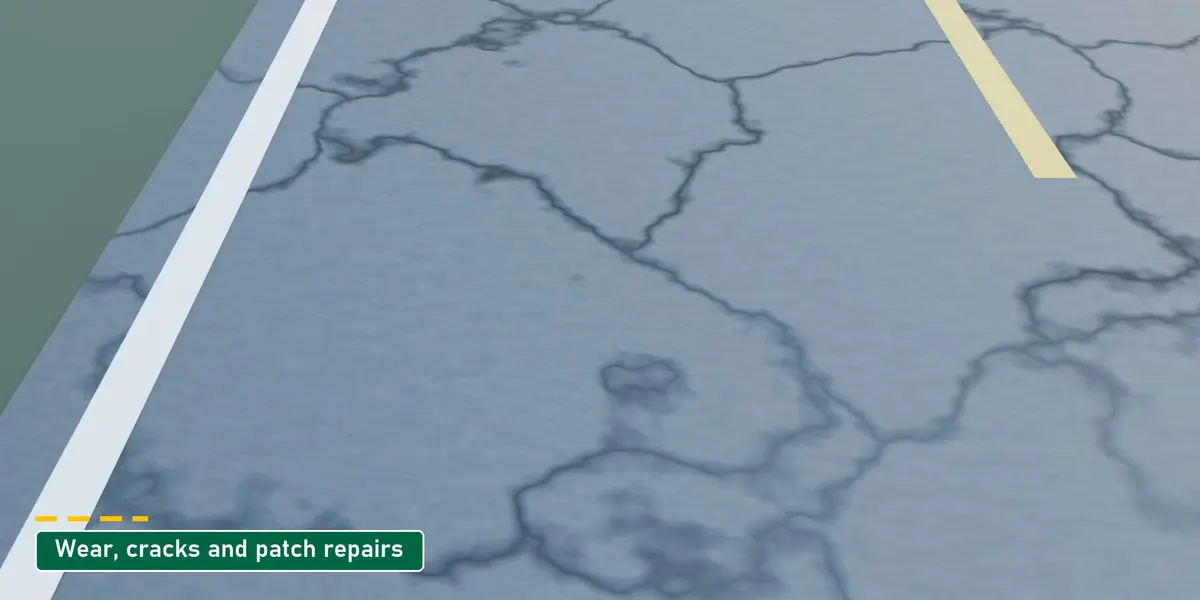
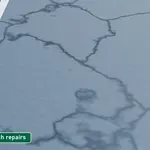
Age it. Wear, cracks with a crack size, and patch repairs, set per road.
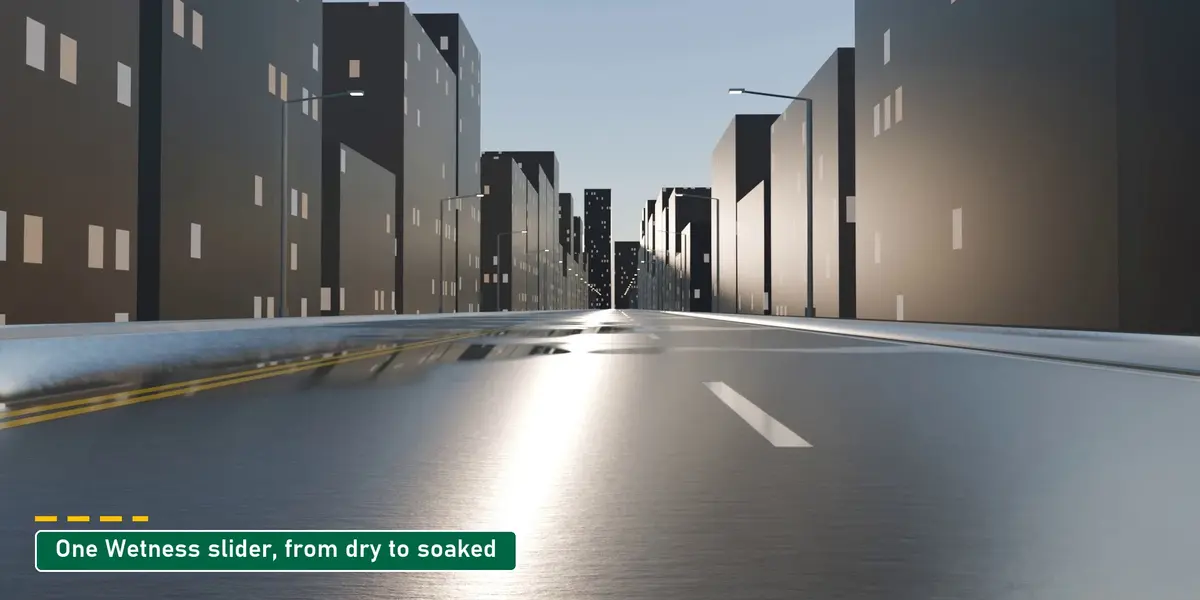
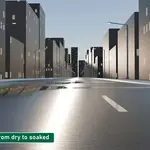
Soak it. One Wetness slider darkens the road, adds gloss and forms puddles that catch the light.
Pave the path. Drop the kerbs and sidewalks and pick cobblestone, gravel or dirt: the same tool makes footpaths, alleys and park trails.
⑤ Light it & power it
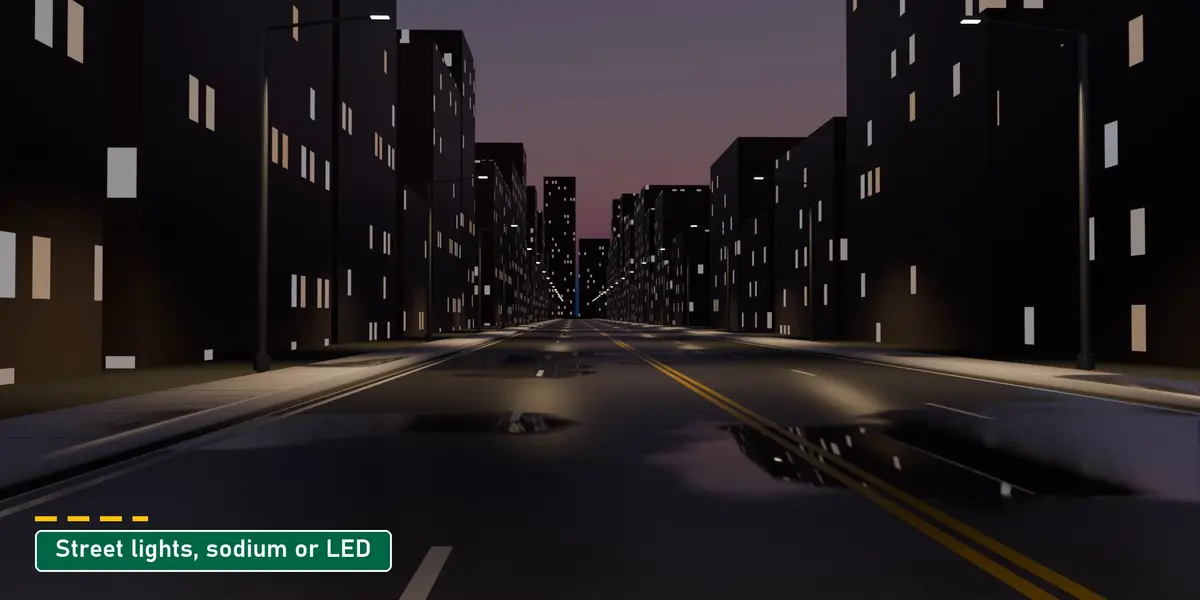
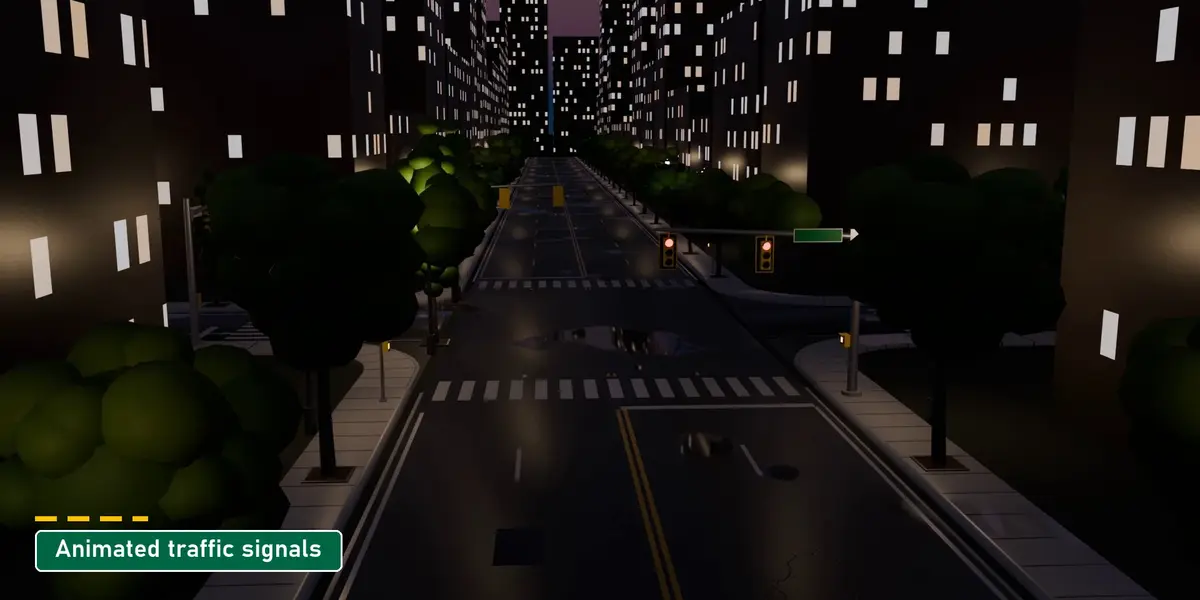
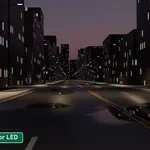
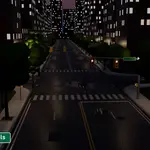
Street lights. Cobra-head, dual-mast, decorative and high-mast lights on one side, both sides or the median, in sodium or LED colour. Junctions get animated traffic signals that cycle green, amber and red.
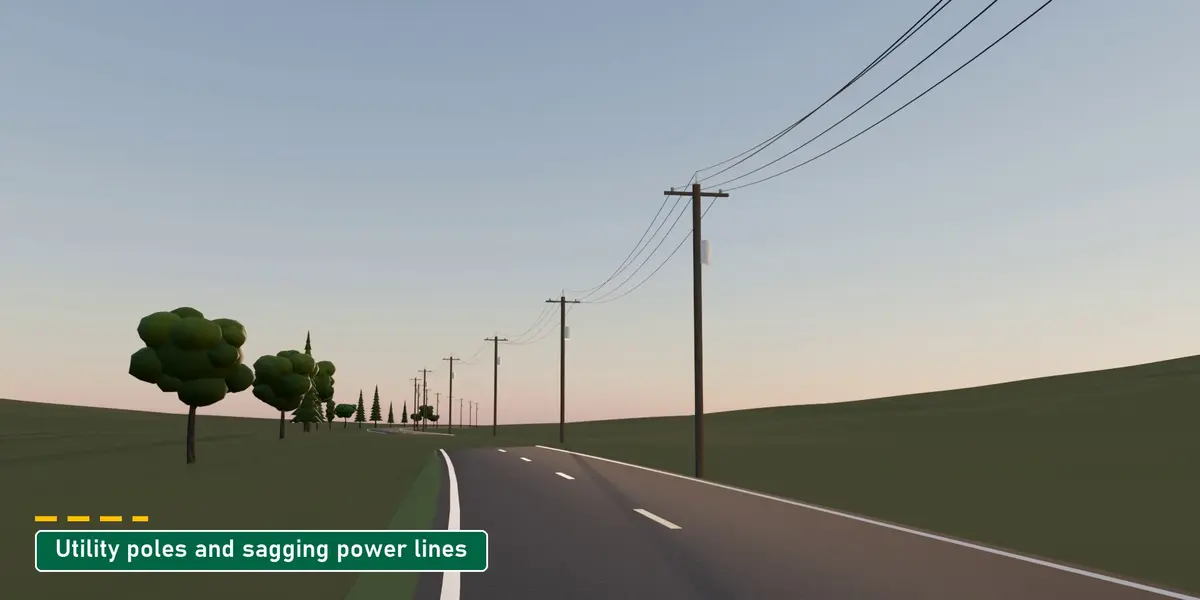
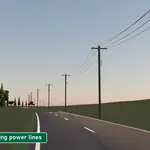
Power lines. Utility poles along the verge carry transformers, insulators and one, three or four conductors, sagging as much as you like.
⑥ Connect it
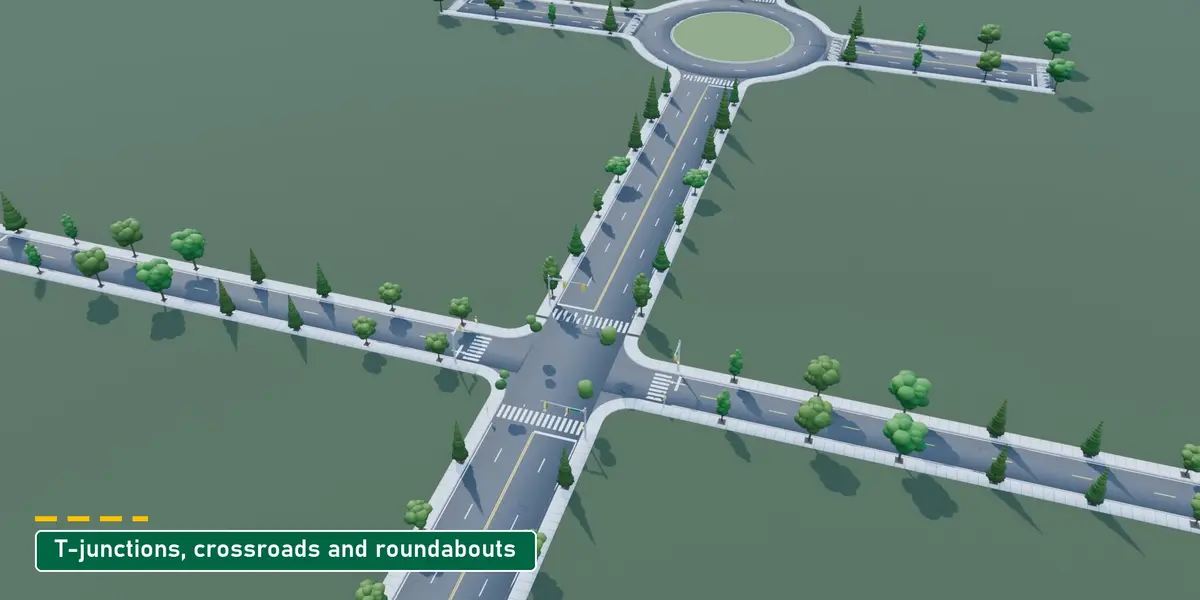
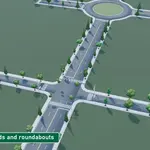
Select two roads and make a T-junction, a crossroads (with or without signals) or a roundabout. Junctions follow their roads: widen a road or add a lane and the kerbs, crosswalks and signals rebuild.
⑦ Ship it
Export for Game Engine / Web bakes the street to clean meshes, bakes the procedural materials to image textures (512 to 4096 px) and adds lightmap UVs as a second UV set.
- Godot and three.js: glTF (.glb)
- Unreal Engine and Unity: FBX
- Generic glTF and OBJ
- Or stay in Blender: Bake to Static Mesh gives you plain meshes to edit by hand
Also in the box
- Interface in 12 languages, switched from the top of the panel with no restart: English, Deutsch, Français, Español, Italiano, Português (Brasil), Polski, Русский, 日本語, 한국어, 简体中文, 繁體中文
- Pie menu and shortcuts for the tools you use most
- A full online guide covering every panel and setting, one click away from the Tutorial button in the add-on: Road Builder documentation
Compatibility
| Blender | 4.2 and newer, installed as an extension (tested on 5.2 LTS) |
| Platforms | Windows, macOS and Linux. Pure Python and geometry nodes, nothing to compile |
| Render engines | Cycles, EEVEE and Material Preview |
| Where | 3D Viewport › Sidebar (N) › Road Builder |
| Install | Drag the zip into Blender, or Edit › Preferences › Get Extensions › Install from Disk |
| Download | About 80 MB |
FAQ
Can I keep editing a road after adding furniture and junctions?
Yes. Everything is procedural: move points, change widths or lanes, and the furniture, markings and junctions rebuild.
Will it work with my game engine?
Export writes glTF for Godot and three.js, FBX for Unreal and Unity, or OBJ, with baked textures and lightmap UVs.
Does it work with my own terrain?
Yes. Draw roads straight onto any mesh, snap an existing road onto it, and let the embankments and cuts run down to it.

