 LaoMa 3D


TOP GUESSING WITH ALT-CLICK IN BLENDER.
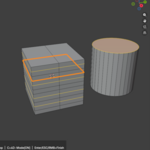
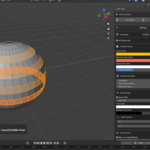
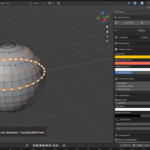
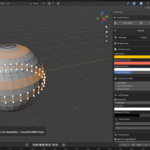
S4D Loop lets you preview edge loops and edge rings before you commit to a selection.
Hover over your mesh, see the loop or ring in the viewport, then click to confirm. No more blind Alt-clicking, no more selecting the wrong direction, and no more undoing selection mistakes in dense topology.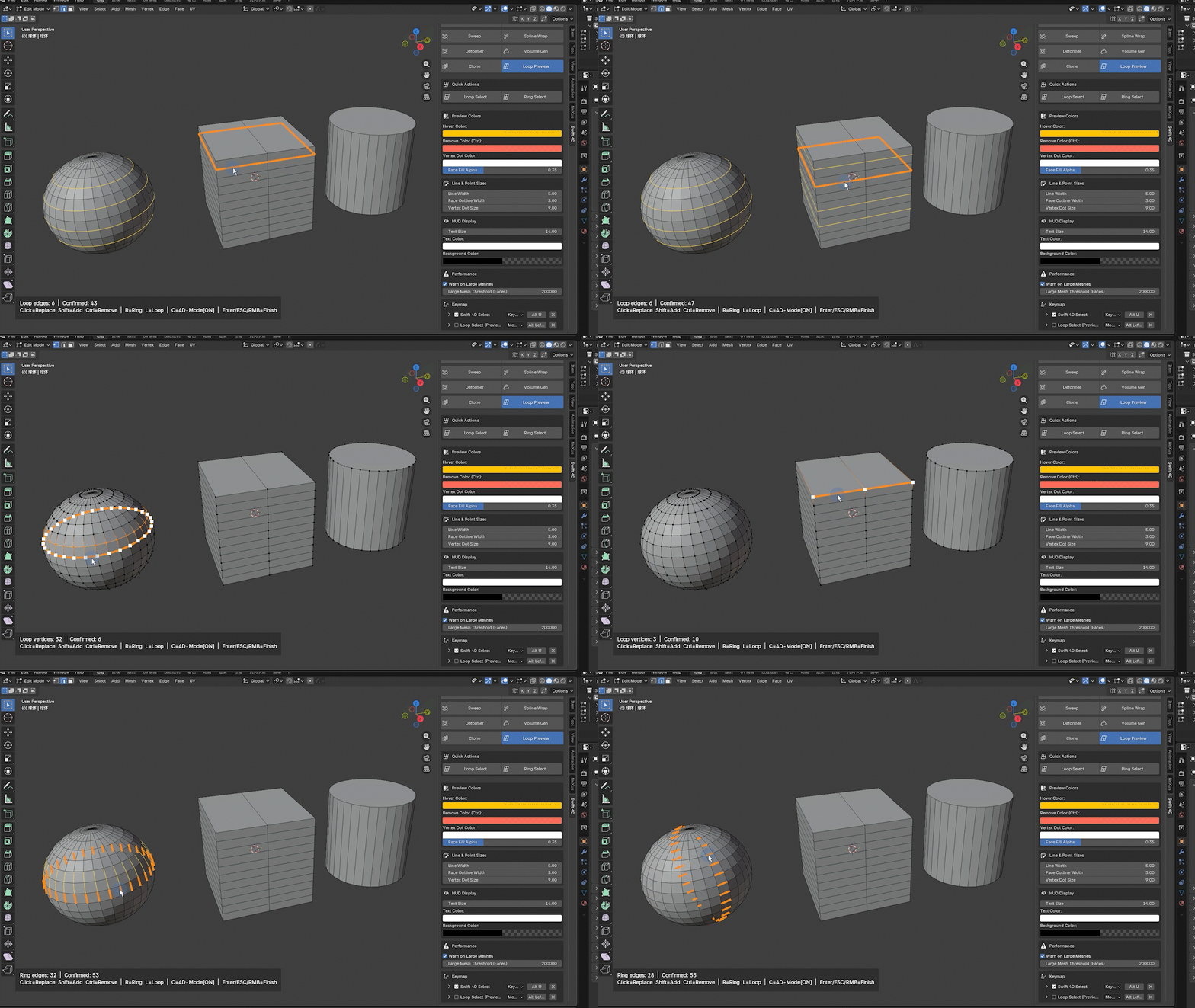
WORKFLOW
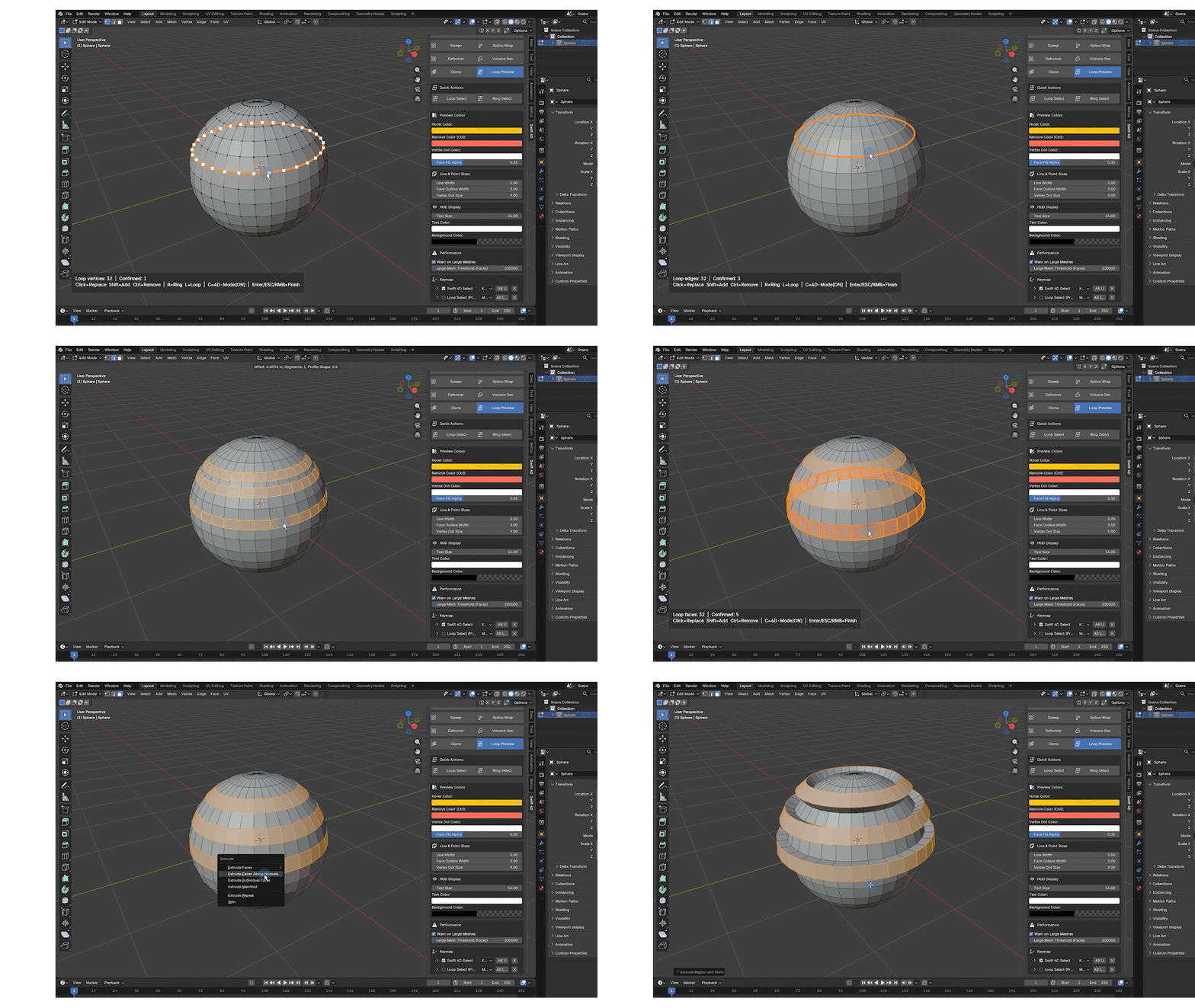
- Enter Edit Mode on a mesh object.
- Start S4D Loop from the N Panel, the Select menu, or your assigned shortcut.
- Hover an edge to preview the Loop or Ring result.
- Click to confirm the selection.
- Use Shift to add, Ctrl to remove, or continue directly with E, I, or Blender’s bevel shortcuts.
- Press Esc or Right Click when finished. Your confirmed selection remains active.
CUSTOMIZABLE HUD AND PREVIEW DISPLAY
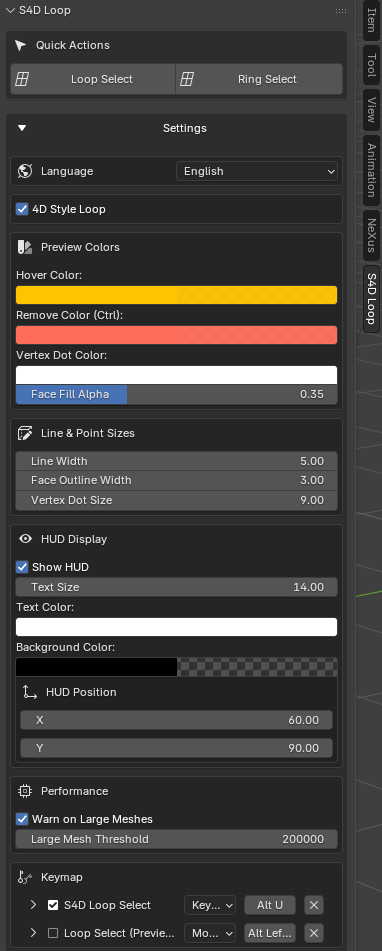
Adjust S4D Loop to match your workflow:
• Hover preview color
• Ctrl remove-preview color
• Vertex dot color
• Face fill opacity
• Preview line width
• Face outline width
• Vertex dot size
• HUD visibility
• HUD text size and colors
• HUD background color
• Draggable HUD position
• Large mesh warning threshold
• Editable Blender keymap entries
• 4D STYLE LOOP MODE:
When supported by the mesh topology, it can continue through triangle-fan pole areas instead of stopping at them immediately. This is especially useful when working on spheres, rounded forms, poles, and mixed quad/triangle topology.
COMPATIBILITY
• Blender 5.0 and newer
• Tested for Blender 5.2
• Mesh Edit Mode workflow
• Supports multi-object Edit Mode
IMPORTANT
- S4D Loop is a focused standalone selection tool. It does not include the full Swift 4D modeling toolkit.
- S4D Loop is also included in Swift 4D, the complete S4D workflow toolkit for Blender.
- Swift 4D includes additional tools such as Volume Builder, Smart Extrude, Smart Bevel, Sweep, Spline Wrap, Deformer tools, and future workflow updates.
- If you need a complete modeling workflow rather than a dedicated loop-selection tool, consider Swift 4D.